
13 CapCut Alternatives (2026)
https://www.capcut.com13 alternatives listed12 of 13 are Video & Audio Tools11 of 13 free or freemiumTop use case: Content Creation (10 of 13)
All alternatives to CapCut

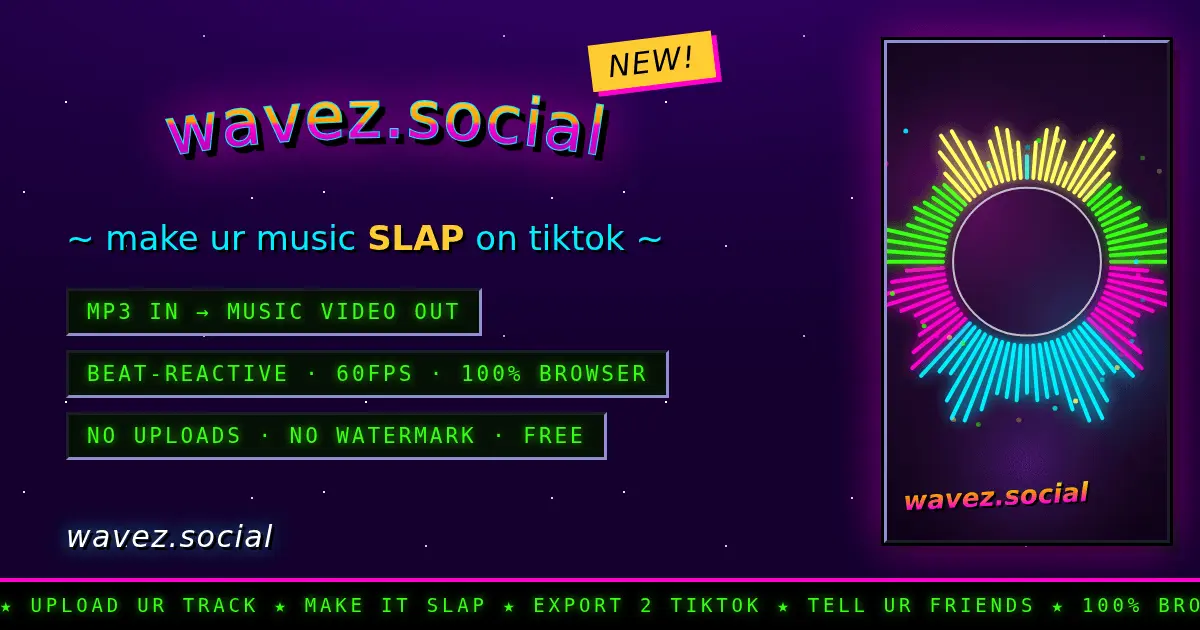
Turn MP3s into beat-reactive music videos for TikTok
Turn your music into a TikTok-ready video right in your browser. You made the track. wavez.social gives it something to post. Paste a public Suno song link and it pulls the audio, title, artist and cover art straight from Suno's own CDN - the cover becomes your background, the palette re-themes...

Privacy-first AI video editor with local processing
AetherCut is the privacy-first AI video editor that runs entirely in your browser. Your media never leaves your device - and you can verify it yourself in Chrome DevTools in under 30 seconds. Most "browser" video editors aren't actually private. CapCut uploads to ByteDance servers. Clipchamp...


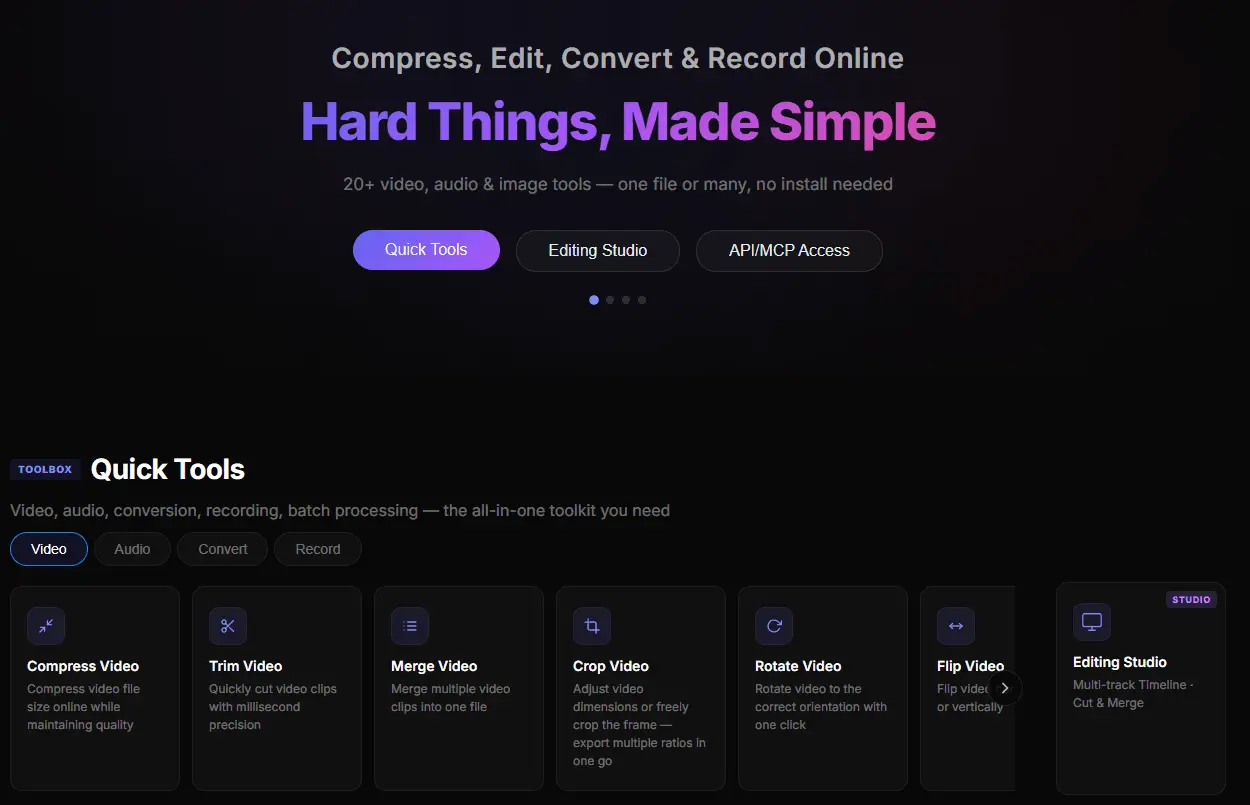
Online media toolkit: 20+ tools, batch & collaboration
Meicut is an all-in-one online media toolkit with 20+ tools for video, audio and image processing, all running directly in your browser - no downloads, no installation. Core capabilities: - Video: compress, cut/trim, merge, crop, rotate, flip, speed, reverse, filters, subtitles (burn SRT/ASS/VTT)...

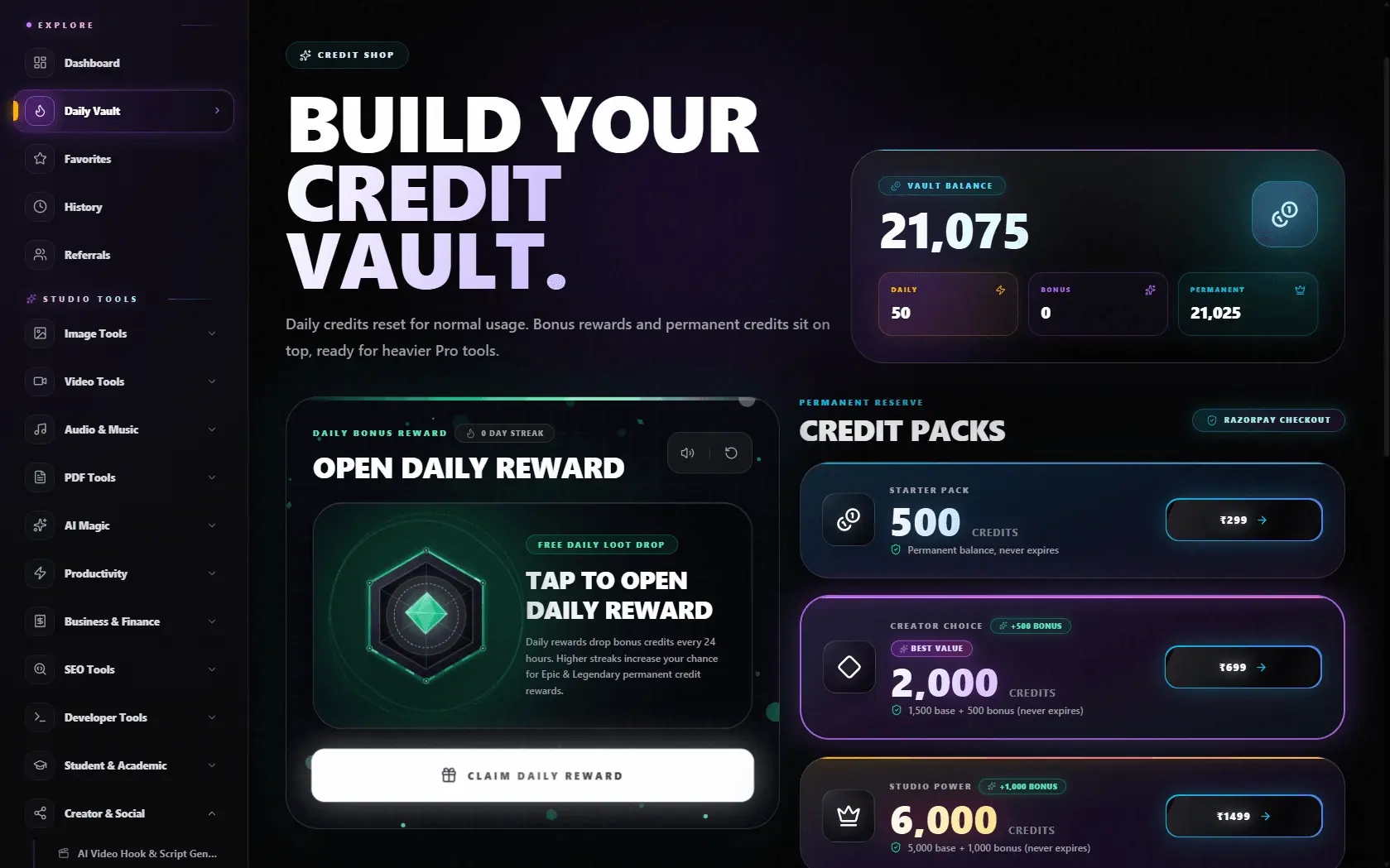
All-in-one AI creative studio
Exismic is a next-generation all-in-one AI creative studio and multimedia workstation designed for digital creators, developers, designers, and students. Instead of juggling dozens of expensive, single-purpose subscriptions, Exismic unifies 40+ professional creative utilities into a single...

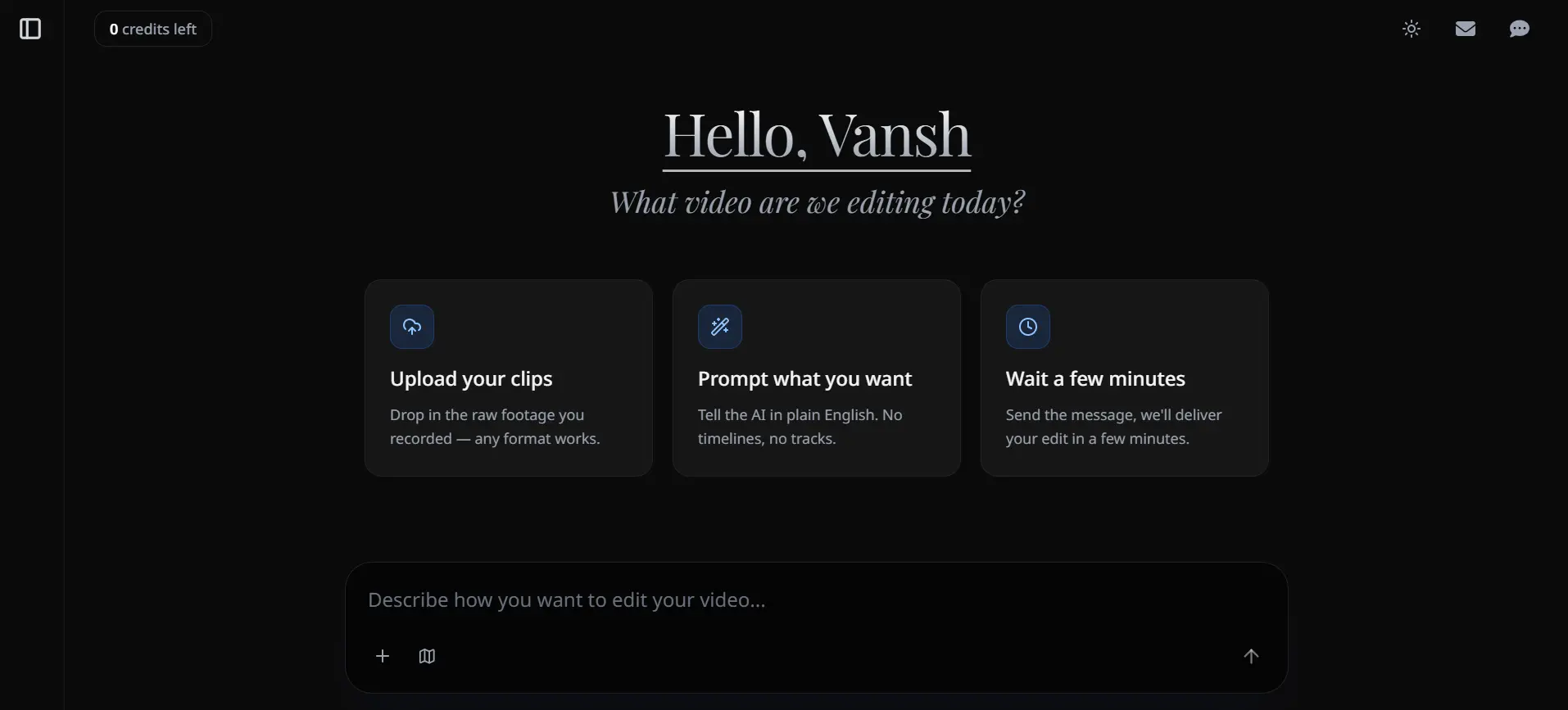
AI video editing agent for TikTok, Reels & Shorts
Editly is an AI video editor that turns plain-English instructions into finished videos in minutes. Upload your footage, describe what you want - a highlight reel, podcast clip, ad cut, course module - and Editly produces it. Features include automatic captions, multi-format reframing for Reels...

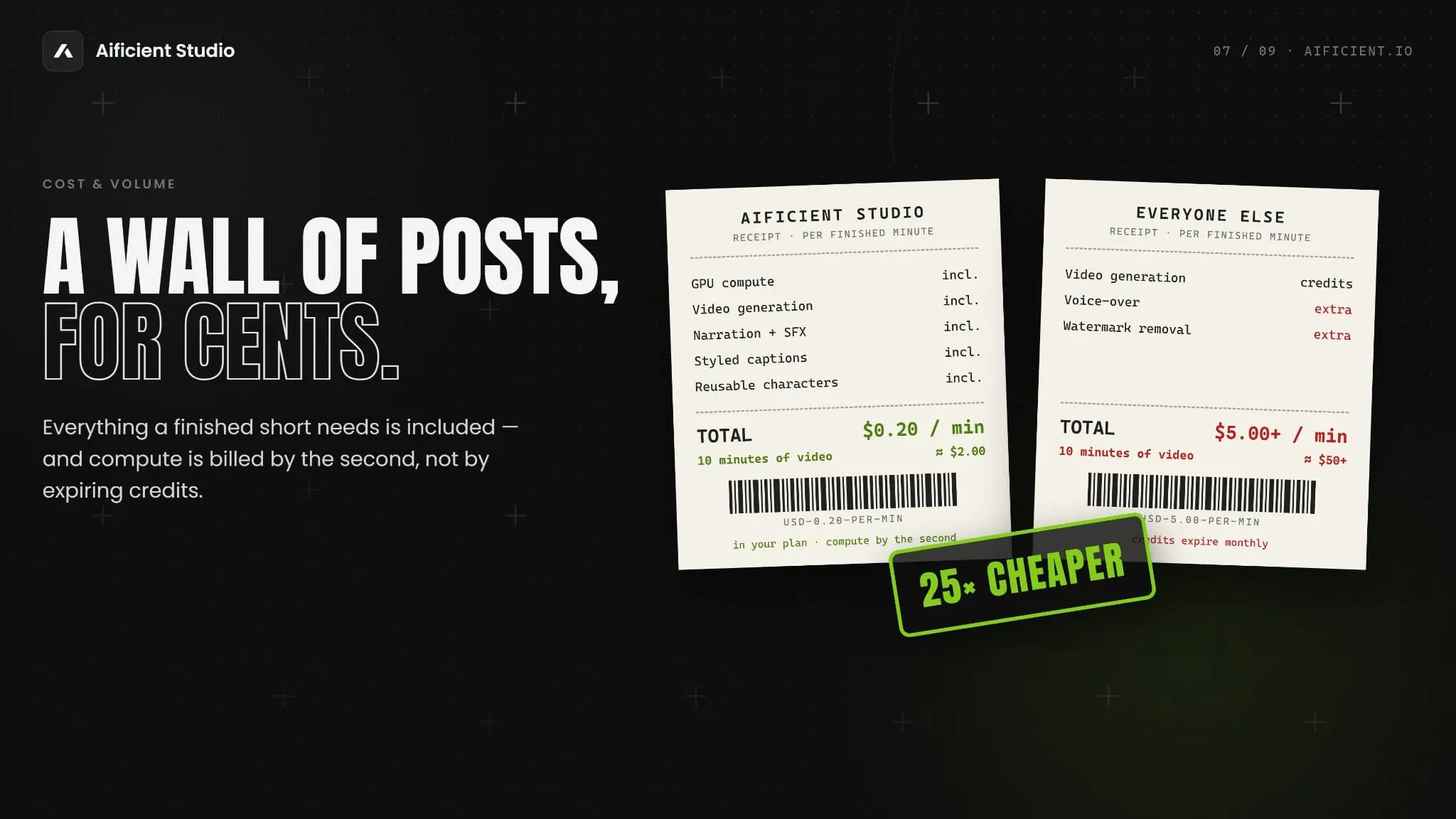
Turn one written line into a finished video
Aificient Studio automates the entire creation of short-form video content from a single text prompt. From idea to publication, the platform handles scriptwriting, character casting, visuals, AI voiceovers, captions, editing, and final video generation, producing original content ready for TikTok...

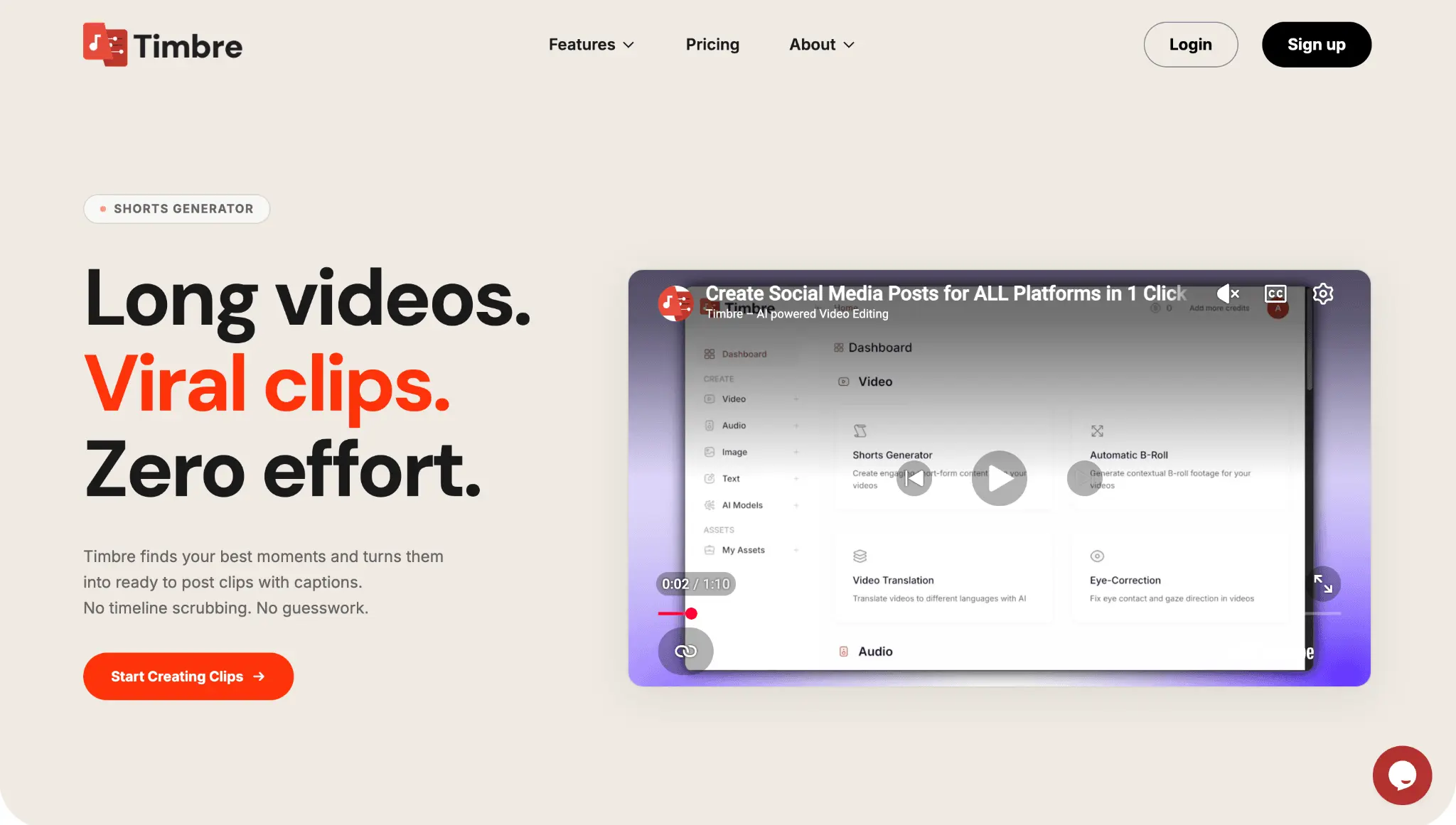
Your AI video editor for podcasts, shorts & content.
Creating great videos shouldn't require hours of editing. Timbre is an AI-powered video and audio editing platform built for creators, podcasters, marketers, educators, and teams who want to produce professional content faster. Upload your recording and let Timbre handle the heavy lifting from...

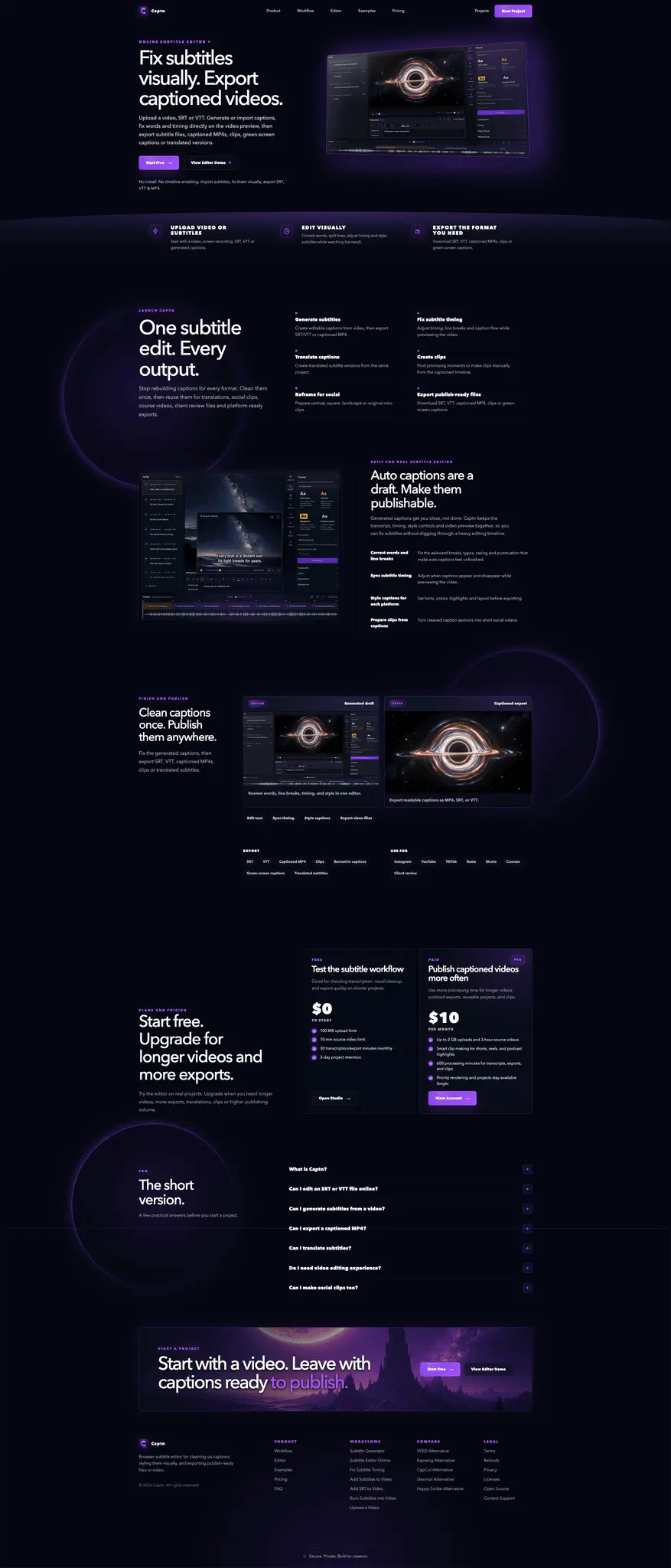
Professional subtitle studio for videos and screen records
Captn is an AI-powered subtitle studio built for creators, podcasters, marketers, agencies, and short-form video editors. Upload or record videos to automatically generate highly accurate subtitles, repair timing issues, edit transcripts, style animated captions, and export polished ready-to-post...

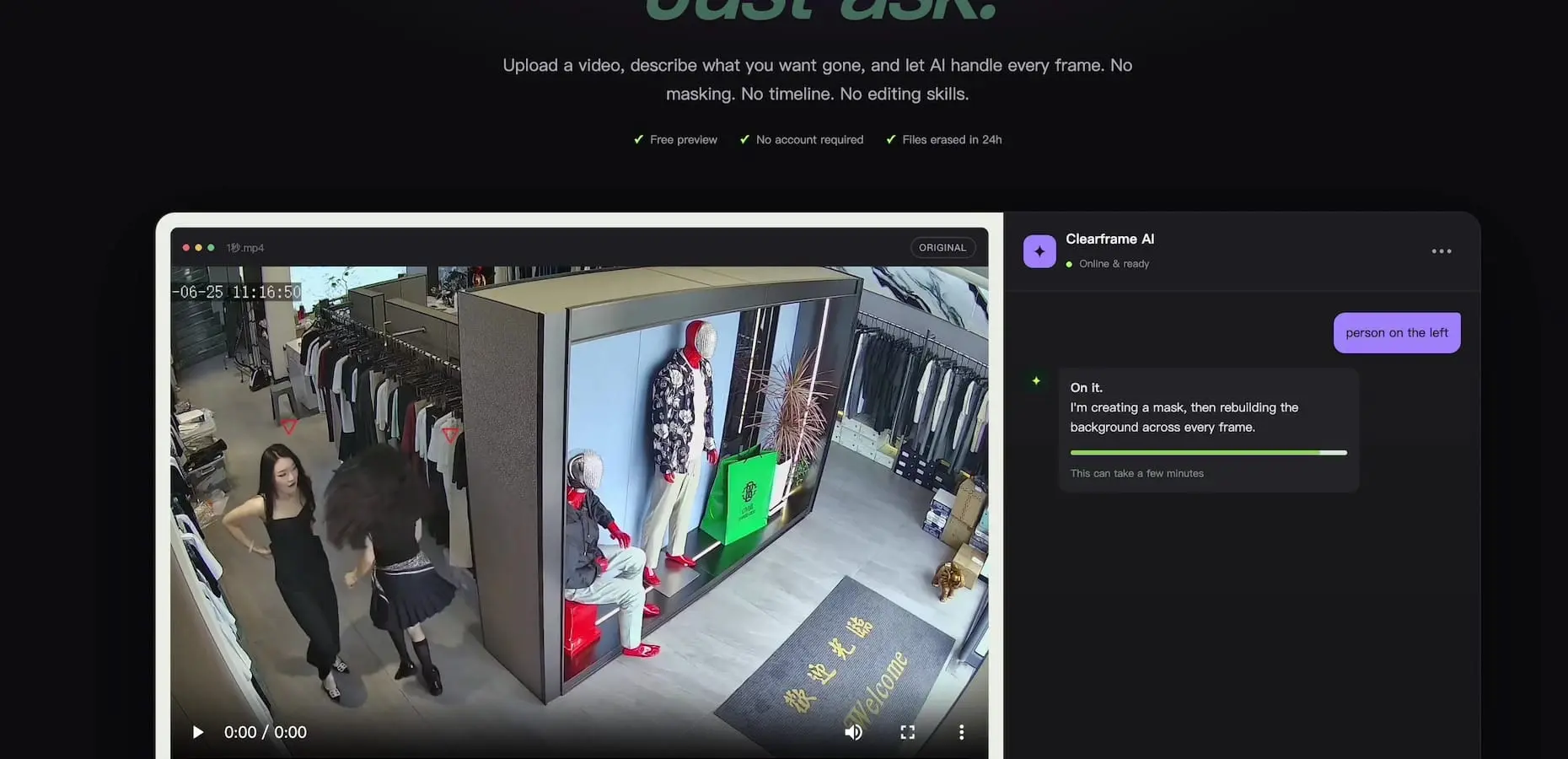
Erase unwanted people and objects from videos with AI
Video Object Remover is an AI-powered web tool for removing unwanted people, objects, logos, text, and visual distractions from videos. Simply upload a video, describe what you want removed, preview the AI-selected target, and let the system process the footage automatically. No manual masking...

Edit video by typing. On-device AI video editor, no uploads.
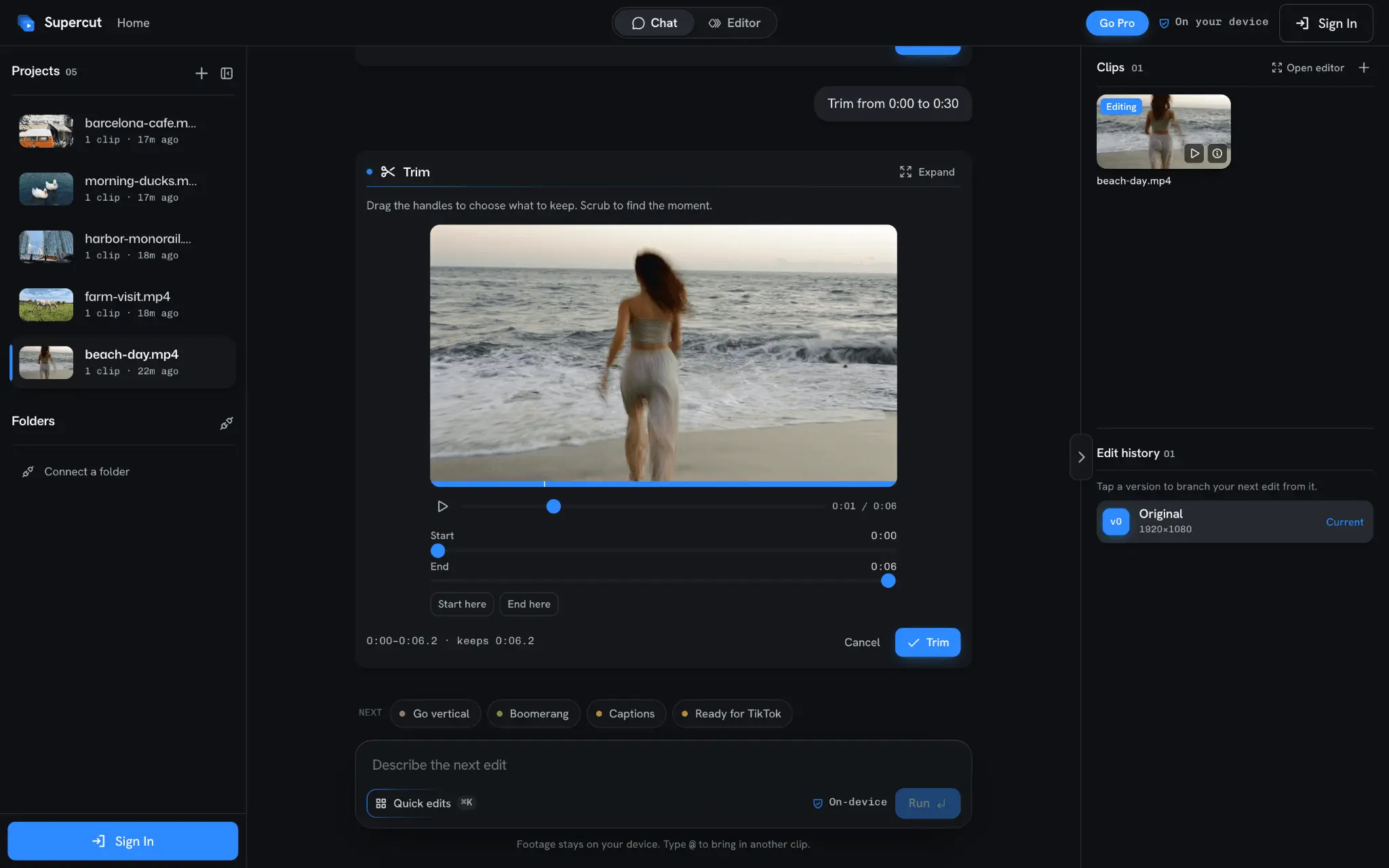
Supercut is an AI video editor that runs entirely on your device. Your footage never leaves your computer: no uploads, no cloud render queue, no waiting. Type what you want and Supercut makes the edit. Trim a range, cut the silence, add captions, reframe to 9:16 or 1:1, fix the audio, correct the...

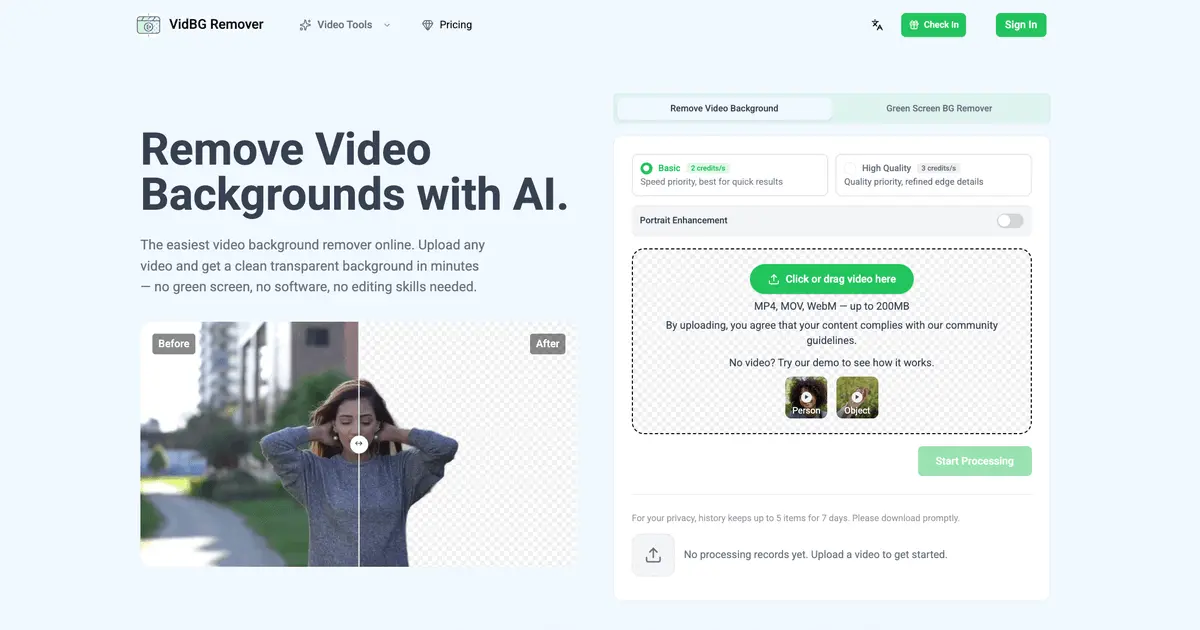
Remove video backgrounds with AI in minutes
Most background removers give you a video with the background replaced by a solid color and call it a day. VidBG Remover goes further: it exports genuine alpha-channel transparency - as WebM or MOV - so the result drops straight into Premiere, DaVinci Resolve, After Effects, or CapCut with no extra...

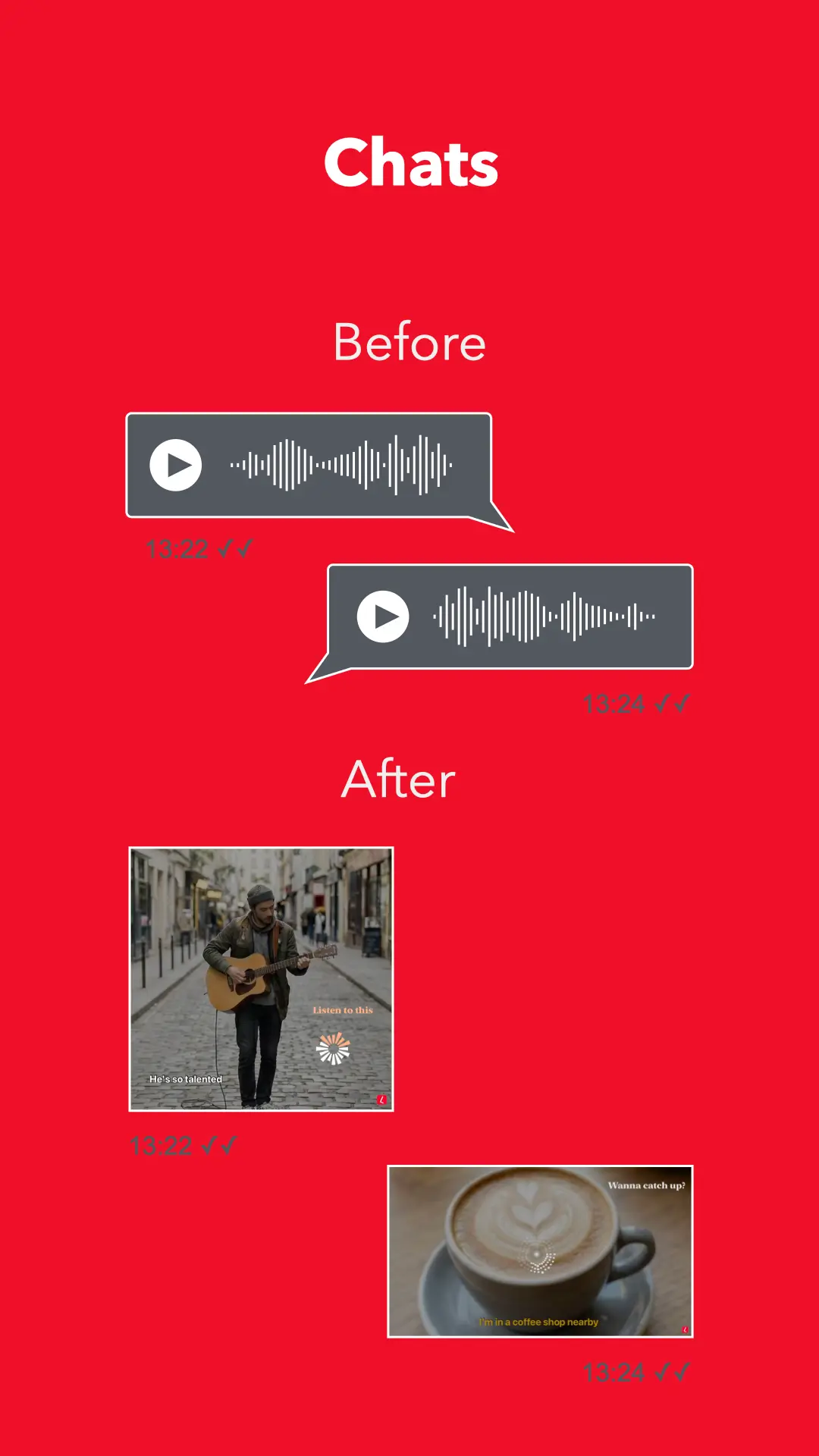
Transform and record your audio into video content
Lappaa transforms spoken ideas into instant, shareable videos - perfect for quick DMs, social posts and on-the-go storytelling. Record with high fidelity, watch beautiful real-time visualisers, transcribe entirely on device, and export ready-to-share videos for TikTok, Stories, Reels, Youtube, and...

Record and edit video with AI on your desktop
PandaStudio is a local-first, agent-native desktop video editor designed for creators who want to record screen, camera, and remote podcasts. It allows you to edit content by transcript, add captions, and publish directly. The software runs locally and follows a one-time license model instead of a...
| Product | Pricing | Platforms | Top use case |
|---|---|---|---|
| wavez.social | Free | Web | Social Media Automation |
| AetherCut | Freemium from $4.99 | Desktop, Web, Mobile, API, MCP | Content Creation |
| Meicut | Freemium from $8.99 | Web | Video Editing |
| Exismic | Freemium from $6.99 | Web | Image Generation |
| Editly AI | Freemium from $28 | Web | Video Editing |
| Aificient Studio | Paid from $14 | Web, Desktop | AI Video Generation |
| Timbre | Freemium from $5 | Web, Mobile | Audio Editing |
| Captn | Freemium | Web | Video Editing |
| Video Object Remover | Freemium from $3.99 | Web | Video Editing |
| SuperCut - The AI Video Editor | Freemium from $3.49 | Web, Desktop, MCP, Mobile | Video Editing |
| VidBG Remover | Freemium from $9.9 | Web | Content Creation |
| Lappaa | Freemium | Mobile | Content Creation |
| WritePanda - Studio | One-Time Payment from $99 | Desktop | Video Editing |
CapCut alternatives for Content Creators
13 of these are built for Content Creators: wavez.social, AetherCut, Meicut, Exismic, Editly AI, Aificient Studio, Timbre, Captn, Video Object Remover, SuperCut - The AI Video Editor, VidBG Remover, Lappaa and WritePanda - Studio.
Free and freemium CapCut alternatives
11 of the 13 CapCut alternatives listed here have a free or freemium plan: wavez.social, AetherCut, Meicut, Exismic, Editly AI, Timbre, Captn, Video Object Remover, SuperCut - The AI Video Editor, VidBG Remover and Lappaa.
CapCut alternatives for Content Creation
10 of these list Content Creation as a use case: AetherCut, Editly AI, Aificient Studio, Timbre, Captn, Video Object Remover, SuperCut - The AI Video Editor, VidBG Remover, Lappaa and WritePanda - Studio.
CapCut alternatives with a desktop app
4 of these list a desktop app: AetherCut, Aificient Studio, SuperCut - The AI Video Editor and WritePanda - Studio.