
SuperCut - The AI Video Editor
Edit video by typing. On-device AI video editor, no uploads.


https://www.supercut.cc/mcpDetails
- Follow on
- @harshmanwanii
- Categories
- AIVideo & Audio ToolsPrivacy
- Target Audience
- Content CreatorsVideo EditorsFounders
- Pricing
- Freemium from $3.49
- Featured in
- Best Screen Recording Tools
 Capcut alternatives
 descript alternatives
 Clipchamp alternatives
 Kapwing alternatives
 veed alternatives
Discovery signals
How AI and people discover SuperCut - The AI Video Editor on PeerPush
About SuperCut - The AI Video Editor
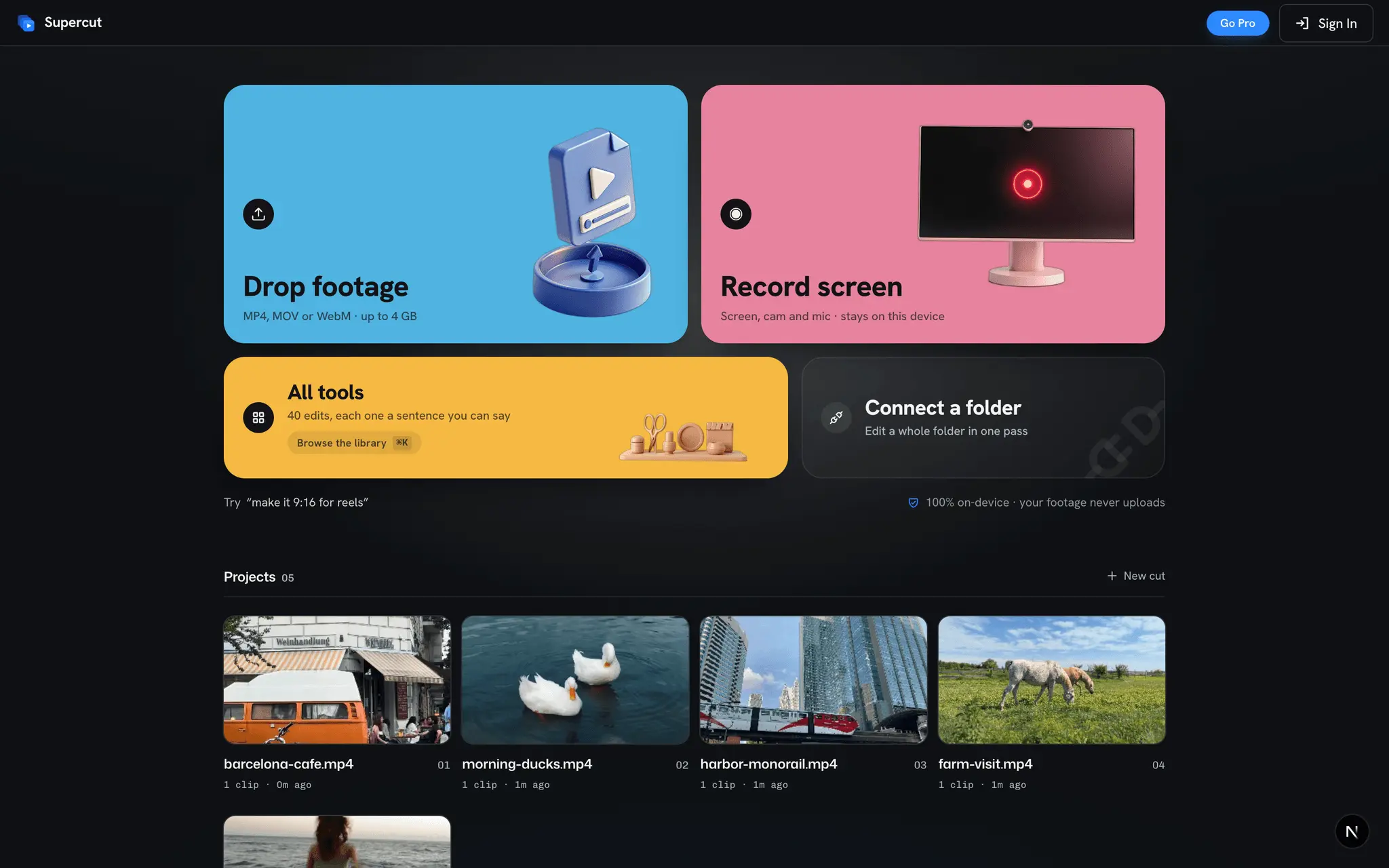
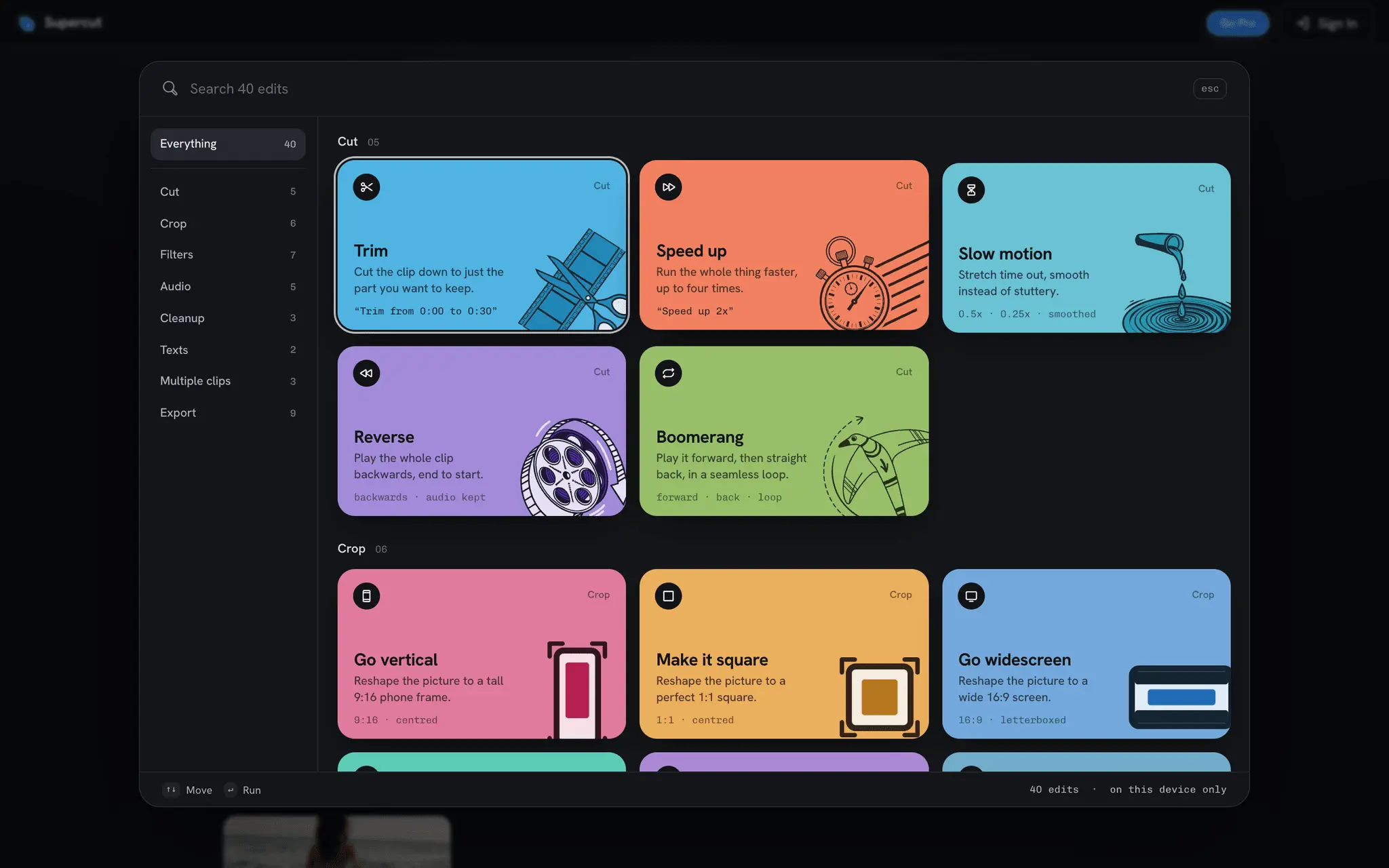
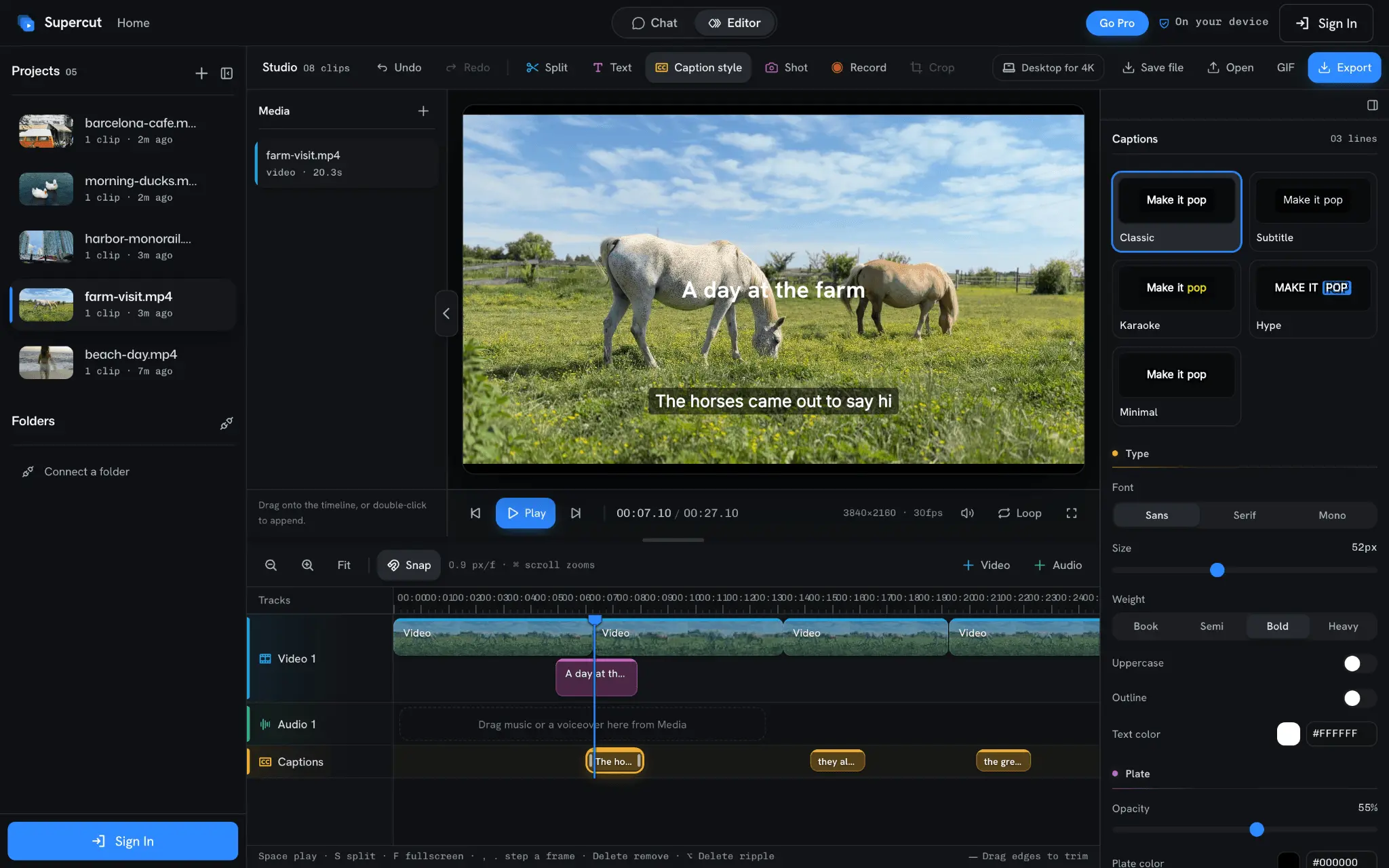
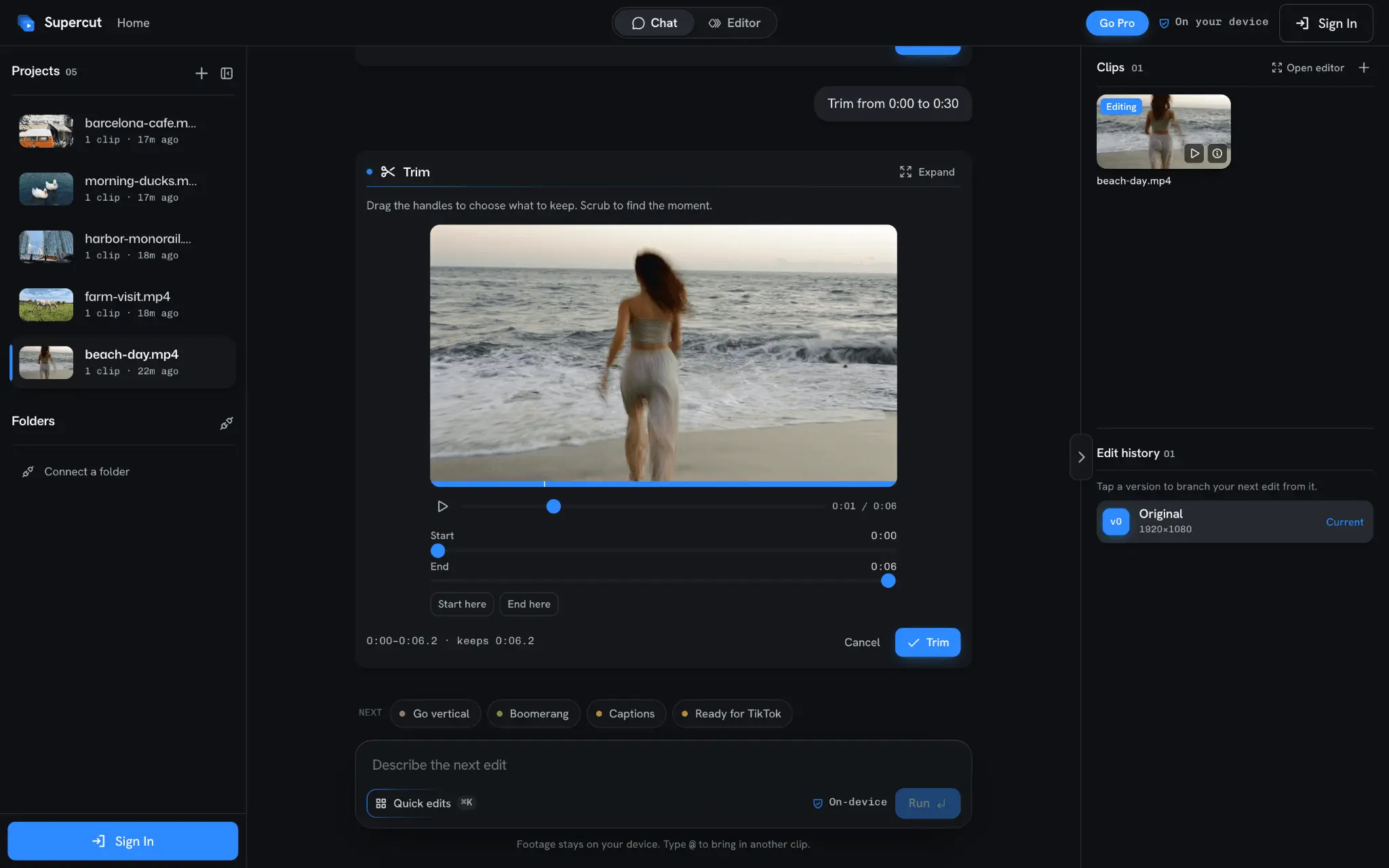
Supercut is an AI video editor that runs entirely on your device. Your footage never leaves your computer: no uploads, no cloud render queue, no waiting. Type what you want and Supercut makes the edit. Trim a range, cut the silence, add captions, reframe to 9:16 or 1:1, fix the audio, correct the color, shrink a file to fit WhatsApp or Discord, then export. Every edit runs through FFmpeg inside your browser or the desktop app. The AI only sees metadata (duration, dimensions, filename) plus your prompt. It never sees a single frame. What you get: - Prompt-to-edit: describe the change in plain English, review the result on a real frame, then keep it or undo it - Studio: a multitrack timeline for the edits you want to do by hand - On-device captions: Whisper transcription, styled captions you drag into place, and .srt export - Screen recorder (macOS and Windows): record your screen and camera, then edit the take in the same app - 40 tools for trim, speed, crop, stabilize, audio, color, formats and social presets Runs on the web, on the Mac App Store, and as a Windows app. Try it for free today.
Screenshots
Reviews (1)
Average 5.0 out of 5
Based on 1 review

DAMN

Running the edit on-device, with no upload and no cloud queue, is the difference for footage you cannot send off the machine. Typing a trim, a silence cut, or captions and having the edit happen locally is a clearer model than another render farm.
Comments (1)
Maker here. I built Supercut because I did not want to upload my screen recordings to anyone's cloud just to trim them. Everything runs on your device. Happy to answer questions.