
VidBG Remover
Remove video backgrounds with AI in minutes
Details
- Categories
- Use Cases
- Target Audience
- Pricing
- Freemium from $9.9
- Platforms
- Alternatives
 CapCut alternatives
Discovery signals
How AI and people discover VidBG Remover on PeerPush
By AI reads among AI tools
991 AI reads in the last 30 days, ranked against every AI tool listed.About VidBG Remover
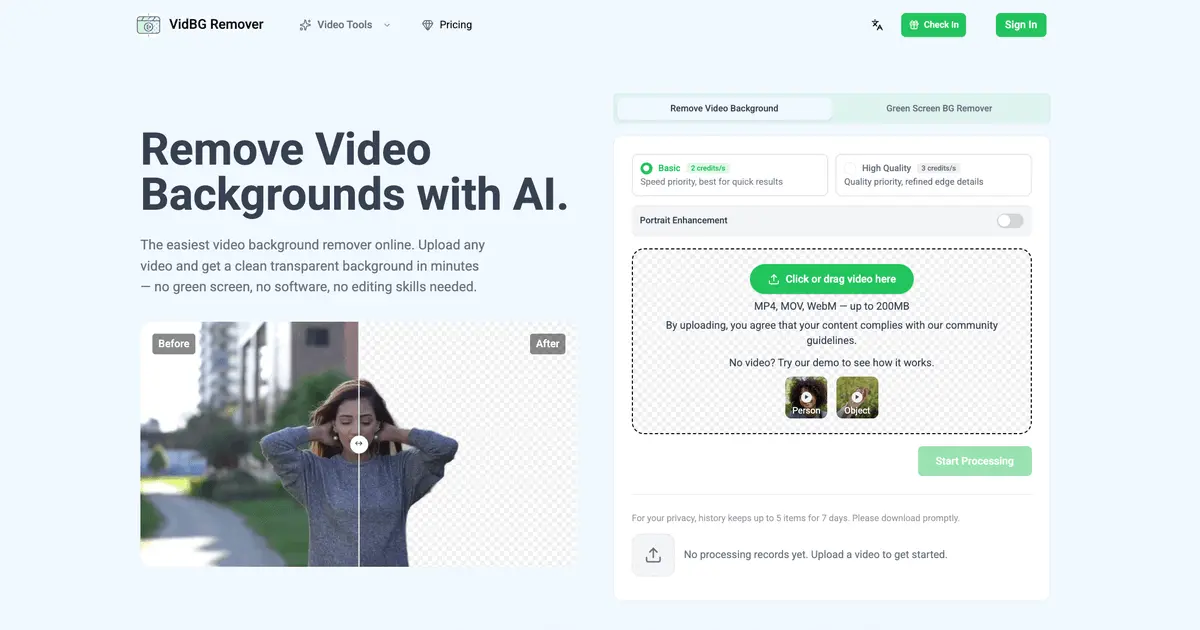
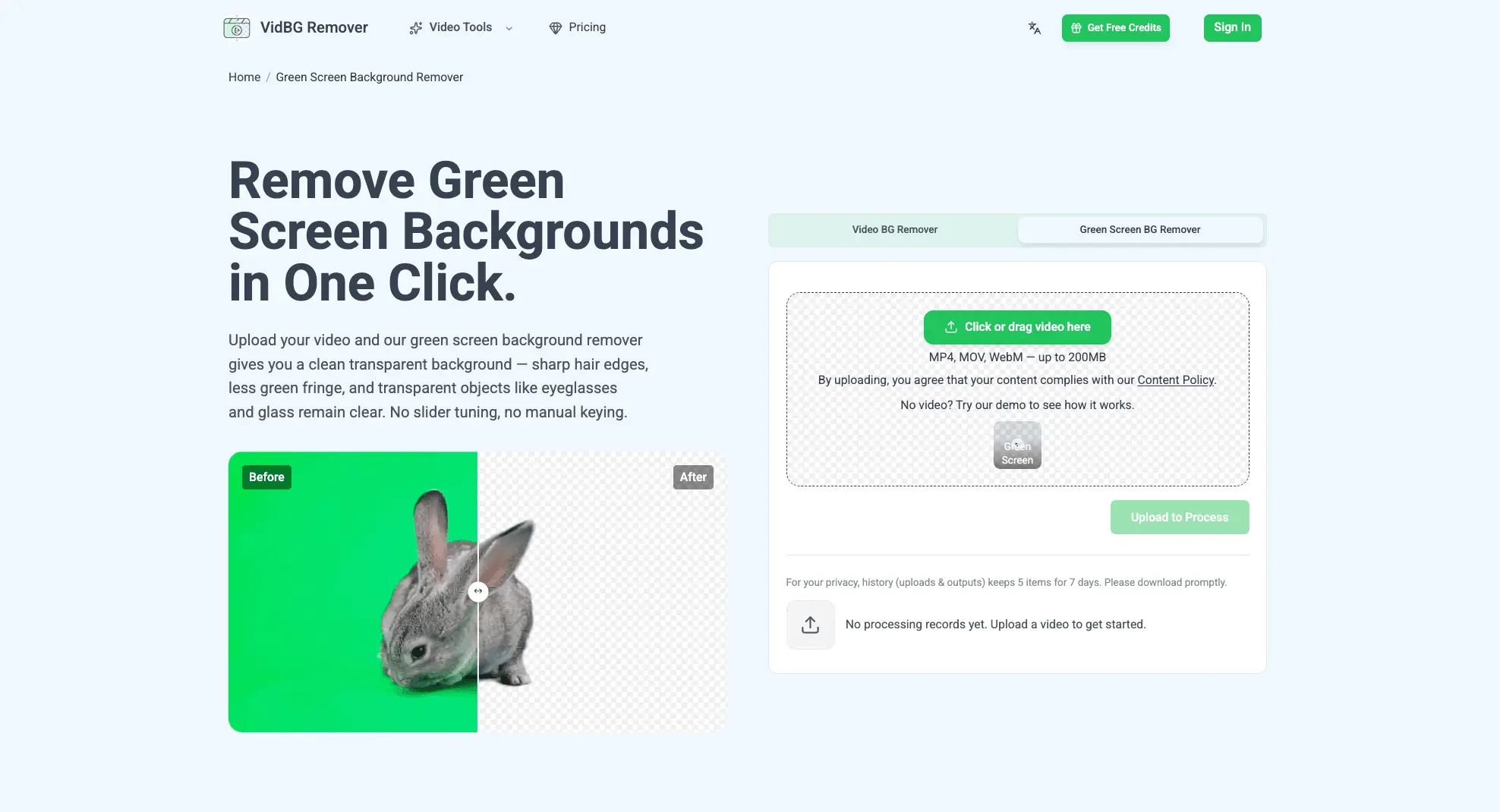
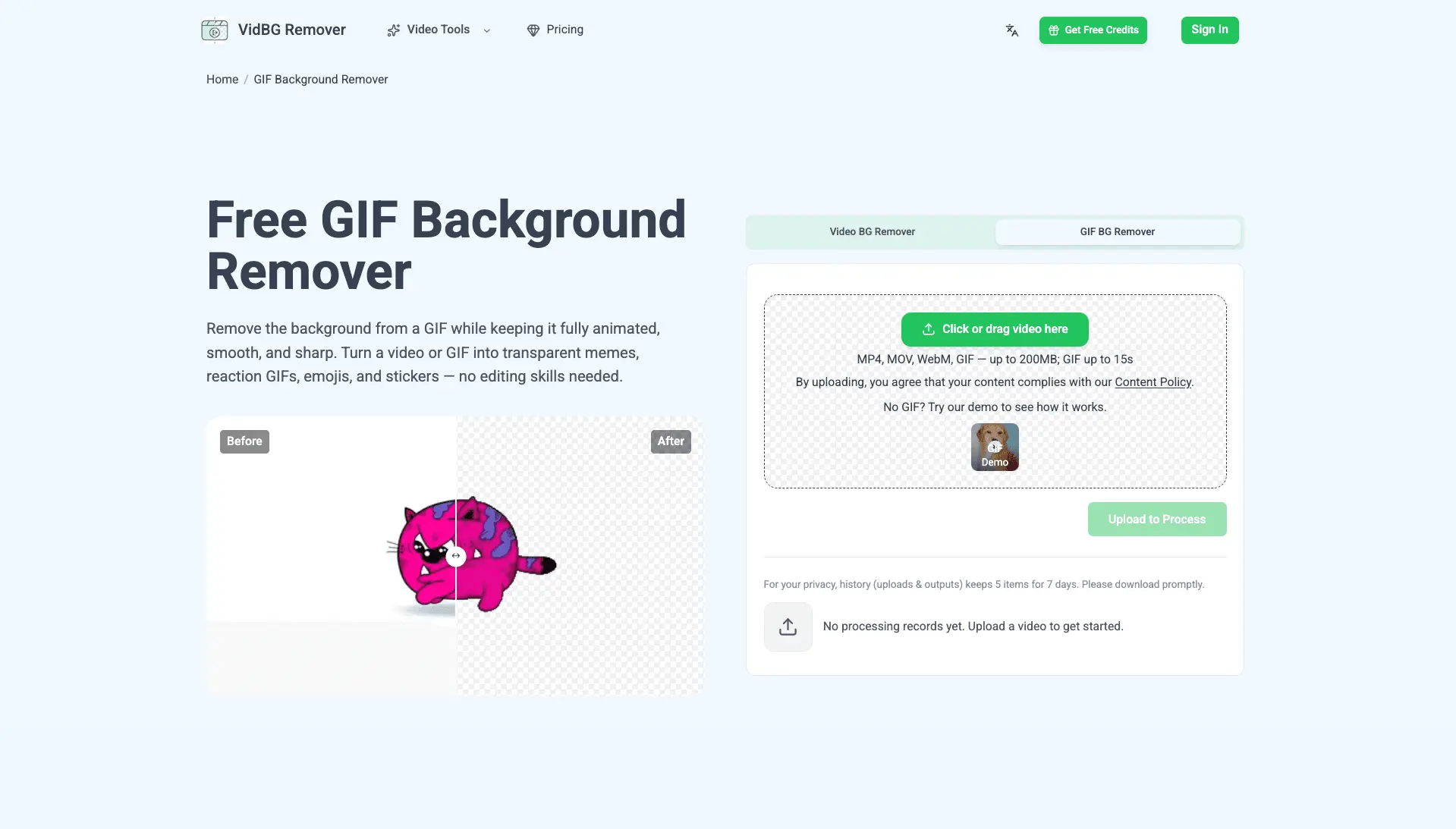
Most background removers give you a video with the background replaced by a solid color and call it a day. VidBG Remover goes further: it exports genuine alpha-channel transparency — as WebM or MOV — so the result drops straight into Premiere, DaVinci Resolve, After Effects, or CapCut with no extra steps. Everything runs in the browser, no green screen required. This is a tool made for real-world footage, not studio conditions. Recording a talking-head video in a messy bedroom? Filming a product demo on a warehouse floor? Overlaying yourself on lecture slides? Cutting a character out of a film scene to make a meme? The AI isolates the subject cleanly and holds the mask steady from frame to frame — even through fast movement or when someone walks across the shot. You get three modes to work with. The core Video Background Remover takes on any scene, green screen or not, and stays stable on shaky handheld footage and partial occlusions — no flickering around hair, fingers, or shoulders. Green Screen mode is for footage already shot on green: it fixes color spill, rough edges, and uneven lighting, and typically outperforms the chroma keyer built into your editor. GIF mode outputs a transparent animated GIF, sized for chat stickers and social posts. What makes it different from other removers comes down to three things. Edge stability: fine details like hair and fingertips don't shimmer or drop out during motion. True transparency: you get a real alpha channel in the output, not a colored fill pretending to be transparency. And pricing: credits, pay-as-you-go — you only pay for what you process. The workflow is simple. Upload an MP4, MOV, or WebM, trim to the segment you actually need, choose a mode, and let the cloud handle it frame by frame. Because all the heavy processing happens server-side, it works on any device — including your phone's browser.
Screenshots
Reviews (0)
No reviews yet. Be the first to rate this product!
Comments (0)
No comments yet. Be the first to share your thoughts!