
AI Webcam Effects + Recorder
Real-time AI webcam effects and screen recording

Details
- Follow on
- @AiWebCam
- Categories
- AIVideo & Audio Tools
- Target Audience
- Remote WorkersContent CreatorsEducators
- Pricing
- Freemium from $4.95
- Featured in
- Best Screen Recording Tools
Discovery signals
How AI and people discover AI Webcam Effects + Recorder on PeerPush
About AI Webcam Effects + Recorder
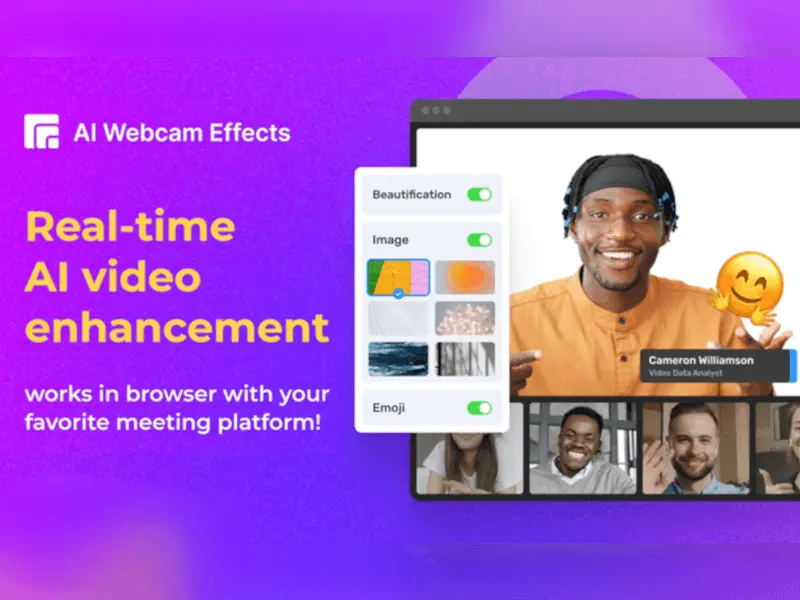
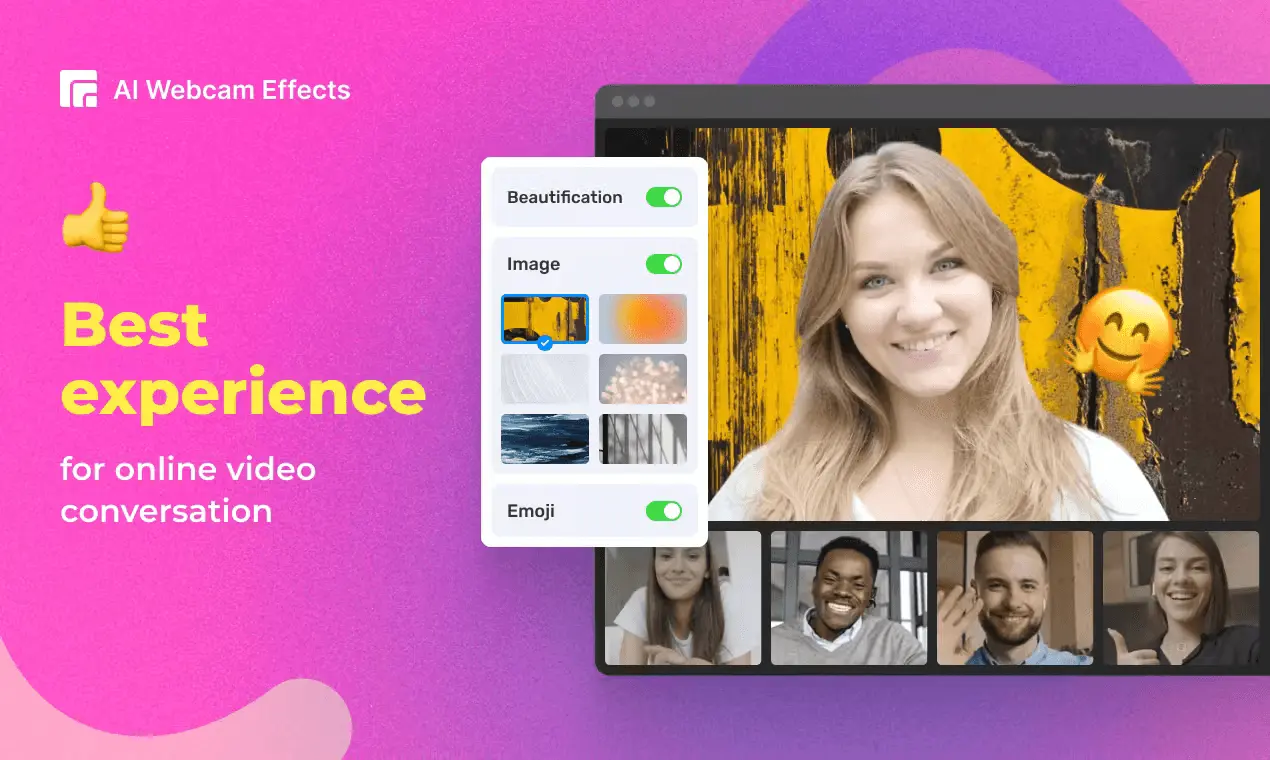
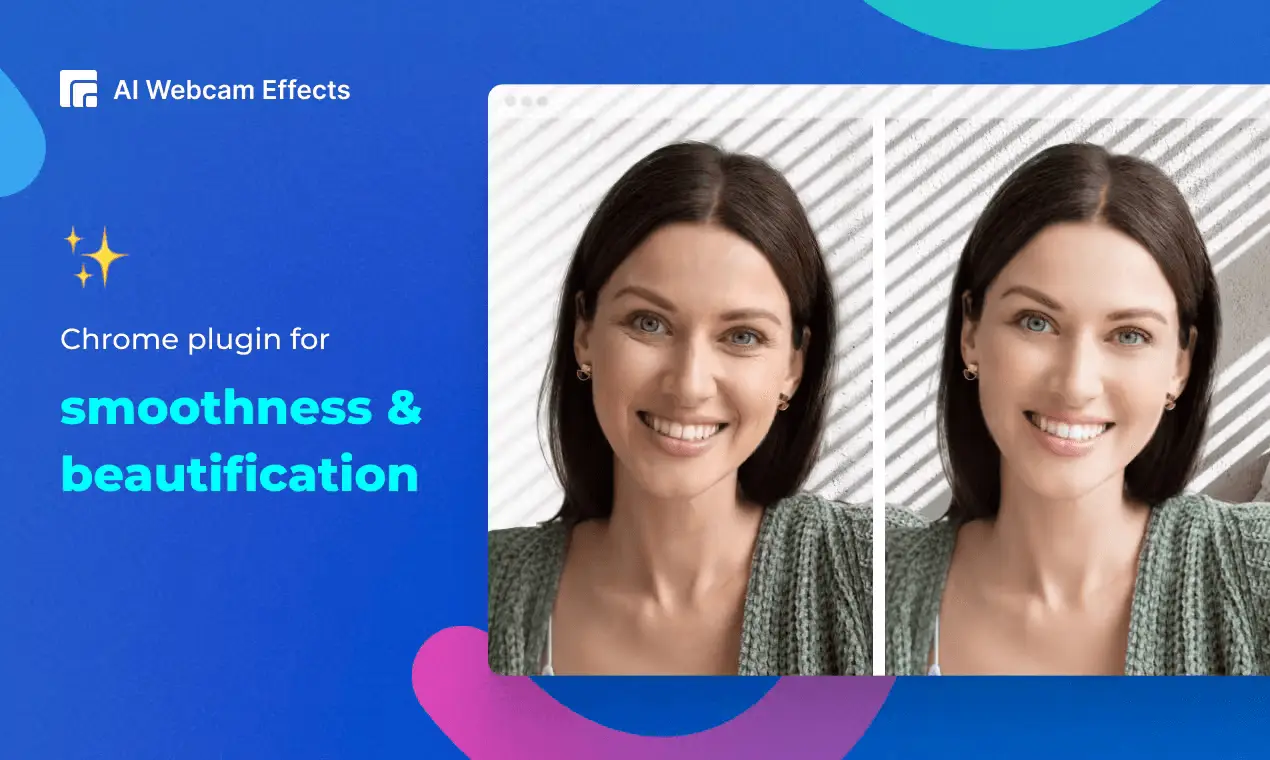
This Chrome extension lets you to add video effects to your real-time meetings really easily. Whether you're using Skype, Teams, Google Meet, or any other meeting platform, the AI Webcam Effects plugin allows you to experience the same effects you're familiar with, right in your browser. It improves camera quality, adds 15+ visual effects and filters and allows screen or live video recording. AI Webcam Effects can improve your experience by providing better quality of the platform’s built-in effects and by adding a variety of new features. Set up effects once and make sure you have perfect visual presence on any platform with these features: - Virtual background (image/video/custom background) or blur background - Beauty Filter (face filter to touch up appearance, smooth skin and reduce imperfections) - Light Correction (removes noise, improves brightness, contrast and color balance) - AI Video Enhancer (makes image sharp and clear, colors more vibrant) - Image or Video overlay, Сustom watermark (logo), Titles (aka Lower Thirds) to personalize and brand your video - Picture-in-Picture mode, Smart zoom (aka Center Stage), Emojis and Gifs (to empower online presentations) - Cinematic video filters and professional color correction - Record webcam video or screen How to install and use: 1. Click Add to Chrome to install the extension. 2. Click the AI Webcam Effects logo on the Extensions menu in the top right corner of your browser and sign in with your Google Account. 3. Open a website that supports video conferencing or recording. Сlick the AI Webcam Effects logo on the Extensions menu and set up effects for you. Use AI Webcam Effects for daily video meetings, online education and learning, conferences and webinars, online consulting, telemedicine, live video chats and dating services, online job interviews, telemarketing and e-commerce, online fitness and wellness coaching programs, recording, and streaming.
Screenshots
Reviews (1)
Average 5.0 out of 5
Based on 1 review

Really useful extension for my meetings.
Comments (1)
We're glad to launch our extension on PeerPush!