
CoolDesk
A project-first launchbar for browser and desktop

Details
- Follow on
- Target Audience
- Pricing
- Free
- Featured in
- Alternatives
 Raycast alternatives
 Workona alternatives
Discovery signals
How AI and people discover CoolDesk on PeerPush
- ChatGPT
- Perplexity
- Claude
- +4 other AI crawlers
Reads by these AI engines
Crawlers behind these engines read this listing on PeerPush.About CoolDesk
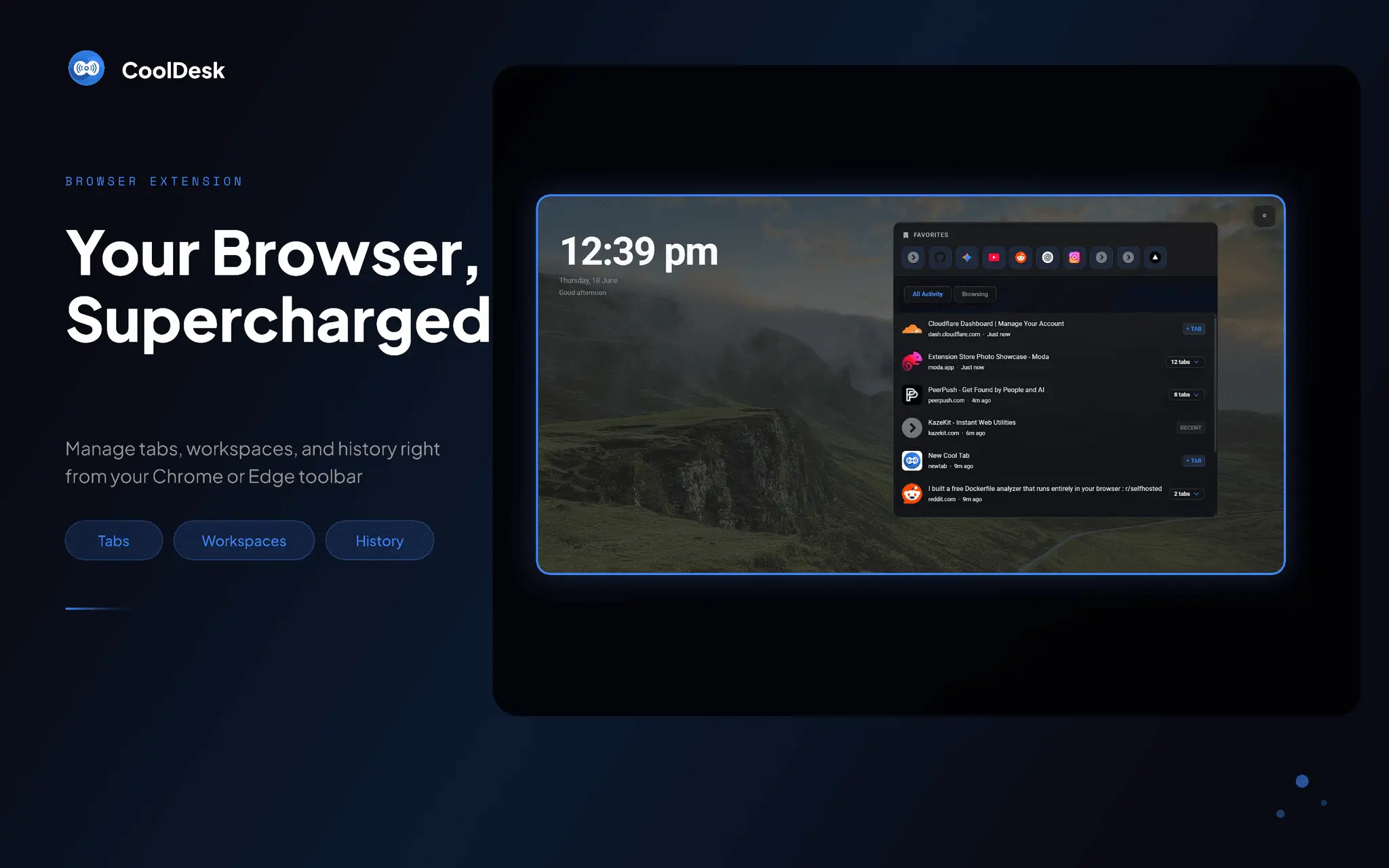
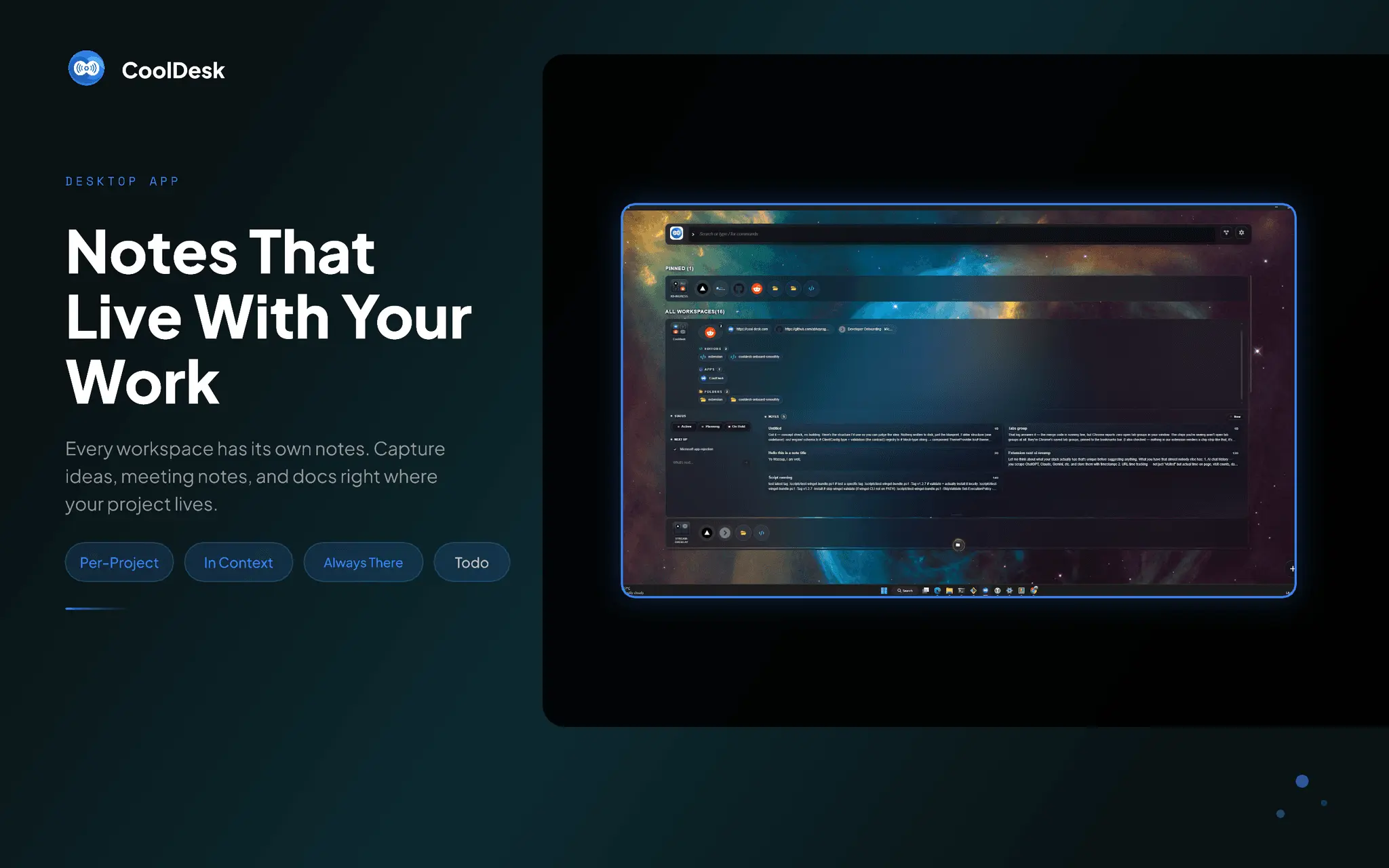
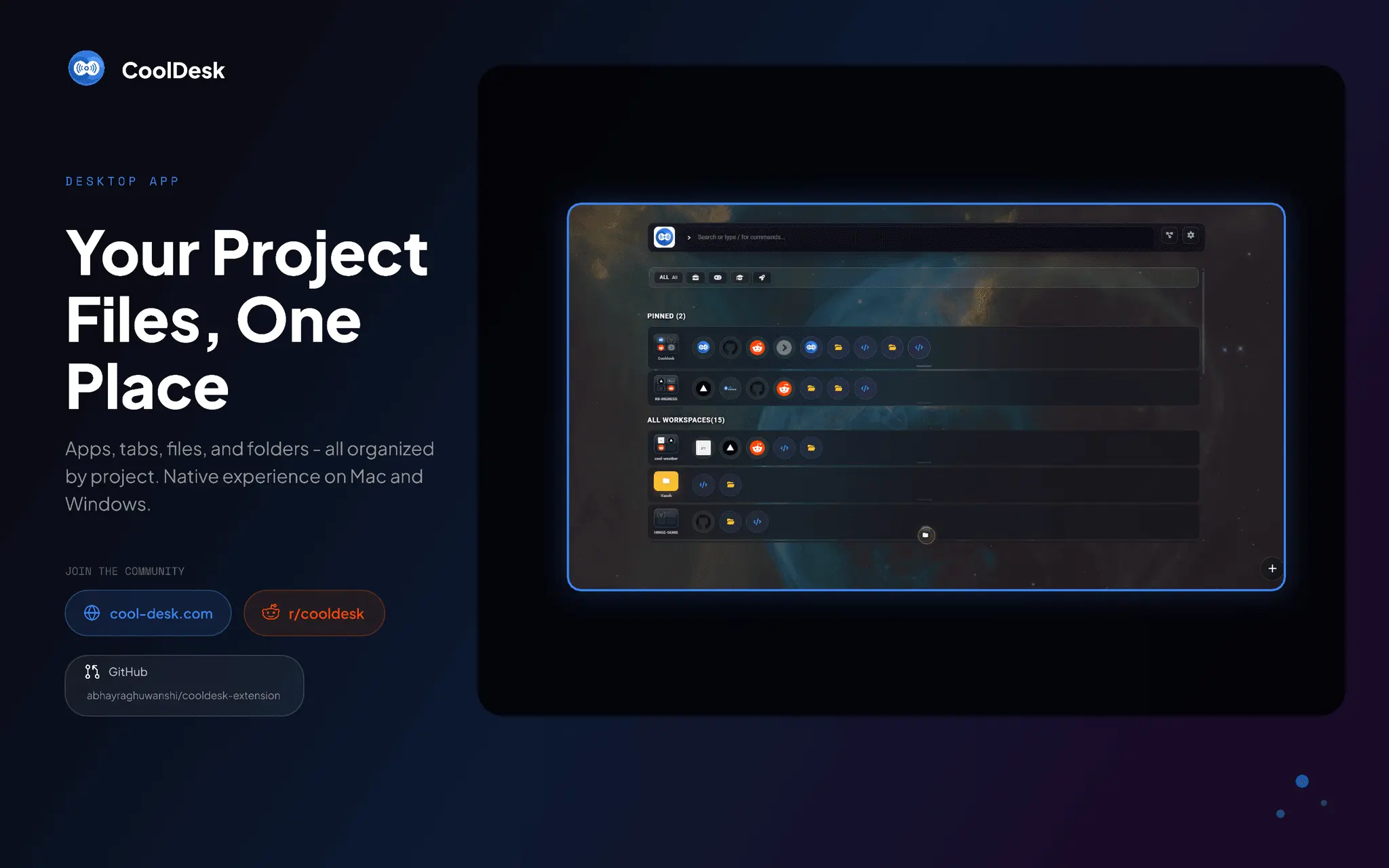
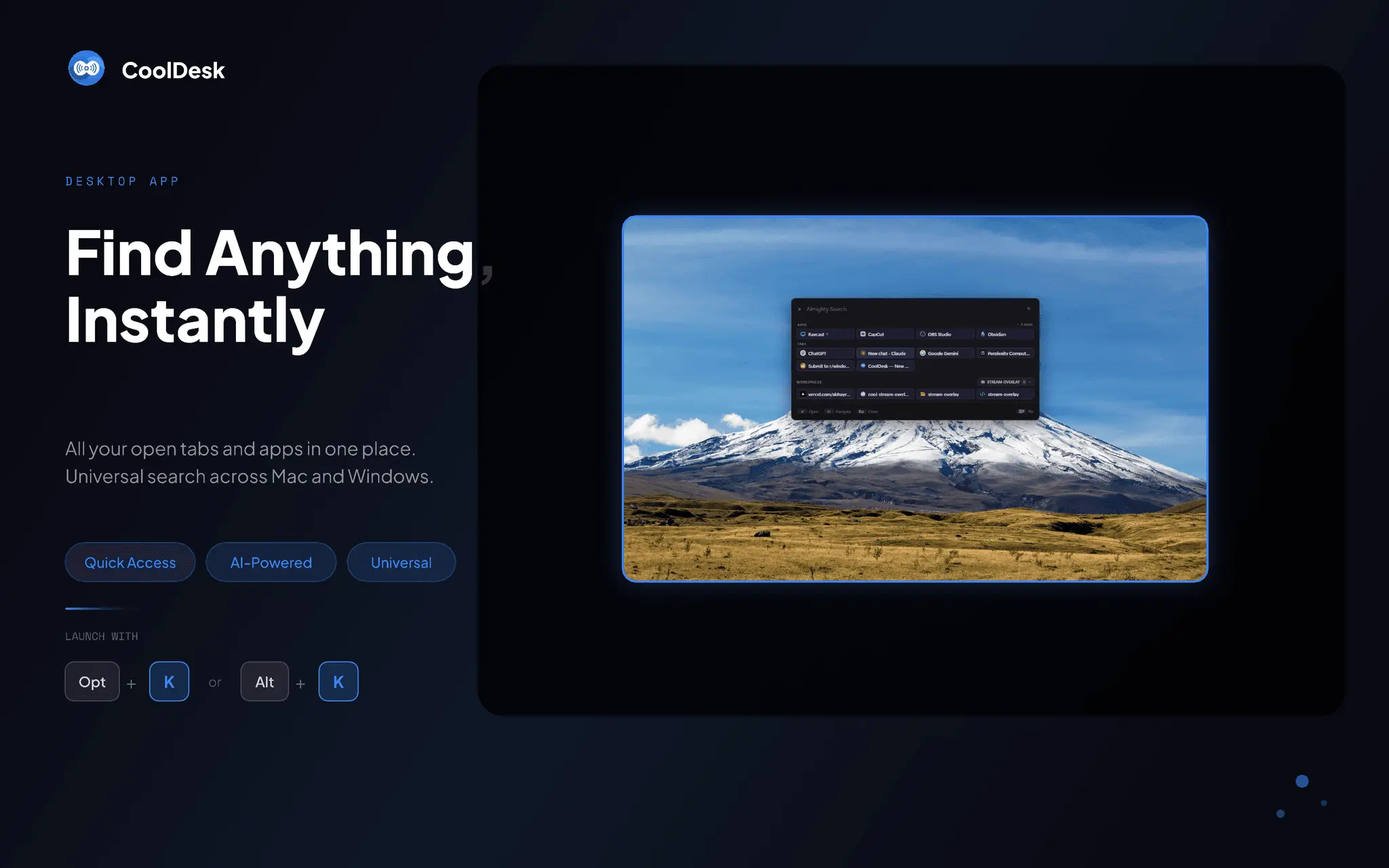
CoolDesk is a launchbar like Raycast, but designed around your project lifecycle. It transforms your new tab and desktop into one fast command surface where every tab, app, link, and note is organized by the project you’re actually working on. Project Workspaces: Instead of a generic launcher, CoolDesk organizes everything around projects. Each workspace groups the tabs, desktop apps, links, and notes for one project, so you move through a project’s lifecycle—from kickoff to daily work to wrap‑up—without losing context. AI Spotlight Search: One launchbar to find and jump to anything—tabs, desktop apps, workspaces, bookmarks, and history. Launch or focus a running app instantly, the same way you’d reach for Raycast, but scoped to the project at hand. Browser + Desktop: CoolDesk isn’t just an extension. The companion desktop app pulls your native applications into your workspaces, so a project bridges everything you use—browser and desktop—not just websites. No sign‑in required: Install it and you’re productive immediately. No account, no setup. Raycast and other launchers are built around single commands. CoolDesk is built around projects, so launching, searching, and organizing all happen in the context of the work you’re doing. You start every session exactly where you left off. Get CoolDesk - Chrome extension: https://chromewebstore.google.com/detail/new-tab-by-cooldesk/ioggffobciopdddacpclplkeodllhjko - Windows (desktop app): winget install cooldesk - macOS app & source code: https://github.com/abhayraghuwanshi/cooldesk-extension
Screenshots
Product Updates (2)
CoolDesk 2.0.16: make your new tab your own
CoolDesk turns your new tab (and your desktop) into a workspace: your tabs, apps, files, workspaces and widgets in one place. You can search all of it from a single spotlight. 2.0.16 is about making the new tab yours: - 🧩 Five new tab layouts: Classic, Mirror, Split, Stacked and Focus. Show or hide widgets, the activity feed, Favorites or single feed tabs. You can also go Zen and see just your wallpaper. - 📐 Custom layout: every part of the page becomes a card on a macOS-style widget grid. Drag cards anywhere, resize them from 1×1 to 6×6, and give a feed section like Media or Search its own card. - 🖼️ 25 Featured wallpapers: hand-picked abstract art and landscapes in 4K, with a soft vignette. - 🔍 Widgets that fit their card: the clock, weather, timers and countdowns grow in big cards and shrink in small ones. List widgets show more rows instead. - 🪟 See-through glass widgets and no scrollbars: panels fade out at the edge instead. Also in CoolDesk: - ⚡ One spotlight for tabs, history, apps and files (/u, /a, /f) - 🤖 An /agent that suggests workspaces from how you actually browse. Nothing changes until you press Apply. - 💻 Runs on Windows, macOS and Linux, plus a Chrome extension Install: winget install CoolDesk.CoolDesk · brew install --cask cooldesk · AppImage for Linux 👉 https://github.com/abhayraghuwanshi/cooldesk-extension/releases/tag/v2.0.16 Feedback is welcome. I'd love to see the layouts you build! 🙌
Comments (0)
No comments yet. Be the first to share your thoughts!
CoolDesk v2.0.9
Fixed Sidebar/bottom-bar dock could get permanently stuck, unreachable from the in-app "back to full window" control. The docked taskbar bar (and its collapsed edge handle) could render underneath the real macOS Dock or menu bar — invisible and unclickable. macOS installs showing "CoolDesk is damaged and can't be opened" — the bundled fix script is now impossible to miss (renamed, with a README, in an arranged DMG window). The Homebrew cask was silently stuck on old versions — the update job now fails loudly instead of no-oping, and the release workflow's gh asset-URL lookup (a long-standing wrong JSON field) is fixed. AI CLI agents (Claude Code, opencode, Codex) spawned from the spotlight could fail to find a binary that works fine in Terminal, on macOS/Linux. Added Dock-to-side button in the bottom/top taskbar bar. Explicit per-layout recovery options in the tray/menu-bar icon: Full Window, Side Dock, Bottom Bar — always reachable regardless of what state the window is stuck in. Per-column accent color on the Overview dashboard. Changed Onboarding tour's wallpaper step now works in extension mode too.
Comments (0)
No comments yet. Be the first to share your thoughts!
Reviews (1)
Average 5.0 out of 5
Based on 1 review
Good App to navigate through multiple windows
Comments (2)
nice
@Georgebrn thanks
Excited to post my tool here.