
CraftyWand
Online 3D packaging design and dieline tool
Details
- Follow on
- Categories
- Target Audience
- Pricing
- Free
Discovery signals
How AI and people discover CraftyWand on PeerPush
About CraftyWand
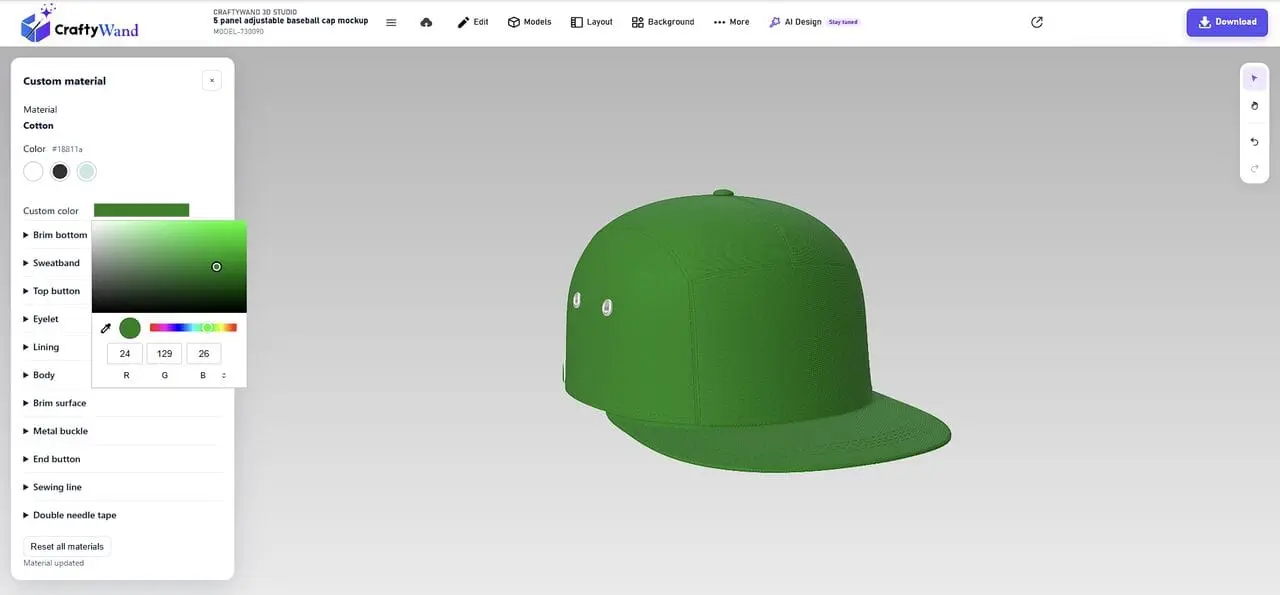
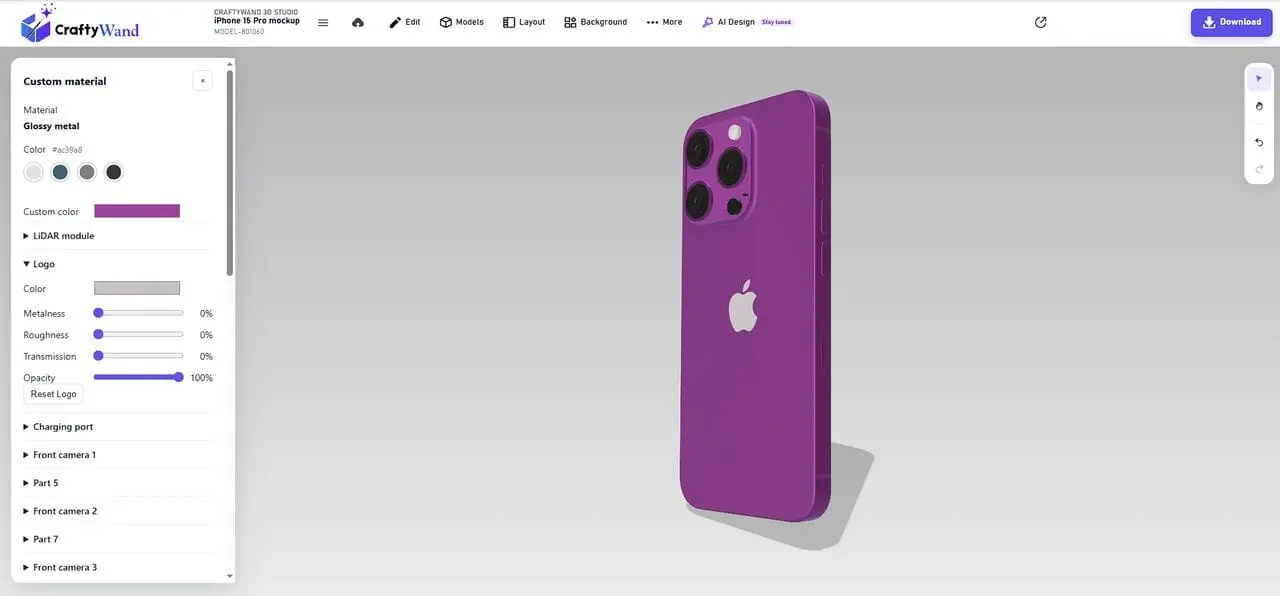
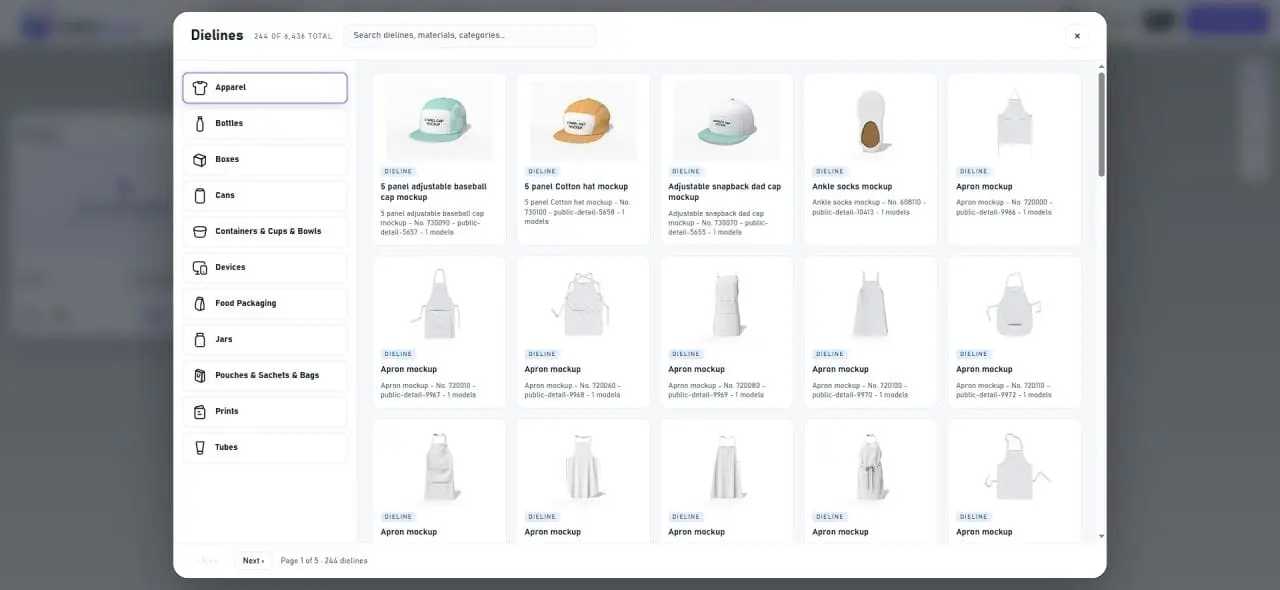
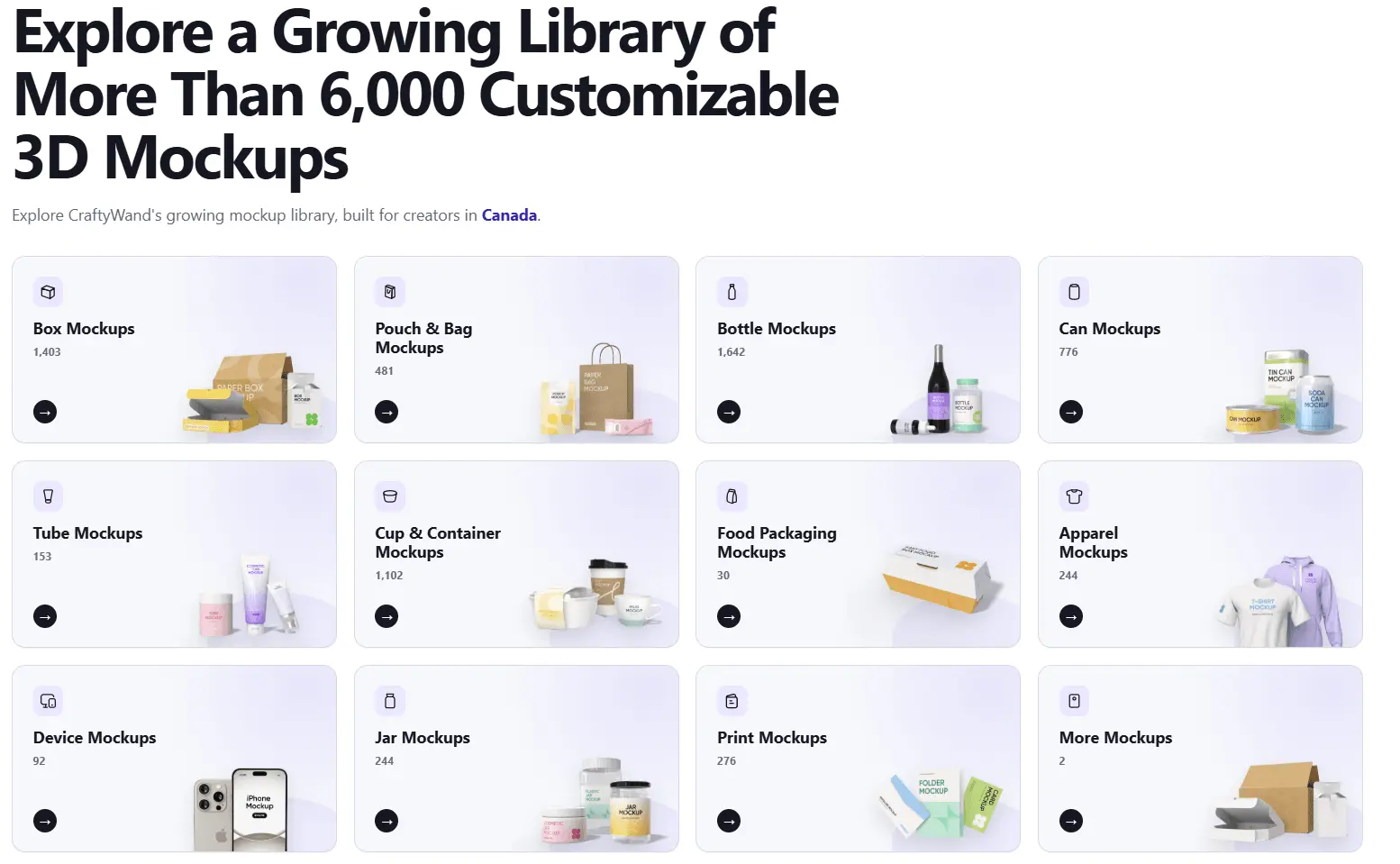
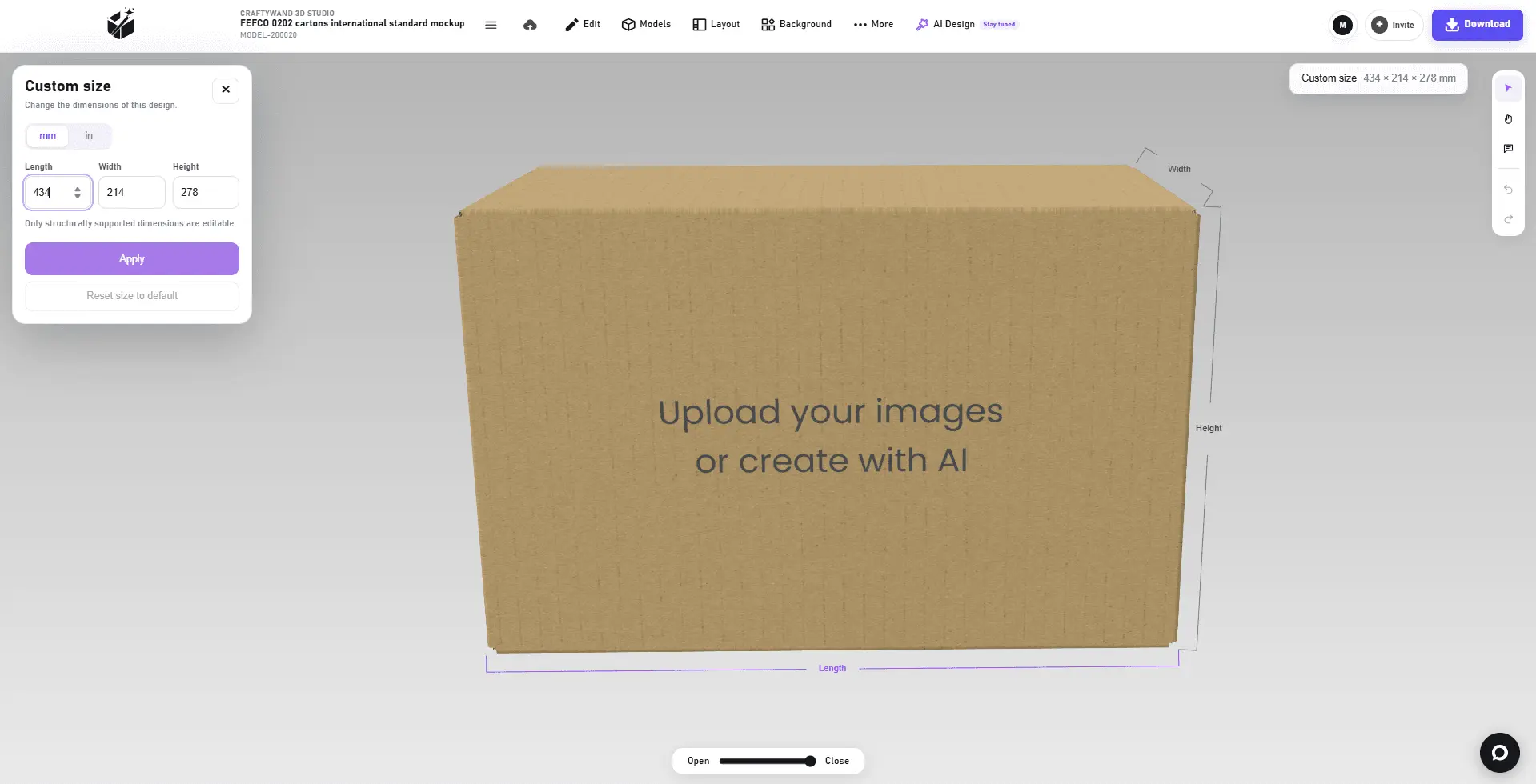
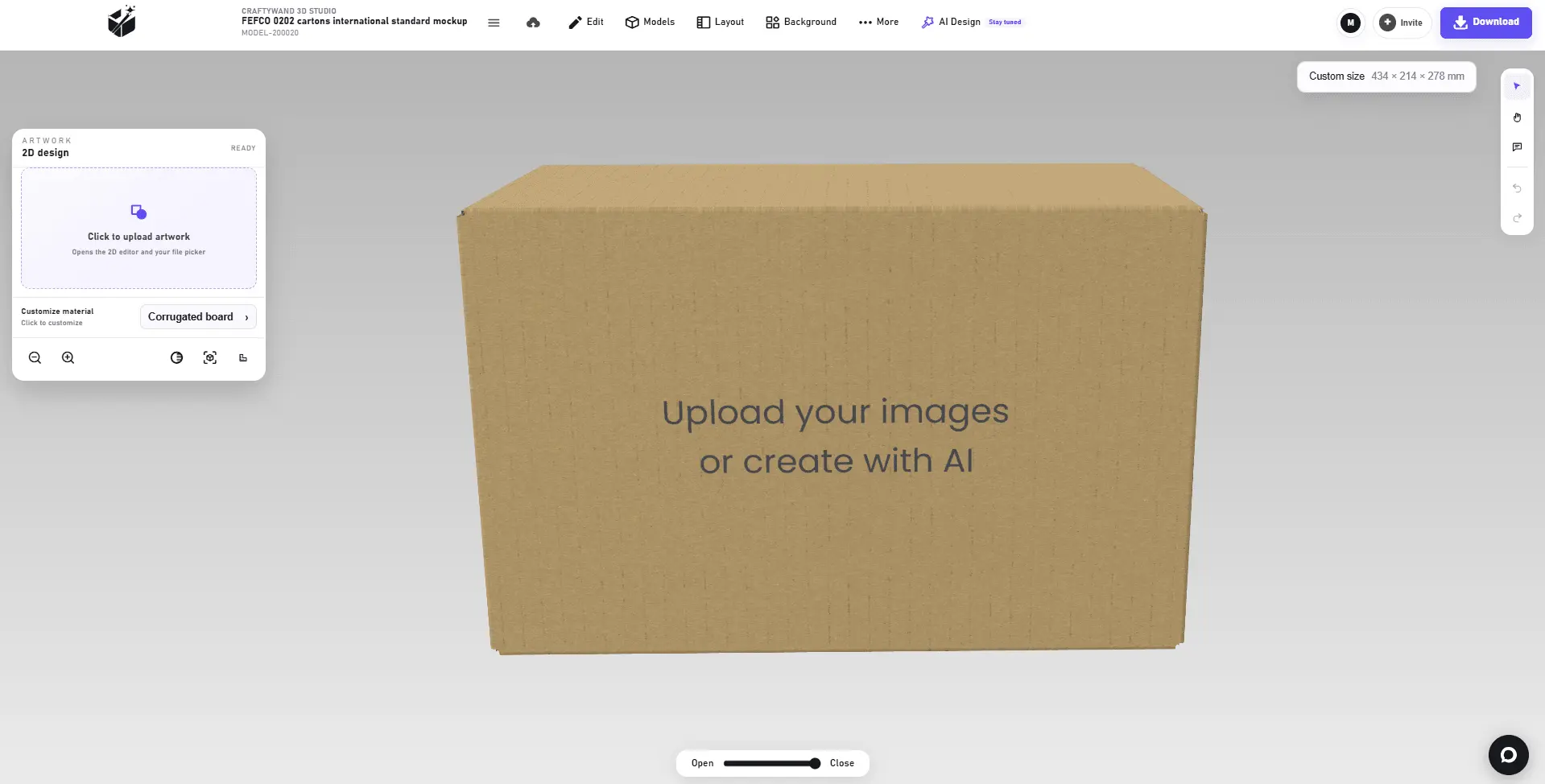
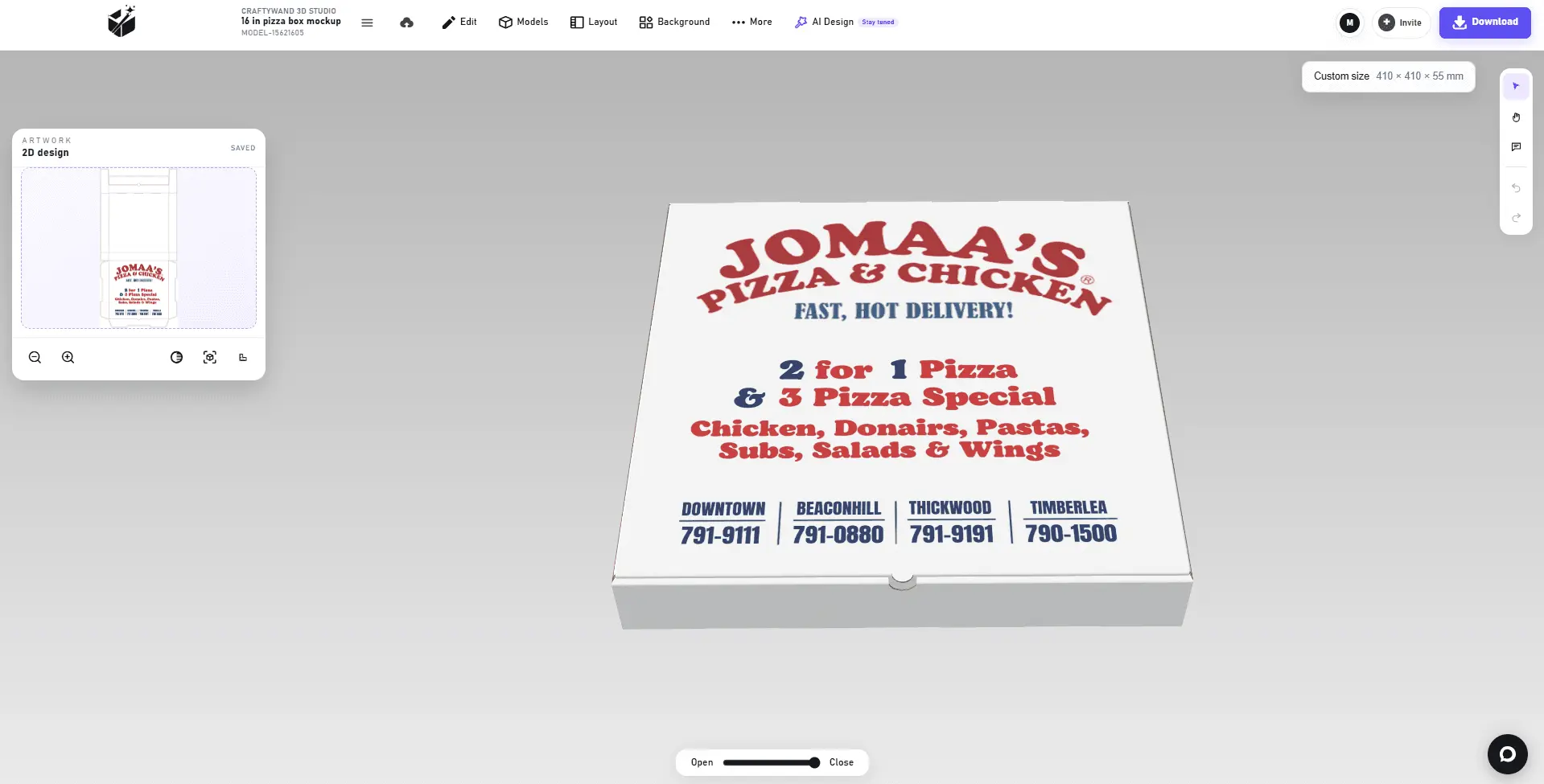
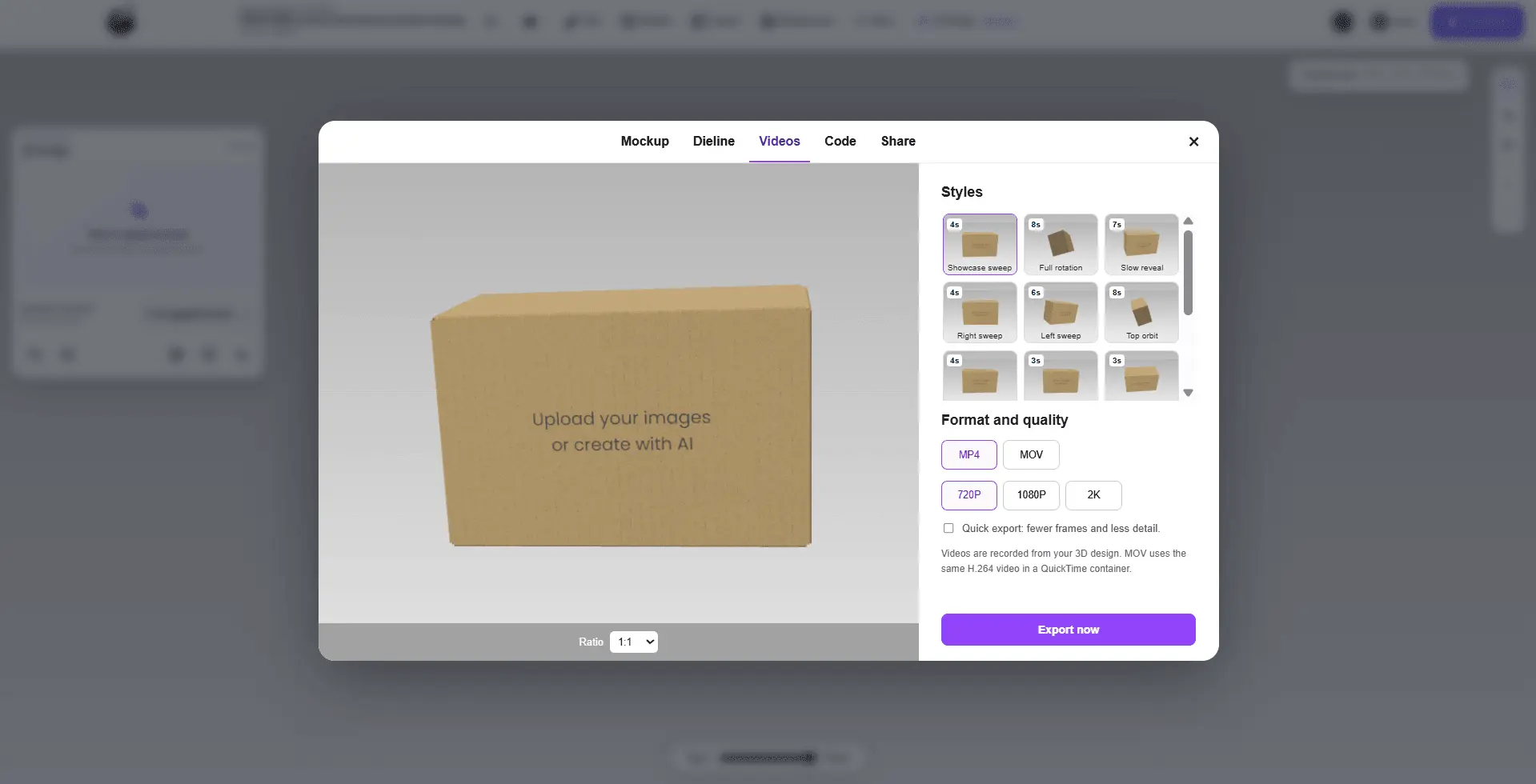
CraftyWand is the world’s first open-market, fully online packaging platform to offer a workflow that drastically cuts time-to-market while saving global brands and small businesses substantial resources. CraftyWand enables users to generate custom dielines, add personalized text and artwork, preview designs in 3D with live parametric fold and unfold, save projects, and export print-ready files. One of the key components of CraftyWand is its extensive library of over 6,000 customizable 3D mockups. This collection includes various packaging types such as boxes, pouches, bags, bottles, cans, tubes, cups, containers, apparel, devices, jars, and print materials. Users can select from categories like box mockups, pouch and bag mockups, bottle mockups, can mockups, tube mockups, cup and container mockups, food packaging mockups, apparel mockups, device mockups, jar mockups, and print mockups. Each category offers a range of mockups with specific dimensions and styles to suit different packaging needs. The platform's 3D packaging mockup tool allows users to visualize how a flat design will appear as a finished product. By rendering designs as interactive 3D mockups in real-time within the browser, users can review, refine, and present their packaging concepts before proceeding to production. This feature eliminates the need for separate rendering software and ensures that the mockup remains up-to-date with any design changes. CraftyWand also includes an online dieline generator that creates accurate dielines based on chosen structures. Users can select a structural template, set the width, height, and depth for their product, and the generator produces a buildable dieline with the necessary cut lines, fold lines, and glue tabs. This parametric approach ensures that the dieline and artwork remain in the same coordinate space, preventing misalignment issues during production.
Screenshots
Reviews (2)
Average 4.5 out of 5
Based on 2 reviews


Dieline templates in the browser are handy for small brands that otherwise wait on a packaging designer. A preview showing the finished box in 3D before export would make it even easier to judge.
Comments (2)
How does the dieline generator handle a structure that is not in the template list, like an irregular tray or a sleeve with an unusual fold? Does the 3D preview also show glue tab placement?
@galdayan1895 Unusual folds need a model with a matching structural definition. From there, customize your design in 3D Studio and inspect the model’s tabs and flaps in the unfolded view.
introducing CraftyWand made for packaging designers, graphic designers, print and packaging companies, branding agencies, product manufacturers, e-commerce businesses, and small to medium-sized brands