
CutFocus
Keeps YouTube's distractions out of your edit sessions

Details
- Categories
- Use Cases
- Target Audience
- Pricing
- One-time from $39.99
- Platforms
Discovery signals
How AI and people discover CutFocus on PeerPush
About CutFocus
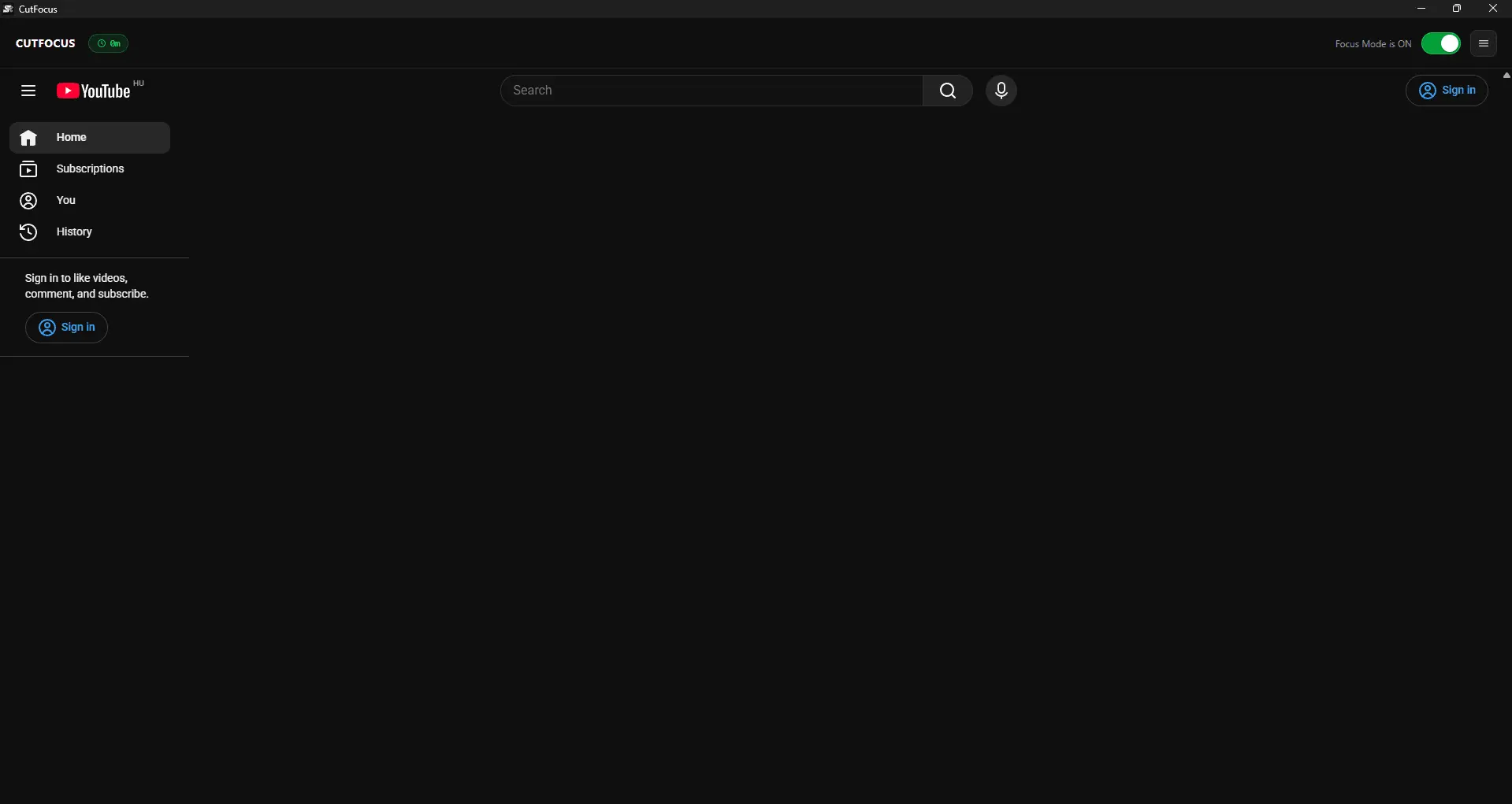
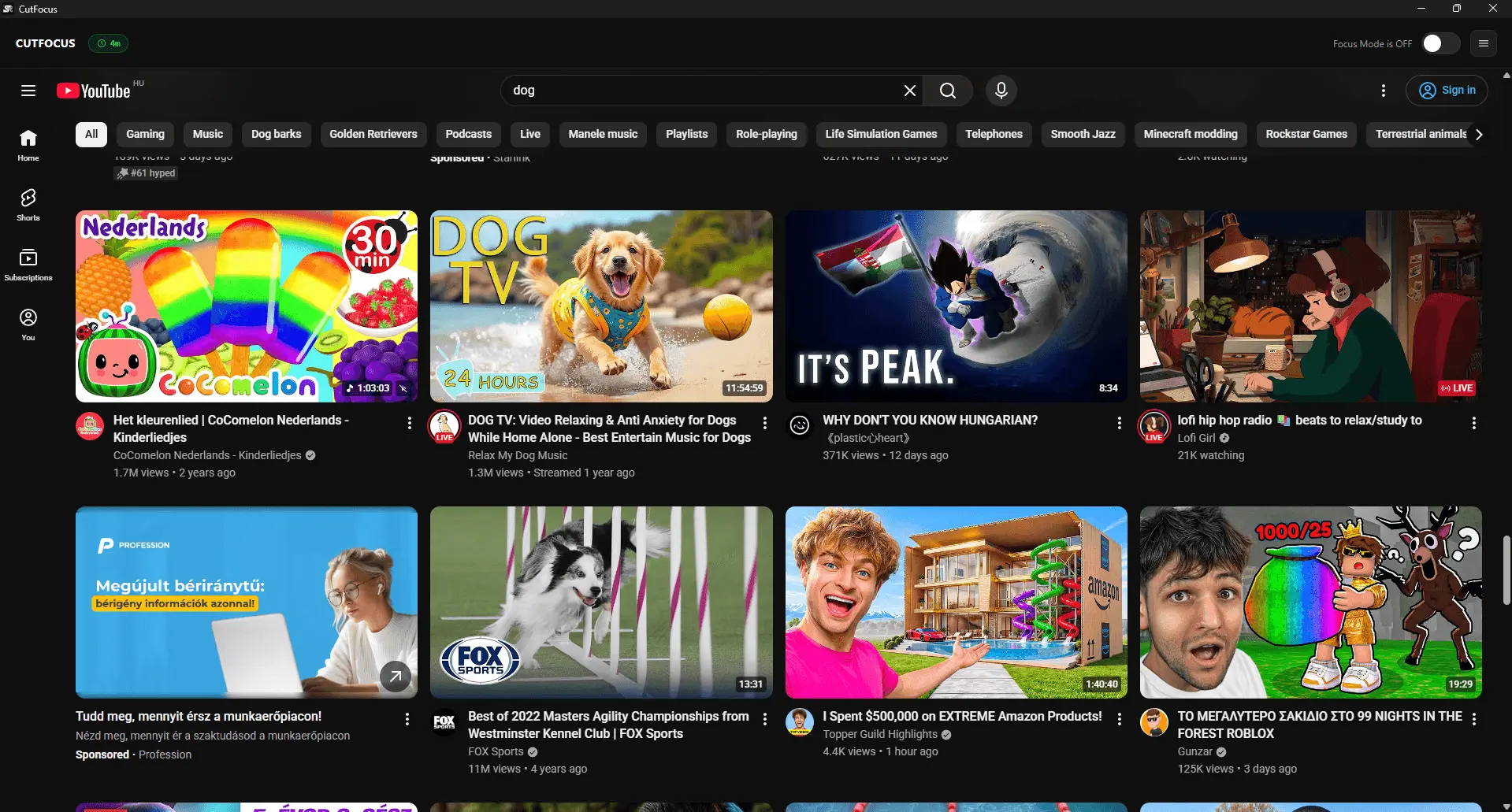
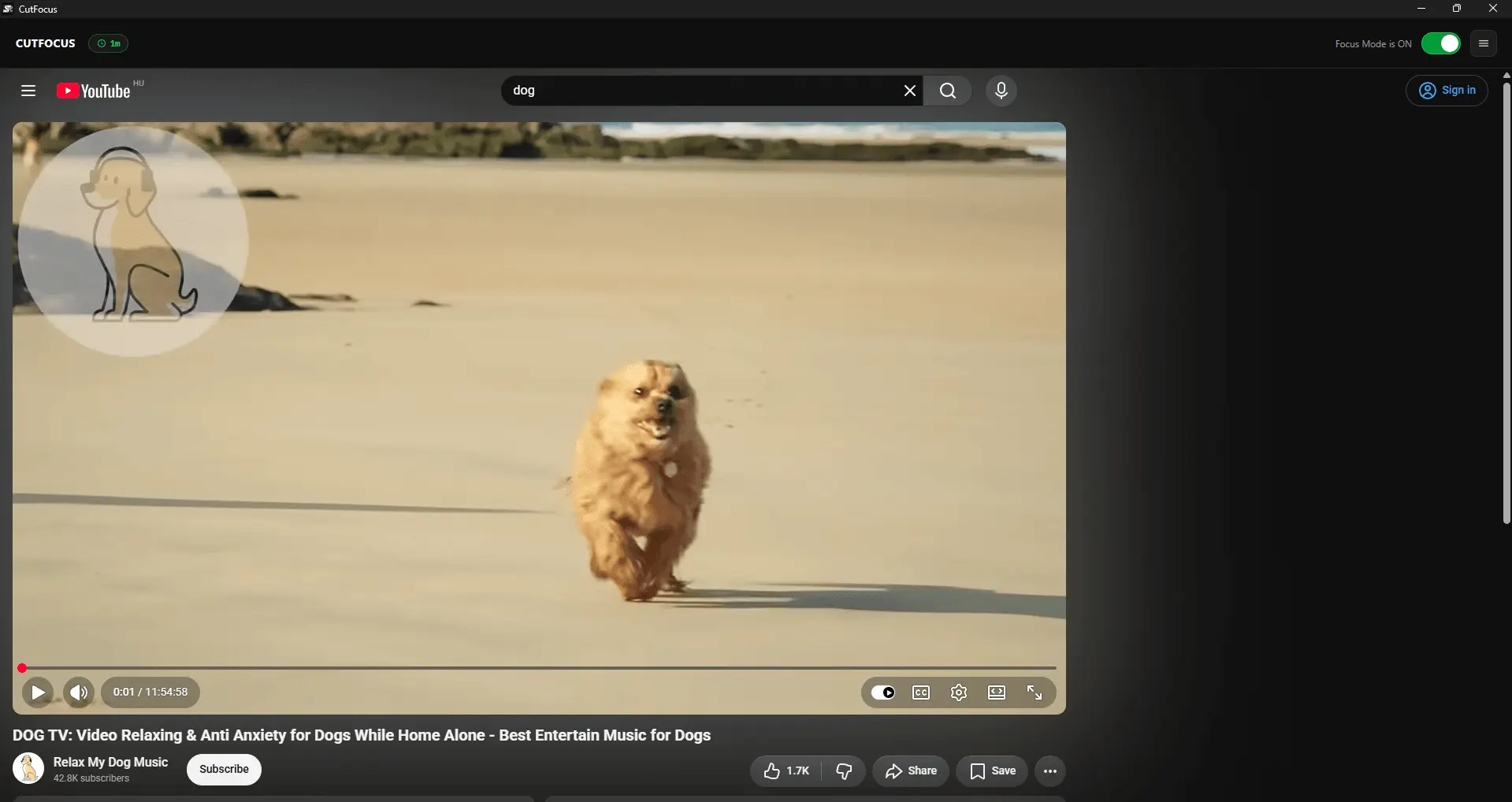
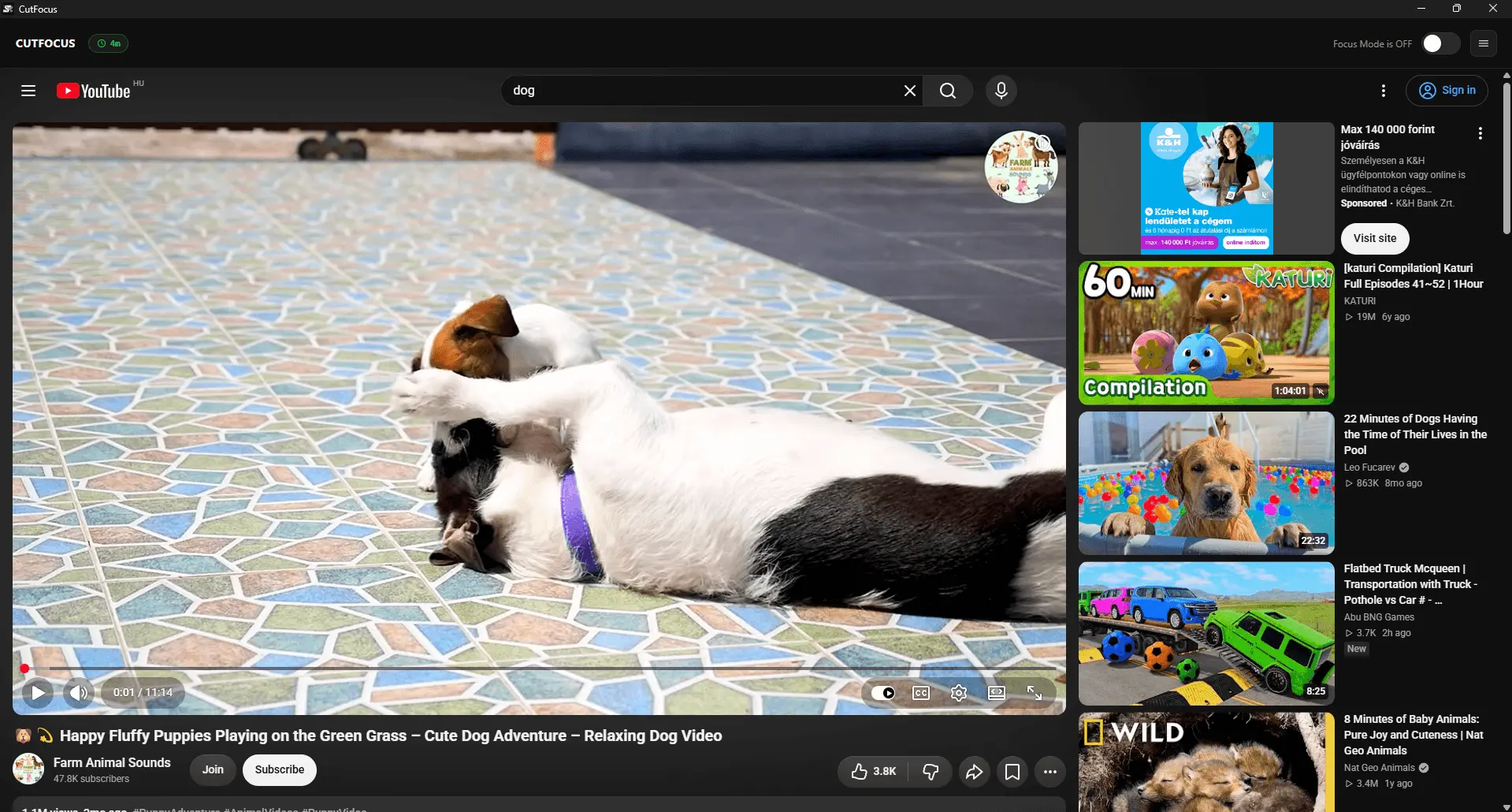
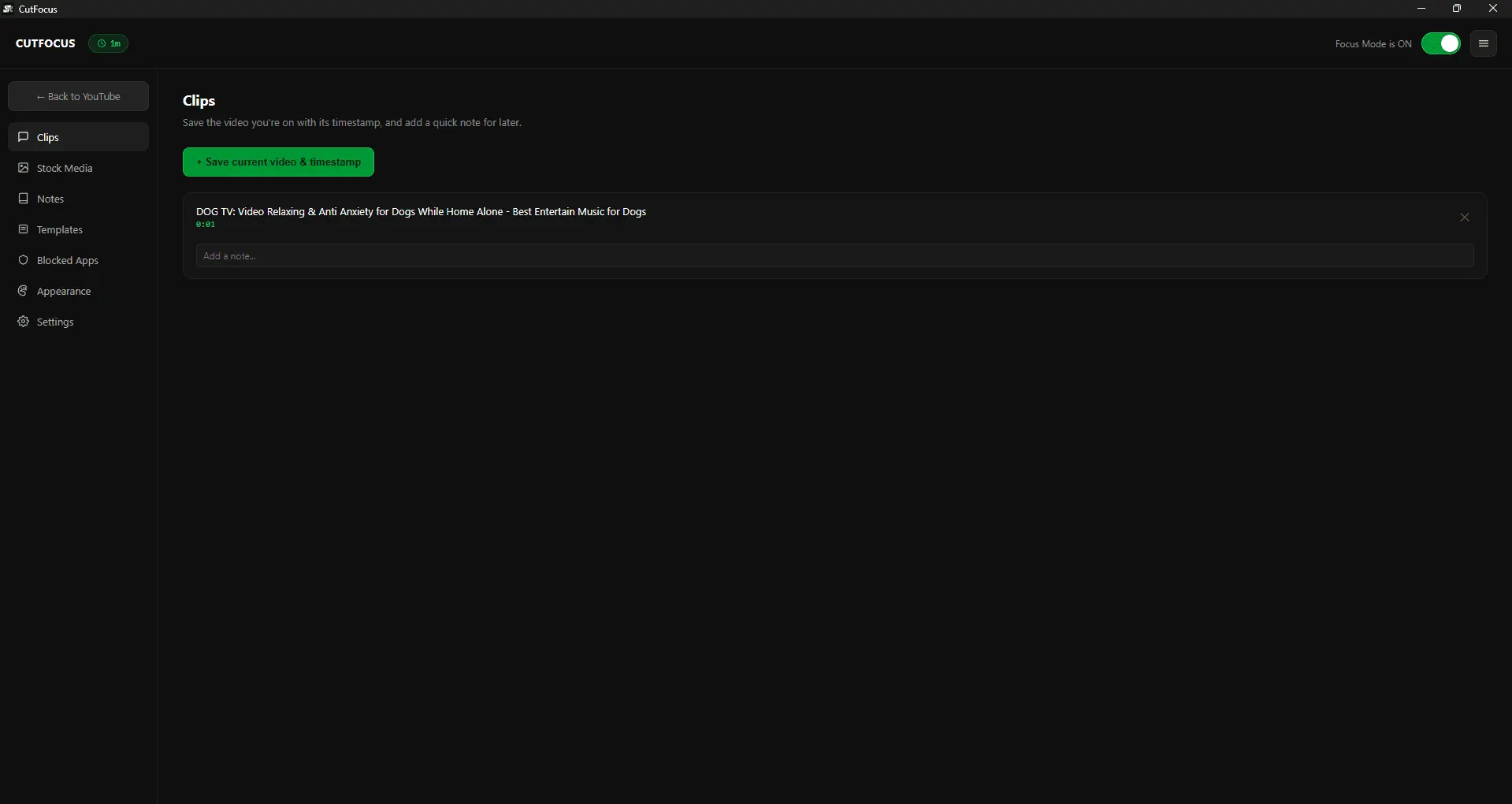
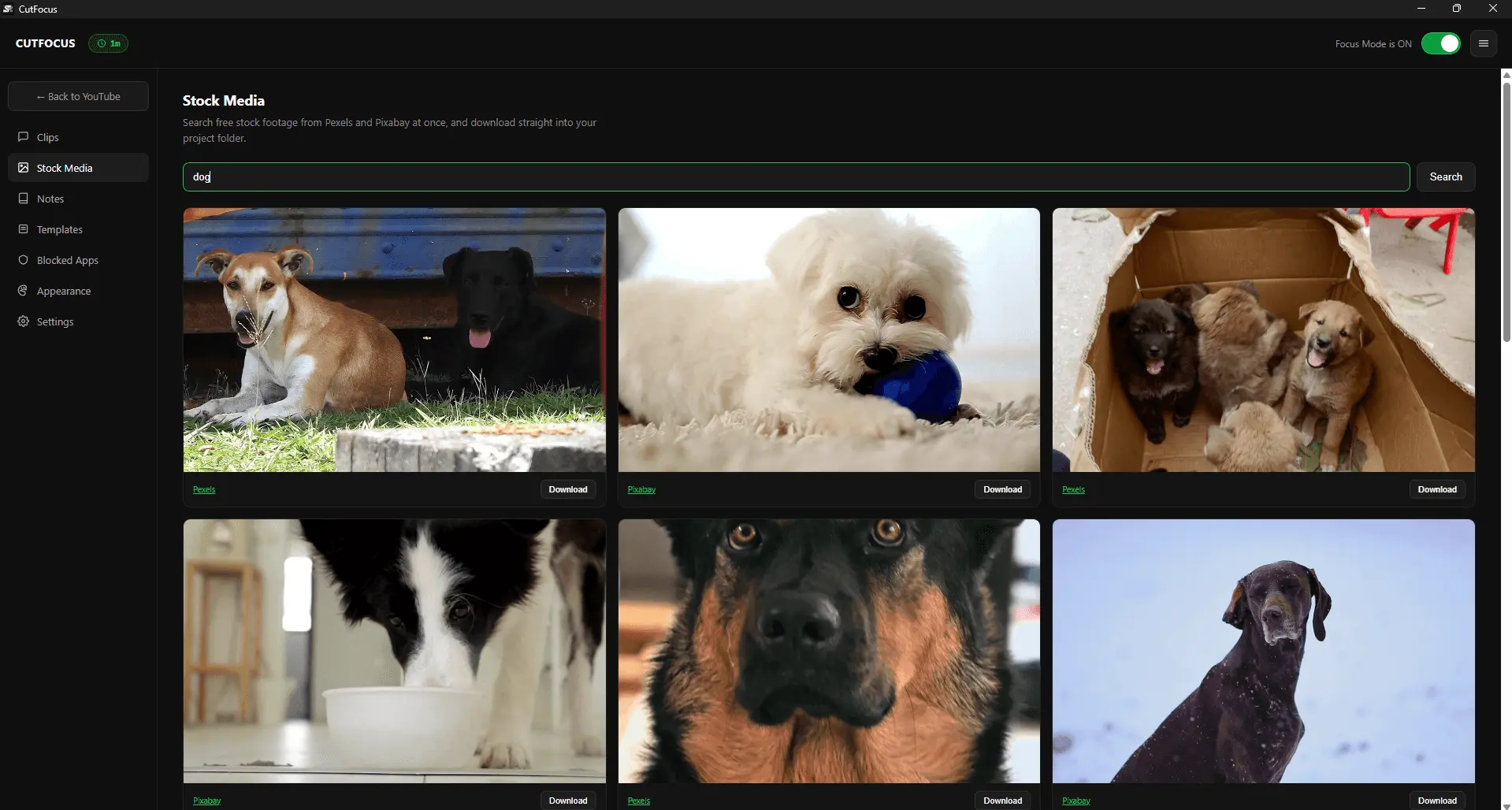
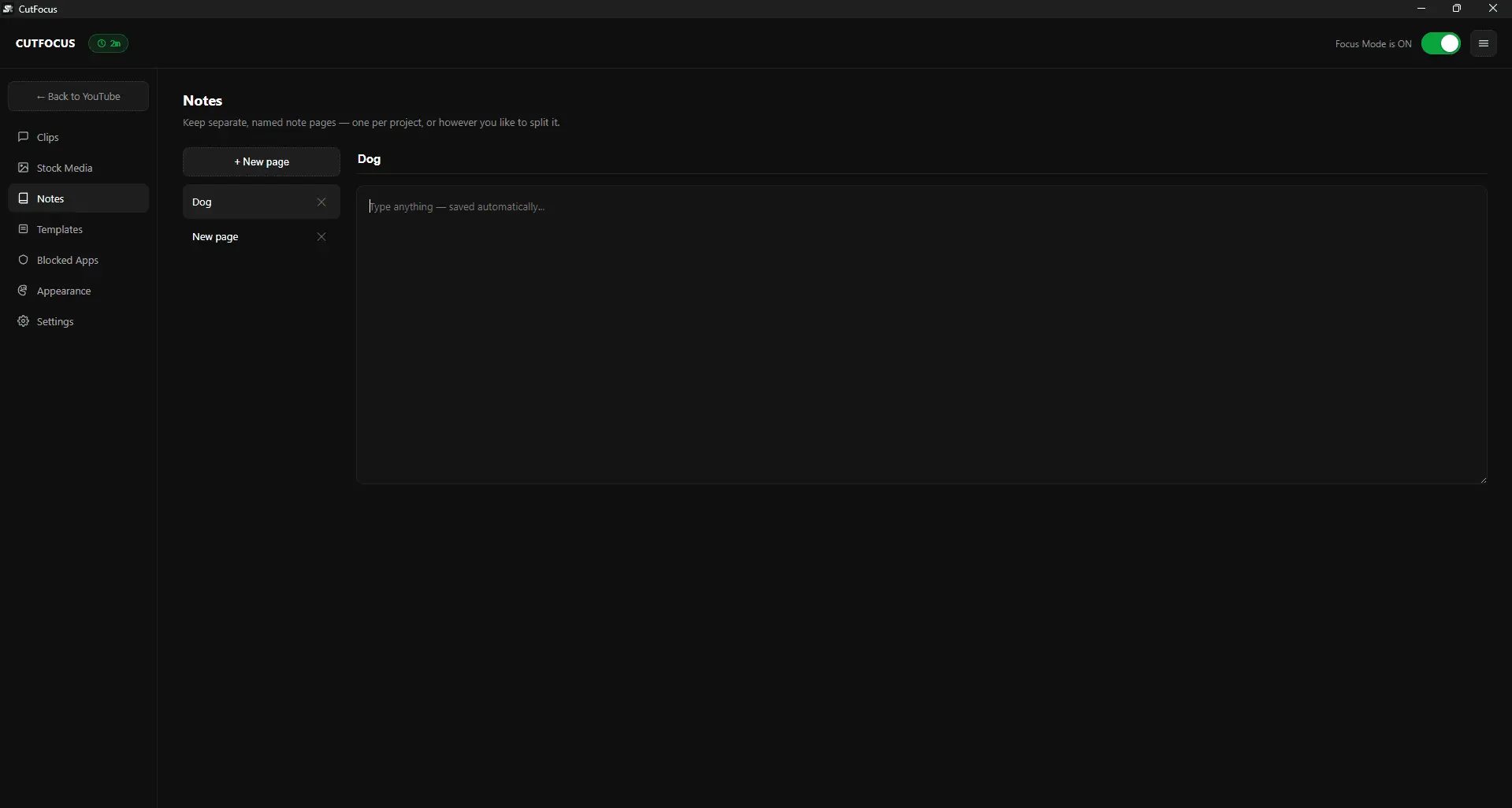
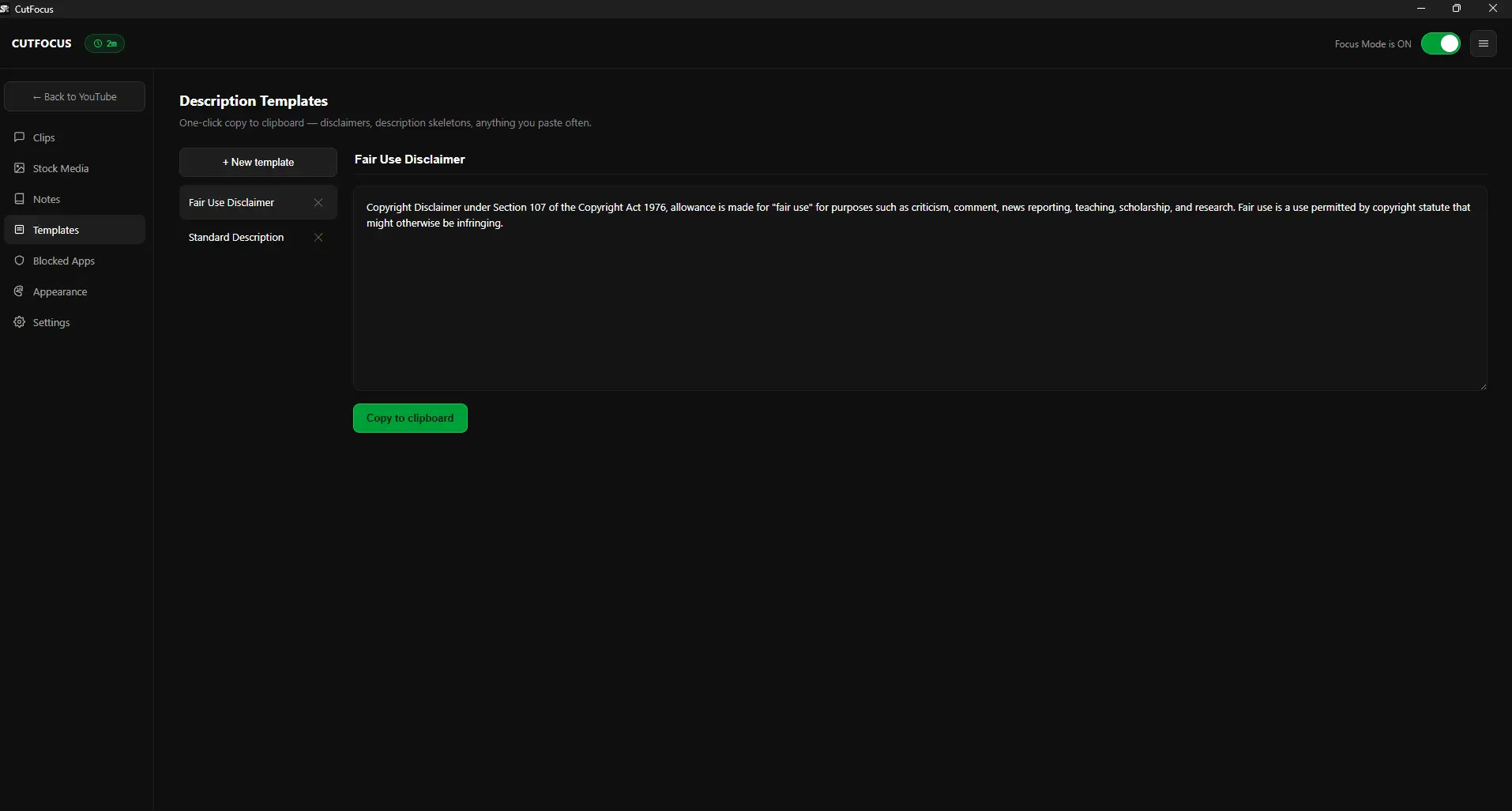
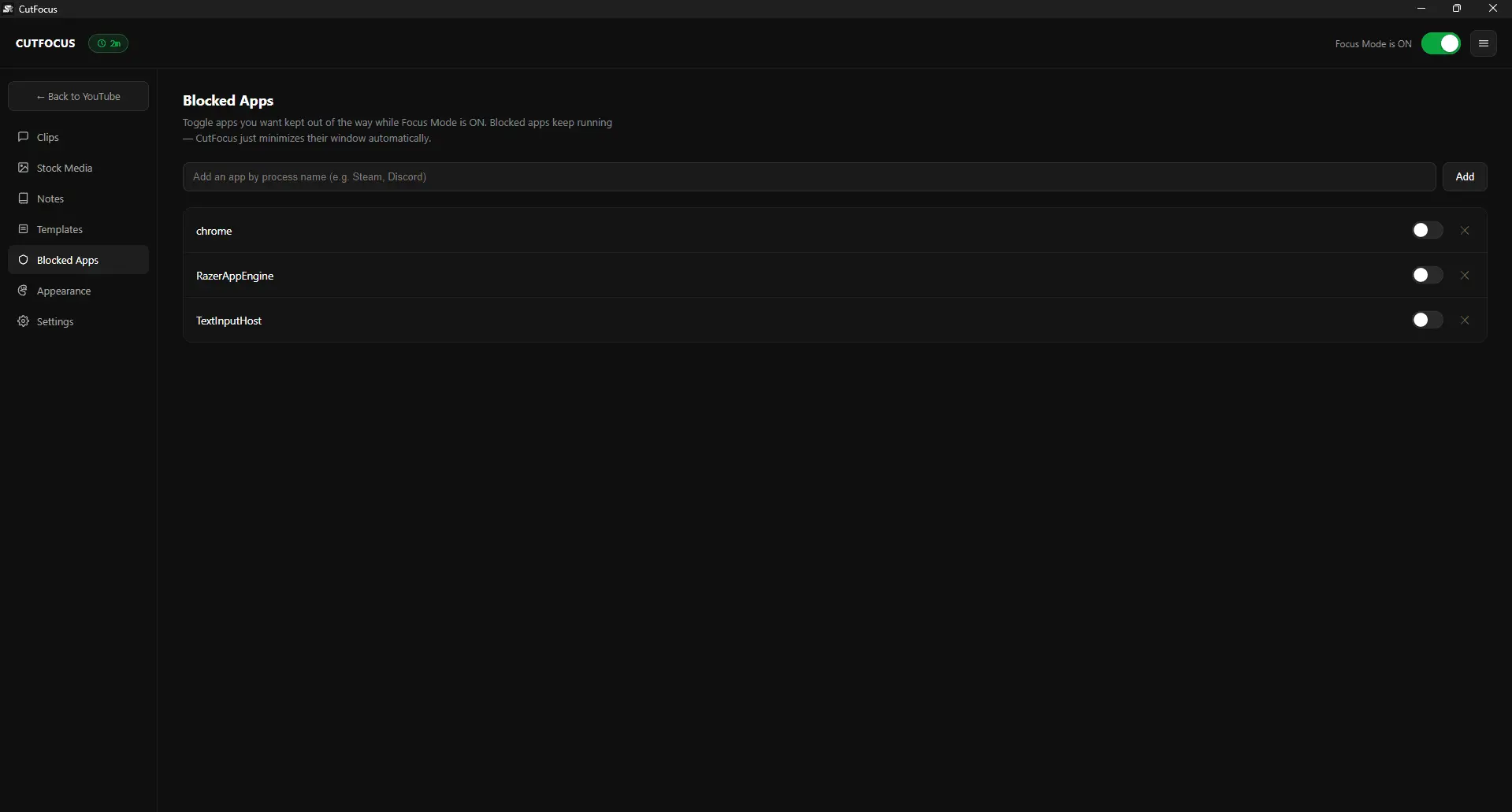
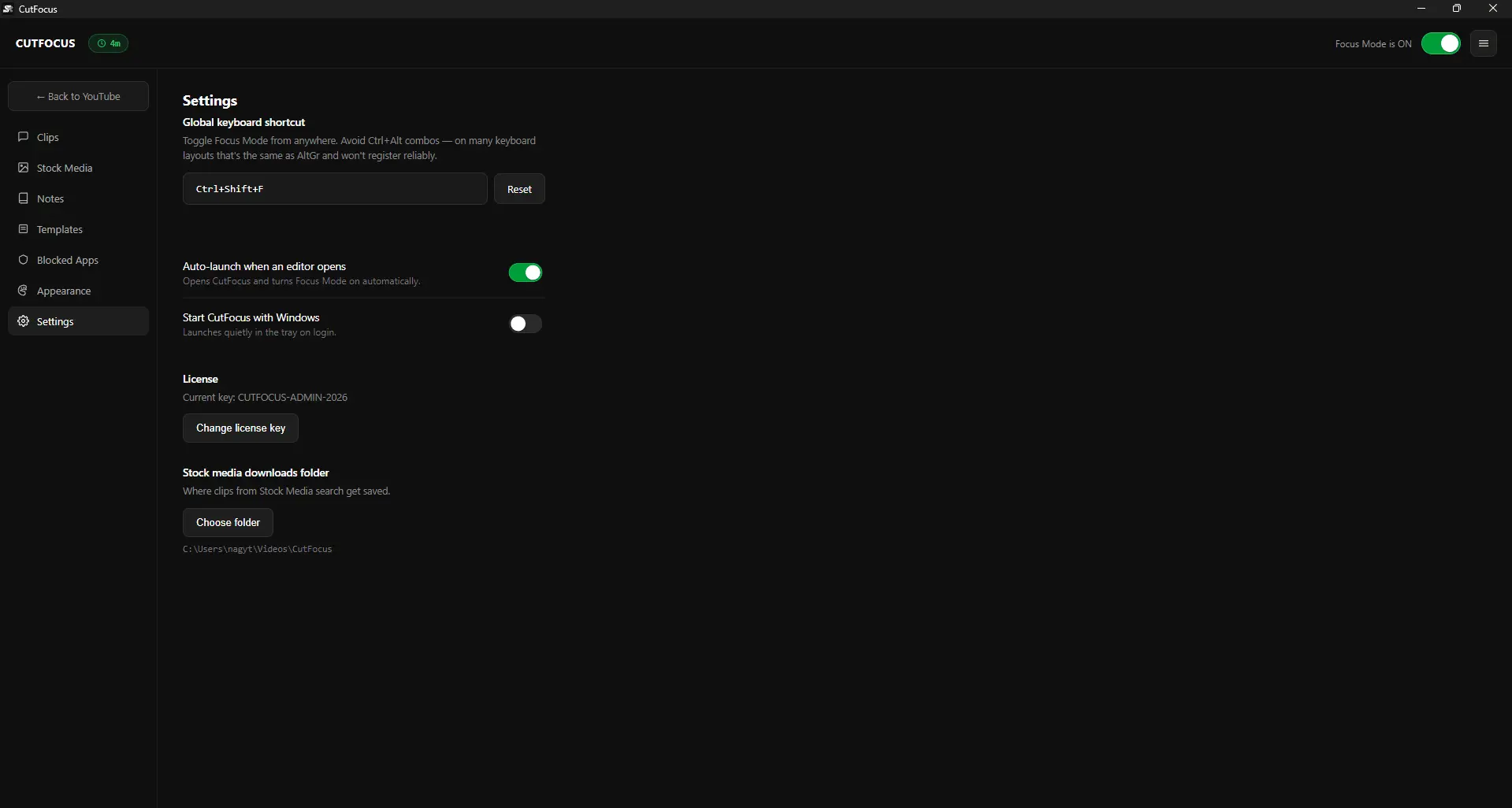
CutFocus is a small Windows app that strips YouTube's homepage feed, Shorts shelf, and suggested videos out of the page — search still works exactly like normal, you just lose the rabbit hole that turns a 5-minute reference check into 40 lost minutes. It auto-switches on the moment you open Premiere, DaVinci, CapCut, Vegas, or Final Cut, and off when you don't need it. Beyond that, it's got a few things that turned out to matter more than expected: an app blocker that minimizes other distracting windows instead of force-closing them, quick clip-saving with timestamps, per-project notes, reusable description templates, and a built-in search across Pexels and Pixabay for stock footage without tabbing out. Built by one editor who got tired of losing edit sessions to the platform he still needed for research. Free 7-day trial, then a one-time license, no subscription.
Screenshots
Reviews (1)
Average 5.0 out of 5
Based on 1 review

Very focused idea for video editors: strips YouTube's feed and Shorts only while editing apps are open, with clip timestamps, notes and stock search built in without tab hopping.
Comments (2)
Auto-switching the YouTube distraction filter on when Premiere or DaVinci opens is a clever trigger for editors. I like that the app blocker minimizes windows instead of force-closing them.
Hey guys! I built CutFocus because I kept losing edit sessions to YouTube's rabbit hole while just trying to find one reference clip. Real Windows app, would love your feedback!