
Daysift
Your instant shortcut to everything 'work'.
Details
- Follow on
- Target Audience
- Platforms
Discovery signals
How AI and people discover Daysift on PeerPush
- ChatGPT
- Perplexity
- Claude
- +4 other AI crawlers
Reads by these AI engines
Crawlers behind these engines read this listing on PeerPush.About Daysift
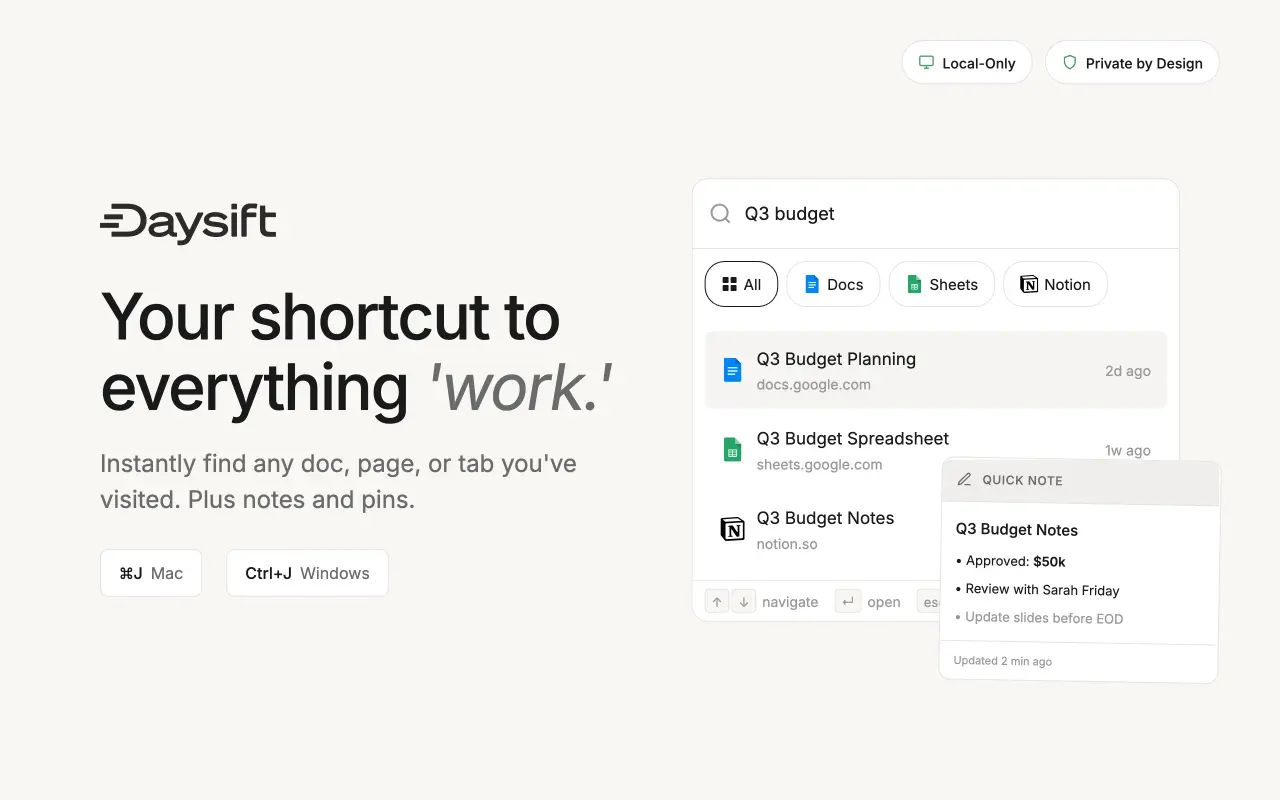
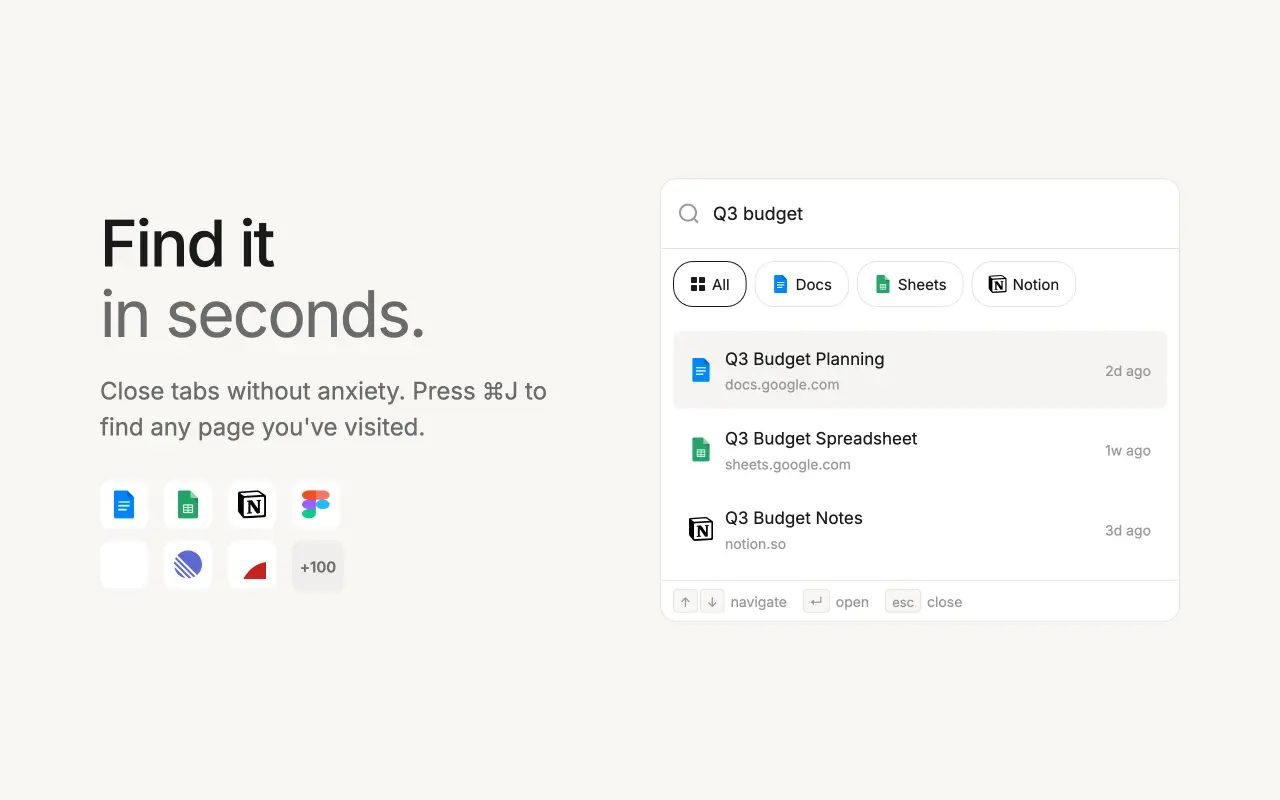
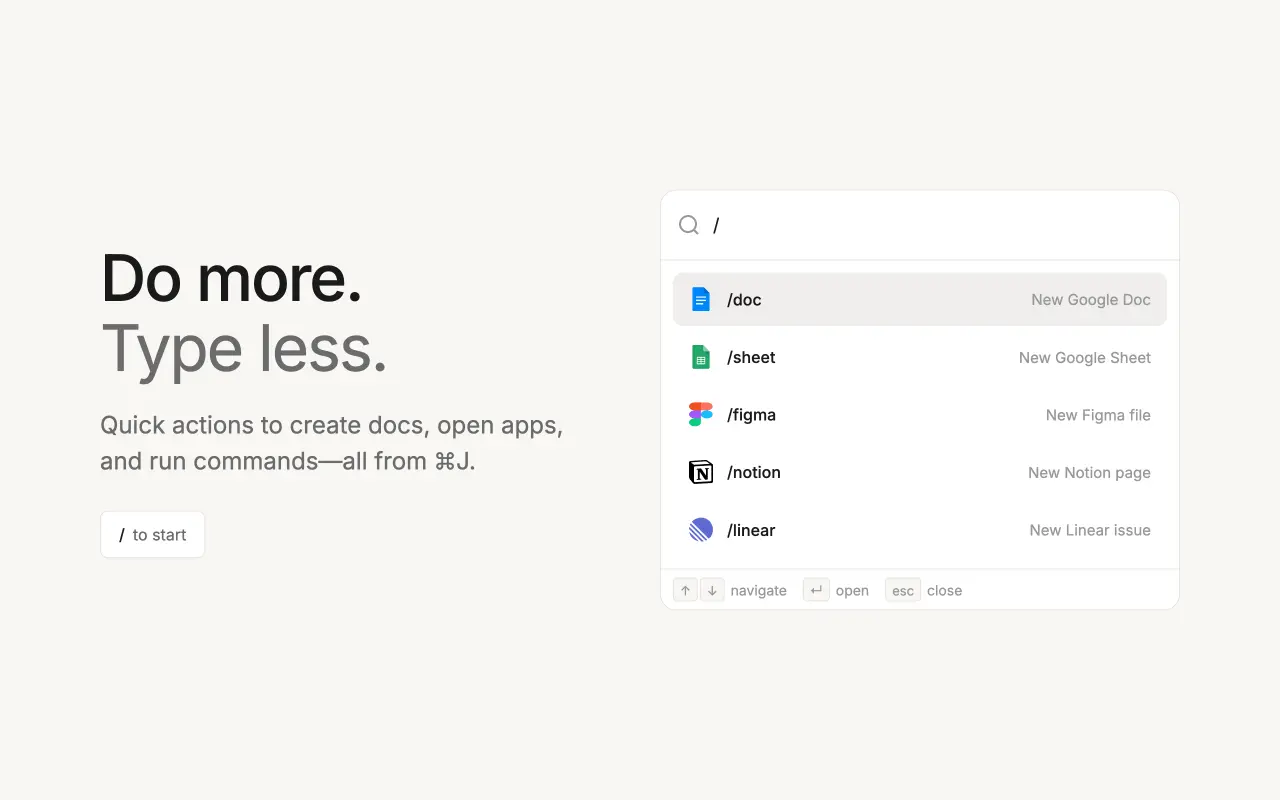
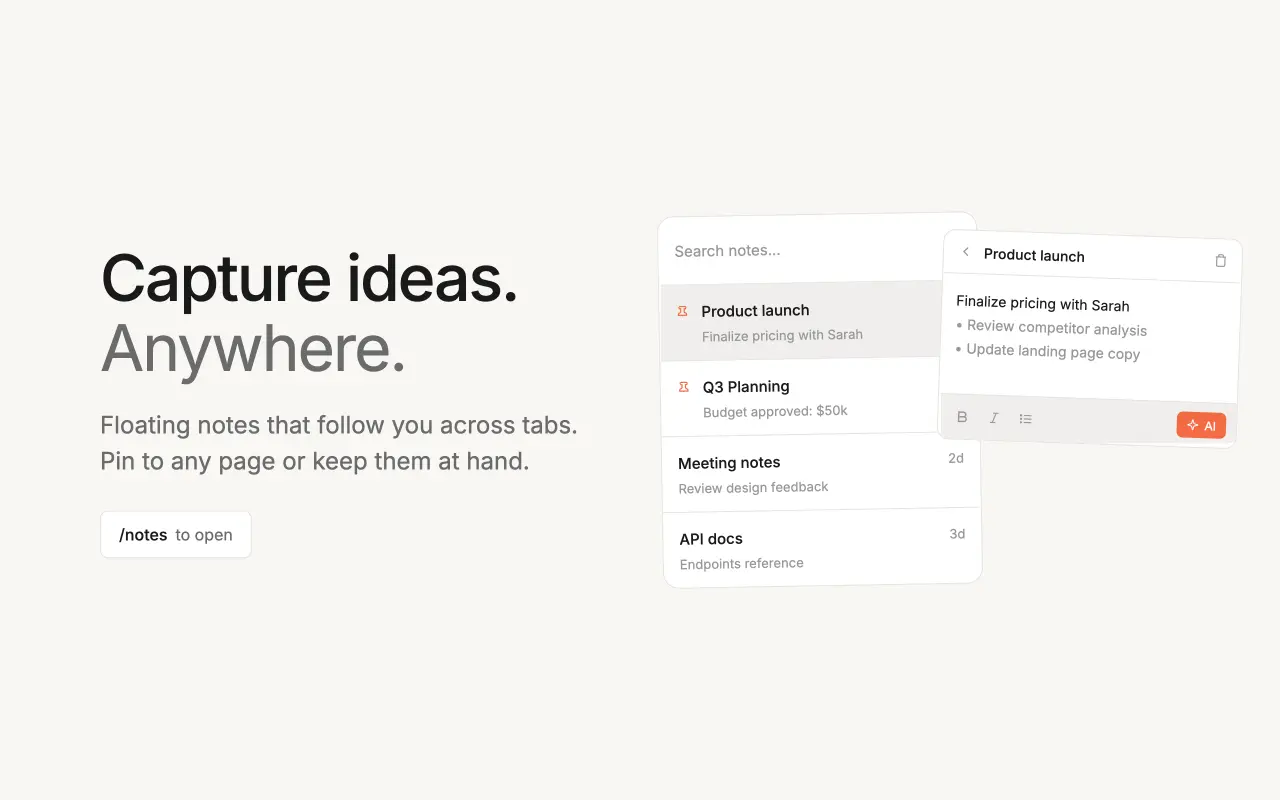
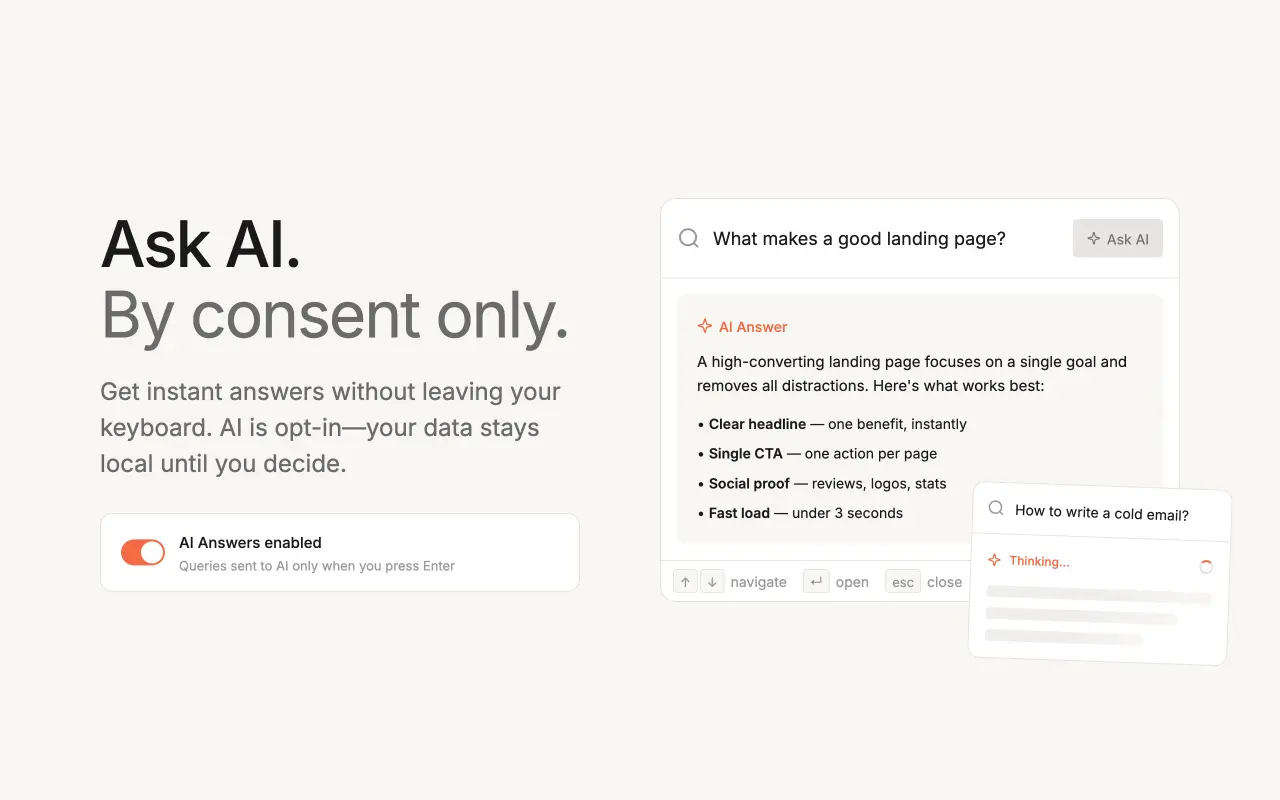
Daysift is a privacy-first browser productivity tool that helps you instantly find anything you’ve previously opened for work — without relying on bookmarks, folders, or memory. Press a single shortcut (⌘J / Ctrl+J) from anywhere in Chrome to search your work browsing history across tabs, documents, dashboards, tickets, articles, and tools. Results appear instantly using fuzzy matching, so you can recover pages even if you only remember a vague detail. Daysift is designed to focus on professional context, helping you resurface the information that matters for your job — not personal browsing or entertainment. It also includes a floating notes window for quick capture without losing context, plus optional AI features that can answer questions based on your work history. Everything runs locally on your device — no accounts, no servers, no tracking — and works offline by default. Key features • Instant search across work-related pages you’ve opened • Fuzzy matching for imperfect memory • Global keyboard shortcut (⌘J / Ctrl+J) • Floating notes that stay on top • Optional AI assistance • Fully local, private, and offline-capable Daysift is built for knowledge workers, founders, researchers, and anyone who constantly loses track of important documents, dashboards, or tabs during the workday — turning your browser into a fast, searchable work memory.
Screenshots
Reviews (0)
No reviews yet. Be the first to rate this product!
Comments (0)
No comments yet. Be the first to share your thoughts!