
DD Photos
A self-hosted photo gallery that deploys with Docker

Details
- Follow on
- Target Audience
- Pricing
- Free
- Platforms
- Featured in
Discovery signals
How AI and people discover DD Photos on PeerPush
- ChatGPT
- Perplexity
- Claude
- +3 other AI crawlers
Reads by these AI engines
Crawlers behind these engines read this listing on PeerPush.About DD Photos
DD Photos helps you manage your memories your way. It is a self-hosted photo album solution that you can deploy in minutes using Docker, ensuring you have no subscriptions and no platform lock-in. You can host your own sample albums and maintain full control over your digital photography collection.
Screenshots
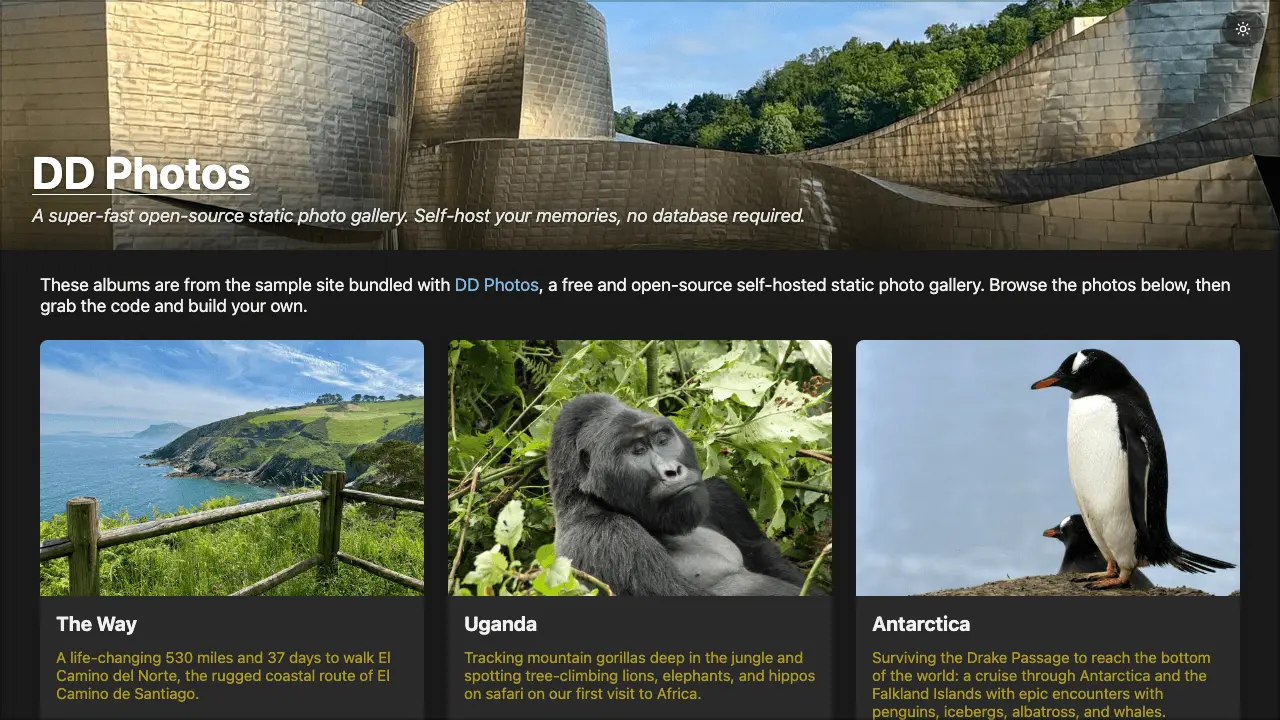
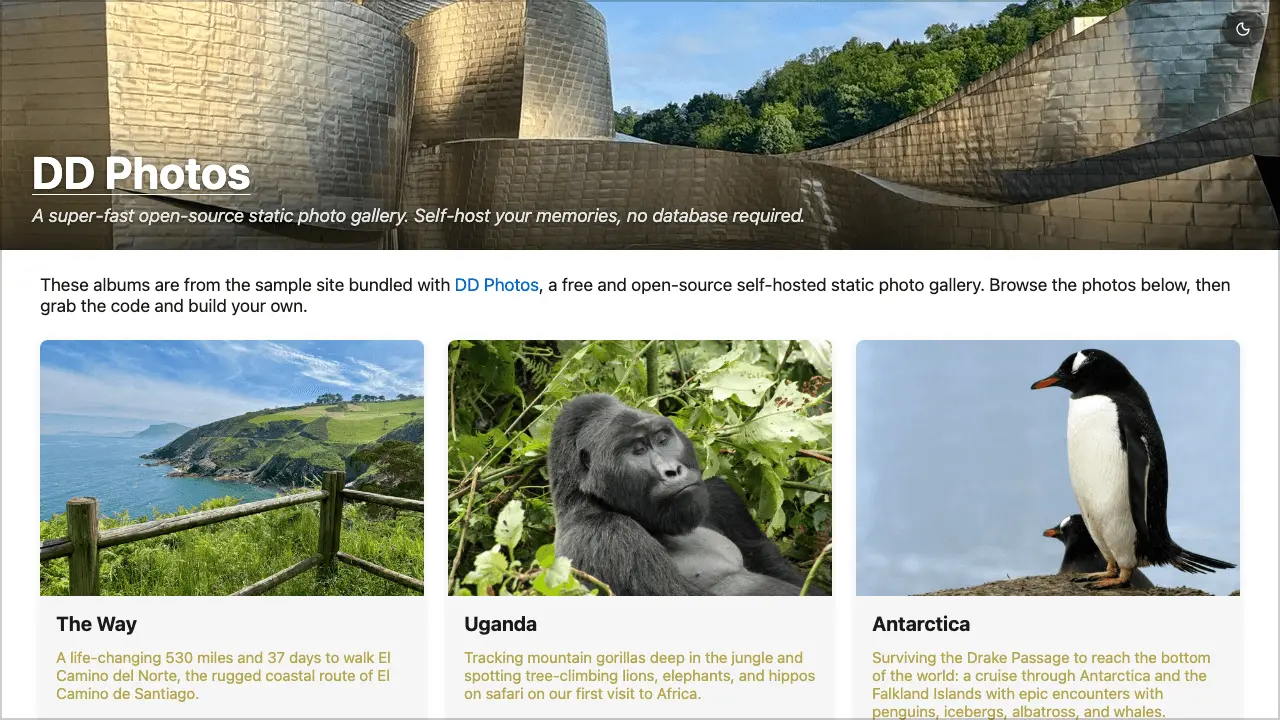
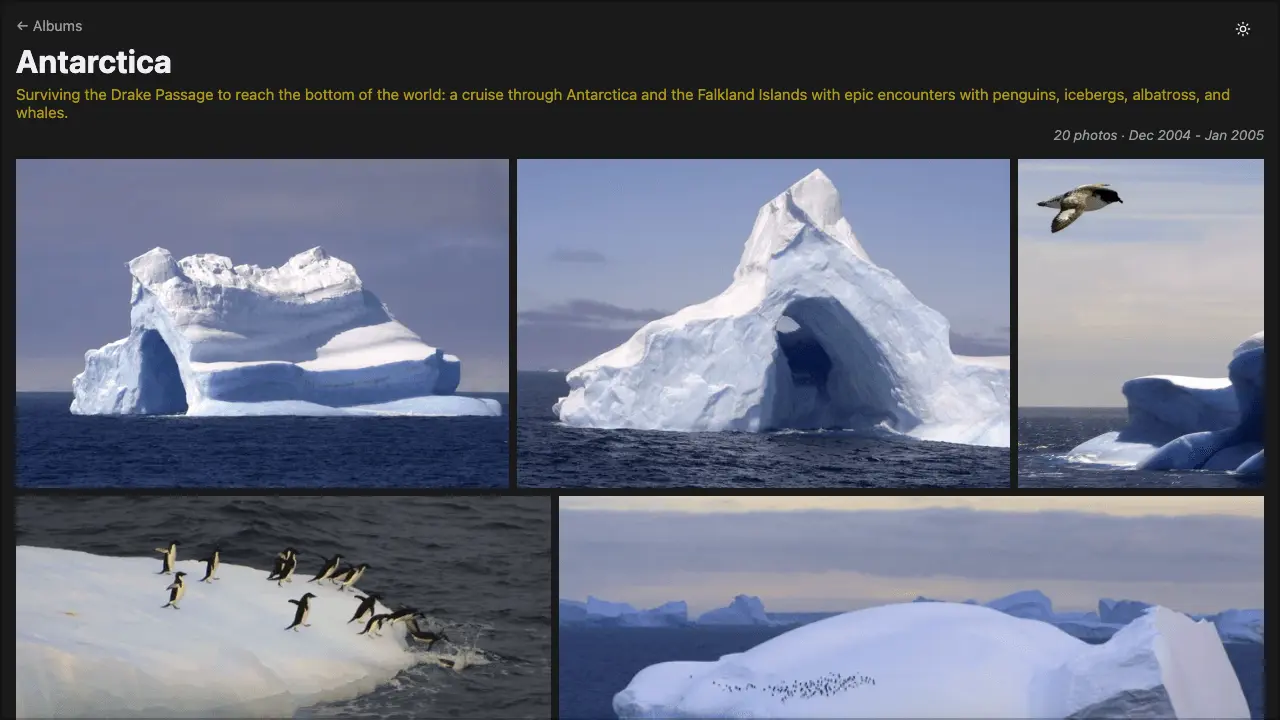
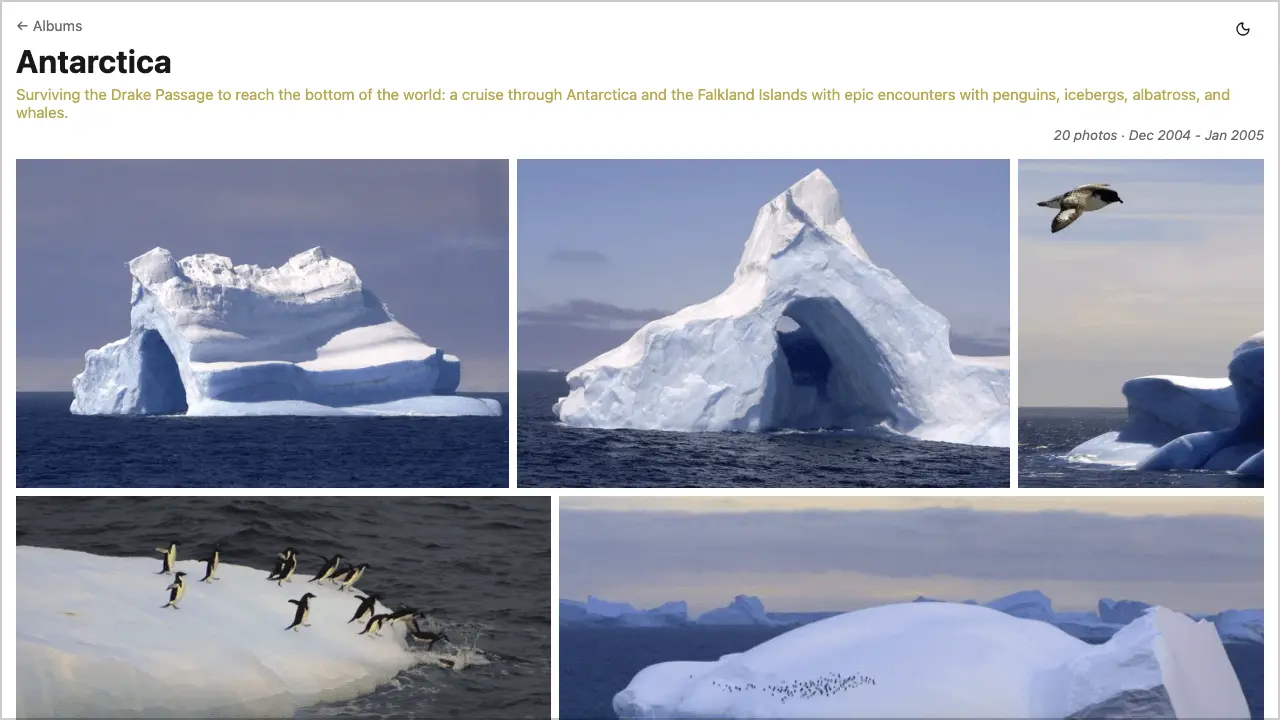
Product Updates (2)
DD Photos now has Immich integration
DD Photos can now sync albums directly from the popular Immich photo management platform. See https://github.com/dougdonohoe/ddphotos-app/blob/main/docs/IMMICH.md for details.
Comments (0)
No comments yet. Be the first to share your thoughts!
Version 1.25 released
We bundle 'wrangler' (Cloudflare pages) and 'surge' for easy publishing - all one needs is Docker. See https://github.com/dougdonohoe/ddphotos
Comments (0)
No comments yet. Be the first to share your thoughts!
Reviews (2)
Average 5.0 out of 5
Based on 2 reviews

I host over 30 personal albums and the photos load in seconds - no distractions, just the photos! Looks great on desktop and mobile.

This looks really promising. Best of luck with the rest of your roll out
this product looks really good
Comments (2)
For photographers hosting 30+ albums, does it support album organization (nested folders, tags), or is it flat structure only?
@ashishdurgude - An album in DD Photos is all photos underneath a given folder. You can choose to just include photos directly in that folder, or you can set "recurse=true" in the albums.yaml file and it will include all photos in sub-dirs
The primary idea is that you organize photos somewhere else (I use Lightroom Classic). In there I can tag, rate, etc., but when I have a group of photos I want to publish, I export to a single folder and point DD Photos at it.
Frustration with sharing photos with friends and family led to the creation of this project. Instead of waiting 25+ seconds for an iCloud shared album to load, a DD Photos site loads in seconds.