
DisplaySwitcher
Switch monitor inputs and transfer text and files

Details
- Categories
- Use Cases
- Target Audience
- Pricing
- Subscription from $5.95
- Platforms
Discovery signals
How AI and people discover DisplaySwitcher on PeerPush
About DisplaySwitcher
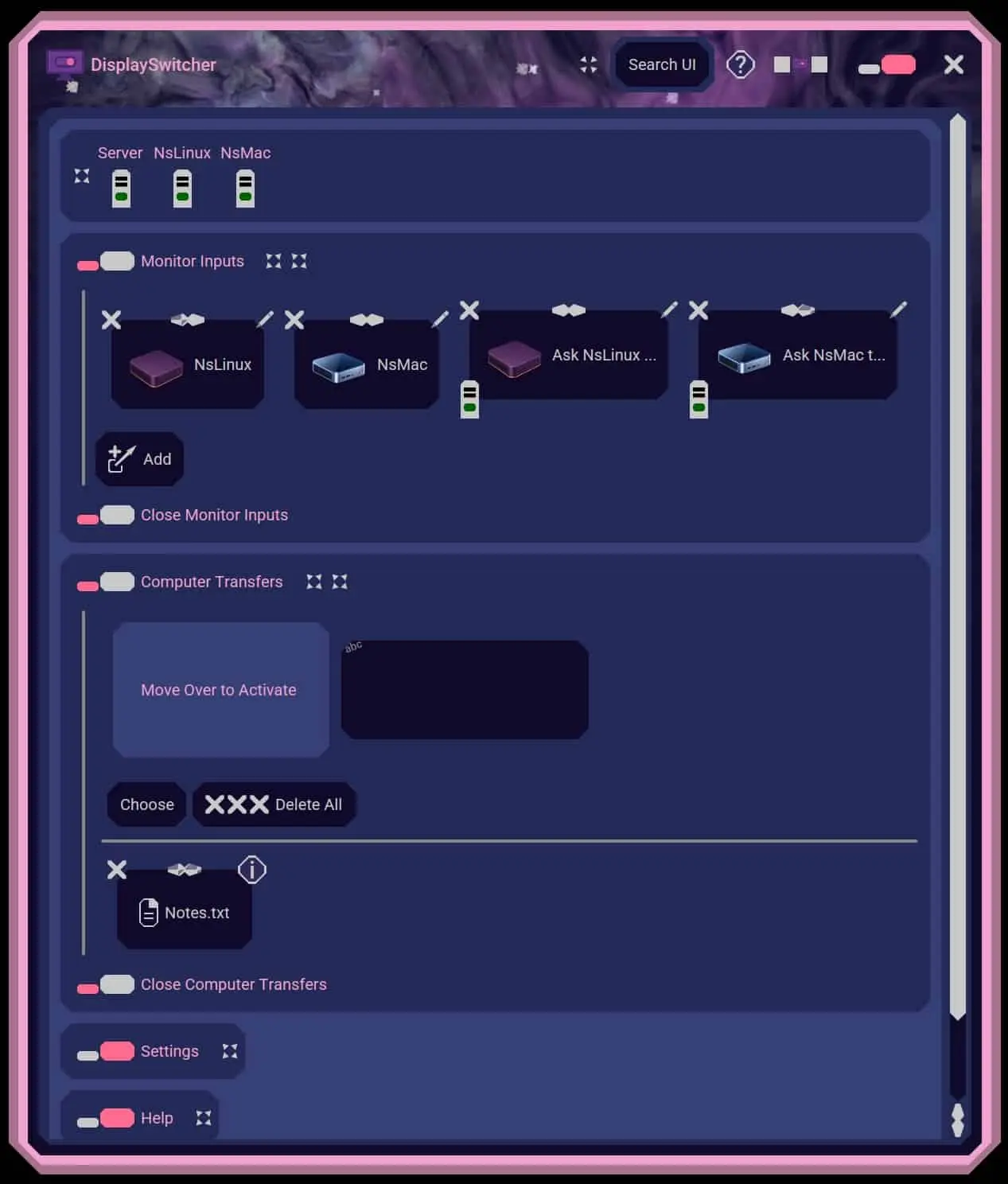
DisplaySwitcher, developed by Nebula Software, is a desktop application for Linux, macOS, and Windows that combines monitor input switching with text and file transfers between computers. Switch a monitor’s video input with a software button instead of reaching for its physical controls. If one computer cannot switch the monitor directly, another connected computer capable of switching it can perform the action. Transfer text and files between computers using cut-and-paste, drag-and-drop, or file browsing, including across different operating systems. No network or firewall configuration is necessary. DisplaySwitcher is designed for developers, IT professionals, and home office users working with multiple computers. It costs $5.95 per month and includes a one-month free trial. Use one monitor with multiple computers—for example, a work laptop and a personal desktop, or a combination of Linux, macOS, and Windows computers. Switch between them without reaching behind the monitor, and move text and files between their separate operating systems from the same application. DisplaySwitcher combines two everyday tasks in one place: choosing which computer appears on your monitor and transferring information between computers. Its server-assisted transfers require no network or firewall configuration, while switching through another connected computer provides an option when one computer cannot control the monitor directly. Expandable help sections, linked documentation, video tutorials, and a Search UI feature help users find controls and learn the application.
Product Video
Watch a video demo of DisplaySwitcher.
Screenshots
Reviews (0)
No reviews yet. Be the first to rate this product!
Comments (0)
No comments yet. Be the first to share your thoughts!