
DualGuard Sync
One click from your TradingView drawing to MetaTrader 5

Details
Discovery signals
How AI and people discover DualGuard Sync on PeerPush
About DualGuard Sync
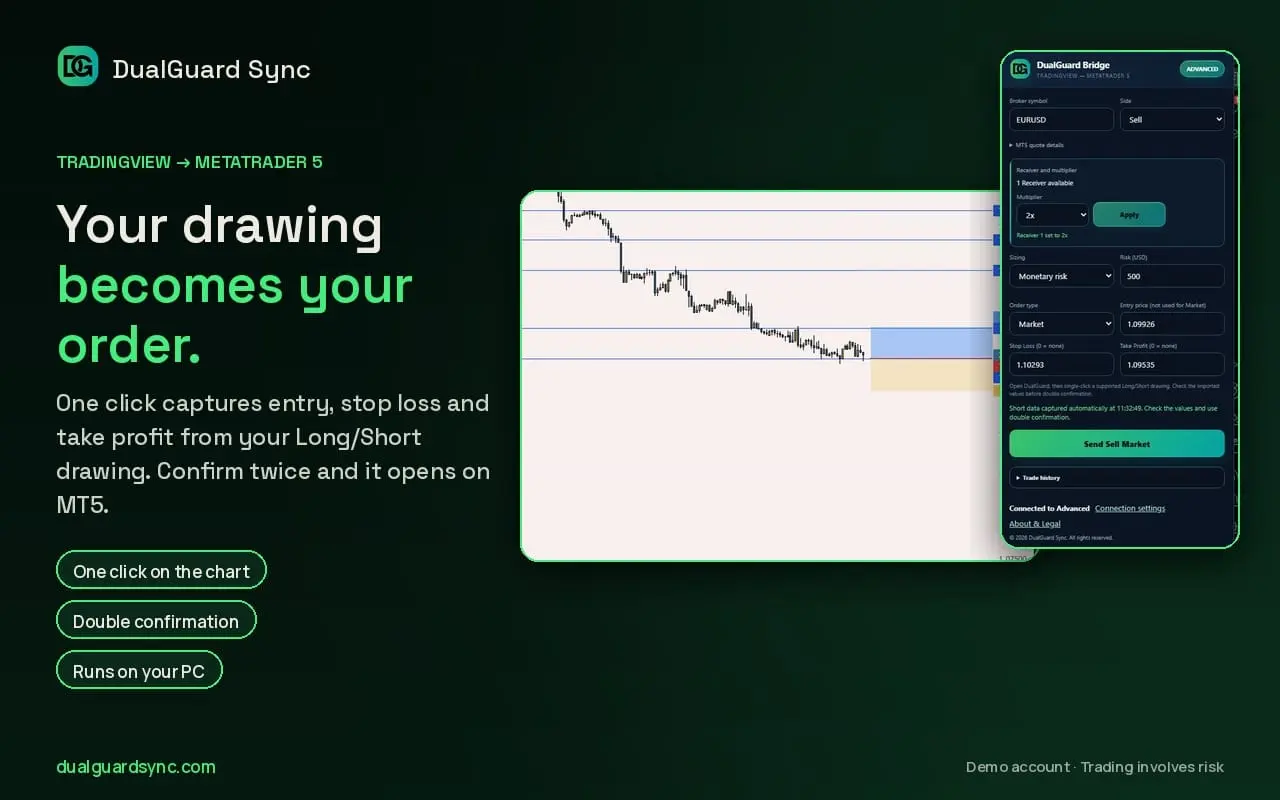
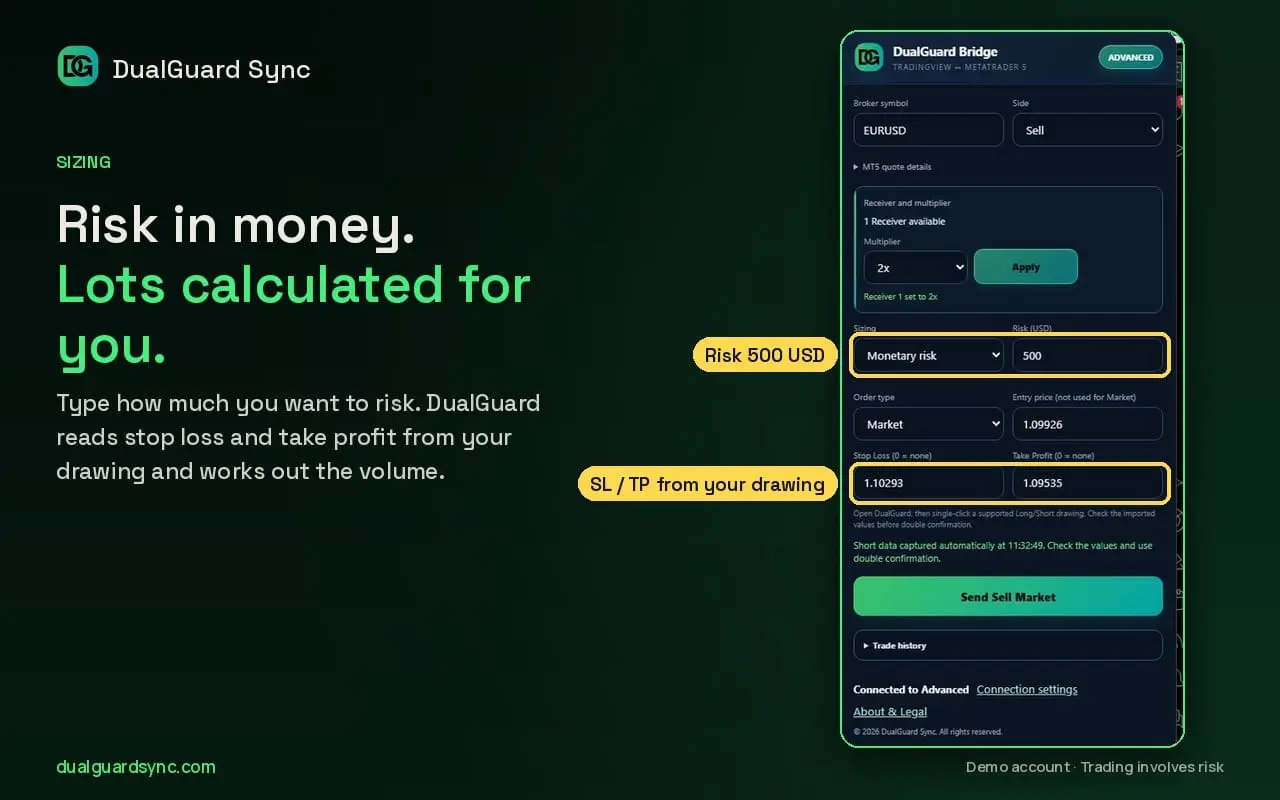
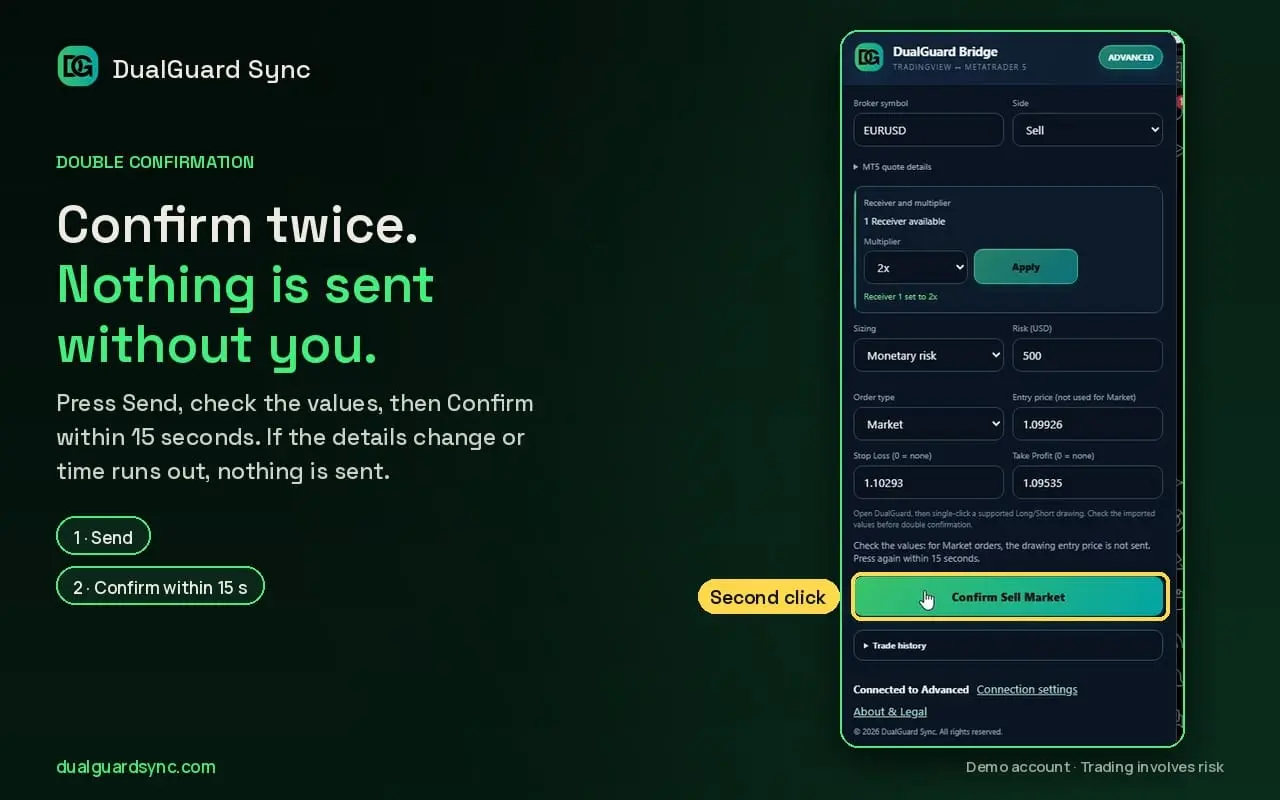
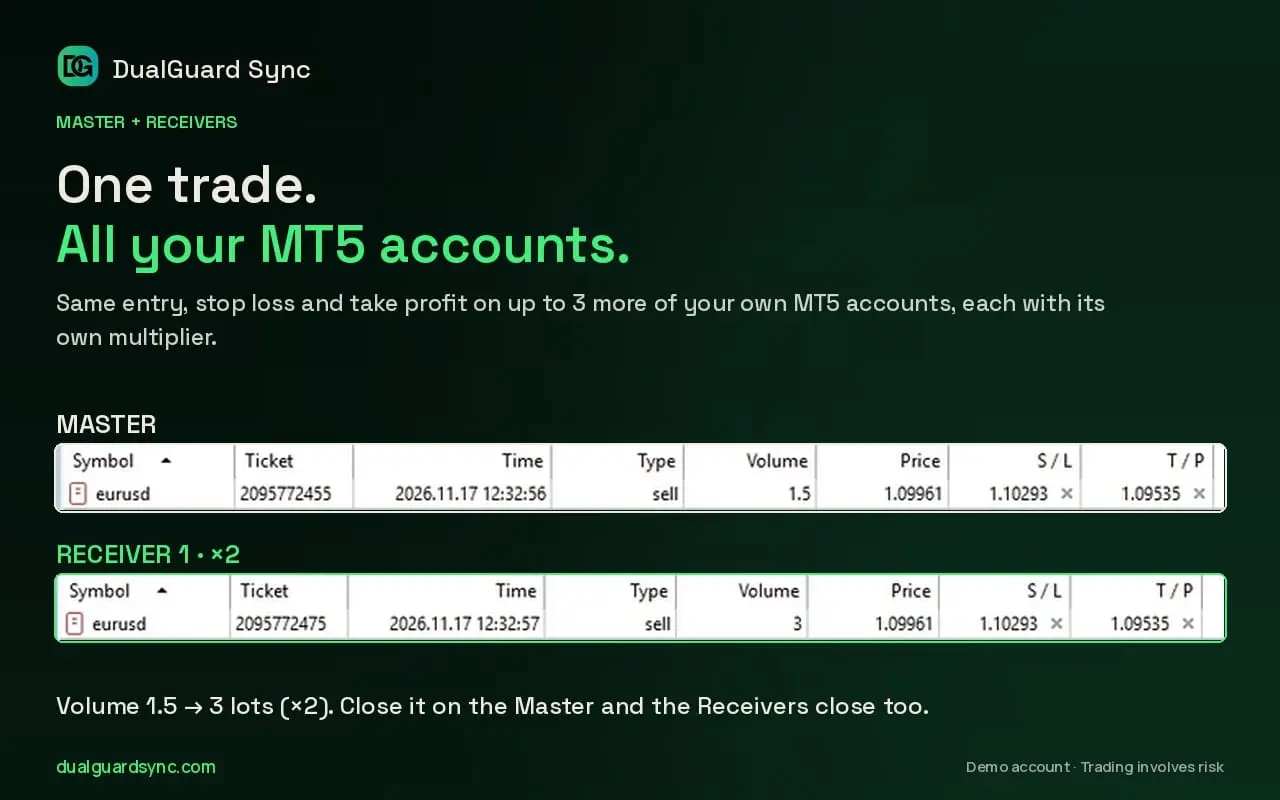
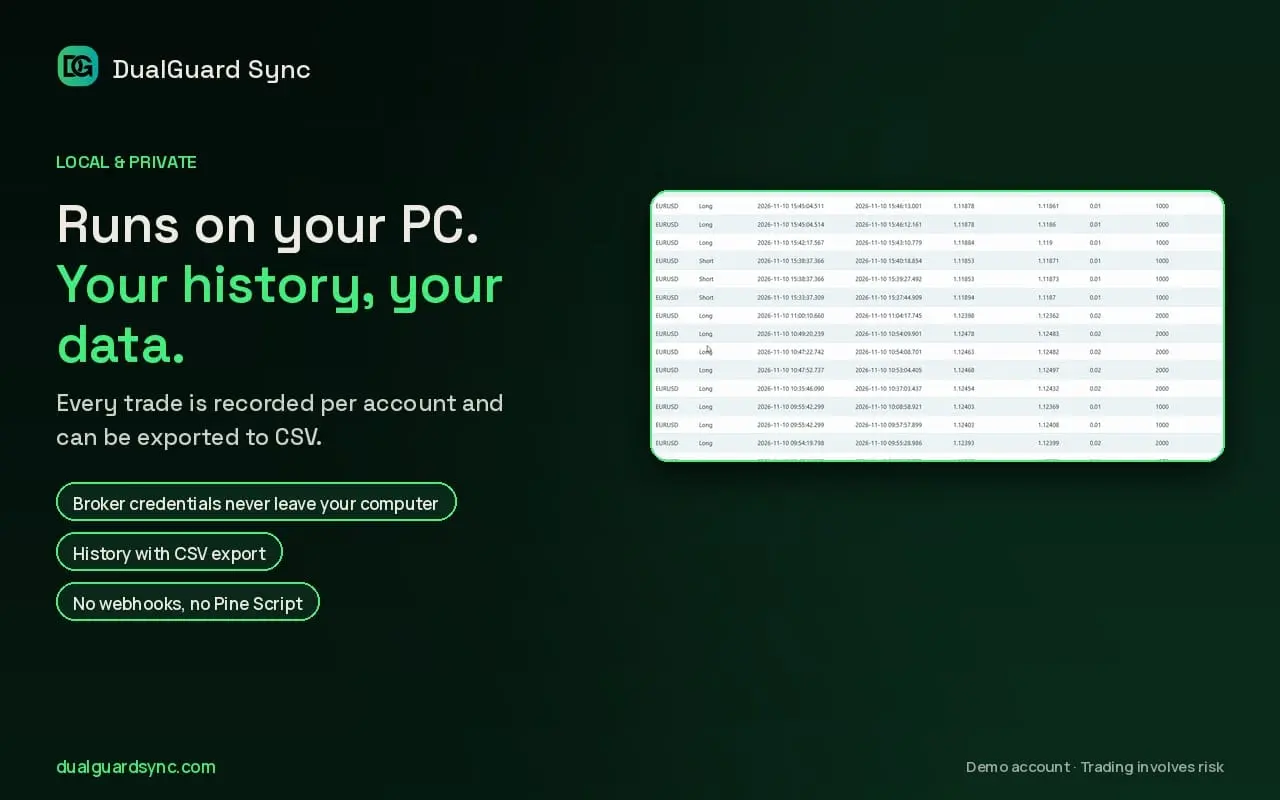
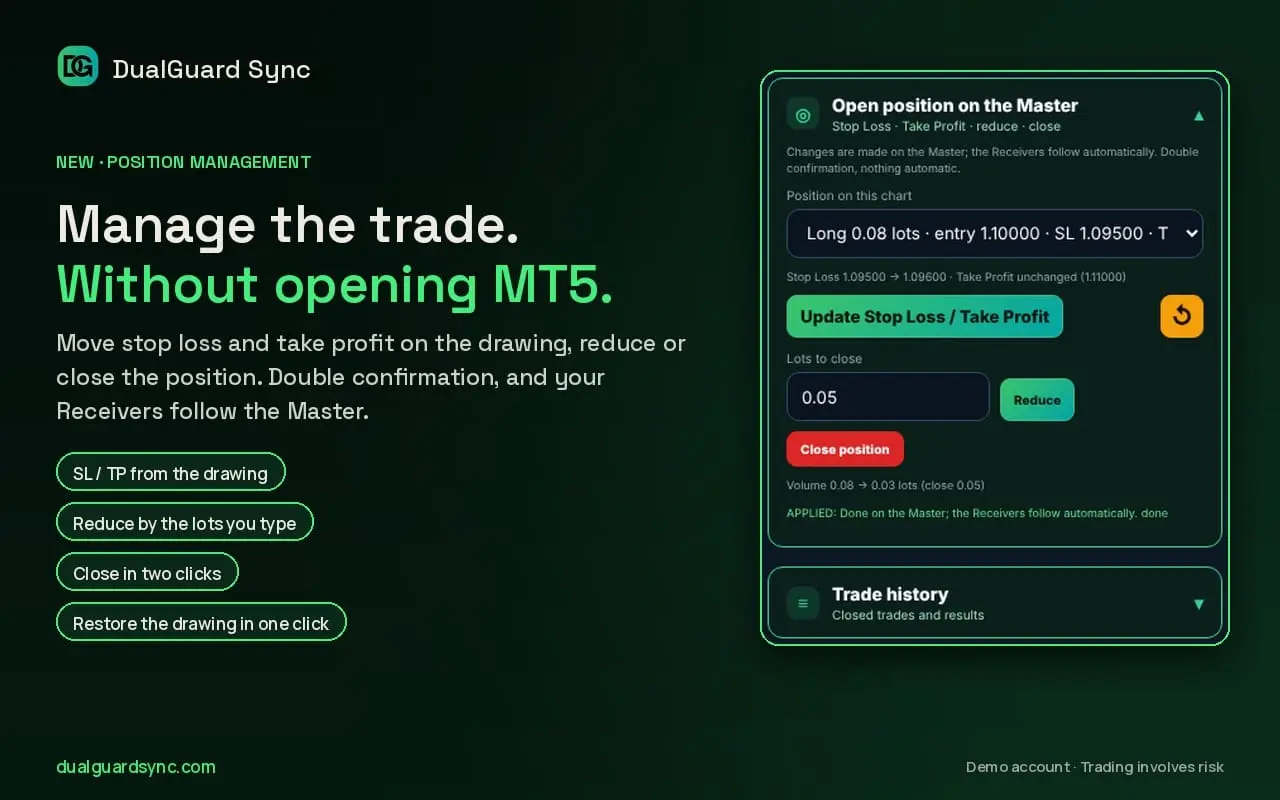
The problem: you plan your trade on TradingView, then you retype entry, stop loss, take profit and lot size into MetaTrader 5, often on several accounts. It is slow, and one typo can cost you. DualGuard Sync removes the retyping. Draw a Long or Short Position on TradingView and click it once: side, entry, stop loss and take profit are read from the drawing, and the lot size is calculated from the risk you set in money. Every order needs two confirmations before anything is sent to MT5. The same trade can be copied to up to three more of your own MT5 accounts, each with its own multiplier. Then you manage it from the chart: move stop loss and take profit, reduce or close the position on every account. Runs locally on your Windows PC: your broker passwords stay on your PC and are never sent to DualGuard. Works with Chrome, Edge and Firefox and with the free TradingView plan, no webhooks or Pine Script. Free 7-day Basic trial, no card required. Built in Switzerland. Not a broker, no signals or investment advice. Trading leveraged products involves a high risk of losing money.
Product Video
Watch a video demo of DualGuard Sync.
Screenshots
Reviews (0)
No reviews yet. Be the first to rate this product!
Comments (1)
Hi, I'm Nunzio, the founder. I built DualGuard Sync because I was tired of retyping TradingView trades into MT5. Two confirmations, passwords stay on your PC. Ask me anything!