
Exframe
Turn EXIF data into shareable photo frames

@opsinist


Details
- Categories
- Target Audience
- Pricing
- Free
Discovery signals
How AI and people discover Exframe on PeerPush
Category standing all-timeCategory standingWhere this product ranks by AI reads against every other product listed in its category.
Top 1%
By AI reads among Mobile Apps tools
11,703 AI reads since launch, ranked against every Mobile Apps tool listed.About Exframe
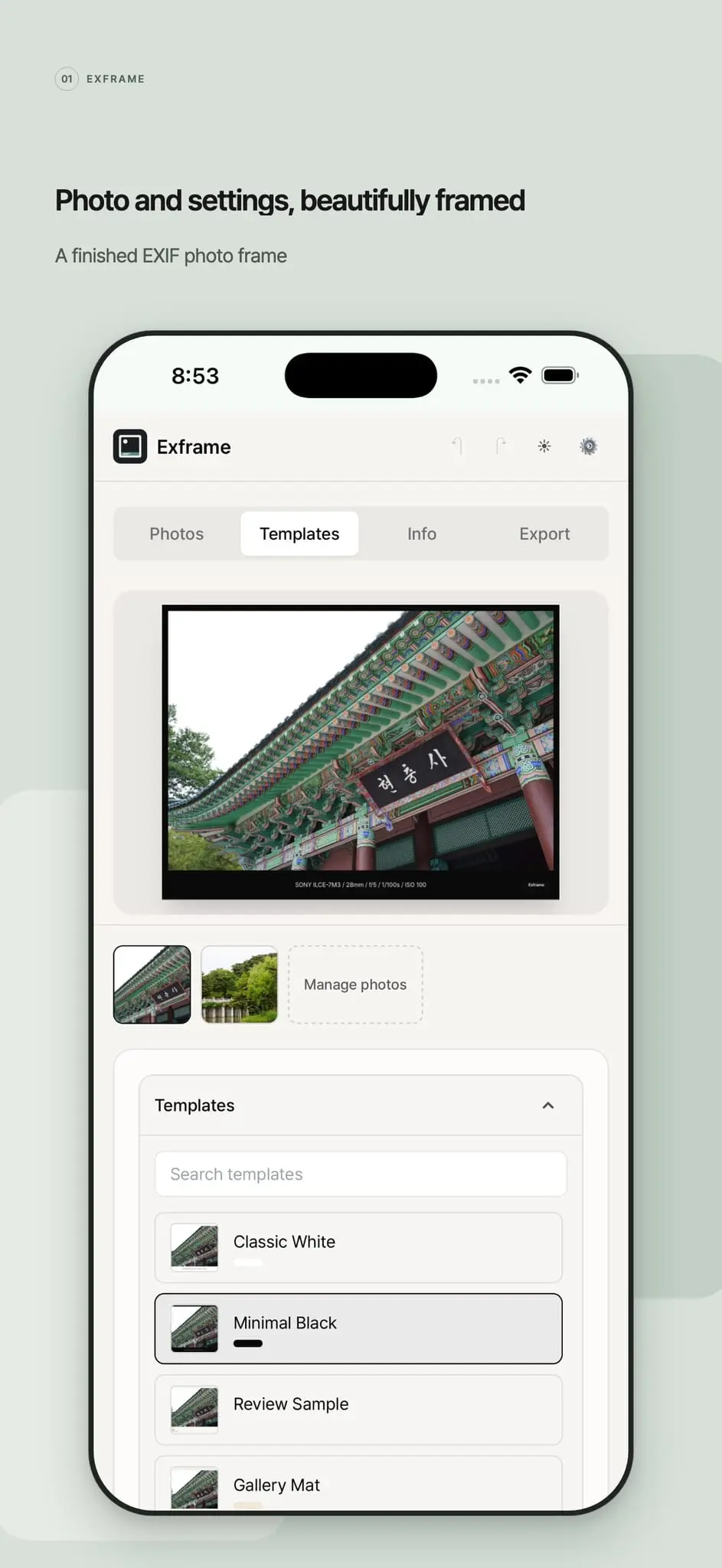
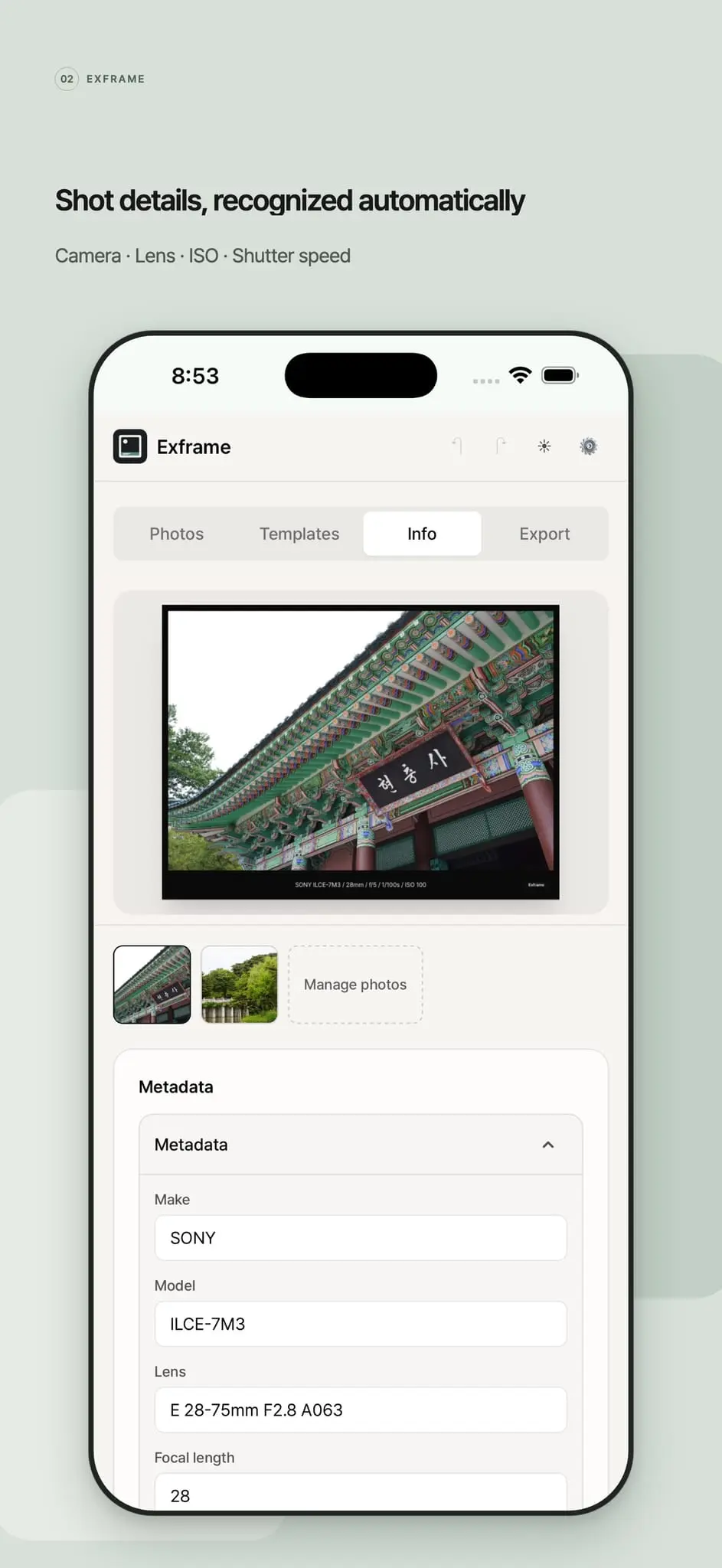
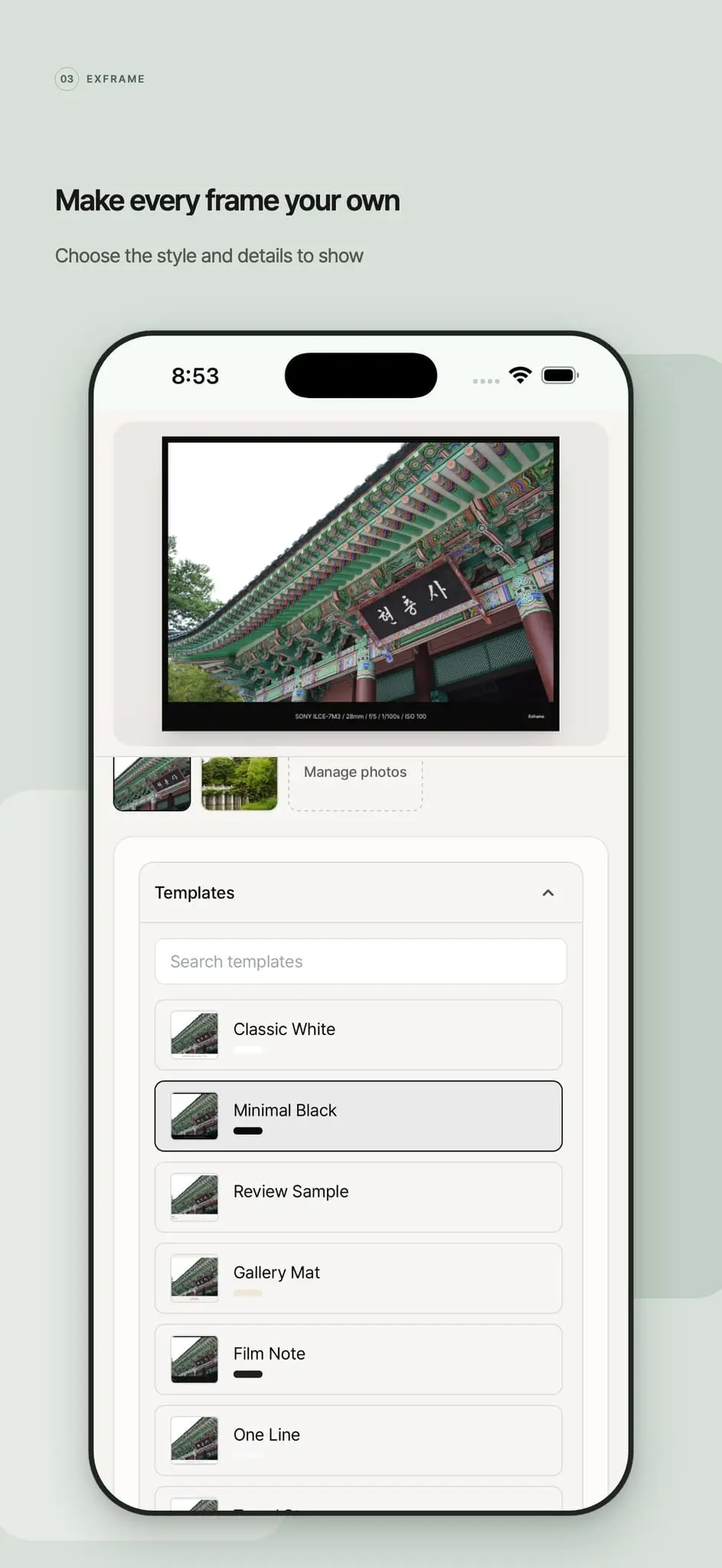
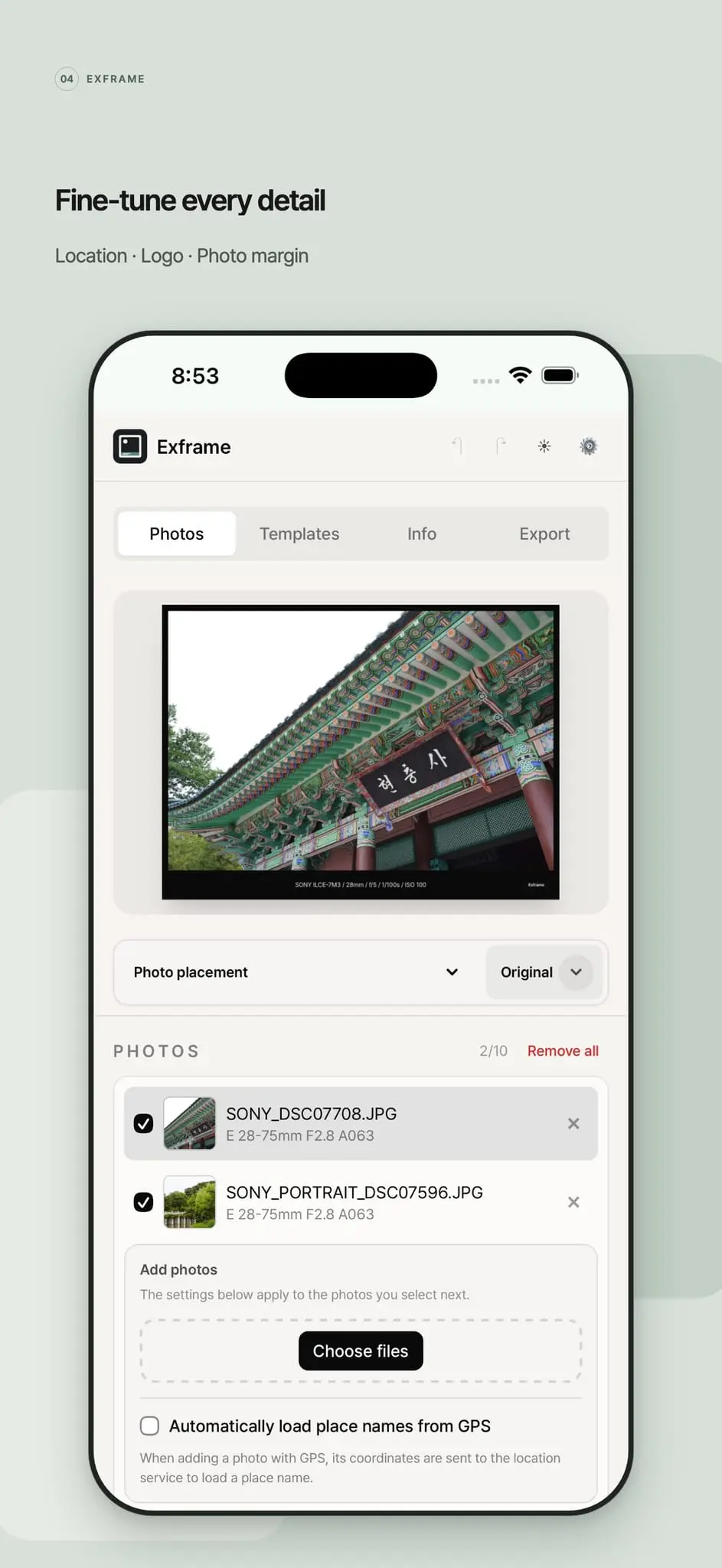
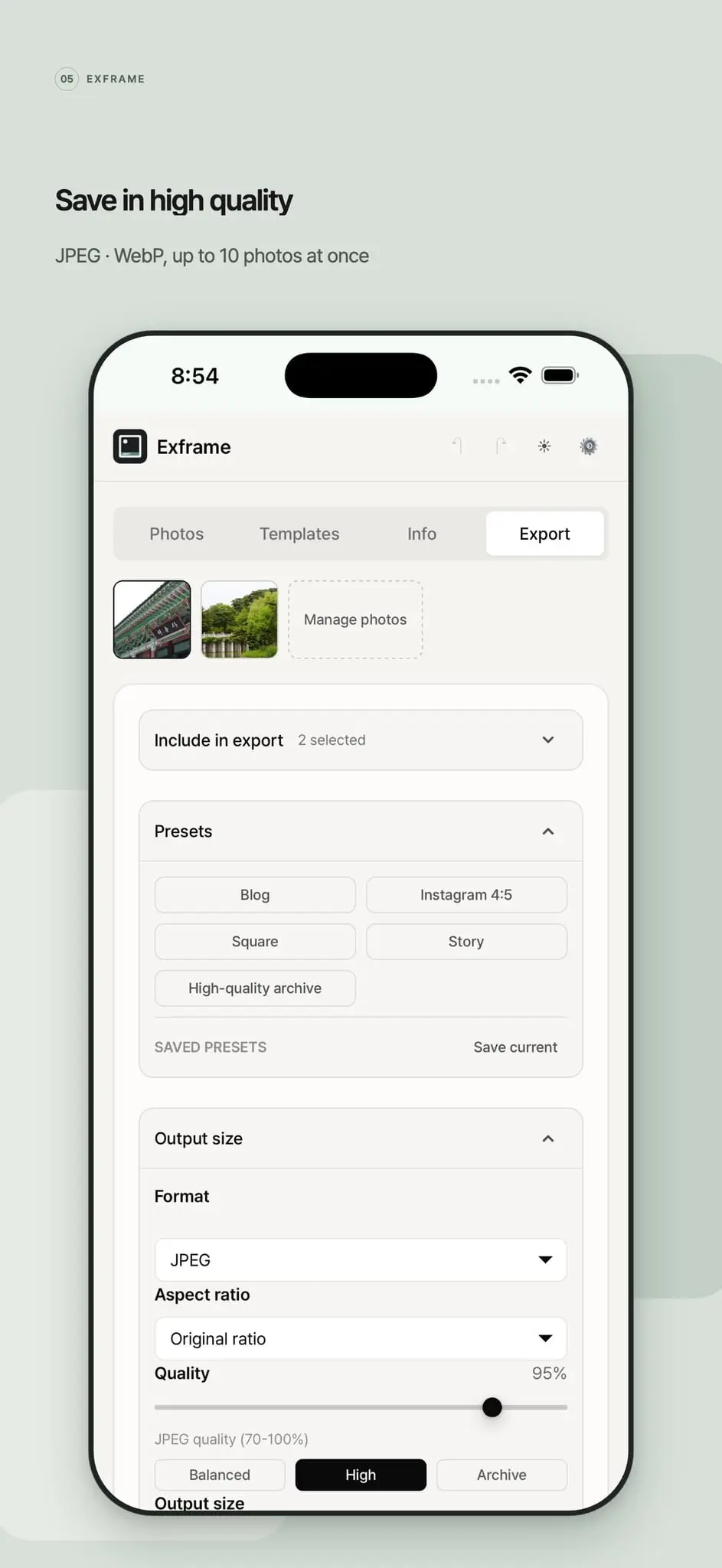
Exframe turns your photos into shareable frames that reveal the story behind every shot. Upload an image and it reads the embedded EXIF data—camera and lens, aperture, shutter speed, ISO, shooting date, and location—then displays it cleanly on the image. Download your finished frame as a JPEG or WebP in seconds. Free and simple to use, Exframe is made for photographers who want to share not just a photo, but how it was captured.
Screenshots
Reviews (0)
No reviews yet. Be the first to rate this product!
Comments (4)
The EXIF block sits in every file and almost nothing ever surfaces it. Printing the camera and the settings onto the frame itself turns a photo into something worth a second look, and it costs the photographer no extra work.
Exframe makes a photo's metadata easy to share without turning it into a spreadsheet. Reading camera, lens, and shooting details into a clean JPEG or WebP frame feels useful for photographers comparing how an image was made.
Showing the camera, lens and settings right on the image is a lovely way to share how a shot was made. Photographers usually get asked about their settings anyway, so this answers it before anyone asks.
Hi, I’m the developer of Exframe—a personal passion project. I built it to share the story behind my photos. It turns EXIF into shareable frames. Free on iOS and Android—I’d love feedback!