
FamPad
Calendar, chores and star rewards on your wall iPad or TV
Details
- Categories
- Target Audience
- Pricing
- Free
Discovery signals
How AI and people discover FamPad on PeerPush
- Perplexity
- Claude
- ChatGPT
- +3 other AI crawlers
Reads by these AI engines
Crawlers behind these engines read this listing on PeerPush.About FamPad
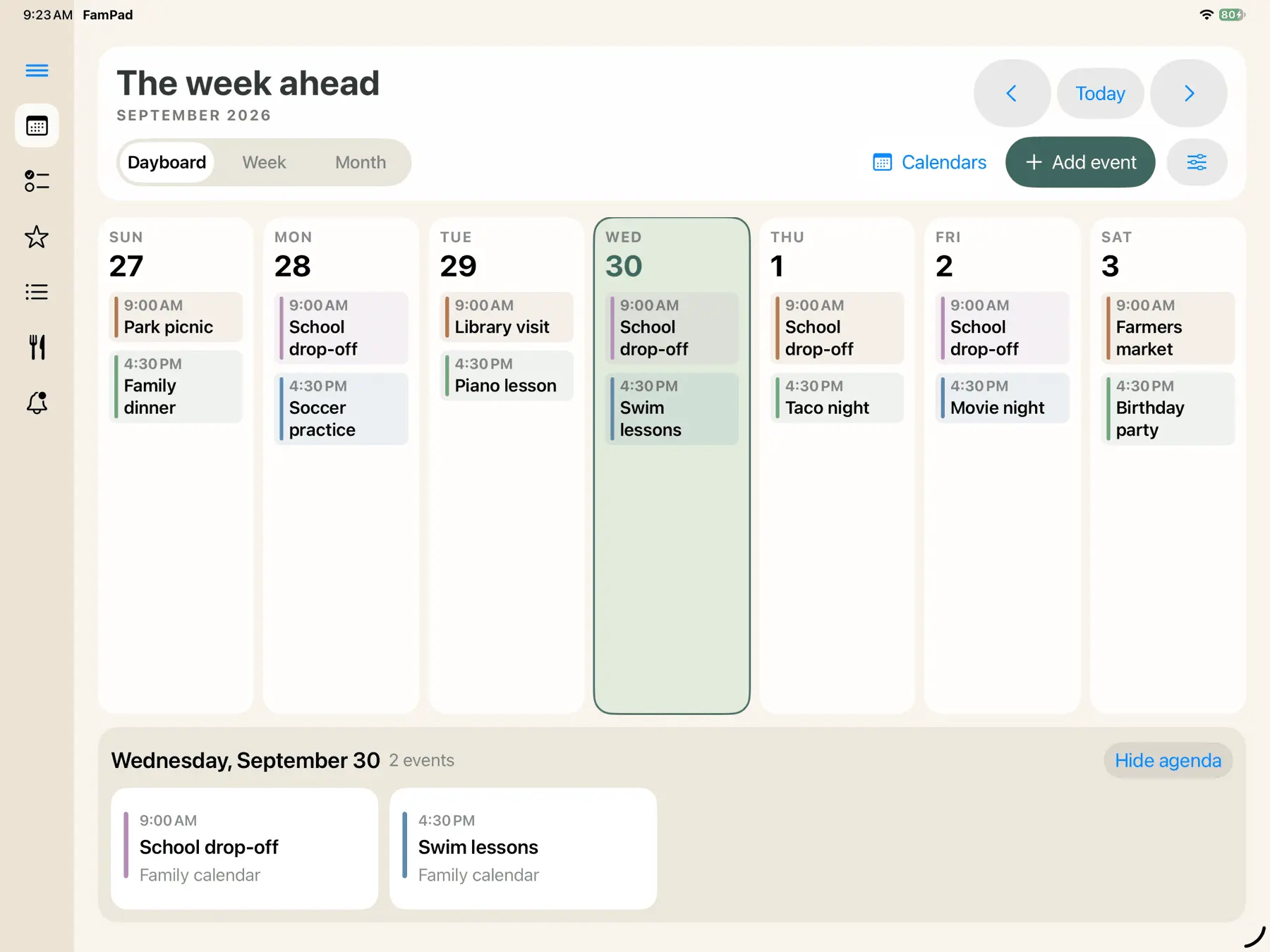
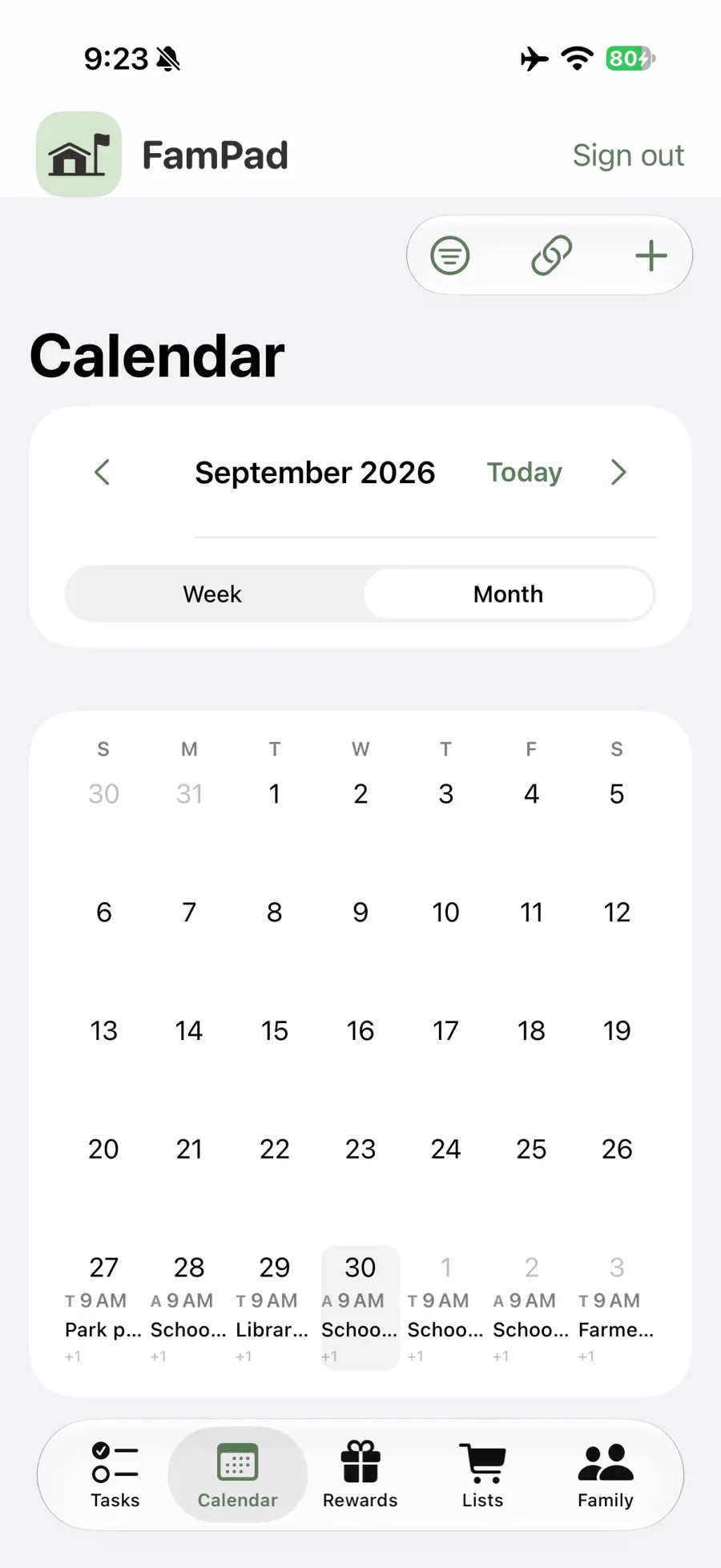
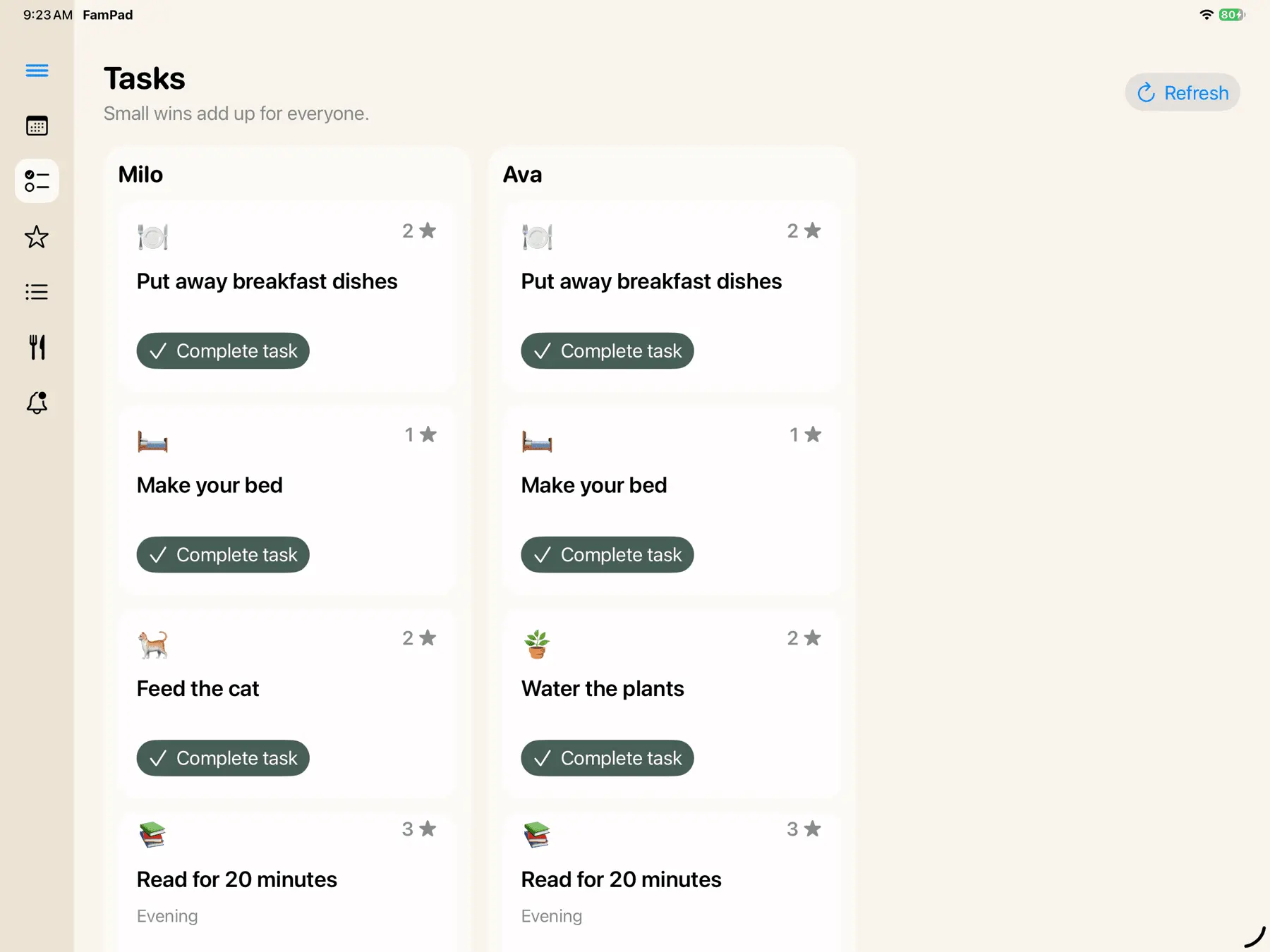
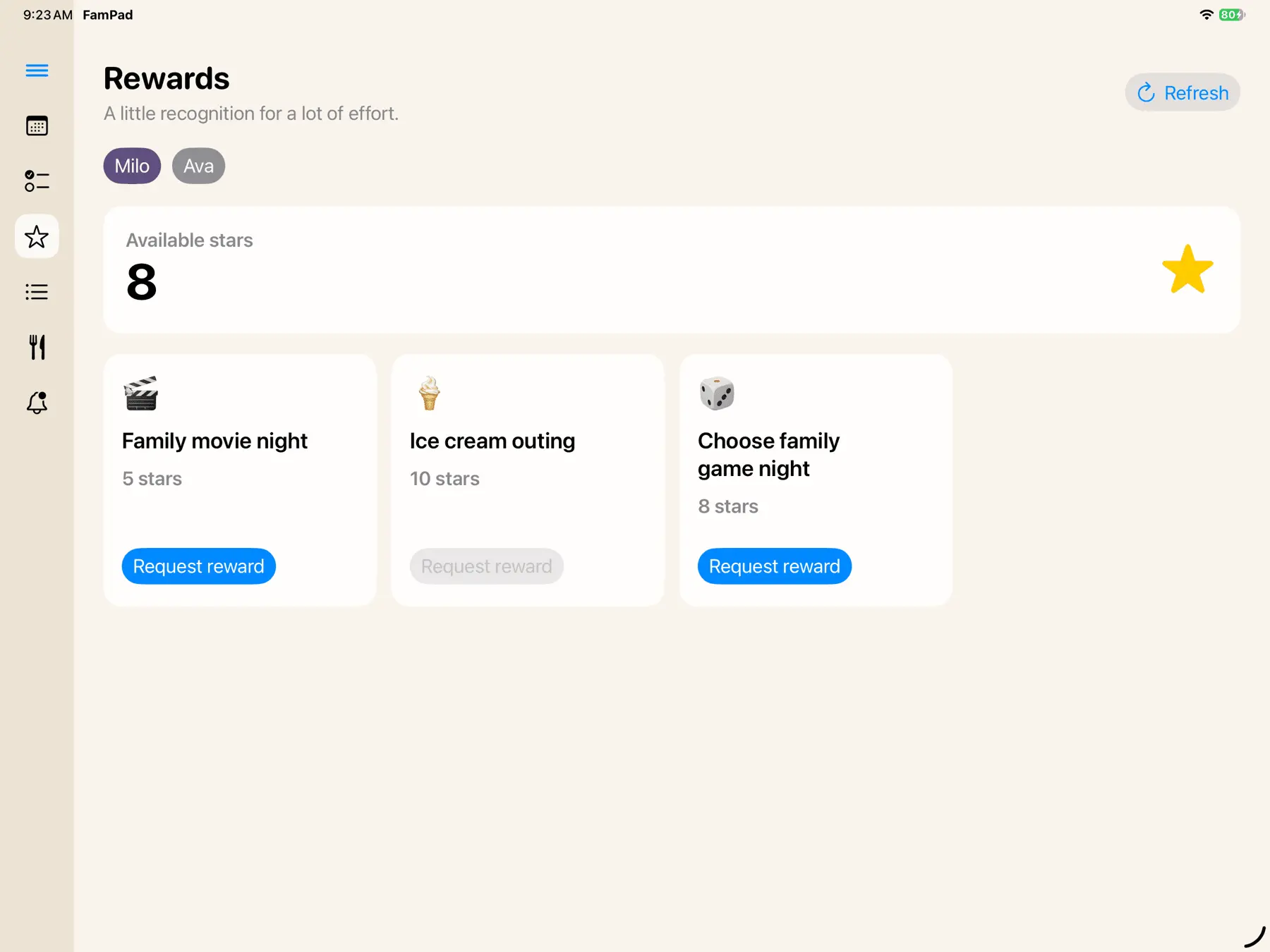
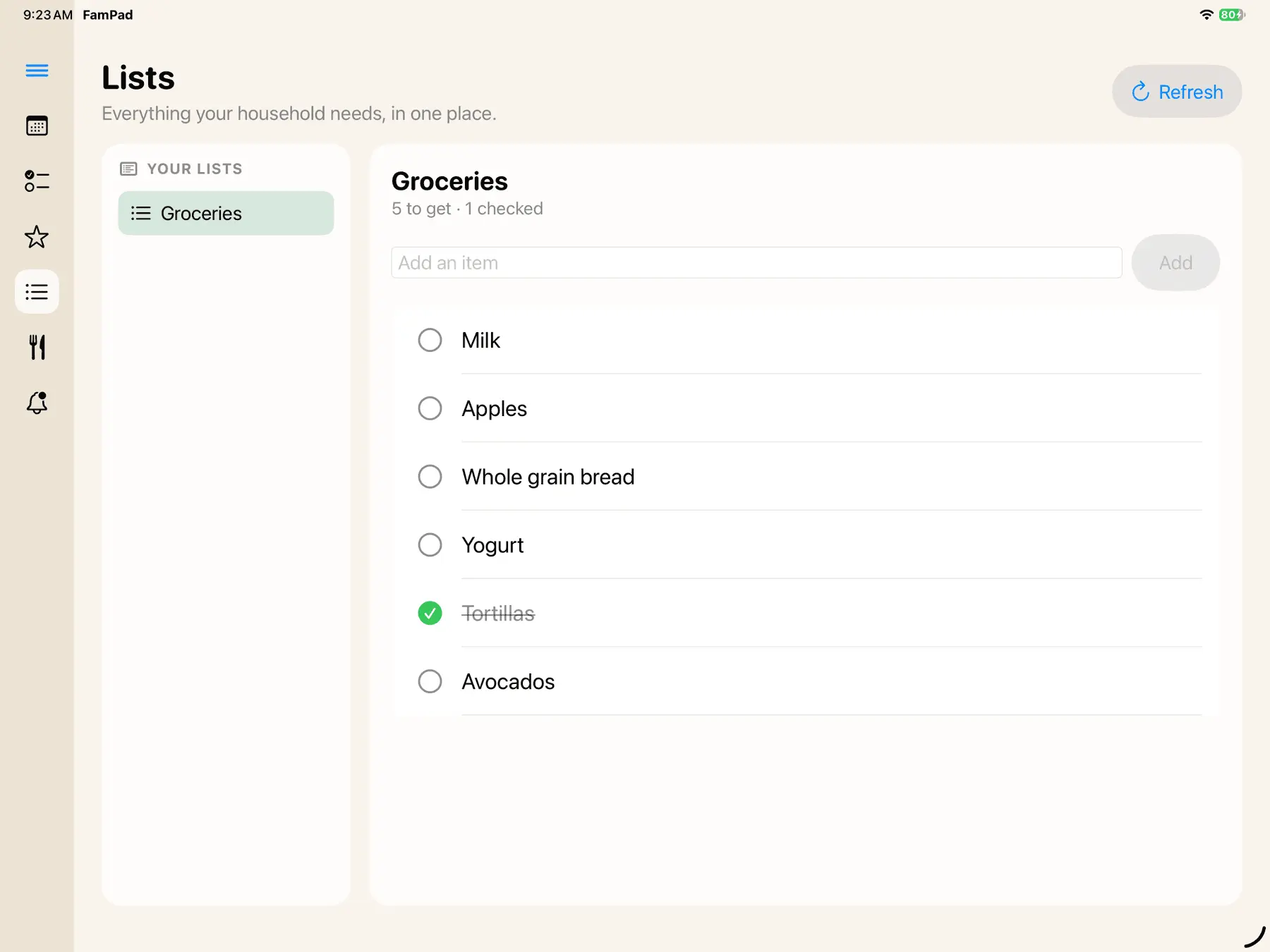
The week on your wall. The details on your phone. FamPad brings your family's calendar, chores, rewards, grocery lists, and meal planning together on the devices you already own. Keep a shared display at home and manage the household from your phone: - Shared Google Calendar view with day, week, and month layouts, plus a dayboard that highlights upcoming plans. Read-only calendar feeds (ICS links) work too. - Chores and morning, afternoon, and evening routines assigned to each family member. Kids tap to complete tasks and earn stars. - Rewards your family chooses. Kids request rewards with their stars, and parents approve them from their phones. - Shared grocery lists that update across devices, and a weekly meal plan alongside your calendar. - Forward a school email and Magic Import turns it into calendar events. - An optional photo frame mode that plays your photos on the wall iPad when the day is quiet. - QR-code tablet pairing and a PIN for parent editing controls on the shared display. Where it runs: - iPad and iPhone: the native FamPad app on the App Store (iPadOS and iOS 18 or later). - Apple TV: the FamPad Apple TV app shows the family week on the big screen. It is a display only and is set up from your phone, so chores are ticked on the iPad or phone. - Any browser: the web app works on Android tablets, laptops and phones, and can be added to the home screen. FamPad is free to use, with no ads and no dedicated hardware to buy. Made by one dad. Try the demo with no signup: https://fampadapp.com/demo?utm_source=peerpush&utm_medium=listing&utm_campaign=tvos-launch Screenshots use fictional demo family data.
Product Video
Watch a video demo of FamPad.
Screenshots
Product Updates (4)
FamPad is live on iPhone, iPad and Apple TV
FamPad is out of beta. It’s on the App Store for iPhone and iPad, and there’s now an Apple TV app too. It’s a shared family calendar for the wall tablet, with chores, stars and rewards for the kids. Parents manage everything from the iPhone or iPad app. The wall display also runs in any tablet browser. Here’s what’s new since the public beta: Apple TV app. The family calendar and kids’ tasks now work on the big screen. Home care. Recurring house jobs like furnace filters and smoke alarm batteries. There are no counts or scoreboards. You can skip a job this time, and you get at most one push a day. Everyone calendars. The display can show each person’s calendar, with a default person filter. Google Calendar and iCloud both connect. Household photos. Add photos from your phone and they play on the wall display as a photo frame. Sports schedules. Add a team and its games show up on the calendar, our team first. Multi-day ambient display. Pick a 1, 3 or 7-day agenda for the wall screen. Widgets for to-dos, what’s next and the kids’ progress. FamPad is free to use. If it earns a spot on your wall, you can buy me a coffee. I’m a solo developer and I read every message. Tell me what’s missing. https://fampadapp.com
Comments (0)
No comments yet. Be the first to share your thoughts!
iOS Public beta now live
The iOS version FamPad is now in public beta. It's a shared family calendar for the wall tablet, plus chores, stars and rewards for the kids. Parents manage everything from a phone or the native iPad and iPhone apps. I built it because wall-tablet family organisers cost too much for what they do. FamPad is free to use, and if it earns a spot on your fridge, a coffee is always welcome. What's in the beta: - Wall-tablet calendar display - Google Calendar sync - Chores with stars and rewards - Native iPad display app and iPhone companion app Sign up at https://fampadapp.com and tell me what's missing. I read every bit of feedback.
Comments (0)
No comments yet. Be the first to share your thoughts!
FamPad now has a native iPad display and iPhone companion in beta
Since launching FamPad here, I've been working on making it easier to use both at home and when you're out. The biggest update is a native iOS app that brings the iPad family display and iPhone parent companion together. You can request a TestFlight invitation at https://fampadapp.com. We'll email you when an invitation is available. The beta requires iOS or iPadOS 26 or later. What's new: - A redesigned tablet calendar with day, week, and month views, plus a dayboard that keeps upcoming plans visible. - An iPhone companion for checking the calendar, managing chores and routines, approving rewards, and adding groceries. - QR-code tablet pairing, with a PIN for parent editing controls on the shared display. - Updated screenshots on this page showing the iPad and iPhone app with fictional demo family data. FamPad still brings Google Calendar, chores, stars and rewards, shared grocery lists, and meal planning into one family hub. It is free to use, with no ads and no dedicated hardware to buy. The web app is available now, so you can start on a supported tablet or phone browser today while waiting for an iOS beta invitation. I'd love feedback from parents: what would make a shared family screen useful in your home?
Comments (0)
No comments yet. Be the first to share your thoughts!
I built FamPad, a free family hub for an old tablet
FamPad is live on Peer Push I built FamPad because I wanted a family hub without buying another screen or paying another subscription. It turns an old tablet into a shared family display with: - A synced family calendar - Chores and routines kids can complete - Stars and rewards - Shared grocery lists - Meal planning FamPad is free in beta and works with a tablet you already have. I'm building it for real family life, so I'd especially love feedback from parents: what would make a shared family screen genuinely useful in your home?
Comments (0)
No comments yet. Be the first to share your thoughts!
Reviews (1)
Average 5.0 out of 5
Based on 1 review

Comments (2)
Does the PIN for parent edits apply to the whole wall display, or can each parent set their own? Asking because two adults usually share the household calendar.
@galdayan1895 Dev here! One shared PIN covers the whole wall display, not per parent. It just blocks toddler taps on edit controls. Each parent signs in on their own phone, so both can edit. Hope you enjoy it, feedback welcome anytime!