
FileButler
Organize your cloud files with personalized AI


Details
- Follow on
- Categories
- Target Audience
- Pricing
- Freemium from $6.99
- Platforms
Discovery signals
How AI and people discover FileButler on PeerPush
- Perplexity
- ChatGPT
- Claude
- +4 other AI crawlers
Reads by these AI engines
Crawlers behind these engines read this listing on PeerPush.About FileButler
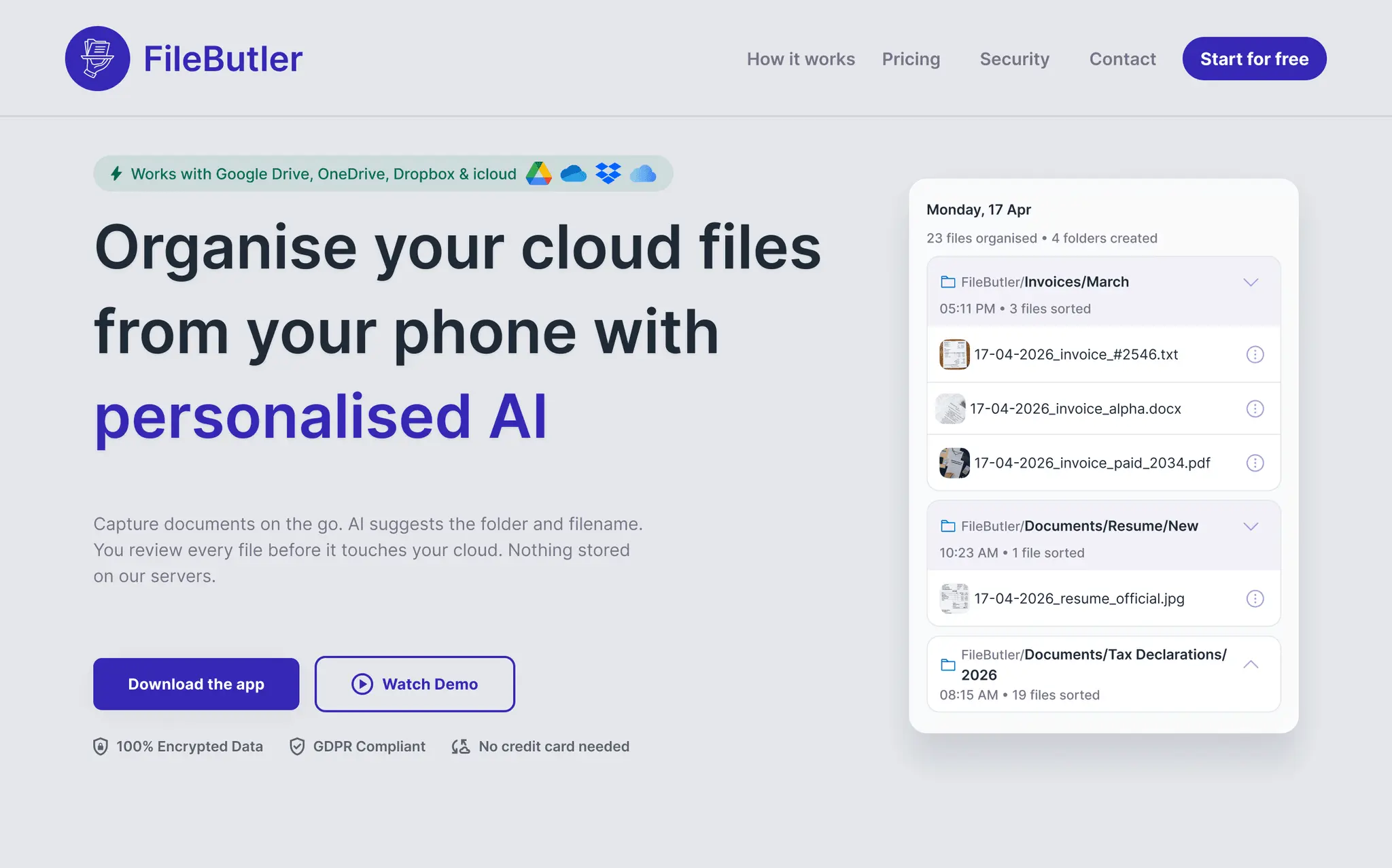
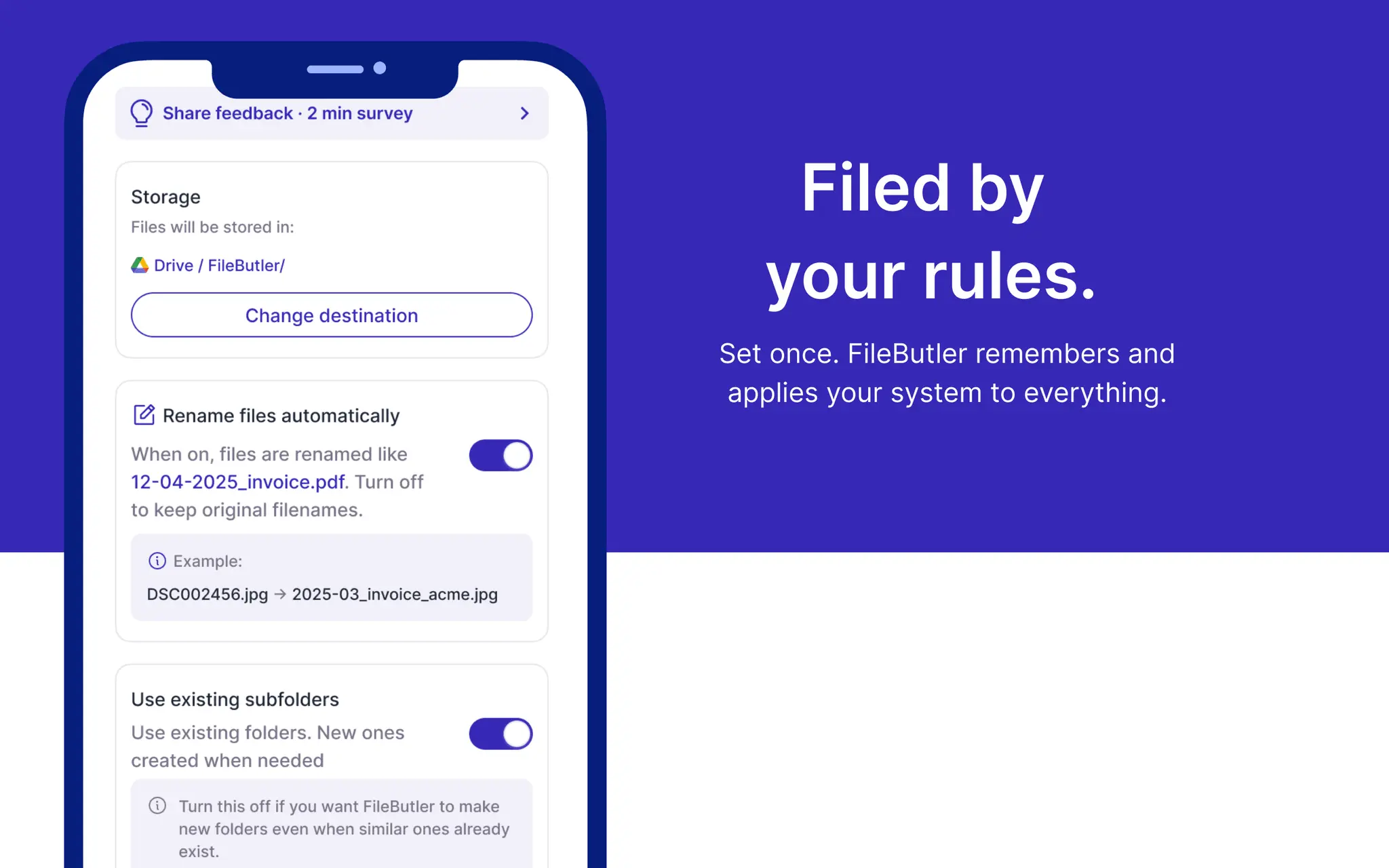
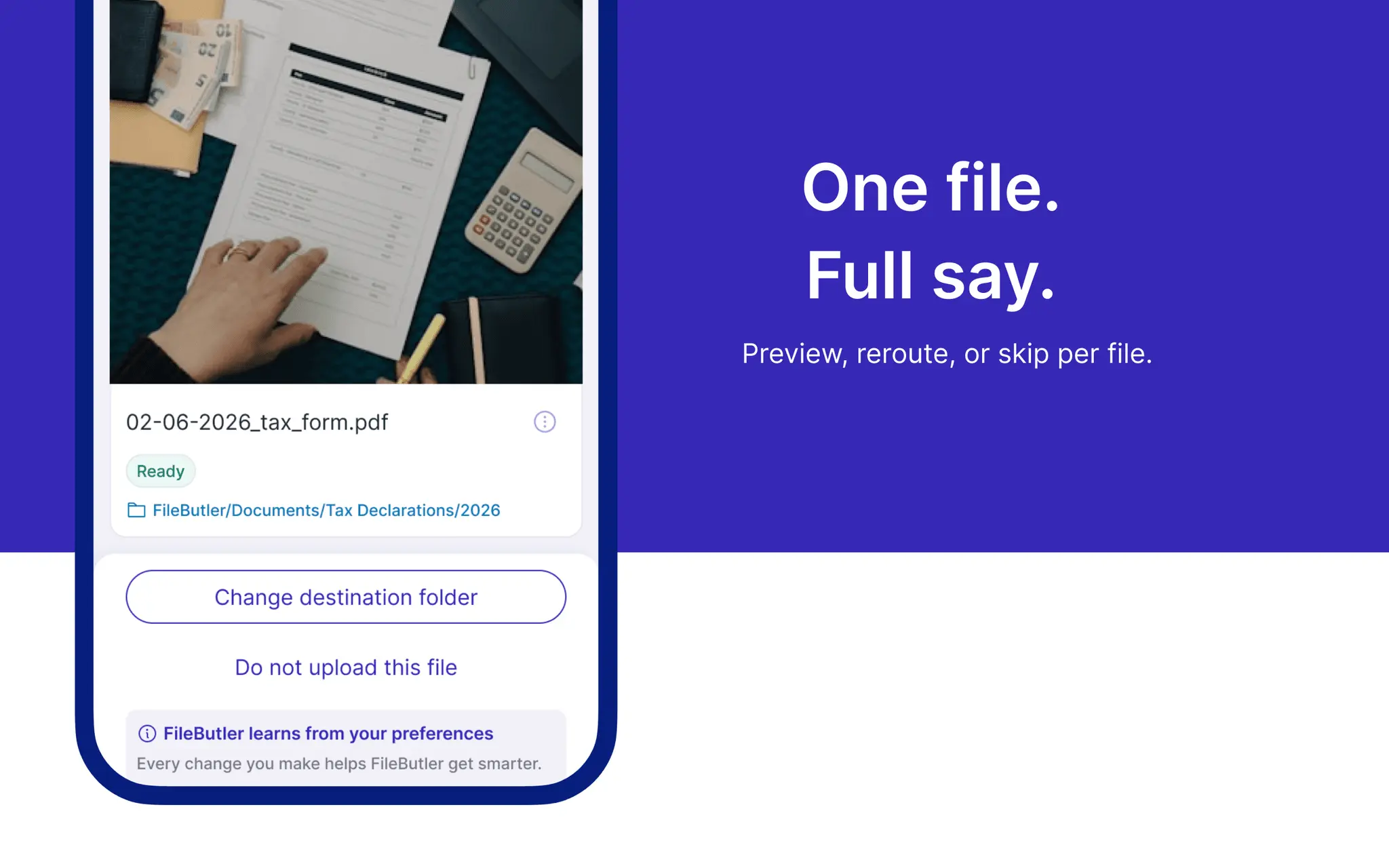
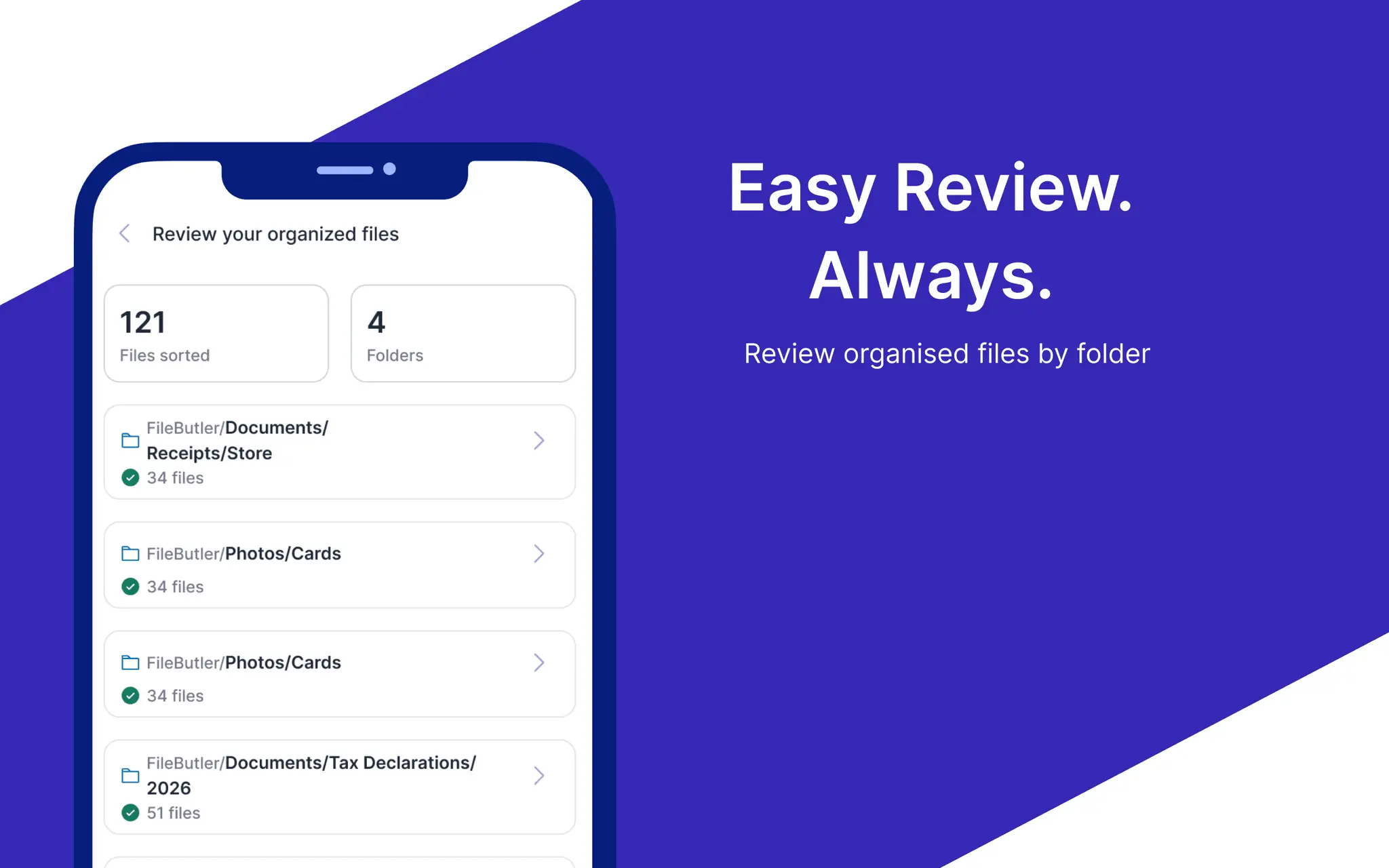
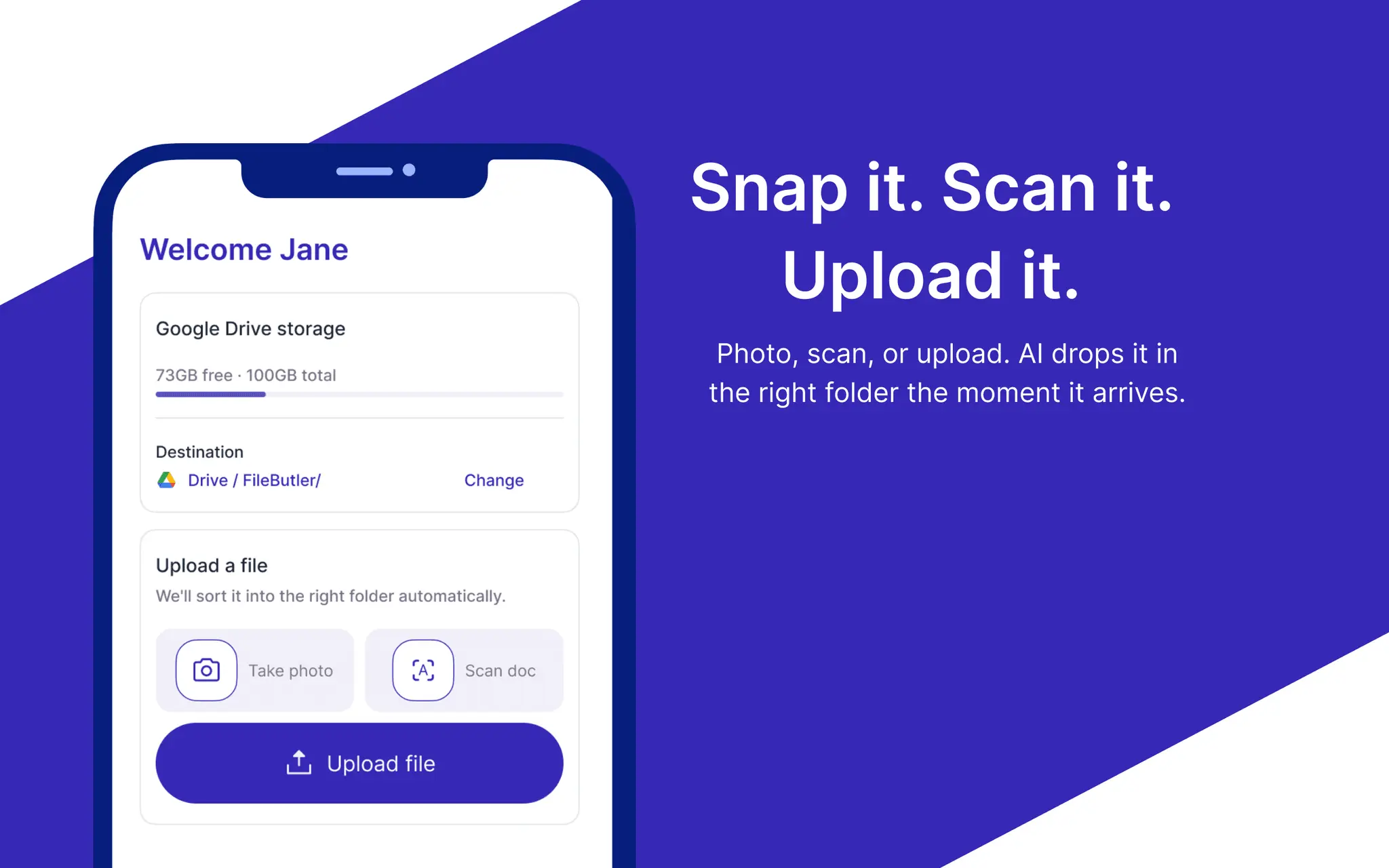
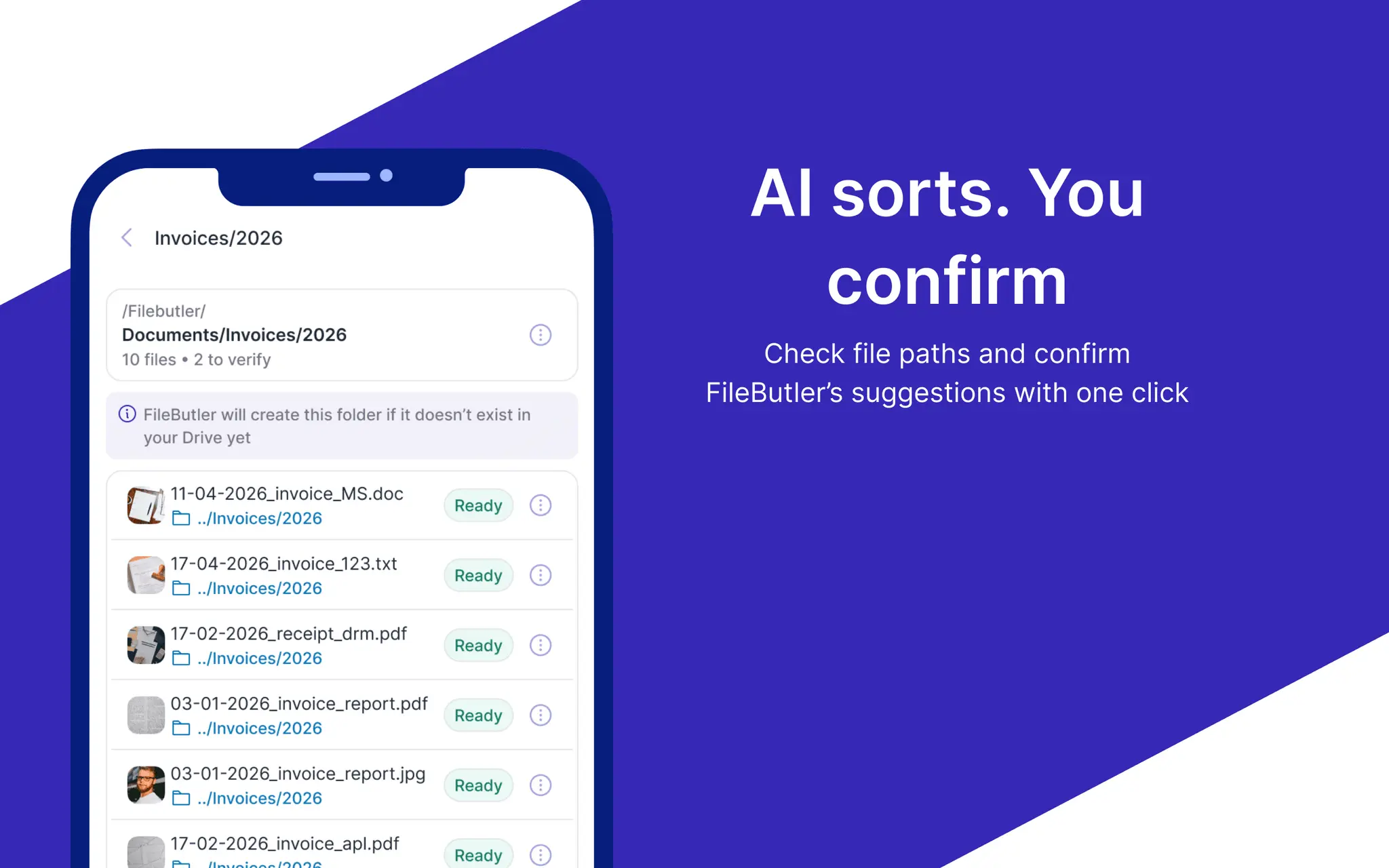
Still playing hide-and-seek with your own files? FileButler is an AI file organizer that sorts, renames, and files your documents directly inside Google Drive, Dropbox, and OneDrive — the cloud storage you already use. No new app to migrate into. No second inbox to maintain. Connect your Google Drive, Dropbox, icloud or OneDrive account. Upload a file — snap a photo, pick one from your phone, or scan a paper document with the built-in OCR scanner. FileButler's AI reads the content, suggests a folder path (like Documents/Banks/Statements), and renames it based on what's inside — not "IMG_4721.jpg" anymore. You review, confirm, done. Every file you approve or re-path trains a personal AI model built just for you. Correct it once, and FileButler remembers — next time a similar receipt, invoice, or contract comes in, it goes straight to the right folder automatically. Freelancers, accountants, lawyers, real estate agents, and researchers use FileButler to keep client files, receipts, contracts, and case documents organized without lifting a finger. Custom instructions let you set your own rules in plain language — "file all invoices under Finance" — and FileButler follows them. - Works inside Google Drive, Dropbox, and OneDrive — no migration - AI document scanner with OCR for paper documents - Smart file renaming based on content, not generic camera names - Automatic folder creation and matching to existing subfolders - Personalized AI that improves with every file you review - Confidence-based Verify tags — only review what the AI is unsure about - Custom classification rules in plain language - Full review before anything uploads — nothing moves without your confirmation Supports all the most used file formats — everything a busy inbox collects.
Screenshots
Reviews (0)
No reviews yet. Be the first to rate this product!
Comments (1)
I was drowning in IMG_4721s. Client IDs, contracts, proof of funds, all stuck on my phone. Built FileButler so they land in my Drive with a real name.