
FixGuard
Block YouTube ads and trackers—free for Chrome and Edge

Details
- Use Cases
- Target Audience
- Pricing
- Free
- Platforms
Discovery signals
How AI and people discover FixGuard on PeerPush
About FixGuard
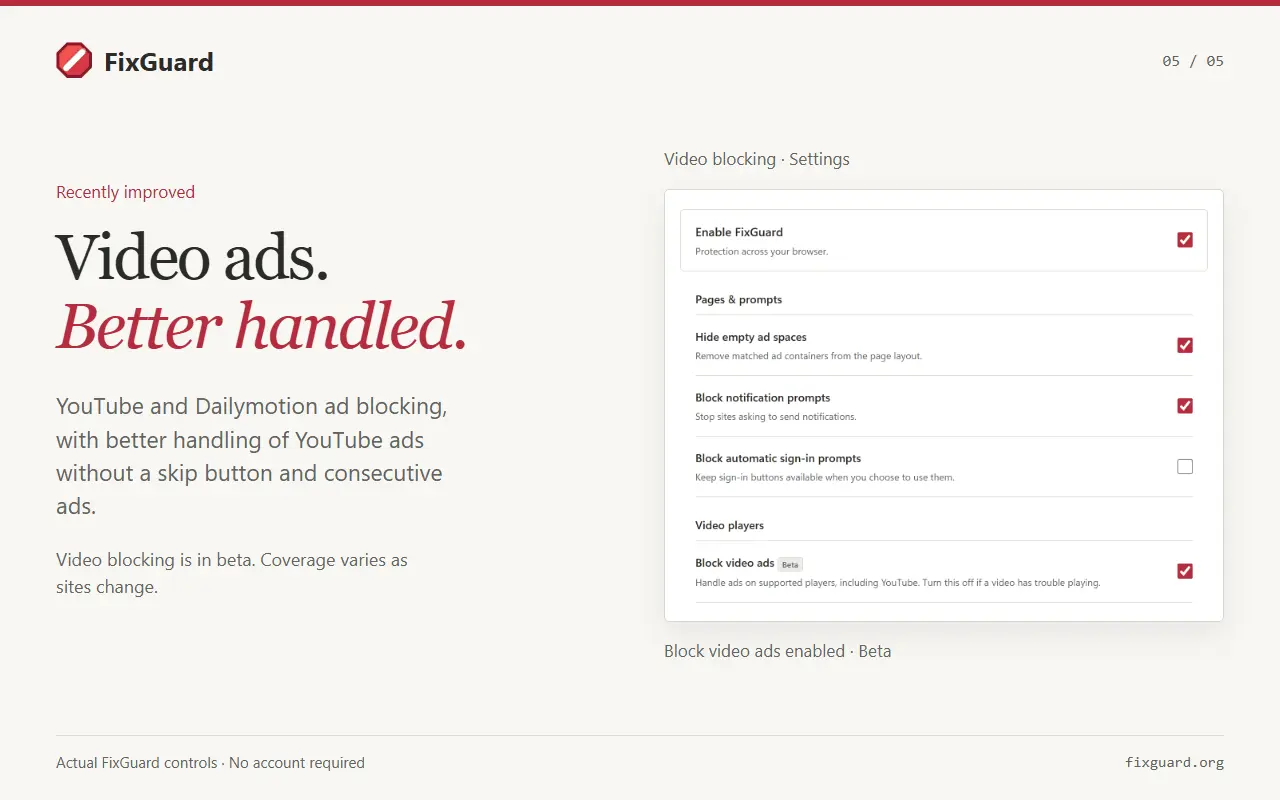
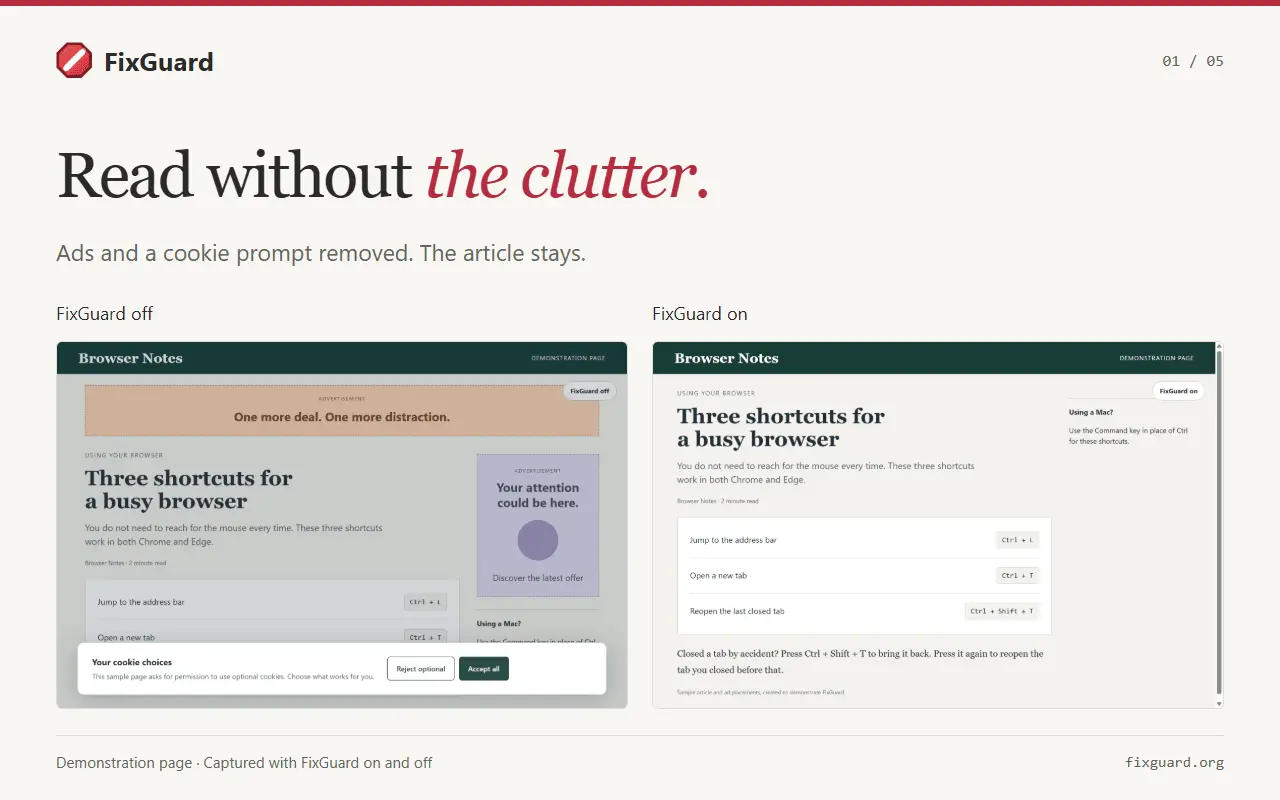
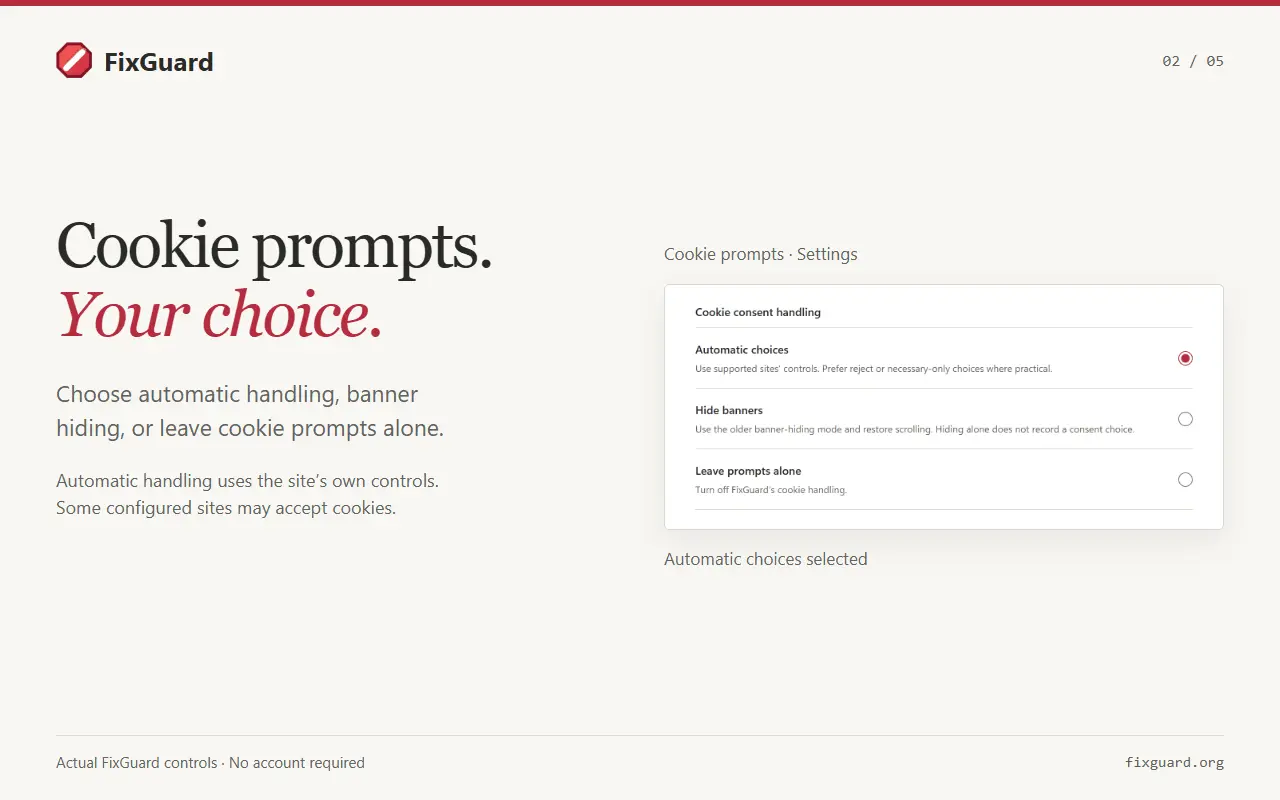
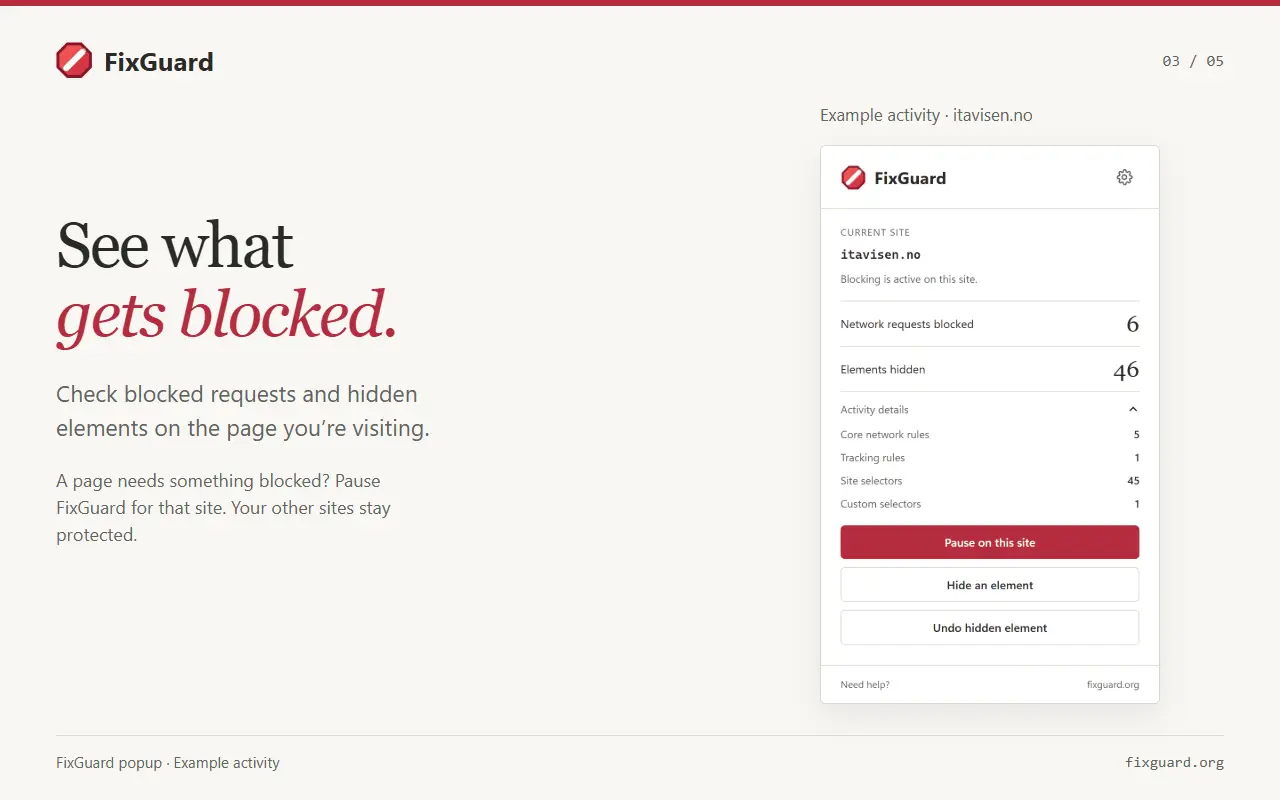
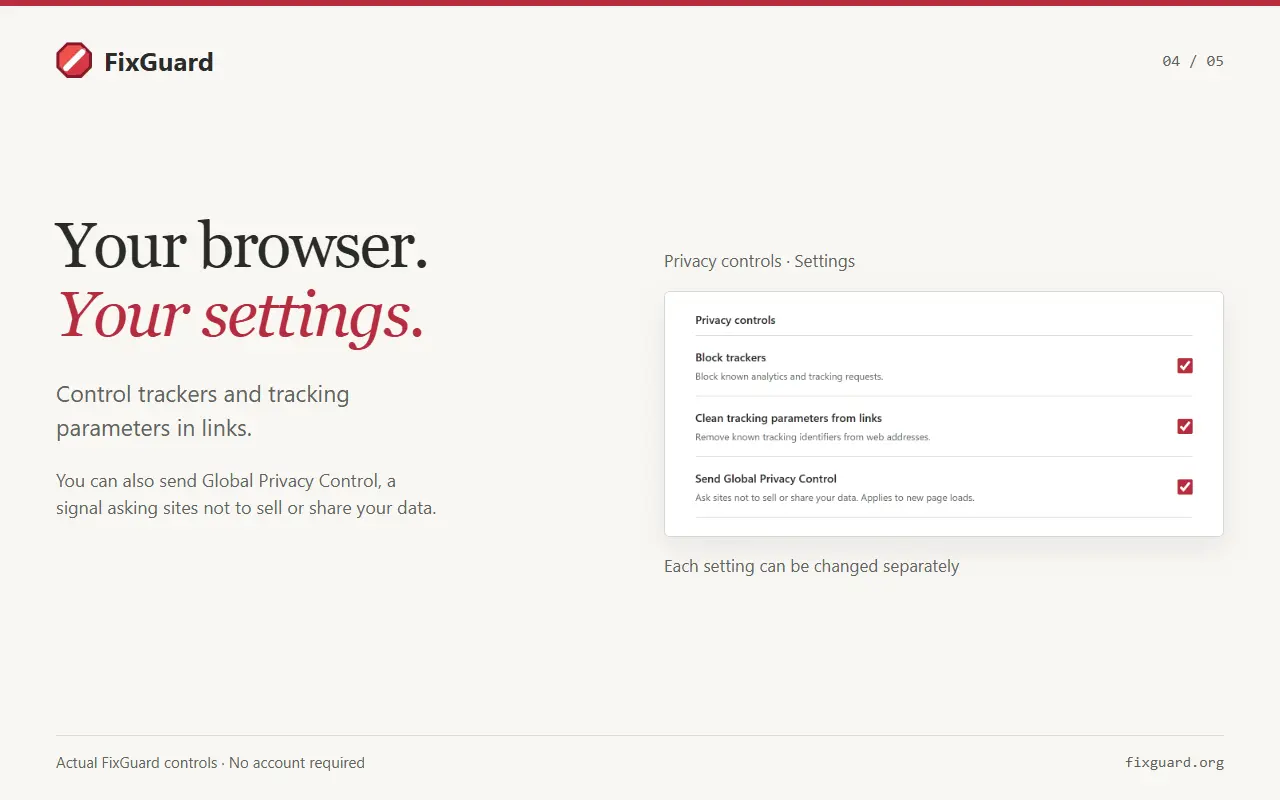
FixGuard is a free ad blocker for desktop Chrome and Microsoft Edge, with video ad blocking for YouTube and Dailymotion. Recent improvements handle consecutive YouTube ads and ads without an available skip button more reliably. Video ad blocking is in beta, and coverage varies as sites change. No account or subscription is required. Beyond video ads, FixGuard helps make everyday browsing quieter: • Block known ads and trackers, and hide leftover ad spaces. • Remove known tracking parameters from supported links and optionally send a Global Privacy Control preference. • Stop notification requests and suppress automatic sign-in prompts on supported pages, with separate controls in settings. • Hide a stubborn page element with the element picker, or manage your own selectors and blocked domains. Cookie prompts stay under your control. Choose automatic handling, hide banners, or leave prompts alone. Automatic handling uses supported sites’ consent controls, preferring reject or necessary-only choices where practical; it may accept on configured sites. Hiding a banner alone does not record a consent choice. If a page needs an exception, pause FixGuard for that site from the toolbar and keep protection enabled elsewhere. Settings also include saved site exceptions, local activity totals and rule-list import/export. Page cleanup happens in your browser. FixGuard does not upload page content, form entries, custom rules or browsing history to its rule service, or sell browsing data. Settings may sync through your browser profile; activity counts stay local. Rule downloads expose ordinary network metadata to hosting providers. Built by FixQuotes for people who want fewer video ads, less page clutter and practical browser privacy controls.
Product Video
Watch a video demo of FixGuard.
Screenshots
Product Updates (1)
v1.2.13: YouTube video ad blocking enabled by default for new installs
New FixGuard installations now start with video ad blocking enabled. Existing users keep the setting they already chose. This builds on recent YouTube and Dailymotion improvements, including better handling of consecutive YouTube ads and ads without an available skip button. Recent fixes also restore audio and player controls more reliably after ads and keep video-ad request blocking working before the first successful rule update. The popup and settings have clearer current-site controls and simpler sections, making it easier to adjust protections or pause a site. Video ad blocking remains in beta; coverage varies as sites change. You can turn it off in settings if a video has trouble playing. Full release notes: https://fixguard.org/changelog.html
Comments (0)
No comments yet. Be the first to share your thoughts!
Reviews (1)
Average 5.0 out of 5
Based on 1 review

Comments (0)
No comments yet. Be the first to share your thoughts!