
FlareWarden
Uptime monitoring with auto-detected dependencies

@KhromeDotDev
Details
- Follow on
- @KhromeDotDev
- Target Audience
- DevOps EngineersIndie HackersSmall Businesses
- Platforms
- Web
Discovery signals
How AI and people discover FlareWarden on PeerPush
About FlareWarden
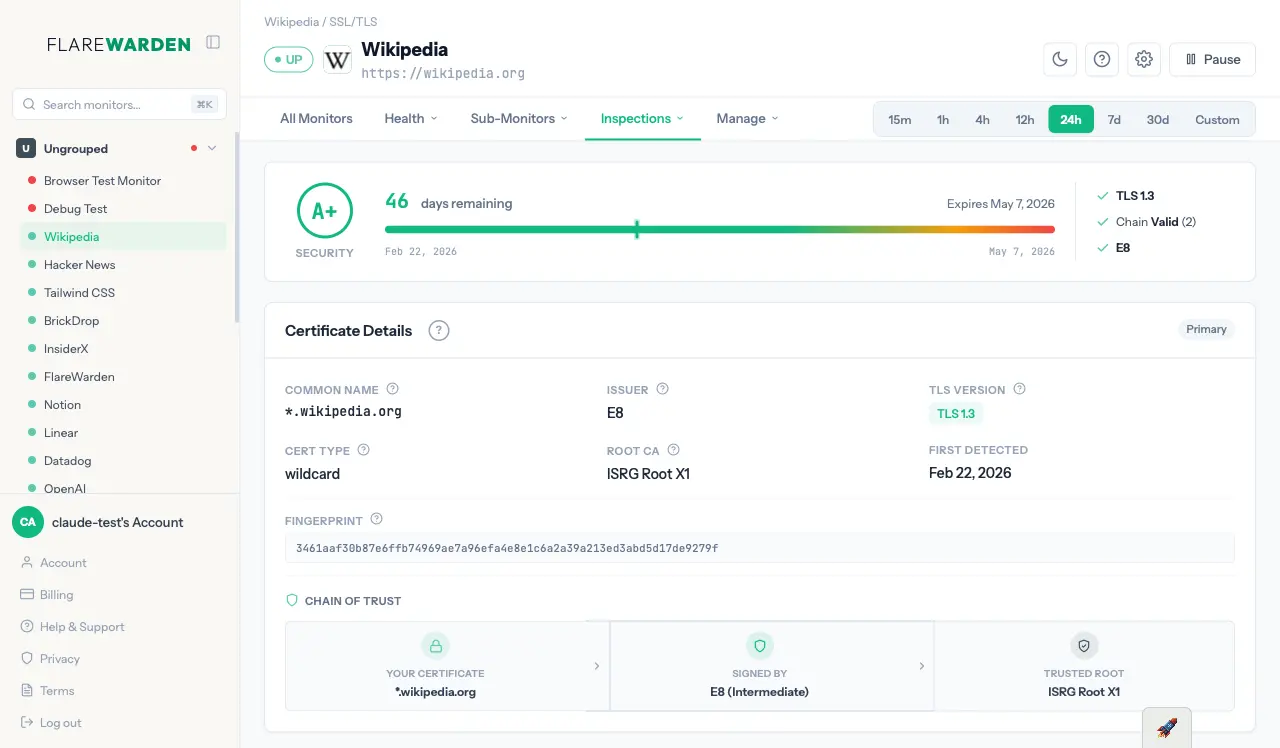
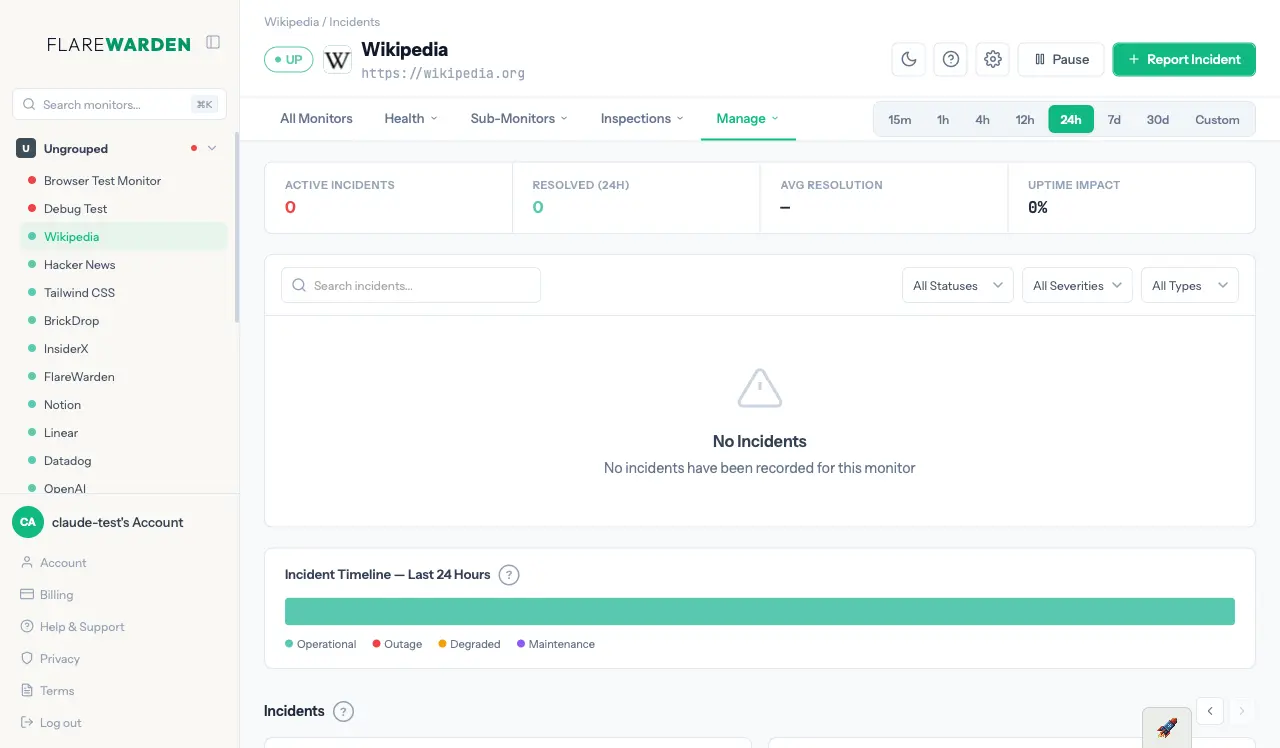
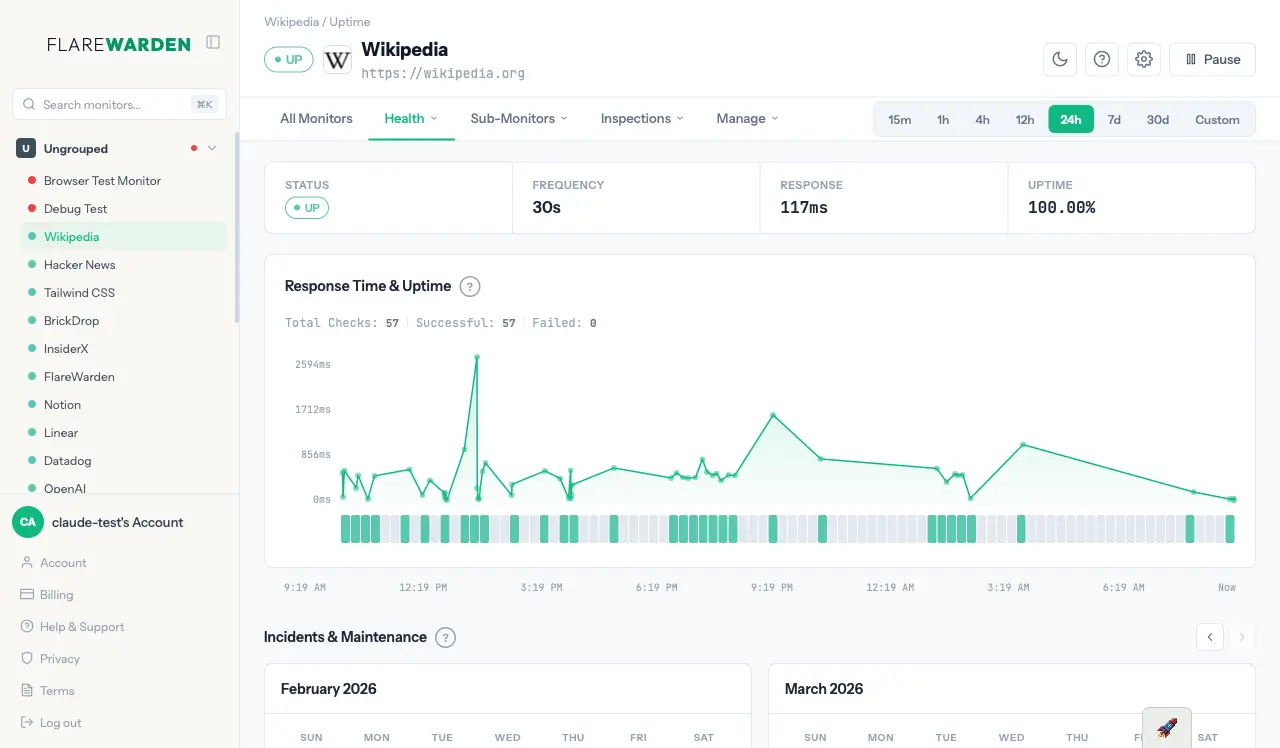
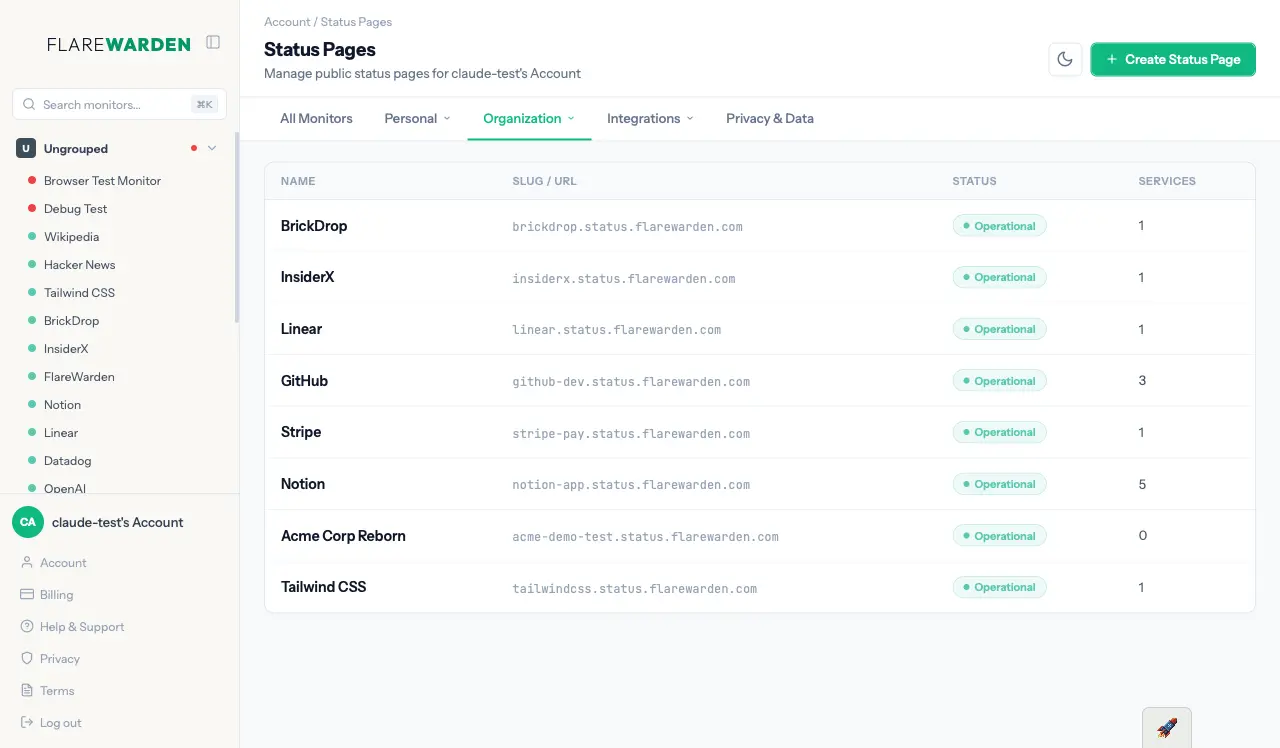
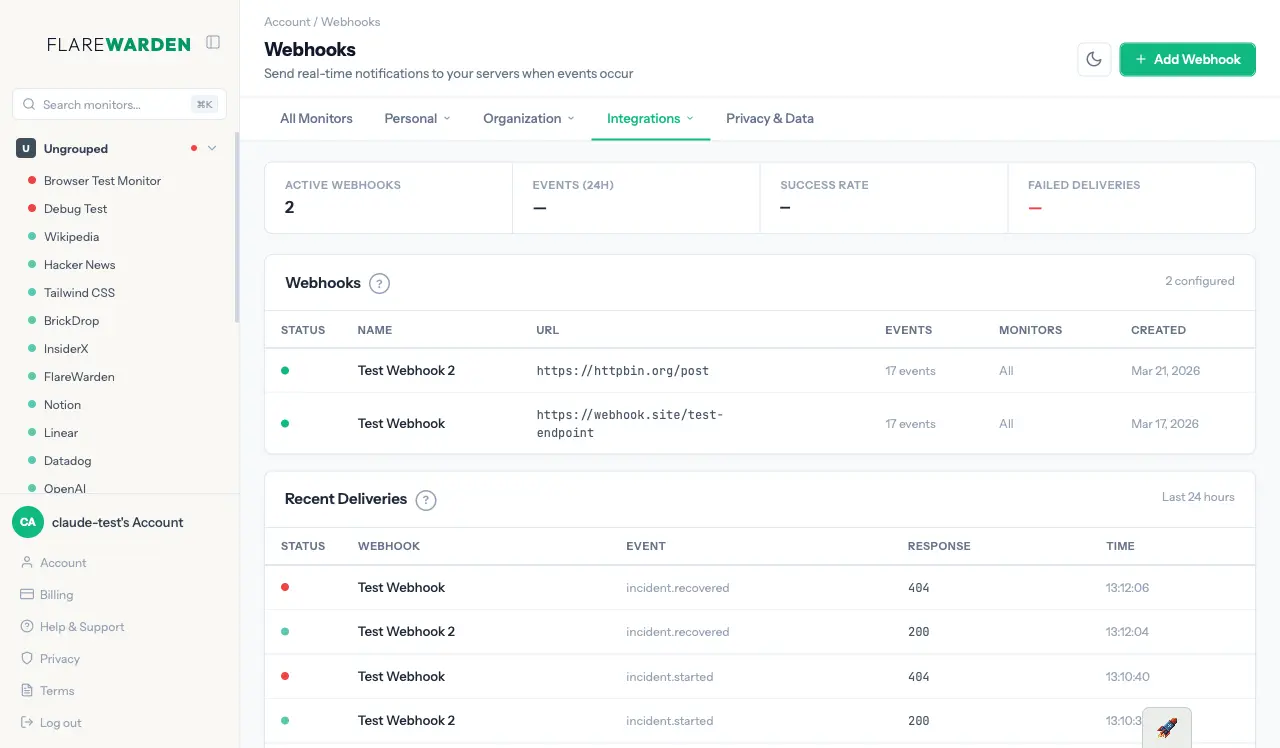
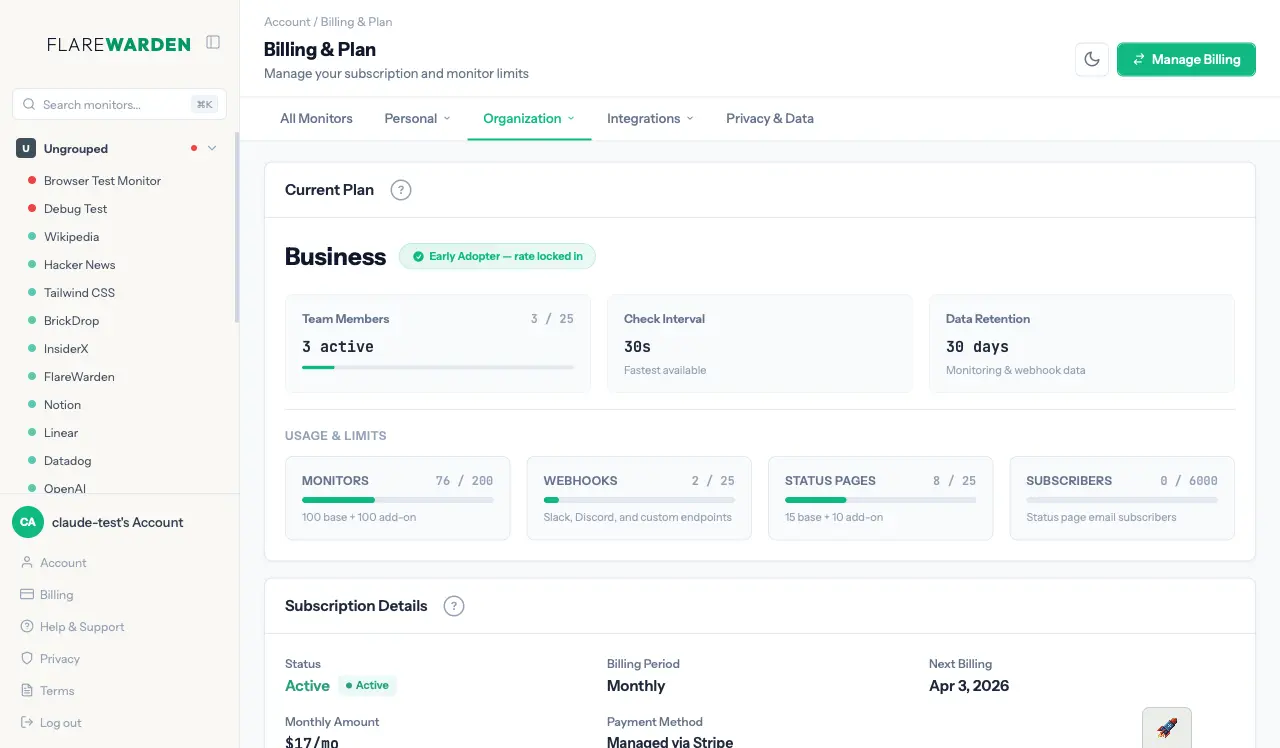
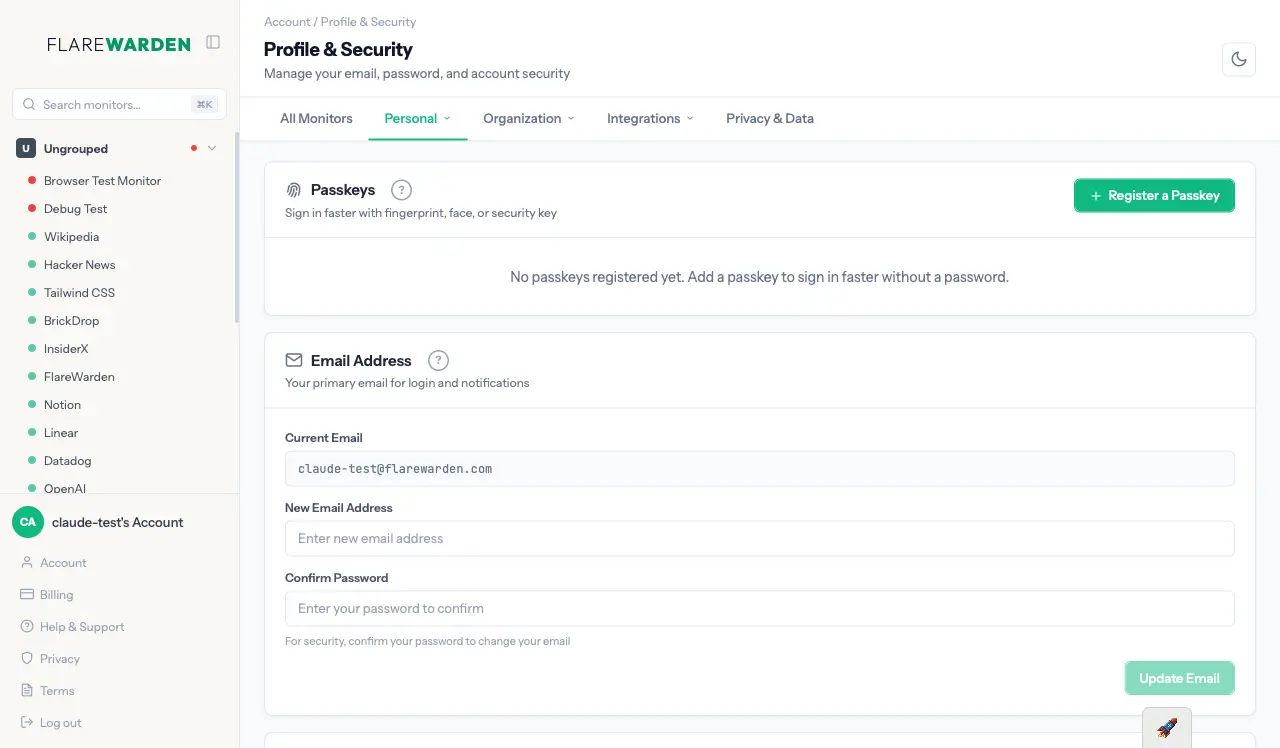
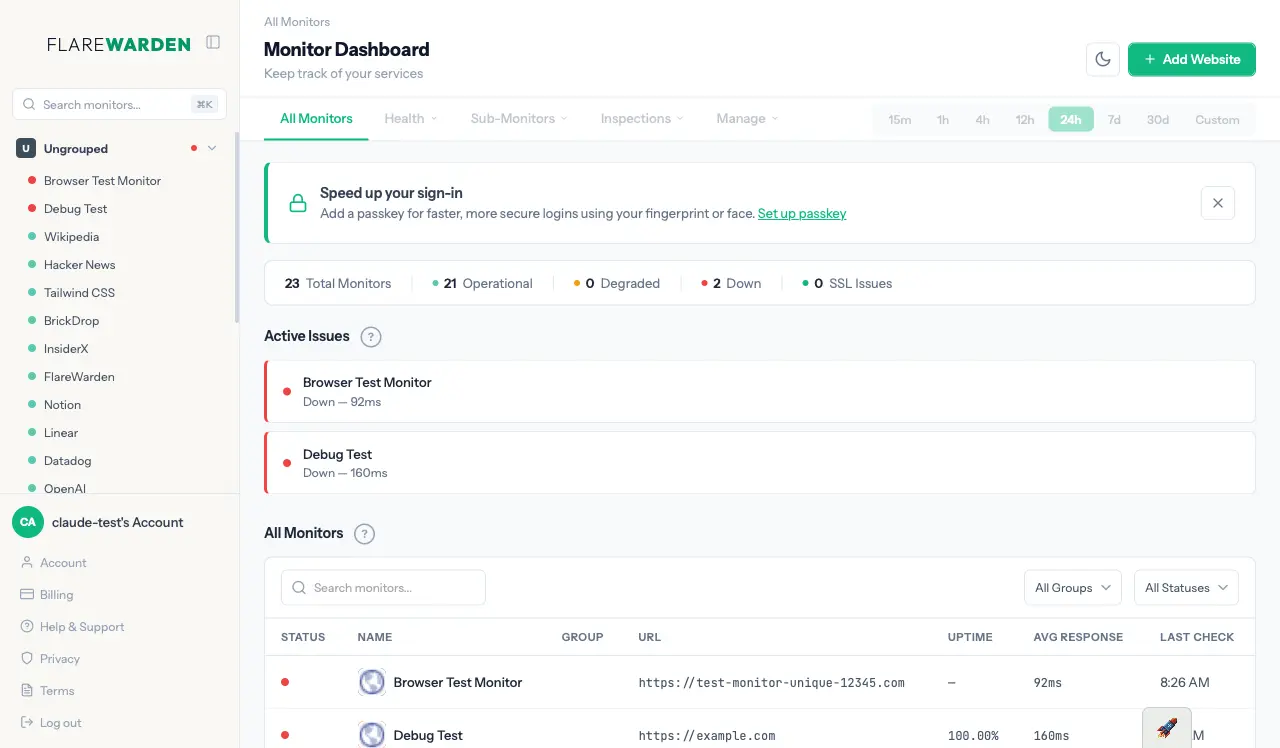
You can simplify your monitoring setup with FlareWarden by entering just one URL. The system automatically detects your critical dependencies, including SSL certificates, DNS settings, and content monitors. To ensure accuracy and reliability, it uses cross-region verification to help you prevent false alarms and unnecessary alerts. You can start with a free plan that provides up to 15 monitors to keep your website and services running smoothly.
Screenshots
Reviews (0)
No reviews yet. Be the first to rate this product!
Comments (7)
Auto-detecting dependencies for uptime monitoring is a smart angle. Knowing when a payment provider or CDN is the cause of your downtime saves a lot of debugging time.
Great product
Auto-detecting dependencies for uptime monitoring is such a smart approach. Most monitoring tools make you manually configure everything. This saves a ton of setup time for DevOps teams. Really clean execution!
Great product man!!
@Unkeet thank you!
Analysed my website and got some insights for free. But not sure what I should do with them after.
@jenezis Yeah, after you signup, (this can all be done on the free plan), you click "+ Add Website" button and put that URL again. It will run the same scan, but now let you pick which content and dependency monitors you want to track.
@KhromeDotDev Then you specify the severity, skip the ones that don't impact your website state. And let it create a free Status Page for you as well. It should take about 2 minutes.
Loved this product!
@iamyashgawande Really appreciate this!
Months of solo building and FlareWarden is live! Full-stack uptime monitoring that auto-detects your entire infrastructure from one URL. Bootstrapped, customer-funded, and ready for you to try.