FlipbookMaker
Turn any PDF into an online flipbook you can share anywhere
Details
- Target Audience
- Pricing
- Freemium
- Platforms
Discovery signals
How AI and people discover FlipbookMaker on PeerPush
About FlipbookMaker
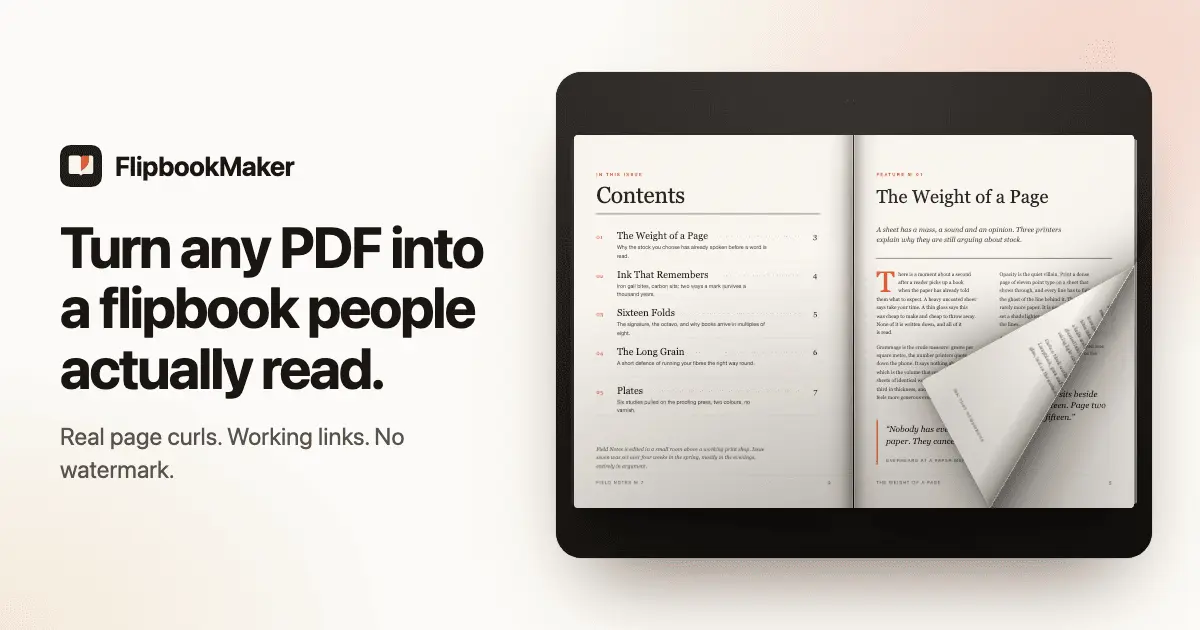
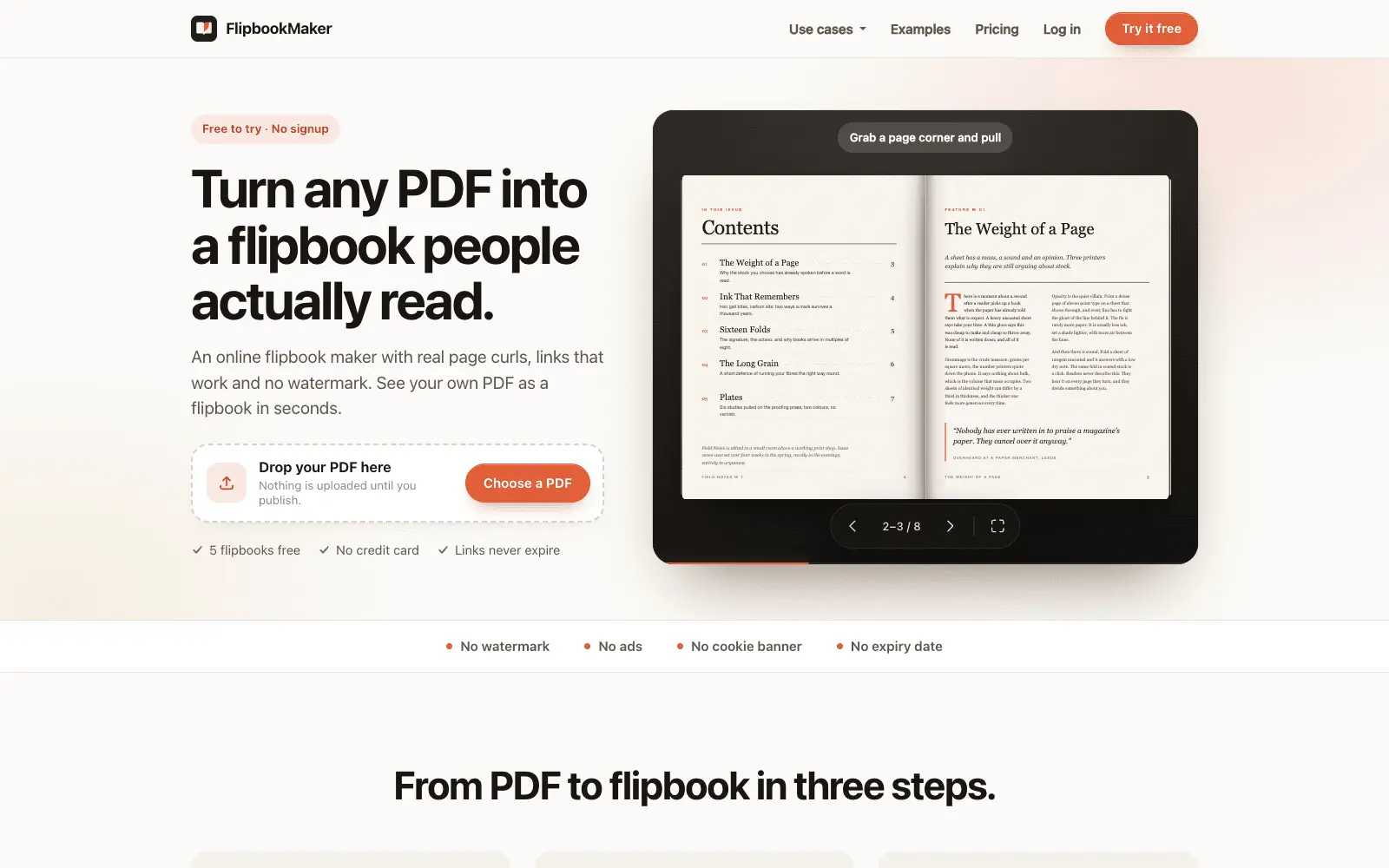
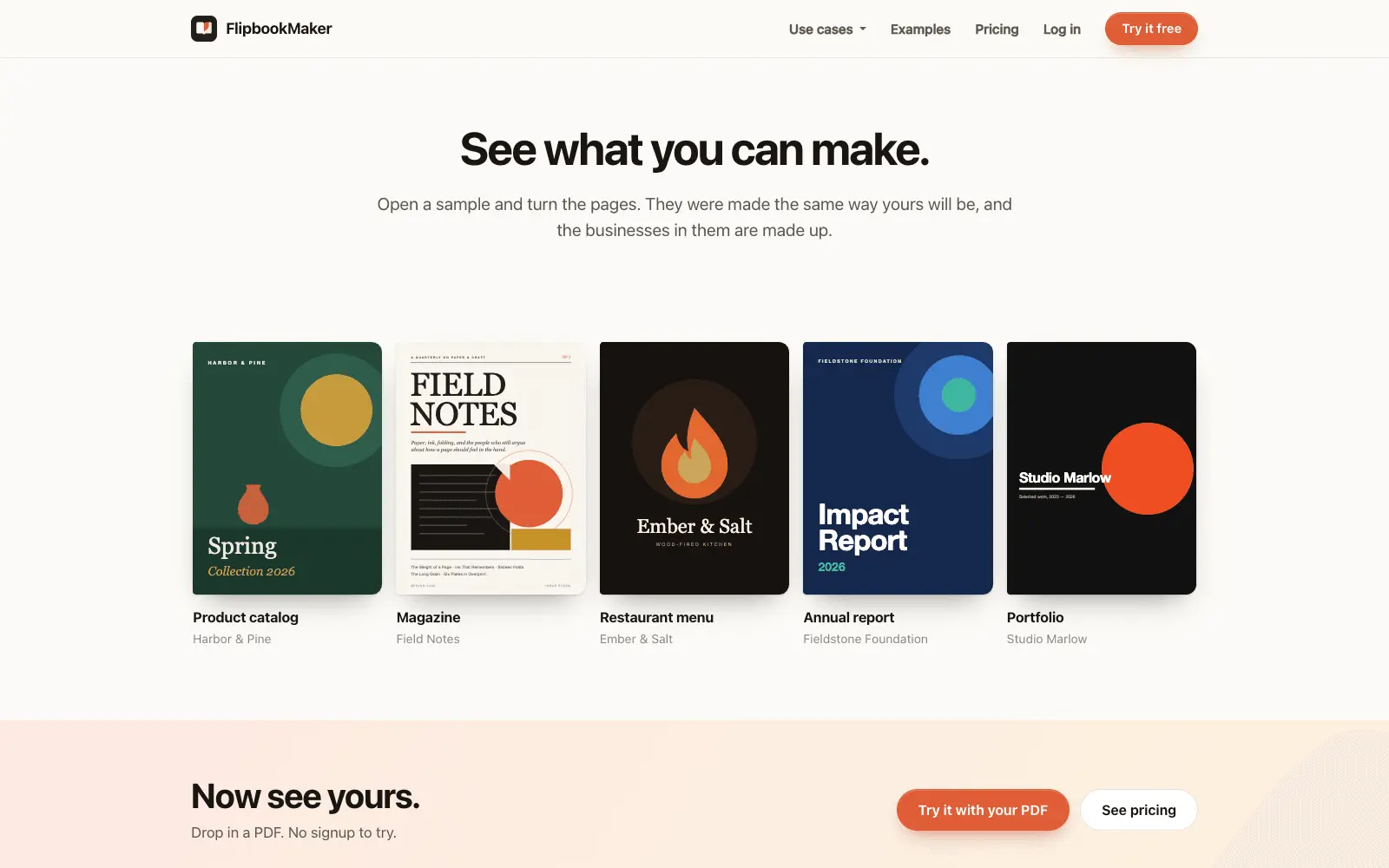
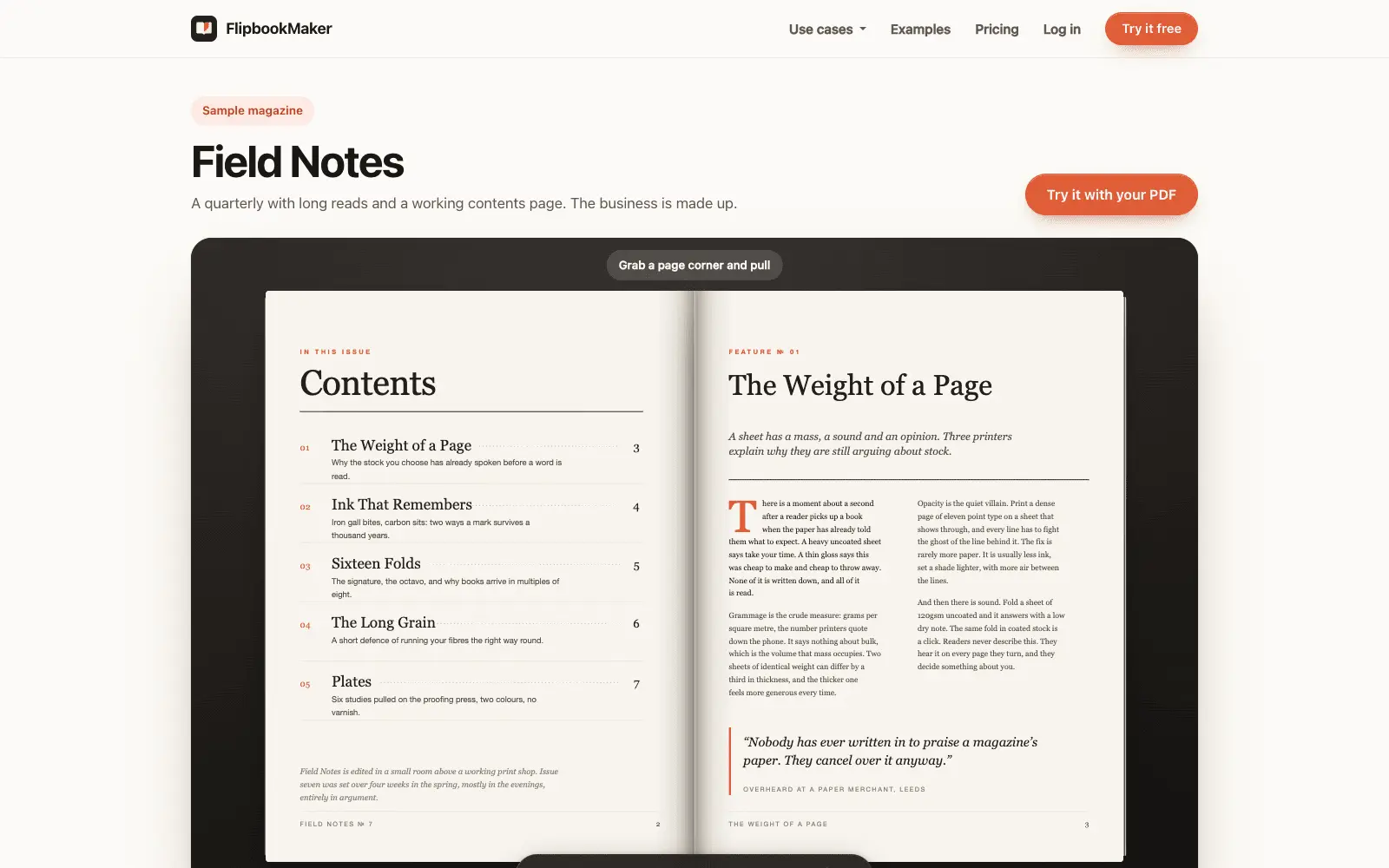
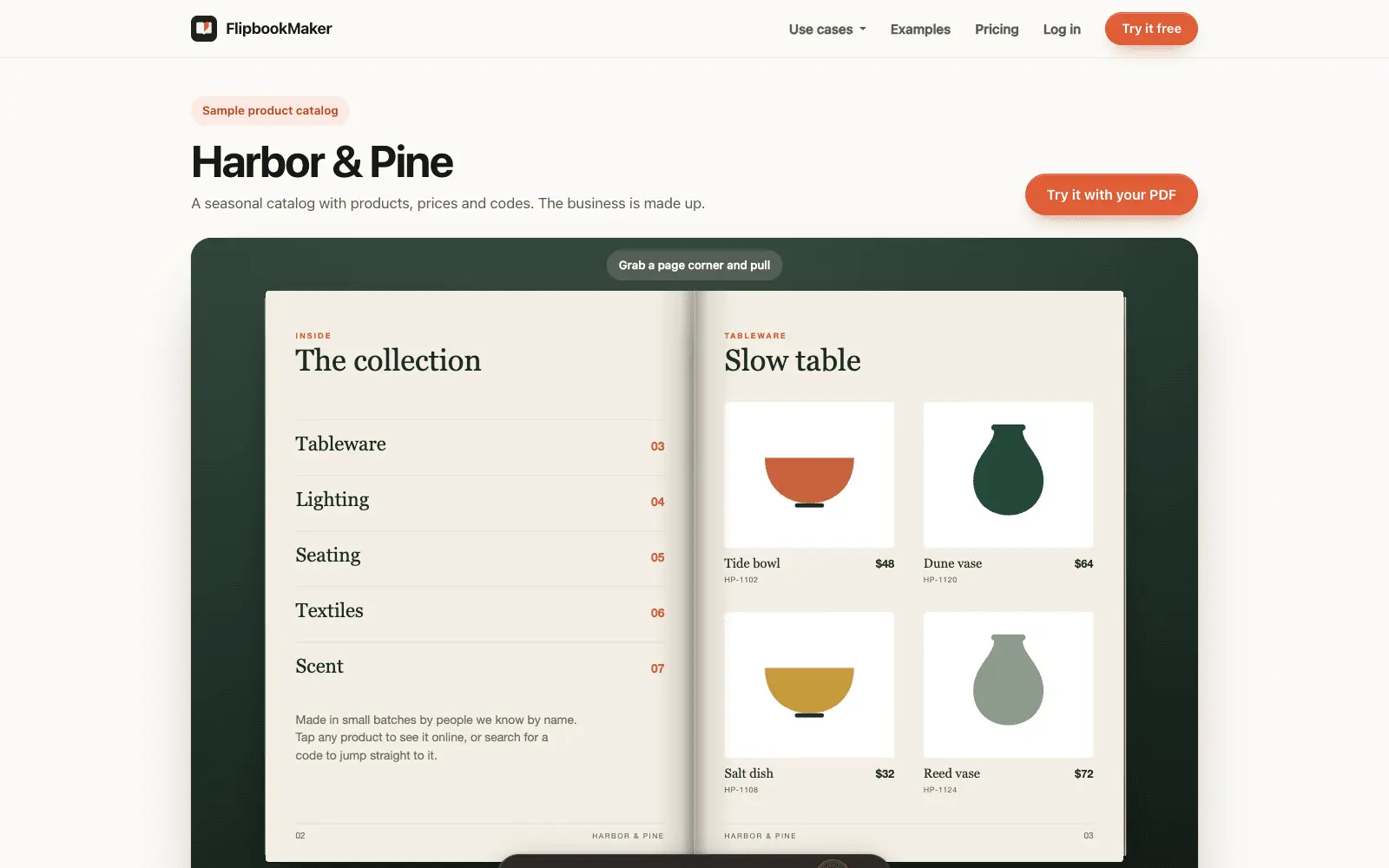
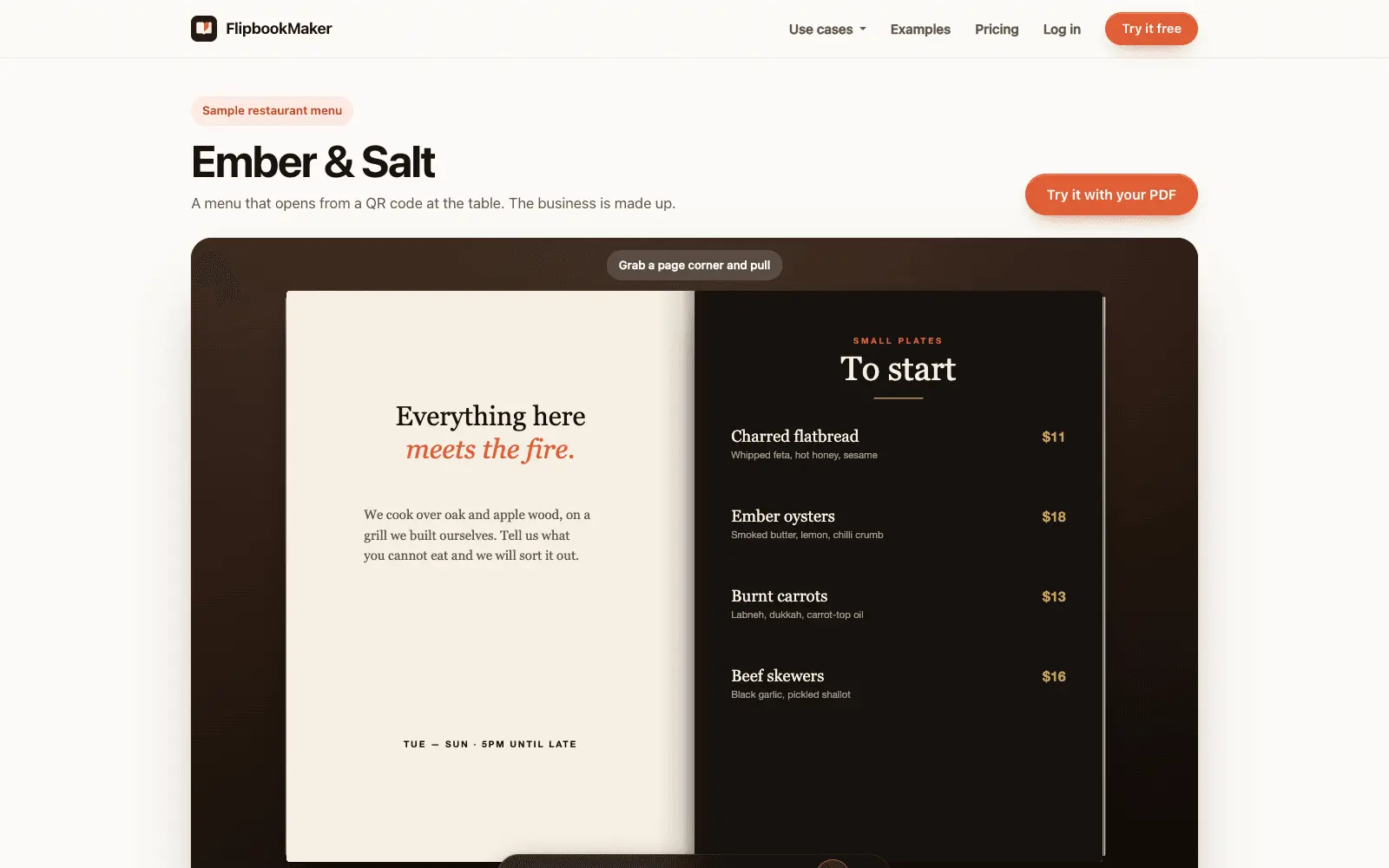
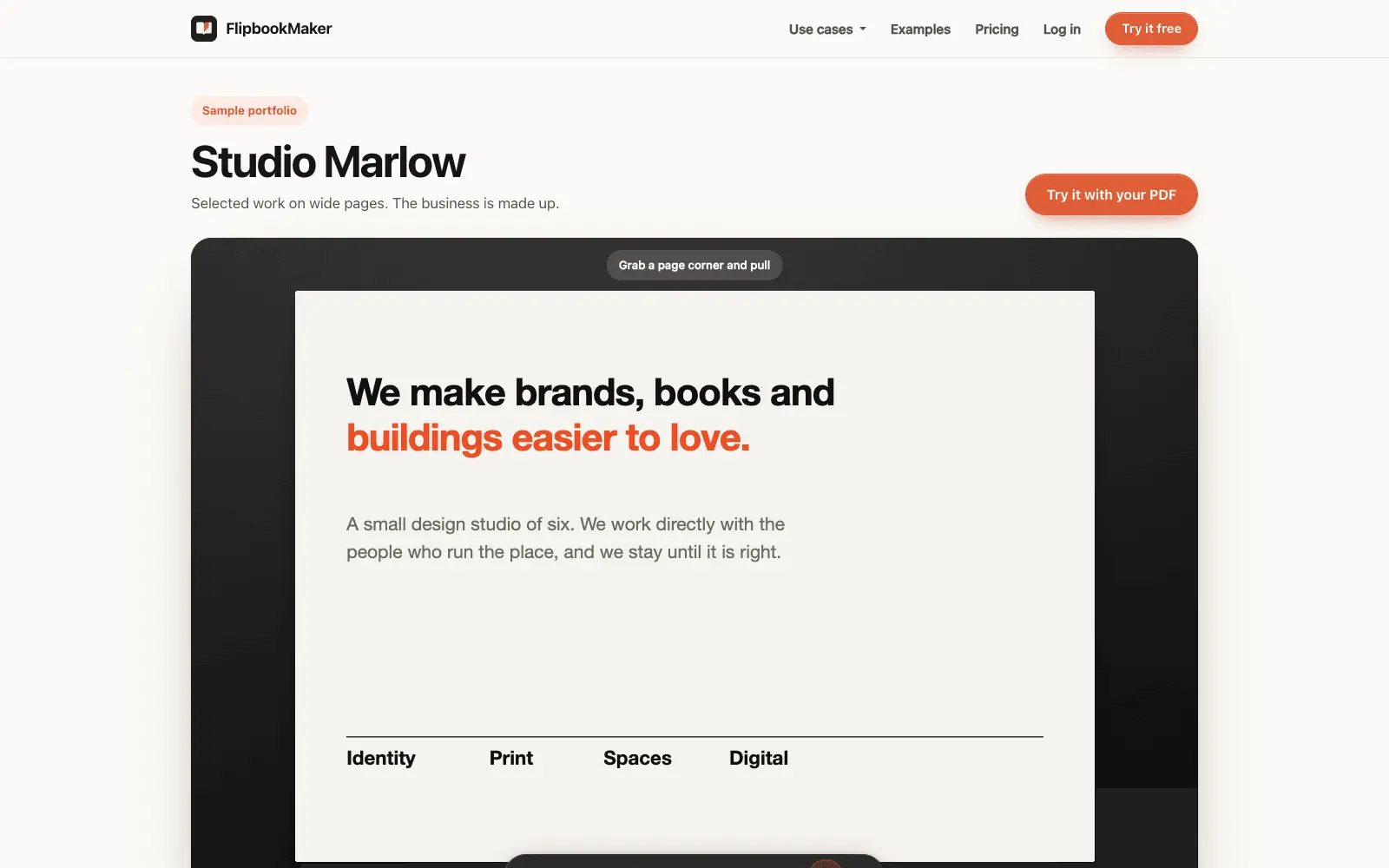
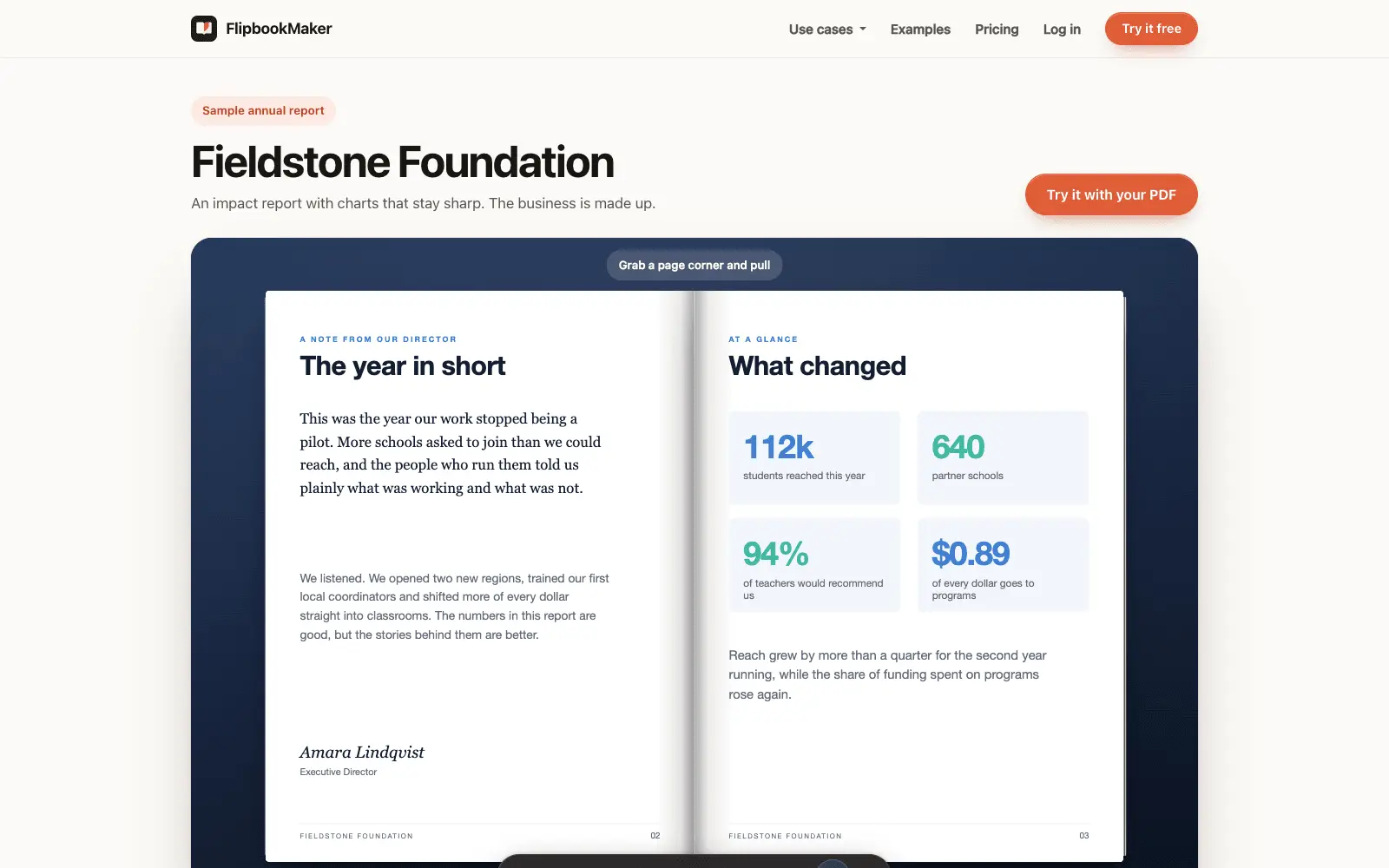
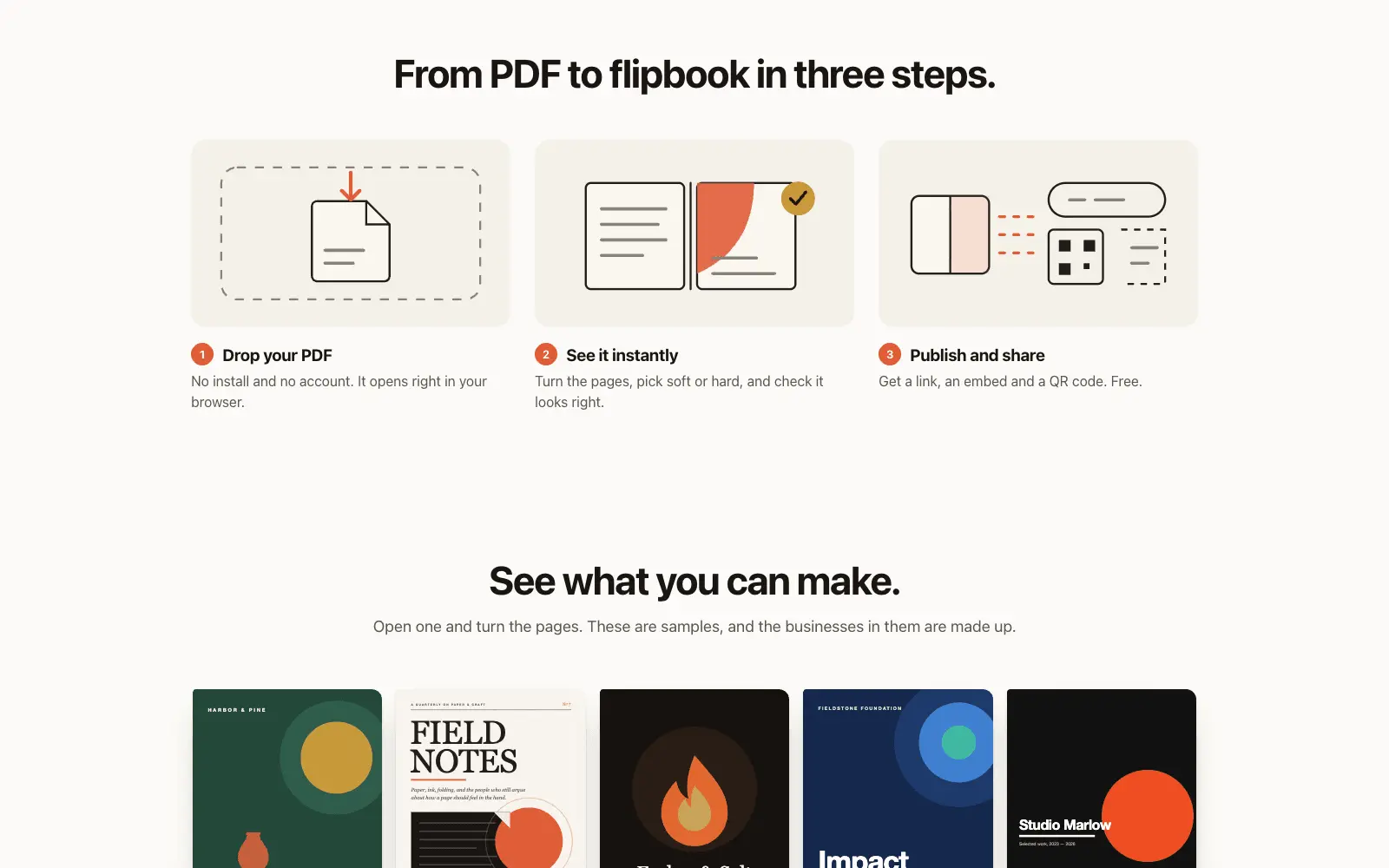
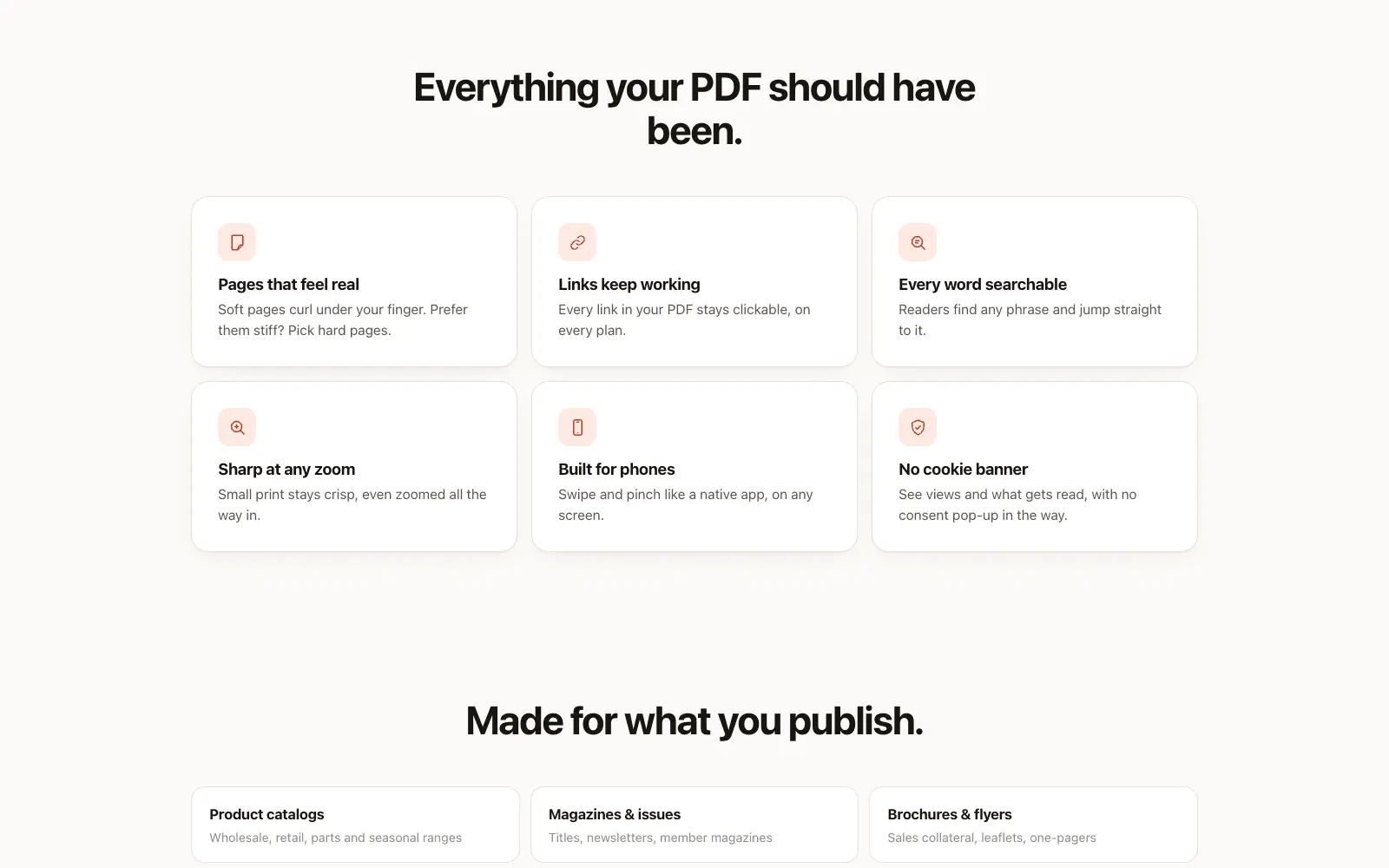
FlipbookMaker turns any PDF into a flipbook: a web page that opens in any browser and turns like a real book, with links that keep working and every word searchable. Readers tap a link and start reading on a phone, tablet or computer. There is nothing for them to download, no app to install and no account to create. Try it before you sign up. Drop a PDF on the home page and it opens as a flipbook in your browser within seconds. Nothing is uploaded until you decide to publish, and publishing only takes a free account, with no credit card. FROM PDF TO FLIPBOOK IN THREE STEPS 1. Drop your PDF: no install and no account; it opens right in your browser. 2. See it instantly: turn the pages, pick soft or hard pages, and check it looks right. 3. Publish and share: get a link, an embed and a QR code, free. WHAT YOUR READERS GET • Pages that feel real: soft pages curl under your finger like a magazine, or choose hard pages that swing open like a board book. • Links that work: every link in your PDF stays clickable, on every plan. • Search and contents: readers find any phrase and jump straight to it, or open the table of contents. • Sharp at any zoom: small print stays crisp, even zoomed all the way in. • Built for phones: swipe and pinch like a native app, on any screen size. • Full-screen reading, with page-by-page arrows and a progress bar. • No ads in your book and no cookie banner in front of it. HOW YOU SHARE IT • A link for emails, messages, social posts and your email signature. • A QR code for flyers, posters, packaging, shop windows and restaurant tables, so people holding paper can open the digital version. • An embed for your website: paste it into WordPress, Squarespace, Wix or your own HTML, and the book fits the space you give it, from a narrow column to the full width of the page. • Short video and GIF clips of your flipbook turning its pages, ready for social posts. • Viewer colours and a background that match your brand. • Public, unlisted (only people with the link can open it), or locked with a password on paid plans. KNOW WHO READ IT Reader analytics come with every plan: see how many people opened your flipbook and what they read, without putting a consent pop-up in front of them. The free plan keeps a month of reading history; paid plans keep a year or more. MADE FOR WHAT YOU PUBLISH • Product catalogs and price lists for wholesale, retail, parts and seasonal ranges. • Magazines, newsletters and member magazines. • Brochures, flyers, leaflets and sales collateral. • Restaurant menus, wine lists and set menus behind a table QR code. • Portfolios for designers, architects, photographers and studios. • Annual reports, impact reports and research. • Course notes, handbooks, guides and training material. • Yearbooks, event programs, property listings and anything else people would leaf through on paper. YOUR FLIPBOOKS ARE YOURS • Free flipbooks stay live: no expiry date, no view cap and no deactivated links. • Download your original PDF any time, on every plan. • Cancel in one click, with no retention call, and your books stay online afterwards. • Real people answer at [email protected]. COMPARED WITH A TYPICAL FLIPBOOK TOOL Many flipbook tools add a watermark even on paid plans, lose the links in your PDF, charge extra for search, keep books out of search engines unless you pay more, show readers a cookie banner, or break your links when you stop paying. FlipbookMaker puts a small badge only on free books, keeps links and search on every plan, lets public books be found on Google, shows no cookie banner, and keeps your books online at the same links if you stop paying. PLANS The free plan stays free: no card, no ads and no expiry, with a small "Made with FlipbookMaker" badge on free books. Pro and Business remove the badge and add password-protected books, your own logo in the viewer, more flipbooks, room for bigger PDFs and a longer analytics history. Paid plans come with a 14-day money-back guarantee. GET IT RIGHT FIRST TIME Export single pages rather than spreads, keep links switched on when you export from Canva, Word, Google Docs or InDesign, use a PDF with real text rather than a scan so readers can search it, and choose a smaller-file export when your photos are heavy. Then test it the way a reader will: tap a link, search for a word and zoom into the smallest print. Check it on a phone too, since that is where most people will open it. ALSO FROM FLIPBOOKMAKER Video to flipbook turns a short video clip into a paper flip book you print at home and flip with your thumb: a first dance, a goal, a baby's first steps. It is made in your browser, your video stays on your device, and you can see it before you decide to print. See it for yourself: open the sample catalog, magazine, restaurant menu, annual report and portfolio at flipbookmaker.co/examples and turn the pages. Step-by-step guides on catalogs, menus, magazines and more are at flipbookmaker.co/guides.
Product Video
Watch a video demo of FlipbookMaker.
Screenshots
Reviews (2)
Average 5.0 out of 5
Based on 2 reviews


Comments (3)
Hi PeerPush! I work at Mobile Alchemy, the small team behind FlipbookMaker. Drop any PDF on our home page to see it as a flipbook, no signup needed. Feedback and questions are always very welcome!
Being able to drop a PDF on the home page and see it as a flipbook before signing up is a great way to let people try it. Searchable text and working links make it far more useful than a scanned page-turner.
Thanks TSUTSU! That's the idea: try it with your own PDF first, and sign up only when you want to publish.