
Sunasty
Process and convert files locally in your browser

Details
- Target Audience
- Private personsFreelancersWriters
- Pricing
- Free
 TinyPNG alternatives
 ILovePDF alternatives
 iLoveIMG alternatives
 CloudConvert alternatives
 Convertio alternatives
Discovery signals
How AI and people discover Sunasty on PeerPush
- ChatGPT
- Perplexity
- Claude
- +4 other AI crawlers
Reads by these AI engines
Crawlers behind these engines read this listing on PeerPush.About Sunasty
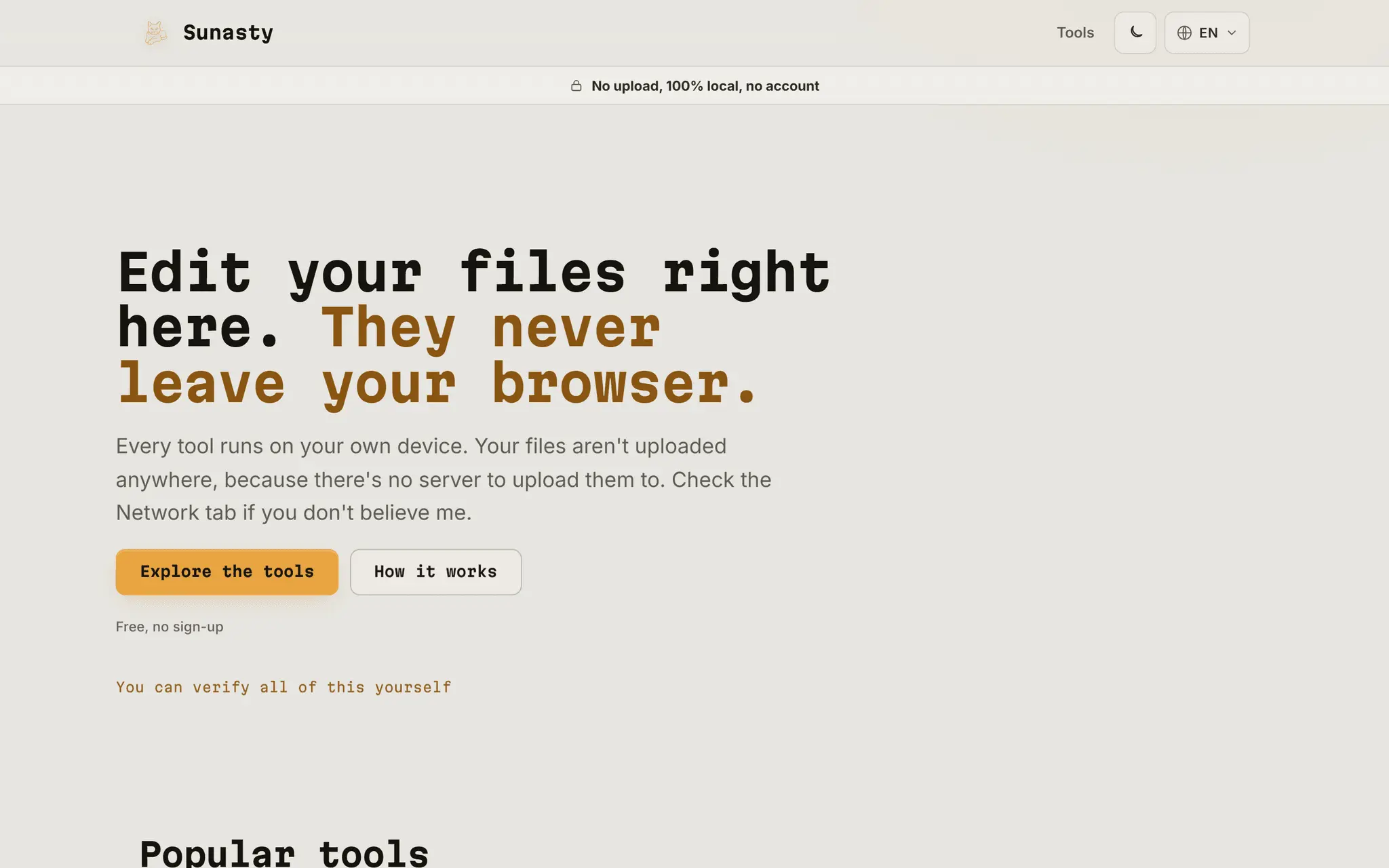
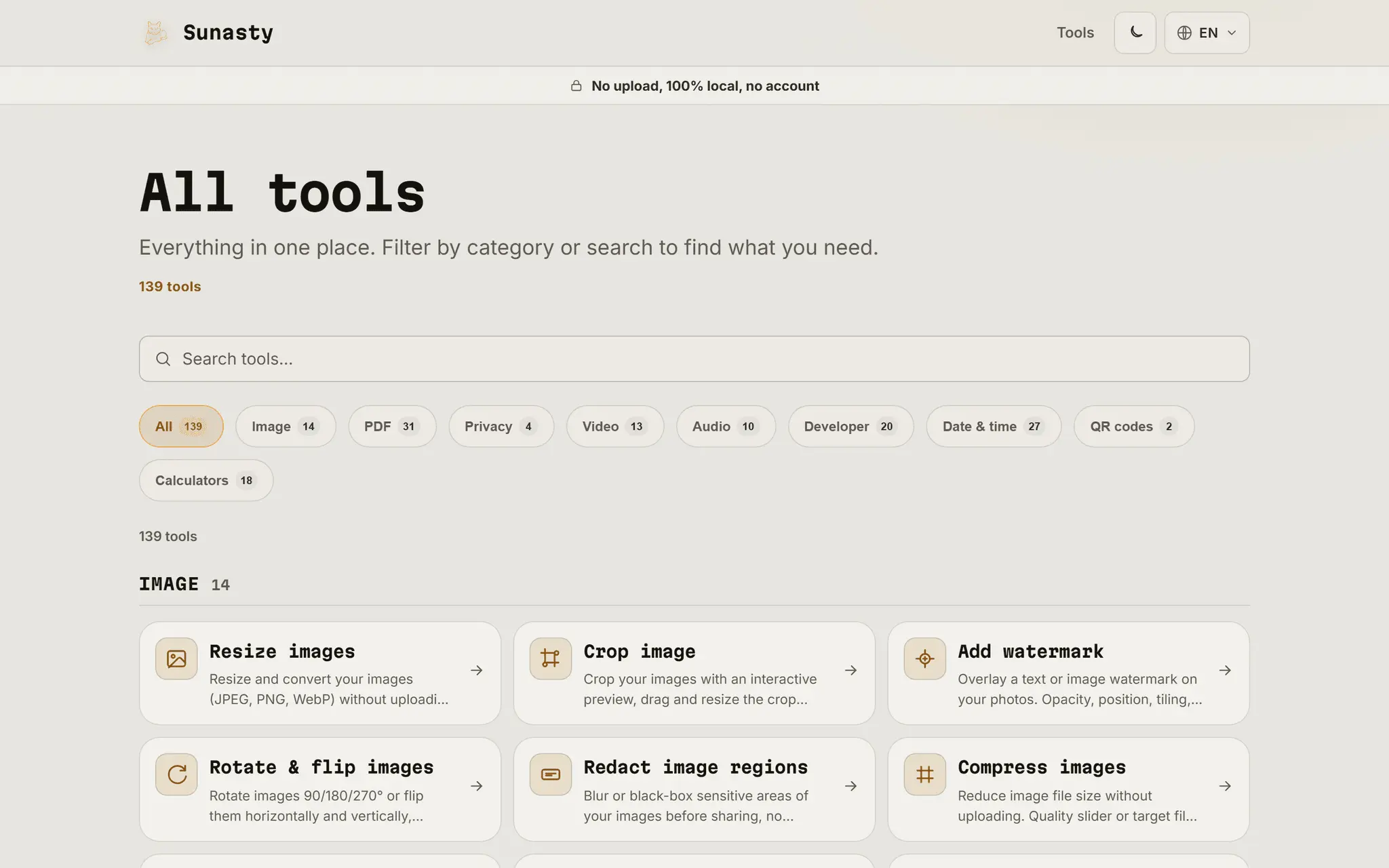
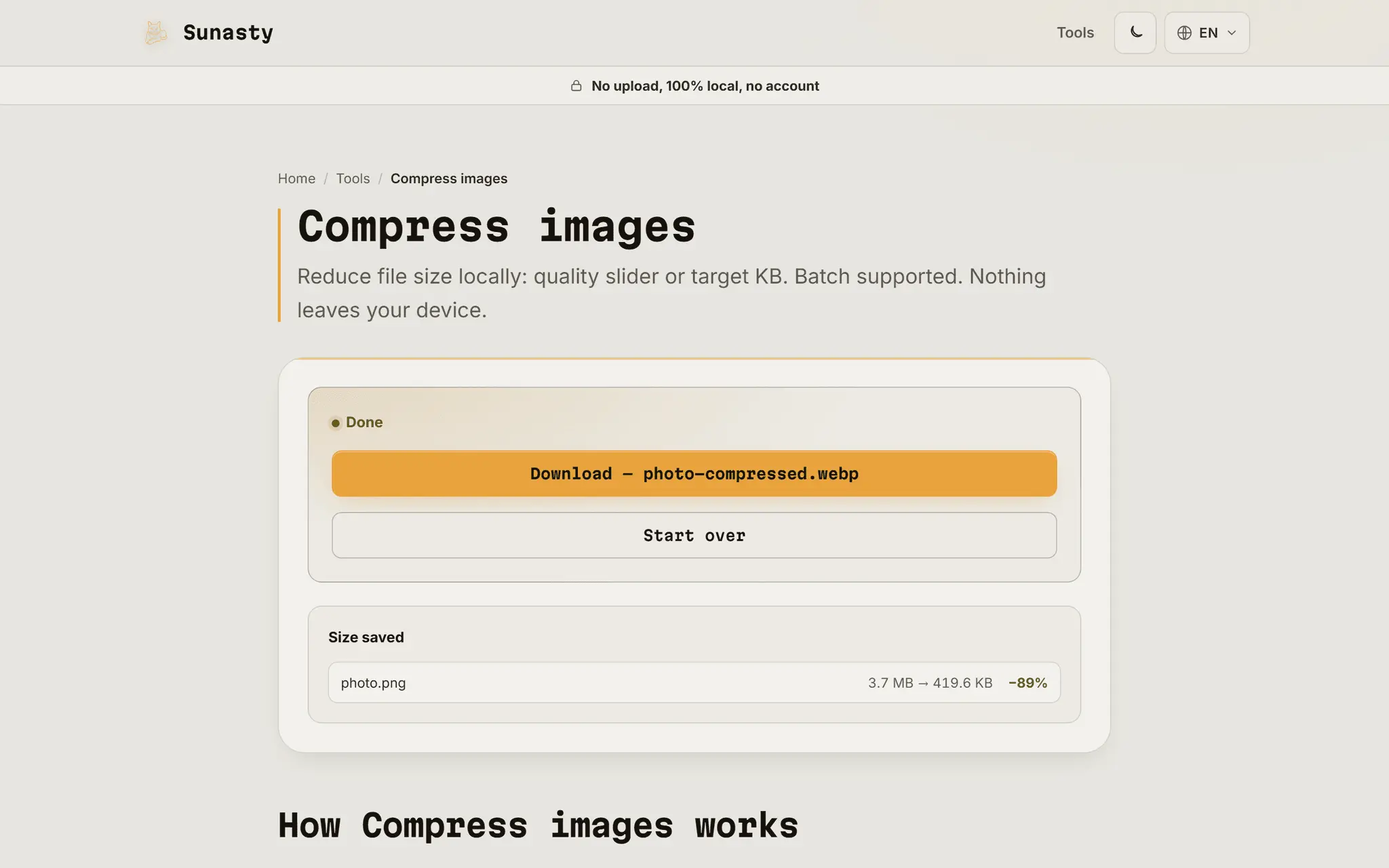
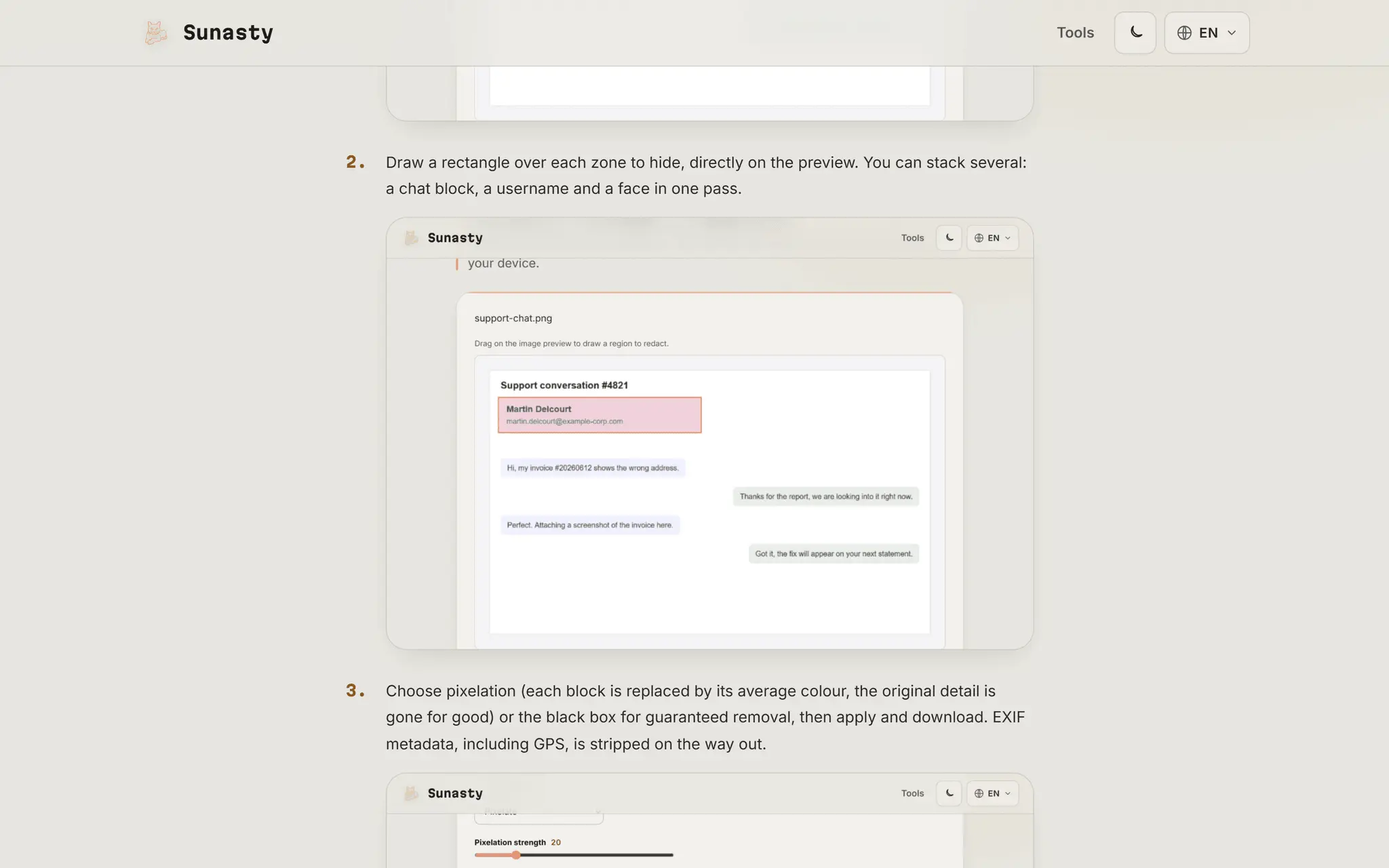
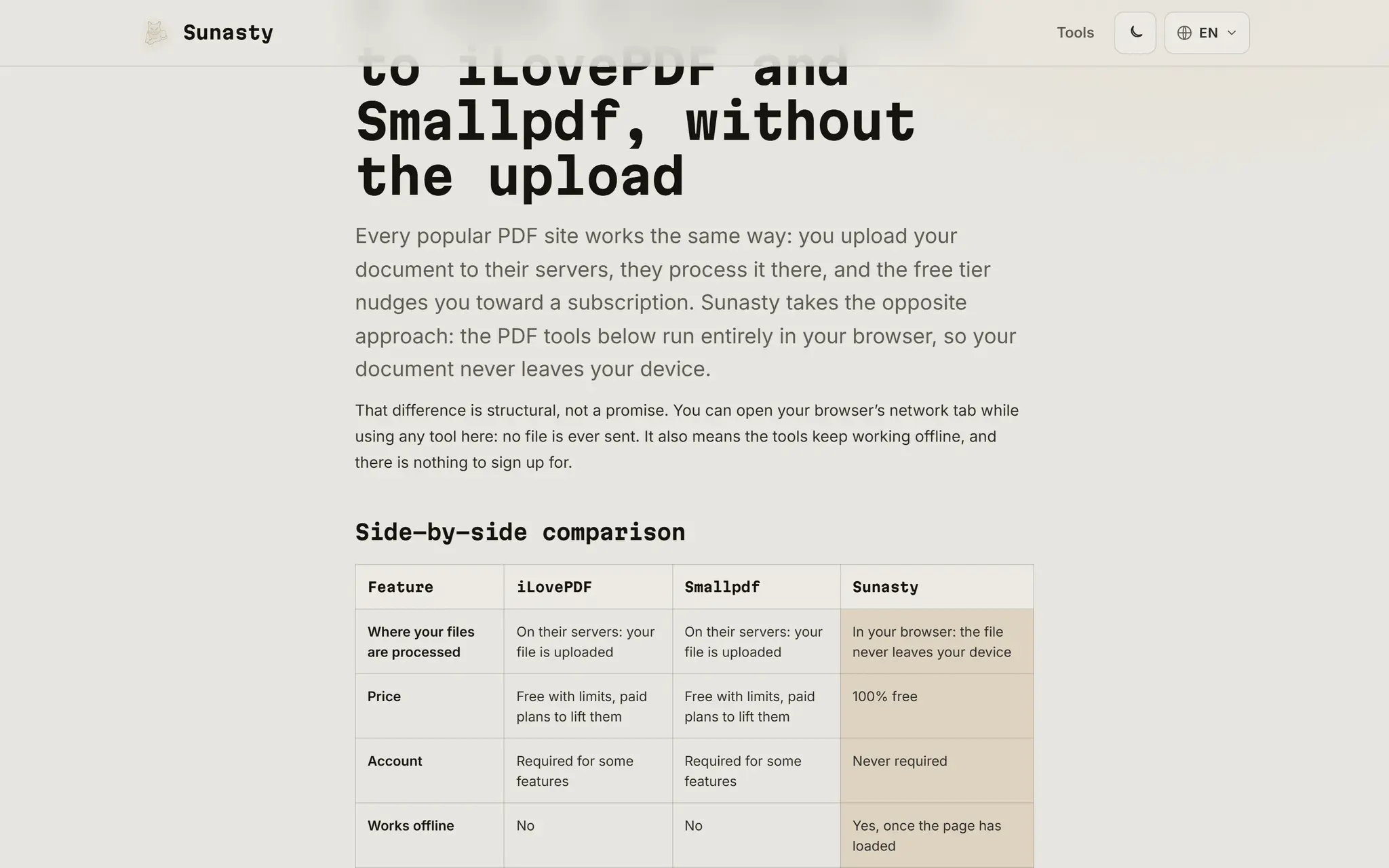
Sunasty is a suite of 140+ free utilities for everyday file tasks: PDF (merge, split, compress, sign, unlock), images (compress, resize, crop, redact, HEIC to JPG), video and audio (compress, convert, trim, extract audio, screen recording), plus developer, date and calculator tools. The difference is structural: every tool runs entirely in your browser using WebAssembly (FFmpeg, modern image codecs, qpdf). Files are never uploaded to a server, which you can verify in your browser's network tab. Tools keep working offline once loaded. No account, no file size tiers, no daily quotas. Available in 28 languages.
Product Video
Watch a video demo of Sunasty.
Screenshots
Reviews (1)
Average 5.0 out of 5
Based on 1 review

Comments (2)
love the idea! thanks for sharing! privacy is important!
Solo dev from France. 130+ free file tools (PDF, image, video) running 100% in your browser via WebAssembly: files never leave your device. No account, no quotas. What's missing from your workflow?