
FloatNote+
Sticky notes that float over any app, synced to your PC


Details
- Categories
- Use Cases
- Target Audience
- Pricing
- Freemium
Discovery signals
How AI and people discover FloatNote+ on PeerPush
About FloatNote+
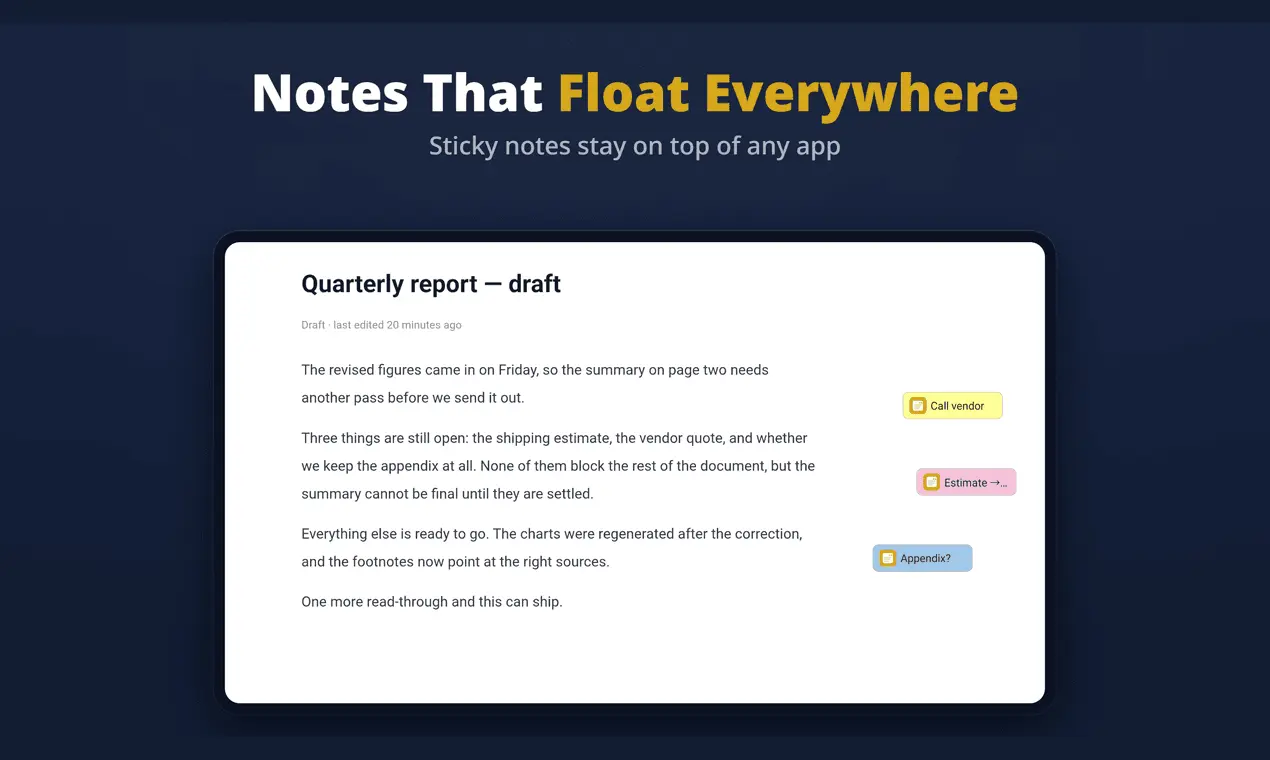
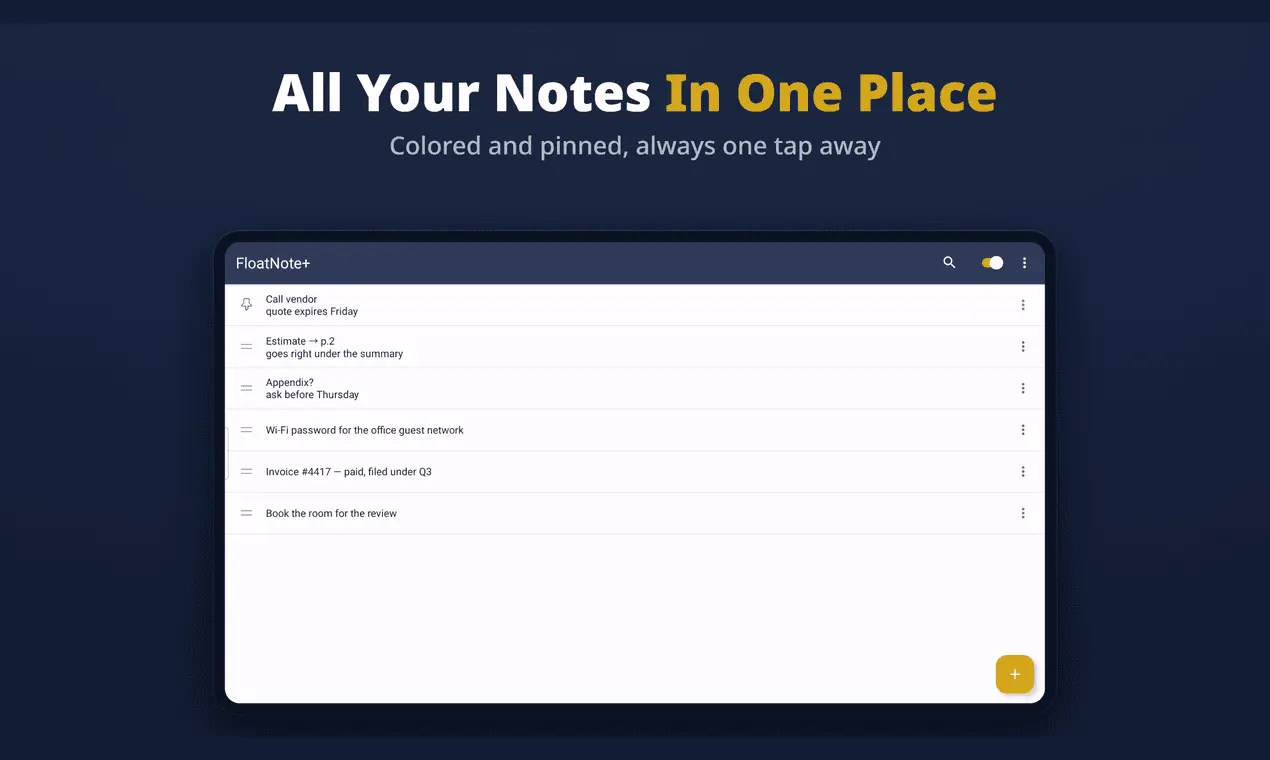
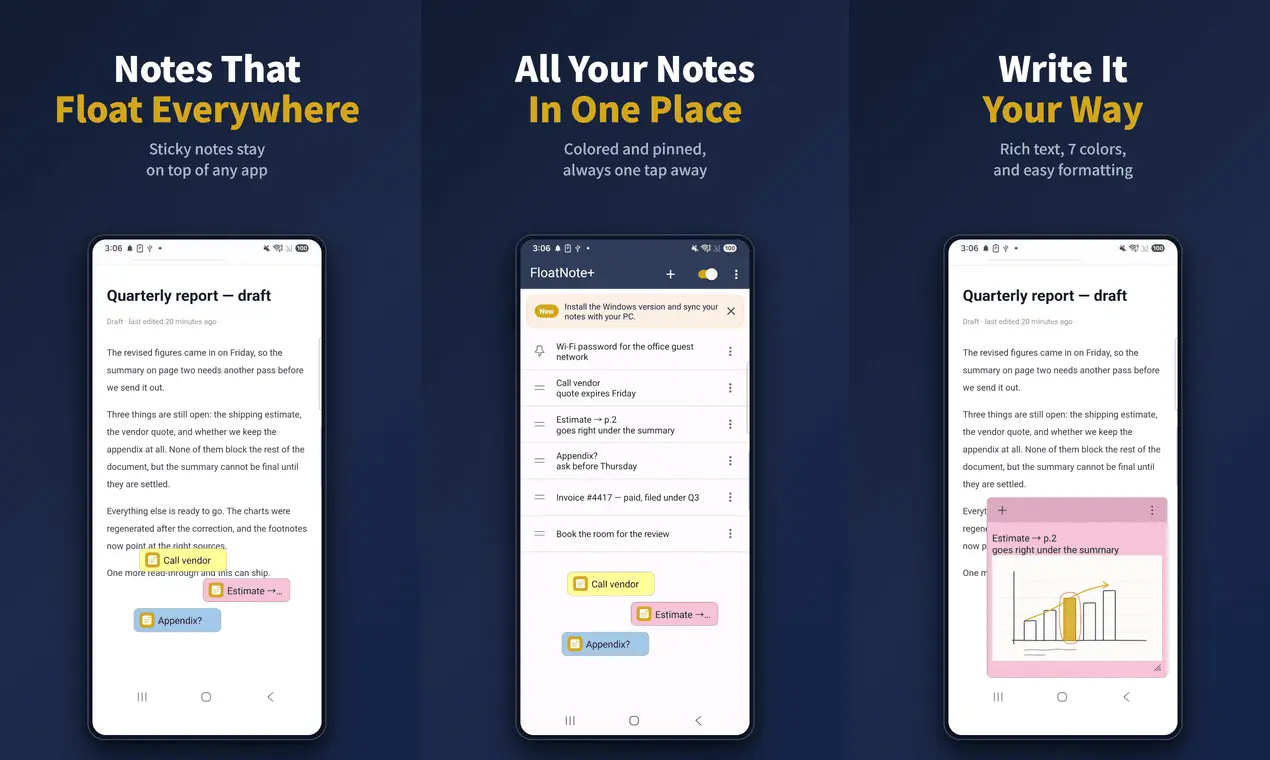
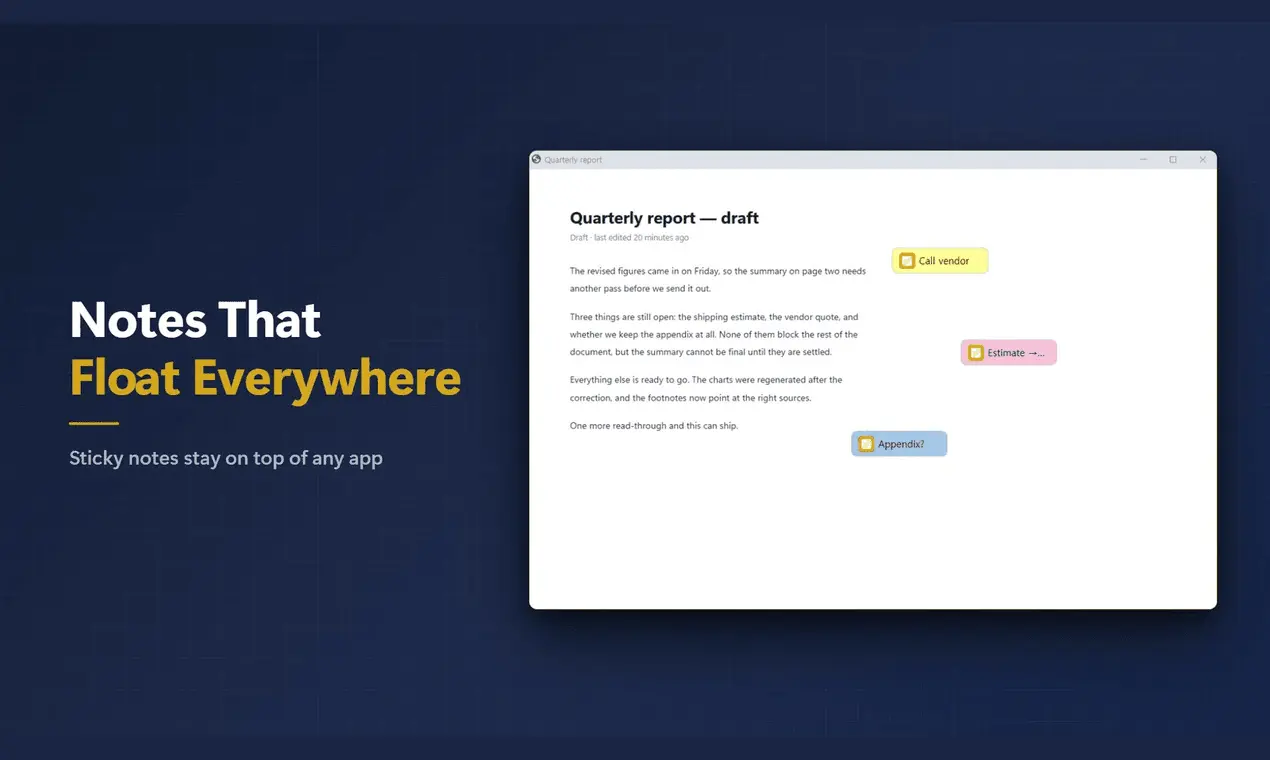
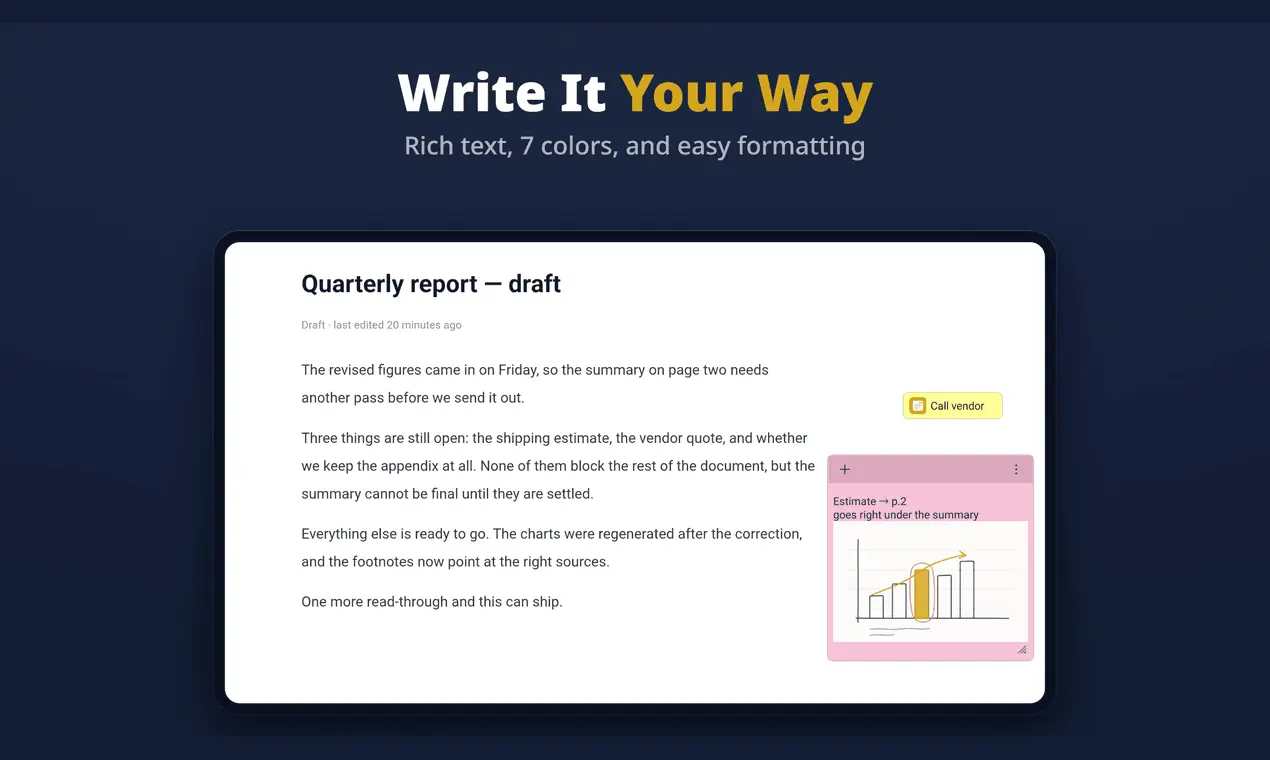
FloatNote+ keeps sticky notes floating above other apps: your browser, chat, video or home screen. A note can be collapsed to a small chip and expanded to a full card when needed. Notes support sticky-note colours and rich text (bold, italic, underline, strikethrough, text colour and size), and can be pinned, searched and reordered. Notes can be created from the share sheet, from selected text in any app, or from a Quick Settings tile. The free version shows one floating note at a time, with ads. Pro allows unlimited floating notes, inline images, adjustable opacity, export/import and sync with the Windows version through a private app folder in your own Google Drive; there is no CodeDAC server. Google Play: https://play.google.com/store/apps/details?id=com.codedac.floatnote Microsoft Store: https://apps.microsoft.com/detail/9NW6610397TC
Screenshots
Reviews (0)
No reviews yet. Be the first to rate this product!
Comments (1)
Hi! I'm the developer. FloatNote+ keeps a sticky note on screen while you use other apps, and syncs with Windows through your own Google Drive.