
Focux- Mindful Blocking
Mindful blocking for distracted websites

Details
- Follow on
- Categories
- Target Audience
- Platforms
Discovery signals
How AI and people discover Focux- Mindful Blocking on PeerPush
- ChatGPT
- Claude
- Perplexity
- +4 other AI crawlers
Reads by these AI engines
Crawlers behind these engines read this listing on PeerPush.About Focux- Mindful Blocking
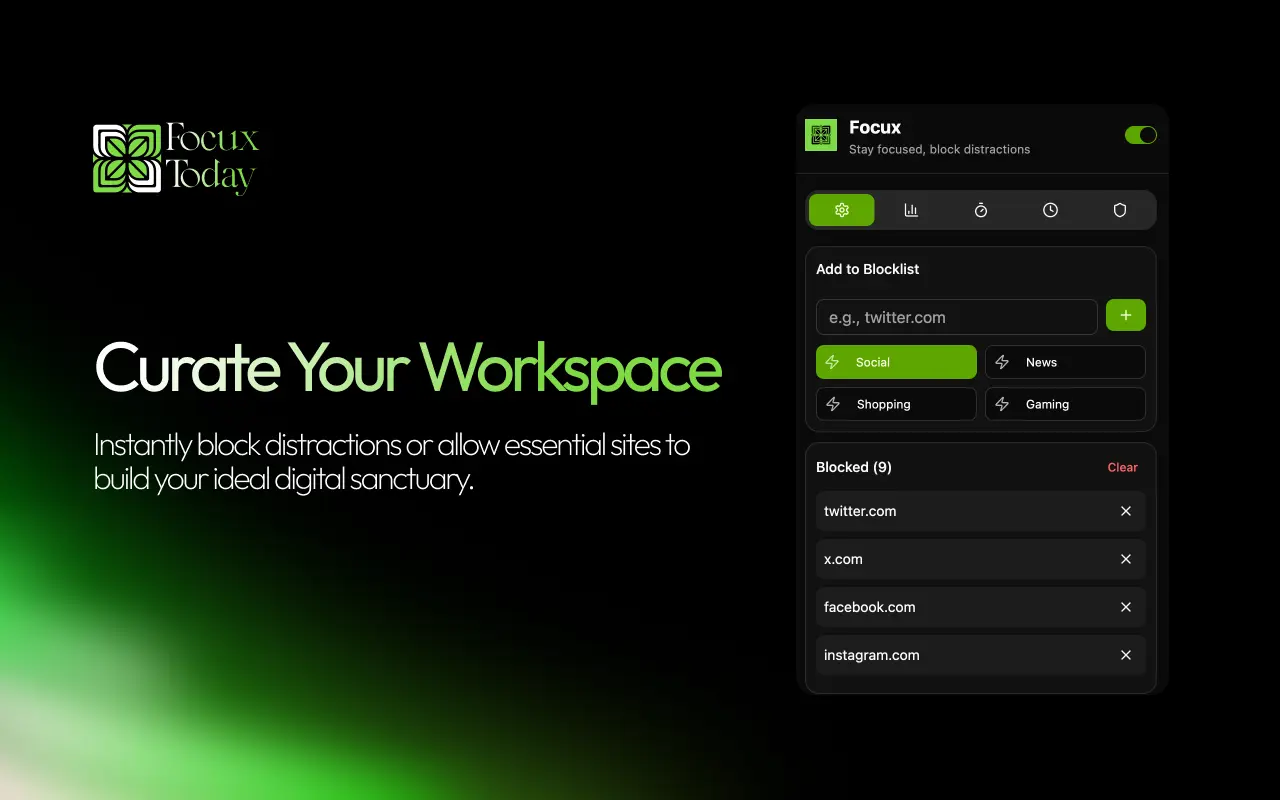
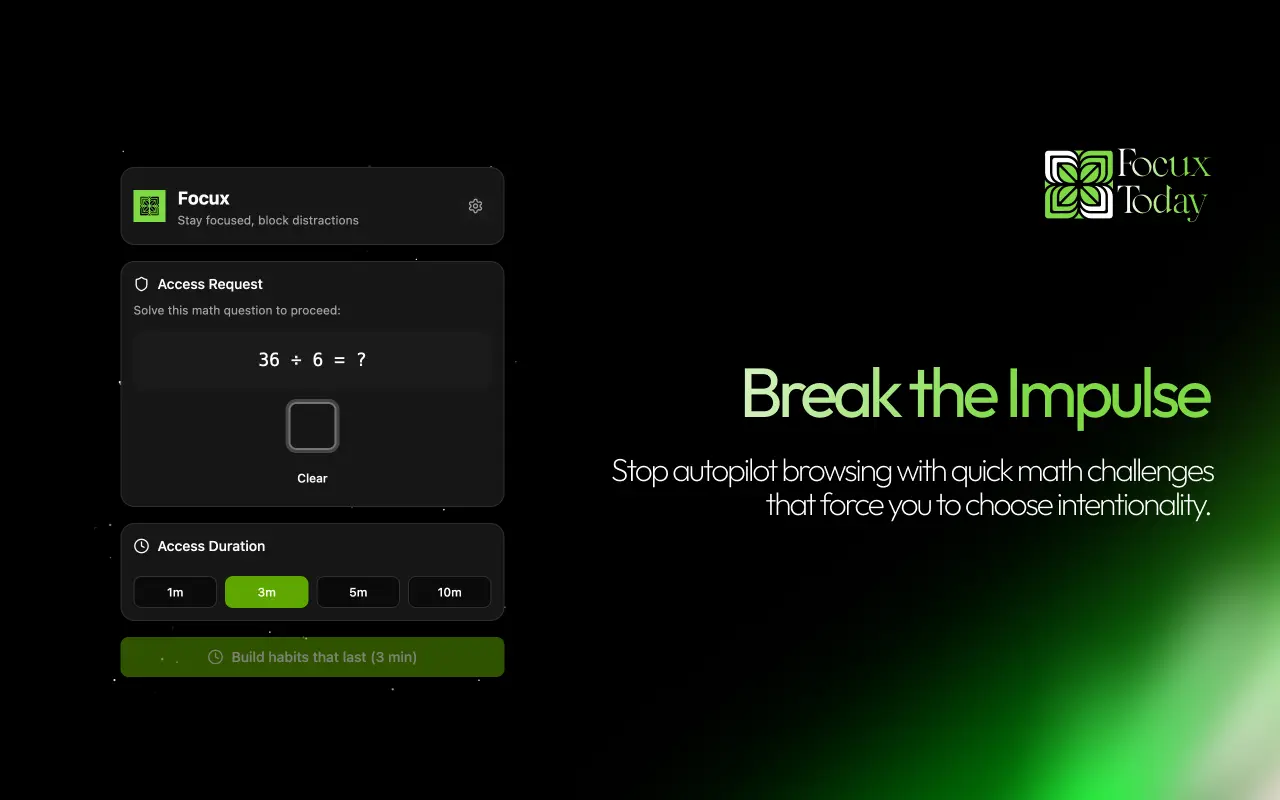
Focux - Mindful Blocking is a unique Chrome extension designed to help users break the cycle of mindless scrolling and enhance productivity through intentionality. Unlike traditional website blockers, Focux introduces positive friction by asking users to decide if they truly want to access a distracting site. This approach encourages users to reclaim their attention and develop better digital habits. Key Features Mindful Intentionality: Users are prompted to state their reason for accessing a site and the duration, which helps break the autopilot urge to scroll. Friction-Based Access: Users can choose challenges like solving math problems or holding a button to access restricted sites, warming up their focus. Flexible Schedules: Set specific times for deep work when distractions are completely off-limits, automating productivity. Focus Sessions: Lock down your digital environment for an hour of deep work with a single session. Productivity Insights: Track time saved and visualize progress with an intuitive dashboard. Premium Experience: Enjoy a minimalist Dark Mode interface designed for modern professionals who value aesthetics and efficiency. Whether you are a student, creative, or developer, Focux is the tool you need to protect your most valuable asset: your time.
Screenshots



Reviews (0)
No reviews yet. Be the first to rate this product!
Comments (2)
Always find myself on reddit so this may help me
Hi everyone! I built Focux because “just 5 minutes” on social media was ruining my focus. It adds a small pause so you choose on purpose, not on autopilot. Feedback welcome!