
GetImageToPrompt
Convert any image into detailed AI prompts instantly

Details
- Categories
- Target Audience
- Pricing
- Free
- Platforms
Discovery signals
How AI and people discover GetImageToPrompt on PeerPush
About GetImageToPrompt
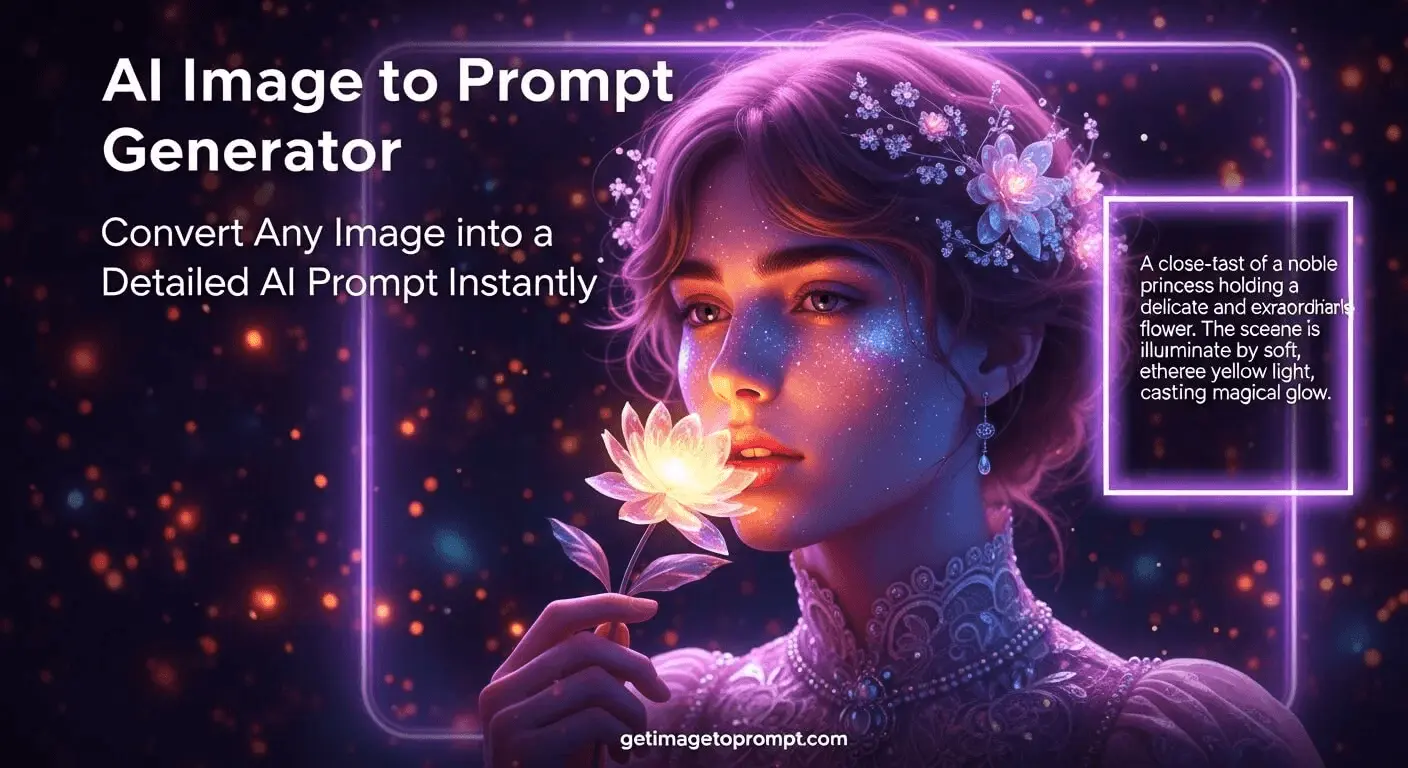
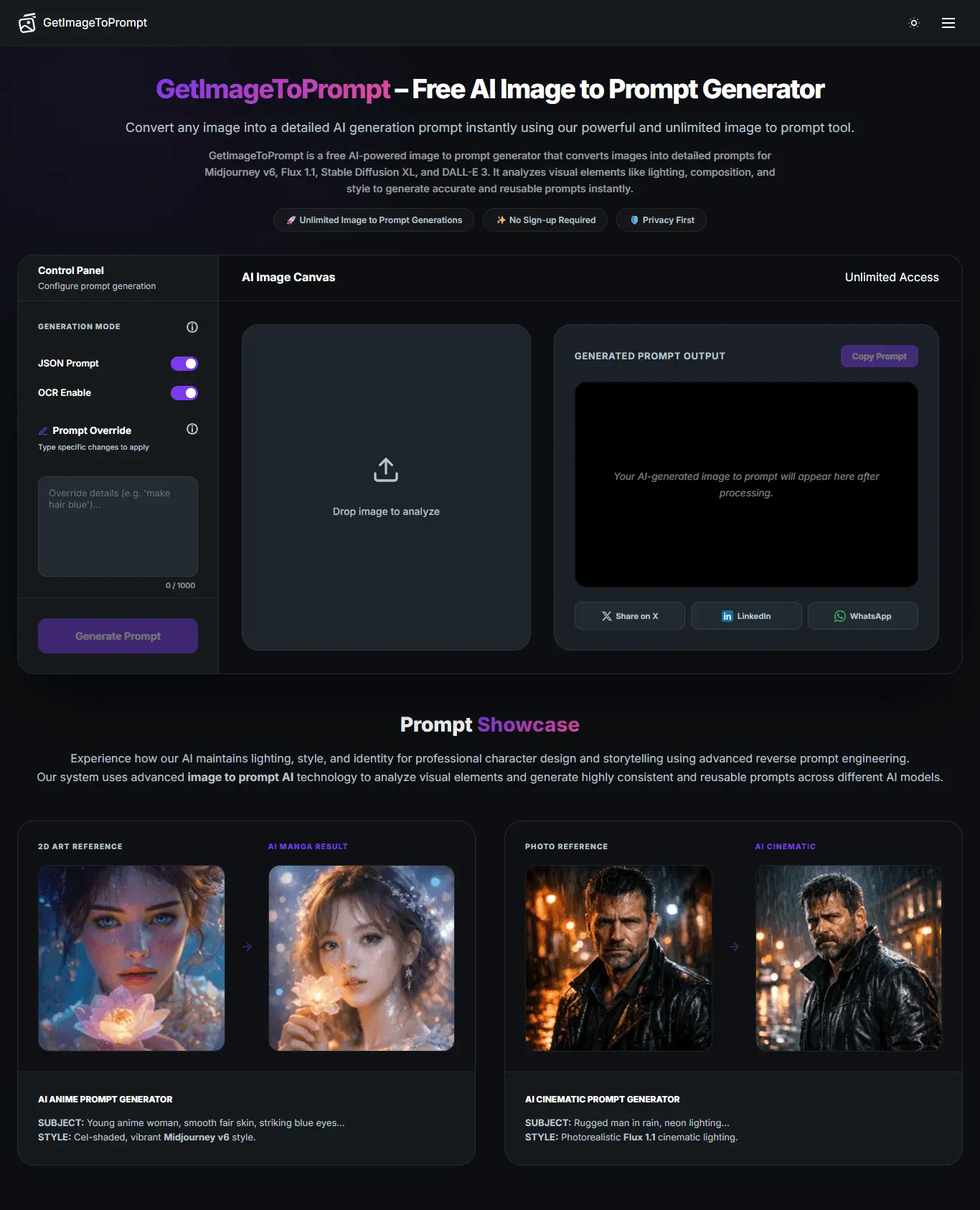
GetImageToPrompt – AI Image to Prompt Generator Turn any image into a powerful, ready-to-use AI prompt in seconds ⚡ GetImageToPrompt helps creators, designers, and AI enthusiasts convert reference images into detailed prompts for tools like Midjourney, Flux, Stable Diffusion, and more—without guesswork or manual effort. Whether you're recreating a style, analyzing visuals, or speeding up your workflow, this tool extracts structured prompts instantly so you can focus on creating, not writing 🎯 🚀 Key Features 🖼️ Image to Prompt Conversion Upload any image and instantly generate a detailed, structured AI prompt tailored for major image generation models. ⚡ Multi-Model Compatibility Supports prompt formats optimized for Midjourney, Flux, Stable Diffusion, DALL·E, and other popular AI tools. 🧠 Smart Prompt Structuring Automatically breaks down visuals into elements like subject, style, lighting, composition, and details for better results. 🔄 Reusable Prompts Generate prompts that can be reused, edited, and fine-tuned across different projects and tools. 🎯 No Sign-Up Required Zero friction—just upload your image and get your prompt instantly. ⚙️ Control Panel Fine-tune how your prompts are generated with advanced configuration options: 🔧 Generation Mode Choose how the prompt is generated: • Standard (balanced output) • Detailed (more descriptive prompts) • Creative (adds stylistic interpretation) 🧾 JSON Prompt Enable structured JSON output for developers or advanced workflows. Ideal for integrations and automation. 🔍 OCR Enable Extract text directly from images and include it in the generated prompt. ✏️ Prompt Override Manually customize or override specific parts of the generated prompt to match your exact needs. 🎛️ Type-Specific Changes Apply custom modifications based on prompt type (e.g., portrait, product, landscape) for more accurate results. 💡 Why Use GetImageToPrompt? ✅ Save hours of manual prompt writing ✅ Improve AI image output quality ✅ Easily recreate styles from reference images ✅ Perfect for creators, designers, and developers 🔥 Stop guessing prompts. Start from images.
Screenshots
Reviews (1)
Average 4.0 out of 5
Based on 1 review

Comments (0)
No comments yet. Be the first to share your thoughts!