
GhostPrompter
Look natural on camera. Stay confident while presenting.

Details
- Follow on
- Target Audience
- Pricing
- Freemium from $49
- Platforms
- Featured in
- Alternatives
 Teleprompter Pro alternatives
Discovery signals
How AI and people discover GhostPrompter on PeerPush
By AI reads among Developer Tools tools
18,175 AI reads in the last 30 days, ranked against every Developer Tools tool listed.About GhostPrompter
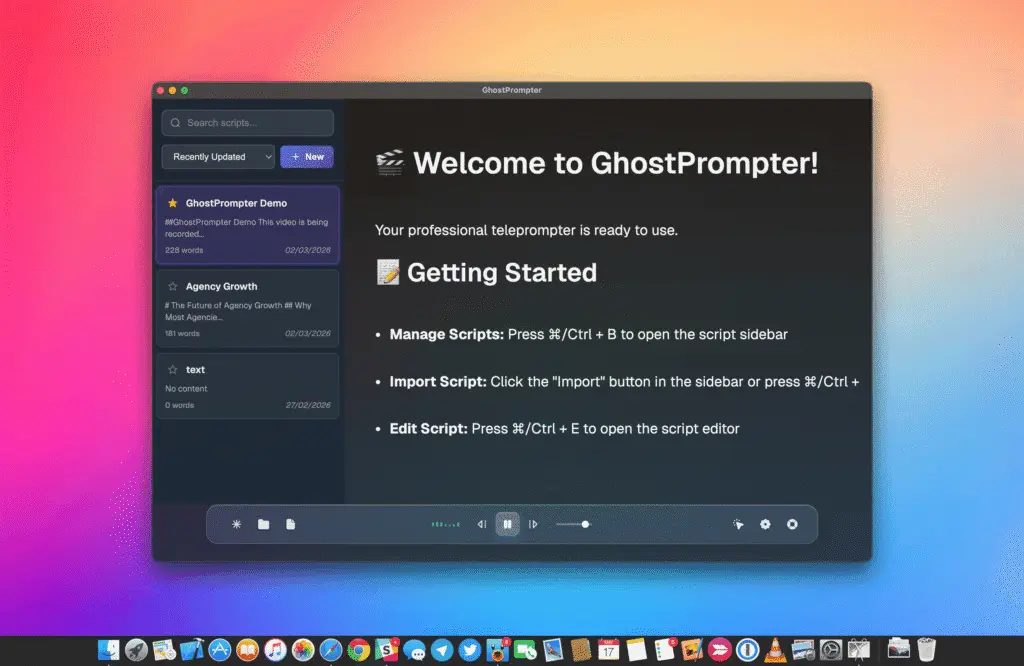
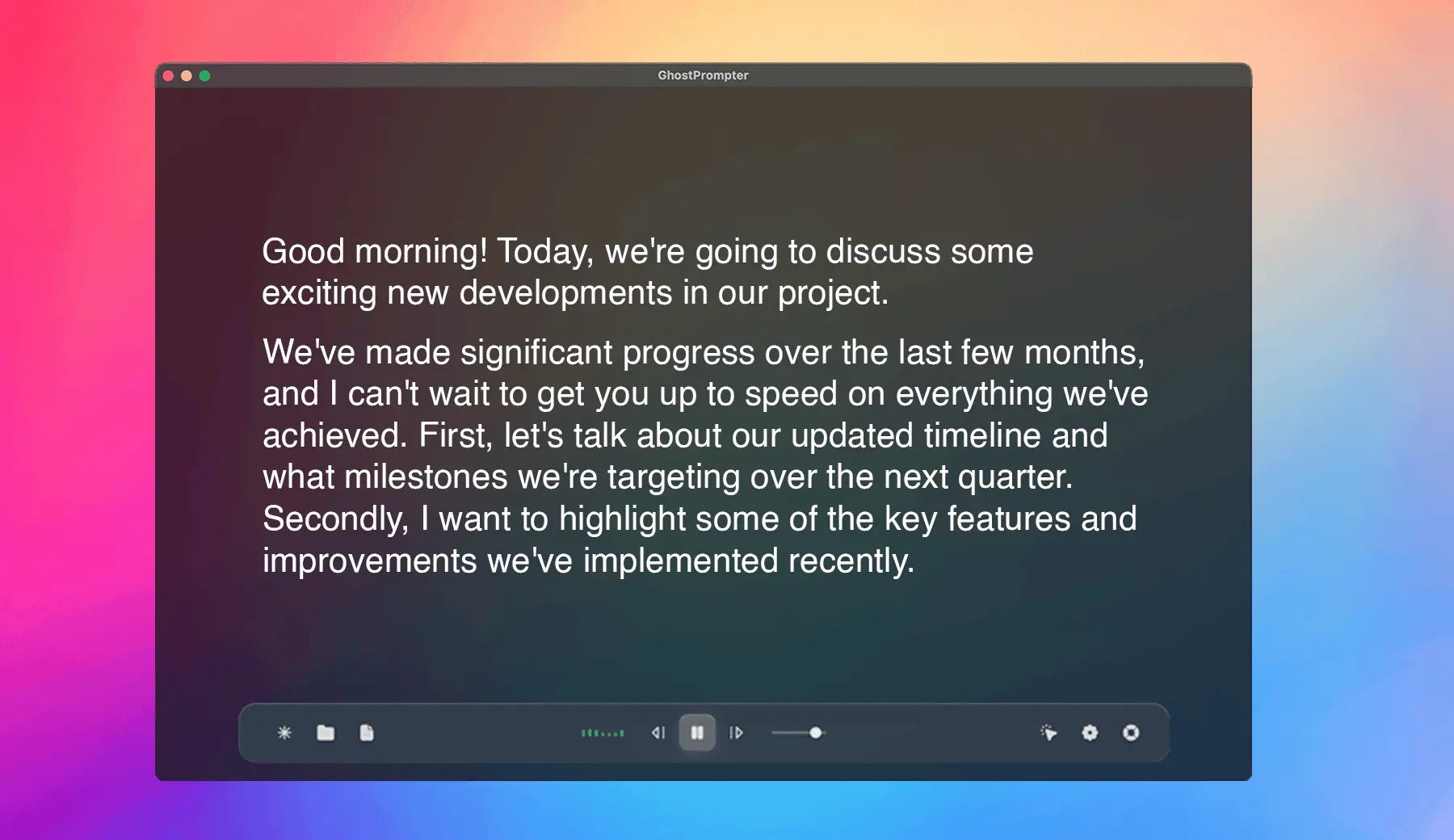
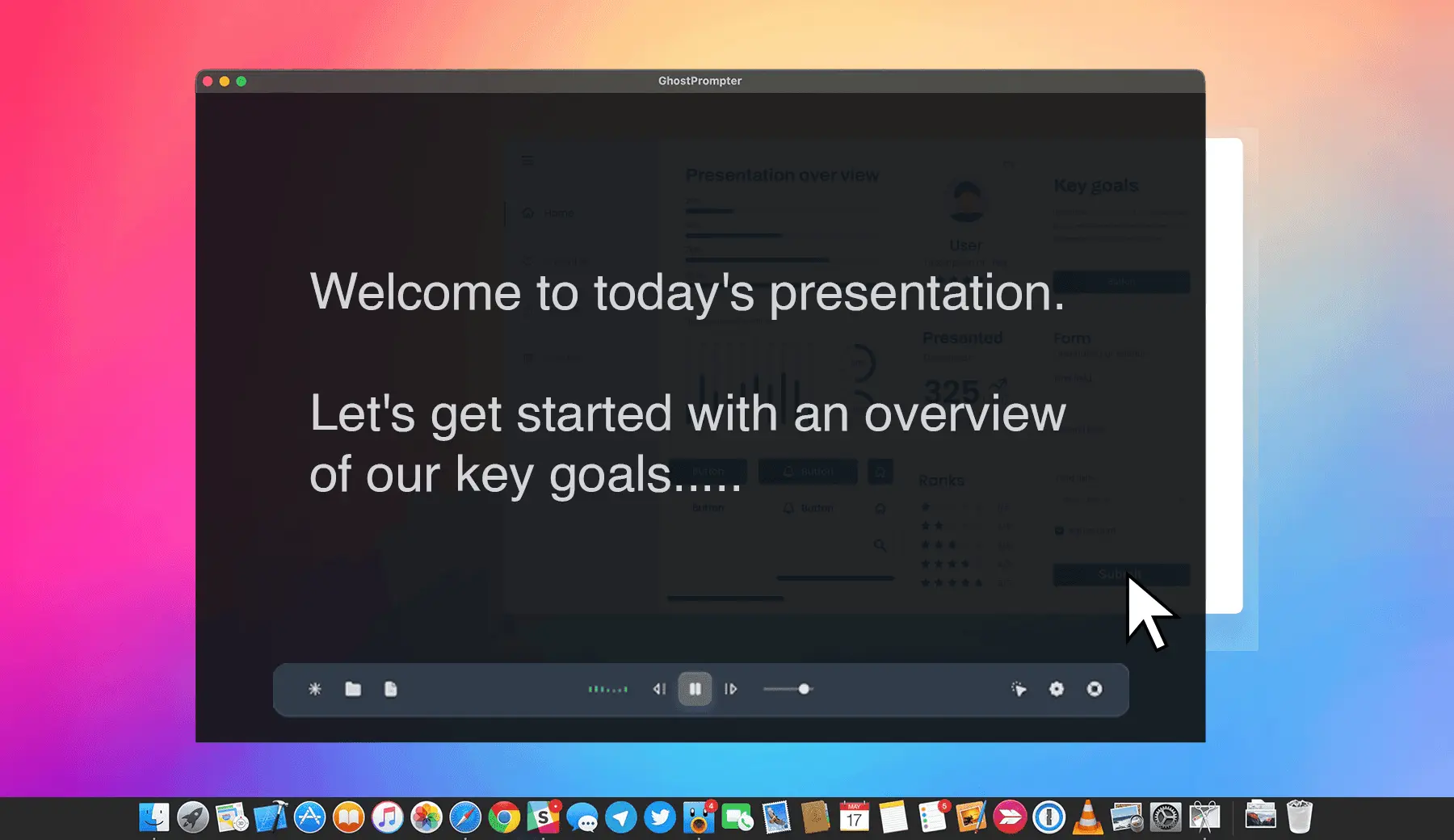
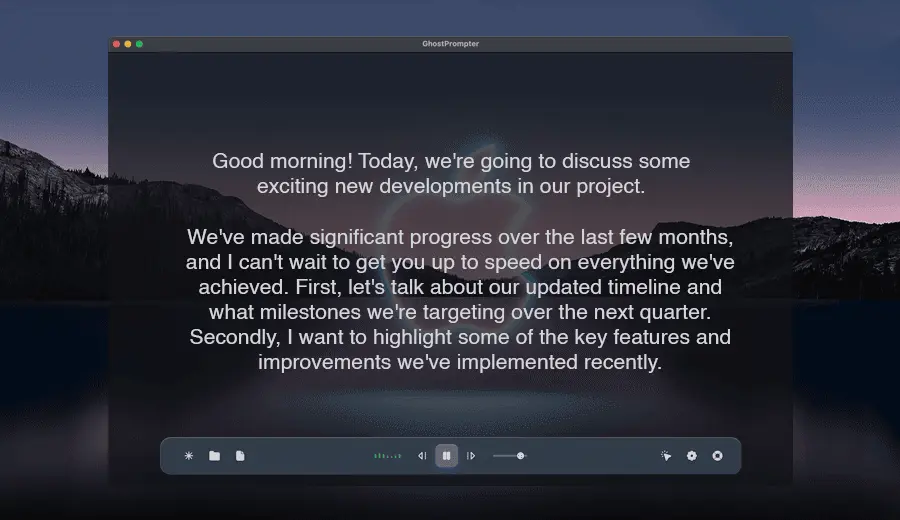
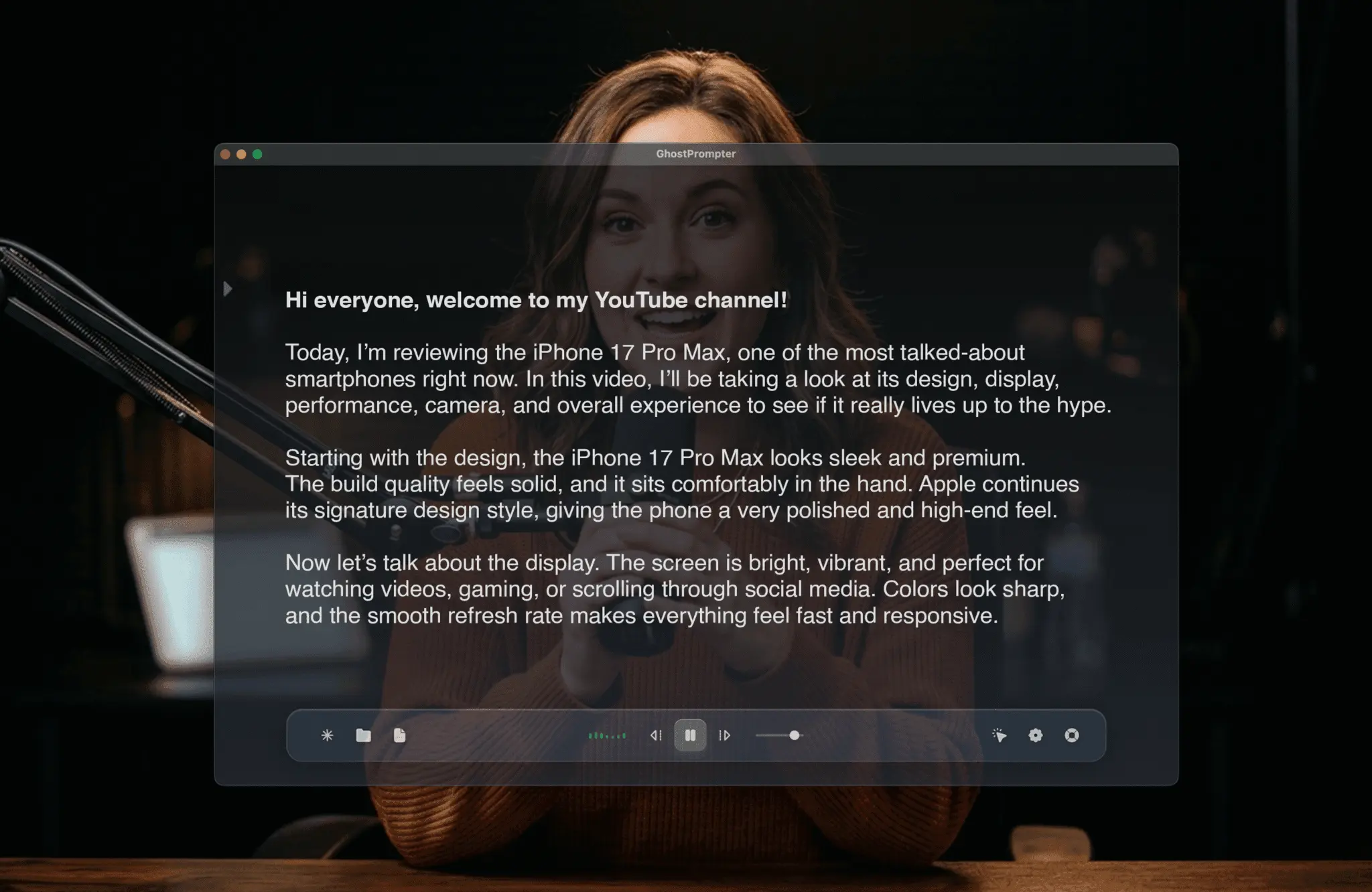
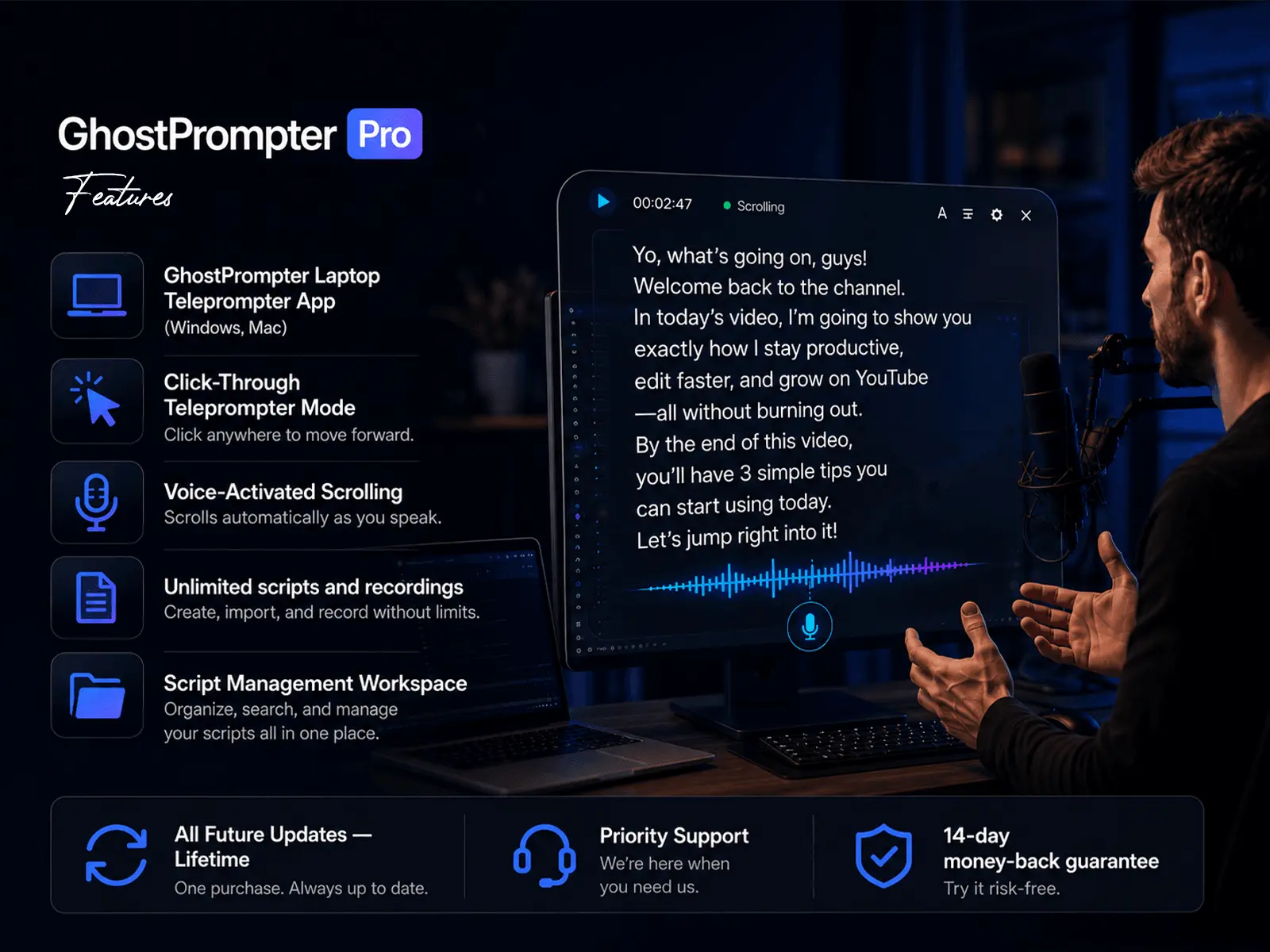
The Invisible Teleprompter for Windows & macOS GhostPrompter helps you look natural on camera and present with confidence by letting you read your script without losing eye contact. Whether you're recording tutorials, running webinars, giving presentations, joining meetings, or demonstrating your product, GhostPrompter helps you speak naturally while staying focused on your audience. Unlike traditional teleprompters, GhostPrompter uses a transparent click-through overlay that stays above your applications without blocking interaction. Read your script while clicking, typing, changing slides, or presenting—without interrupting your workflow. ✨ Key Features 🎯 Click-Through Overlay Your script floats above any application while remaining completely click-through. Read naturally while interacting with Zoom, PowerPoint, browsers, IDEs, or any desktop app. 🎙️ Voice-Activated Auto Scroll Your script automatically follows your speaking pace, slowing down, pausing, or continuing as you talk—perfect for presentations, webinars, and recordings. 👻 Invisible in Screen Recordings Only you can see the teleprompter. It stays hidden from screen recordings, live streams, and video calls, making it ideal for OBS, Loom, Zoom, Teams, Google Meet, and more. 📝 Built-In Script Management Create, edit, organize, and save multiple scripts. Import text from anywhere and make changes without interrupting your workflow. 🎨 Fully Customizable Display Adjust font size, colors, transparency, positioning, line spacing, and scrolling speed to create the perfect reading experience. 🖥️ Built for Windows & macOS Native desktop applications with multi-monitor support, lightweight performance, and seamless compatibility with your favorite recording and presentation tools. 🔒 Private by Design Runs locally on your computer with no internet connection required. Your scripts stay on your device. 🚀 Get Started Start your 14-day free trial—no credit card required—and experience a more natural, confident way to present, record, and screen share.
Product Video
Watch a video demo of GhostPrompter.
Screenshots
Product Updates (3)
🏆 We Won #1 Product of the Day! Thank You, PeerPush ❤️
GhostPrompter has officially been voted #1 Product of the Day on PeerPush! 🎉 When we launched, we had one goal: build the simplest, most invisible teleprompter for anyone presenting, recording, teaching, or sharing their screen. We honestly didn't expect this level of support so quickly. To everyone who upvoted, commented, shared GhostPrompter, or even just gave us a try—thank you. Every vote, every piece of feedback, and every kind message meant the world to us. This isn't the finish line—it's the beginning. We've been collecting your suggestions since launch, and we're already working on improvements, new features, and a smoother experience to make GhostPrompter even better. If you've been using GhostPrompter, keep the feedback coming. The best ideas often come from our users, and we'd love to build them with you. From the bottom of our hearts, thank you for making GhostPrompter the #1 Product of the Day. 💜
Comments (4)


🔥 Limited Launch Discount: Grab Your 10% Off Before Slots Fill Up!
Hey everyone! The response to GhostPrompter has been incredible, and we're loving all the feedback from everyone testing out the app. Just a quick reminder: our exclusive early-bird launch offer is currently running, but slots are filling up fast! If you've been putting your videos together with the 14-day trial and want to lock in your permanent discount, make sure to use code PEERPUSH10 at checkout to get 10% OFF your license. Only a few discounted slots are left for this batch. Grab your copy, drop the code at checkout, and level up your screen recordings today! 👻
Comments (1)

GhostPrompter v1.0.5: Performance Boost & Smoother Overlay Control
We’re excited to roll out GhostPrompter v1.0.5! This update focuses on making your screen recording and presentation workflow smoother and more reliable than ever. Here is what's new in this version: 🚀 Faster Performance: We've optimized the desktop app engine for both Windows and Mac, reducing CPU usage so your screen recordings (on OBS, Loom, or Zoom) stay lag-free. ✨ Smoother Overlay Control: Refined the click-through transparency mode. Adjusting your script transparency and positioning while presenting is now even more seamless and responsive. 🐛 Bug Fixes: Smashed a few minor UI bugs reported by our creators to ensure a rock-solid, distraction-free experience. Update now and experience the ultimate invisible teleprompter workflow!
Comments (0)
No comments yet. Be the first to share your thoughts!
Reviews (90)
Average 4.9 out of 5
Based on 90 reviews

The focused teleprompter concept is practical for presentations, and the promise of smoother overlay control should make camera-facing delivery feel less distracting.

glad I found it! Thanks!

A good solution to read a script and maintain eye contact without needing an expensive hardware setup


Comments (38)
The overlay control focus is a thoughtful detail for presenters; keeping prompts readable without covering the camera view could make rehearsals much more comfortable.
Useful product. Recommended
Really cool idea. I can see this being super useful in everyday work.
The product looks very interesting! Will give it a try
nice! Good job!
👏🏻
best wishes
The detail that decides this: does the overlay stay out of screen capture? If a Zoom share or an OBS recording picks it up, the invisible part breaks. Is exclusion handled per platform, and does it survive OS updates?
Great
the click-through overlay is the part i'd have gotten wrong, most setups block the screen underneath. curious how the voice scroll handles pauses, does it wait if you go off script for a bit?