
HeicToPng
Private batch HEIC to PNG conversion in your browser

Details
- Follow on
- Categories
- Use Cases
- Target Audience
- Pricing
- Free
- Platforms
Discovery signals
How AI and people discover HeicToPng on PeerPush
About HeicToPng
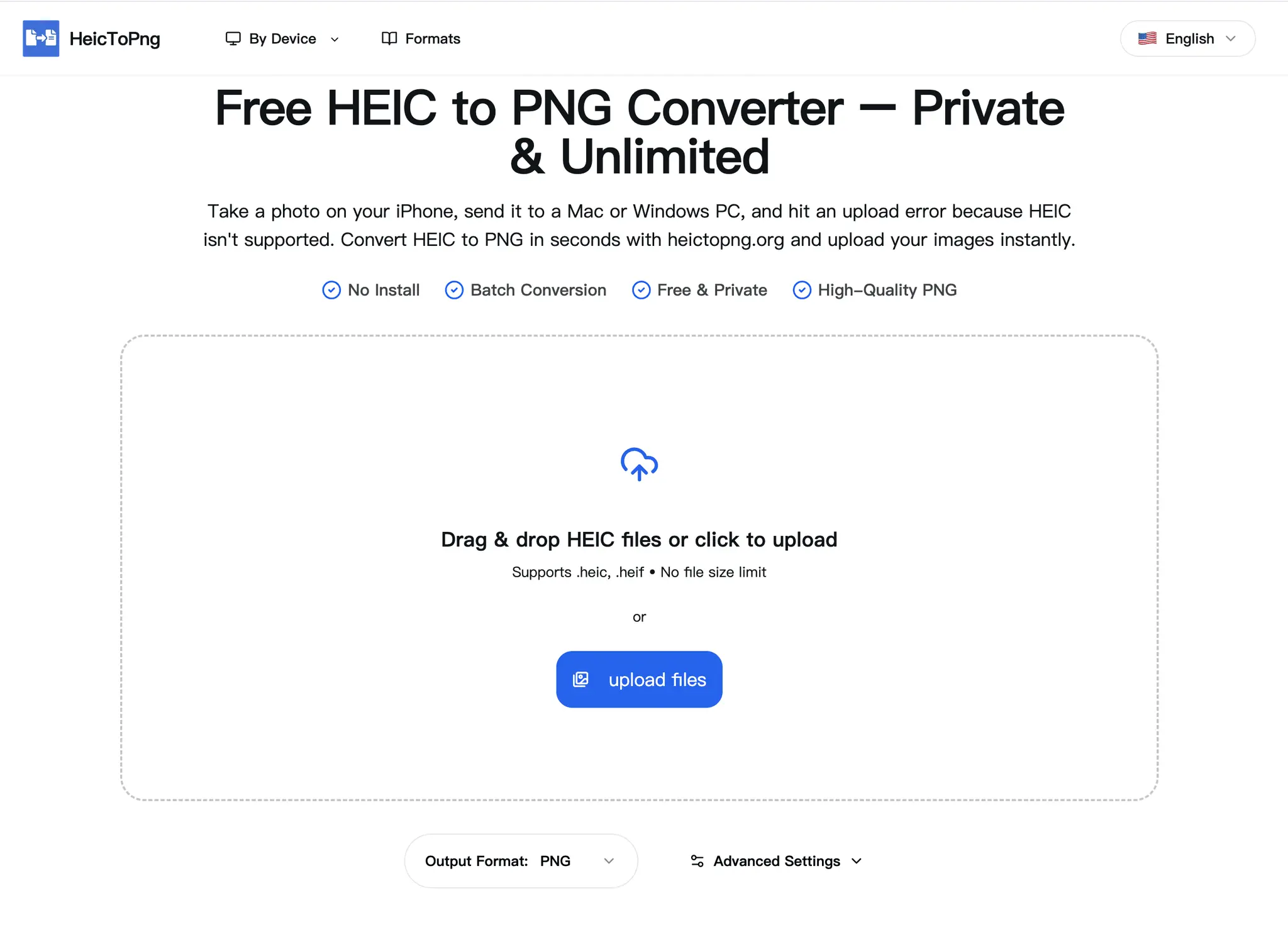
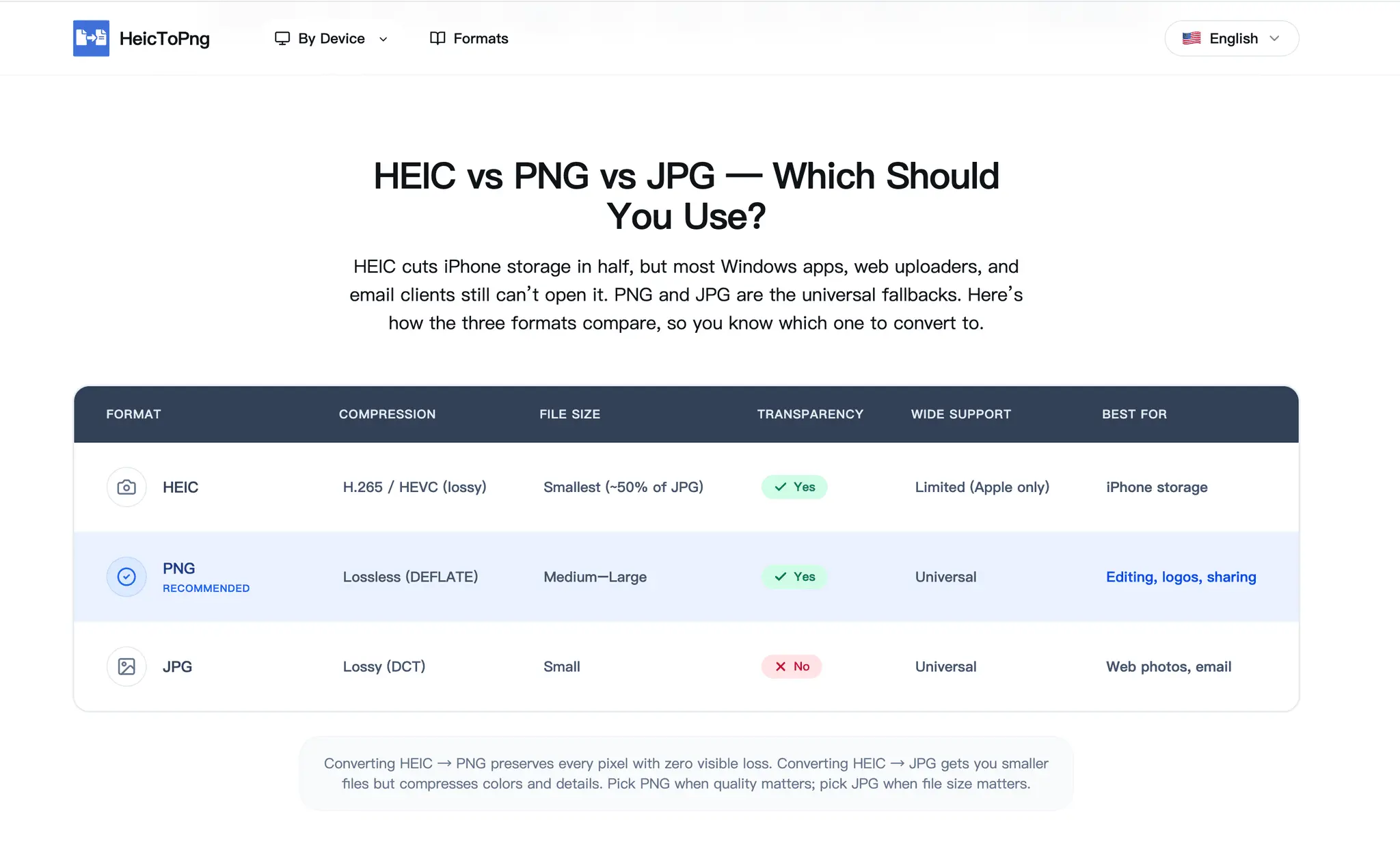
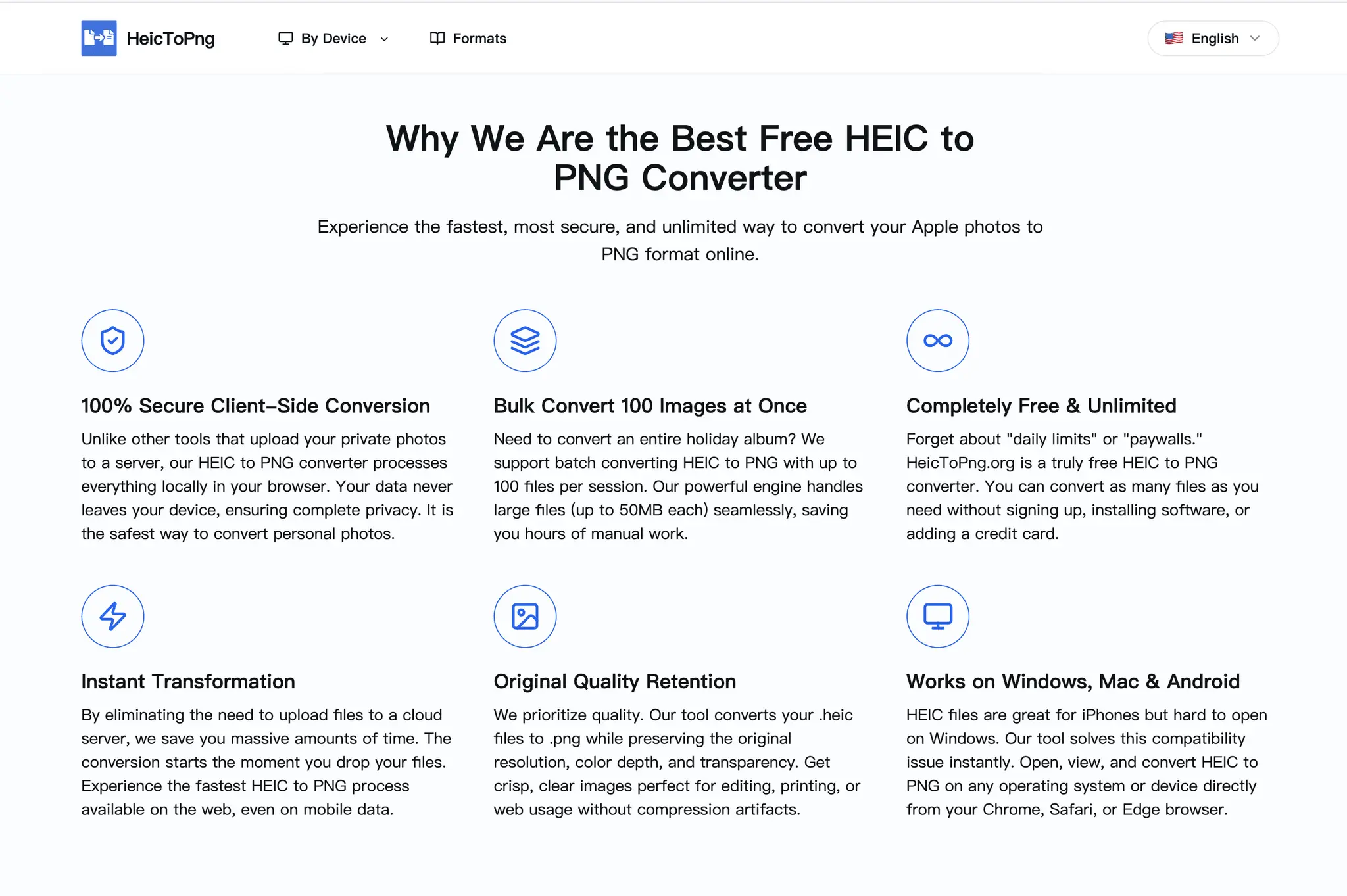
HeicToPng converts Apple's HEIC photos into standard PNG right in your browser — fast, free, and completely private. iPhones and iPads save photos as HEIC, a format many websites, apps, and Windows PCs still can't open. This tool fixes that in a few clicks, no sign-up required. 100% private by design Conversion happens entirely on your own device. Your photos are never uploaded to a server, never stored, and never seen by anyone else. That makes it safe for personal pictures, screenshots, work files, and anything you'd rather not send to the cloud. Batch conversion Drop in up to 100 HEIC files at once and convert them together — no need to do them one by one. There are no file-size limits, so large, high-resolution photos straight from your camera work fine. More than PNG Beyond HEIC to PNG, the site also converts HEIC to: JPG — smaller files for sharing and uploads. WebP — modern, lightweight images for the web. PDF — turn one or many photos into a single document. Why people use it No install: works in any modern browser on Mac, Windows, iPhone, and Android. High-quality output that keeps your images sharp. Free, with no account and no watermark. Instant results — most conversions finish in seconds. Who it's for iPhone and iPad users who need their photos to open everywhere, anyone uploading pictures to a site that rejects HEIC, people moving images to a Windows PC, and privacy-conscious users who want conversion that never leaves their device. Convert your HEIC files free at https://heictopng.org
Screenshots
Reviews (0)
No reviews yet. Be the first to rate this product!
Comments (0)
No comments yet. Be the first to share your thoughts!