
Host Studio
IBM mainframes and IBM i. A native Apple experience.


Details
- Follow on
- Categories
- Use Cases
- Target Audience
- Pricing
- Paid
Discovery signals
How AI and people discover Host Studio on PeerPush
About Host Studio
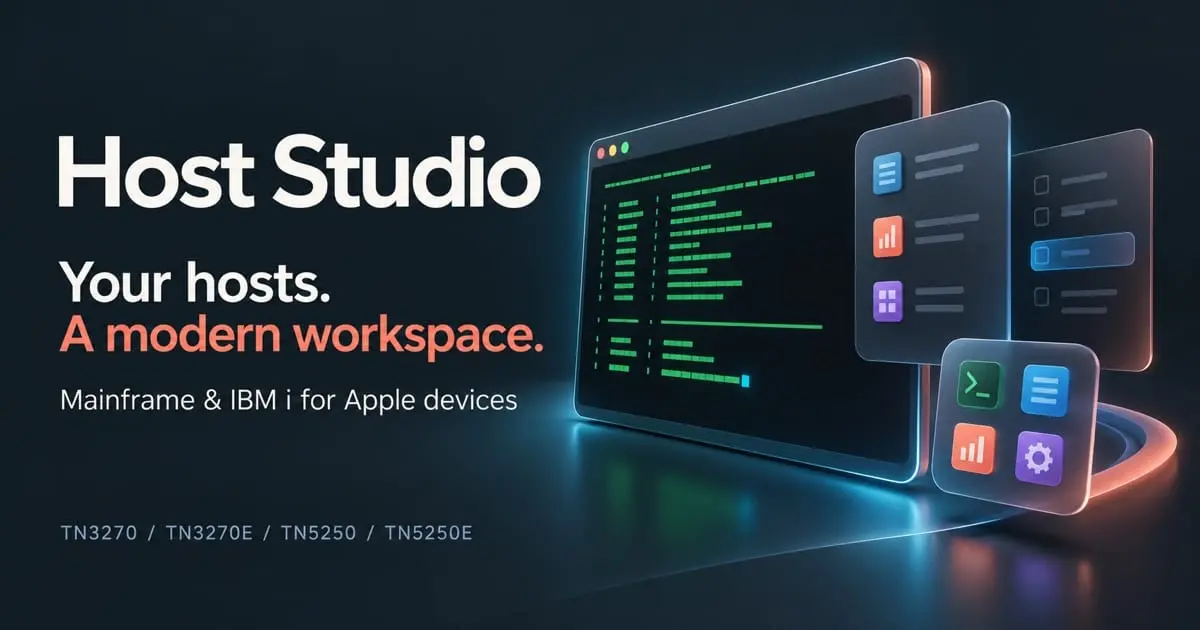
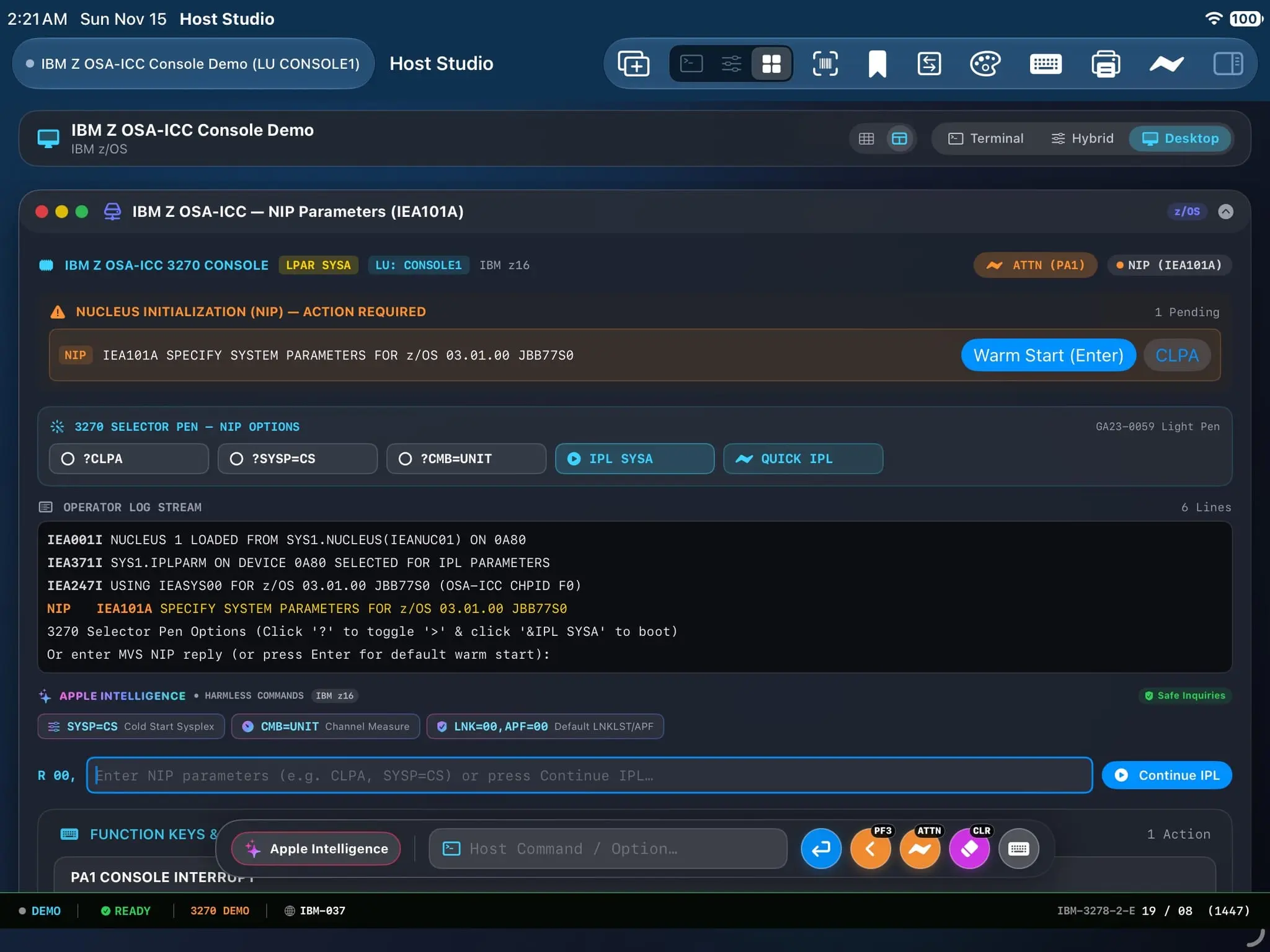
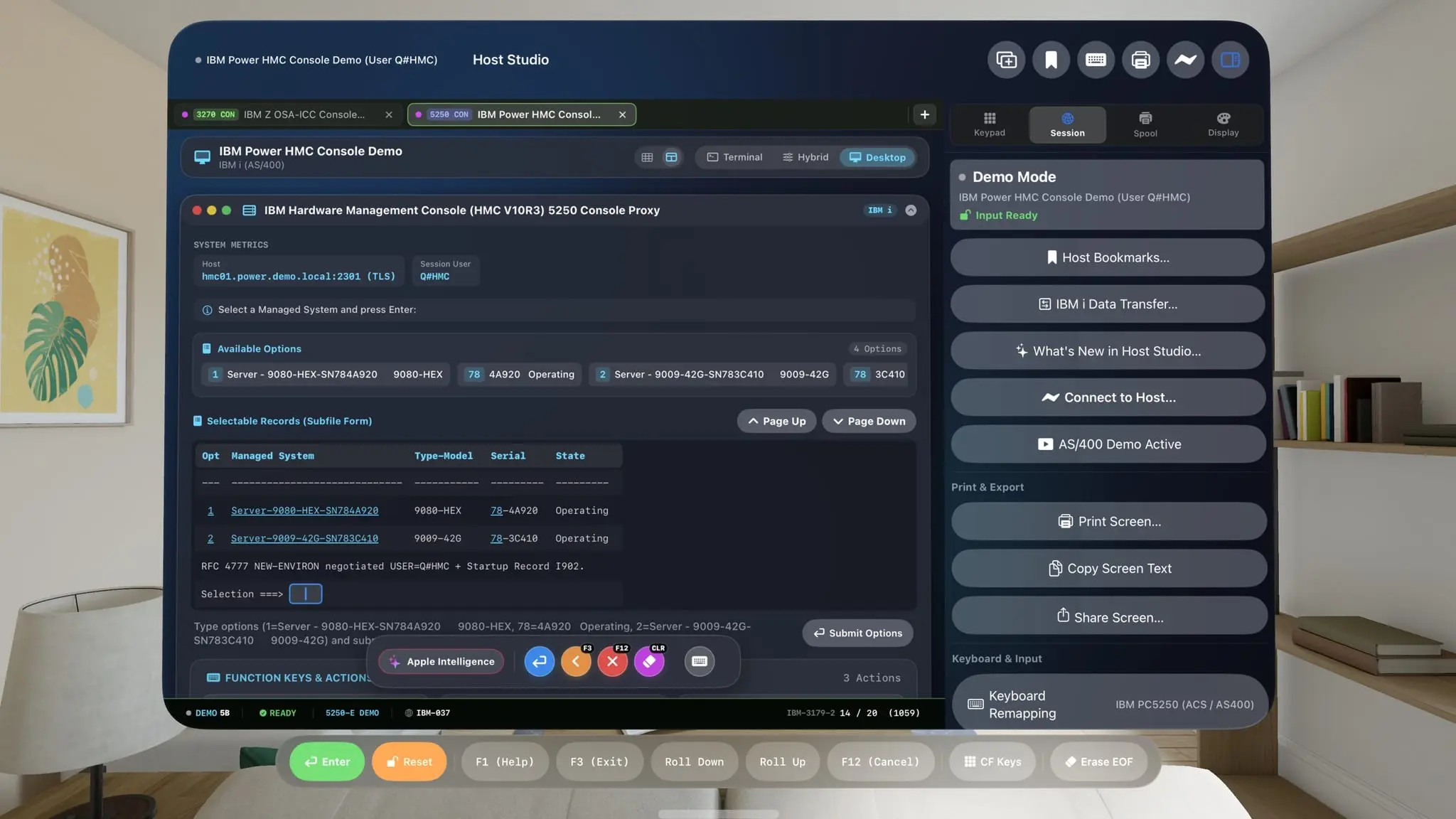
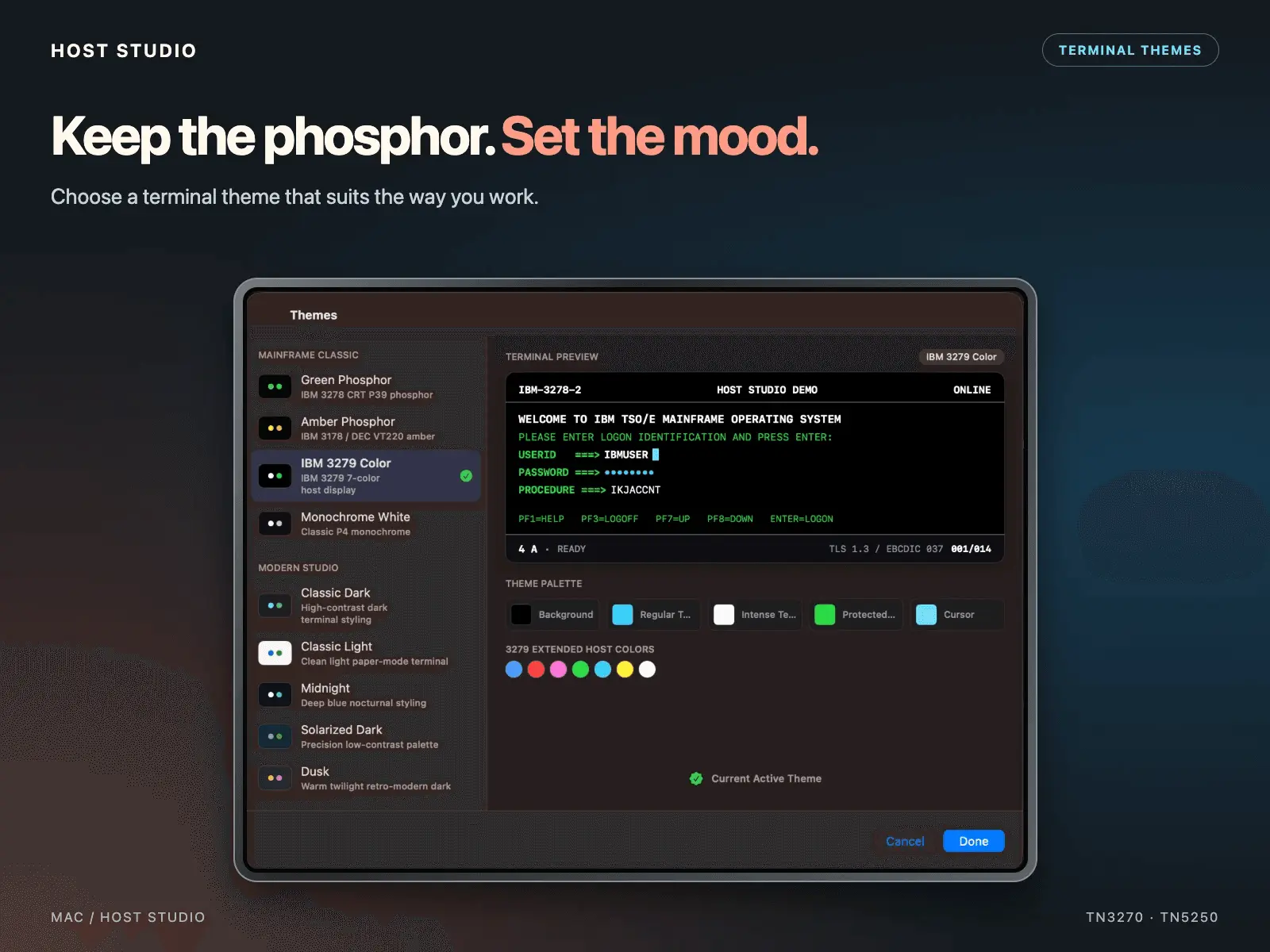
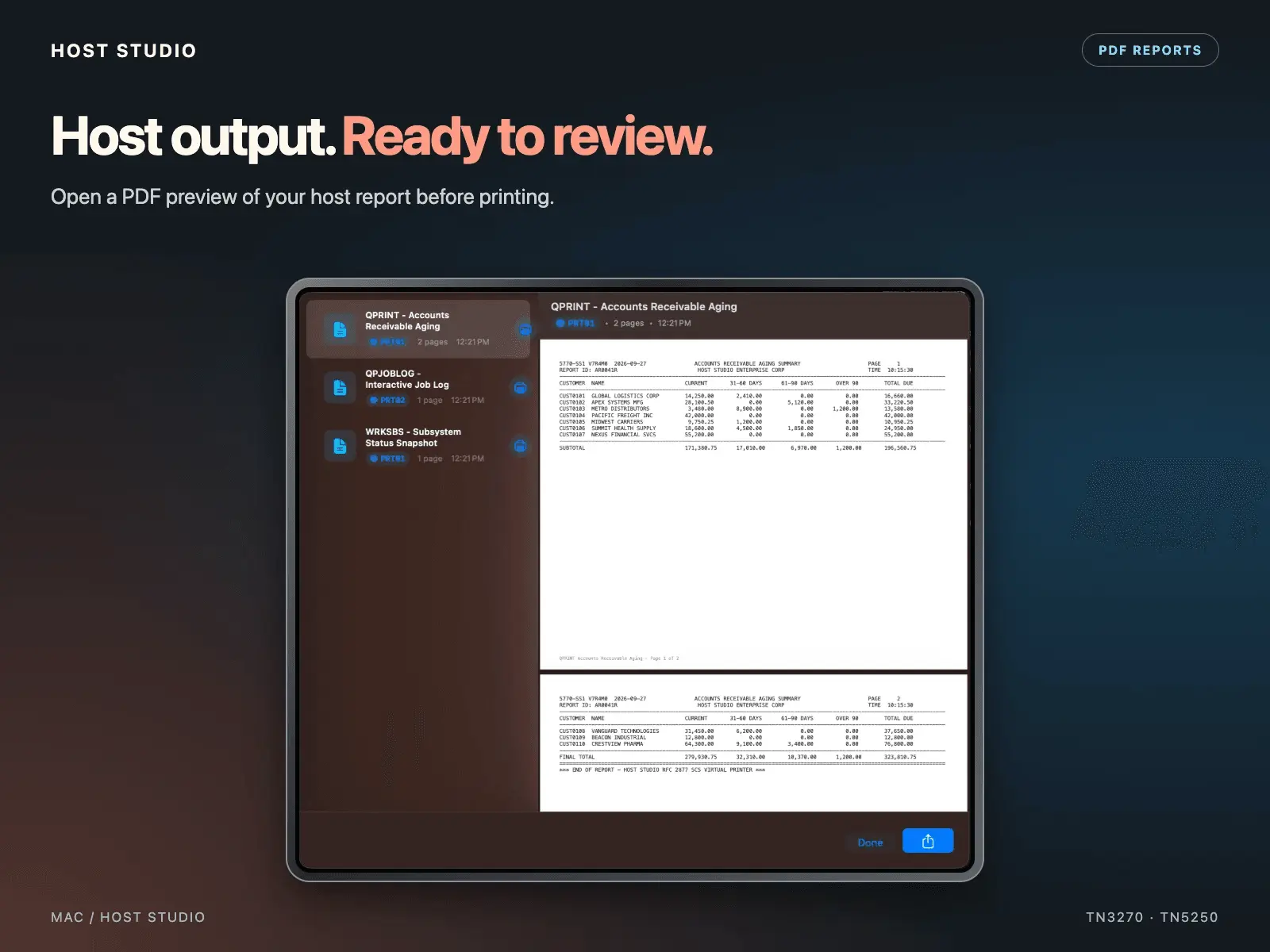
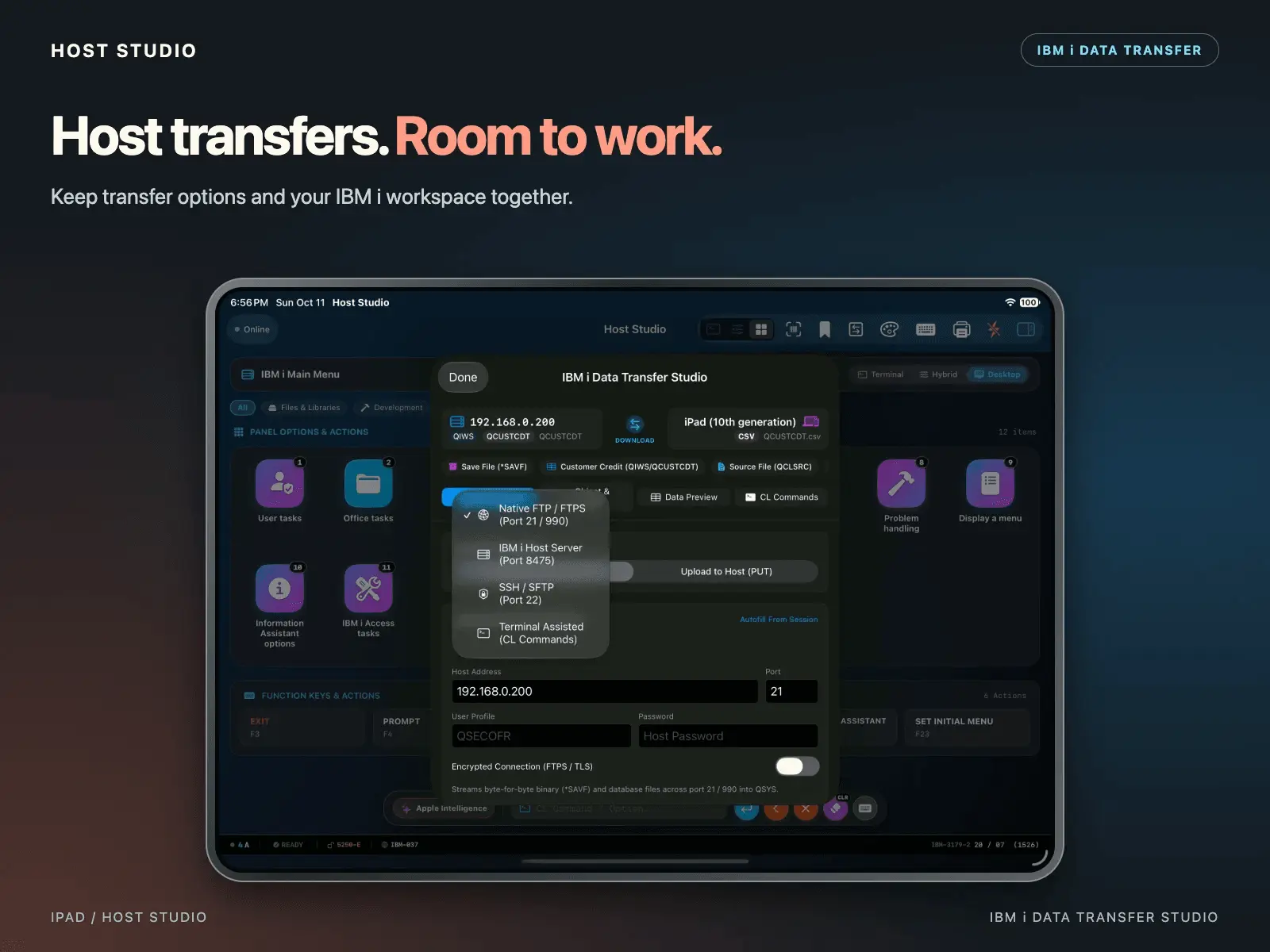
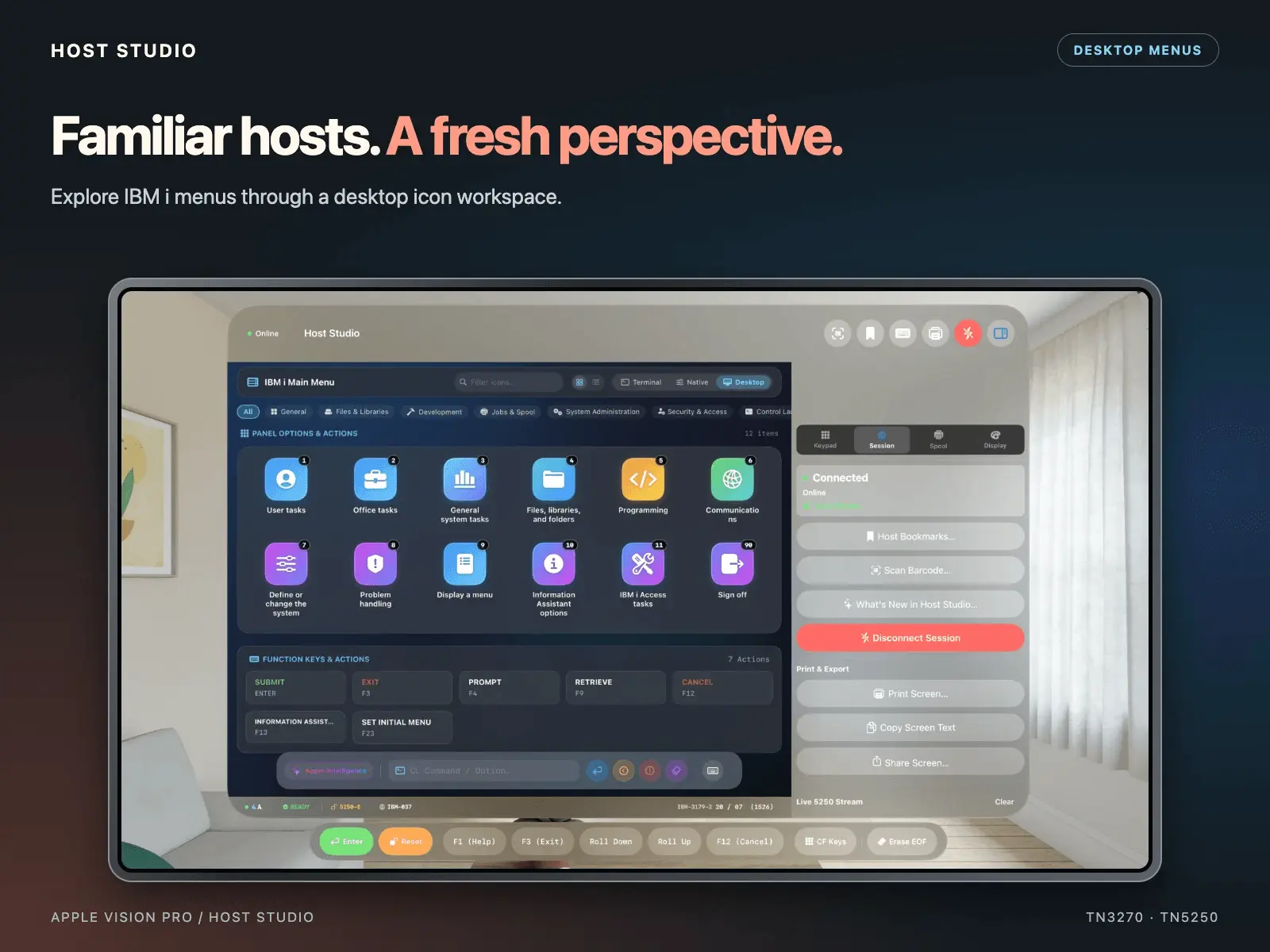
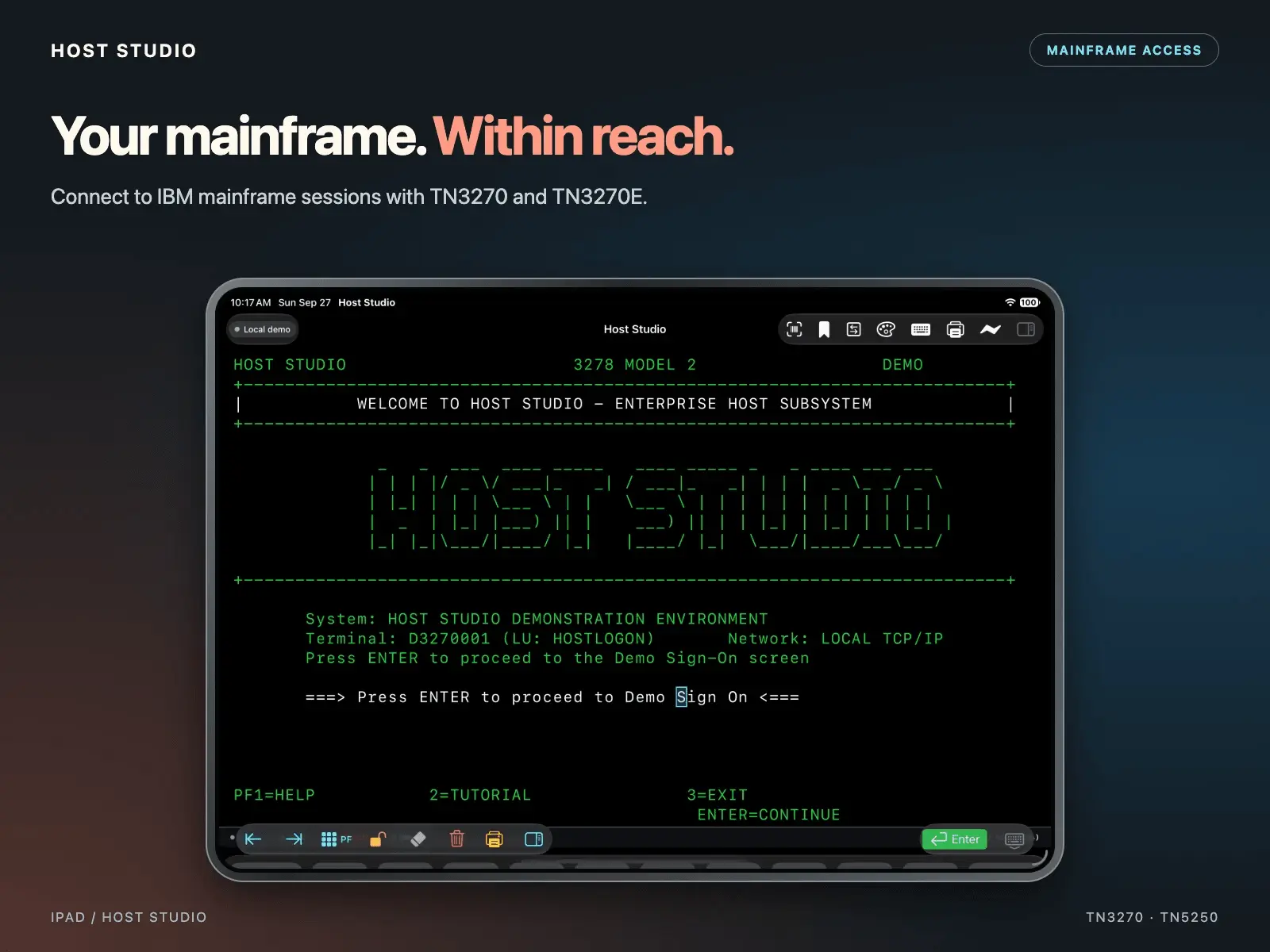
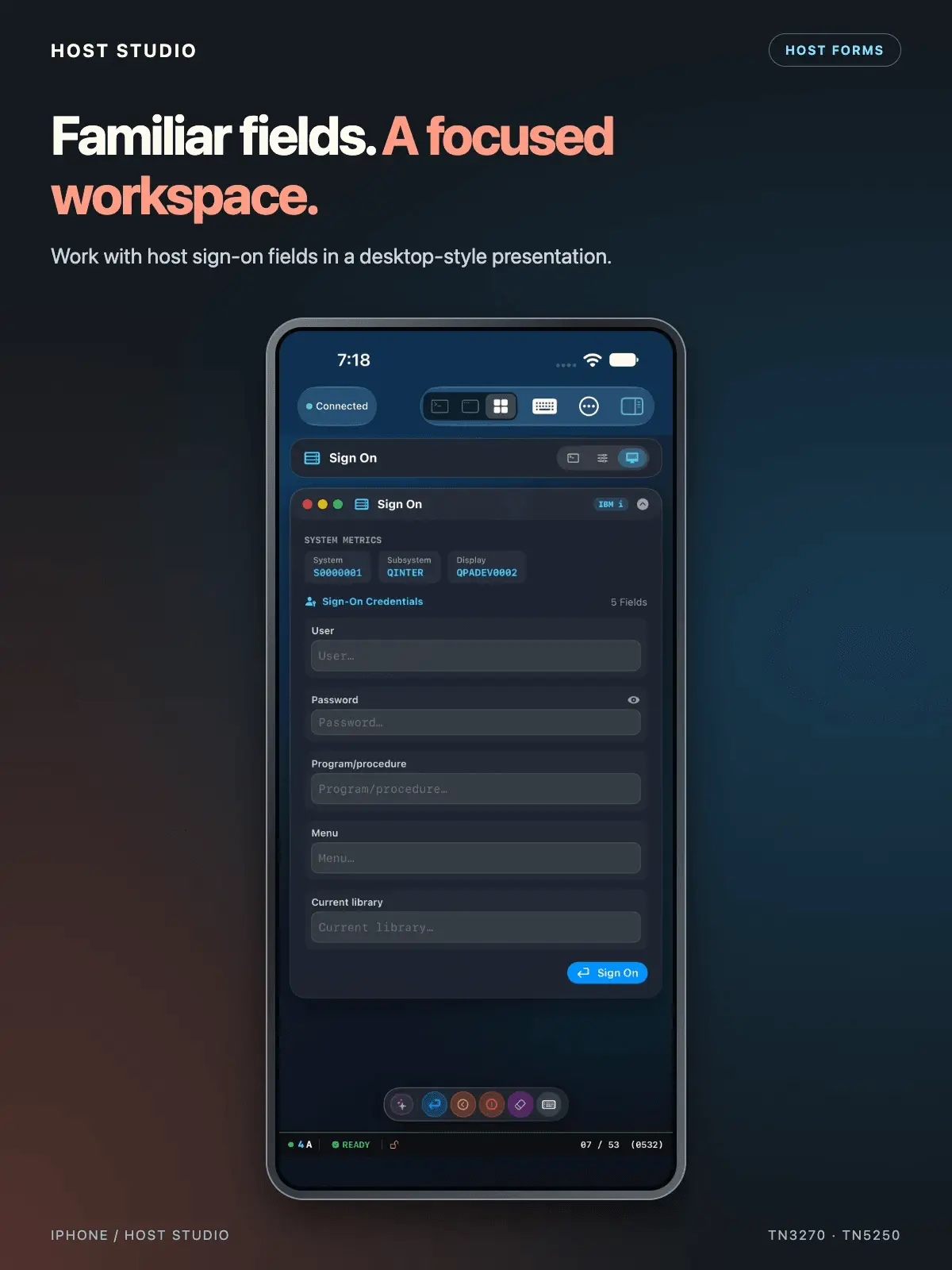
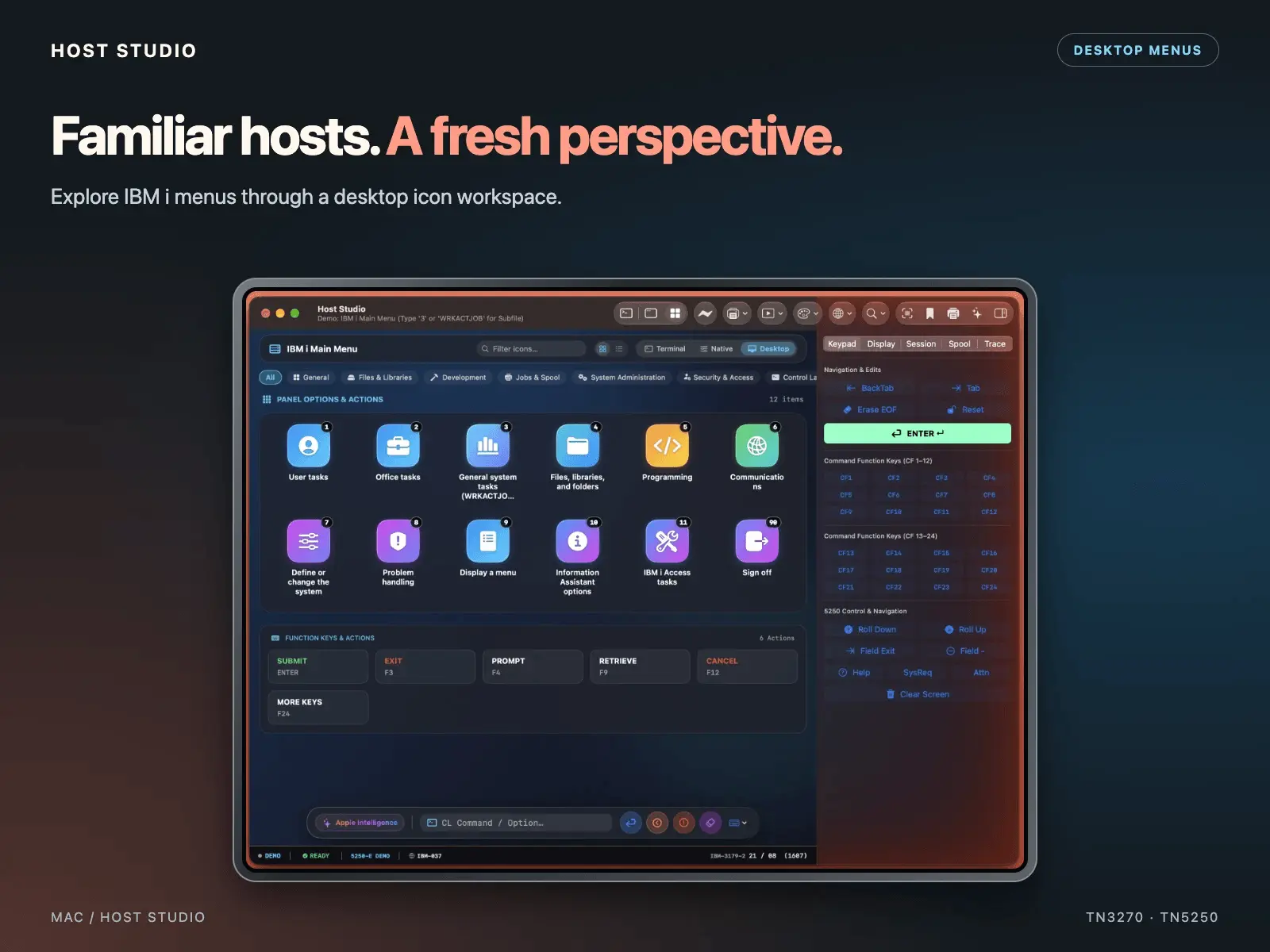
Host Studio brings IBM mainframes and IBM i systems to a native workspace on Mac, iPad, iPhone, and Apple Vision Pro. Connect through 3270 and 5250 terminal sessions, access IBM Z OSA-ICC and IBM Power HMC consoles, and choose Terminal, Hybrid, or Desktop views to suit your workflow. Keep multiple sessions open with clear protocol and connection indicators. Move data with built-in IND$FILE transfers and IBM i Data Transfer Studio. Upload and download datasets, DB2 tables, source members, and Save Files using supported host services. Preview data, inspect generated commands, and export to formats including CSV, TSV, JSON, text, and binary. Host Studio also includes host printing and PDF export, customizable keyboard mappings, CRT-inspired themes, and iCloud bookmark sync. Enterprise teams can deploy managed host profiles and control console access and downloads through MDM. Built-in offline demos let you explore terminal, console, and transfer workflows before connecting to your own systems. **One-time purchase. No subscription. No Java runtime required.**
Product Video
Watch a video demo of Host Studio.
Screenshots
Reviews (1)
Average 5.0 out of 5
Based on 1 review

Comments (2)
IBM mainframe integration is rarely needed anymore, but Host Studio makes it simple when you do. Great for legacy enterprise systems. The native Apple experience is the standout feature.
Does IND$FILE transfer work the same across TSO and CICS hosts, or do the transfer settings differ much between the two? Asking for teams that move files on both.
@galdayan1895 The transfer options are specific to each subsystem for TSO/E, VM/CMS, and CICS when uploading or downloading. https://hoststudioapp.ca/features
@galdayan1895 direct link to supported file transfer features https://hoststudioapp.ca/file-transfers