
Hourwright: Task Scheduler
Automatic task scheduling for Google Calendar


Details
- Categories
- Use Cases
- Pricing
- Subscription from $3
- Alternatives
 motion alternatives
 Morgen alternatives
Discovery signals
How AI and people discover Hourwright: Task Scheduler on PeerPush
About Hourwright: Task Scheduler
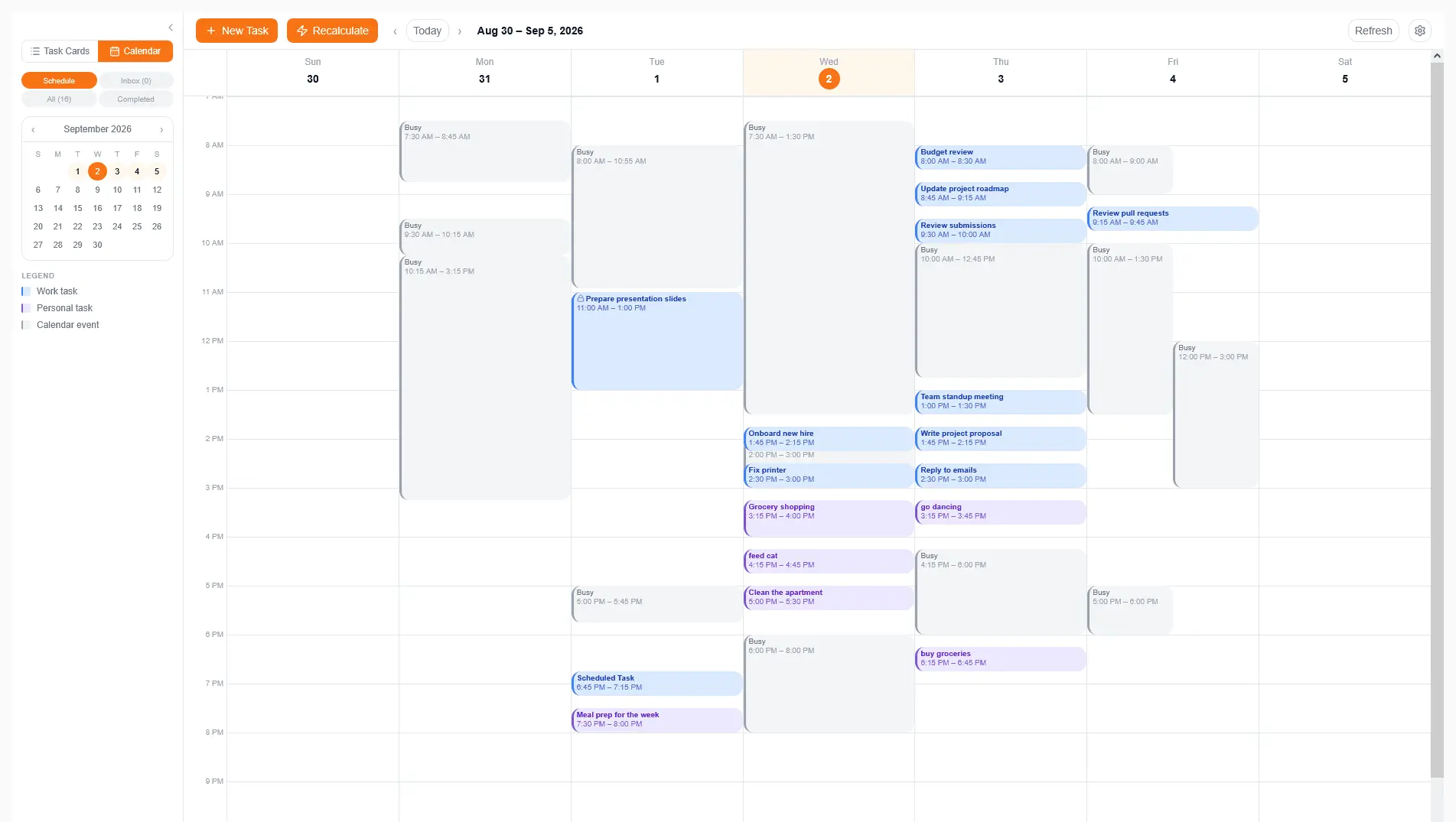
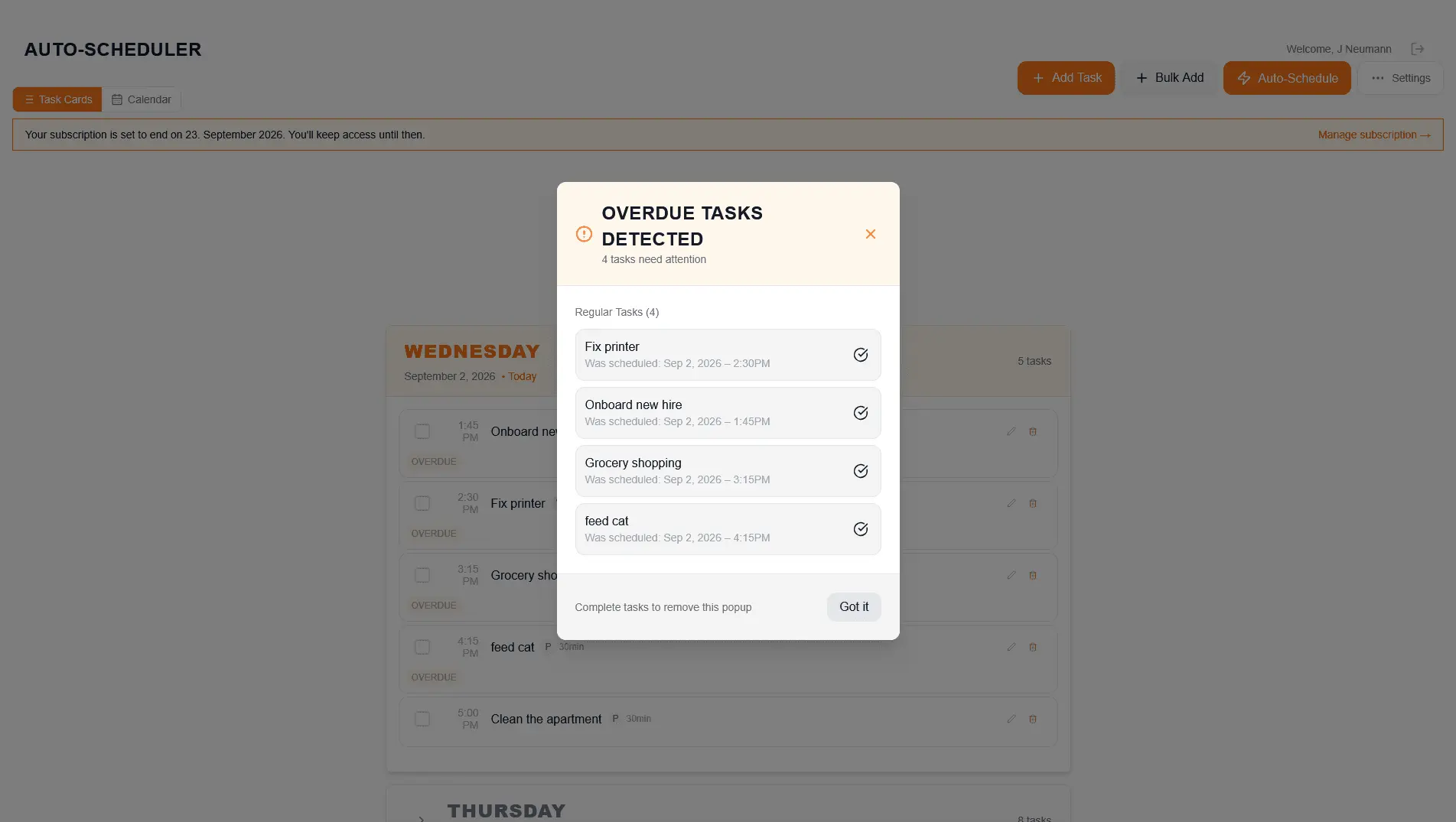
Hourwright is an automatic task scheduler for Google Calendar, built for one person rather than a team, which takes the list of things you have to do and books each of them into the free time your calendar actually has, so that the question a to-do list never answers, namely when each task is going to happen, gets an answer before your week starts instead of in the middle of it. The way it works is deliberately simple. You add a task with how long it will take and how much it matters, and give it a due date if it has one. Hourwright reads the busy times in your Google Calendar, without ever reading what your events are called or what they contain, scores every open task against a weighting of priority versus deadline that you set yourself in Settings, and places each one into the earliest free slot inside your working hours where it fits, with a short buffer after it so that the day does not turn into one unbroken block. The result is written into two calendars the app creates on your Google account, one for work tasks and one for personal tasks, which means the plan sits next to your meetings on every device where you already check your calendar. Longer pieces of work are split automatically into sittings that fit the gaps you really have, so a three-hour report can land as ninety minutes on Tuesday morning and ninety minutes on Wednesday afternoon rather than waiting for a three-hour hole that never comes. A task can depend on another one, in which case it is scheduled after its prerequisite finishes, and recurring tasks such as a weekly review or a monthly invoice are generated and placed alongside everything else. When something cannot be placed before its due date, Hourwright says so and tells you why, instead of quietly dropping it or stacking it on top of a meeting. The reason the app exists is that time blocking by hand works well for about two weeks. Setting up a week of blocks in Google Calendar takes an afternoon, and the first time a meeting moves or a task runs over, rebuilding the rest of the week takes another twenty minutes, which after the third or fourth rebuild is usually the point where people go back to a plain list. With Hourwright the rebuild is one press of the Auto-Schedule button, and anything you want to keep exactly where it is can be locked, after which the scheduler places everything else around it. Hourwright runs as a web app in desktop browsers and as an Android app on Google Play, both signed in to the same account and showing the same plan, along with a calendar view of its own in which you can drag a scheduled task to a different time. Sign-in happens once with your Google account, and access to your calendar is renewed in the background afterwards, so you are not asked to log in again every hour. Pricing is one plan with nothing held back for a higher tier. It costs 3€ a month or 20€ a year with every feature described above included at that price, and every new account starts with a 31-day trial that needs no card. If you pay and change your mind, there is a 14-day refund with no questions asked. For comparison, the four closest alternatives, of which Motion and Reclaim are the best known, range from about $10 to $49 a month, and some of them reserve features like prerequisites for their higher-priced plan. What Hourwright does not do yet is stated here on purpose, because finding it out after signing up would be worse than reading it now. It works with Google Calendar only, so Outlook and iCloud users are better served elsewhere for now, and there is no iPhone app. Sync runs in one direction, from Hourwright into Google Calendar, so an edit made directly in Google Calendar is replaced the next time you run the scheduler unless you lock that task first. The plan is also rebuilt when you press Auto-Schedule, and Hourwright does not rearrange your week on its own in the background while you are in a meeting. If you run a team or need two-way sync, Motion or Reclaim will suit you better, and the comparison page on the website says the same in more detail. Hourwright is built and run by one person, without a team or investors, and grew out of years of keeping a bullet journal and rebuilding the same time blocks by hand every time the week changed shape. The trial starts the moment you sign in with Google at hourwright.app, and your first schedule is one button away once your working hours are set.
Product Video
Watch a video demo of Hourwright: Task Scheduler.
Screenshots
Reviews (0)

Comments (0)
No comments yet. Be the first to share your thoughts!