
HoverQR
Scan & Generate QR Codes Anywhere on the Browser

Details
- Categories
- Target Audience
- Platforms
Discovery signals
How AI and people discover HoverQR on PeerPush
- ChatGPT
- Claude
- Perplexity
- +4 other AI crawlers
Reads by these AI engines
Crawlers behind these engines read this listing on PeerPush.About HoverQR
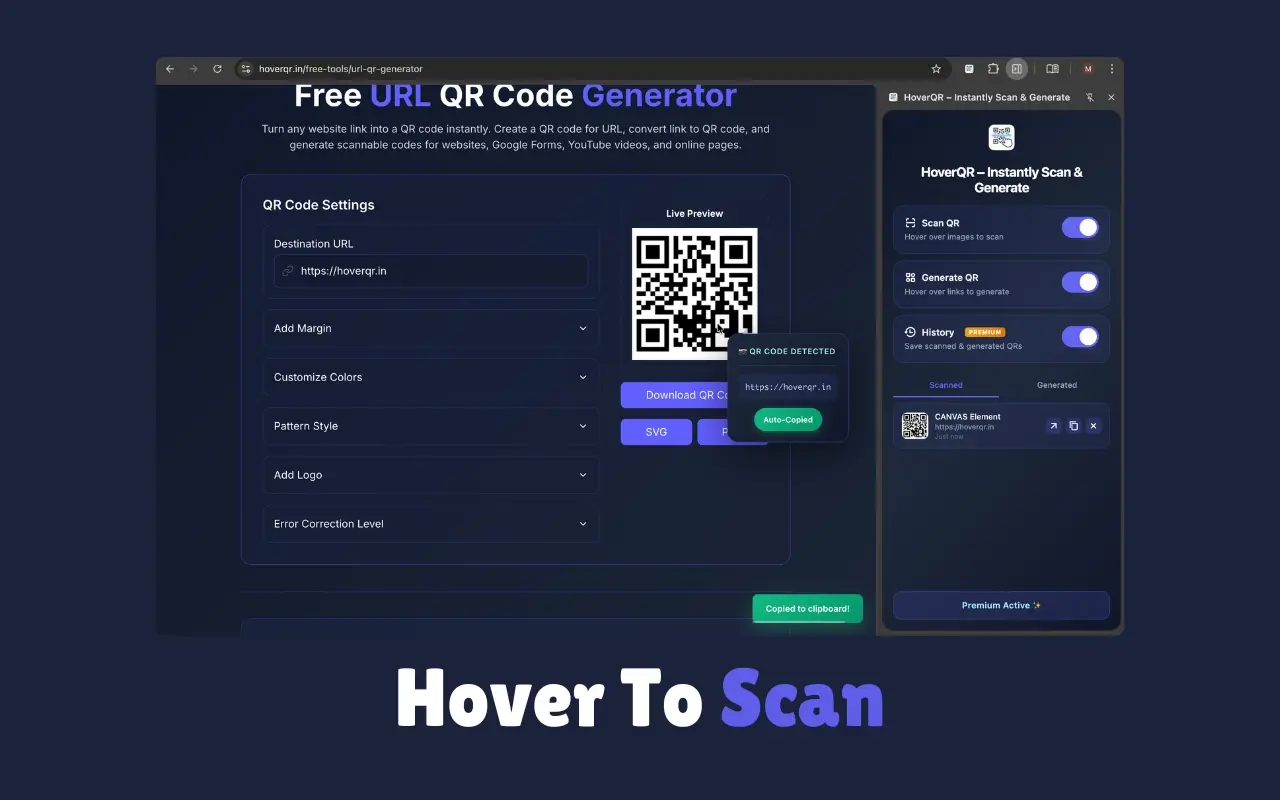
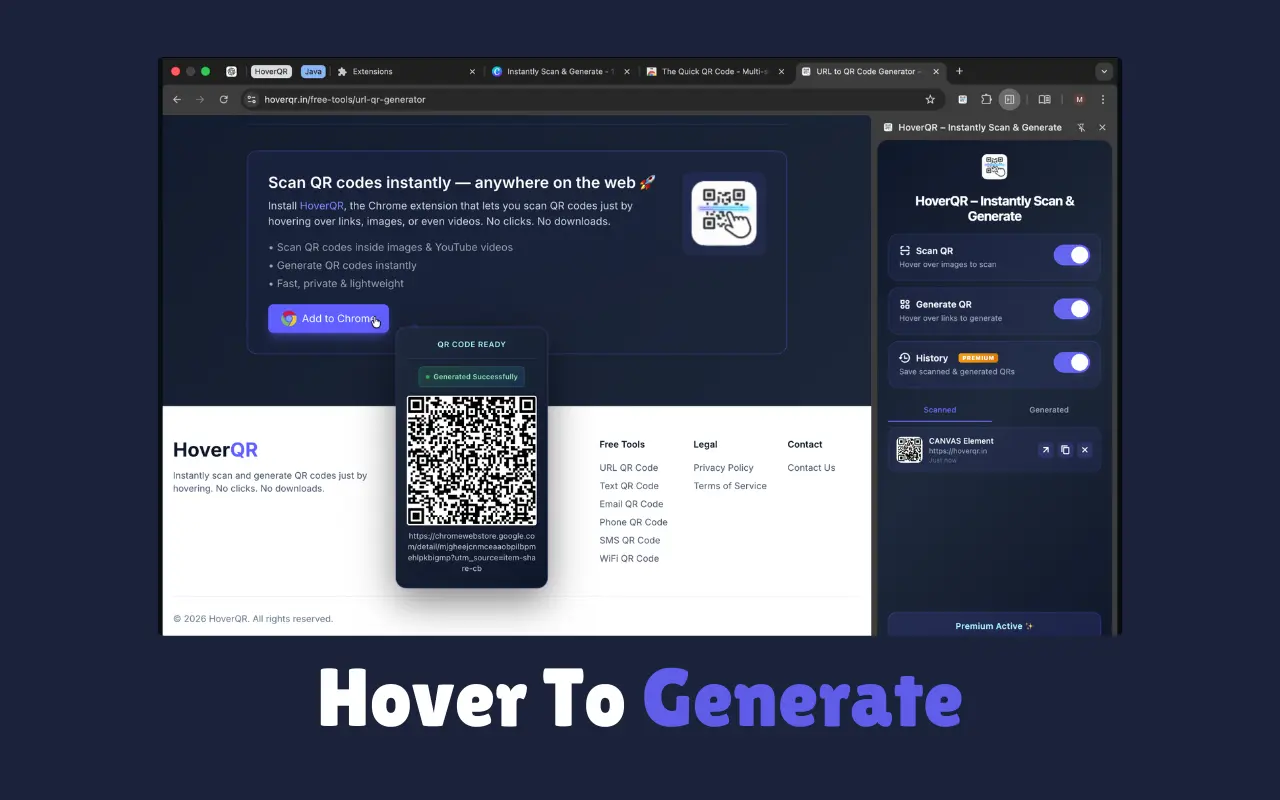
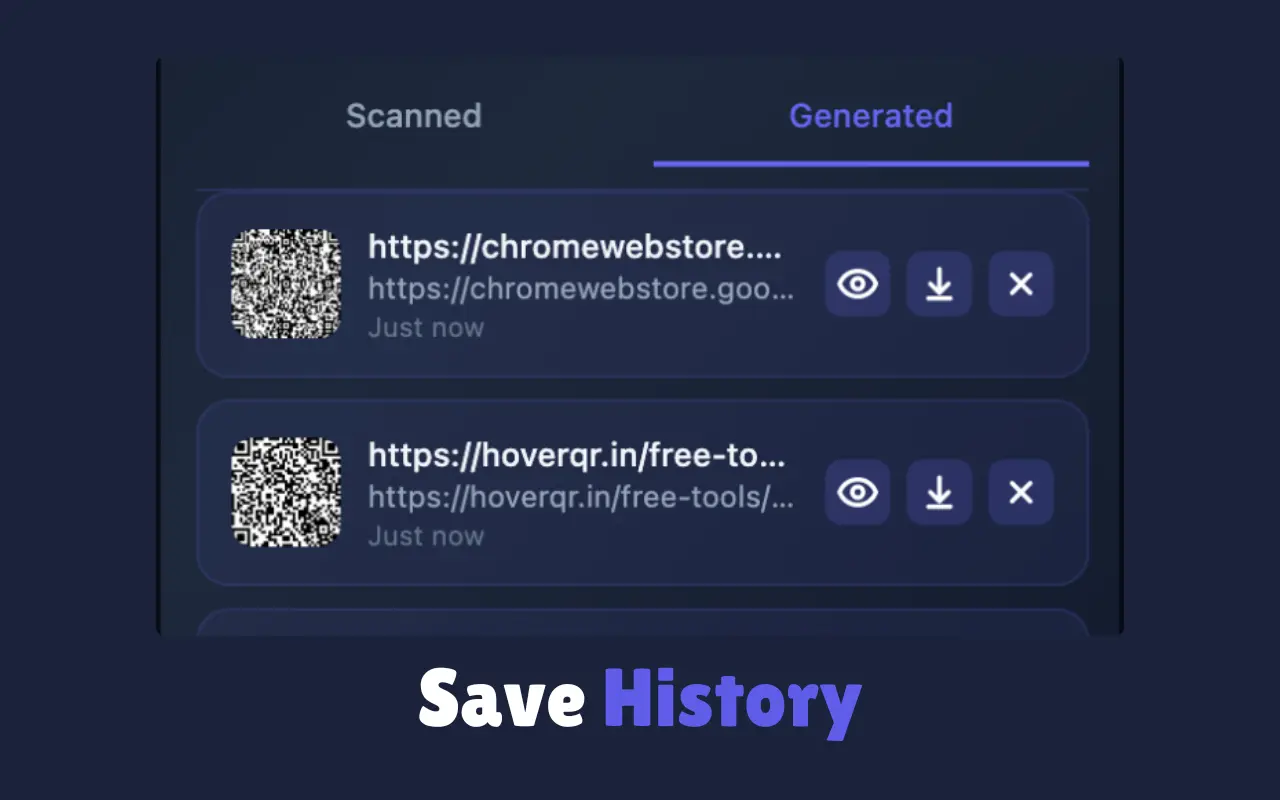
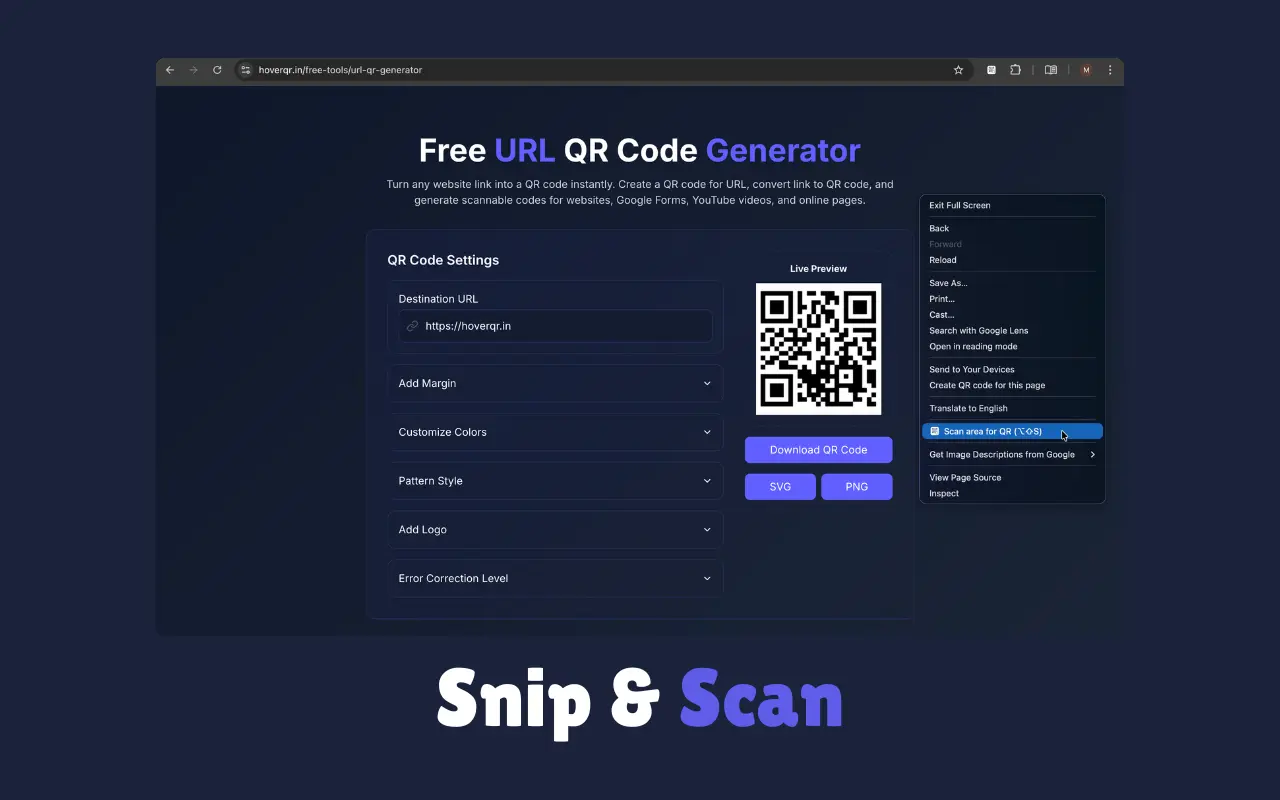
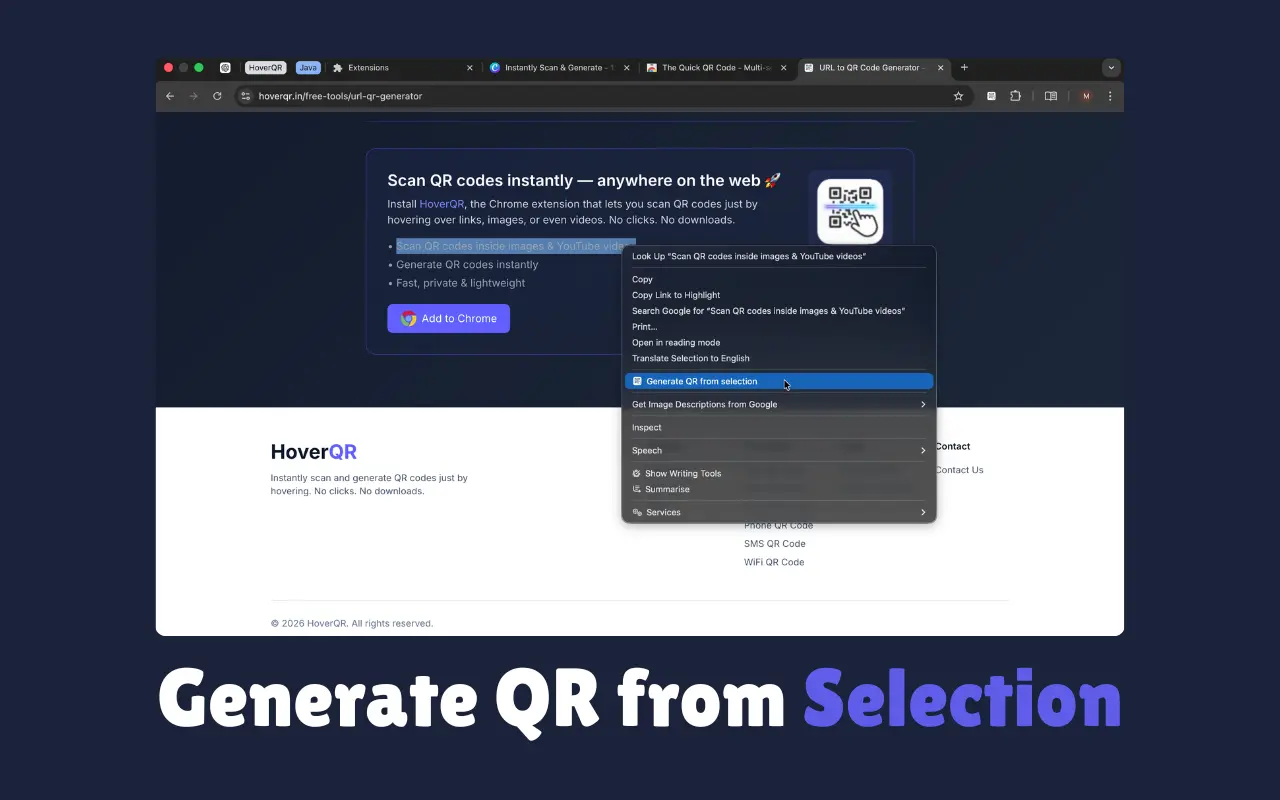
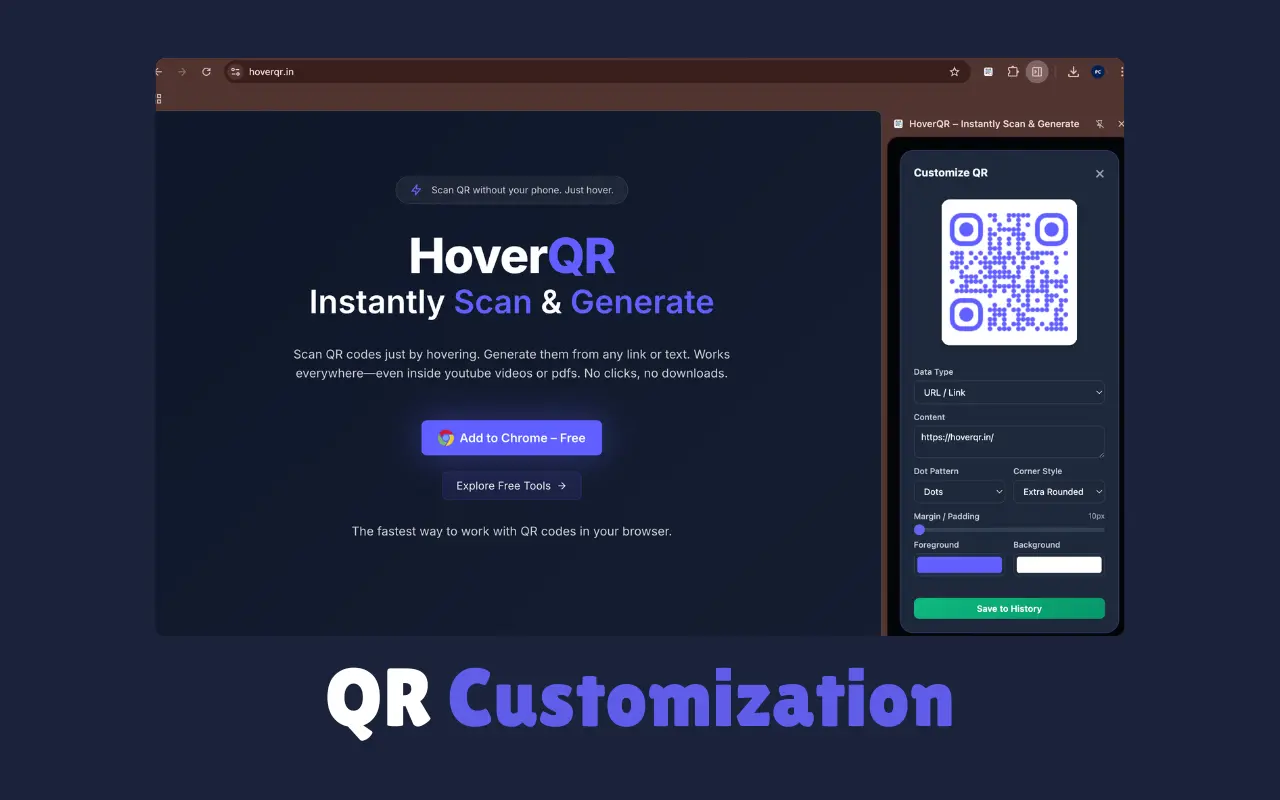
Hover QR is a fast, lightweight QR code scanner and generator Chrome extension that lets you instantly scan QR codes, generate QR codes, and open links directly from your desktop browser — no phone, camera, or external apps required. ⭐ Key Features 🔍 QR Code Scanner (Hover to Scan) - Instantly scan QR codes on any webpage by simply hovering your mouse over a QR image. - Decoded content is automatically copied to your clipboard — no clicks, no camera, no upload. - Works on images, canvases, and dynamically rendered QR codes. ⚡ QR Code Generator (Hover to Generate) - Hover over any link to generate a QR code instantly. - Perfect for opening pages on your phone, sharing URLs, or testing mobile flows. - Fast, automatic, and frictionless workflow. ℹ️ QR Inspector - Instantly see QR type and full decoded content - View payload size, length, version & ECC level ✨ Create & Customize QR Codes - Generate QR codes from text, URLs, contacts, location, Wi-Fi, or custom data. - Customize colors, styles, shapes, and QR types to match your brand or design. - Ideal for marketing materials, business cards, and sharing information. - Shortcut: Alt + Shift + Q / Option + Shift + Q ✂️ Snip & Scan — Scan QR from Screen - Scan QR codes from anywhere on your screen — videos, PDFs, slides, images, or presentations. - Perfect for webinars, documents, and screen-shared content. - Shortcut: Alt + Shift + S / Option + Shift + S 📝 Generate QR from Text Selection - Select any text → right-click → Generate QR Code instantly. - Convert URLs, emails, notes, or IDs into QR codes in one step. - Great for quick sharing and productivity workflows. 🕘 QR History - Automatically saves scanned and generated QR codes. - Revisit anytime from the side panel. - Never lose important QR links again. ⚙️ Customizable & Lightweight - Enable or disable features anytime to match your workflow. - Minimal permissions, fast performance, works offline. - Privacy-first design — no tracking, no analytics.
Screenshots
Reviews (0)
No reviews yet. Be the first to rate this product!
Comments (0)
No comments yet. Be the first to share your thoughts!