
Image to Image AI Generator
Transform photos into new looks with AI

Details
- Categories
- AI
- Use Cases
- Photo EditingImage Generation
- Target Audience
- Content Creators
- Pricing
- Free
- Platforms
- Web
Discovery signals
How AI and people discover Image to Image AI Generator on PeerPush
ChatGPT Search indexer
By OAI-SearchBot, the ChatGPT Search indexer, since launch.About Image to Image AI Generator
Image to Image AI Generator allows you to transform existing photos into new visual styles without needing professional editing software like Photoshop. By providing a text description of the desired changes, you can generate accurate results and stunning new looks in seconds. The tool is designed to simplify the process of photo transformation for users who need quick, AI-driven image modifications. Key Features - Multiple AI models — The platform advertises access to several advanced AI models on one interface, letting users run the same photo and prompt through different models and compare results. The interface shows OpenAI GPT Image2 as an available model. - High-quality results — Output images are described as having clear details, natural colors, and clean edges, suitable for product pages, ads, social posts, and thumbnails. - Fast transformation — Generates a new image quickly, allowing users to iterate on prompts and settings without complex steps. - Easy to use — Upload a photo, write a prompt, choose a model, and generate; no Photoshop or design skills required. - High-resolution downloads — Results can be downloaded in high resolution, preserving small details for print and slides. - Image settings controls — Users can set resolution, aspect ratio (e.g., 1K 16:9), watermark toggle, and number of images per generation (e.g., 15 in the mockup). - Multiple reference uploads — Users can upload multiple reference images for a single generation to guide the AI.
Screenshots
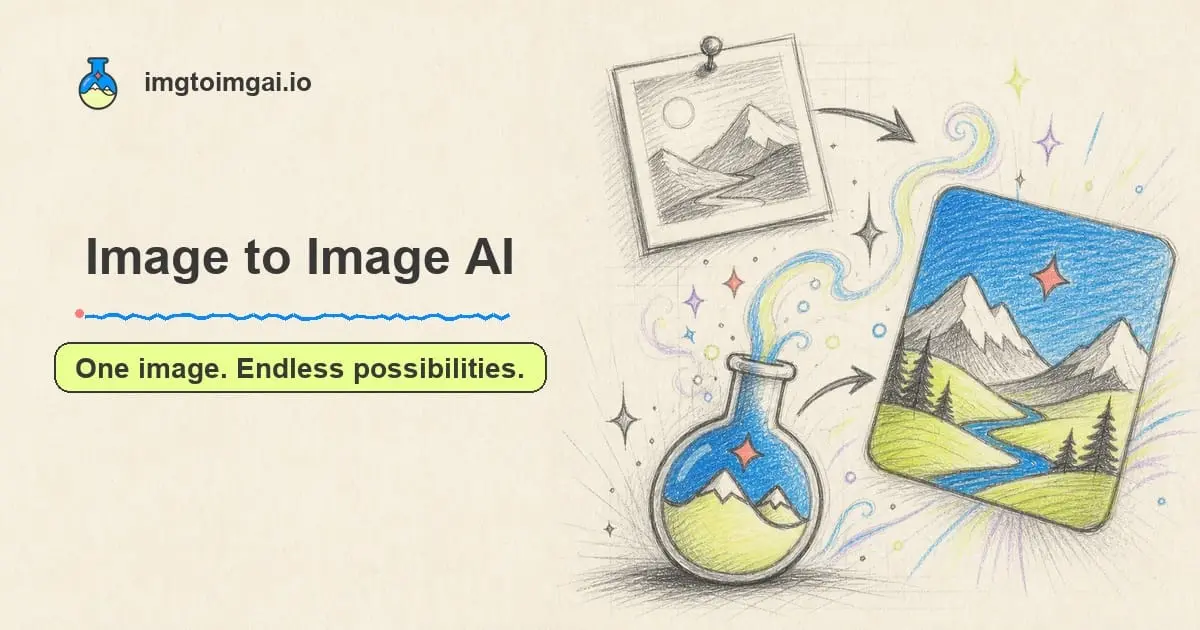
Reviews (0)
No reviews yet. Be the first to rate this product!
Comments (0)
No comments yet. Be the first to share your thoughts!