
Keep or Toss
Sort a backlog of photos and files in one keystroke
Details
- Categories
- Productivity & Notes
- Use Cases
- File ManagementPhoto Management
- Target Audience
- Windows UsersPhotographersArtist
- Pricing
- One-time from $9.99
- Platforms
- Desktop
Discovery signals
How AI and people discover Keep or Toss on PeerPush
About Keep or Toss
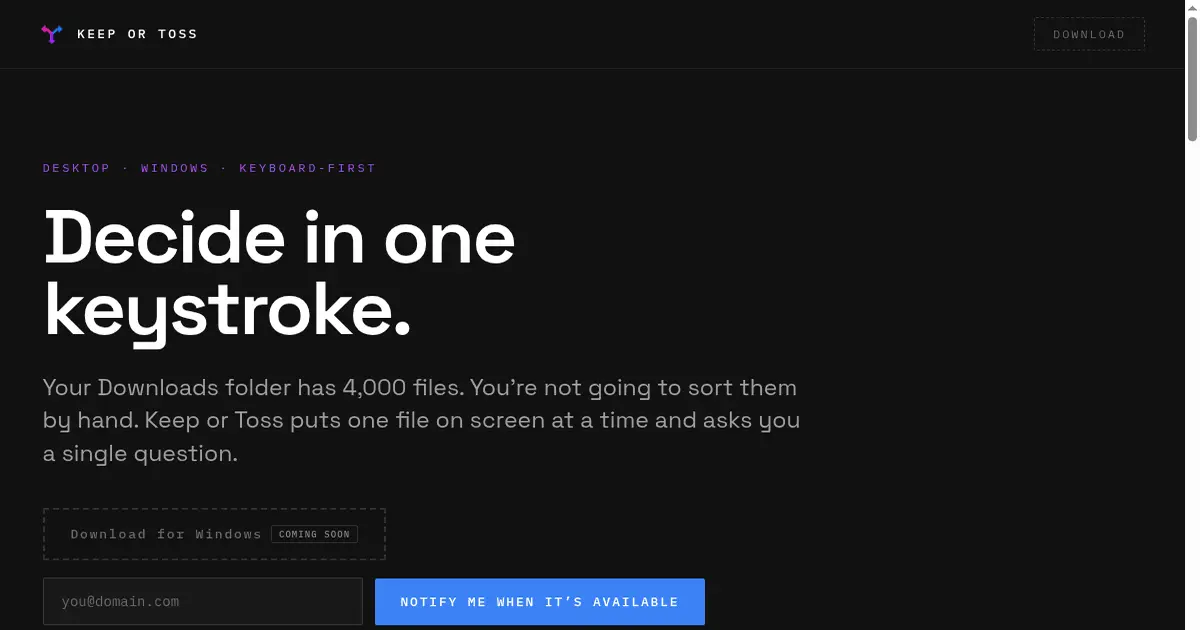
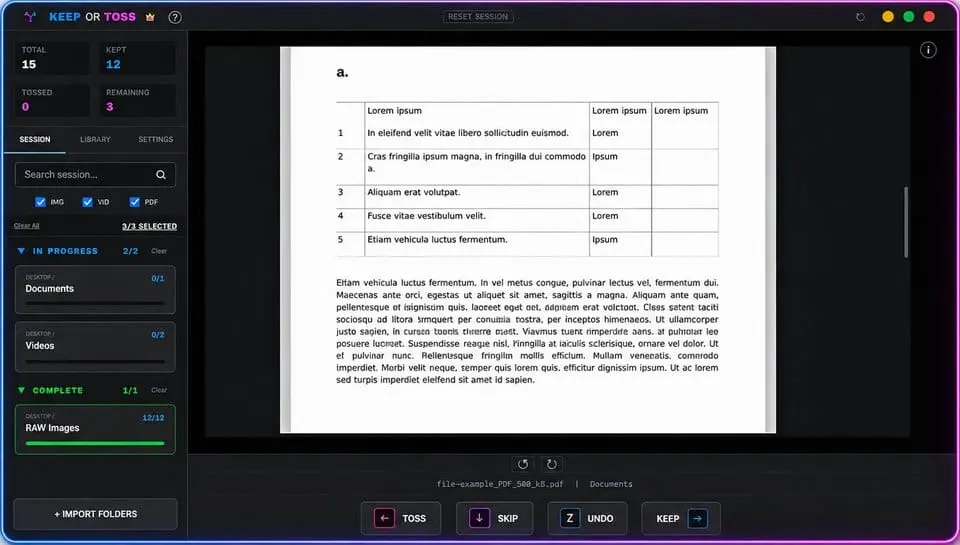
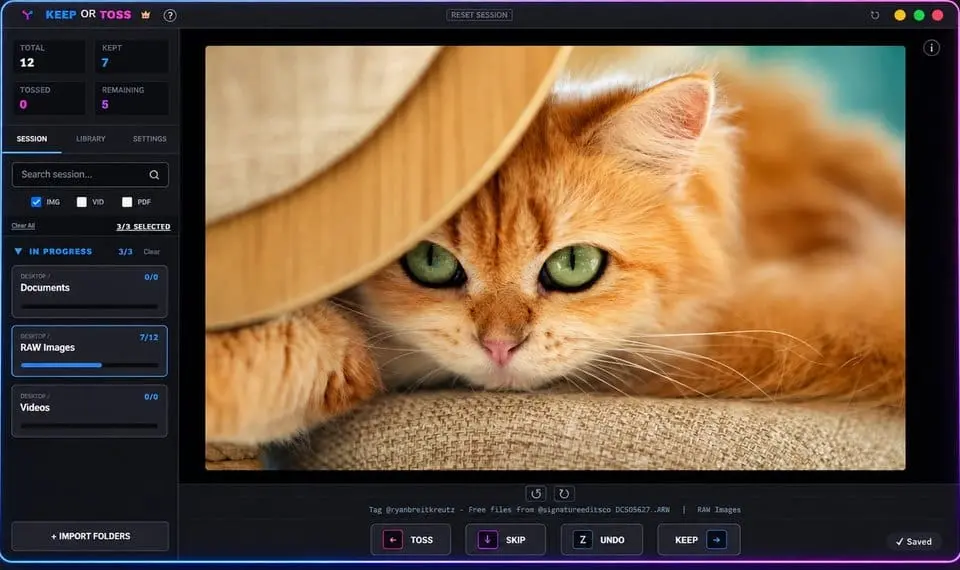
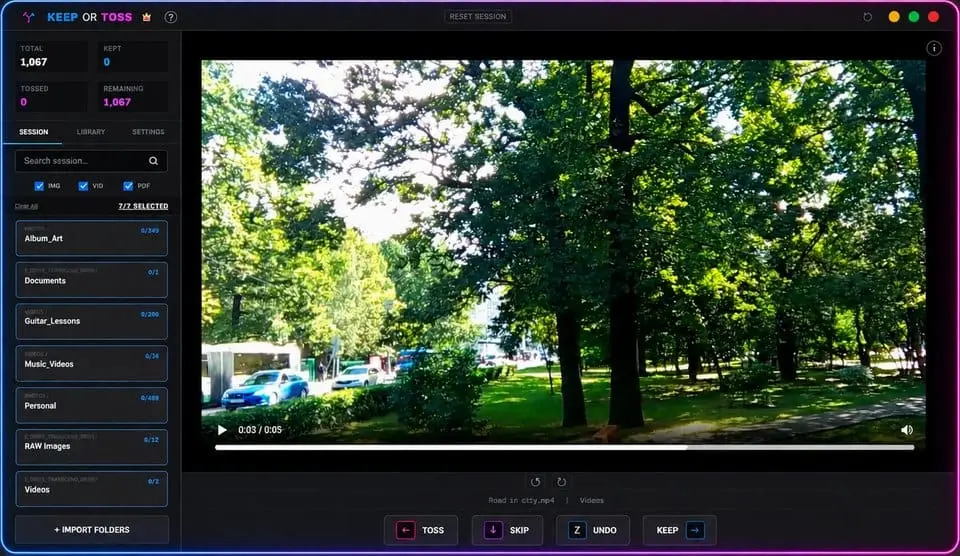
Keep or Toss is a keyboard-driven Windows app for rapidly triaging massive photo, video, and document libraries — the ones that have sat untouched for years because sorting through them in a normal file browser felt impossible. Instead of scrolling a folder grid trying to decide where to start, one file appears at a time. Press an arrow key to keep it or toss it, and the next file loads automatically — no mouse, no menus. What used to be an abandoned folder of thousands of files becomes a clean, sorted library in a single sitting. Supports images, video, PDFs and documents, and RAW photo formats, depending on tier. Nothing is deleted outright — tossed files move to a hidden recovery folder inside the same directory, so you can empty it once you're actually sure. Everything runs fully locally — no uploads, no account, no cloud processing. One-time purchase per tier, no subscription.
Discount Codes
100% Off(-100% OFF)
Valid until Nov 30, 2026
Product Video
Watch a video demo of Keep or Toss.
Screenshots
Reviews (1)
Average 5.0 out of 5
Based on 1 review

The one-keystroke decision flow sounds refreshingly simple for sorting photo backlogs, especially when speed matters more than complex tagging.
Comments (2)
A focused shortcut-based sorter could make the first pass through a messy folder feel much less overwhelming; a preview mode would be helpful too.
@nckbrz definitely. I'll see what I can do about that. You can get the app for free - there's a 100% off promo code active right now - U2ODYXMW Super excited to hear from you!
Built this because my own photo library became a folder I stopped opening. One file, one decision, arrow keys. Runs fully local. Happy to answer questions.