
image to pixel art
Free and Easily transform any image into stunning pixel art
Details
- Target Audience
- DesignersContent CreatorsNon-Technical Users
- Platforms
- Web
About image to pixel art
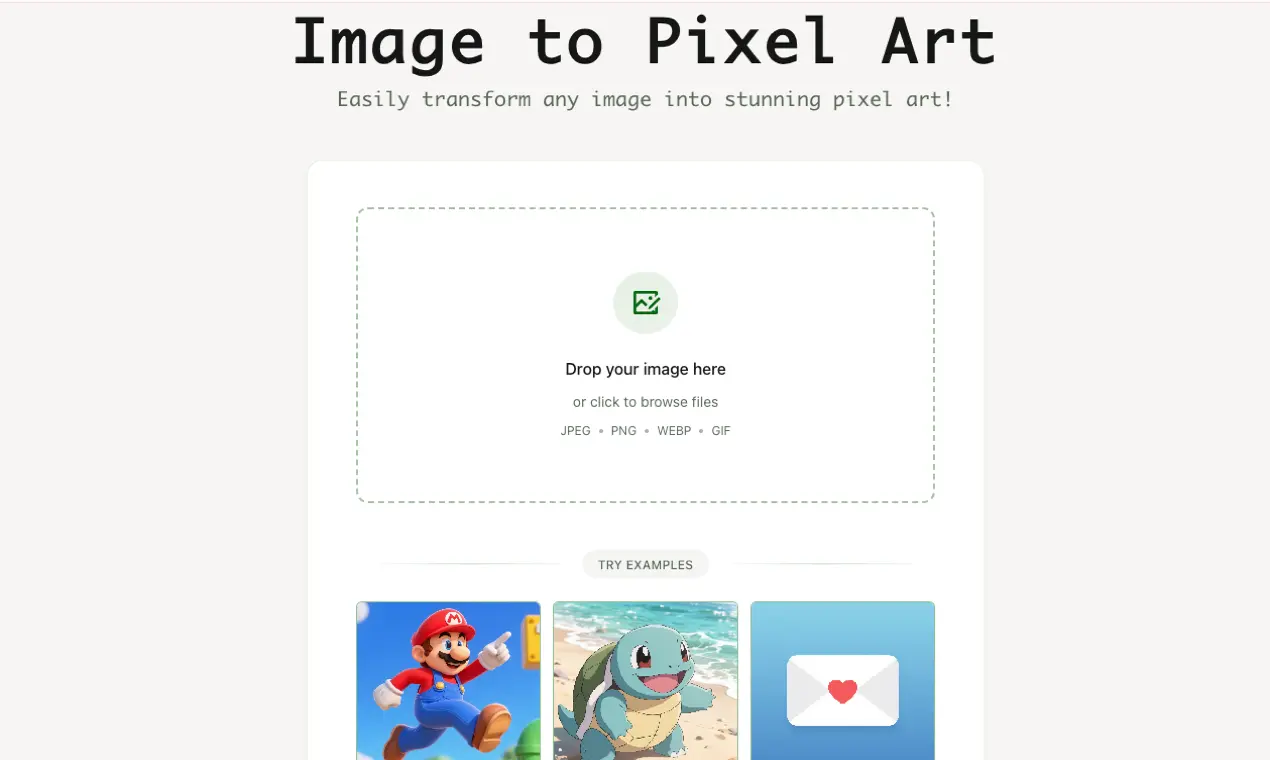
Imagepixelart is a handy online tool that lets you effortlessly convert all kinds of images—whether they’re daily photos, illustrations, or graphics—into charming retro pixel art with just one click, and it’s completely free to use. No registration is required, so you can jump right into editing. It also offers flexible style parameter adjustments: you can tweak details like pixel size, brightness, and contrast to get your ideal pixel effect, with real-time previews so you can see changes instantly. Best of all, all image processing happens locally in your browser, which means your files won’t be uploaded to any server—keeping your images private while making the whole process smooth and convenient.
Screenshots
Product Updates (1)
✨ See the Magic: Before & After Examples
They say a picture is worth a thousand words, so I’ll let the results speak for themselves. I just uploaded a few Before & After comparisons to show you exactly how the tool handles details—from complex landscapes to simple portraits. Notice how it captures the essence of the original photo while giving it that perfect retro 8-bit aesthetic. 👾 Check out the transformations below! 👇https://imagepixelart.com/gallery (Don't forget to visit the site and try it on your own photos!)
Comments (0)
No comments yet. Be the first to share your thoughts!
Reviews (0)
No reviews yet. Be the first to rate this product!
Comments (1)
Dope, can you set the pixel size for the image to get closer to an 8-bit look?
Great catch! 👾 We actually have an '8-bit' mode built-in. After you upload your image, just toggle the '8-bit' option to instantly get that retro look. You can also adjust the grid size to fine-tune the pixel density. Hope this helps!