
Imagerry
Privacy-First Image Editor, Customizer & Converter

npm install -g @imagerry/cliDetails
- Follow on
- Categories
- Use Cases
- Target Audience
- Pricing
- One-time from $29.99
- Featured in
Discovery signals
How AI and people discover Imagerry on PeerPush
- ChatGPT
- Perplexity
- Claude
- +4 other AI crawlers
Reads by these AI engines
Crawlers behind these engines read this listing on PeerPush.About Imagerry
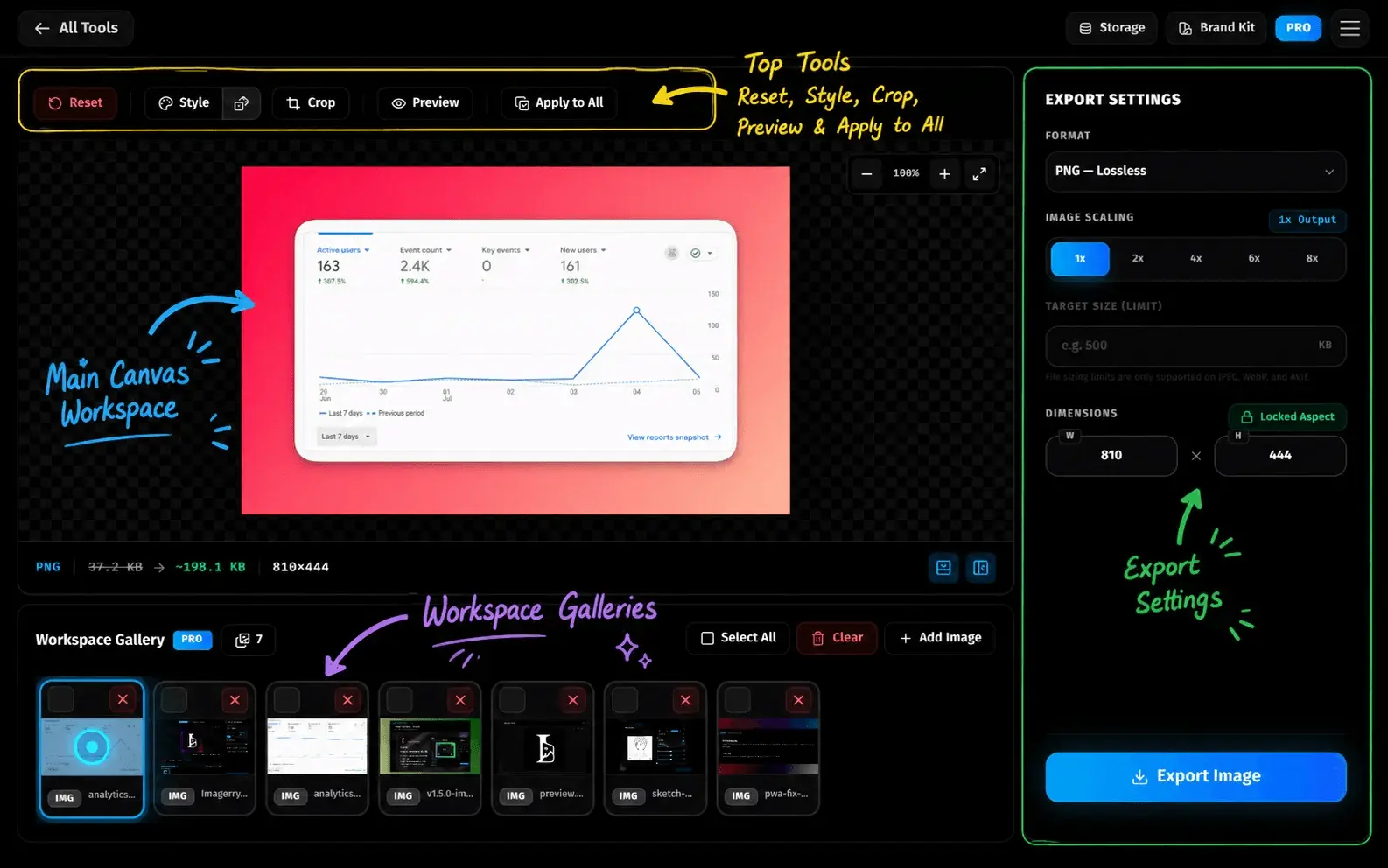
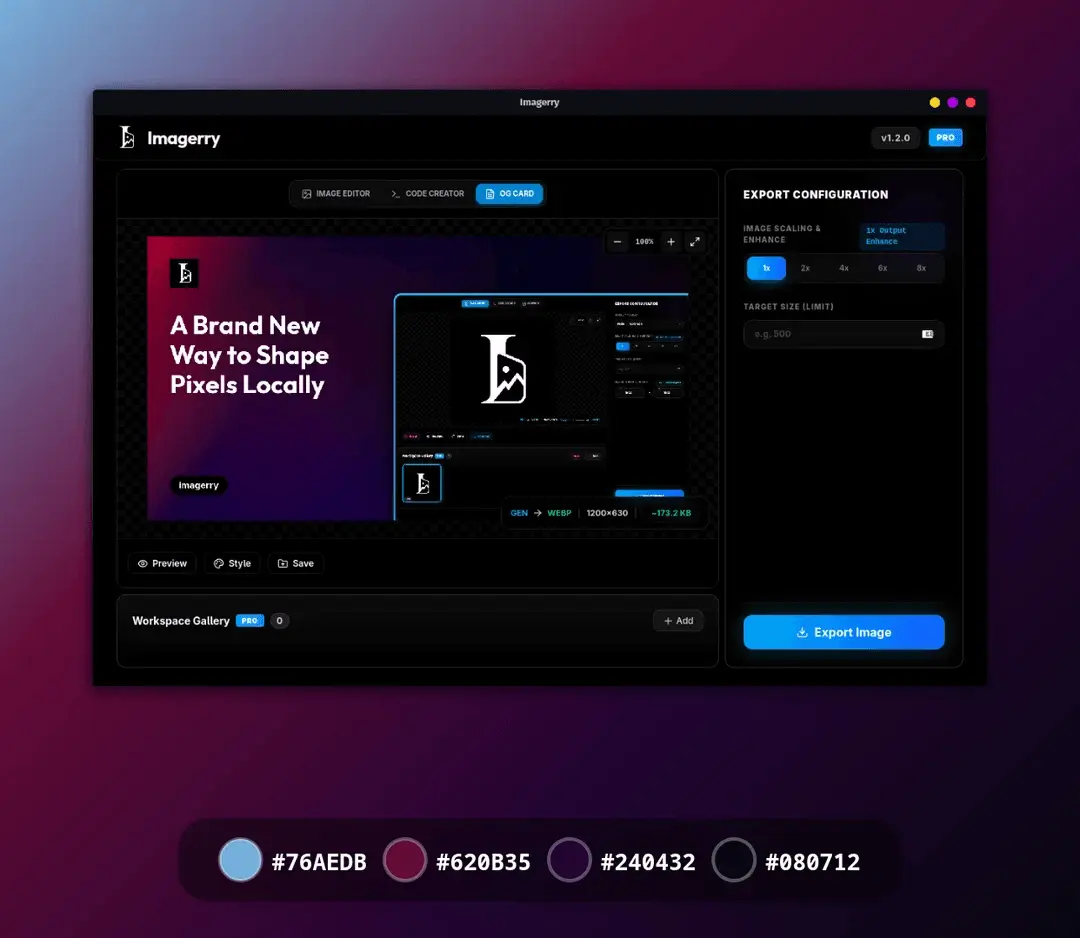
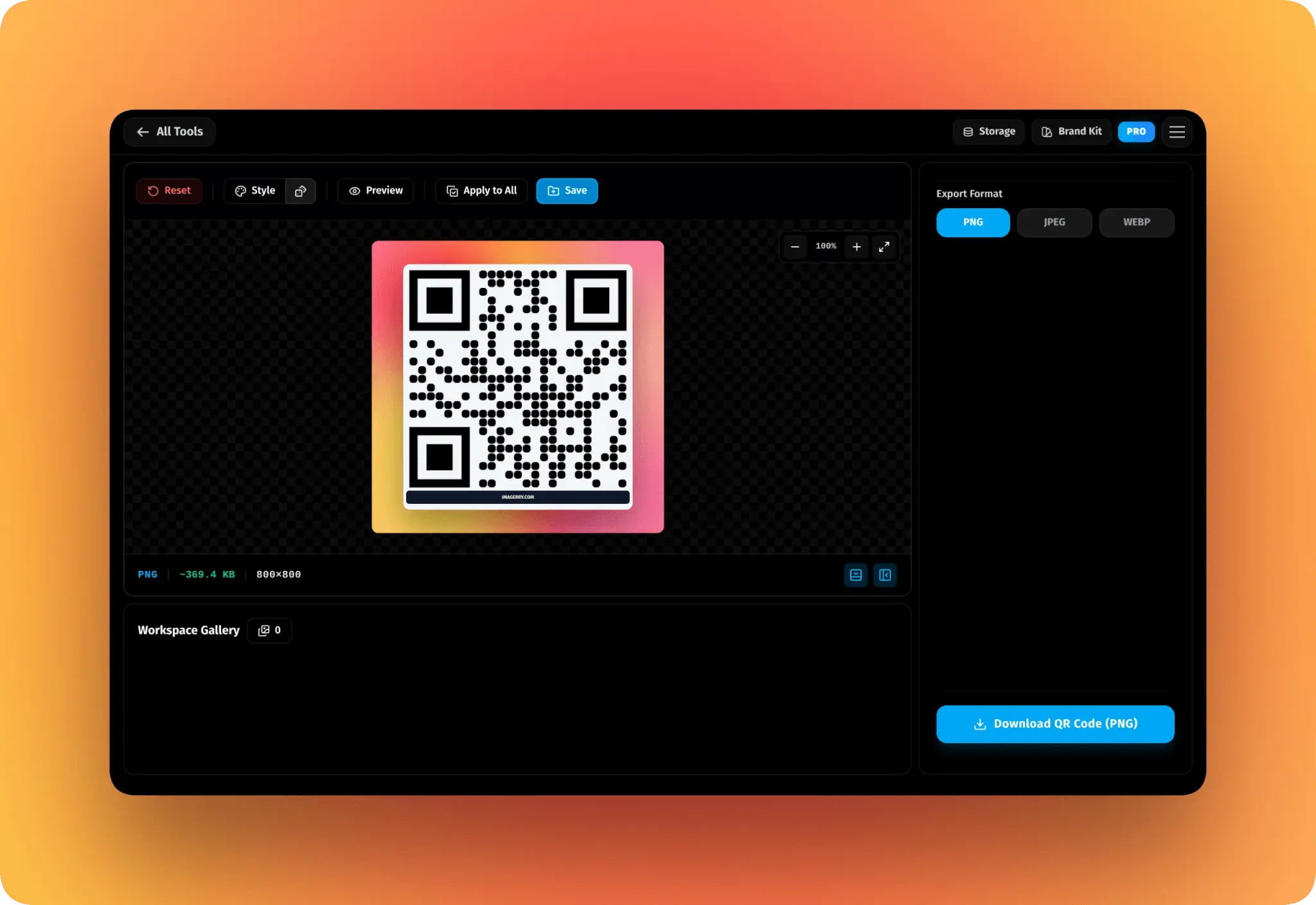
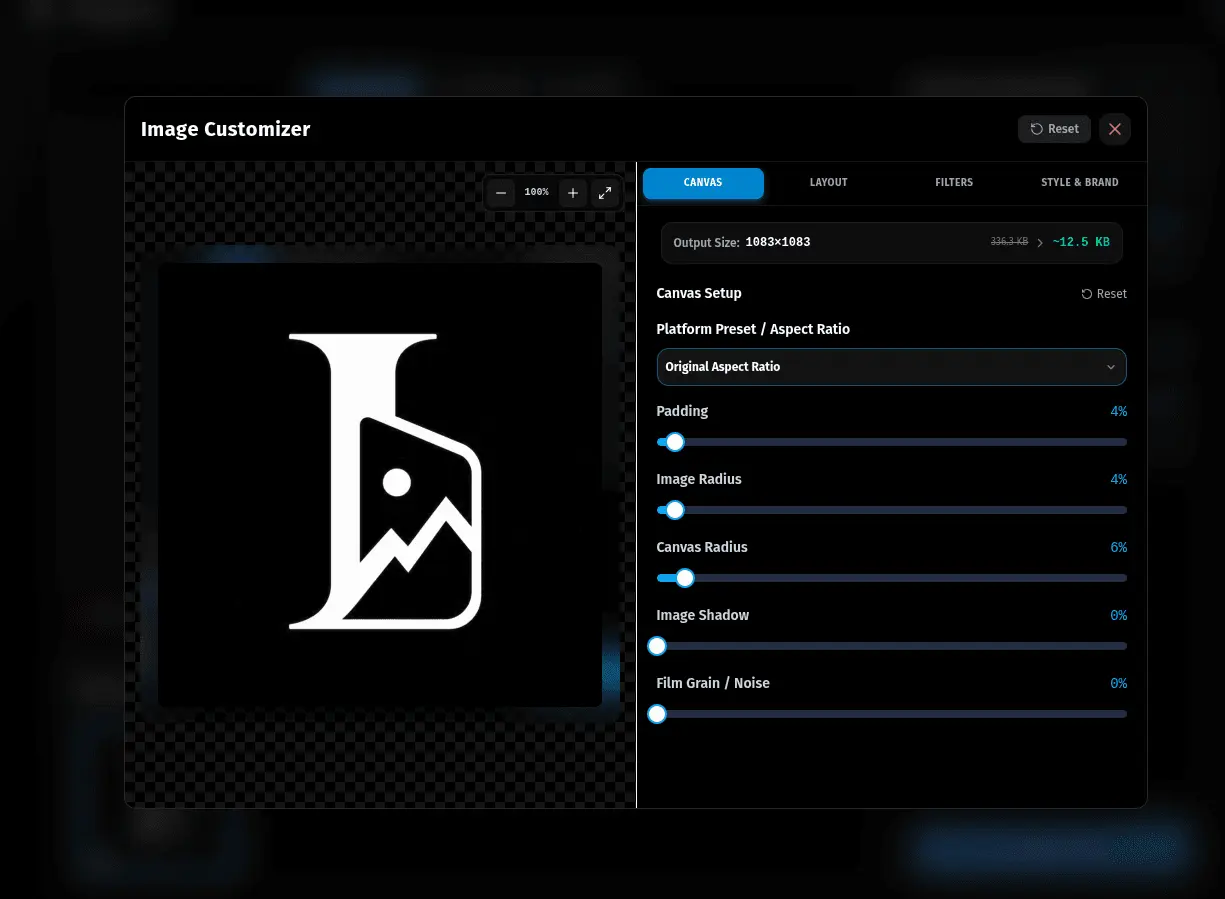
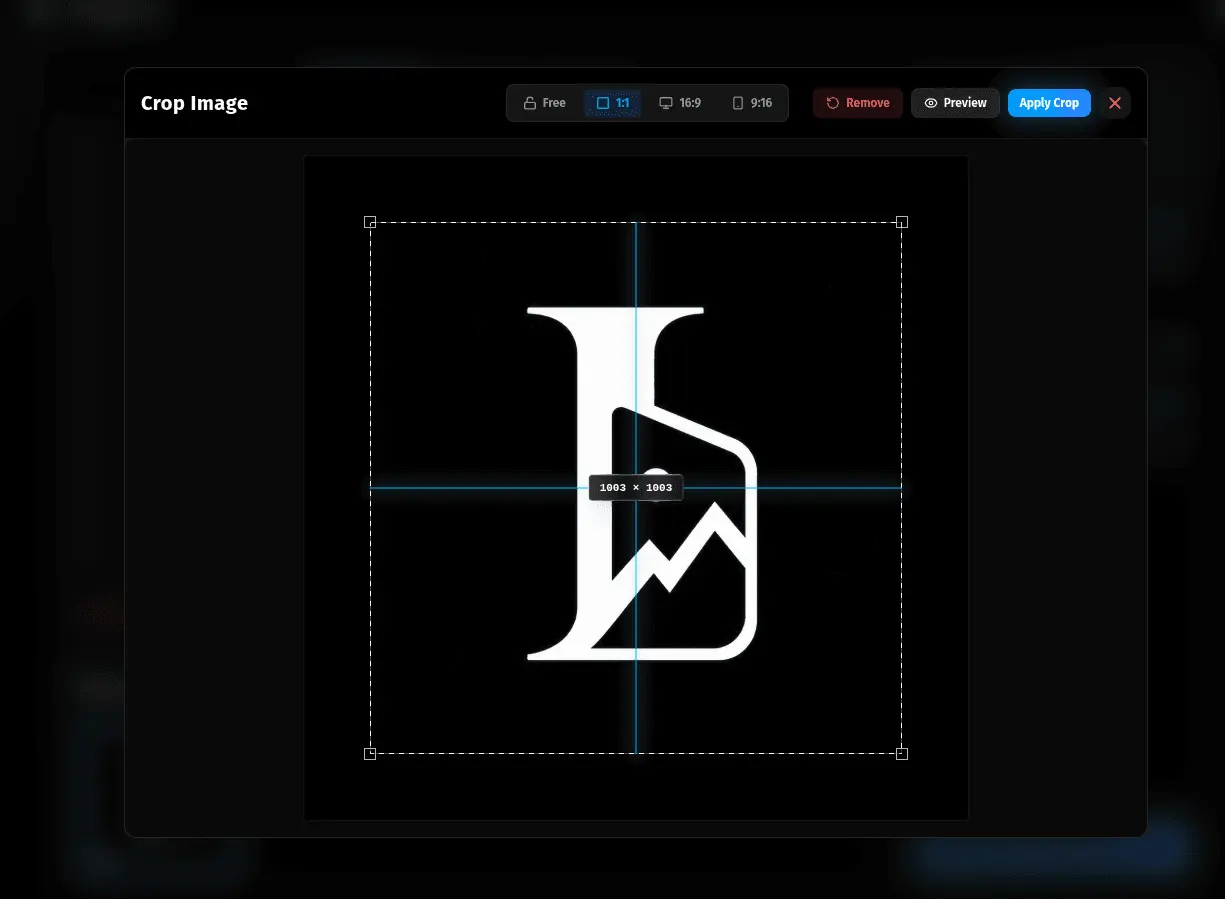
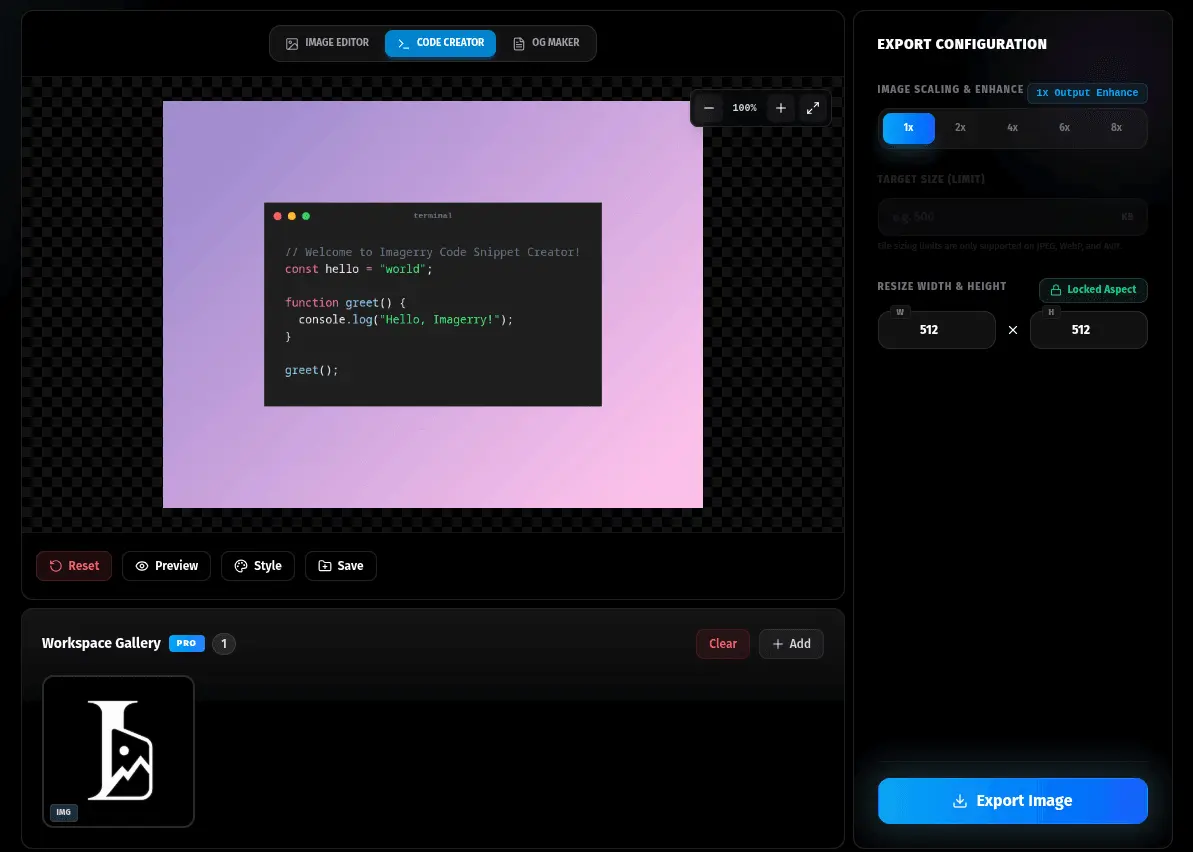
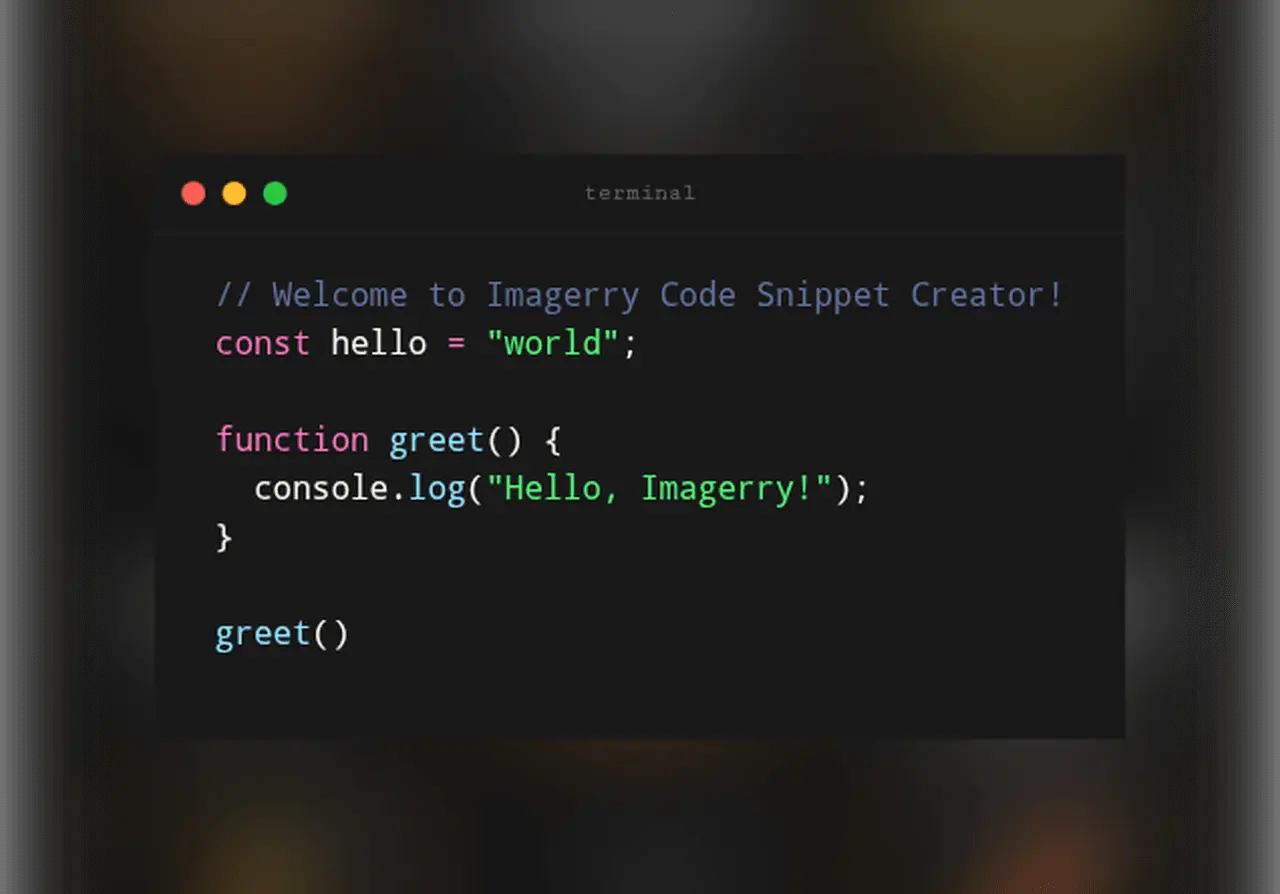
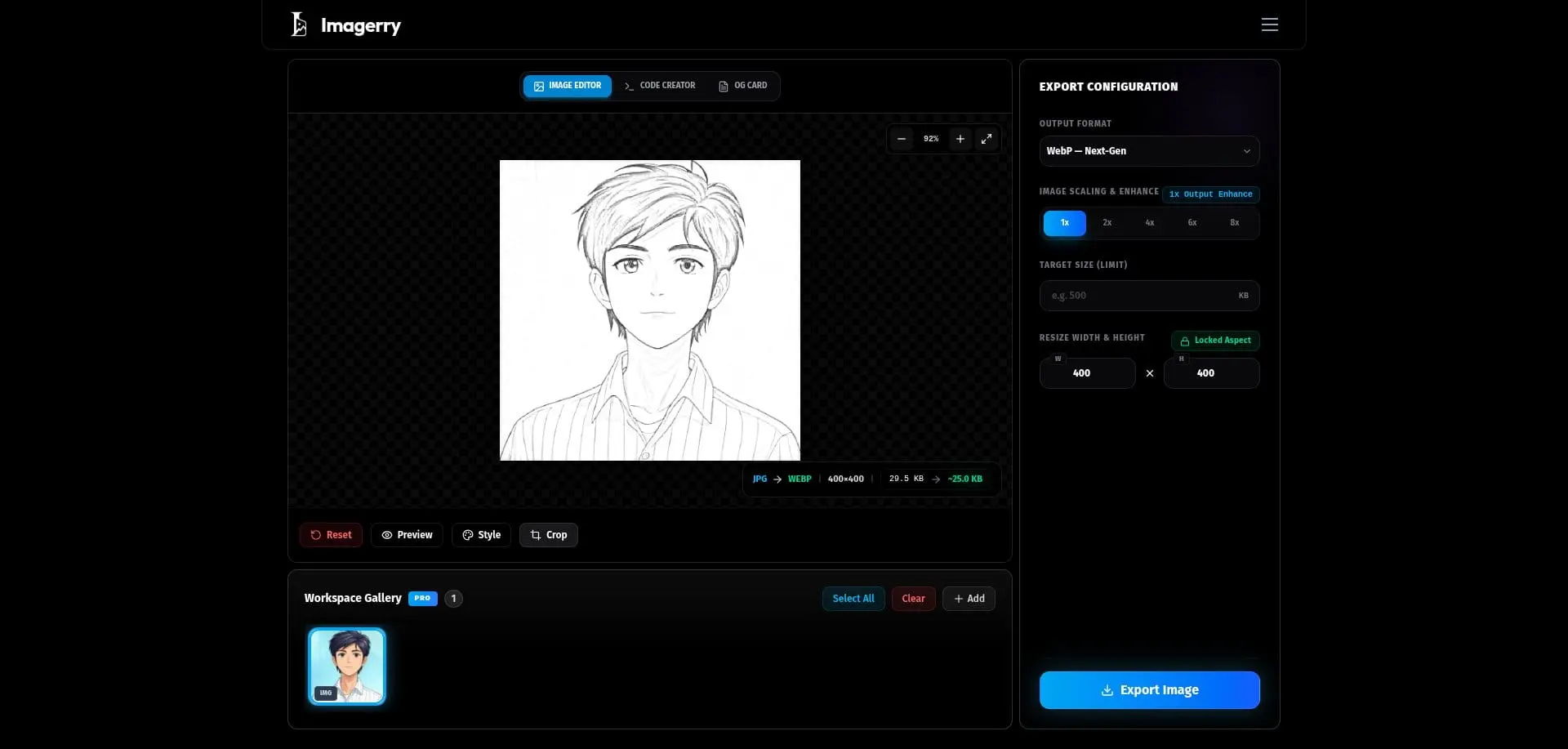
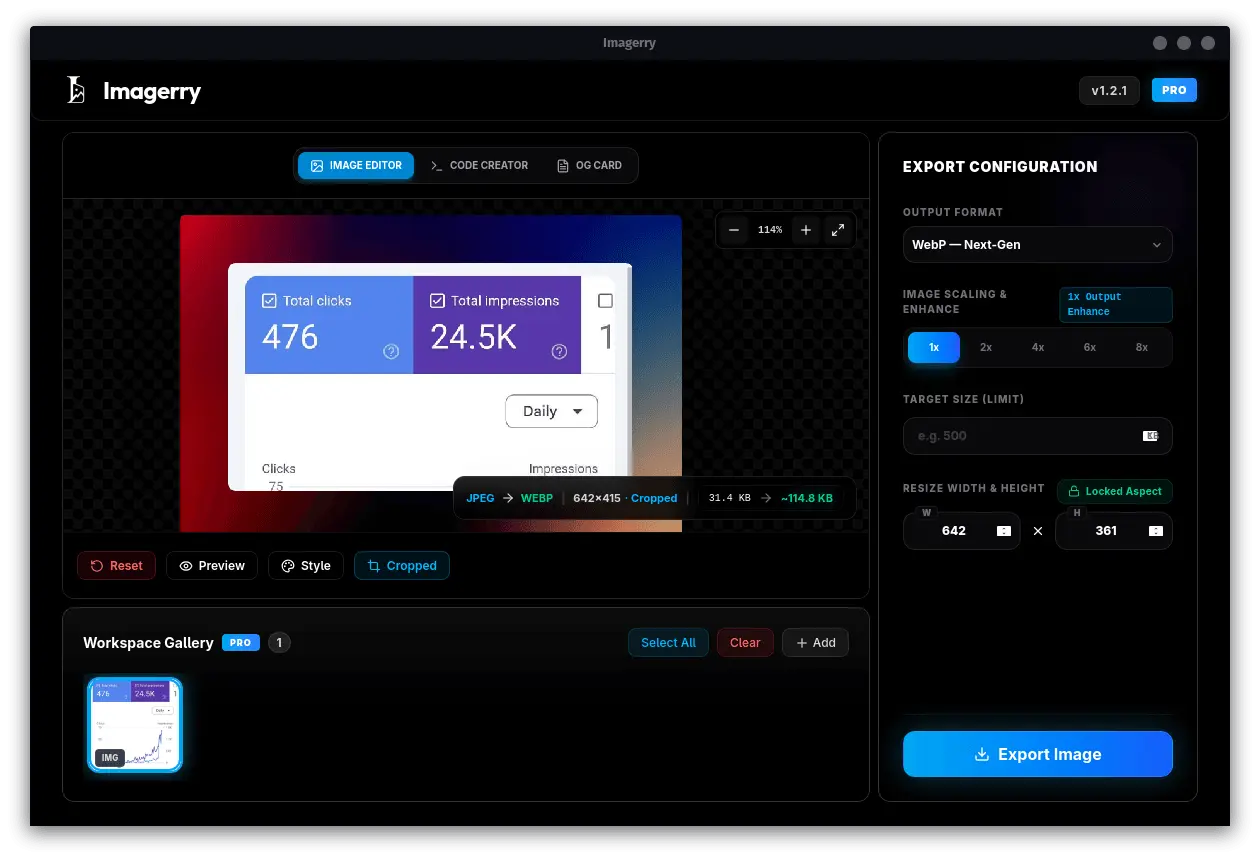
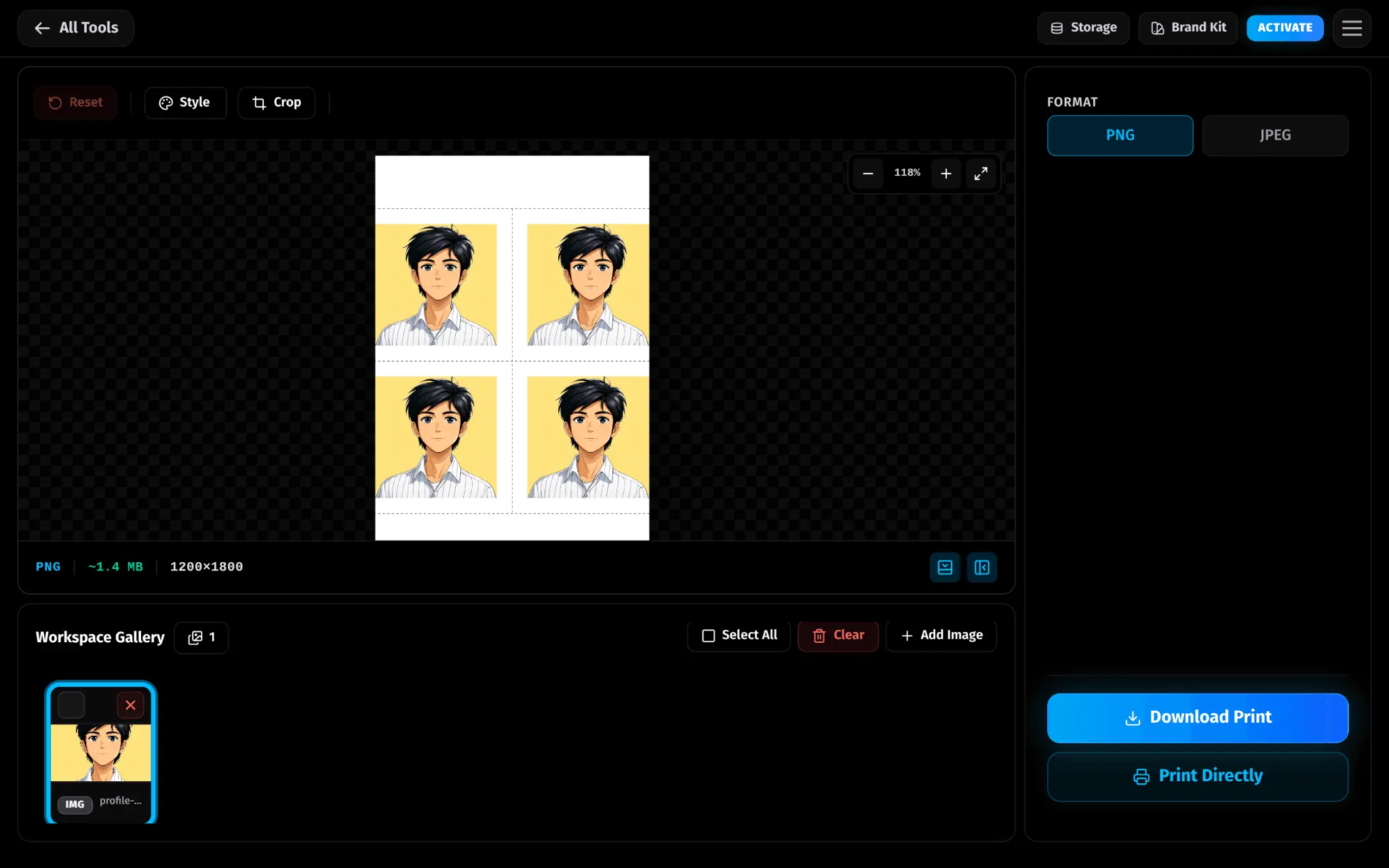
Imagerry is a browser-based image workspace that does everything locally. No uploads, no accounts, no server ever sees your files. It runs entirely inside your browser using Canvas and WebAssembly, which means it's fast, completely private, and works offline too. Supported modes so far: Image Customizer / Code Snippet Creator / OG Social Card / App Icon / Passport Photo Arranger / Color Extractor / Custom QR Code (Currently in Beta) --- 1. Image Customizer Think of this as a lightweight graphic studio that lives in your browser tab. You can crop, resize, add watermarks, adjust filters (including a Pencil Sketch effect), tweak padding, drop shadows, border radius, and choose from solid, gradient, or mesh gradient canvas backgrounds. Free exports give you PNG and JPEG. With Pro you get WebP, AVIF, TIFF, BMP, and ICO — plus a handy target KB export that lets you hit a specific file size, and batch processing that lets you export dozens of images at once as a ZIP. 2. Code Snippet Creator If you share code on social media or blogs, this one's for you. Paste any code, pick a syntax theme like Dracula or GitHub Dark, drop it into a macOS-style terminal window, style the background however you like — including the new 4-color mesh — and export a crisp, high-res PNG in one click. You can also pull code in directly from a URL. 3. OG Social Card Every time you share a link on X, LinkedIn, Slack, or Discord, a preview image shows up. This mode helps you make those actually look good. Lock in your title, description, and logo, pick a background, and your 1200x630 card is ready to export. There's even a Version Release template built in for shipping updates. 4. App Icon Drop in your logo and Imagerry generates the full icon set your iOS and Android apps need for submission — Xcode asset catalogs, Android mipmap folders, all the right sizes, all in one ZIP. You get fine-grained squircle radius control so the rounded corners look exactly right. 5. Passport Photo Arranger Upload a headshot, crop it to the exact 2x2 inch passport spec, and Imagerry tiles six copies onto a print-ready 4x6 canvas. Supports multiple paper sizes (5x7, A4 too), optional cut guides, and spacing control. The whole thing runs locally — your face stays on your device. 6. Color Extractor Drop in any image and get a full color palette back instantly — dominant colors, hex codes, the works. Great for matching brand colors from a reference screenshot or pulling a palette from a photo. Everything stays local. 7. Custom QR Code (Beta) Imagerry generates real, static, permanent QR codes — no link shorteners, no scan tracking, no expiry. Supports URLs, WiFi credentials, contact cards, plain text, and email. Customize the dot style, add your logo in the center (with error correction to keep it scannable), and add a CTA banner frame. --- Advanced Features Brand Kit (Pro) — Keep your logos, colors, and fonts saved locally so you can apply your brand across any mode without loading again every time. Storage Manager — See exactly how much local storage your gallery and brand kit are using, and clear what you don't need. Custom Presets — Save your go-to settings in any mode and bring them back with one click. PWA — Install on iOS or Android as a web app for a proper offline experience. --- Built on Astro with React for the workspace UI. --- Pricing Free to use, no account needed. Pro is a one-time payment — no subscriptions, ever. Starter (Free) — $0 Lifetime License — $29.99 Every paid plan unlocks the full Pro experience: Batch Processing & ZIP Export, Modern Formats (WebP, AVIF), Full App Icon Packs, Offline Gallery, Lifetime Updates & Priority Support. All licenses come with a Manage Devices page so you can remotely revoke any device that are inaccessible to free a license slot if needed.
Screenshots
Reviews (0)

Comments (1)
Hi!! I created Imagerry after getting frustrated with cloud tools for image conversion, resizing, and asset creation. I wanted a fast, beautiful, privacy-first app that works entirely on your device.