TAGiT - Smart Bookmarks for Video
Click when it clicks

Details
- Categories
- Use Cases
- Target Audience
Discovery signals
How AI and people discover TAGiT - Smart Bookmarks for Video on PeerPush
- ChatGPT
- Perplexity
- Claude
- +3 other AI crawlers
Reads by these AI engines
Crawlers behind these engines read this listing on PeerPush.About TAGiT - Smart Bookmarks for Video
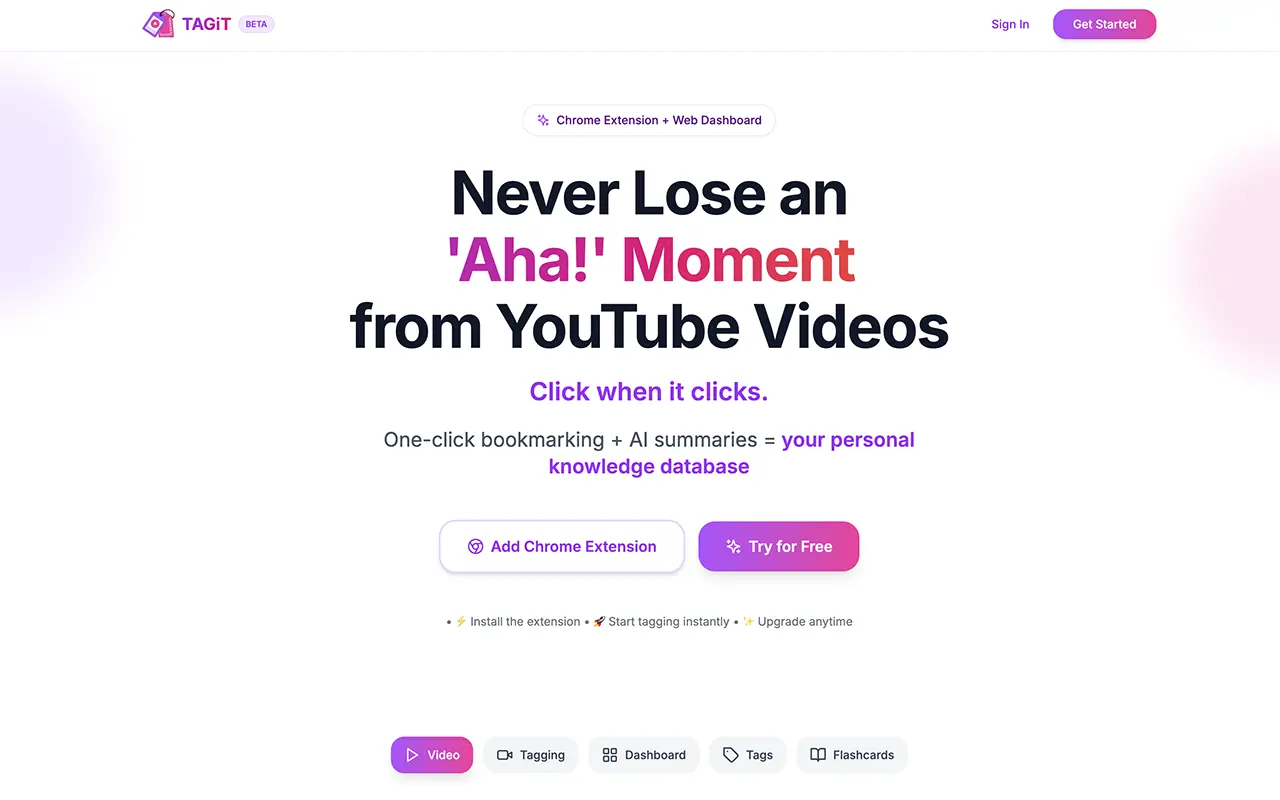
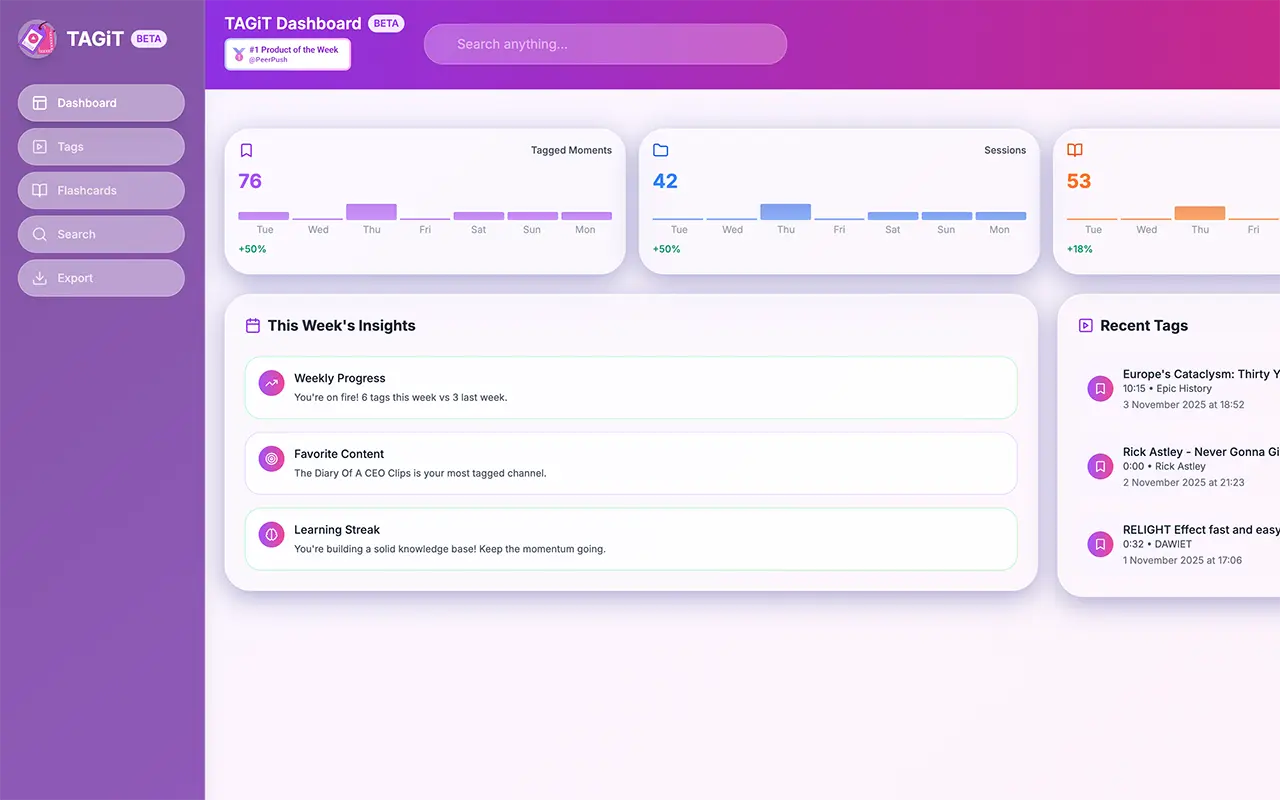
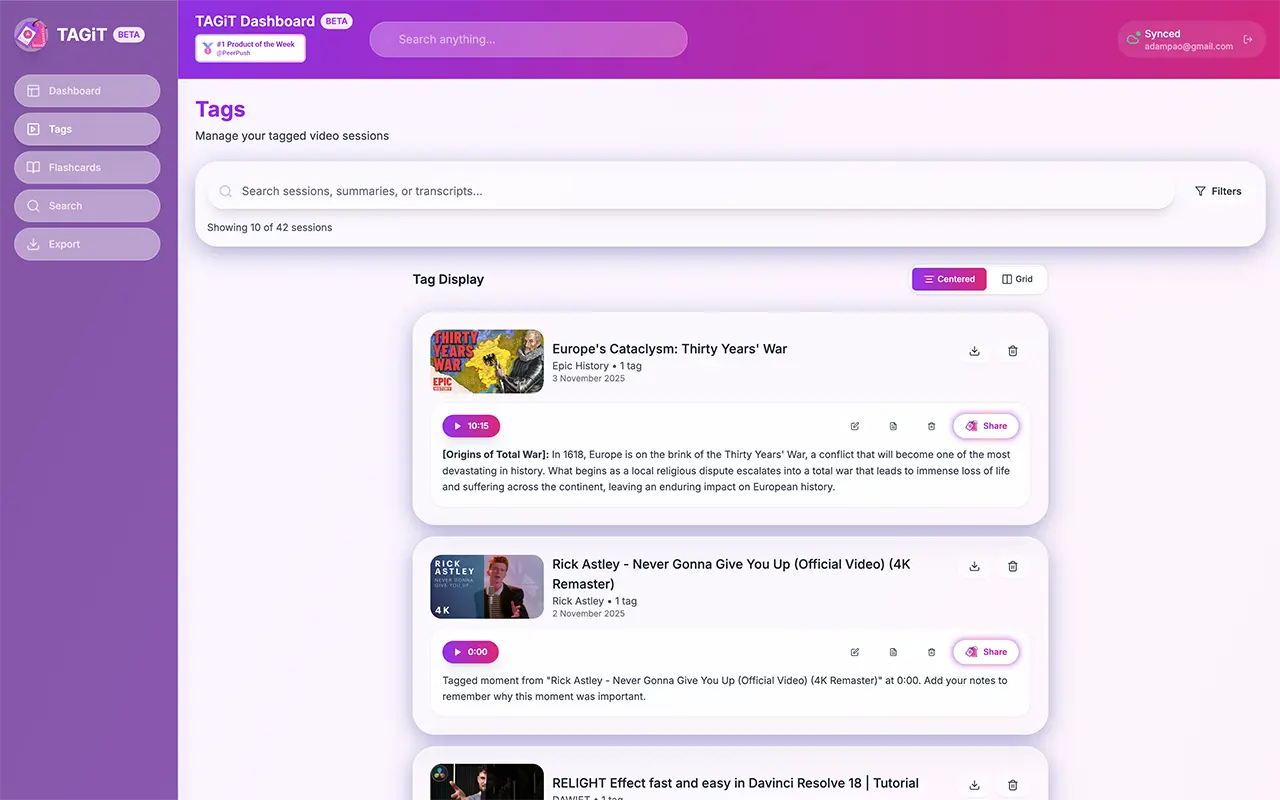
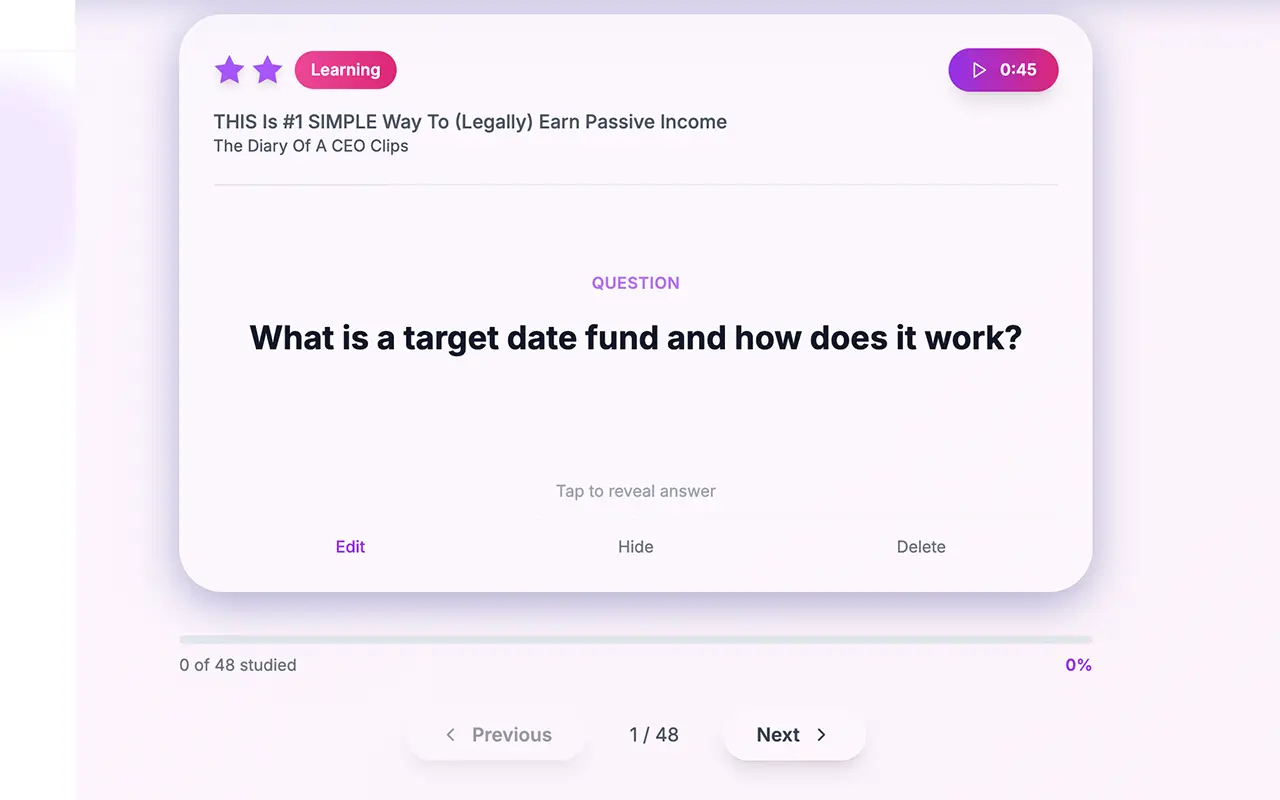
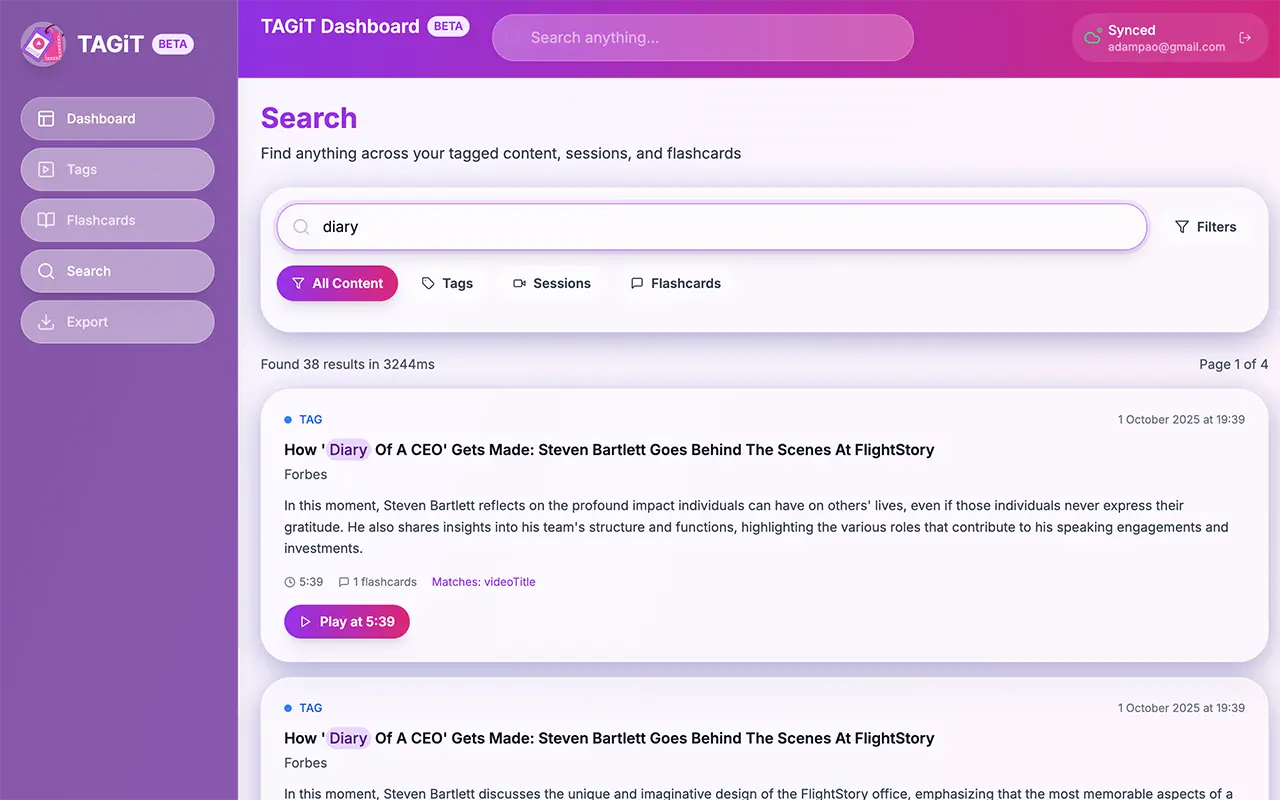
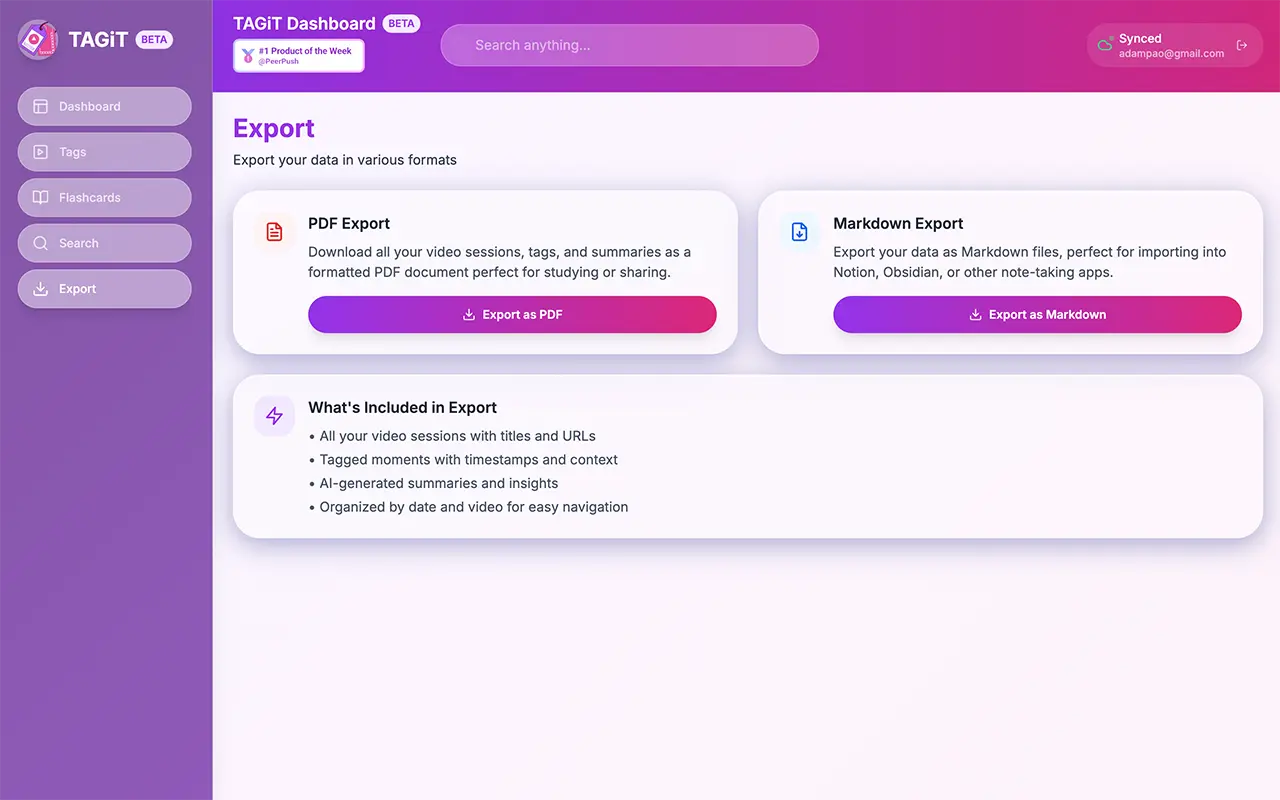
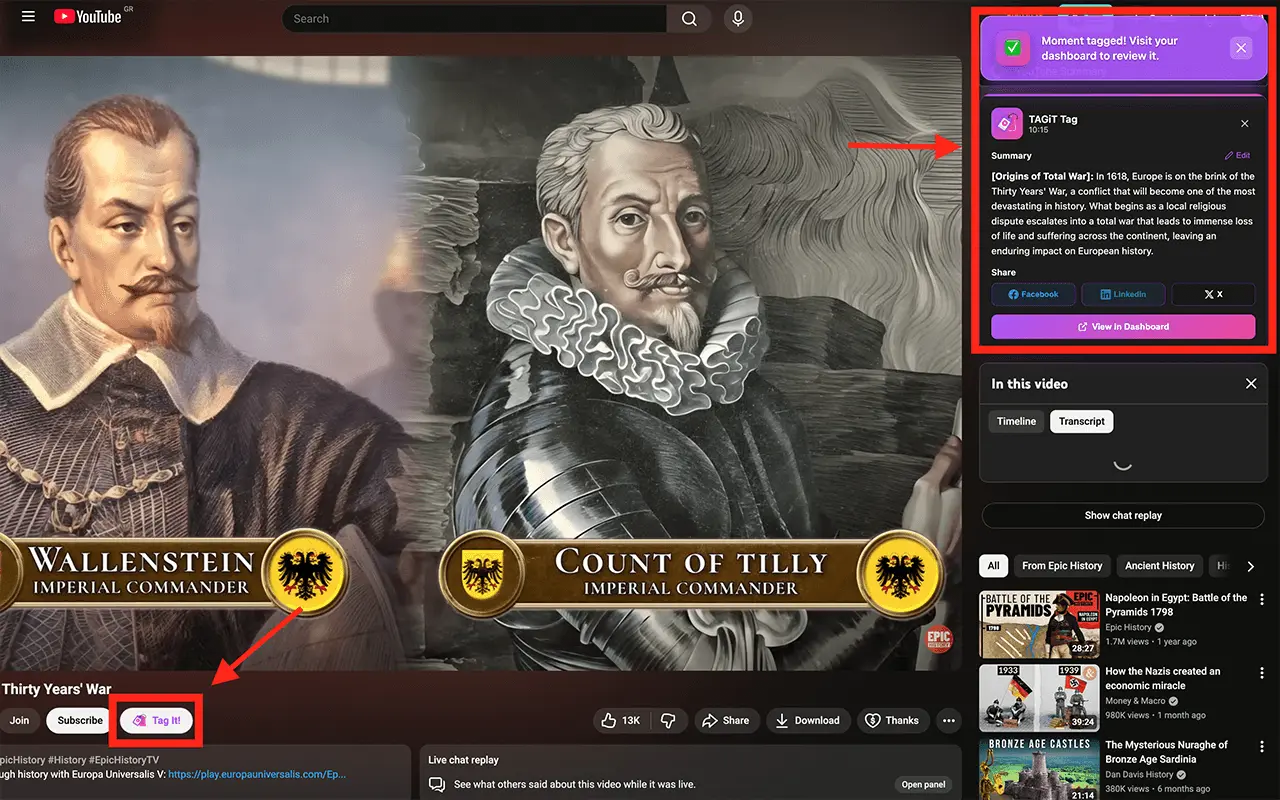
One-click YouTube tagging that builds your personal knowledge base. TAGiT auto-generates AI summaries and flashcards from any video moment. 🎯 Start tagging in 10 seconds. No signup, no account, no friction, just install the extension and tag. The Problem: You watch hours of educational content but can't remember or find specific insights weeks later. Rewatching entire videos wastes time. The Solution: Tag any moment while watching YouTube. TAGiT automatically captures ±15-60 seconds of transcript context, generates concise AI summaries, creates flashcards for retention, and stores everything in your personal searchable knowledge base. Perfect For: Students organizing online courses and lectures Professionals learning new skills from tutorials Researchers gathering insights across multiple videos Anyone building a personal learning library Key Features: 🏷️ One-Click Tagging: Capture moments with hotkey (Alt+T) or button 🤖 AI Summaries: Powered by OpenAI using actual video transcripts ⚡️ Smart Flashcards: Automatically generated for spaced repetition 📚 Searchable Library: Find any tagged moment across all your videos 👤 Guest Mode: Start tagging immediately—no account required 🖥️ PWA Dashboard: Review, search, and export from any device ☁️ Cloud Sync: Access your tags across desktop and mobile Current Status: ✅ Live on Chrome Web Store (v0.8.15) ✅ Production dashboard at https://app.tagit.video ✅ 100% functional MVP with authentication and subscriptions Deployed on Netlify, backed by Supabase, secured with Stripe subscriptions
Screenshots
Product Updates (3)
Rebranded to TAGiT
Ditched the IVCT name and rebranded to TAGiT
Comments (0)
No comments yet. Be the first to share your thoughts!
Tag it Button
Added a Tag it button directly on the Youtube interface for better UX.
Comments (0)
No comments yet. Be the first to share your thoughts!
Social media sharing
You can now share your tags to your favorite social media.
Comments (0)
No comments yet. Be the first to share your thoughts!
Reviews (0)
No reviews yet. Be the first to rate this product!
Comments (2)
love the gradients
Thank you very much. Please give it a try if you have time, i would love some feedback,
You can use the code BETA60 in the web app to have 60 days free pro access.
Cool! Will try.