
Kiiwi
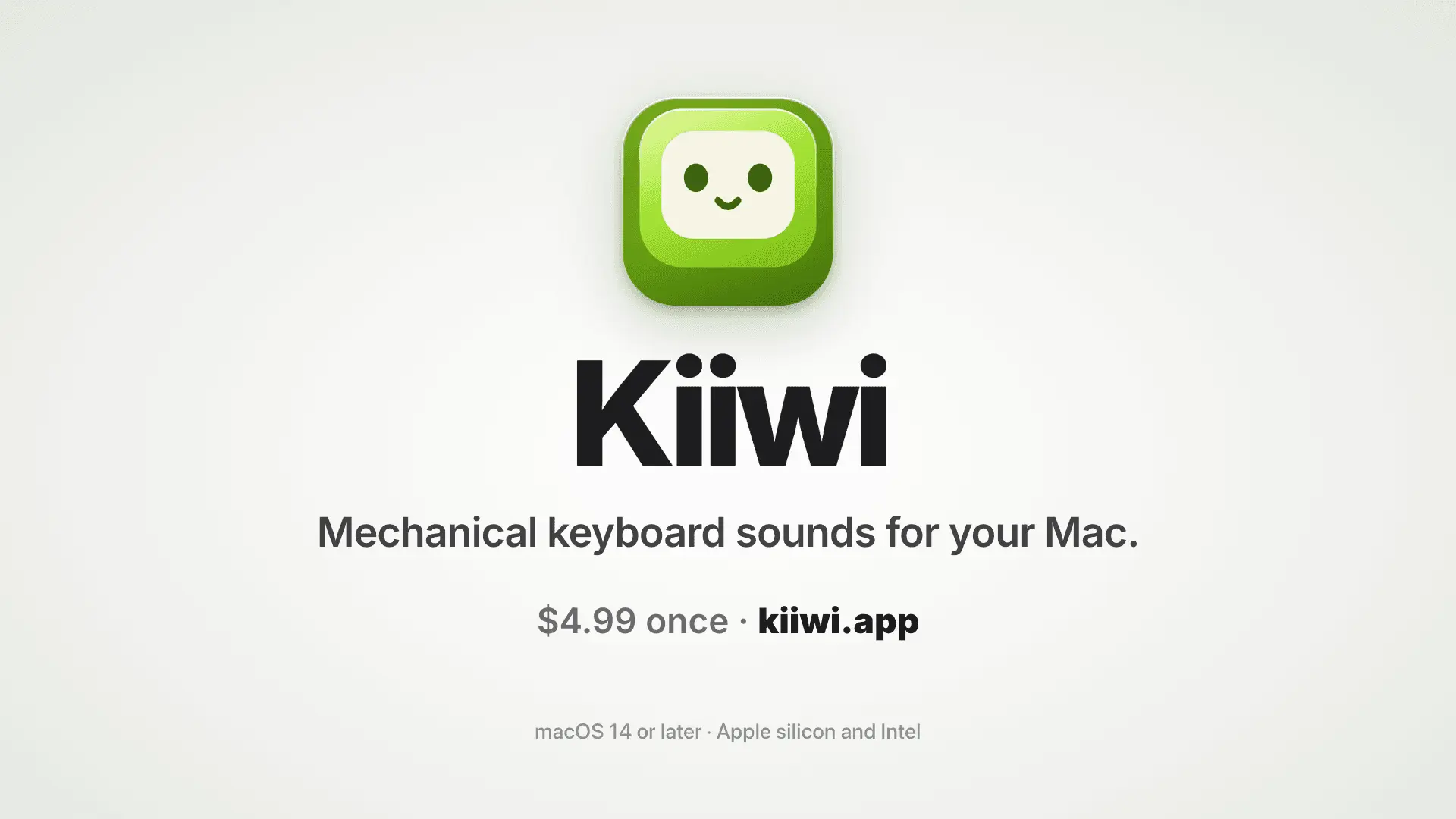
Mechanical keyboard sounds for your Mac

Details
- Categories
- Target Audience
- Pricing
- One-time from $4.99
- Platforms
Discovery signals
How AI and people discover Kiiwi on PeerPush
About Kiiwi
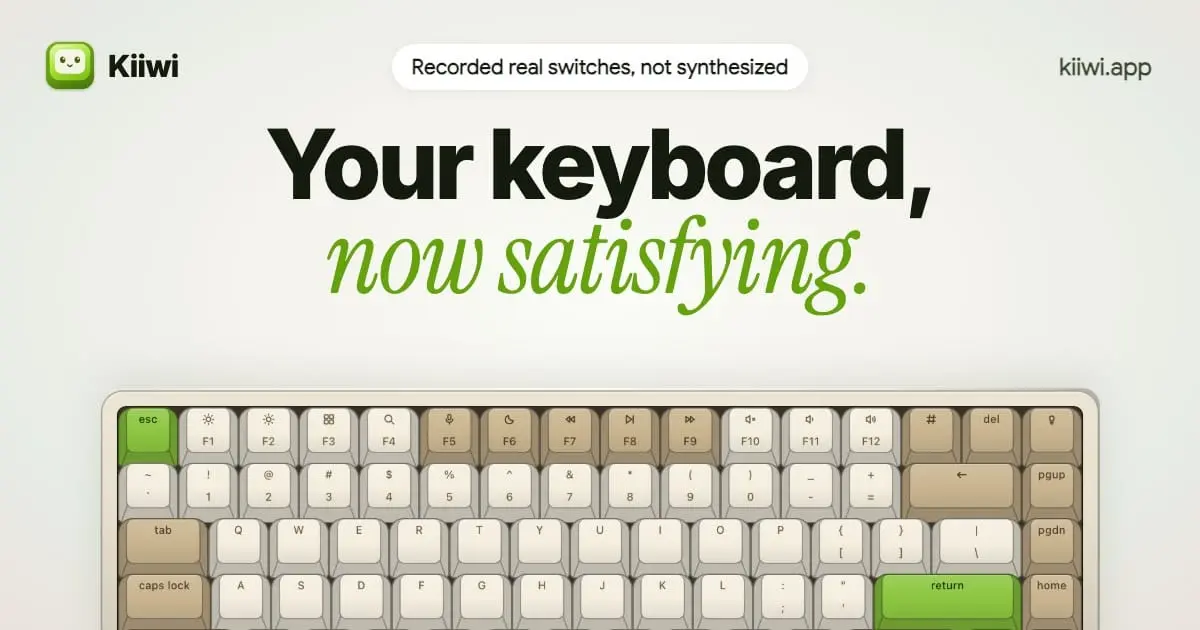
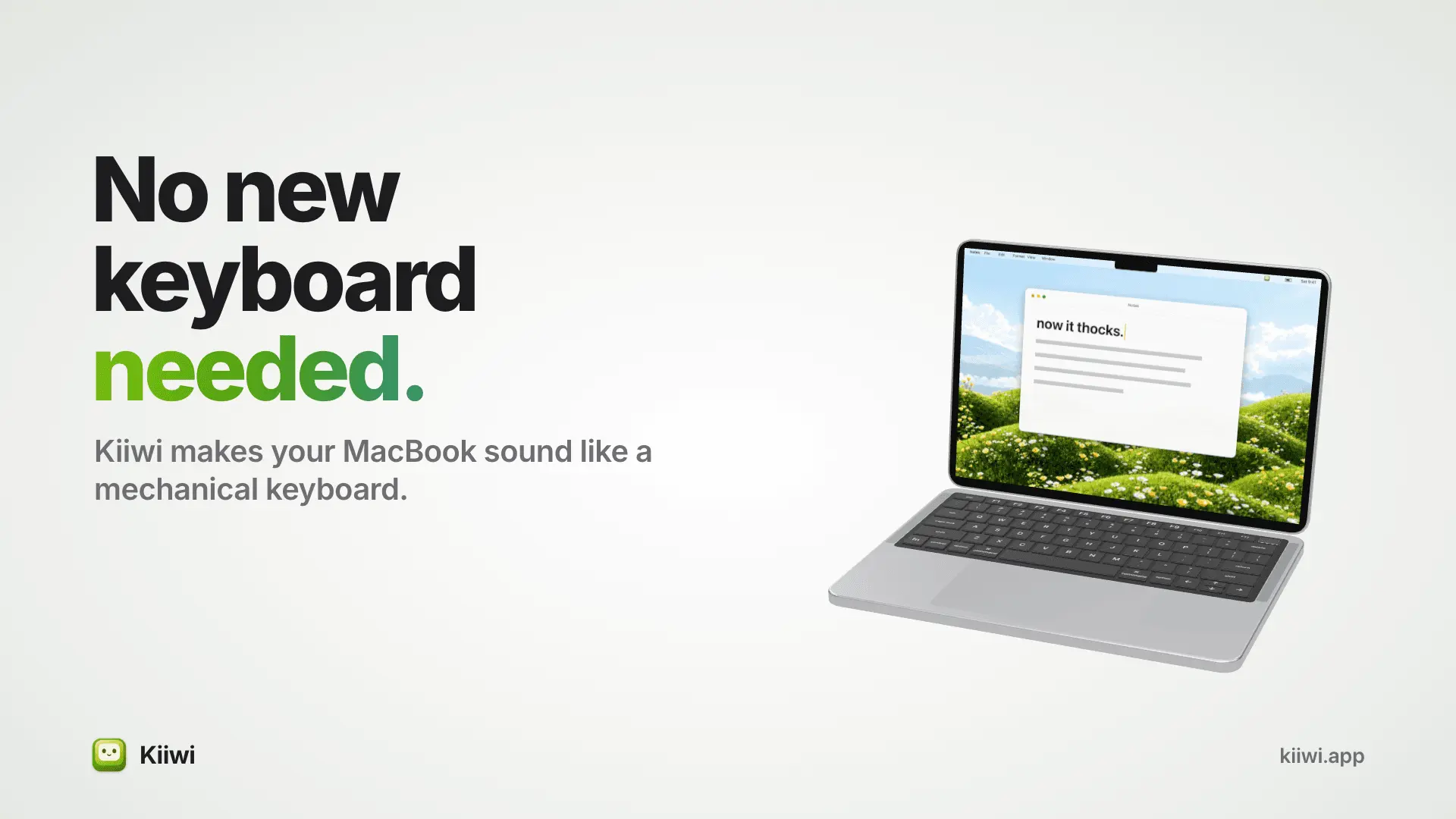
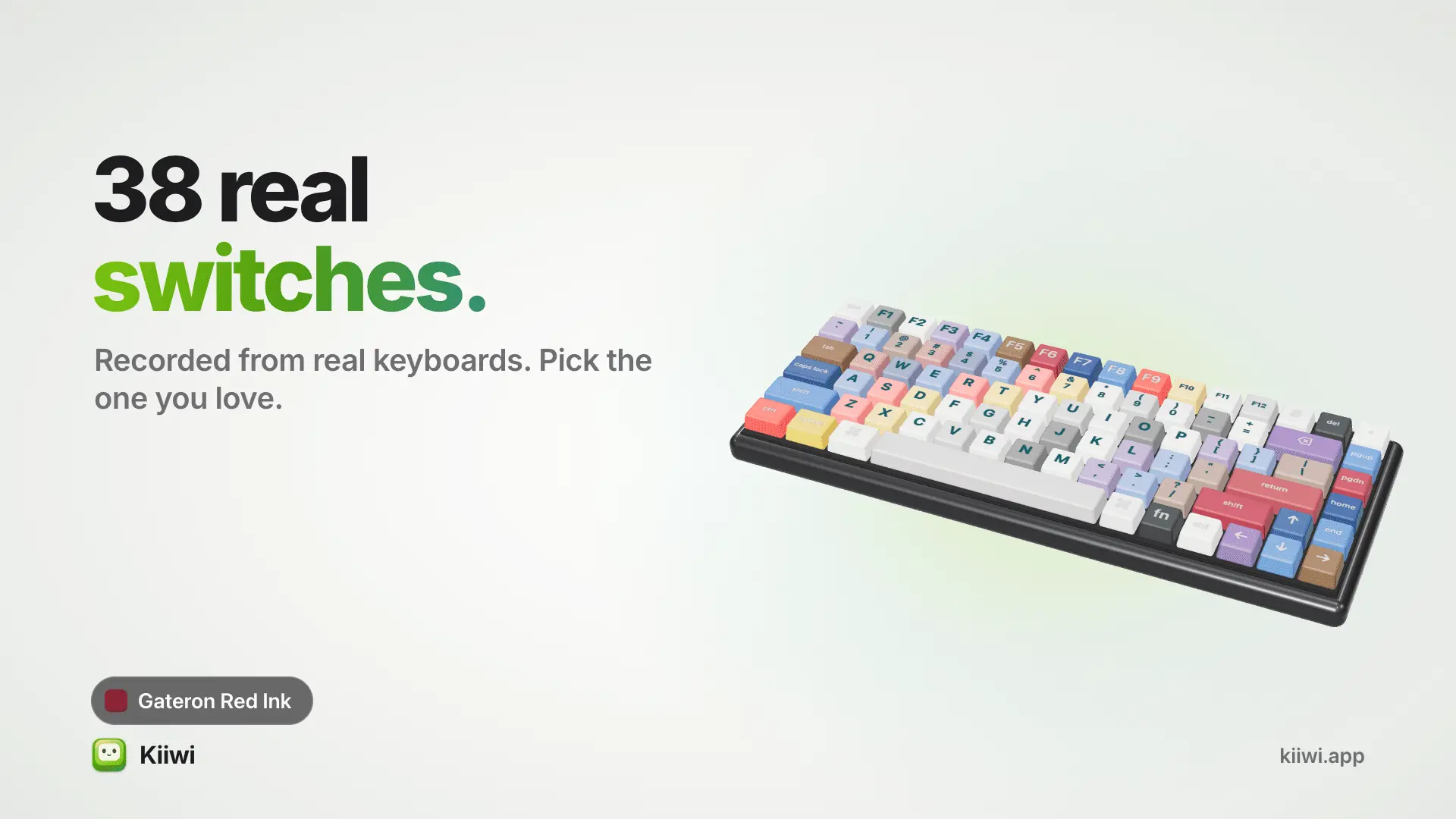
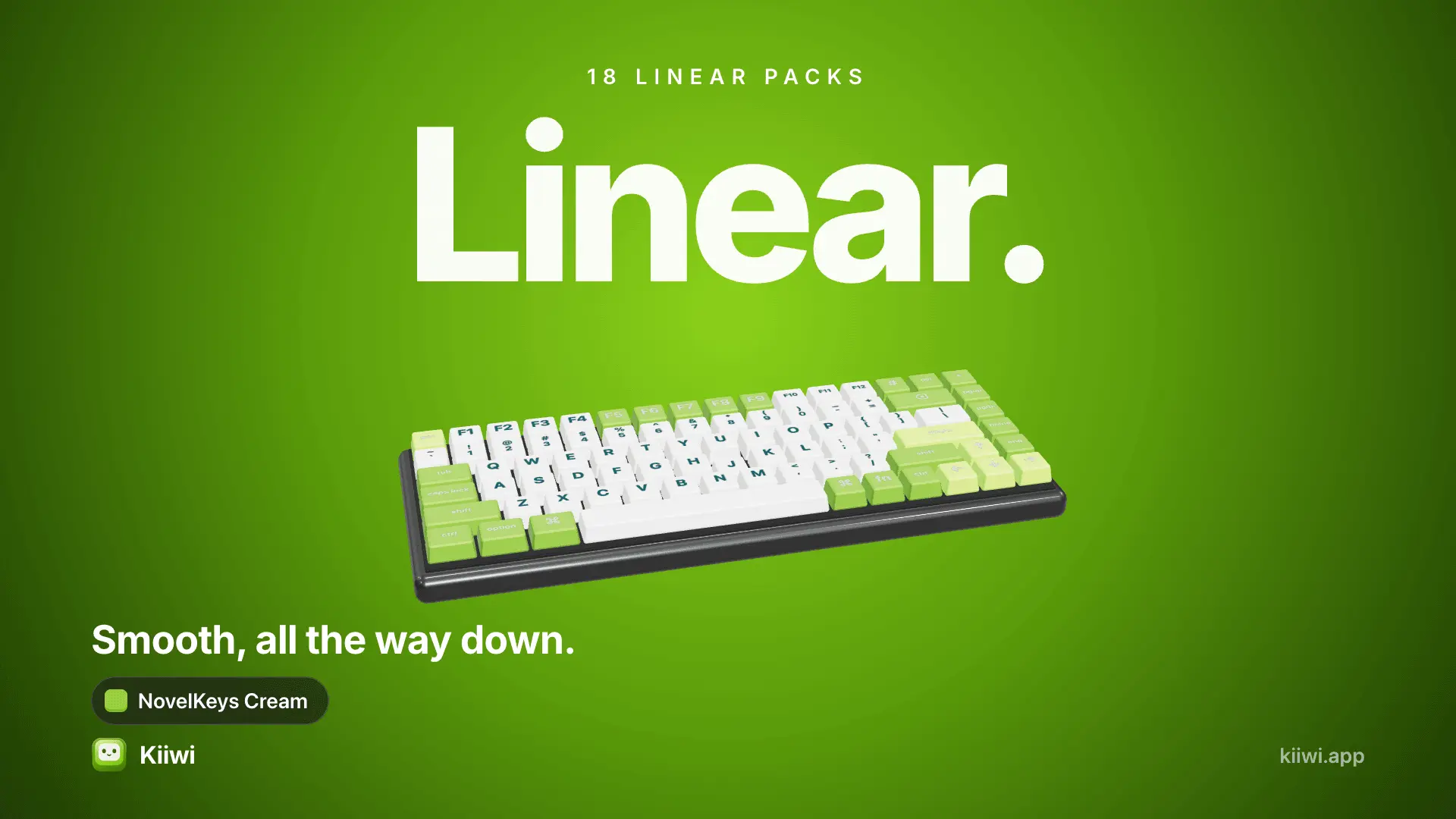
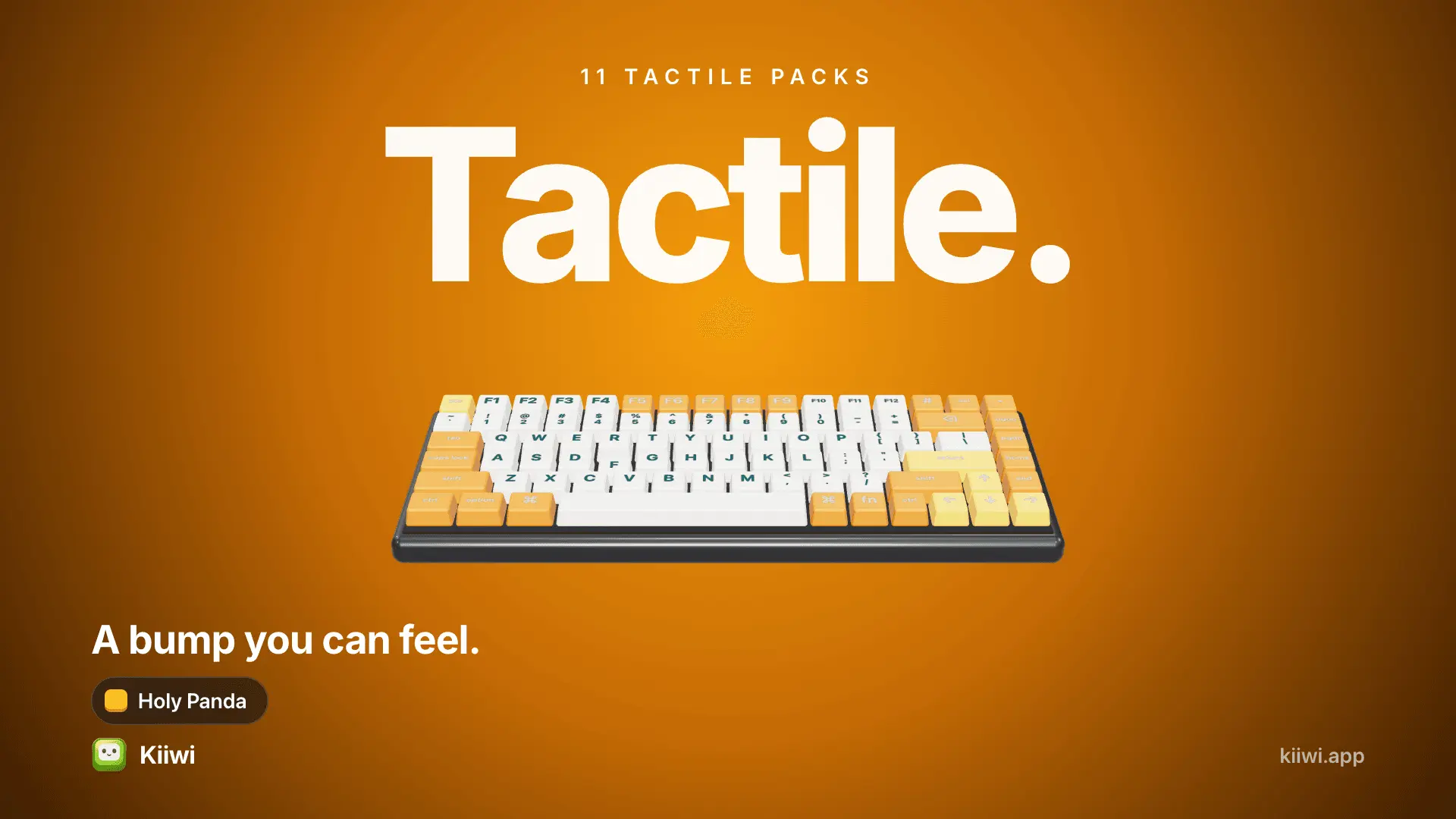
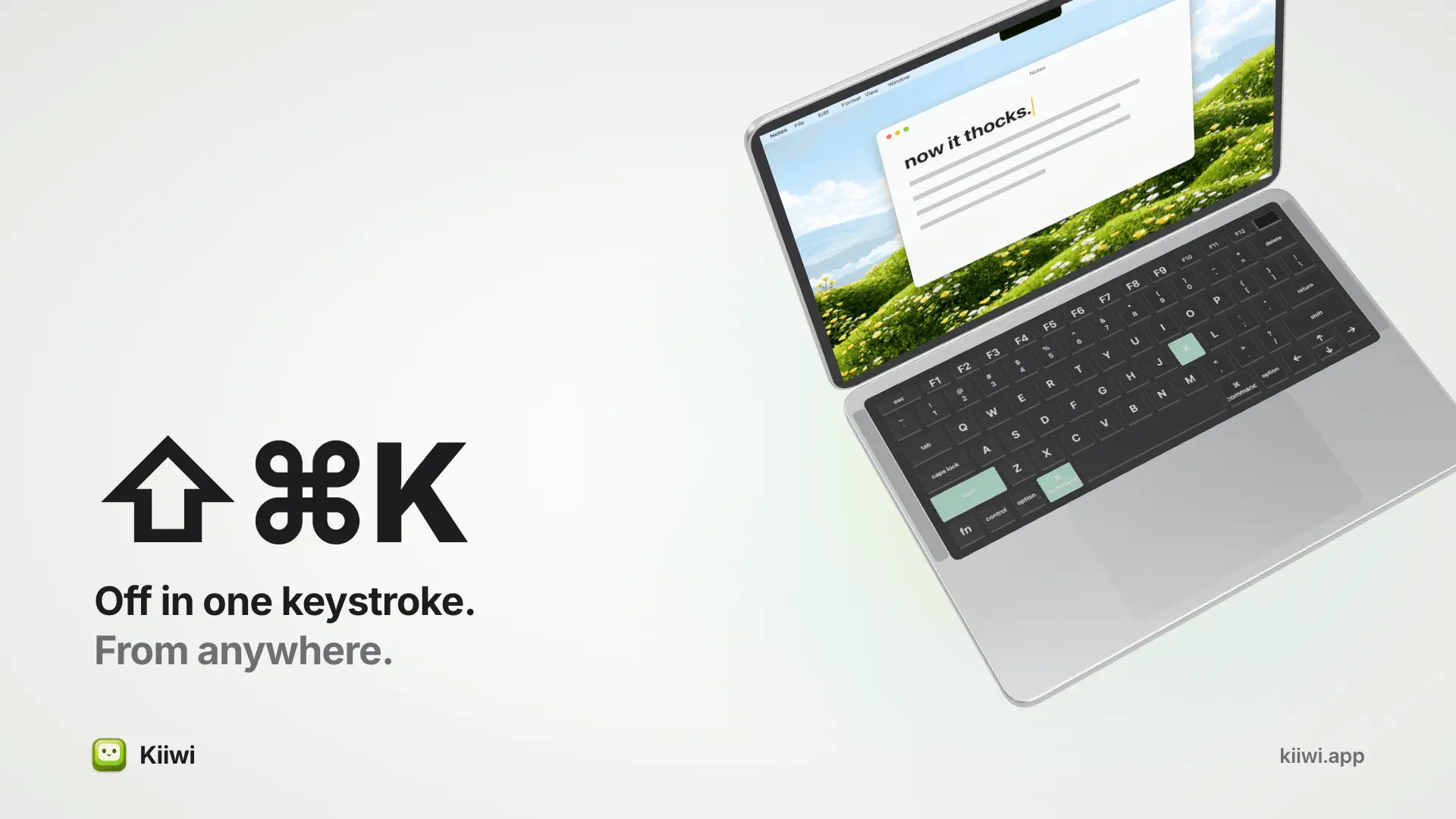
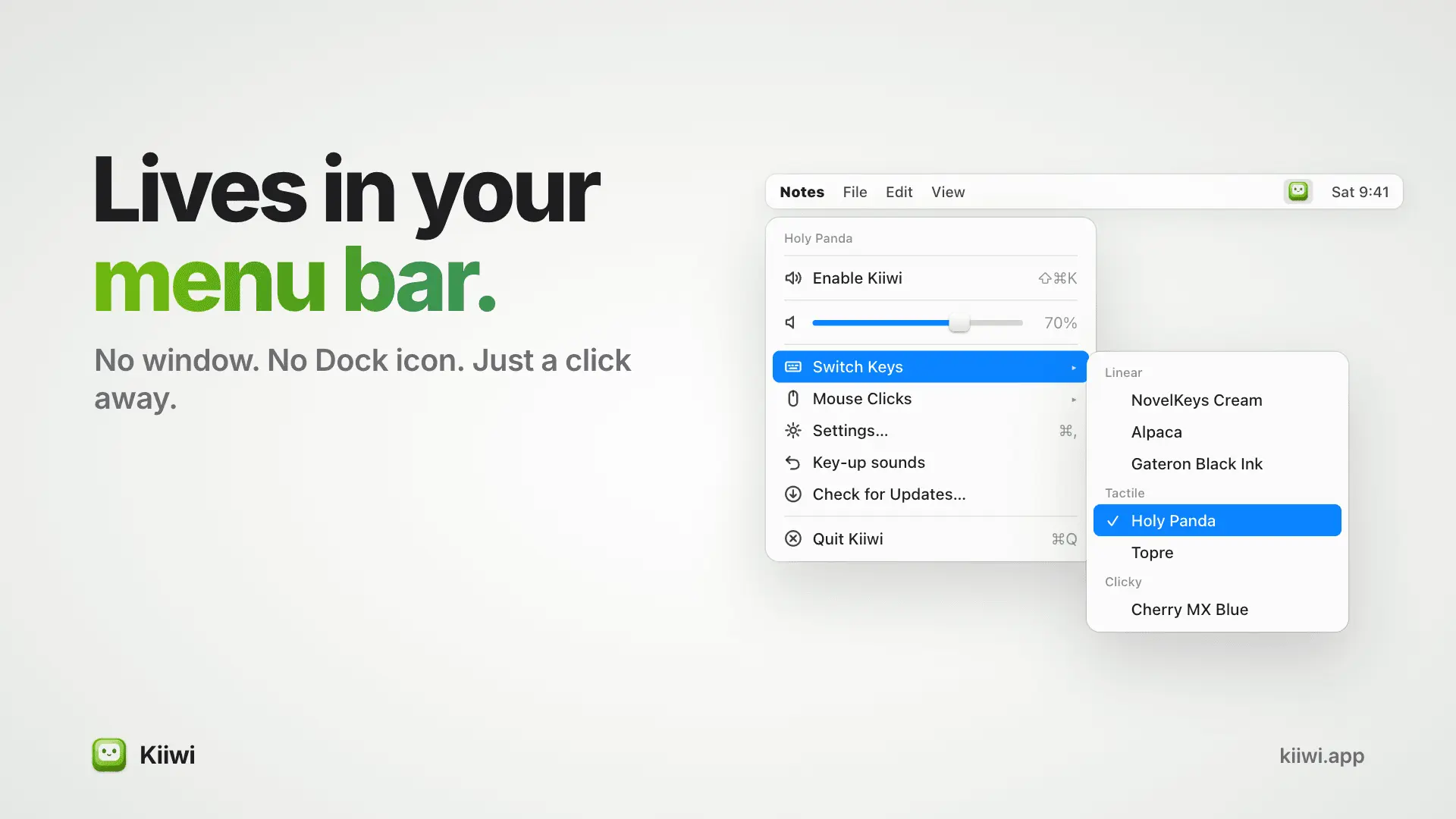
Kiiwi makes your Mac keyboard sound like a mechanical one. It's a tiny menu bar app with 38 real switch recordings. Not synthesized sounds: actual switches, recorded key by key. Pick one, type anywhere, and every keystroke sounds like you're on a real mechanical board. Your editor, browser, Slack, Terminal, Spotlight: it works in every app. Why it sounds right Recorded real switches. 38 keyboard packs grouped by feel (Linear, Tactile, Clicky), so you don't need to know switch jargon to pick one. The switch name is always there when you do. Every row recorded separately. The number, top, home and bottom rows each have their own recordings, like a real board. Placed by key position. Type Q and it comes from the left, P from the right. Best on headphones. Never the same twice. Five pitch variants of every sample, picked fresh on each keystroke. Key-up sounds on supported packs, so you hear the release, not just the press. 2 ms before the hit. Every sample is trimmed so the sound lands with your finger. No lag. More than the keyboard 8 mouse click packs, plus scroll wheel ticks. Typing stats: today's key count, the last 14 days, a streak, your best sustained WPM, top apps and fun facts. Share cards: turn your week of typing into a card with nine colours, nine gradients and nine wallpapers. ⇧⌘K turns it off from anywhere. On a call, in a library, recording something: one shortcut and it's quiet. Hover any pack in the menu to hear it before switching, so you can compare switches by ear in seconds. Survives your headphones. Switch audio output mid-sentence and Kiiwi carries on, no relaunch. Private by design Kiiwi hears that a key moved, never what you typed. Stats count how many keys, never which ones, and stay on your Mac. All it ever sends is a licence check and a daily look for updates. Small and light 8.9 MB universal app for Apple silicon and Intel. Lives in your menu bar, no Dock icon, nothing to manage. macOS 14 or later. Try before you buy The playground on kiiwi.app plays the same recordings the app ships, right in your browser. Type for fifteen seconds and hear every switch. Pricing $4.99 one-time. No subscription, no account. Use it on up to 2 Macs, lifetime updates included, and a 14-day money-back guarantee. Built by one person, with 430 checks run before every build ships.
Screenshots

Reviews (0)
No reviews yet. Be the first to rate this product!
Comments (2)
Recording each row separately and panning by key position, so Q comes from the left and P from the right, is a lovely level of detail. Grouping packs by Linear, Tactile and Clicky is a smart way to help people who don't know switch names.
I built Kiiwi because every keyboard sound app on my Mac felt laggy. 38 real recorded switches, the sound lands with your finger. $4.99 for the first 100. Which switch would you pick first?