
KlipKap Pro
Screen recording that edits itself: auto-zoom, AI subtitles

Details
- Follow on
- @extonslock
- Categories
- Video & Audio ToolsProductivity & Notes
- Use Cases
- Screen RecordingVideo Creation
- Target Audience
- Content CreatorsDevelopersFounders
- Pricing
- One-time from $29.99
- Platforms
- Desktop
- Alternatives
 Screen Studio alternatives
 Loom alternatives
About KlipKap Pro
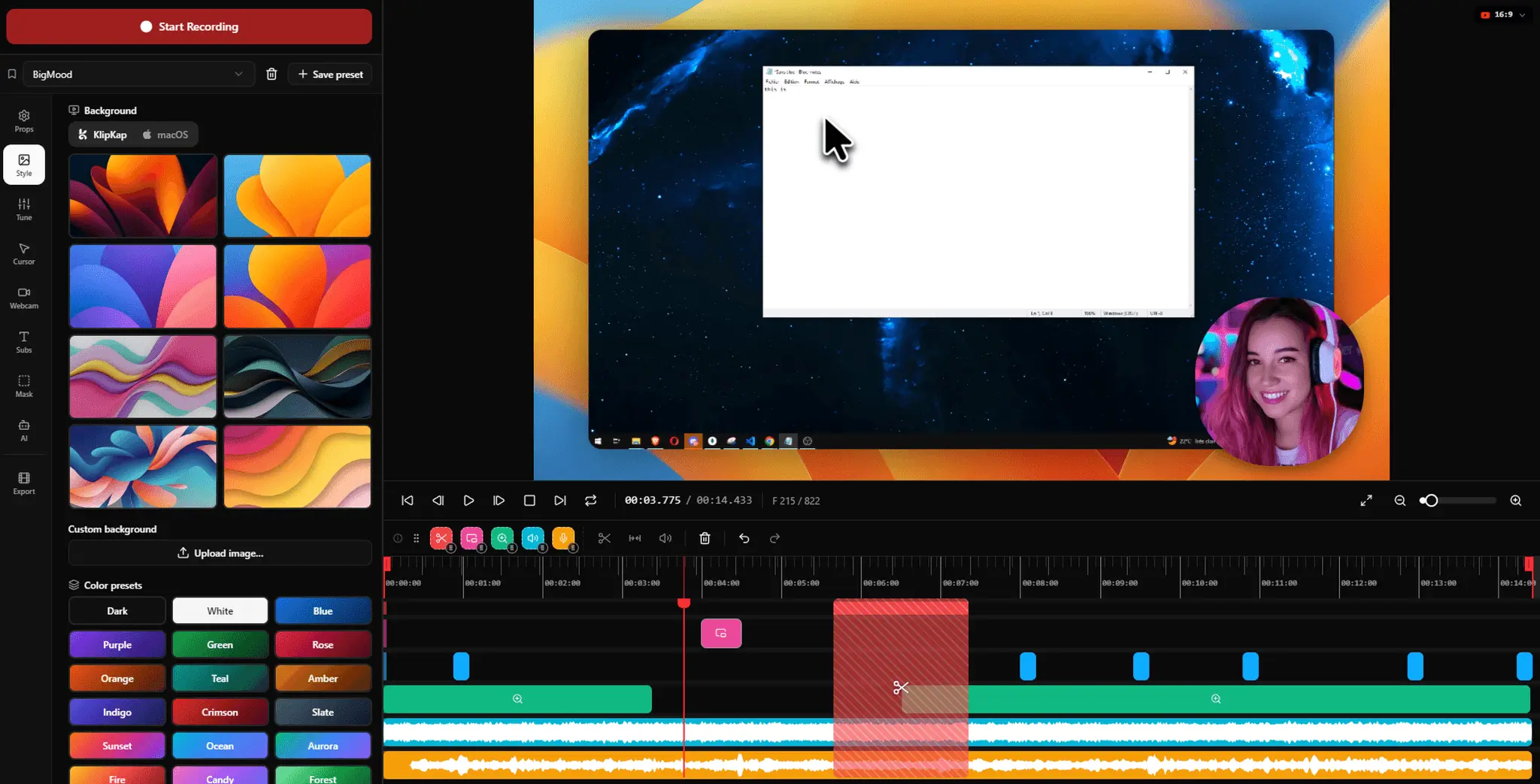
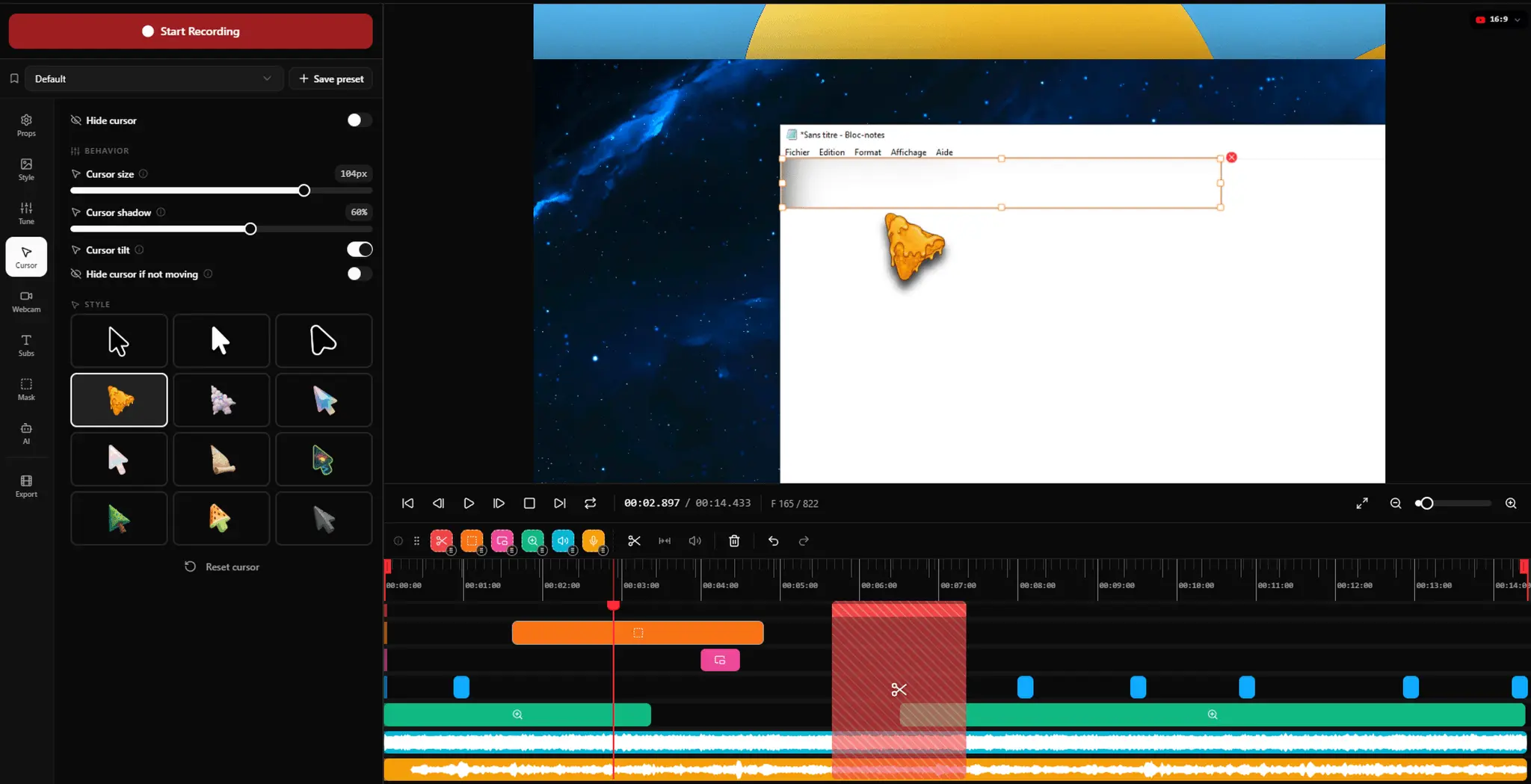
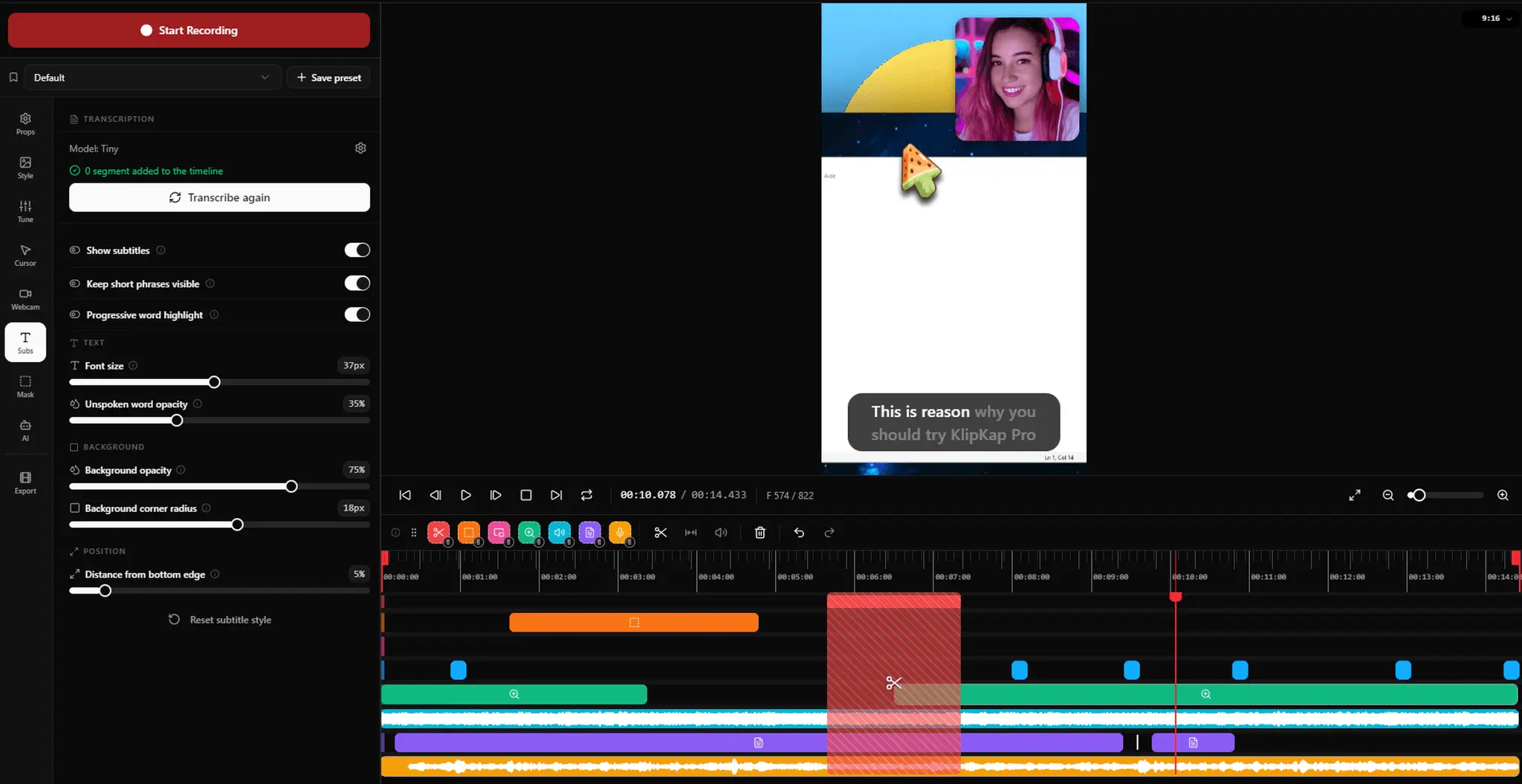
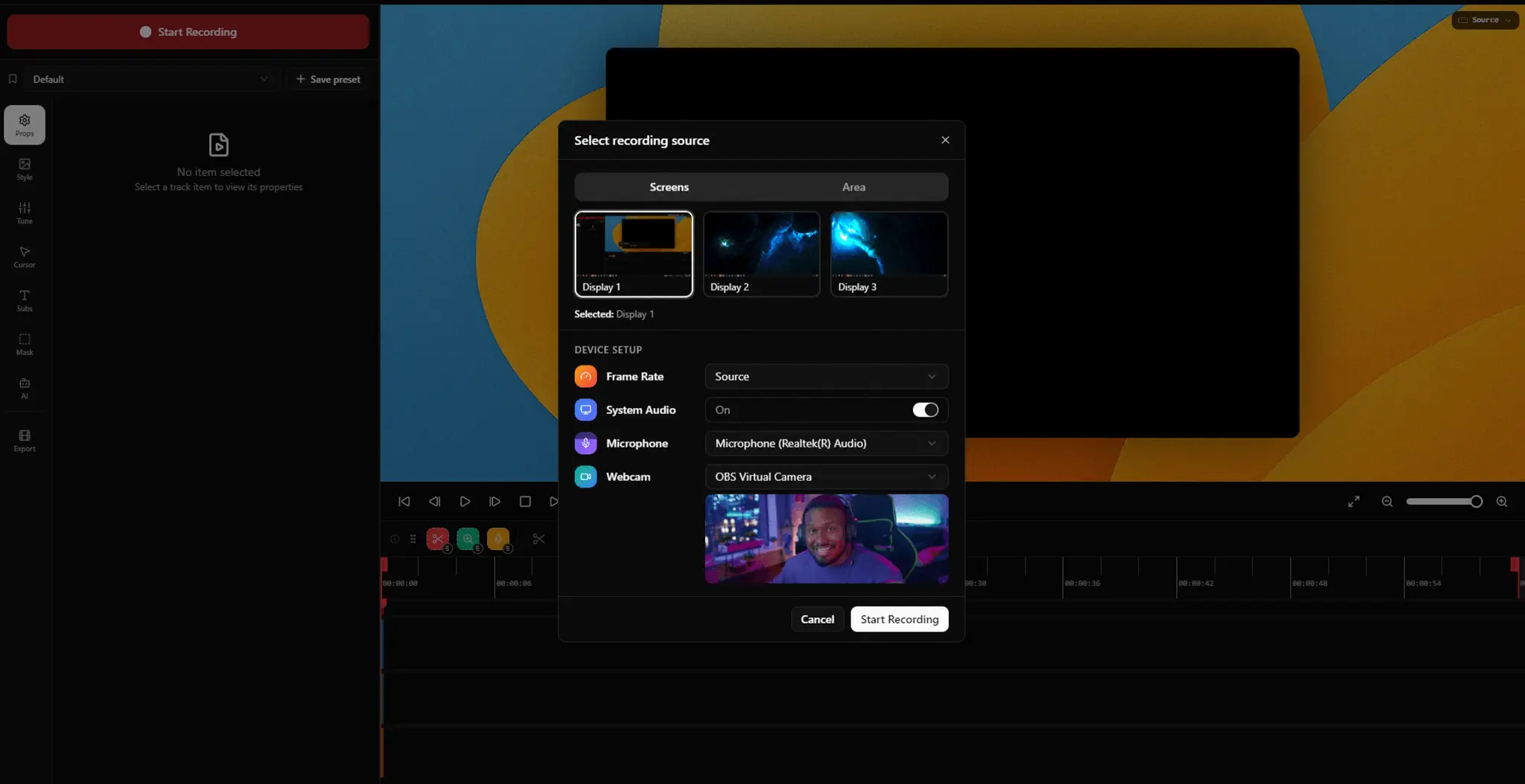
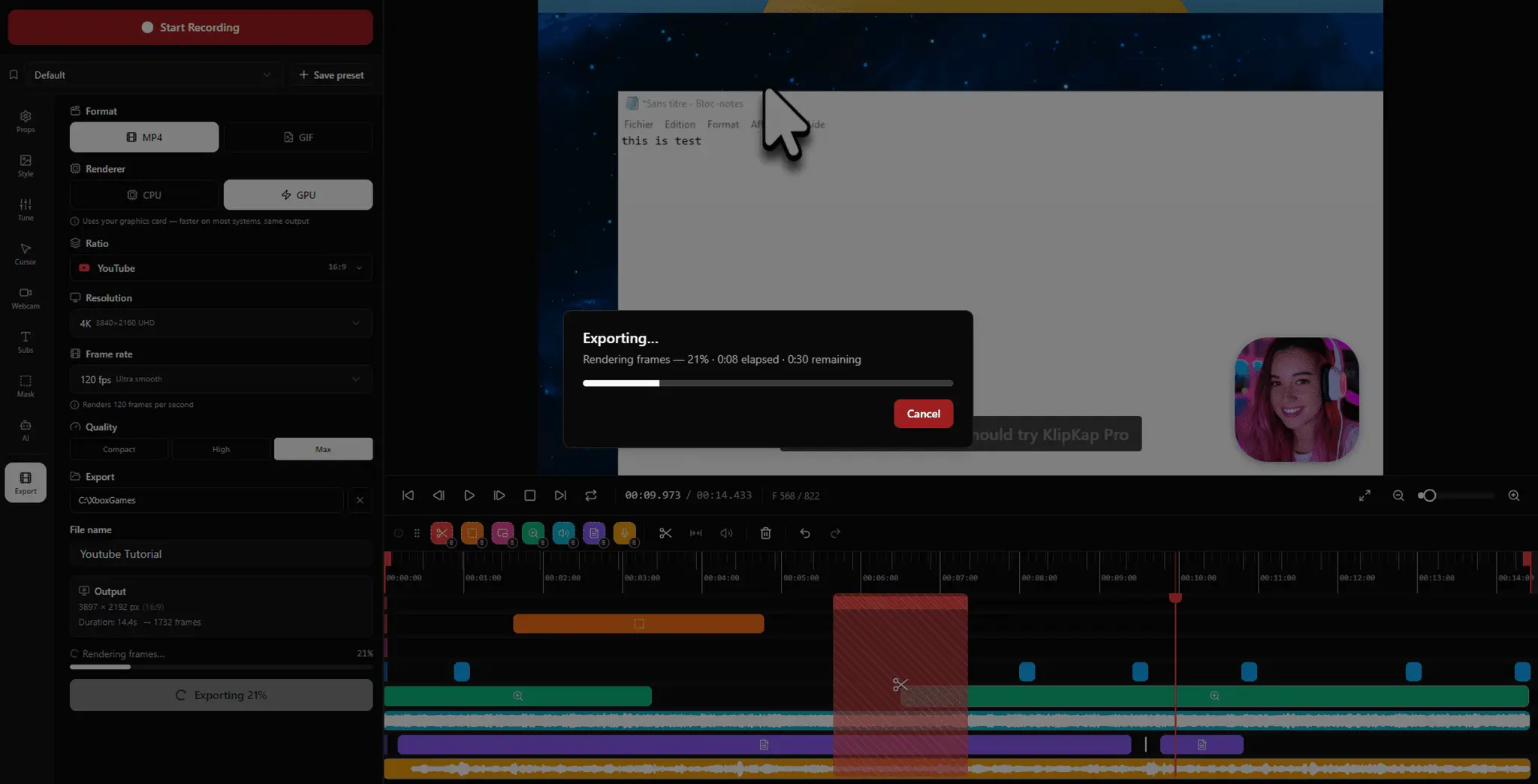
KlipKap Pro is a screen recorder and video editor for Windows, macOS, and Linux that edits your footage automatically as you record. Select your screen, a window, or a custom region, then capture your screen, webcam, and every audio source, microphone and system audio, all at once, perfectly synced from the first frame. The moment you stop recording, KlipKap Pro applies cinematic effects on its own: automatic zoom on every click, cursor smoothing that turns shaky mouse paths into a fluid glide, animated webcam picture in picture, and AI generated subtitles in 50+ languages, all processed locally with no cloud upload required. Built in AI audio cleanup removes background noise, keyboard clatter, and room echo for studio quality voice, without plugins. A non linear timeline editor lets you fine tune cuts, zoom keyframes, subtitles, and webcam positioning before exporting straight to the exact format and aspect ratio you need, 16:9, 9:16, 1:1, or 4:5, ready for YouTube, TikTok, LinkedIn, or Shorts. Built for: - Developers and SaaS teams replacing spec docs and Slack threads with quick bug reports and PR walkthroughs - Content creators turning raw screen recordings into upload ready tutorials in one session - Marketers producing in house product walkthroughs and feature announcements without an agency - Educators and trainers building chapter ready courses with accurate subtitles and clean audio What you get: - Auto zoom and cursor smoothing on every recording, applied automatically, no manual keyframing - AI subtitles in 50+ languages, generated offline with no account or usage limits - AI audio cleanup that removes noise and echo without extra plugins - Six social export presets covering every major aspect ratio and platform - 1080p, 2K, and 4K export at up to 120 fps - Everything runs on your machine, footage is never uploaded or stored on a server - One time payment, no subscription, no renewal, free updates for life A permanent free tier is available with 720p export and a watermark, no time limit. Pro unlocks 1080p, 2K, and 4K export, 60 and 120 fps, all six social aspect ratios, the AI audio denoiser, watermark free exports, and priority support, for a one time payment. Every purchase includes a 14 day refund window, no questions asked.
Discount Codes
30% OFF(-30% OFF)
Valid until Dec 31, 2027
Screenshots
Reviews (0)

Comments (1)
I built KlipKap Pro so screen recordings would edit themselves: auto-zoom, smooth cursor, AI subtitles, all offline. One time payment, no subscription. Would love your feedback!