
LaTeX Accessibility Checker
LaTeX Accessibility Checker - WCAG 2.1 AA / ADA Title II

Details
- Follow on
- Use Cases
- Target Audience
- Pricing
- Free
Discovery signals
How AI and people discover LaTeX Accessibility Checker on PeerPush
- ChatGPT
- Perplexity
- Claude
- +4 other AI crawlers
Reads by these AI engines
Crawlers behind these engines read this listing on PeerPush.About LaTeX Accessibility Checker
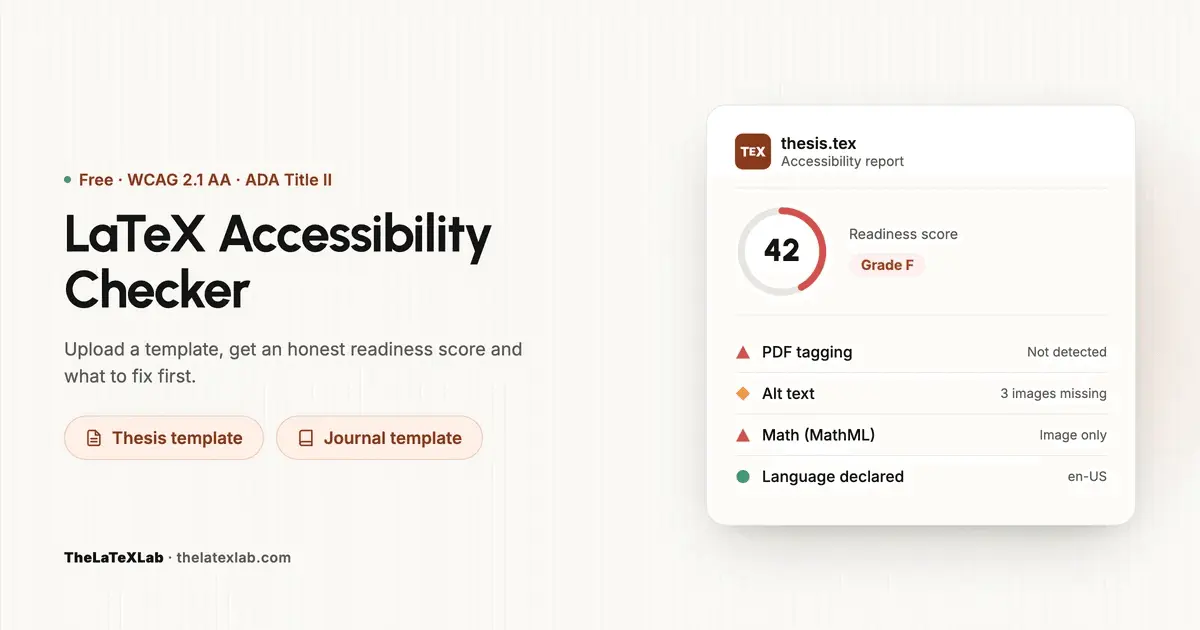
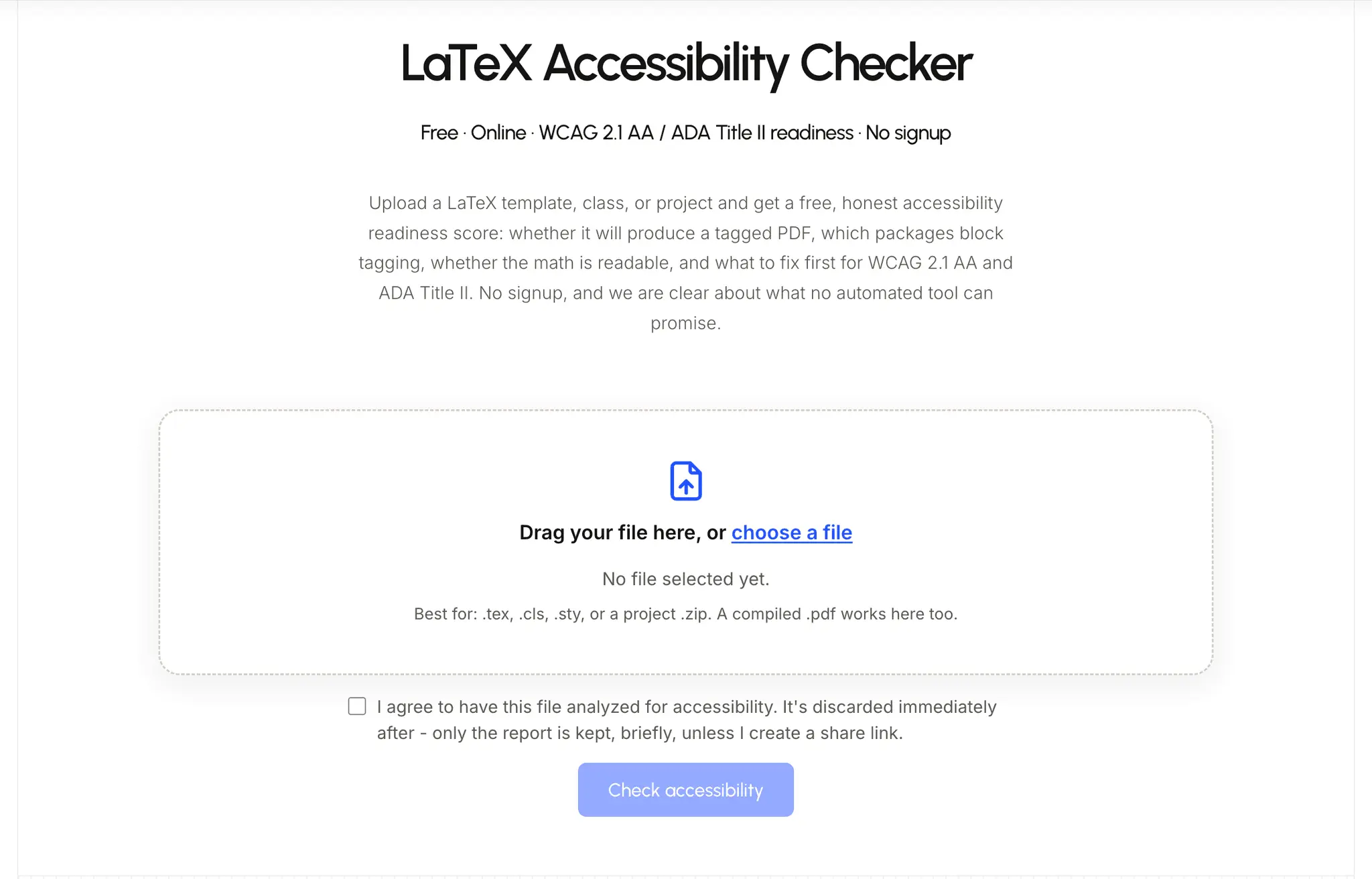
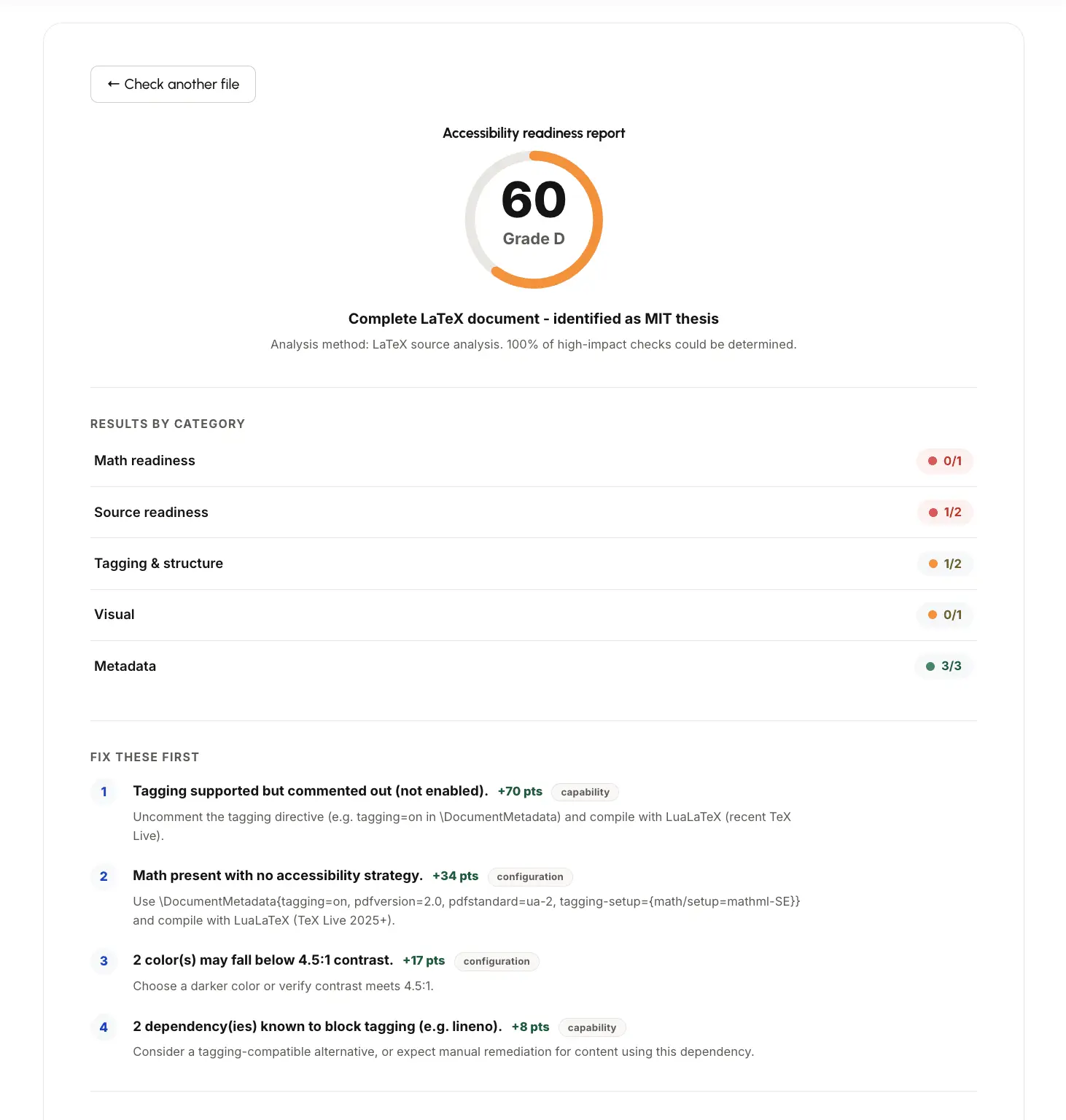
LaTeX Accessibility Checker Free tool by TheLaTeXLab. Upload your LaTeX source (.tex, .cls, .sty, or a full project .zip) - or a compiled PDF - and get an accessibility readiness report against WCAG 2.1 AA and ADA Title II. No signup. Your file is analyzed and discarded immediately; only the report is kept, and only briefly. Why this exists The DOJ's 2024 rule under ADA Title II requires state and local government entities - including public colleges and universities - to meet WCAG 2.1 Level AA for the digital content they provide, which includes theses, dissertations, journal submissions, and course materials produced in LaTeX. After a 2026 interim rule extension, the compliance deadlines are now April 2027 for public entities serving populations of 50,000 or more, and April 2028 for smaller entities. Most LaTeX theses and journal PDFs fail WCAG 2.1 AA by default because standard LaTeX output is an untagged PDF - no heading structure, no reading order, no alt text, math rendered as unreadable images. Most of the advice on how to fix this is also outdated: guides still point people to accessibility.sty, which is abandoned and produces broken tagging on current TeX Live. This tool is built around what actually works on TeX Live 2025+ with LuaLaTeX and the kernel's native tagging support. What it checks PDF tagging - whether your LaTeX will produce (or your PDF already has) a tag tree of headings, lists, tables, and figures. This is the single biggest WCAG 2.1 AA failure point for LaTeX documents. In current LaTeX this comes from \DocumentMetadata{tagging=on} on TeX Live 2025 or newer, compiled with LuaLaTeX. Alt text, language, and title - alternative text on meaningful images via \includegraphics[alt=...], a declared document language in \DocumentMetadata, and a real \title plus hyperref metadata. These three account for most of the real-world failures the checker finds. Math accessibility - whether your equations are exposed as MathML (navigable by screen readers like NVDA+MathCAT and JAWS) or just rendered as a flat, unreadable image. This is the hardest part of STEM accessibility and is checked against PDF/UA-2 requirements. Add tagging-setup={math/setup=mathml-SE} to get equations tagged properly. Package compatibility - whether packages loaded in your preamble are known to break tagging. titlesec is the most common offender; beamer (for slide decks) is another. Older university thesis classes and journal templates often load these without you realizing it, which is why a document can look fine and still fail WCAG 2.1 AA. The checker reads your preamble against published tagging-compatibility data and names the specific package that's blocking you. Standards covered WCAG 2.1 Level AA - the technical standard the checker evaluates against: tagged structure, logical reading order, alt text, declared language, sufficient contrast, navigable math. ADA Title II - the US DOJ's 2024 rule adopting WCAG 2.1 AA for state and local government entities, including public universities. Deadlines: April 2027 for larger entities, April 2028 for smaller ones and special district governments. PDF/UA (ISO 14289) - the PDF-specific accessibility standard. Current LuaLaTeX can produce PDF/UA-2 with MathML math when configured with pdfstandard=ua-2. Section 504 - relevant for private institutions receiving federal funding, which may be covered even though ADA Title II technically applies to public entities. What still needs a human This is a readiness check, not a certification. It flags what's automatically verifiable - tagging, metadata, package conflicts, math structure - and is explicit about what it can't confirm: whether alt text actually describes the image usefully, and whether the document reads in a sensible order when tested with a real screen reader (NVDA, JAWS, VoiceOver). Software can confirm alt text exists. It can't confirm it's good. Who this is for PhD students and researchers finalizing a thesis or dissertation in LaTeX who need WCAG 2.1 AA / ADA Title II compliance before submission. University accessibility offices checking LaTeX-based thesis templates before they go out to students. Journal and conference organizers maintaining LaTeX class files (IEEE, Springer, Elsevier, ACM, MDPI) who want submissions to be accessible by default. Anyone who's been told their thesis template needs to be "ADA compliant" or "WCAG compliant" and has no idea where to start with LaTeX specifically. We also do manual remediation - fixing LaTeX thesis and journal templates so every future PDF compiles with proper tagging, reading order, alt text, MathML, bookmarks, and semantic structure, for cases where the automated fixes aren't enough. TheLaTeXLab also offers services for University LaTeX Thesis Template fix for ADA Title II & WCAG 2.1 AA Compliance - https://thelatexlab.com/latex-thesis-template-ada-wcag/
Discount Codes
FREE(-100% OFF)
Valid until Jan 14, 2028
Screenshots
Reviews (6)
Average 5.0 out of 5
Based on 6 reviews

Best Accessibility Checker for WCAG 2.1 Level AA and ADA Title II compliance

Useful tool for LaTeX → PDF workflow. Being able to check PDFs for accessibility issues early can save a lot of manual effort, especially when targeting WCAG 2.1 AA and ADA Title II requirements. Definitely worth exploring for anyone producing technical, academic, or research PDFs.
Great tool for checking LaTeX-generated PDFs for accessibility issues. It’s especially useful for teams creating accessible academic and technical documents and working toward WCAG 2.1 AA and ADA Title II compliance. A practical addition to the LaTeX → PDF workflow for making documents more accessible and inclusive.

Go to Accessibility checker for me.

Tested my PDF Accessibility - just uploaded my pdf and it created report within seconds with steps to make my pdf compliant with WCAG 2.1 AA and ADA Title II.

Easy and Correct Report for accessibility. I wanted to check my LaTeX Template and PDF for WCAG 2.1 AA and ADA title II compliance - used this tool - and It created correct report within seconds.
Comments (1)
LaTeX Accessibility Checker reads your source, tells you whether it meets WCAG 2.1 AA, and flags exactly what's blocking ADA Title II compliance - missing alt text, untagged output, package conflicts,