
Linelark
Lightweight native Mac editor for text and code

Details
- Follow on
- @Calogero1975LinkedIn
- Target Audience
- Mac UsersSoftware DevelopersWriters
- Pricing
- Free
- Platforms
- Desktop
- Featured in
- Best Folder Management Tools
Discovery signals
How AI and people discover Linelark on PeerPush
About Linelark
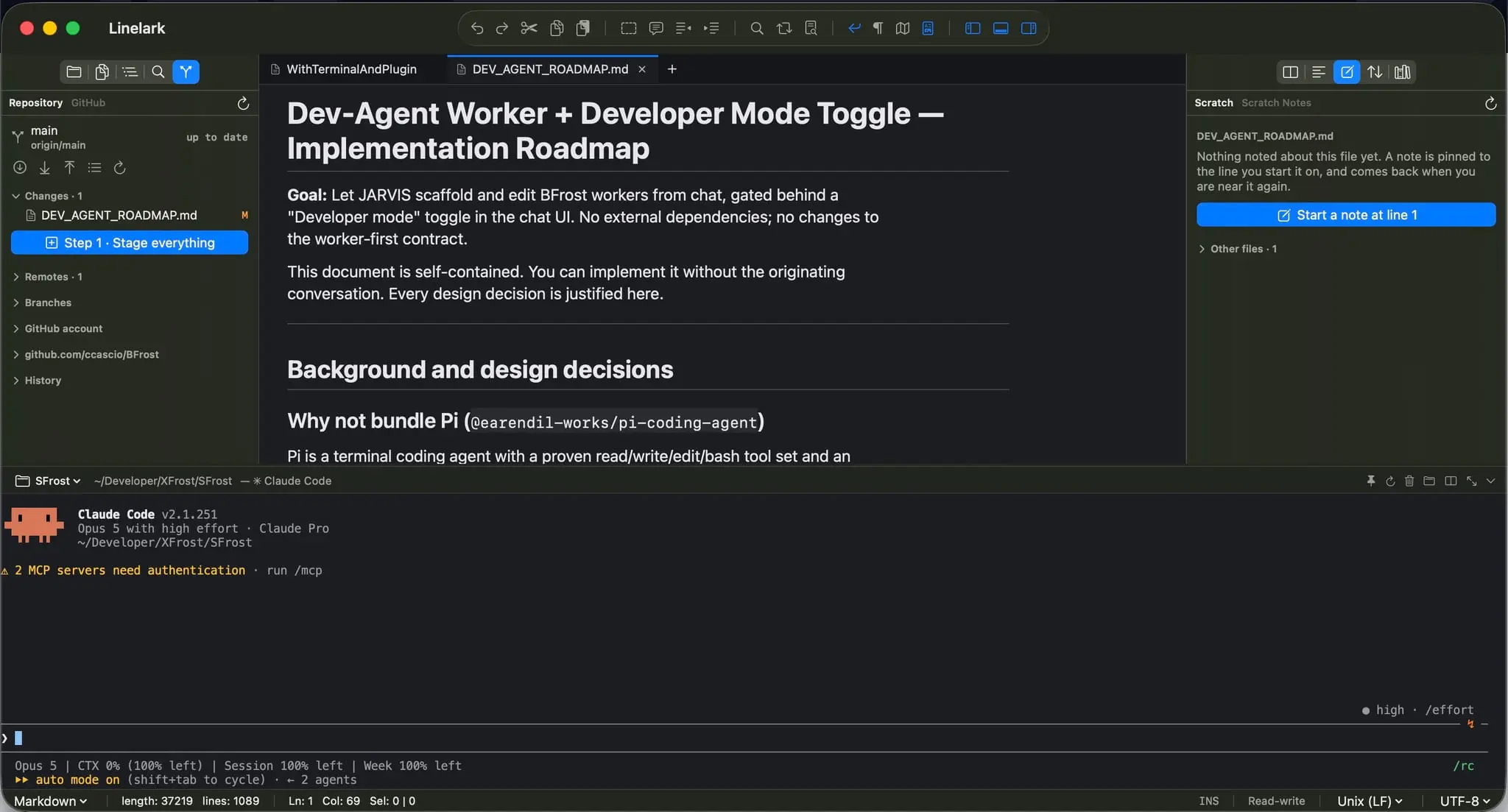
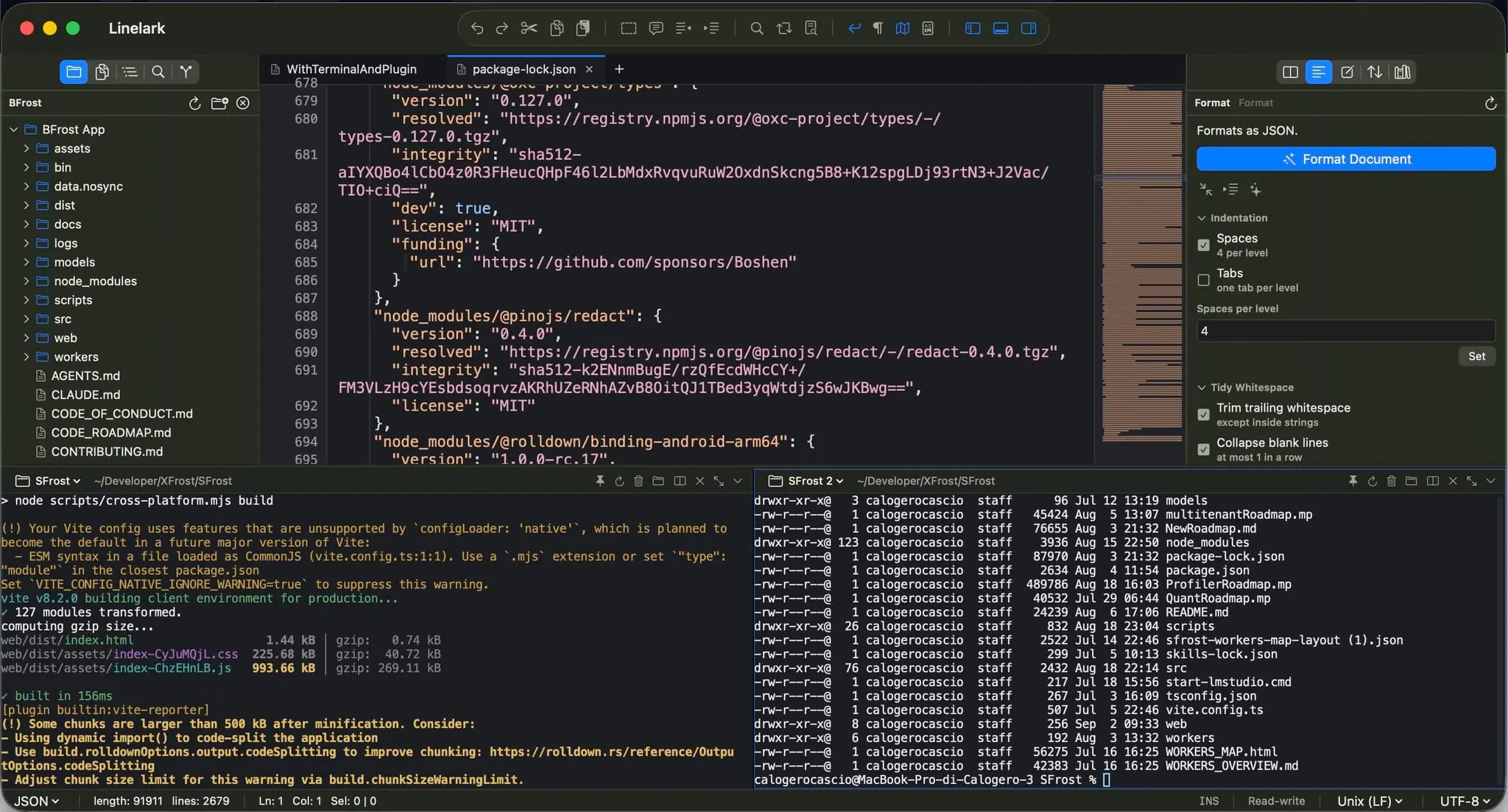
Linelark is a native macOS editor for people who want IDE-grade tools without an IDE's weight. Syntax highlighting covers 69 languages, panes split into grids with independent tabs, and a per-tab terminal tracks whichever file you're looking at; open a file, and its shell is already rooted in the right folder. A JavaScript plugin system lets extensions add sidebar panels, live document previews, and editor commands, all rendered natively so a plugin can't break your theme or hang the UI. Session snapshots mean a crash costs you nothing; unsaved work comes back exactly as you left it. The best? All of this consumes only circa 100Mb of memory. Coming soon: native integration of Claude Code!
Screenshots
Product Updates (1)
Many enhancements
Since I posted this, I've been making many enhancements: - many plugins: to keep the memory footprint as low as possible, many features are not provided in the main installation, but installing the plugins (like GitHub, Compare files, etc.) takes literally 5 seconds. - Build and run for iOS apps, - Bookmark - a secret vault... I have all the plugins installed on my laptop, two or three terminals opens and the memory footprint is still below 200Mb
Comments (0)
No comments yet. Be the first to share your thoughts!
Reviews (0)
No reviews yet. Be the first to rate this product!
Comments (1)
The per-tab terminal following the file's folder is a practical touch. Pairing that with recovery of unsaved work tackles two small interruptions that add up during a long editing session.