
Living Page
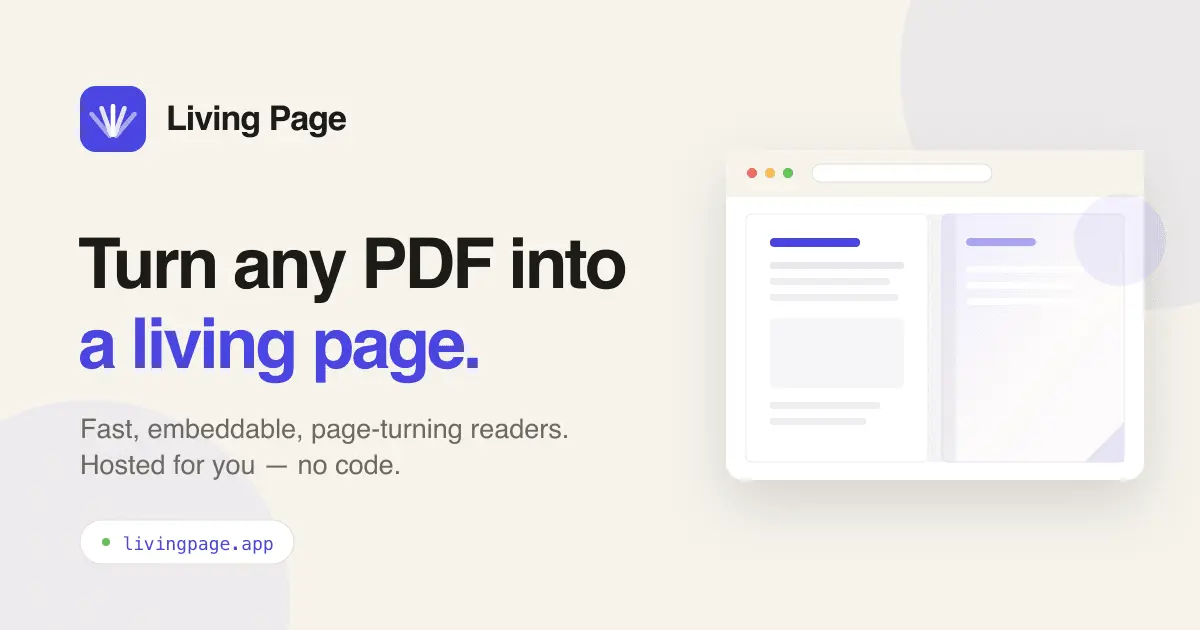
Turn any PDF into a living page

Details
- Follow on
- @livingpageappLinkedIn
- Categories
- Analytics & Monitoring
- Target Audience
- Content CreatorsSmall Business OwnersAgencies
- Pricing
- Freemium from $16
Discovery signals
How AI and people discover Living Page on PeerPush
By AI reads among Analytics & Monitoring tools
376 AI reads in the last 30 days, ranked against every Analytics & Monitoring tool listed.About Living Page
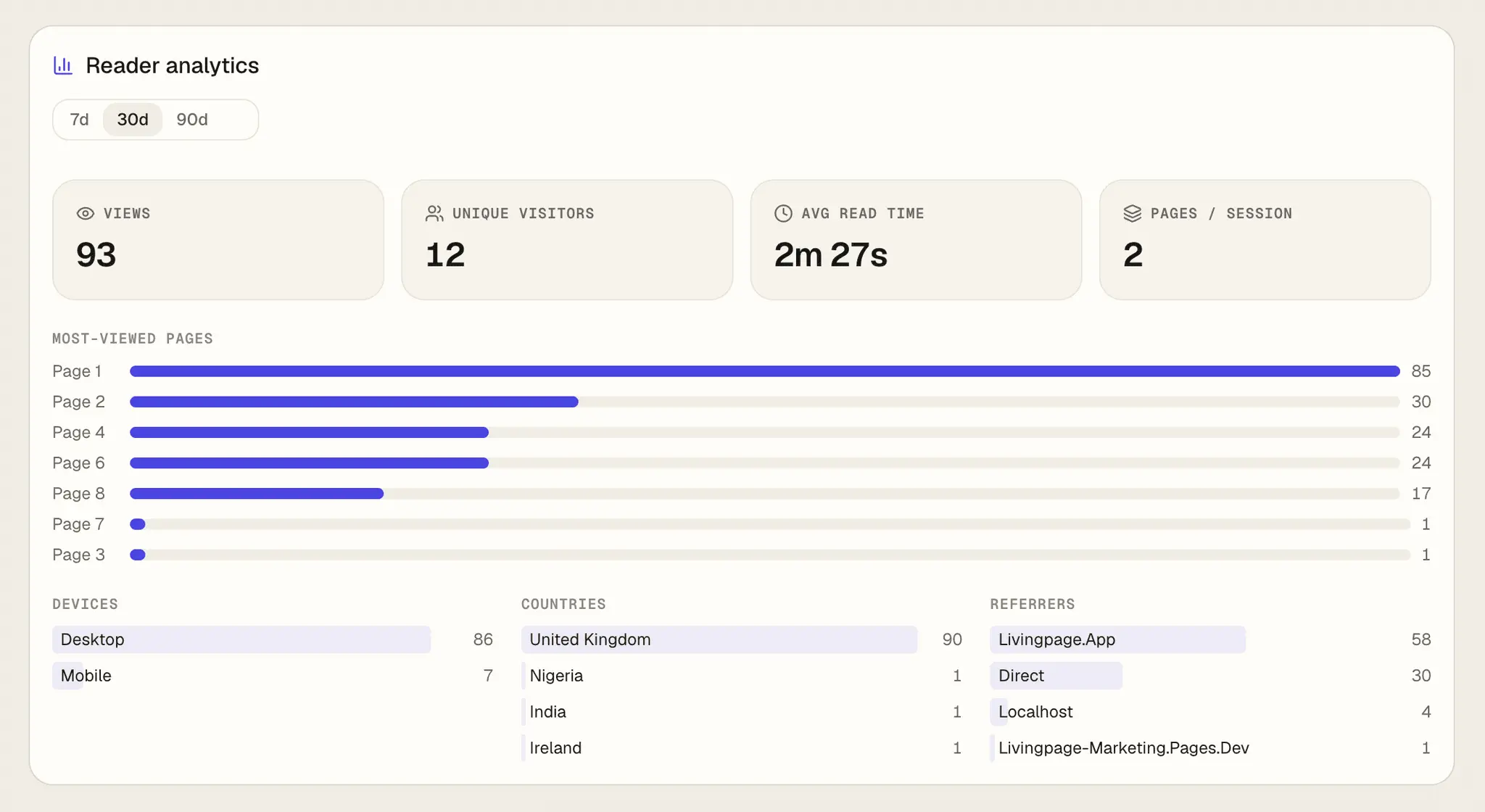
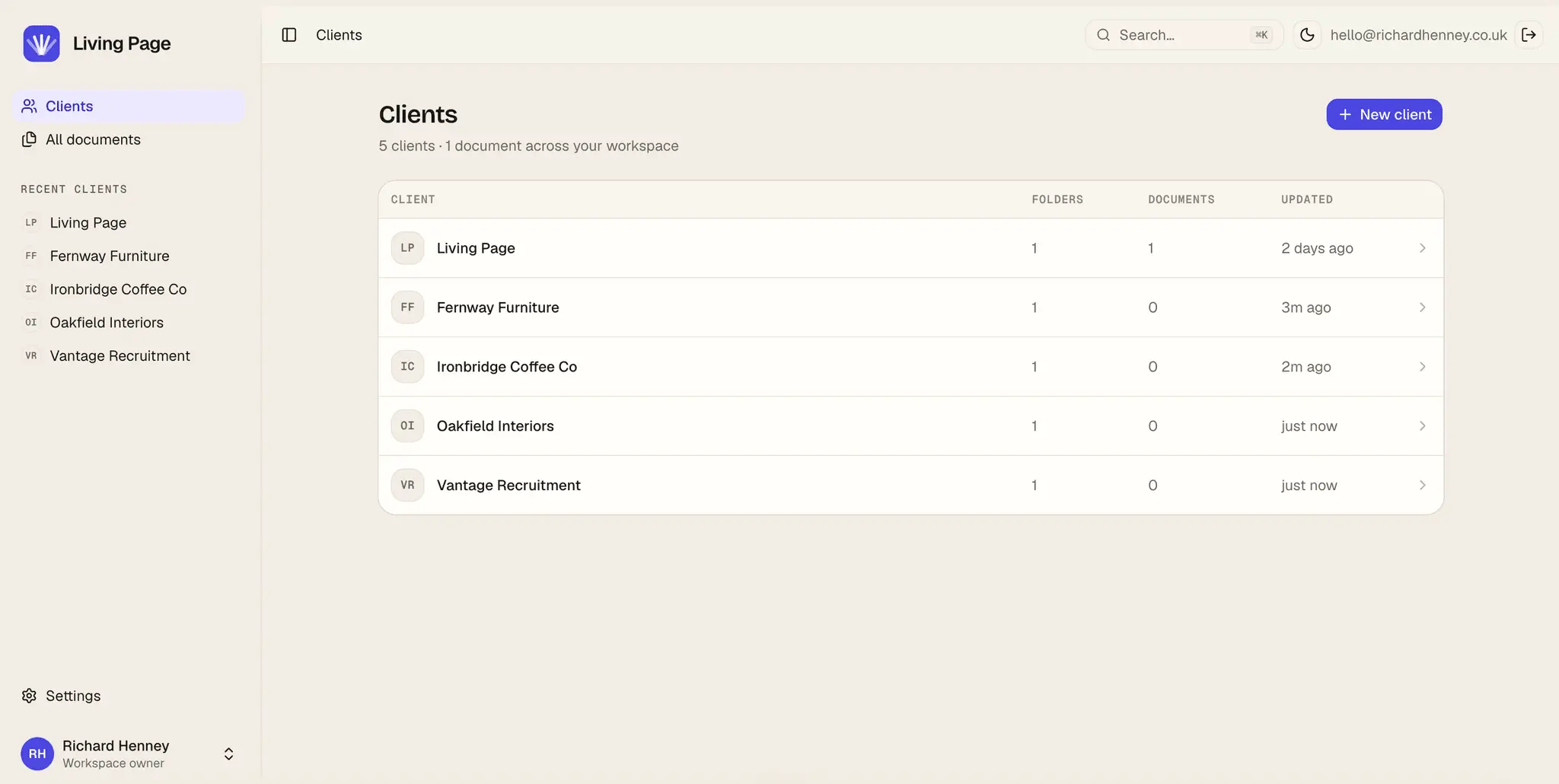
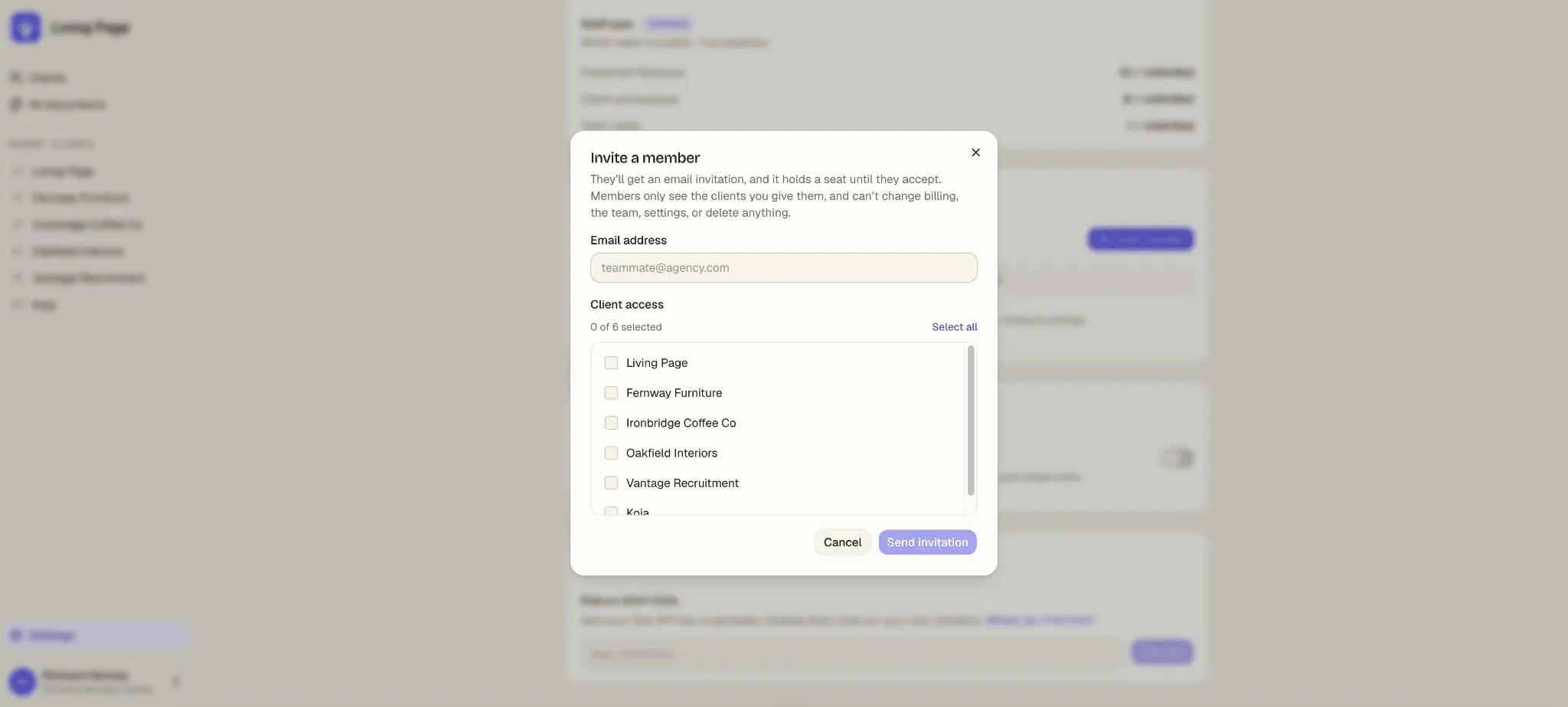
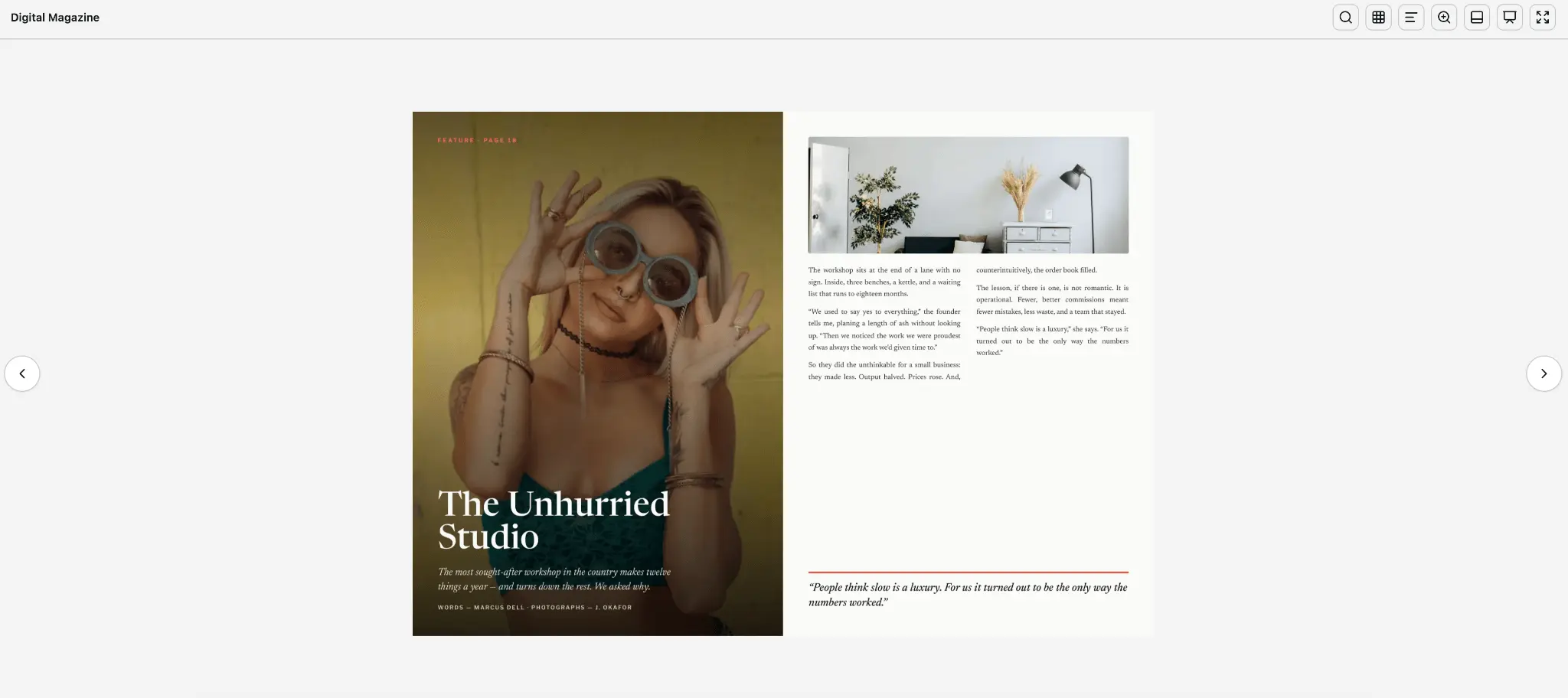
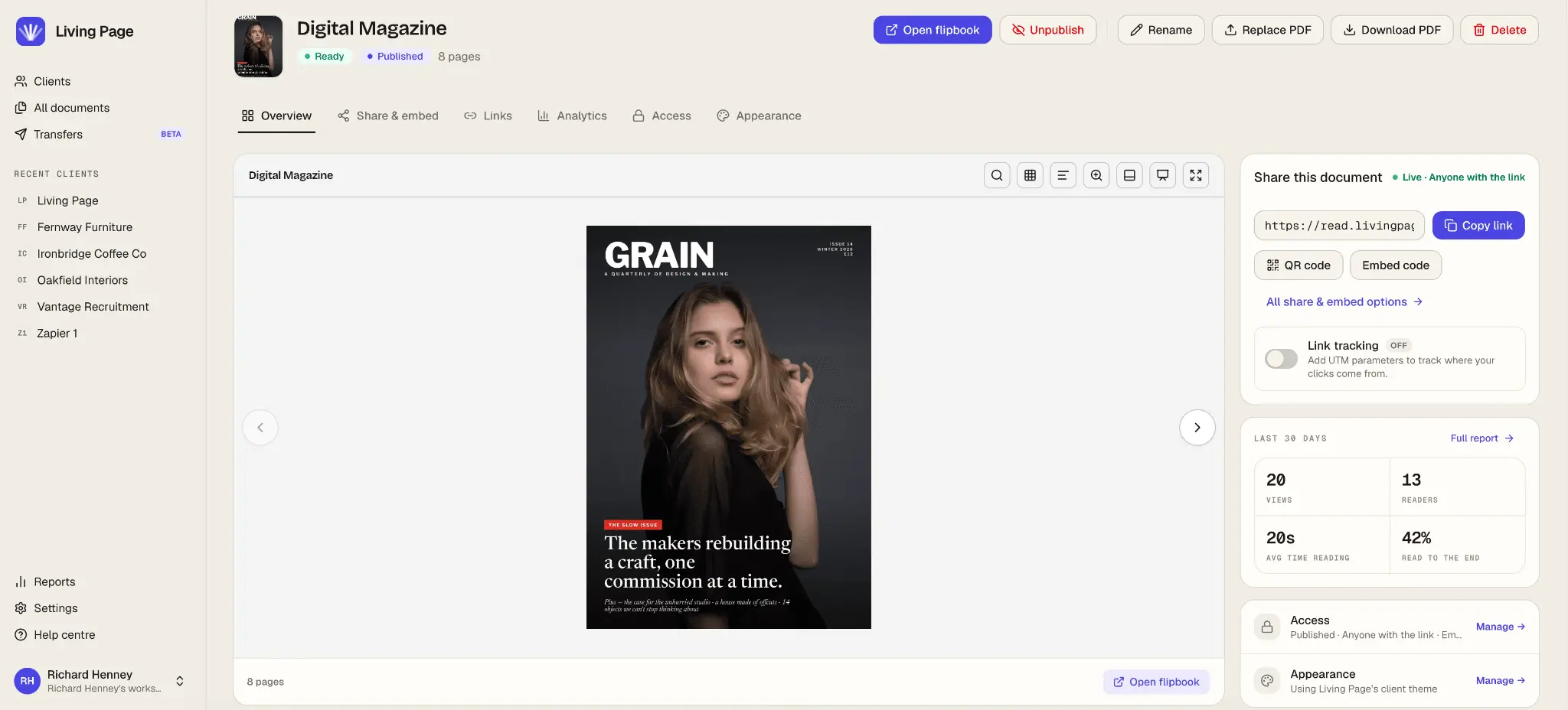
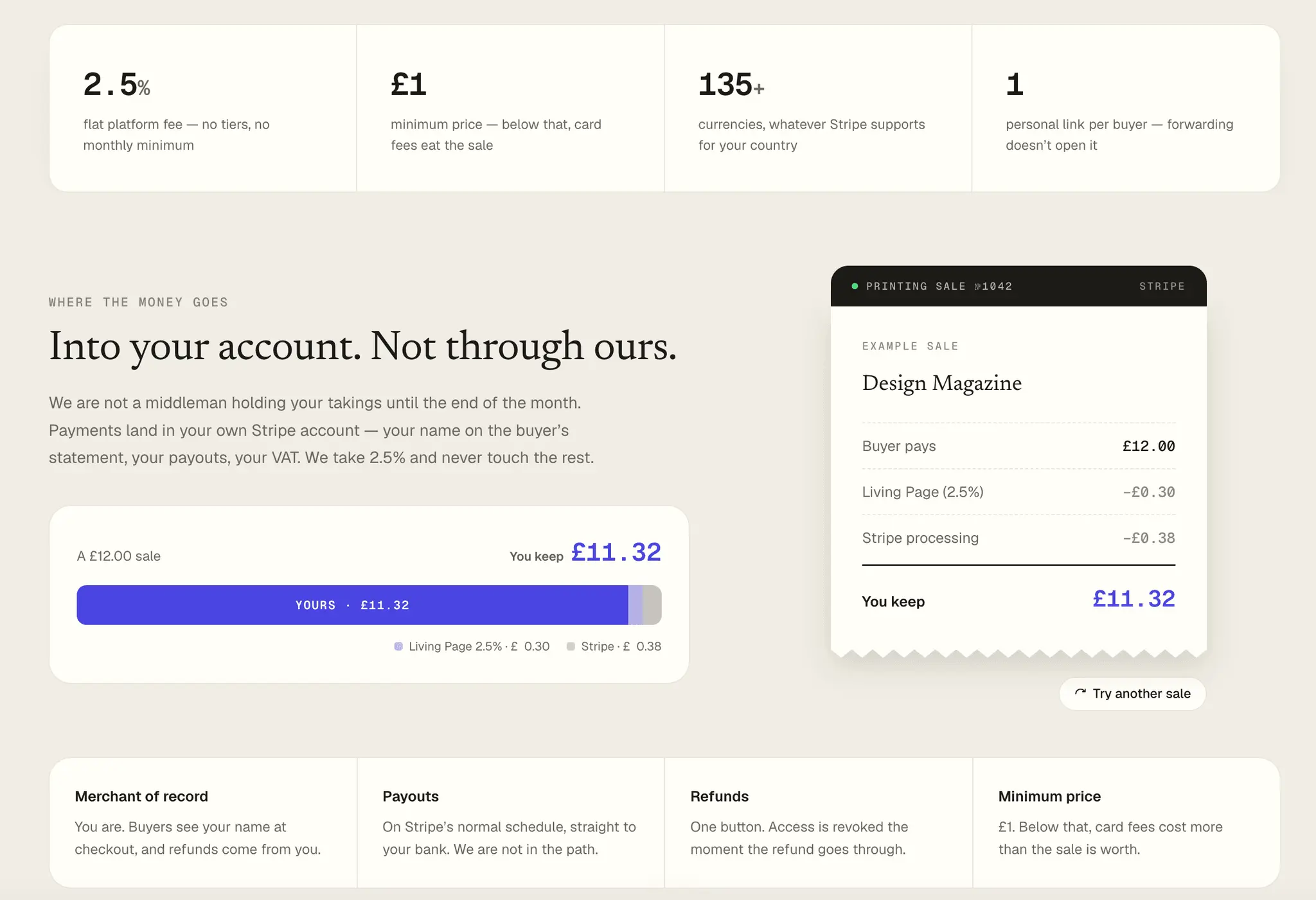
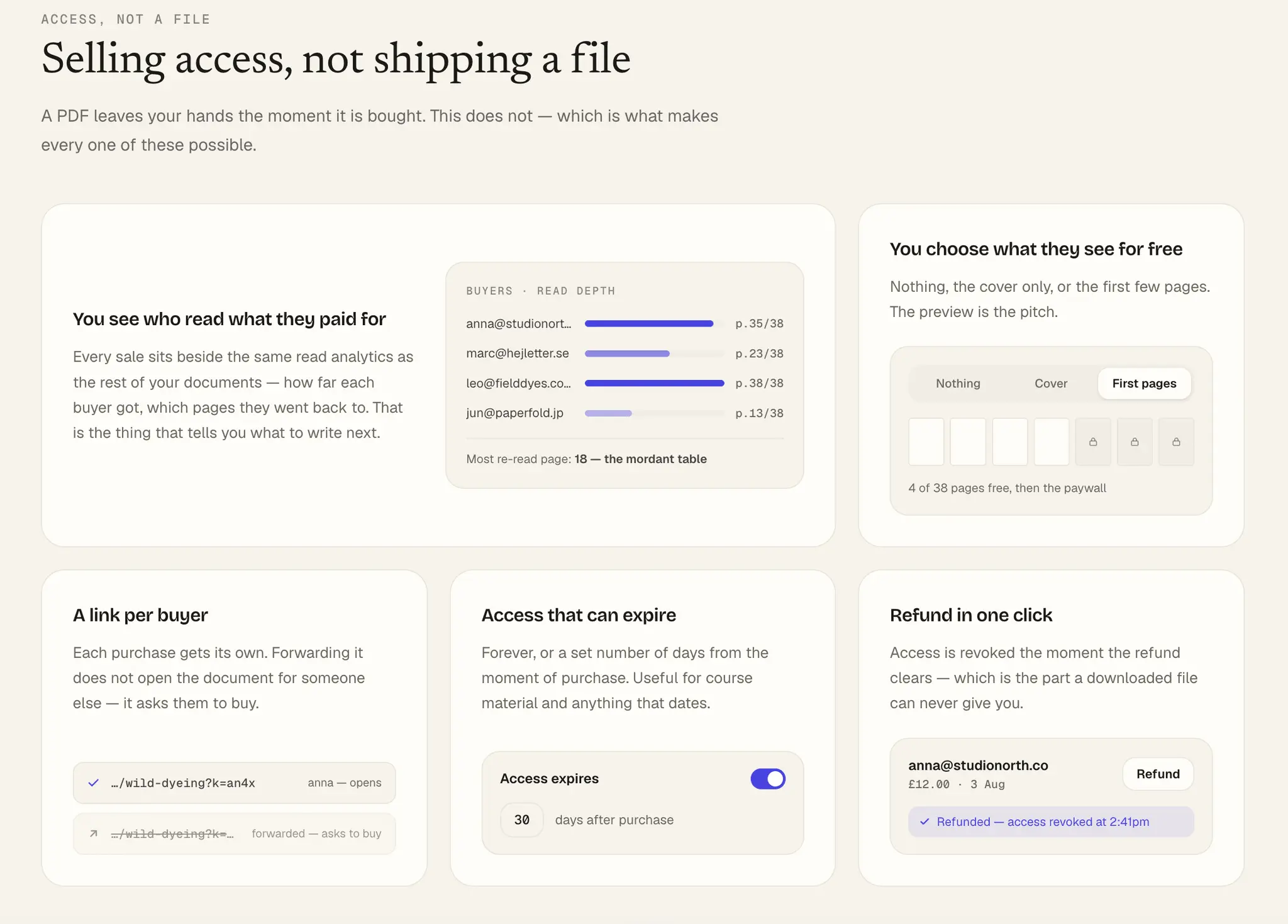
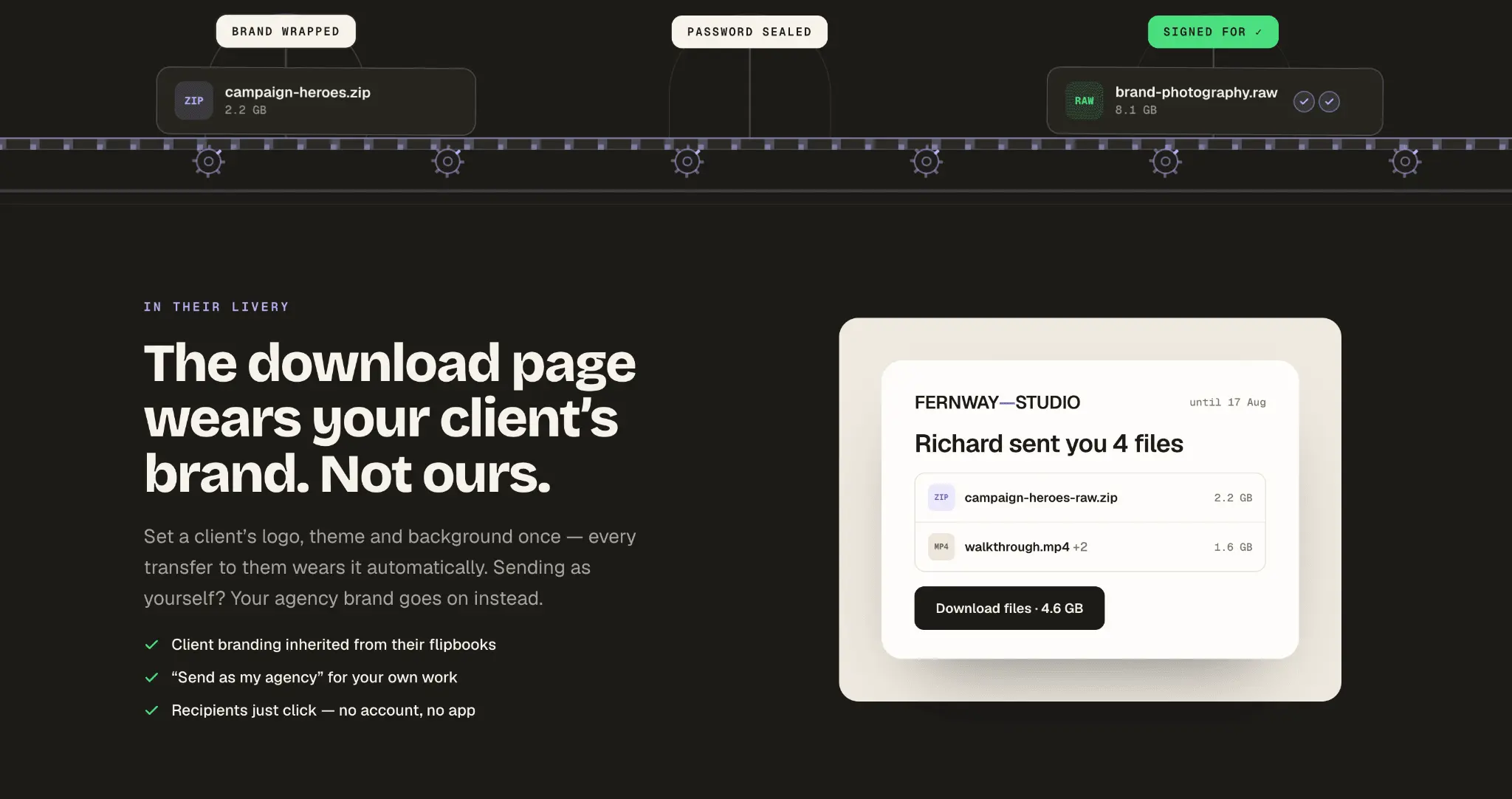
Living Page turns a PDF into a fast, interactive flipbook you can share as a link or embed on any website — and then tells you whether anyone actually read it. Upload a file and you get a page-turning reader that opens in a browser in about a second. No download, no plugin, and no account for the person reading it. It works on a phone, it works on a laptop, and it carries on working when the connection drops. The reader itself does more than turn pages. There's full-text search, a thumbnail navigator, and a transcript that helps both screen readers and search engines. Scanned, image-only PDFs get OCR so a printed brochure is still searchable. You can scroll instead of flip, and if you're presenting live there's a full-screen pitch mode with a laser pointer, highlighting and blackout — enough that a proposal walkthrough doesn't need a slide deck built alongside it. Links are where most tools quietly let you down. Hyperlinks that were already in your PDF keep working here on every plan, including the free one, and we'll find email addresses typed into the page and make them clickable — which matters because files exported from Illustrator or InDesign often carry no link data at all. On paid plans you can draw your own hotspots to open a URL, jump to another page, start an email, or drop a YouTube, Vimeo or Loom video onto the paper. Everything starts as a draft and goes live when you publish, so nothing half-finished reaches a reader. Sharing is a short link and an embed snippet, so the flipbook can live in a WordPress page, a Webflow site, a Notion doc, or anywhere that accepts an iframe. There's a QR code for print, scheduling so something can appear or expire on a set date, and a way to share a PDF for twenty-four hours without an account at all. When you unpublish something, the link doesn't break — it goes to a branded page instead of a 404, so the address you've already emailed to fifty people still resolves. What it looks like is yours rather than ours. Set the reader's colours and background and we'll work out the contrast so the text stays readable whatever you choose. Add a client's logo as a watermark. On agency plans you can white-label the whole thing and serve documents from your own domain, so a client's flipbook lives at read.theircompany.com with their branding on it, and separate workspaces keep everyone's work apart. That part is built for people who work for other people: client workspaces, per-client branding and per-client domains are the product here, not an enterprise upsell you have to ring someone about. The analytics try to answer a question worth asking, which is not how many views you got. You can see how far each reader actually reached, where they gave up, which page they went back to, and how long they lingered. A read receipt tells you the first time a document is opened, so you know before you follow up rather than after. Traffic breaks down by source with UTM campaign reporting, the figures export to CSV, and your own visits don't pollute the numbers you're trying to read. You can also put a price on a document and take card payments through your own Stripe account, so the money arrives with you, under your business name — we take 2.5% and never hold the balance. You choose how much is free: nothing, the cover, or the first few pages. A buyer pays and carries straight on reading, with no account to create and no file to download. Because you're selling access rather than shipping a file, fixing a typo after the sale means every buyer gets the corrected version. If a document needs to stay private instead, you can password-protect the link or put an email gate in front of it and collect addresses as leads. Most flipbook tools are a viewer with a price list attached, and the differences show up in the small print. There are no ads — nothing of ours appears next to your document — and no page caps counting against you. The free plan is three flipbooks for one client, which is a working account rather than a countdown to a card form. The last difference is one we're oddly proud of: we say what the numbers can't do. Time on a page counts a tab left open over lunch. A link anyone can open tells you a document was read, not who read it. Reader analytics are kept for three months. All of that is in our documentation rather than buried in a footnote, because a tool that oversells its own measurements is one you'll stop trusting the first time you check it properly. Plans run from free through Solo at £12 a month, Studio at £29, Agency at £59 and Agency Pro at £129, with two months free if you pay annually and 50% off Solo for students and educators. No card is needed to start. Whether you think of it as a PDF flipbook maker, a document sharing tool, a lightweight analytics platform or a way to sell what you write, the point is the same: you shouldn't need to build a website or a storefront just to put a document in front of someone properly.
Discount Codes
20% off annual plans for the first year.(-20% OFF)
Valid until Jan 31, 2027
Product Video
Watch a video demo of Living Page.
Screenshots
Reviews (0)
No reviews yet. Be the first to rate this product!
Comments (1)
I built Living Page because I kept running into the same problem: clients wanted a professional way to share PDFs online, and the existing tools were either ugly, expensive, or both.