
LLM Automatic Translation
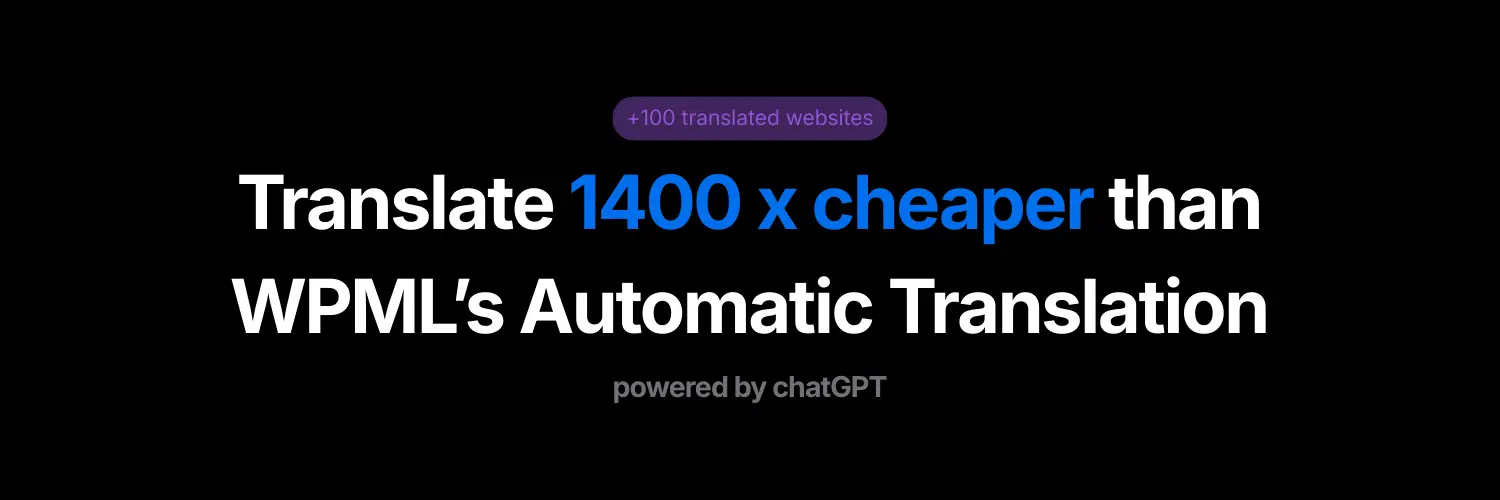
Translate 1400 x cheaper than WPML’s Automatic Translation

Details
- Follow on
- Target Audience
- Platforms
Discovery signals
How AI and people discover LLM Automatic Translation on PeerPush
About LLM Automatic Translation
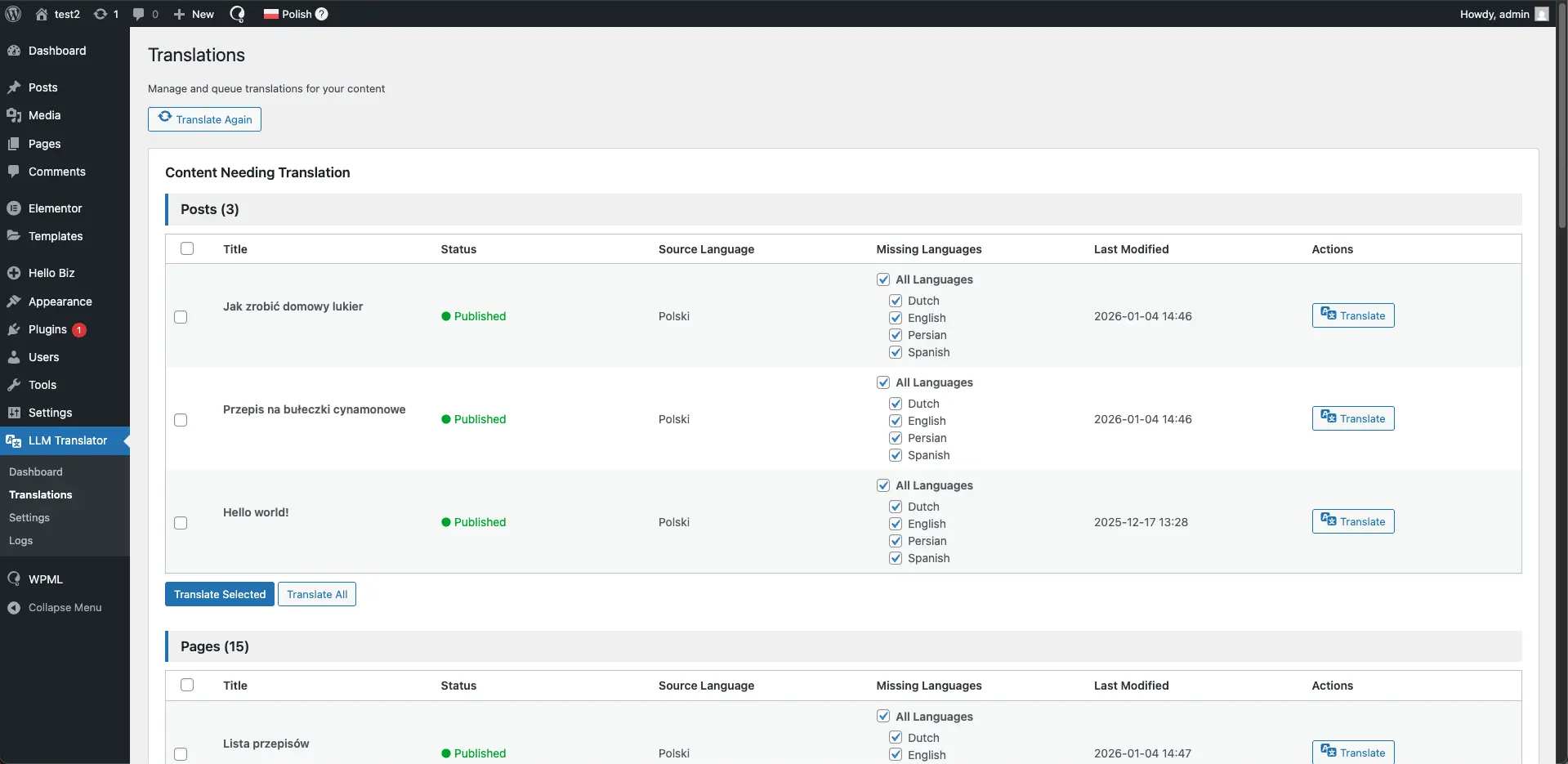
LLM Automatic Translation - Scale multilingual SEO without WPML costs LLM Automatic Translation is a WPML extension that lets you translate WordPress content using ChatGPT and your own OpenAI API key. It’s designed for sites that publish a lot of content and need multilingual SEO without paying hundreds of dollars per month. Why it’s different: • Works natively with WPML • Fully compatible with Elementor, Yoast, and RankMath • Your OpenAI key = full cost control • Translate at scale for pennies • High-quality, natural AI translations • Context-aware translations for better rankings • Secure by design -no external servers Monthly(30 blog posts) cost comparison: • WPML Automatic Translation: $194.22 • LLM Automatic Translation: $0.13 That’s over 1,400× cheaper for the same content. Built for bloggers, content teams, and SEO-driven websites going multilingual.
Screenshots
Reviews (0)
No reviews yet. Be the first to rate this product!
Comments (1)
I built this plugin because WPML’s Automatic Translation was too expensive at scale. ChatGPT was dramatically cheaper, so I created a clean WPML add-on that uses your own OpenAI API key.