
LocalParrot
Private local voice-to-text for Windows

Details
- Use Cases
- Pricing
- Free from $14.99
- Platforms
- Featured in
Discovery signals
How AI and people discover LocalParrot on PeerPush
- ChatGPT
- Perplexity
- +4 other AI crawlers
Reads by these AI engines
Crawlers behind these engines read this listing on PeerPush.About LocalParrot
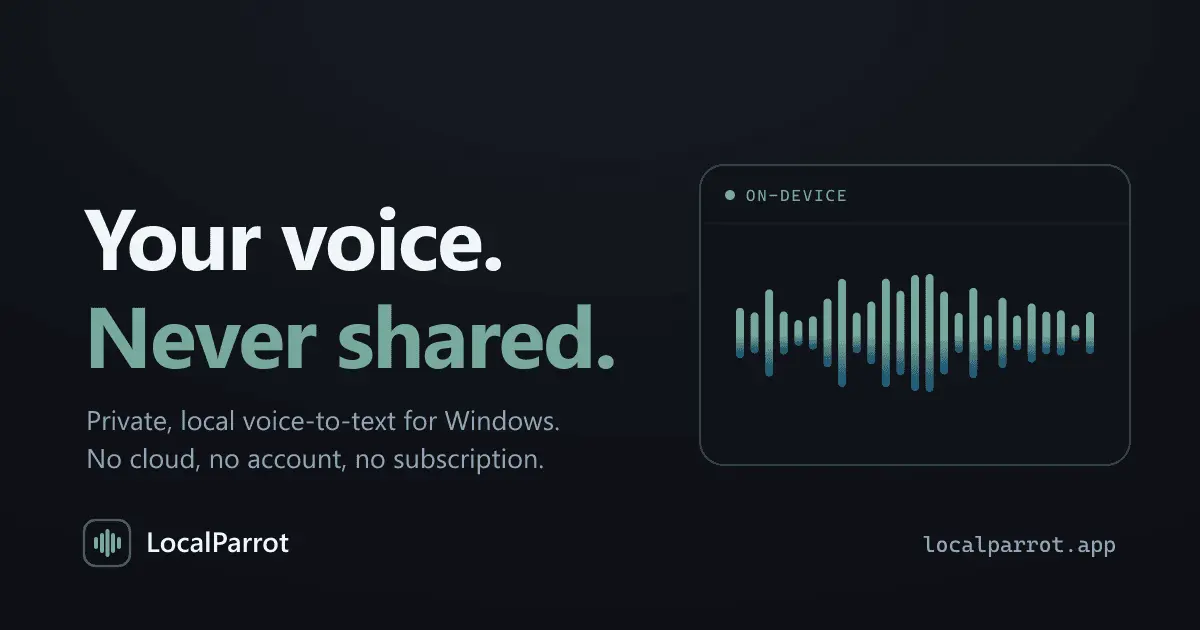
LocalParrot provides a secure way to convert speech to text directly on your device. Designed for Windows, the application works entirely offline with no cloud processing, no account requirements, and no subscription fees, ensuring your voice data remains private and never leaves your computer. Everything happens on your machine. LocalParrot never sends your audio anywhere: no cloud, no account, no internet connection required to use it. Turn off your WiFi and try it, it works exactly the same. That's not a limitation, that's the point. 100% offline, nothing you say or type ever leaves the device. One shortcut, hold, speak, release. Text lands right where your cursor is. Works everywhere: any app, any textbox: email, chat, notes, code editors. See it work: a live waveform confirms it's capturing while you talk. Pay once: no subscription, no account.
Product Video
Watch a video demo of LocalParrot.
Screenshots
Reviews (5)
Average 5.0 out of 5
Based on 5 reviews

Nice tool

LocalParrot provides excellent privacy-first voice-to-text functionality. Running locally without cloud integration ensures your speech data stays private. Perfect for sensitive work environments and users who value data privacy. The accuracy is impressive for a local solution.


What I like about LocalParrot is its refreshingly simple approach to privacy. In a world where so many AI tools rely on cloud processing, it's great to see speech-to-text that runs entirely on your own machine with no account, subscription, or internet connection required. The push-to-talk workflow is quick and intuitive, and because it works in virtually any application, it feels like a natural productivity tool rather than something tied to a single platform. If privacy matters as much as convenience, LocalParrot is a compelling option.
Comments (3)
Privacy-first voice-to-text on Windows is exactly what's been missing from the market. Everything else either sends audio to the cloud or requires expensive licenses. Running locally eliminates latency and keeps sensitive data on your machi
The offline-first approach is exactly what privacy-conscious developers have been waiting for. The fact that it works on Windows without any cloud dependencies or account requirements is a game changer for local apps. Love the simplicity.
This is exactly what I've been looking for. Privacy-first voice-to-text that actually works offline with no cloud dependency. The fact that it's a one-time purchase with no subscription is a huge win. The simplicity of the interface combine