
LunoPeak
Your AI dev environment, at a glance — fully local

Details
- Follow on
- Categories
- Use Cases
- Target Audience
- Pricing
- Free
- Platforms
 Warp alternatives
 Claude Code alternatives
 Codex CLI alternatives
Discovery signals
How AI and people discover LunoPeak on PeerPush
By AI reads among AI tools
7,930 AI reads in the last 30 days, ranked against every AI tool listed.About LunoPeak
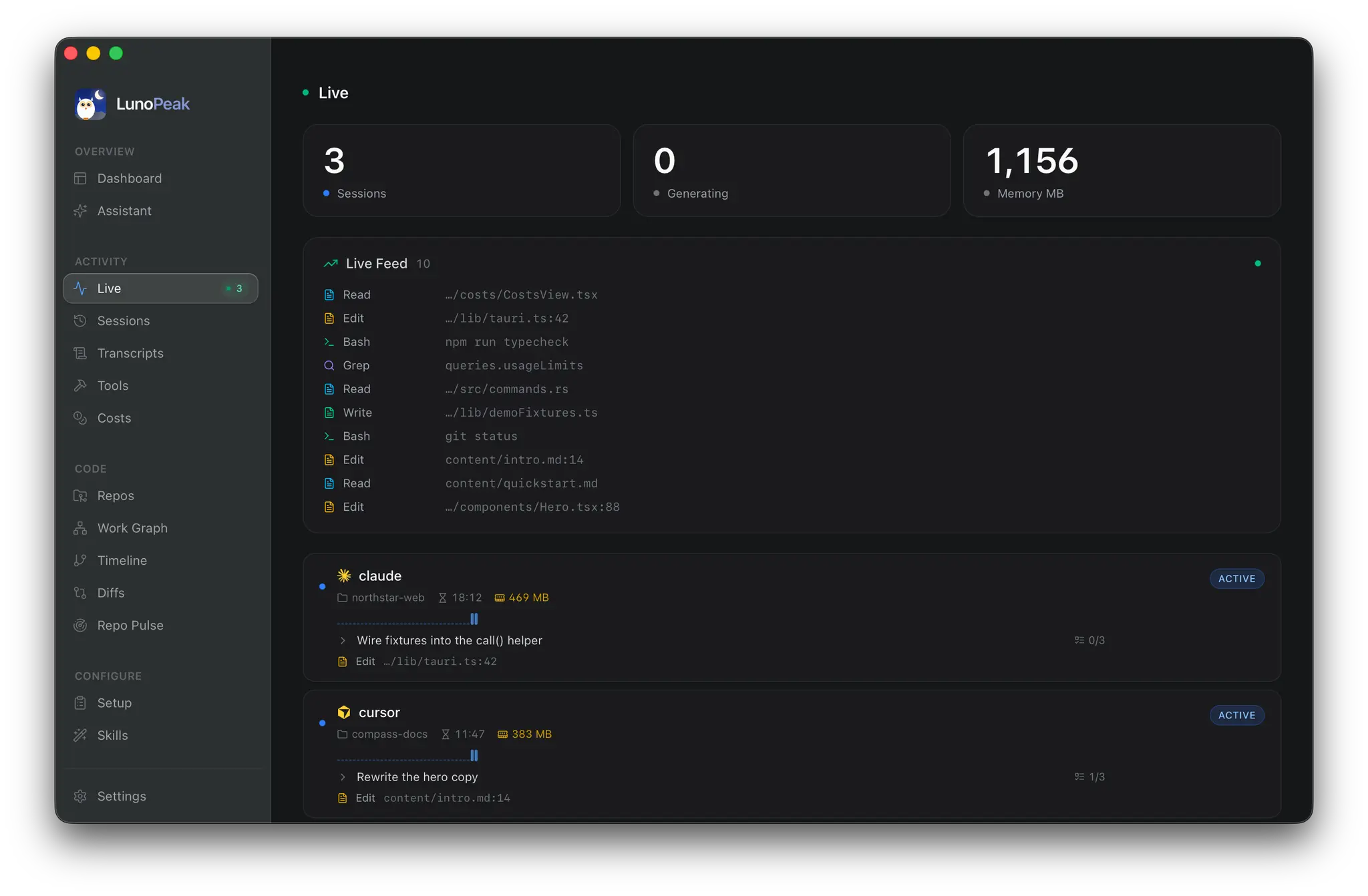
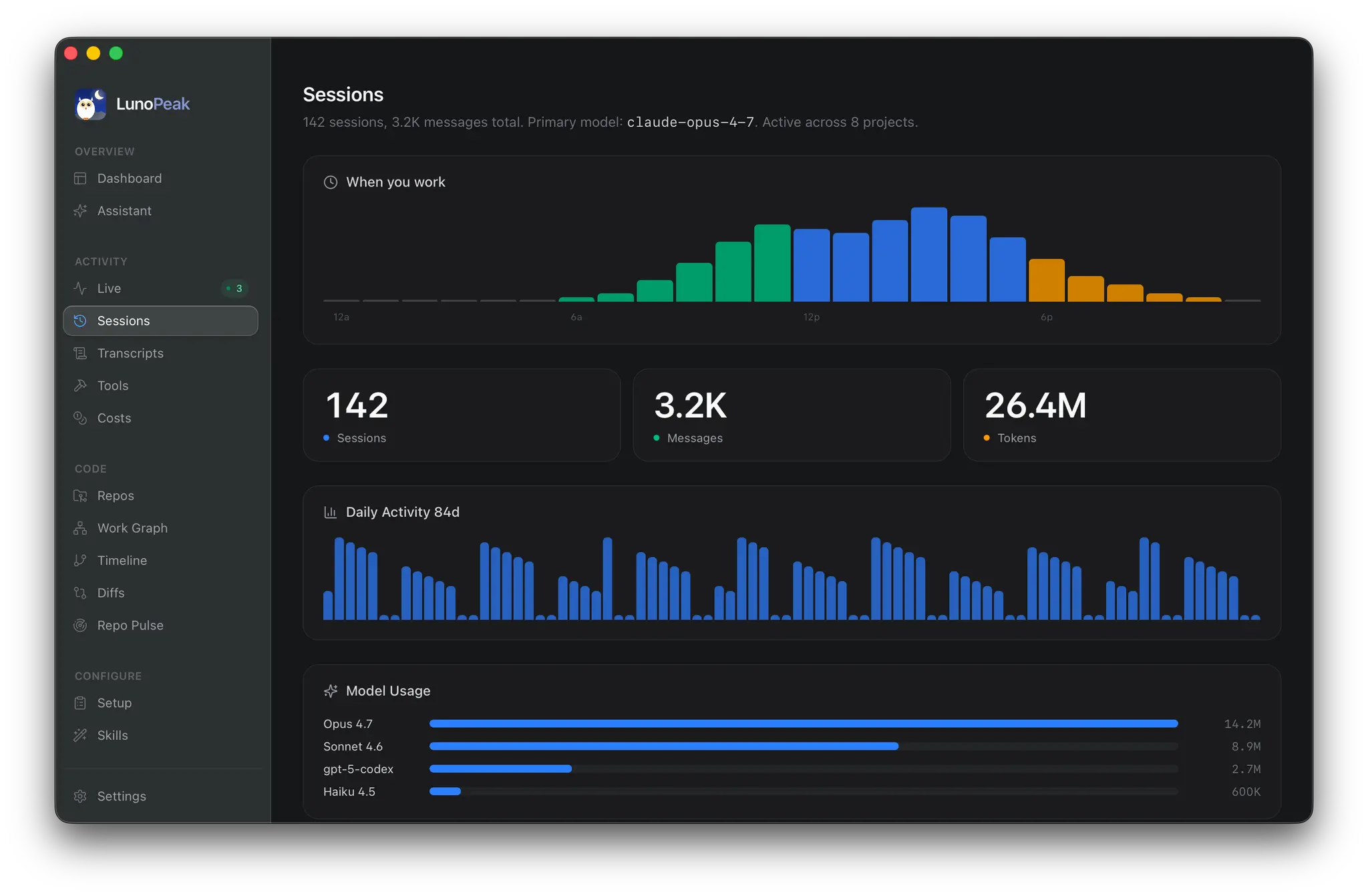
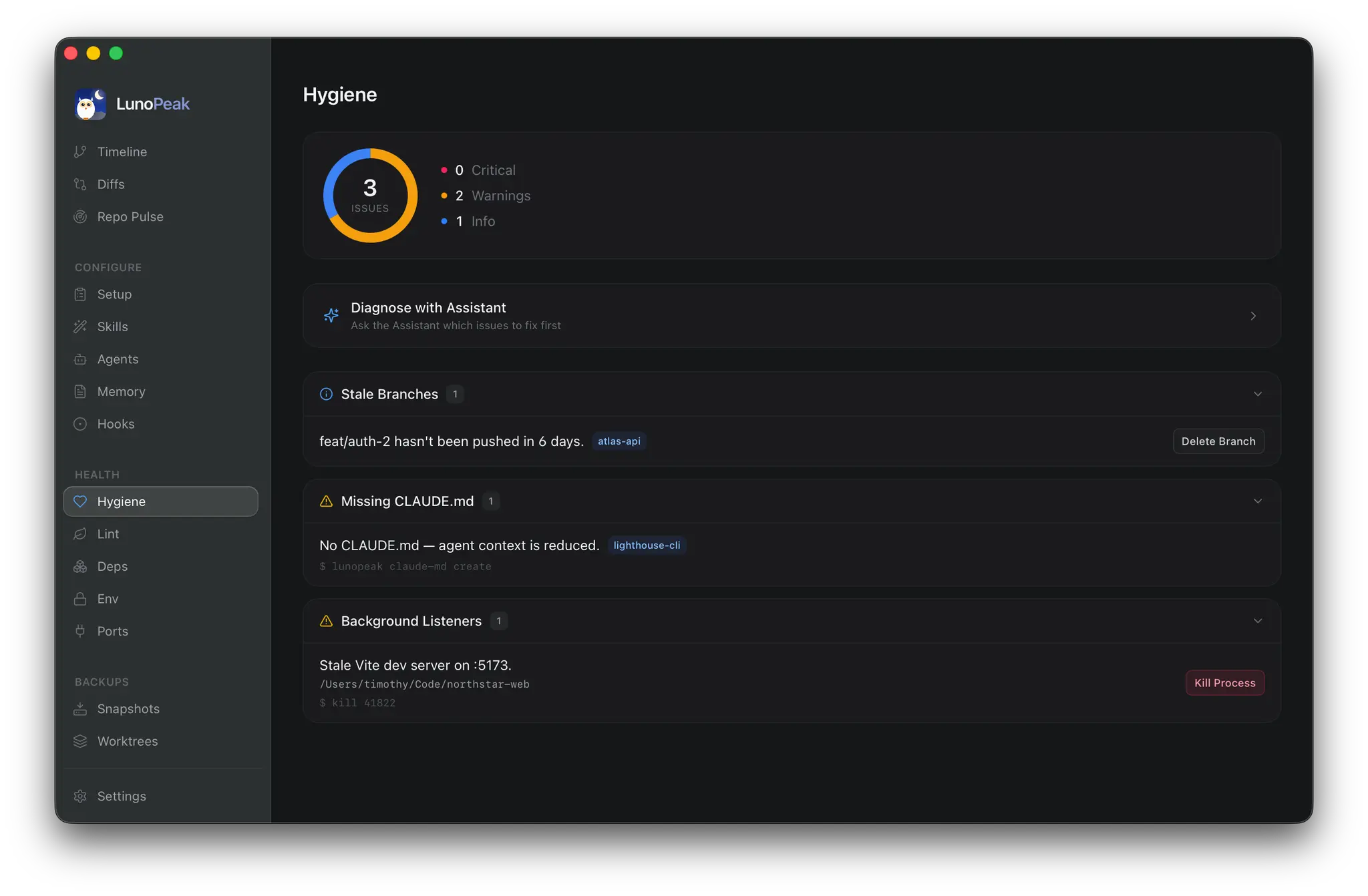
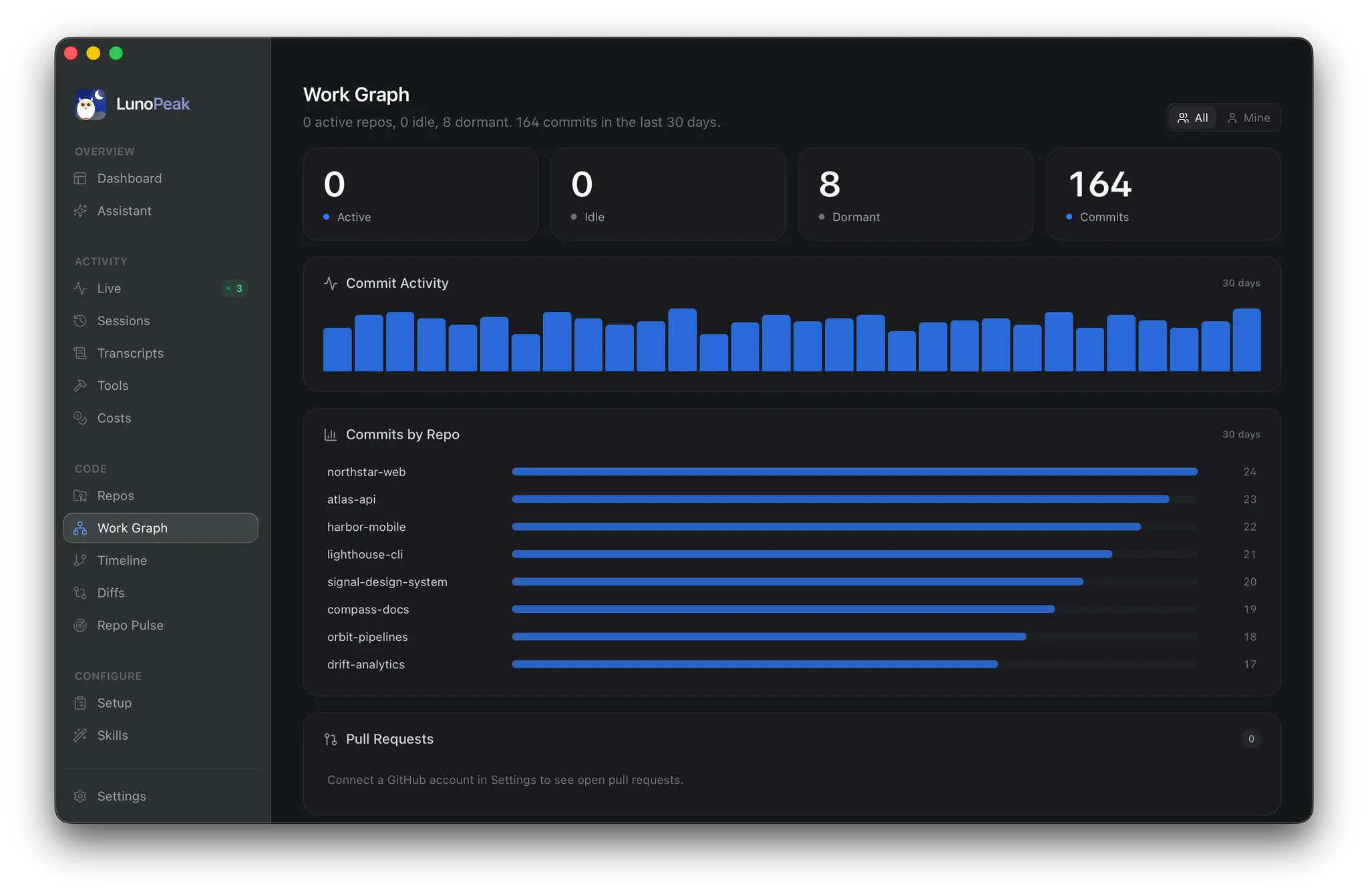
LunoPeak is a local-first dashboard for your AI-assisted development workflow. It unifies Claude Code, Codex, and Cursor activity into a single native desktop app — so you can finally see what your agents are doing, where your tokens are going, and how your repos are evolving, without juggling terminals, log files, and browser tabs. Built with Tauri 2 (Rust) + React 19, LunoPeak runs entirely on your machine. There is no account, no telemetry, and no cloud round-trip. It reads the session logs your AI tools already write — `~/.claude/projects/`, `~/.codex/sessions/`, and friends — and turns them into something you can actually navigate. Highlights - Live view: every active Claude Code, Codex, and Cursor session with the current file, last action, token burn, and the underlying process — bucketed by `(repo, agent)` so two agents in the same folder never get confused. - Costs & usage: per-model spend, daily/weekly trends, budget alerts, and a live tally of usage limit headroom so you don't get cut off mid-flow. - Sessions & transcripts: replay any historical Claude or Codex run with full message timeline, tool calls, and diffs. - Repos: across-repo pulse — recent commits, dirty worktrees, ports in use, environment health, dependency drift, lint hot-spots, and a work graph that shows where time is actually going. - Skills, Agents, Memory, Hooks: browse and one-click open every Claude Code skill, sub-agent, memory file, and hook in your favorite editor (VS Code, Cursor, Zed, JetBrains, Xcode, Sublime, Neovim, Helix — or system default). - Snapshots & Worktrees: spin up isolated worktrees for parallel agent runs and snapshot any state you want to preserve. - Setup: one-screen view of which AI CLIs, MCP servers, and editors are installed, with version + path. Why local-first Your AI session data is some of the most sensitive code-adjacent data you generate. LunoPeak never sends a byte off your machine. API keys live in your OS keychain. Settings are JSON files you can read. Everything is open and inspectable. Built for developers who already use Claude Code, Codex, and Cursor every day and want one pane of glass over all of it.
Product Video
Watch a video demo of LunoPeak.
Screenshots
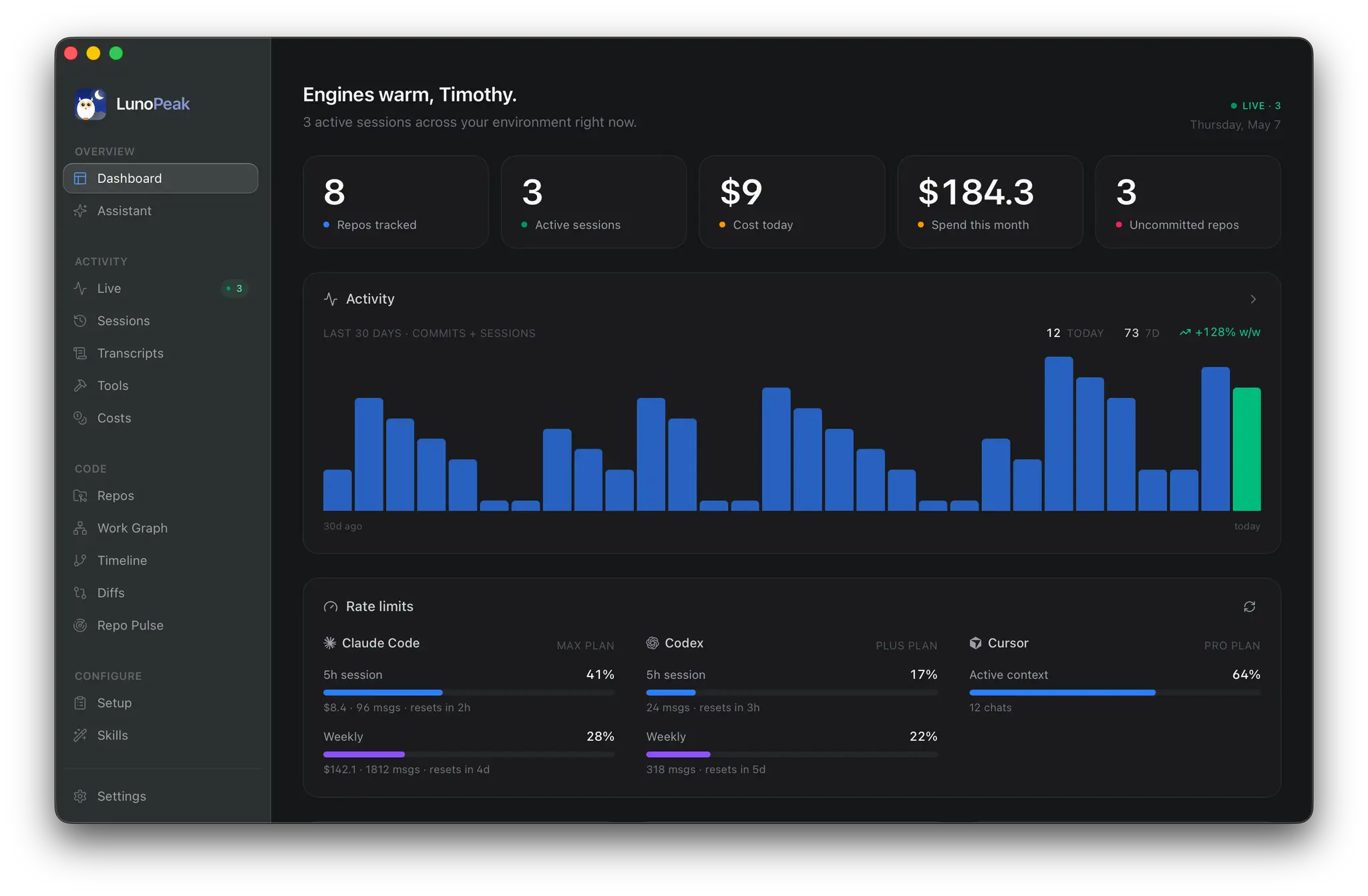
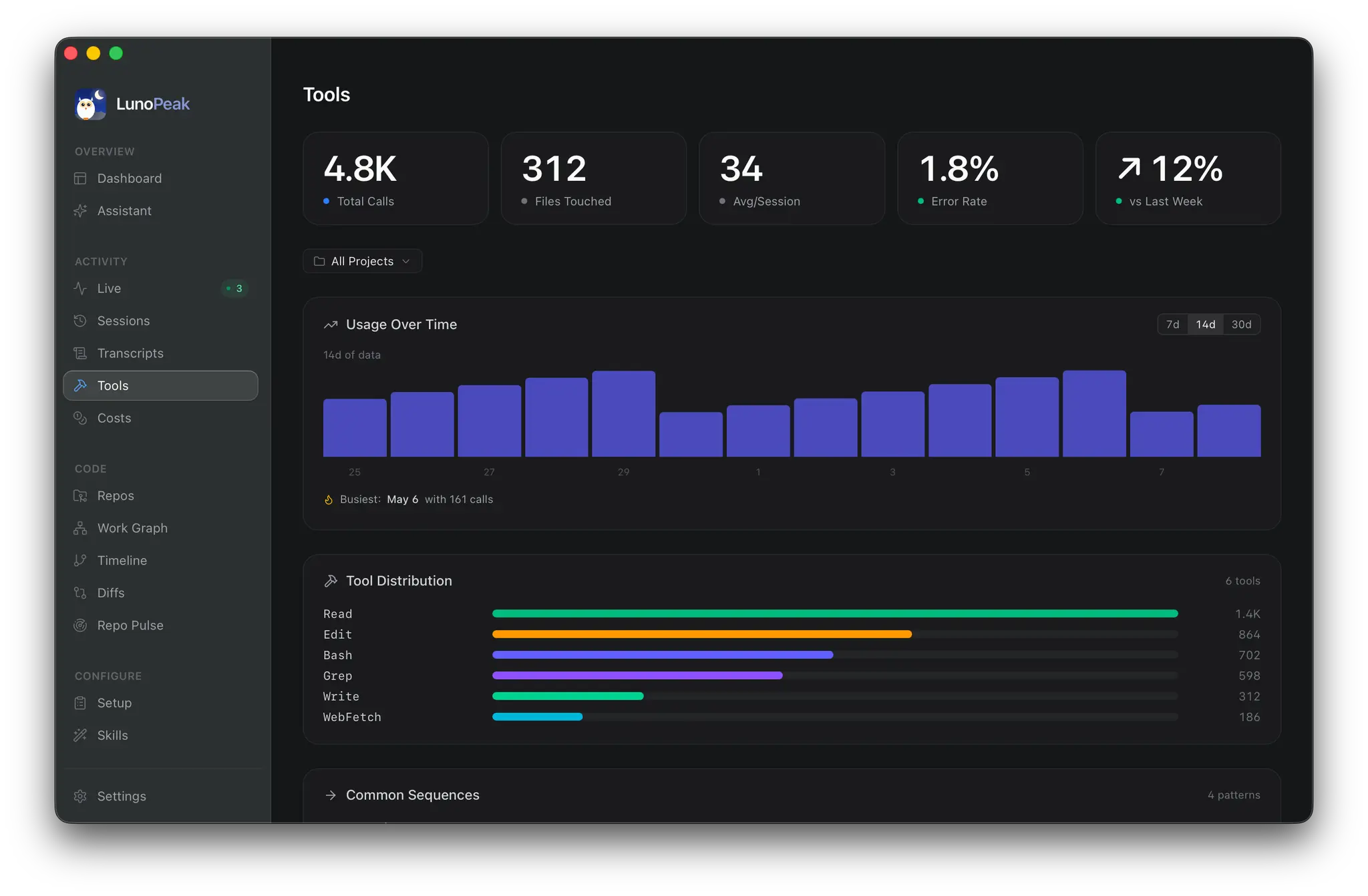
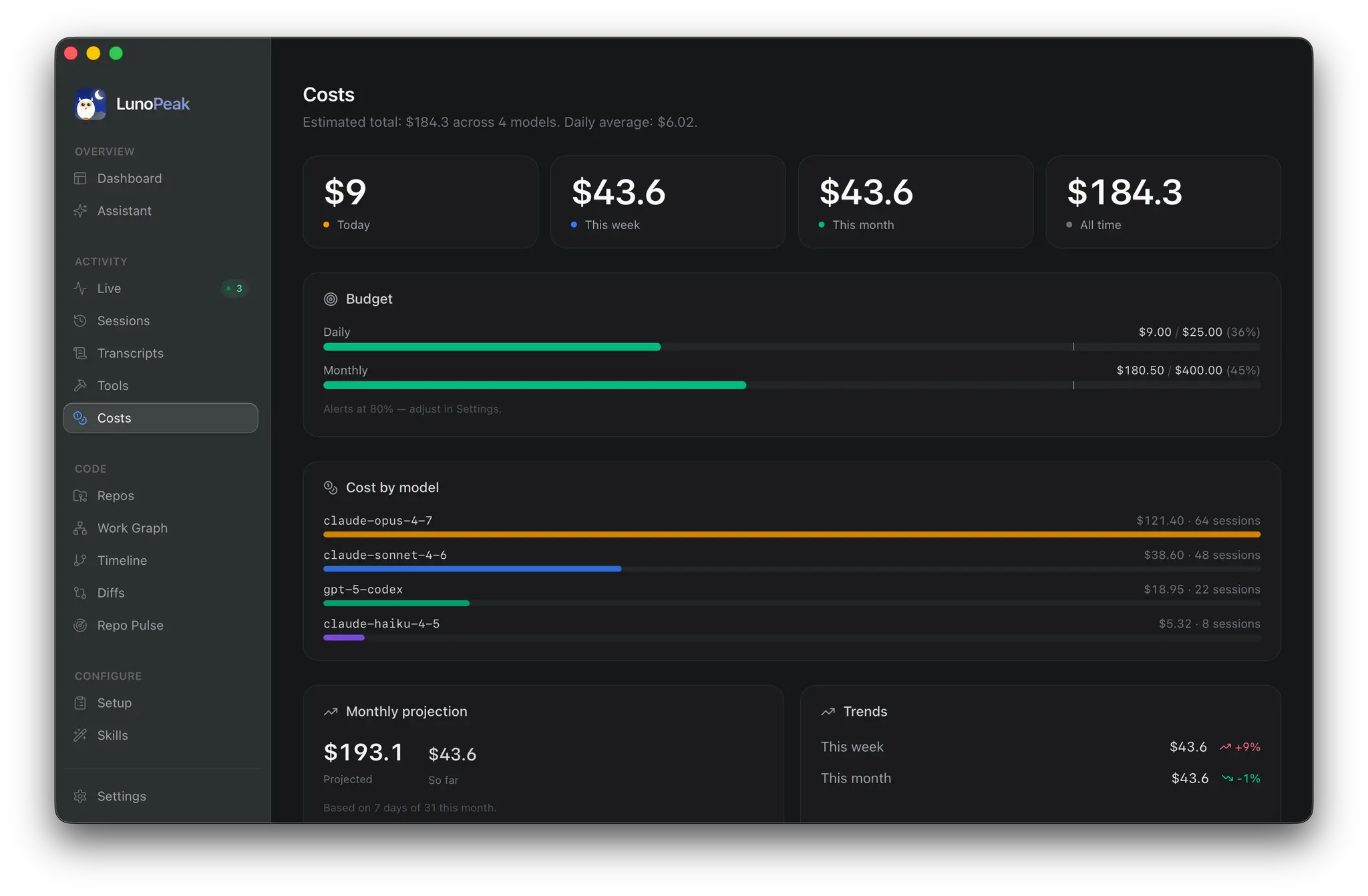
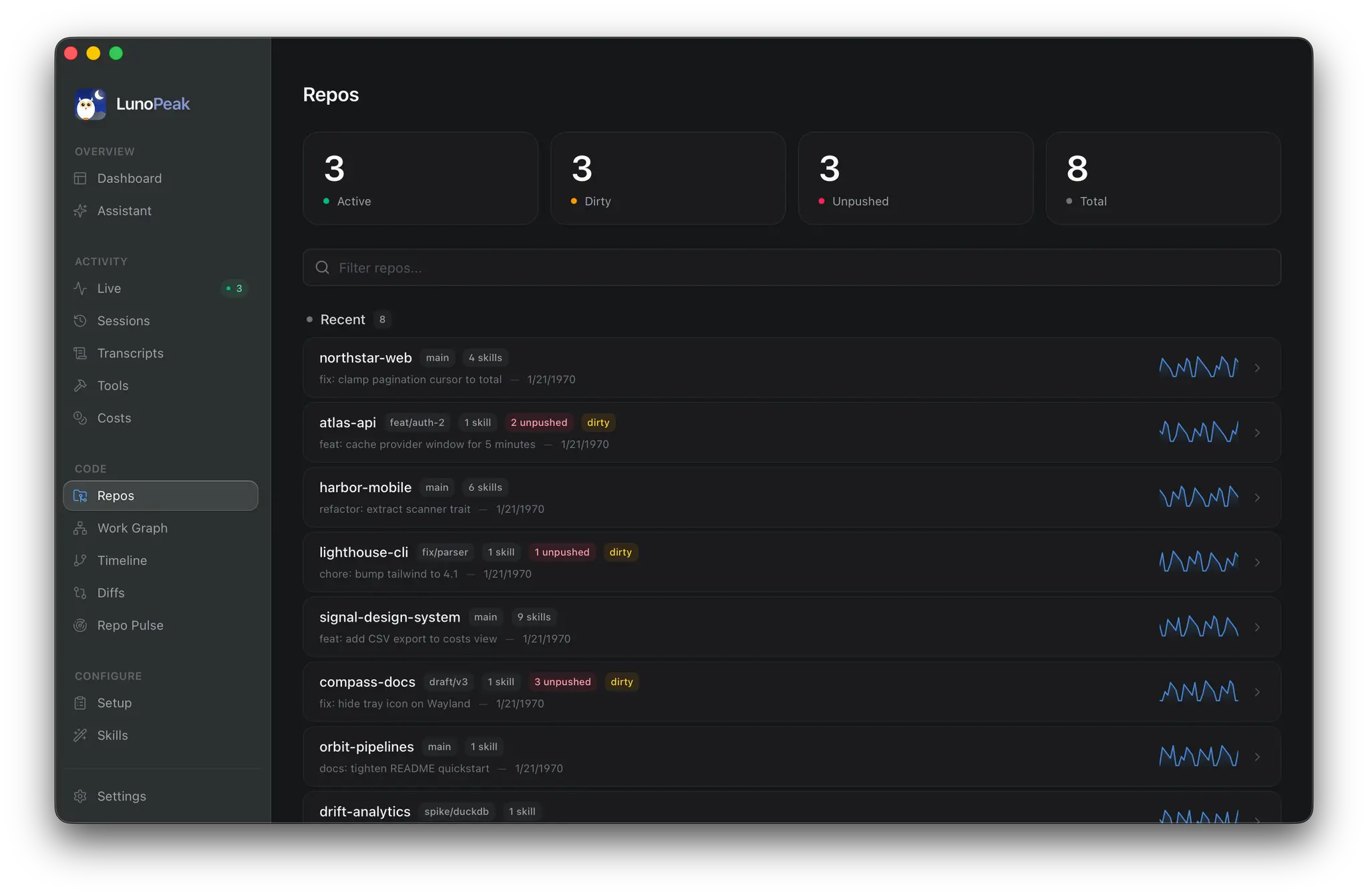
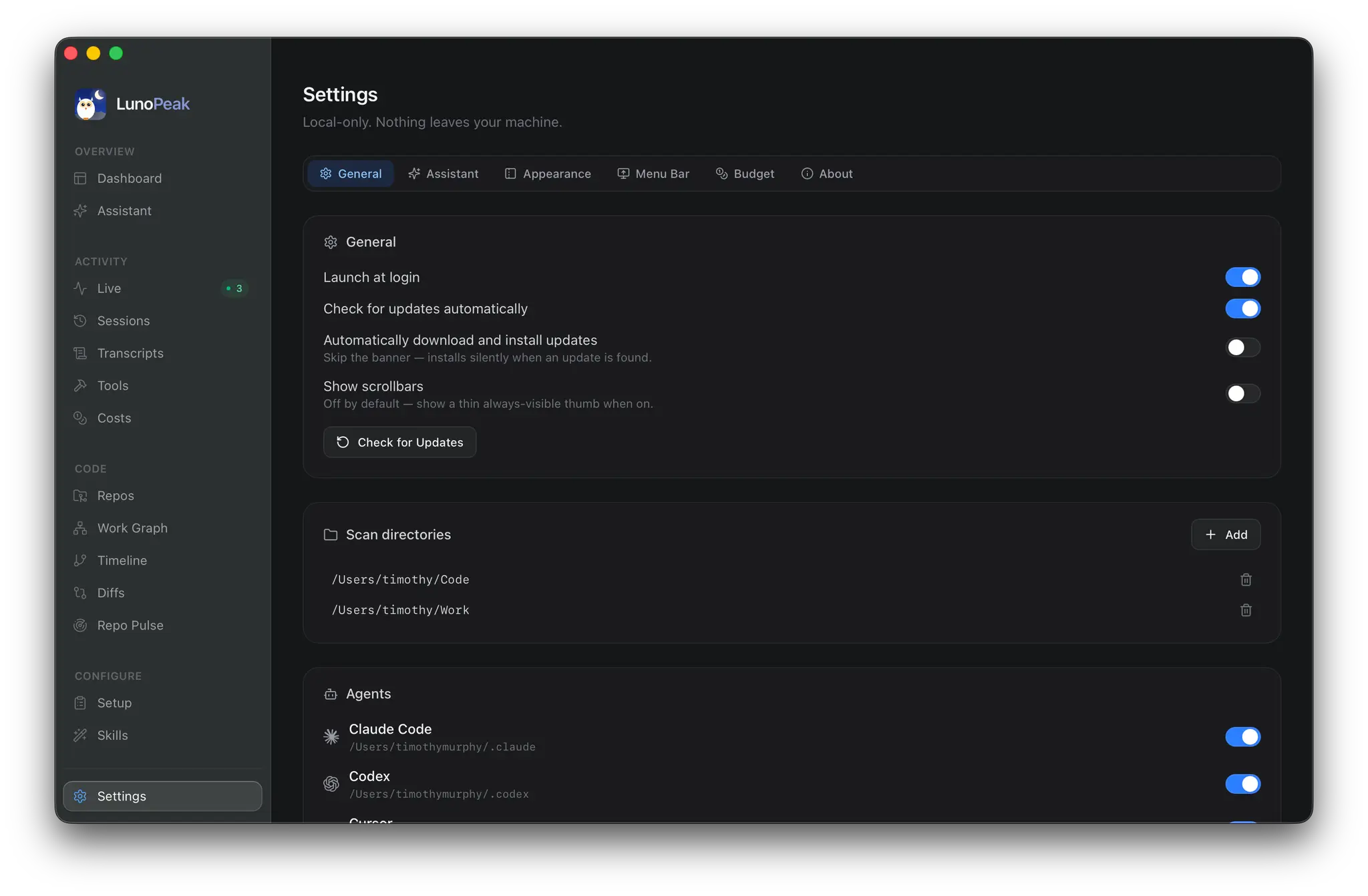
Product Updates (2)
LunoPeak 1.7 — it lives in your menu bar now, and it warns you before you hit a rate limit
Another update on what's shipped. Last time (1.4) the headline was Ollama and Cursor support. Since then LunoPeak has gone from "a dashboard you open" to "a thing that runs quietly in your menu bar and taps you on the shoulder when it matters." The big one: LunoPeak is now a proper menu-bar app and a proper window app at the same time. When the window's open you get a dock icon and working menus like any native Mac app. Close it and the app tucks into the menu bar — the dock icon disappears, but it keeps refreshing your usage in the background. Launch-at-login starts it silently in the menu bar with no window pop and no stolen focus. Click that menu-bar icon and you get a redesigned popover: a frosted, themed panel with per-provider usage bars, an insight strip that surfaces your single most-pressing window (color-coded green/amber/rose with the reset time), today + 30-day spend, and a 7-day spend sparkline. Tabs per provider, quick actions back into the app. And it'll warn you now. There's a new Alerts tab in Settings — get a native desktop notification the moment any provider's 5-hour or weekly window crosses your threshold (default 80%, escalating to a red alert at 90%+). It's deduped per provider × window × billing cycle, so you get one heads-up per window, not one every poll. Claude Code, Codex, and Cursor are all covered. Costs also grew up. Click any repo to open a full cost drill-down — breakdowns by day, by 5-hour session, by week, by weekly session, each with sessions / messages / tokens / cost. Totals now go beyond dollars (total messages, total tokens, total sessions), and every bar chart in the app picked up rich hover tooltips with real calendar dates — "Tue, May 5 · 12 sessions" instead of decoding "5d ago." A theming overhaul landed too: dark mode rebuilt f
Comments (0)
No comments yet. Be the first to share your thoughts!
LunoPeak 1.4 — Ollama, Cursor, and a dashboard that finally refreshes itself
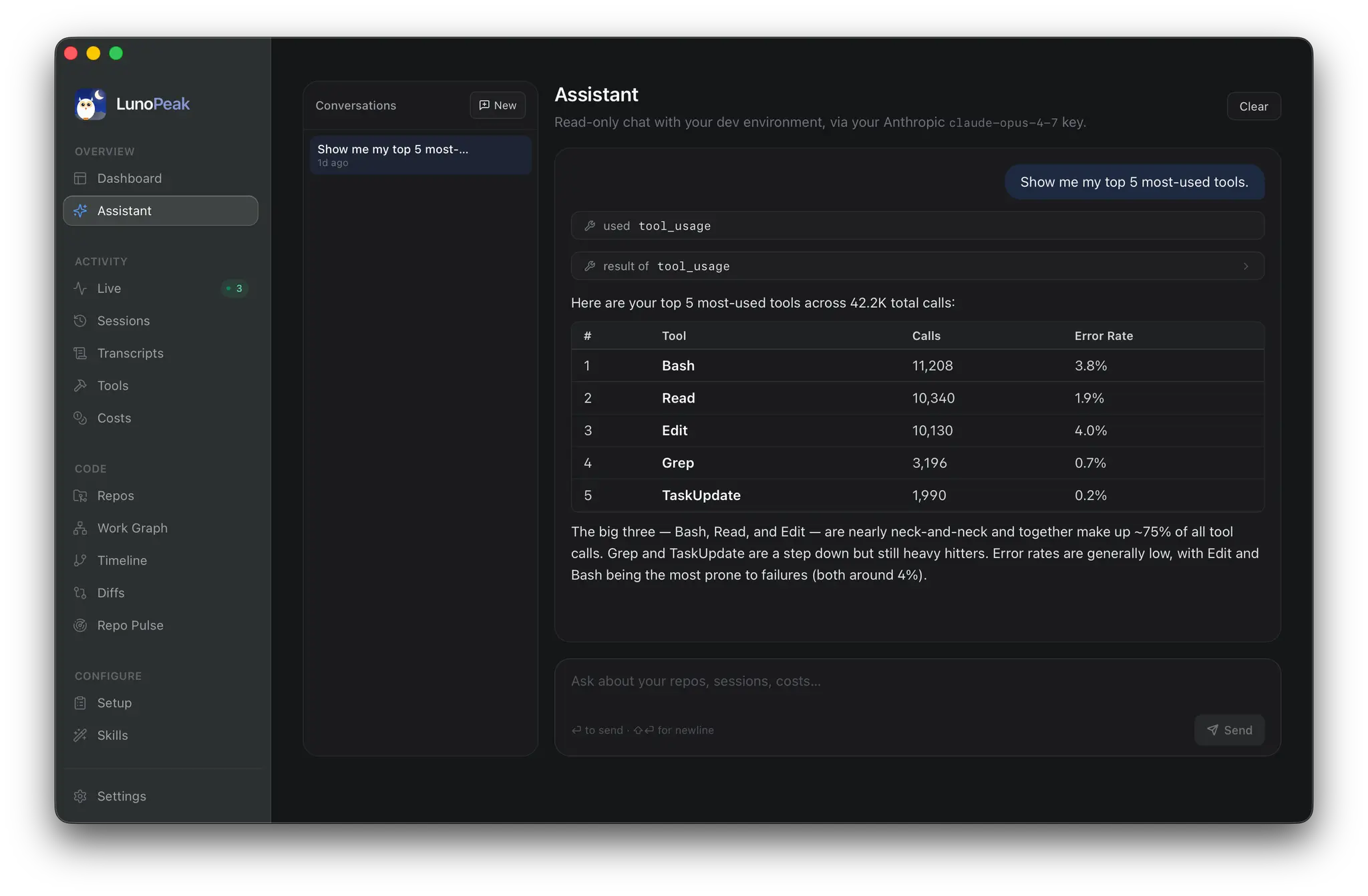
Quick update on what's shipped since launch. LunoPeak started as a local-first dashboard for Claude Code and Codex. Three releases in, it's a lot more than that. The big one: Ollama is now a first-class assistant provider. The chat panel can run entirely on local models — no API key, no account, no cloud round-trip. Tool calls work end-to-end on Llama 3.2, Qwen 2.5 Coder, and Mistral, so the assistant can still pull cost breakdowns, list repos, run hygiene checks, and inspect sessions even when it's running 100% offline. If your Ollama daemon is up when you first launch the app, it gets auto-adopted as the default before you ever touch Settings. Cursor joined the agent lineup too. Claude Code, Codex, and Cursor all show up in Live, Setup, Repos, and Settings — one window, every agent, bucketed by repo so they don't bleed into each other. A few other things worth calling out: - A combined provider + model picker in the chat header — flip from Claude Sonnet to a local Qwen and back without leaving the conversation. - Drag-and-drop dashboard. Rearrange the cards, layout persists per device. - GitHub PRs in the Work Graph view, per-file dirty state on the Repos view, and a "spend this month" number that's actually month-to-date. - Dashboards refresh themselves now — 60-second cadence on the time-sensitive queries, so the numbers tick forward instead of freezing on whatever was true at launch. Still local-first. Still no account. Still no telemetry. Still free. macOS, Windows, and Linux builds: https://github.com/idevtim/lunopeak/releases/latest Curious what other indie devs would want to see in a tool like this — what's the metric or view that's missing from your own AI coding setup?
Comments (0)
No comments yet. Be the first to share your thoughts!
Reviews (0)

Comments (0)
No comments yet. Be the first to share your thoughts!