
MacTiler
Intuitive window manager for macOS to boost productivity

Details
- Categories
- Target Audience
- Platforms
Discovery signals
How AI and people discover MacTiler on PeerPush
- ChatGPT
- Perplexity
- Claude
- +2 other AI crawlers
Reads by these AI engines
Crawlers behind these engines read this listing on PeerPush.About MacTiler
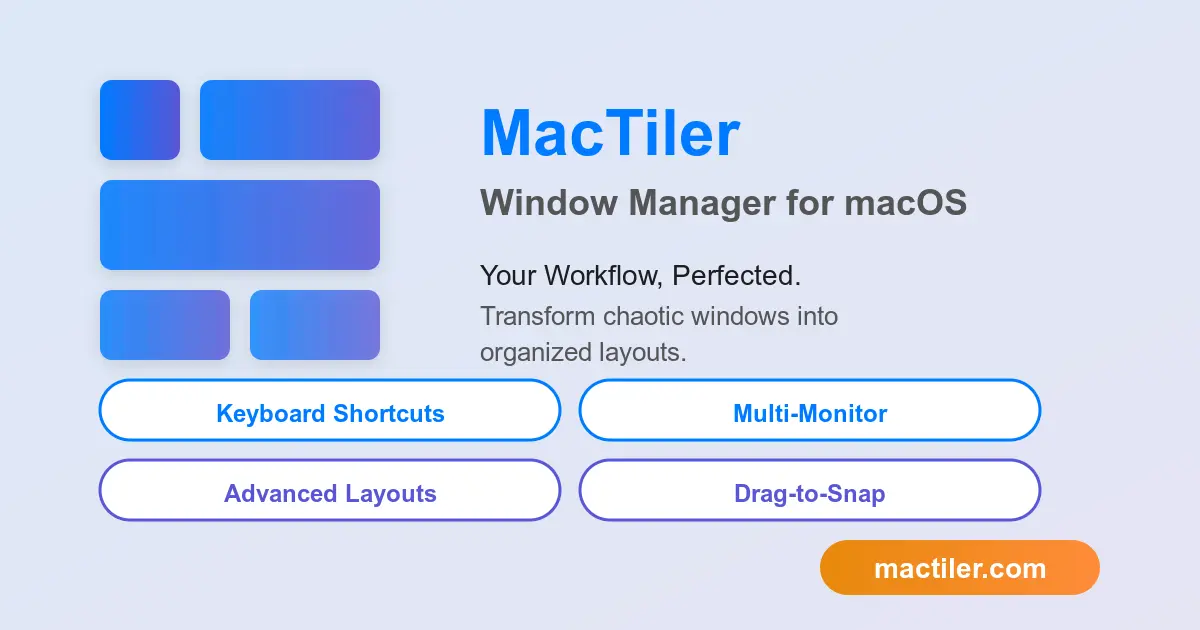
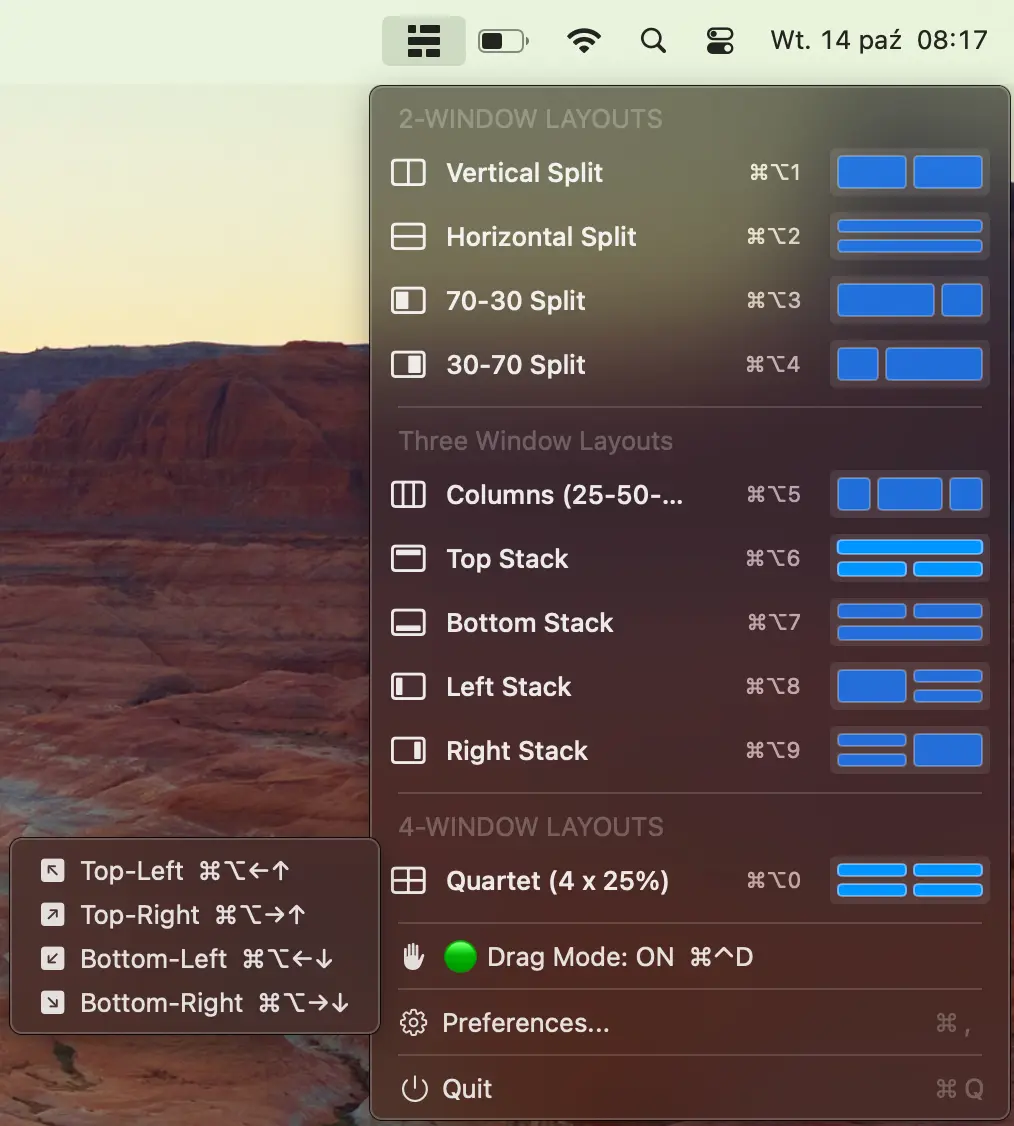
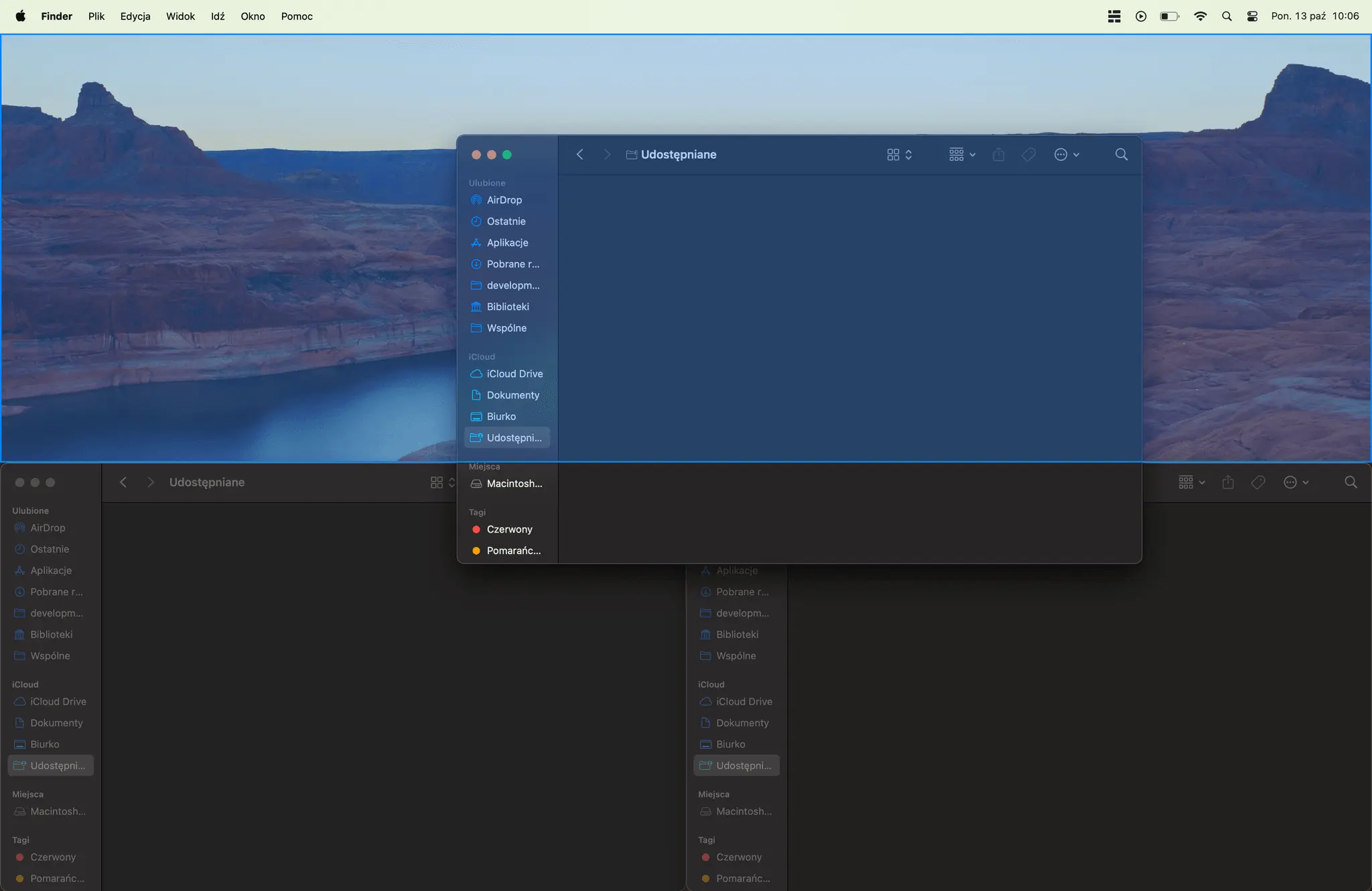
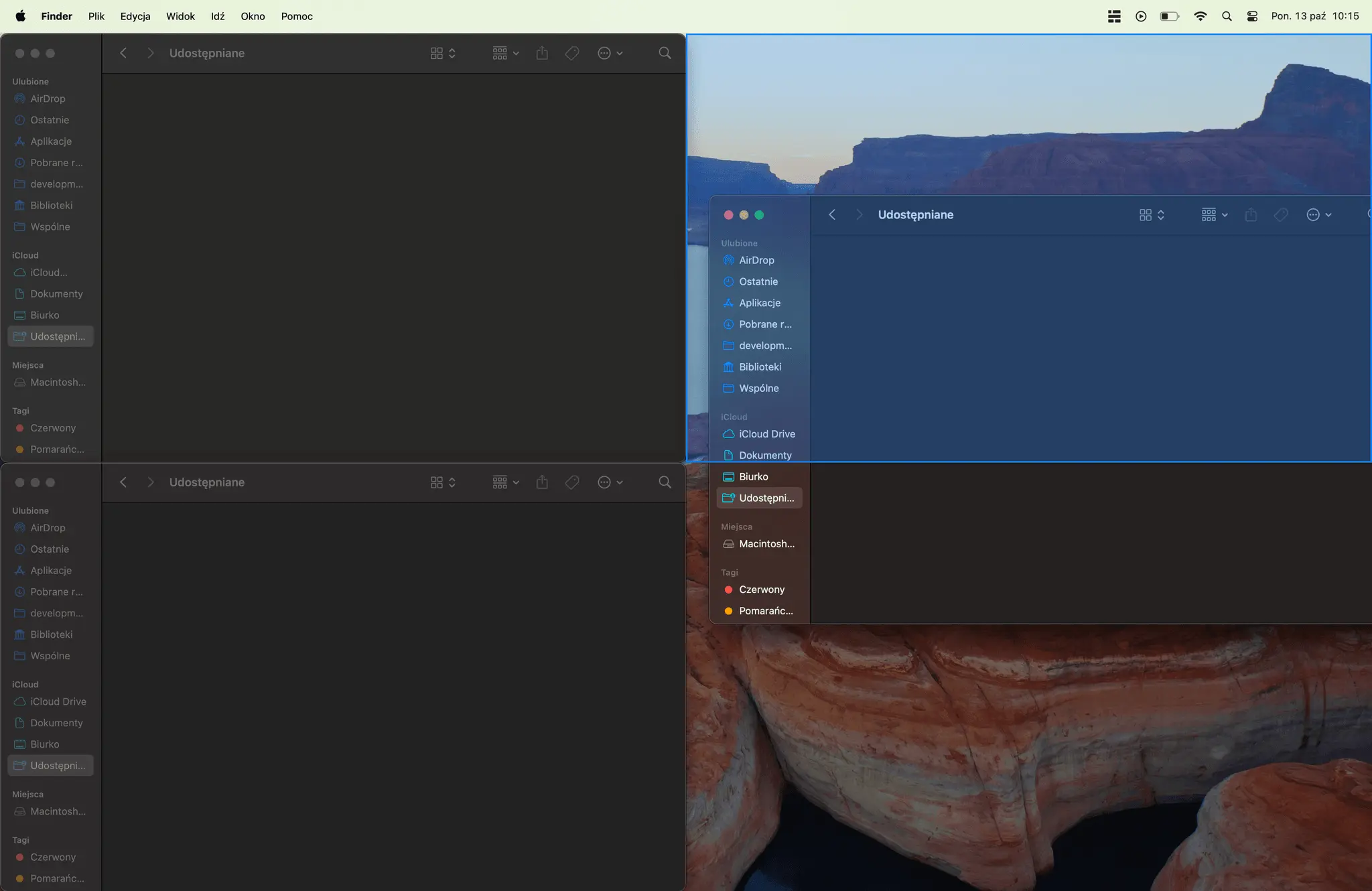
Tired of manual resizing windows? MacTiler instantly transforms your macOS window chaos into a streamlined, productive workspace. Key Features: 🚀 Intelligent Tiling: Automatically arrange windows into smart layouts with a single click. ⌨️ Custom Keyboard Shortcuts: Control every window with powerful, customizable hotkeys. 👁️ Visual Snap Guides: Drag and drop with clear visual feedback for perfect placement. 🖥️ Multi-Monitor Mastery: Create perfect layouts across all your displays effortlessly. Who It's For: Perfect for developers, designers, analysts, and any power user who works with many apps at once. If you use a multi-monitor setup, MacTiler is a game-changer. The Bottom Line: Get a more organized desktop and switch tasks faster than ever before. Ditch the native macOS limitations and unlock a new level of workflow efficiency. Sounds interesting? Check mactiler.com and get 30% off at launch
Screenshots
Reviews (0)
No reviews yet. Be the first to rate this product!
Comments (0)
No comments yet. Be the first to share your thoughts!