
MacTiler - Window Manager for MacOS
Intuitive window manager for macOS split screen

Details
- Categories
- Target Audience
- Platforms
Discovery signals
How AI and people discover MacTiler - Window Manager for MacOS on PeerPush
- ChatGPT
- Perplexity
- Claude
- +3 other AI crawlers
Reads by these AI engines
Crawlers behind these engines read this listing on PeerPush.About MacTiler - Window Manager for MacOS
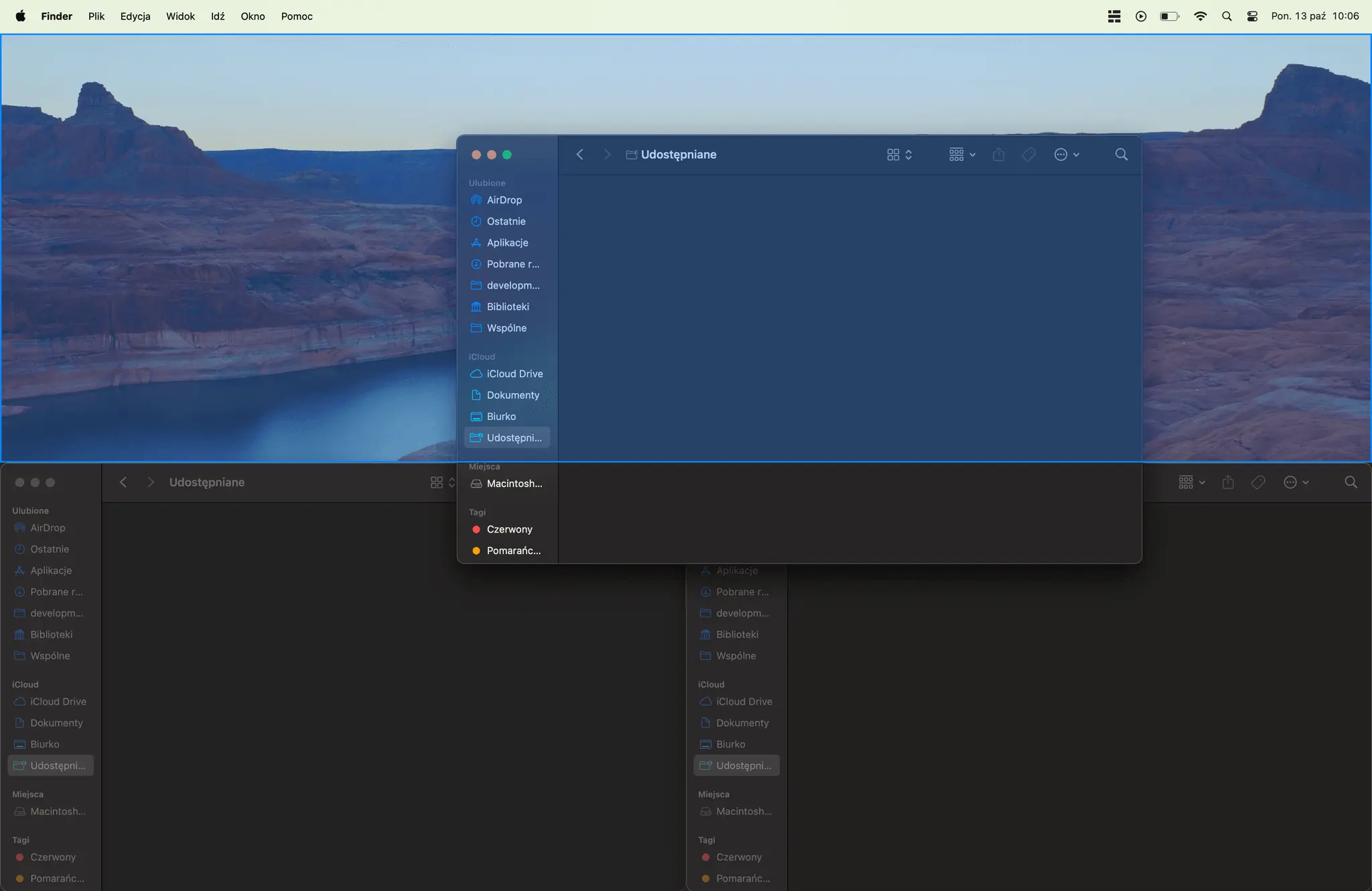
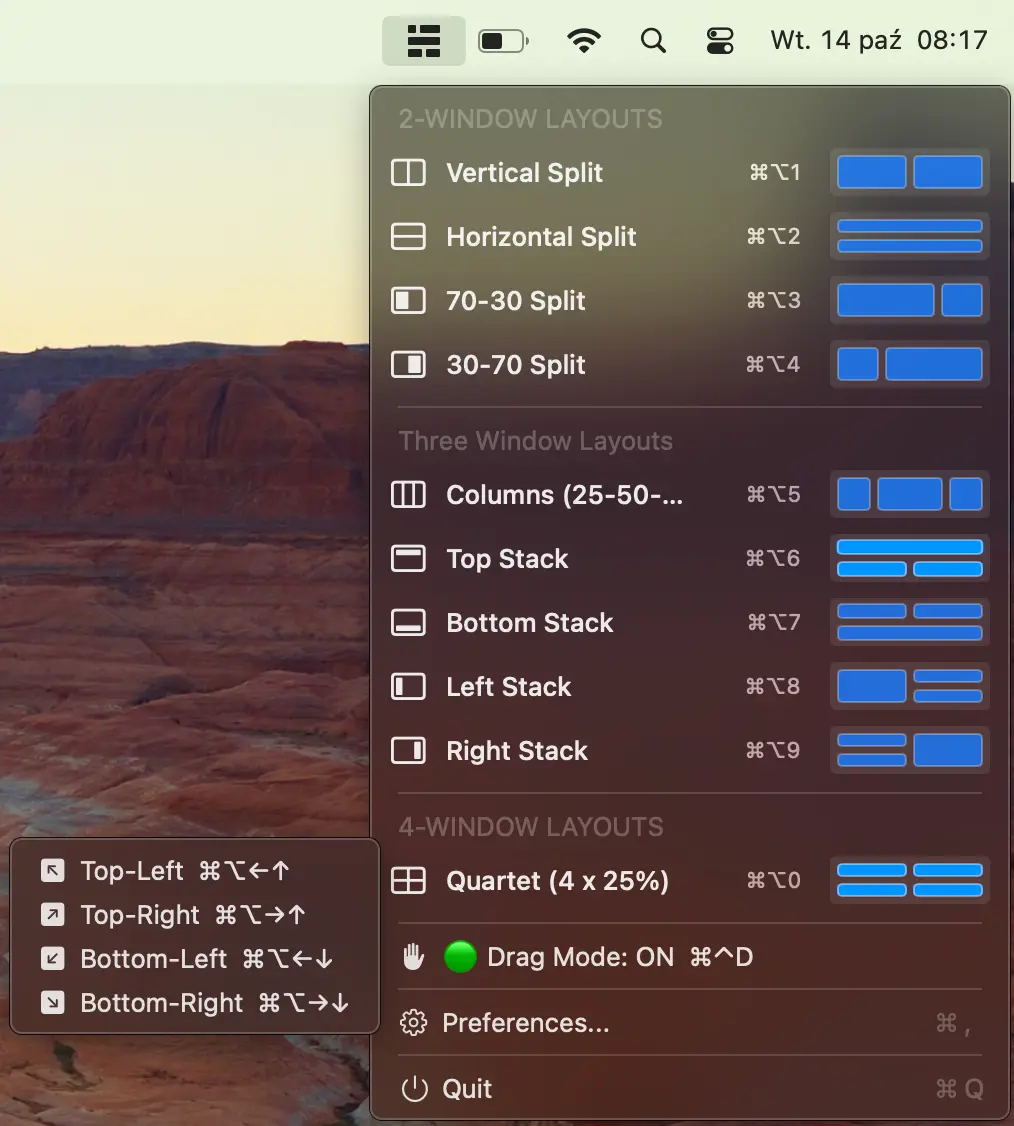
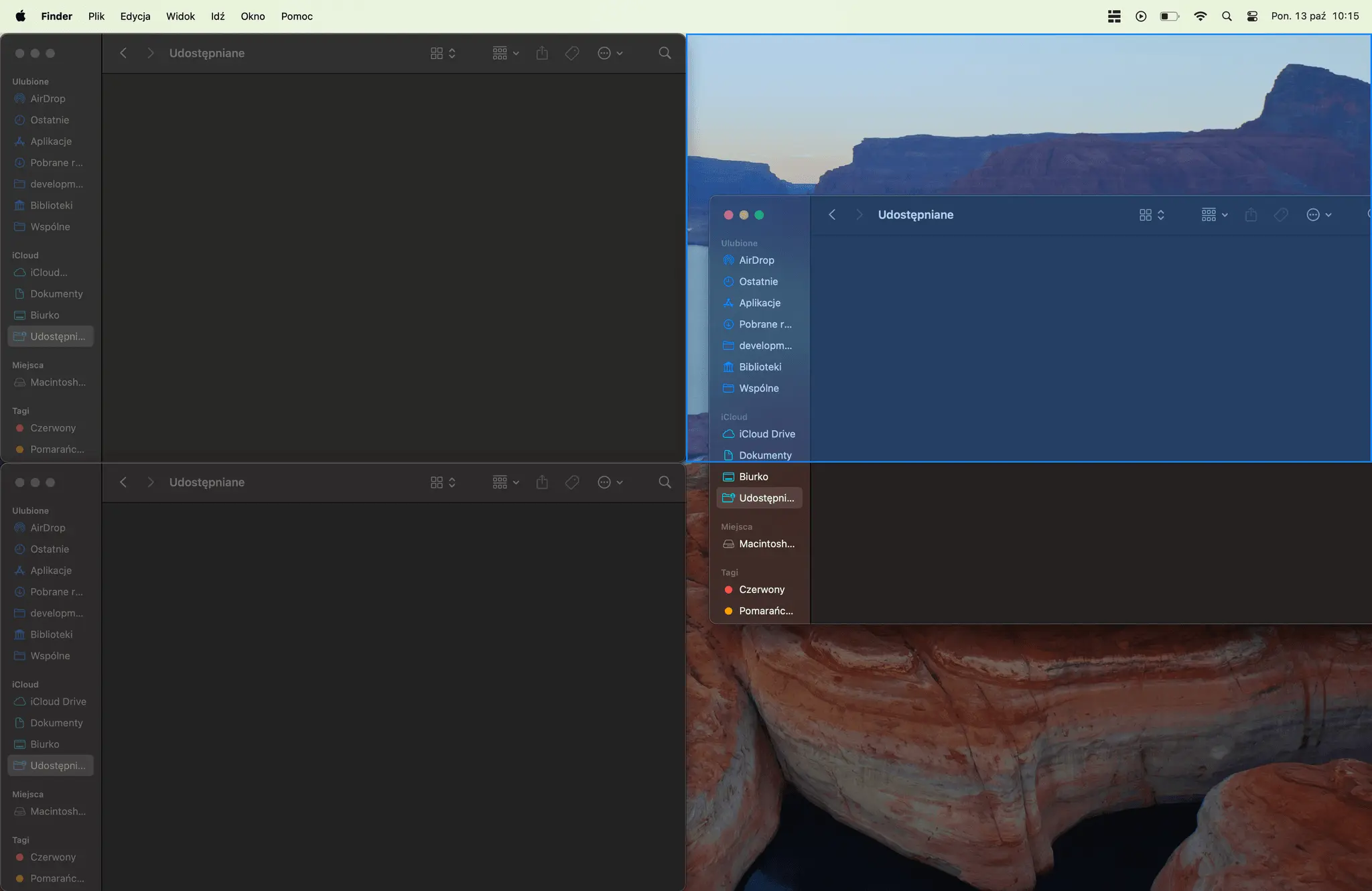
Tired of manual resizing windows? MacTiler instantly transforms your macOS window chaos into a streamlined, productive workspace. Key Features: 🚀 Intelligent Tiling: Automatically arrange windows into smart layouts with a single click. ⌨️ Custom Keyboard Shortcuts: Control every window with powerful, customizable hotkeys. 👁️ Visual Snap Guides: Drag and drop with clear visual feedback for perfect placement. 🖥️ Multi-Monitor Mastery: Create perfect layouts across all your displays effortlessly. It also speaks in 17 languages. Who It's For: Perfect for developers, designers, analysts, and any power user who works with many apps at once. If you use a multi-monitor setup, MacTiler is a game-changer. The Bottom Line: Get a more organized desktop and switch tasks faster than ever before. Ditch the native macOS limitations and unlock a new level of workflow efficiency. Sounds interesting? Check mactiler.com and get 30% discount with PeerPush30 code.
Screenshots
Reviews (0)
No reviews yet. Be the first to rate this product!
Comments (0)
No comments yet. Be the first to share your thoughts!