
Mail File Viewer
Open winmail.dat and EML safely in your browser
Details
- Categories
- Target Audience
- Pricing
- Free
- Platforms
Discovery signals
How AI and people discover Mail File Viewer on PeerPush
About Mail File Viewer
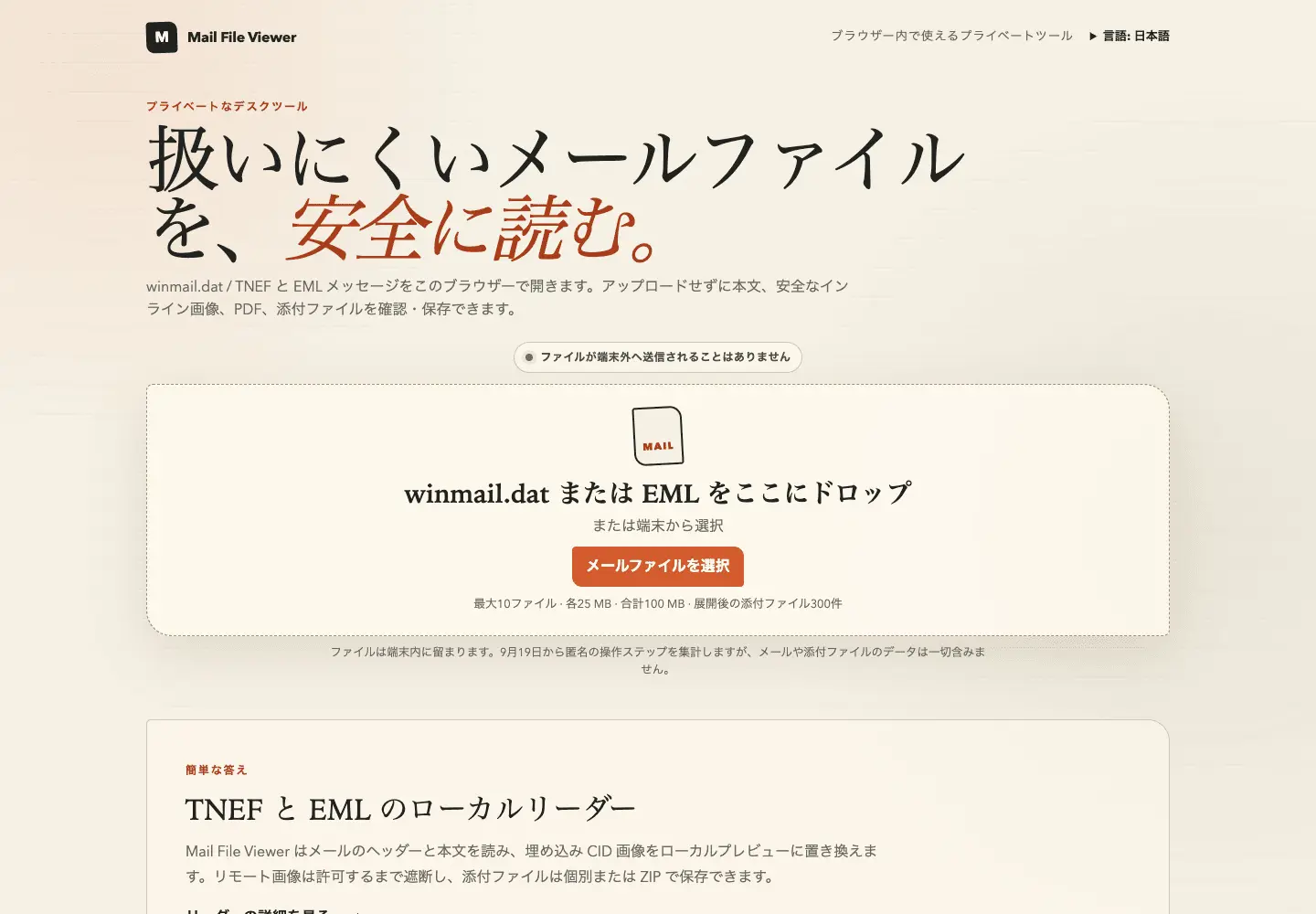
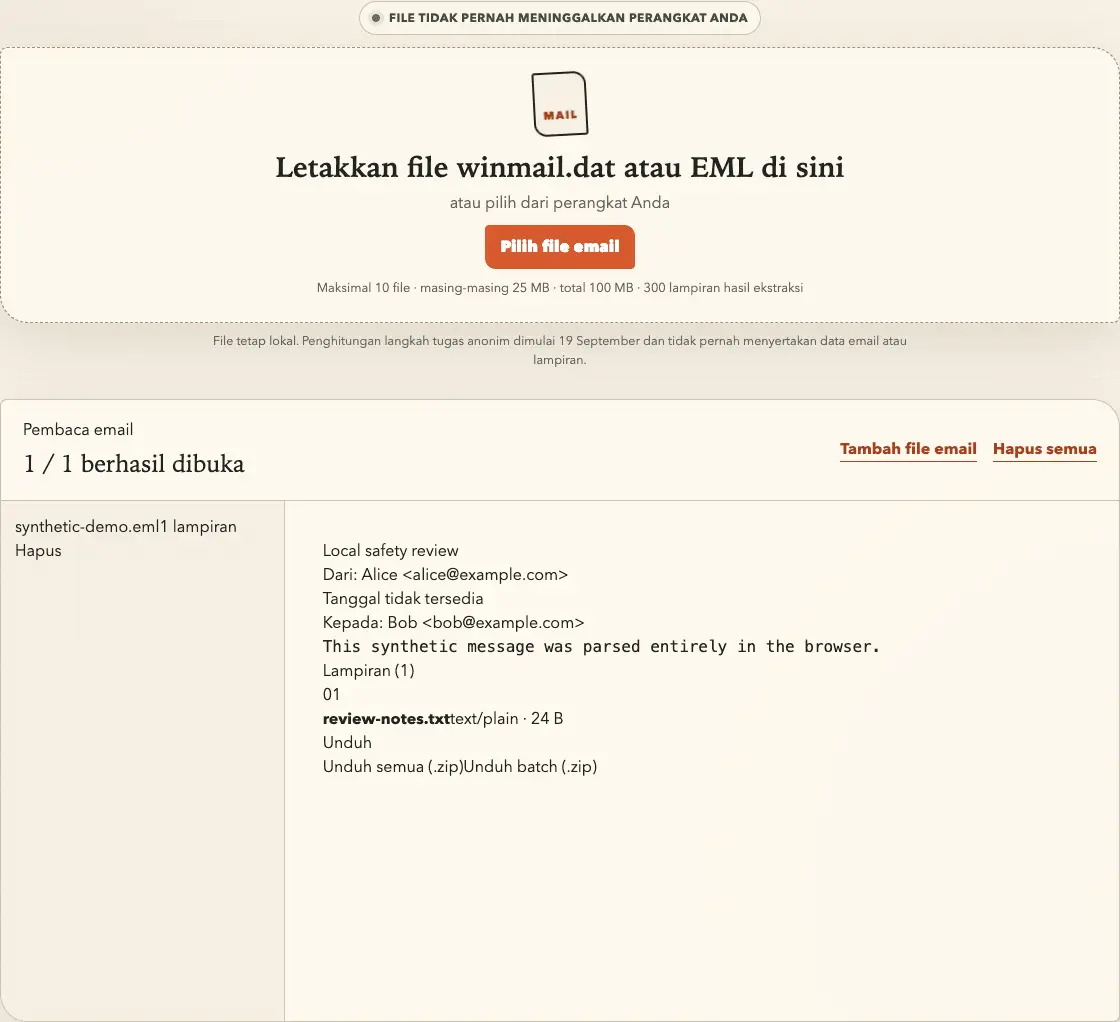
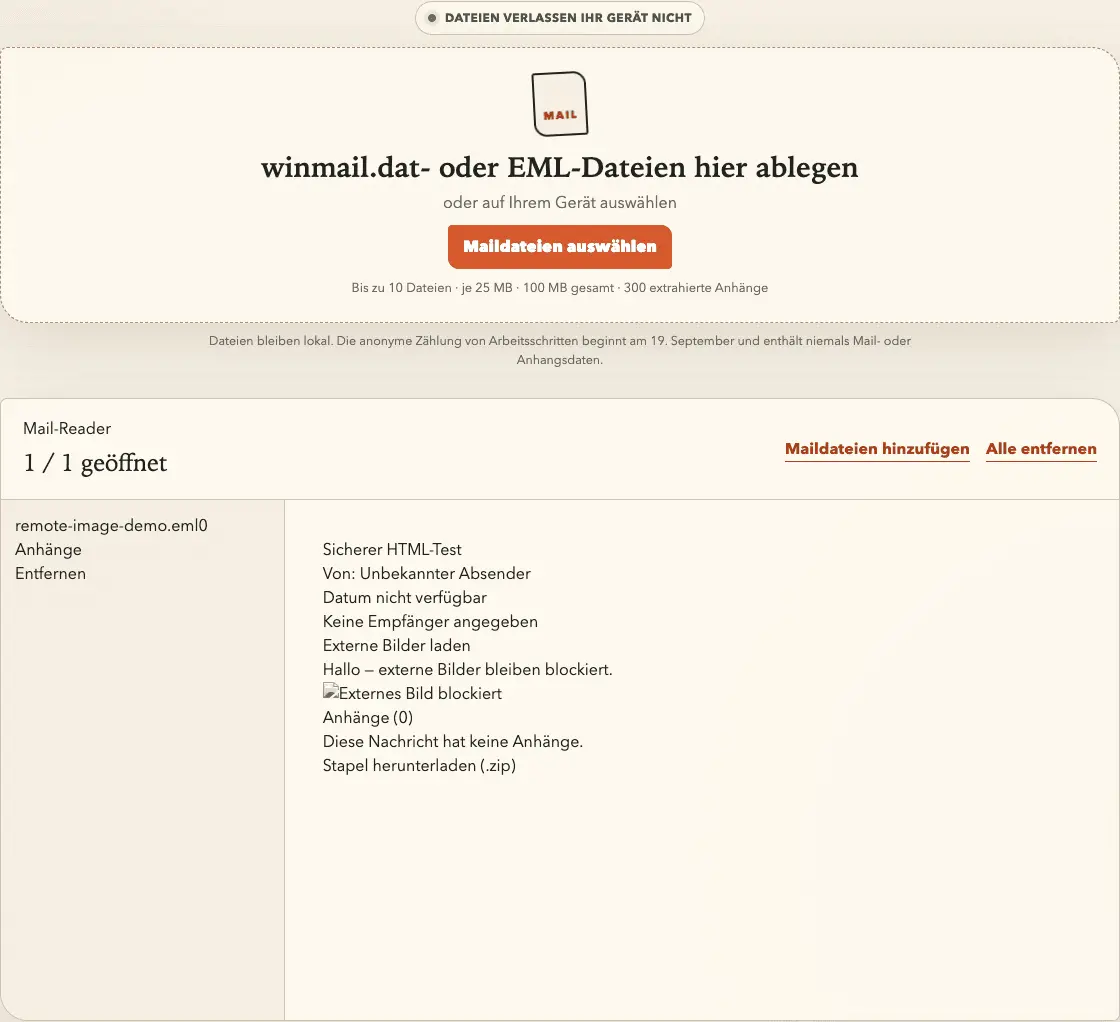
Mail File Viewer opens winmail.dat TNEF containers and EML messages directly in the browser. It displays headers, sanitized message bodies, inline images, PDFs, and attachments, then exports individual files or ZIP archives. Email data never leaves the device, remote images stay blocked until explicitly allowed, and no Outlook installation or account is required. Users can inspect sender, recipients, date, subject, sanitized HTML or plain-text bodies, inline CID images, image attachments, and on-demand PDF previews, then download individual files, per-message ZIPs, or an organized batch ZIP. Selected mail files remain in browser memory and are not uploaded, logged, persisted, or sent to analytics. HTML is sanitized, attachment filenames are normalized, executable and embedded content is removed, and ordinary HTTPS images are absent from the document until the user explicitly allows them for the current message. A batch can contain up to 10 source files, 25 MB each and 100 MB total. The tool supports TNEF and EML; it does not claim support for MSG, EMLX, or MHT. Available in English, Japanese, German, and Bahasa Indonesia.
Screenshots
Reviews (1)
Average 5.0 out of 5
Based on 1 review

Comments (1)
Open winmail.dat (TNEF) and EML locally in your browser. Read sanitized bodies, inspect inline images and PDFs, keep remote images blocked until allowed, export attachments. No upload, no account.