
MailsDaddy PST to Office 365 Migration
Import and upload PST data to Exchange Online mailboxes

Details
- Follow on
- Use Cases
- Target Audience
- Pricing
- Paid from $75
- Platforms
Discovery signals
How AI and people discover MailsDaddy PST to Office 365 Migration on PeerPush
- ChatGPT
- Perplexity
- +3 other AI crawlers
Reads by these AI engines
Crawlers behind these engines read this listing on PeerPush.About MailsDaddy PST to Office 365 Migration
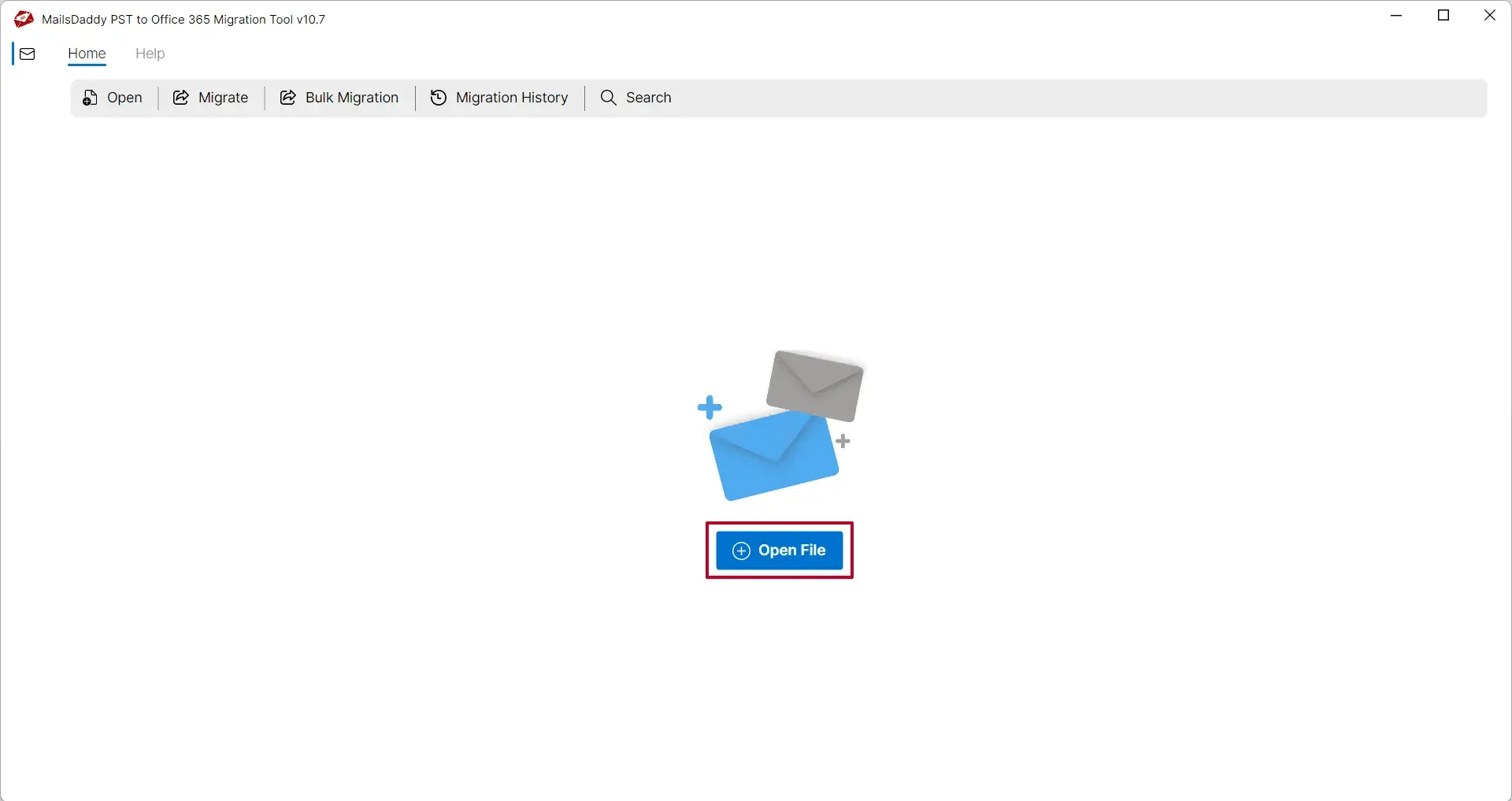
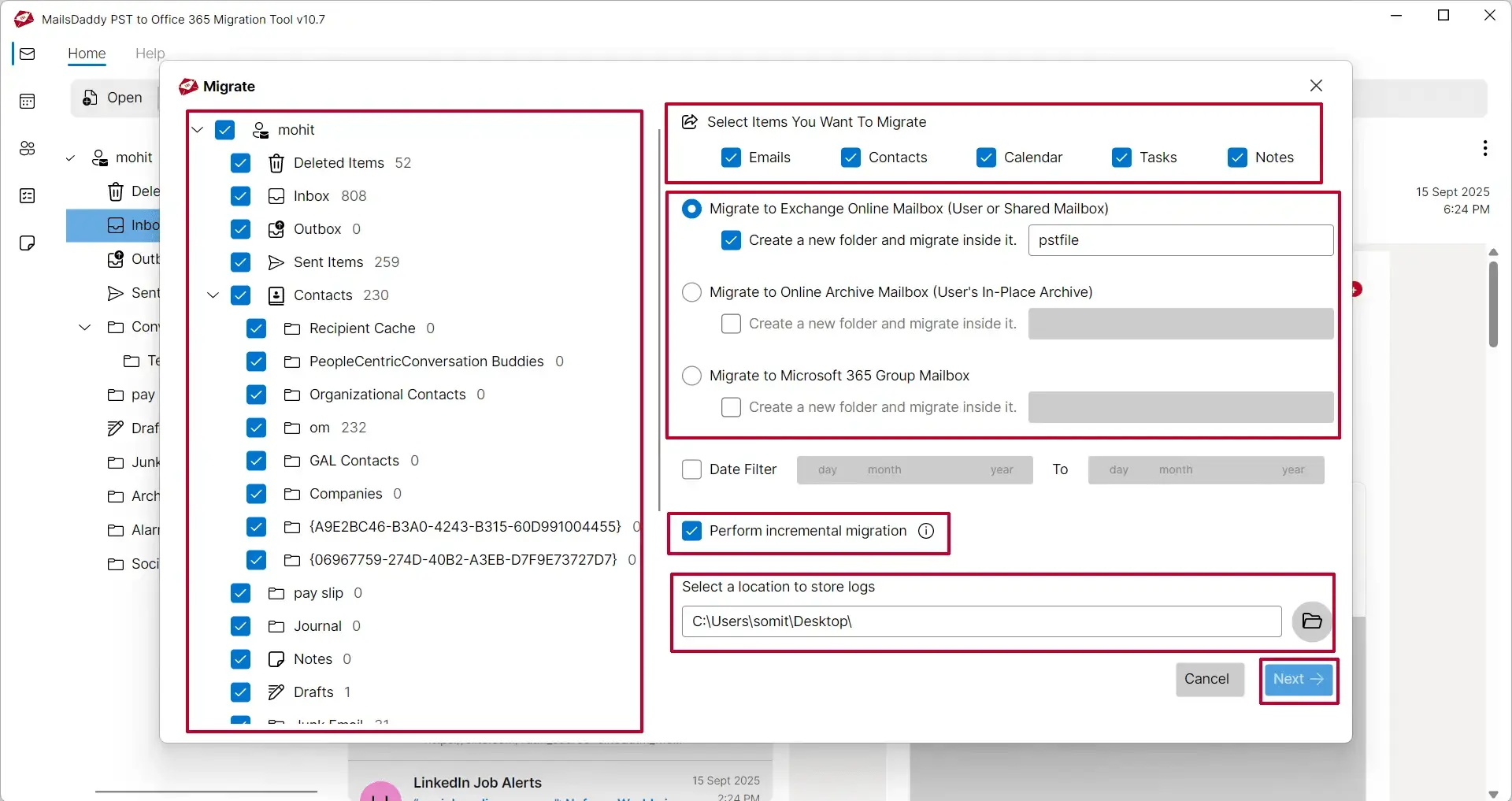
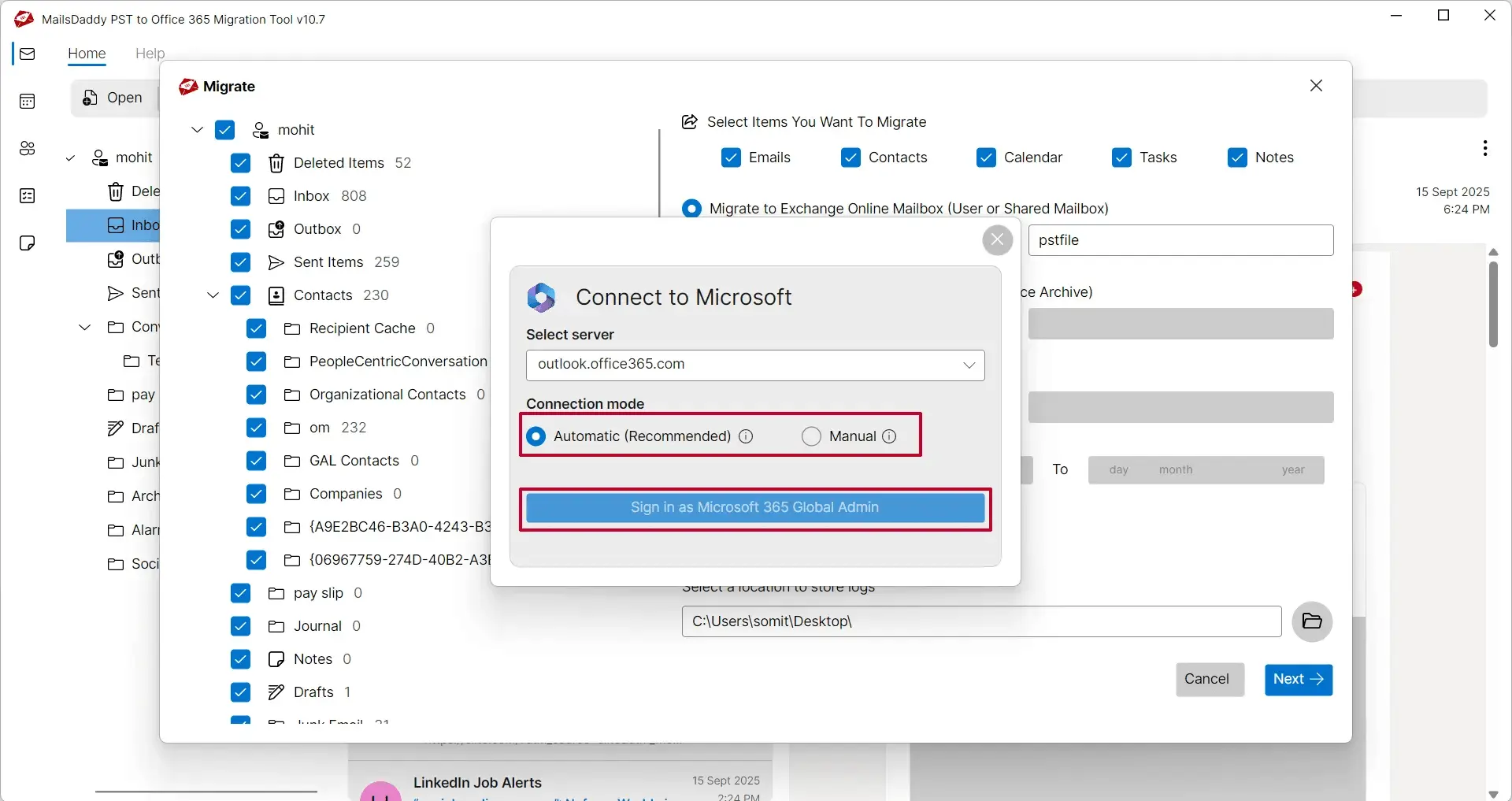
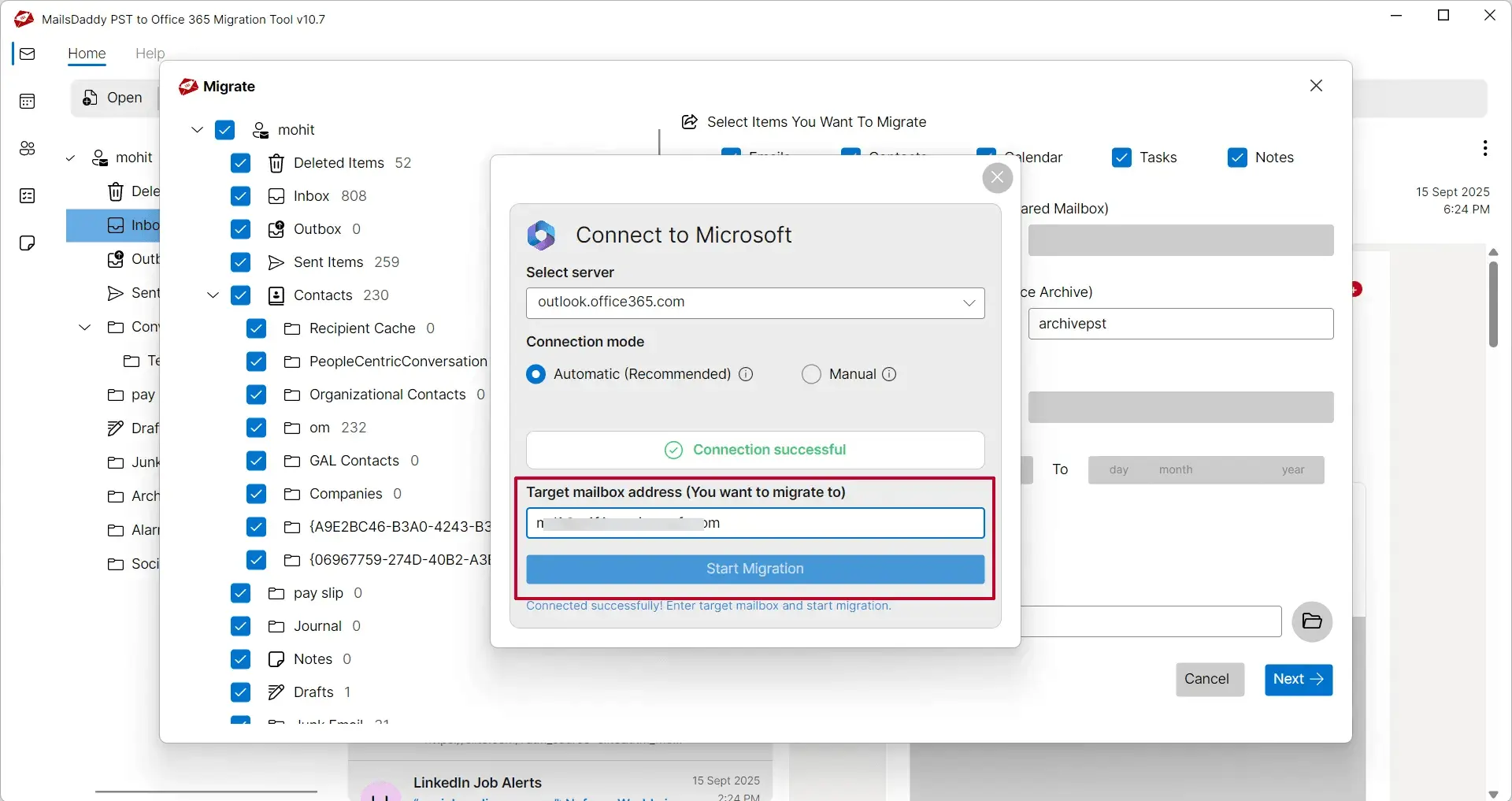
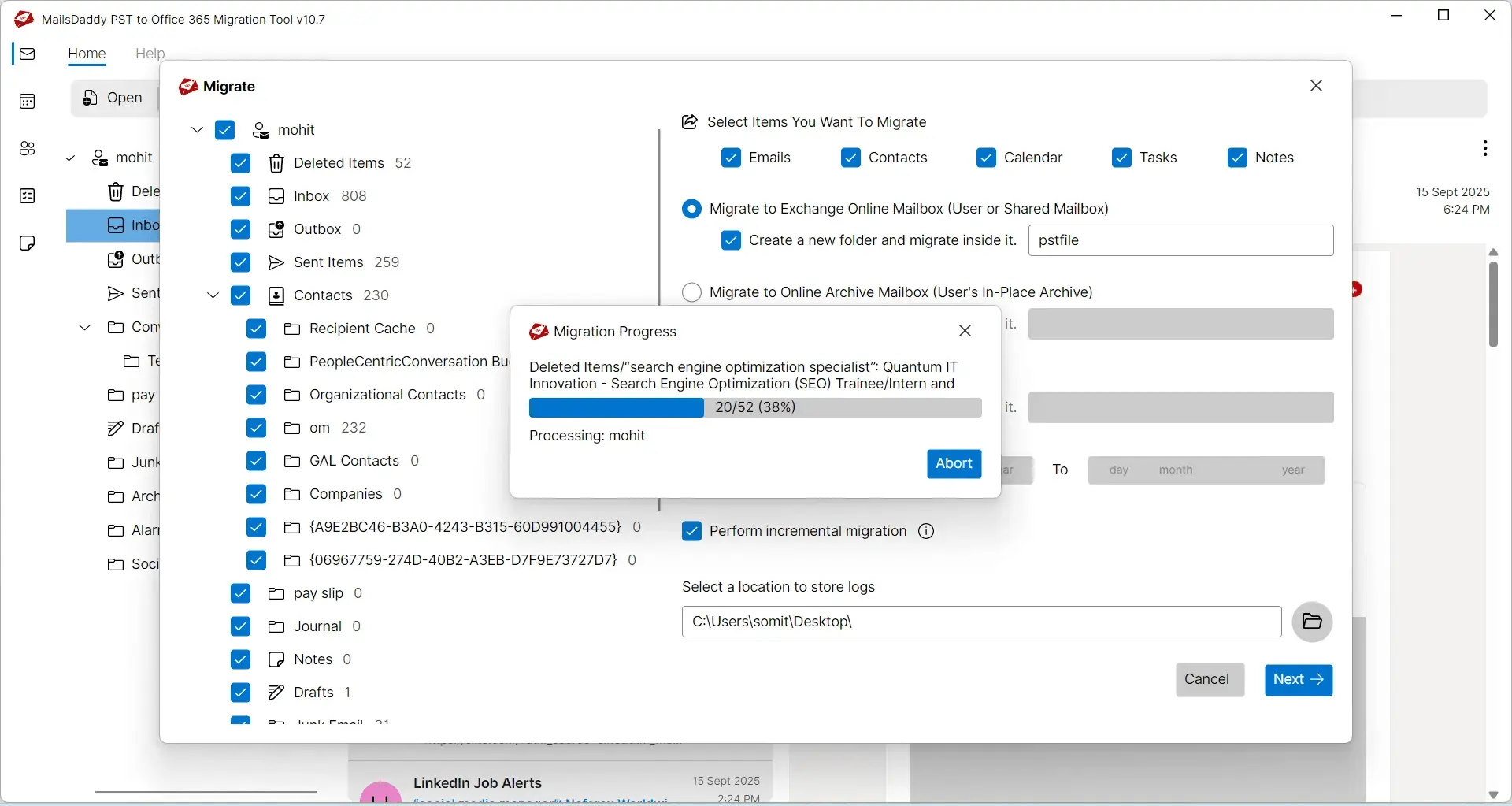
MailsDaddy PST to Office 365 Migration Tool is a professional solution designed to help users migrate Outlook PST files directly to Office 365 mailboxes. The tool supports bulk PST migration and preserves the original folder hierarchy, email formatting, attachments, contacts, calendars, and other mailbox items during the process. With its simple interface and advanced migration capabilities, users can securely transfer single or multiple PST files to Microsoft 365 accounts without data loss. The tool is suitable for individuals, IT administrators, and organizations looking for a fast, accurate, and hassle-free PST to Office 365 migration experience. Key Features: - Direct PST to Office 365 migration - Bulk import of multiple PST files - Maintains folder structure and metadata - Supports emails, contacts, calendars, tasks, and attachments - User-friendly interface with secure migration process - Compatible with all major Outlook PST file versions and Microsoft 365 accounts
Screenshots


Reviews (0)
No reviews yet. Be the first to rate this product!
Comments (0)
No comments yet. Be the first to share your thoughts!