
Make Look Scanned
Add realistic scanner effects to your PDF documents
Details
- Use Cases
- PDF ManagementGraphic Design
- Target Audience
- Freelancers
- Pricing
- Free
- Platforms
- Web
Discovery signals
How AI and people discover Make Look Scanned on PeerPush
- ChatGPT
- Perplexity
- +2 other AI crawlers
Reads by these AI engines
Crawlers behind these engines read this listing on PeerPush.About Make Look Scanned
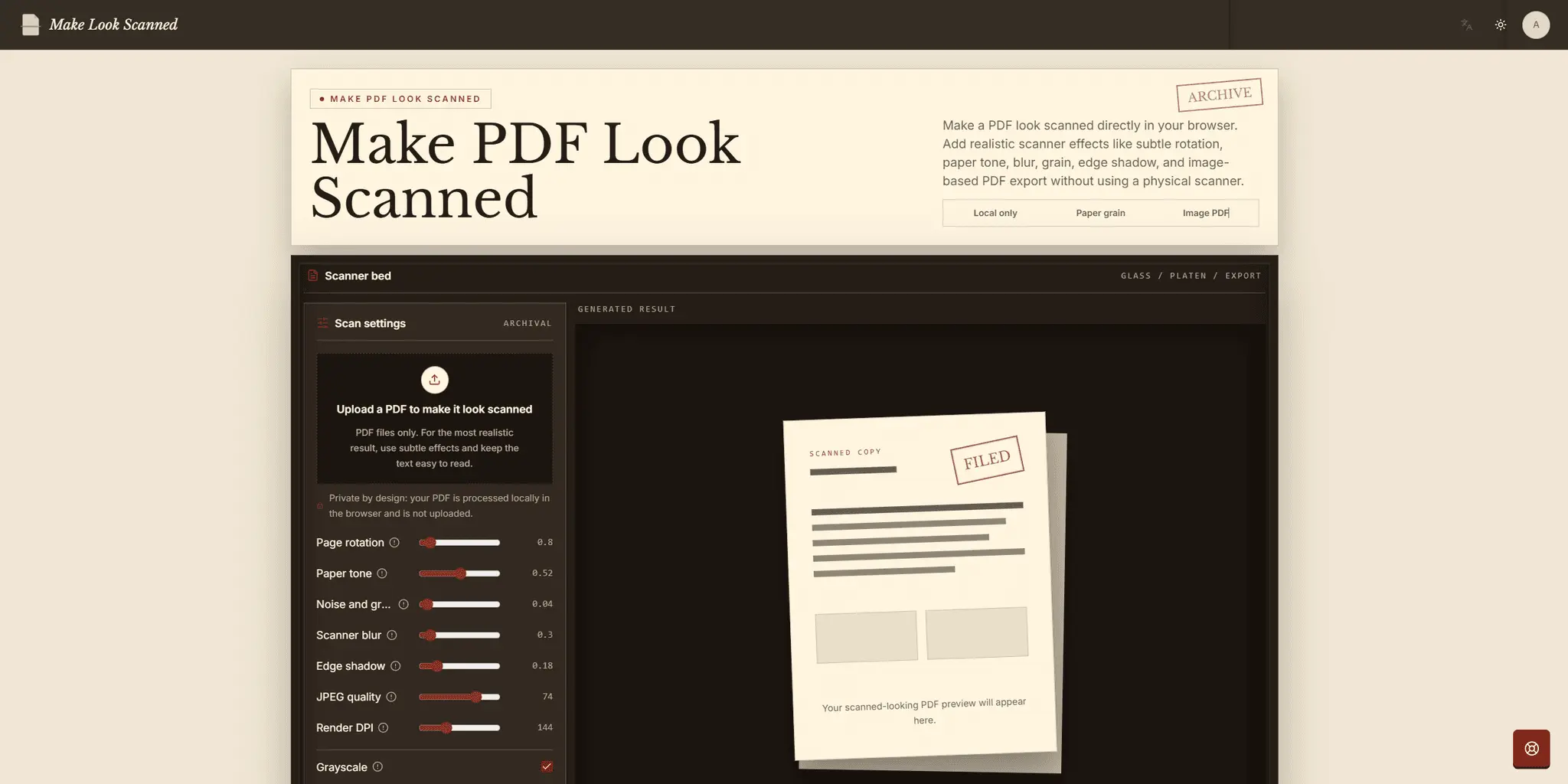
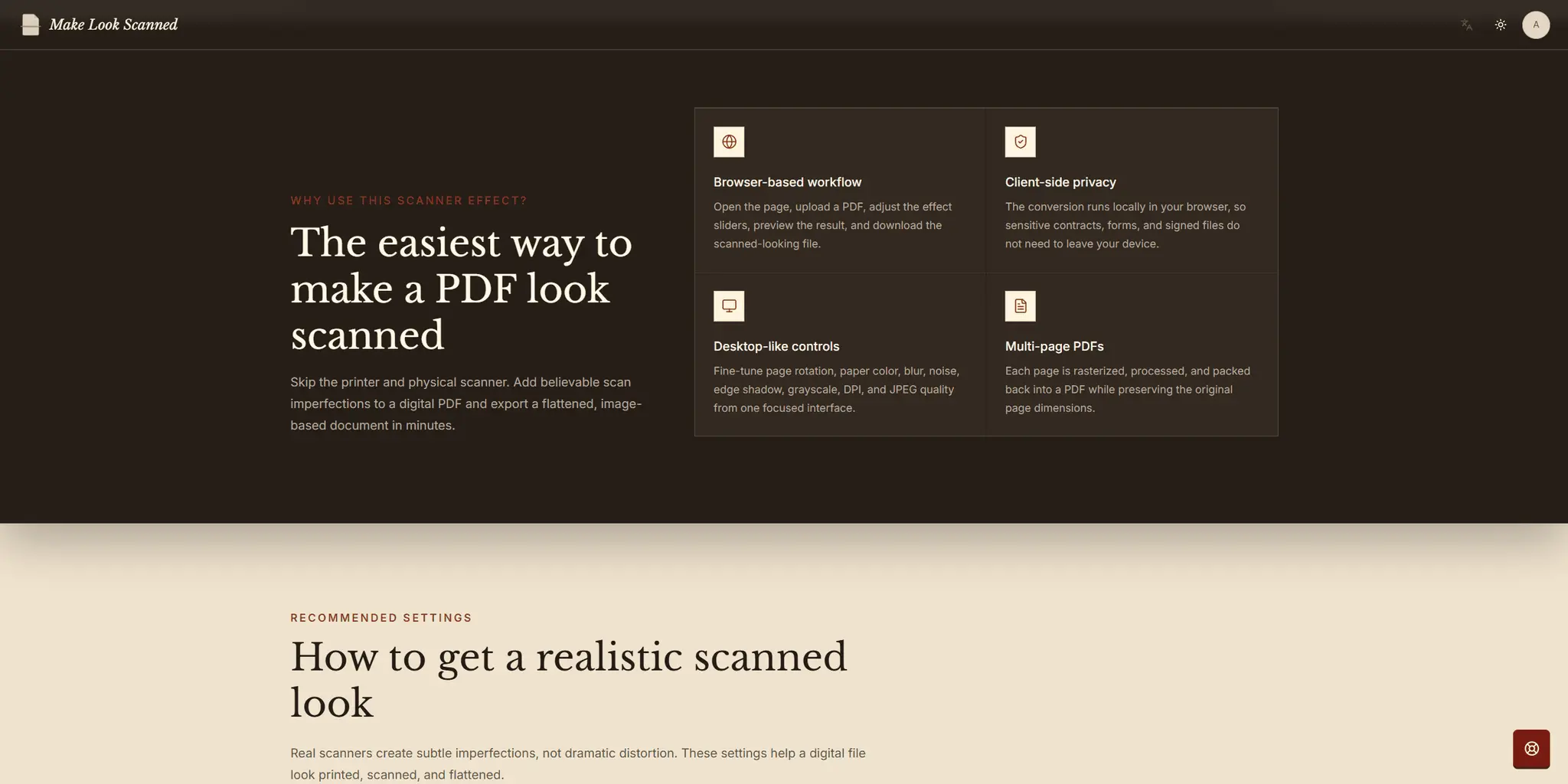
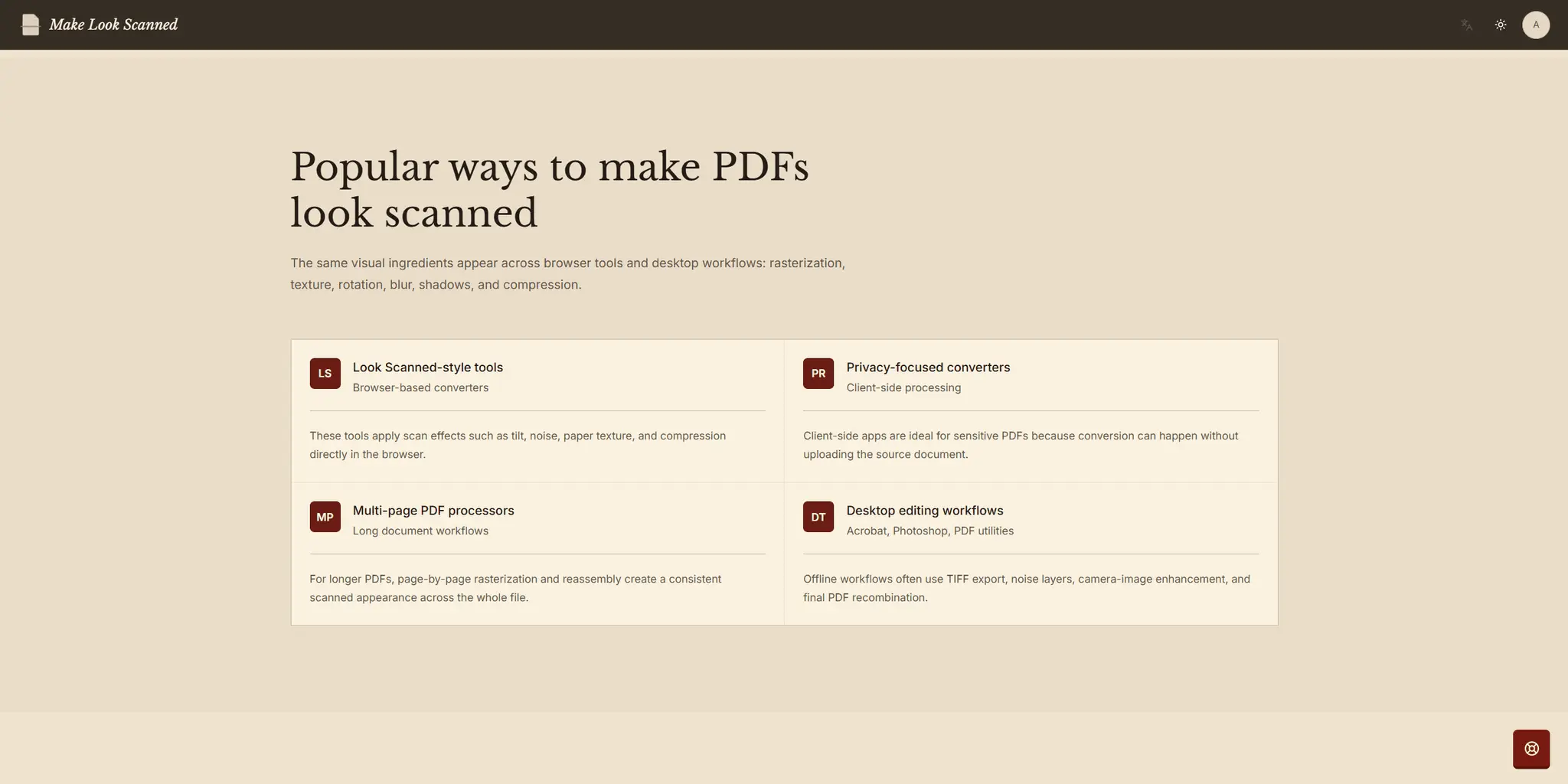
Make Look Scanned is a browser-based PDF tool that transforms clean digital documents into realistic scanned-looking files. It eliminates the need to print and physically rescan a PDF or build scanner effects manually in image-editing software. Users upload a PDF, customize the appearance with simple controls, preview the result, and download a flattened, image-based PDF. Available settings include subtle page rotation, warm paper tone, scanner blur, fine grain, edge shadows, grayscale, rendering DPI, JPEG quality, and an optional effect seed. The tool processes multi-page PDFs page by page, rasterizes each page, applies the selected effects, and rebuilds the document while preserving its original page dimensions. Restrained settings can create the small alignment, texture, softness, and compression imperfections commonly found in real scans. Make Look Scanned is useful for signed documents, forms, contracts, letters, administrative files, and digital archives that need a printed-and-scanned appearance. Processing runs locally in the browser, so source documents are not uploaded to a remote server.
Screenshots
Reviews (1)
Average 5.0 out of 5
Based on 1 review

Comments (0)
No comments yet. Be the first to share your thoughts!