
Marmeto Feedback
Collect and manage customer feedback efficiently
Details
- Follow on
- Categories
- Target Audience
Discovery signals
How AI and people discover Marmeto Feedback on PeerPush
About Marmeto Feedback
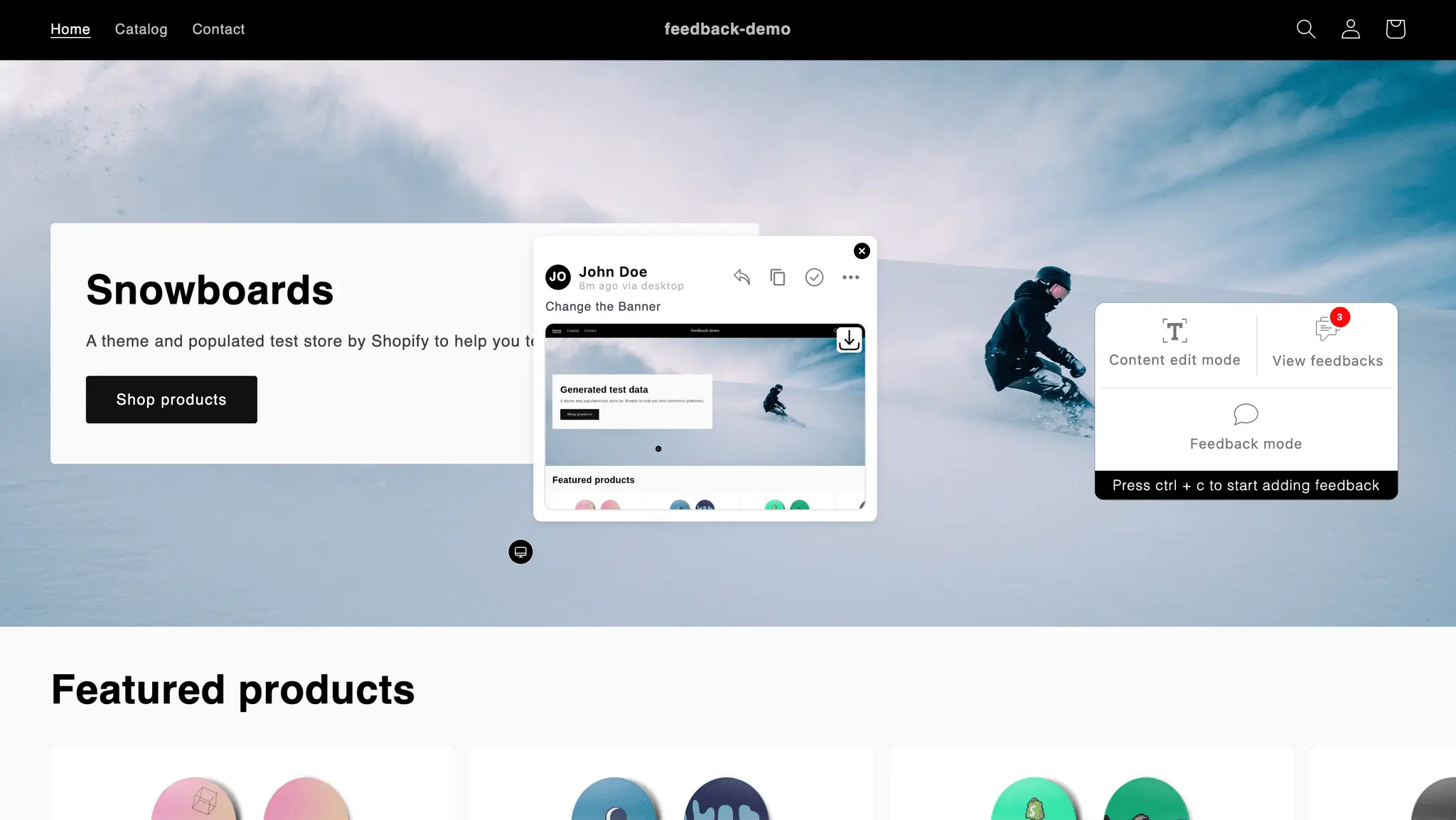
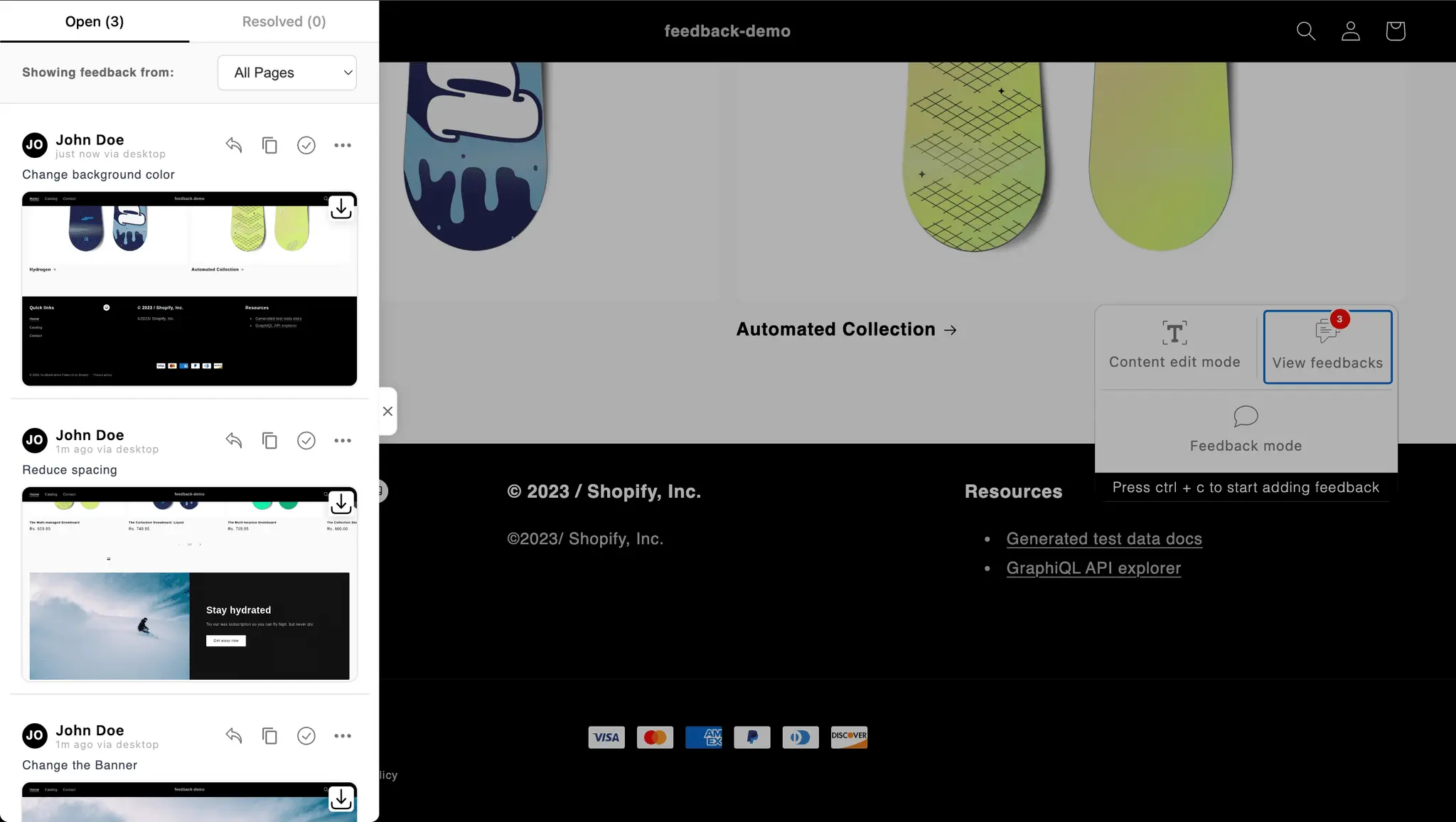
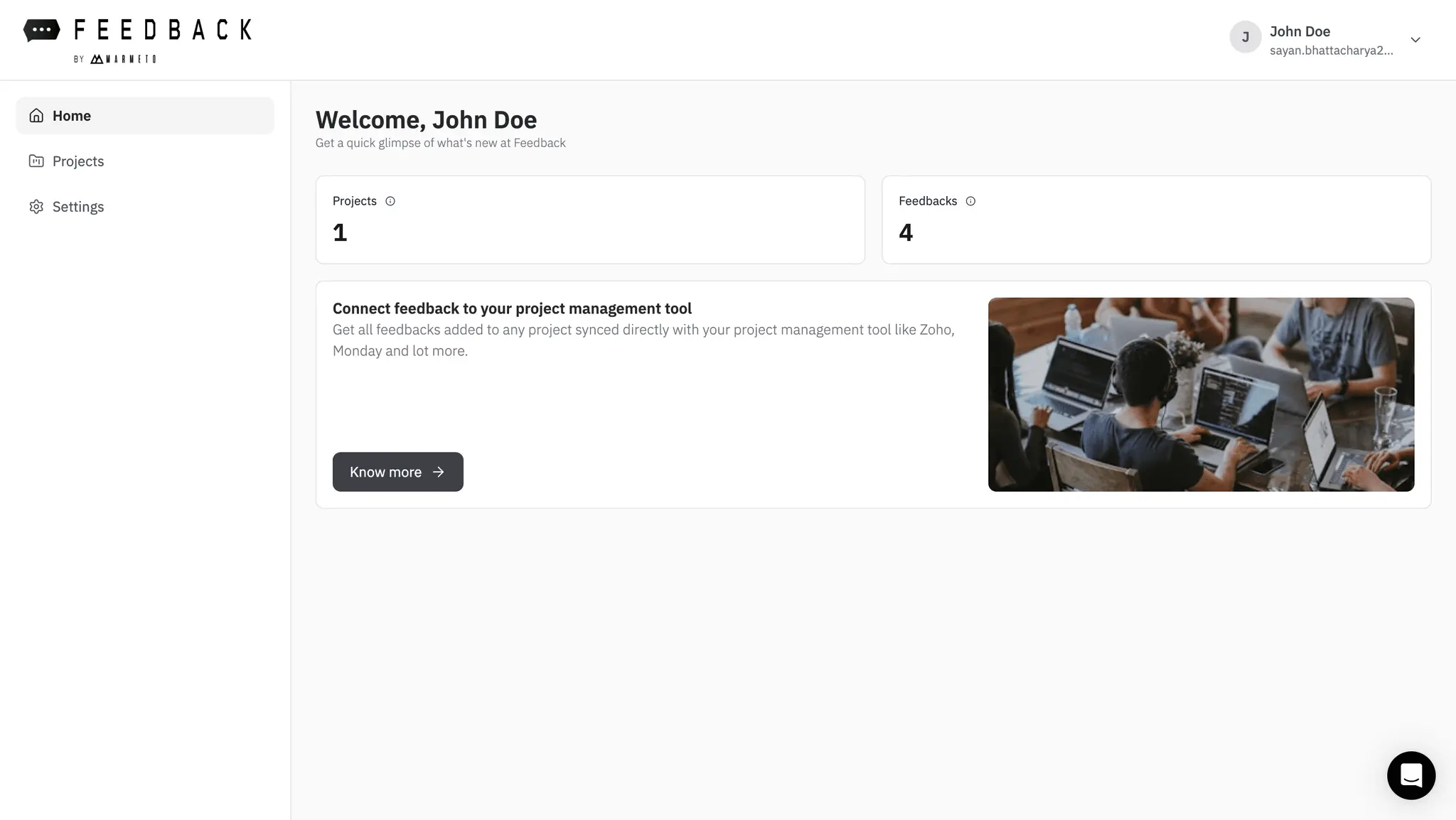
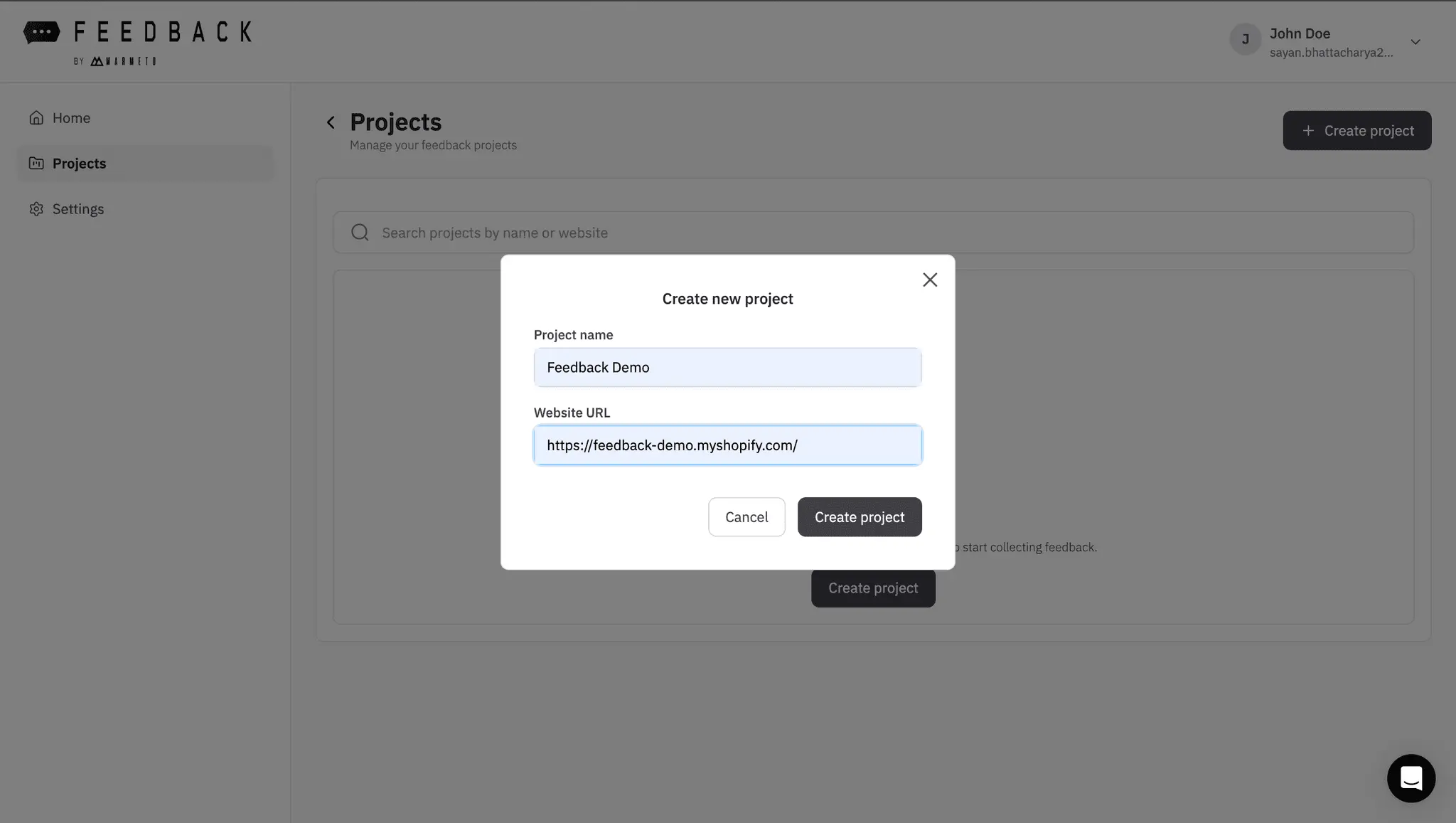
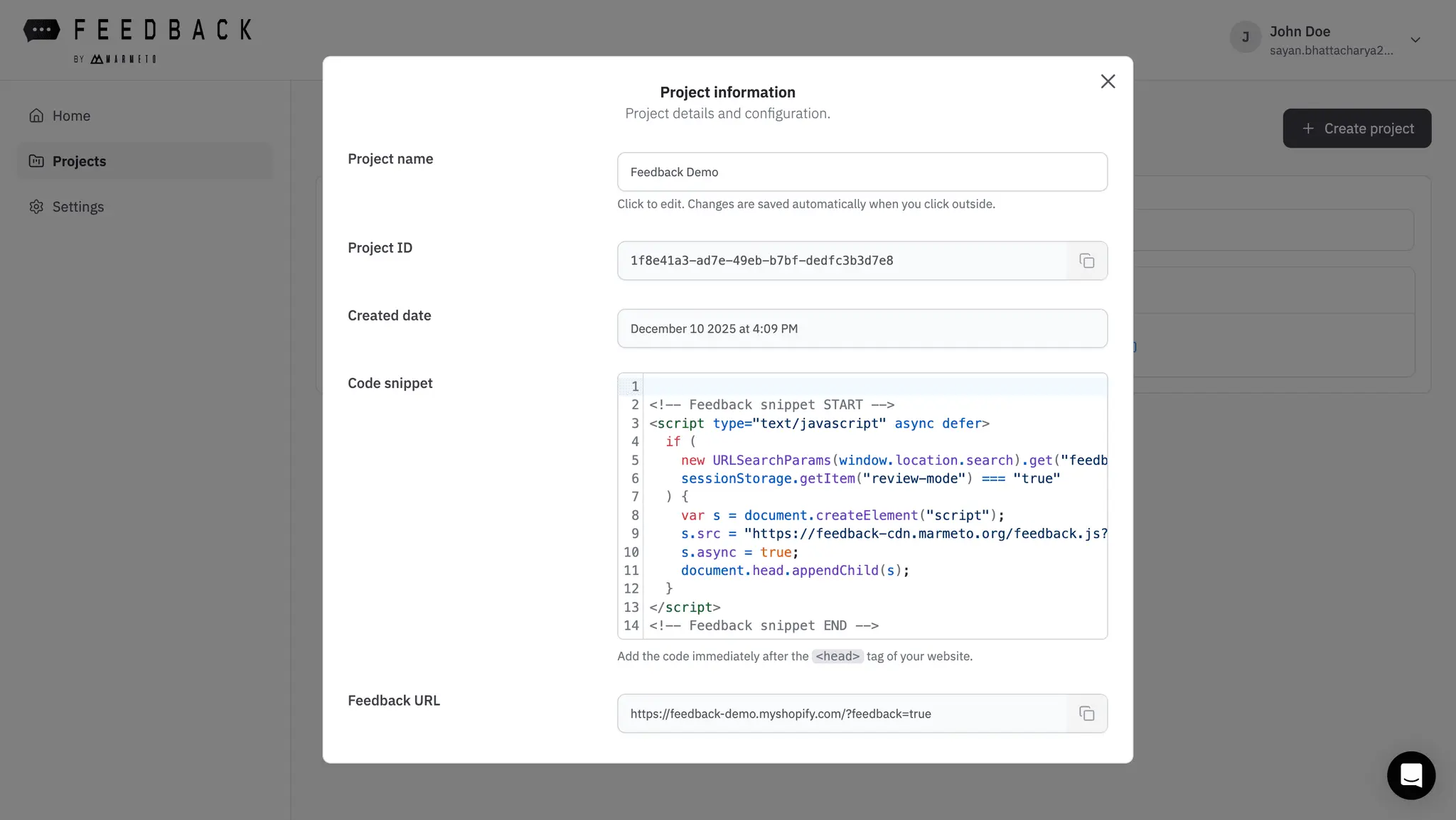
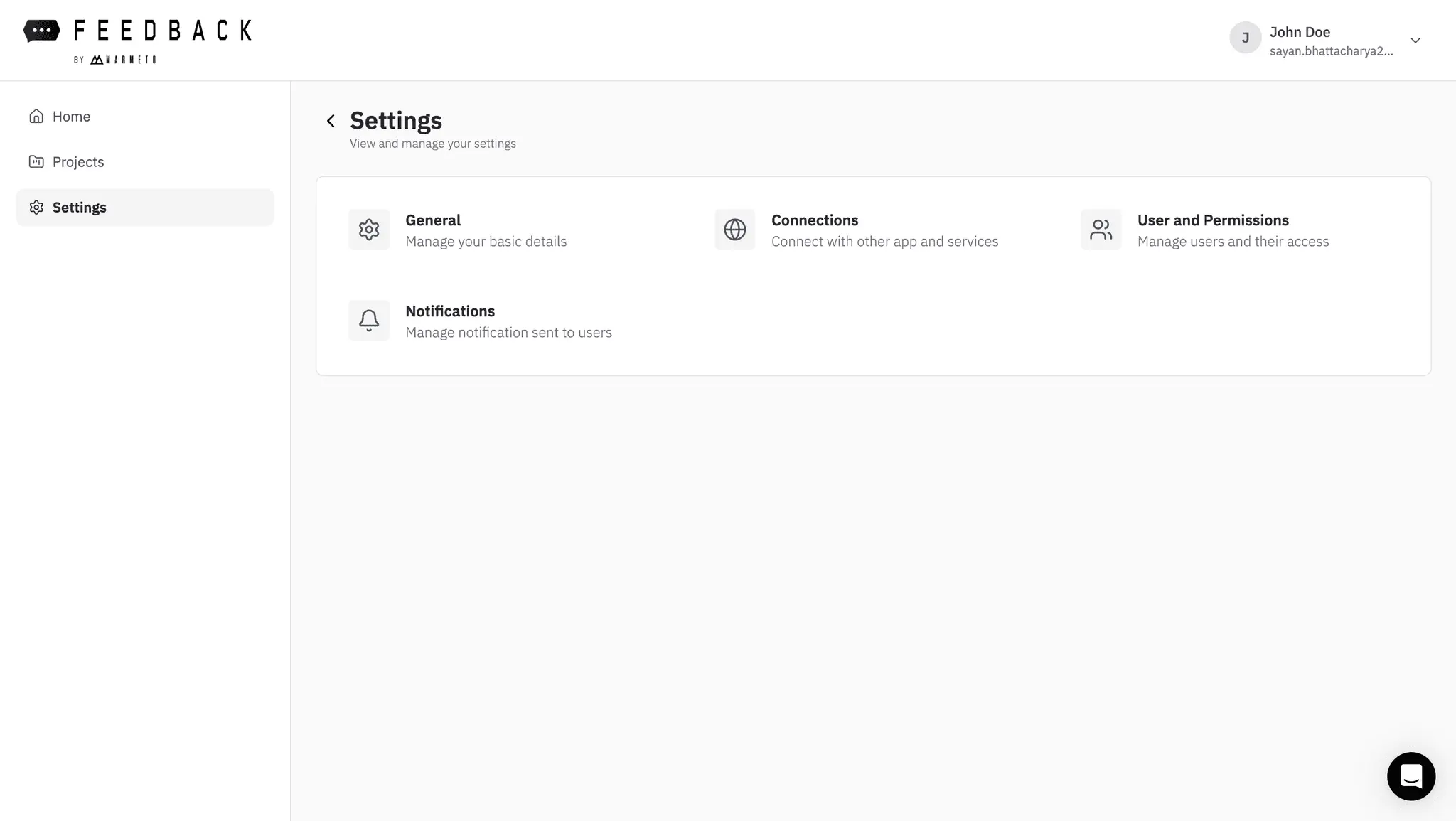
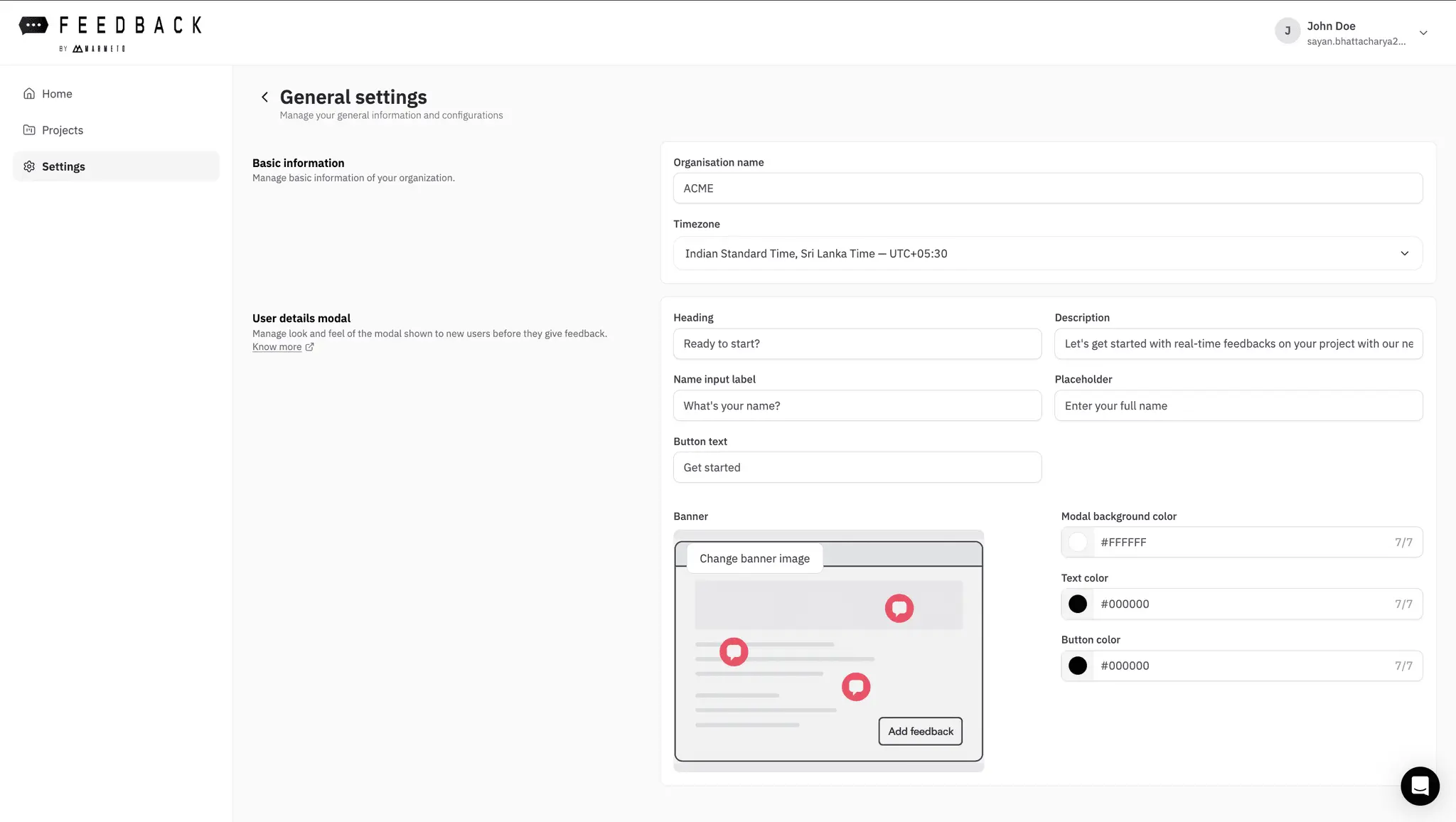
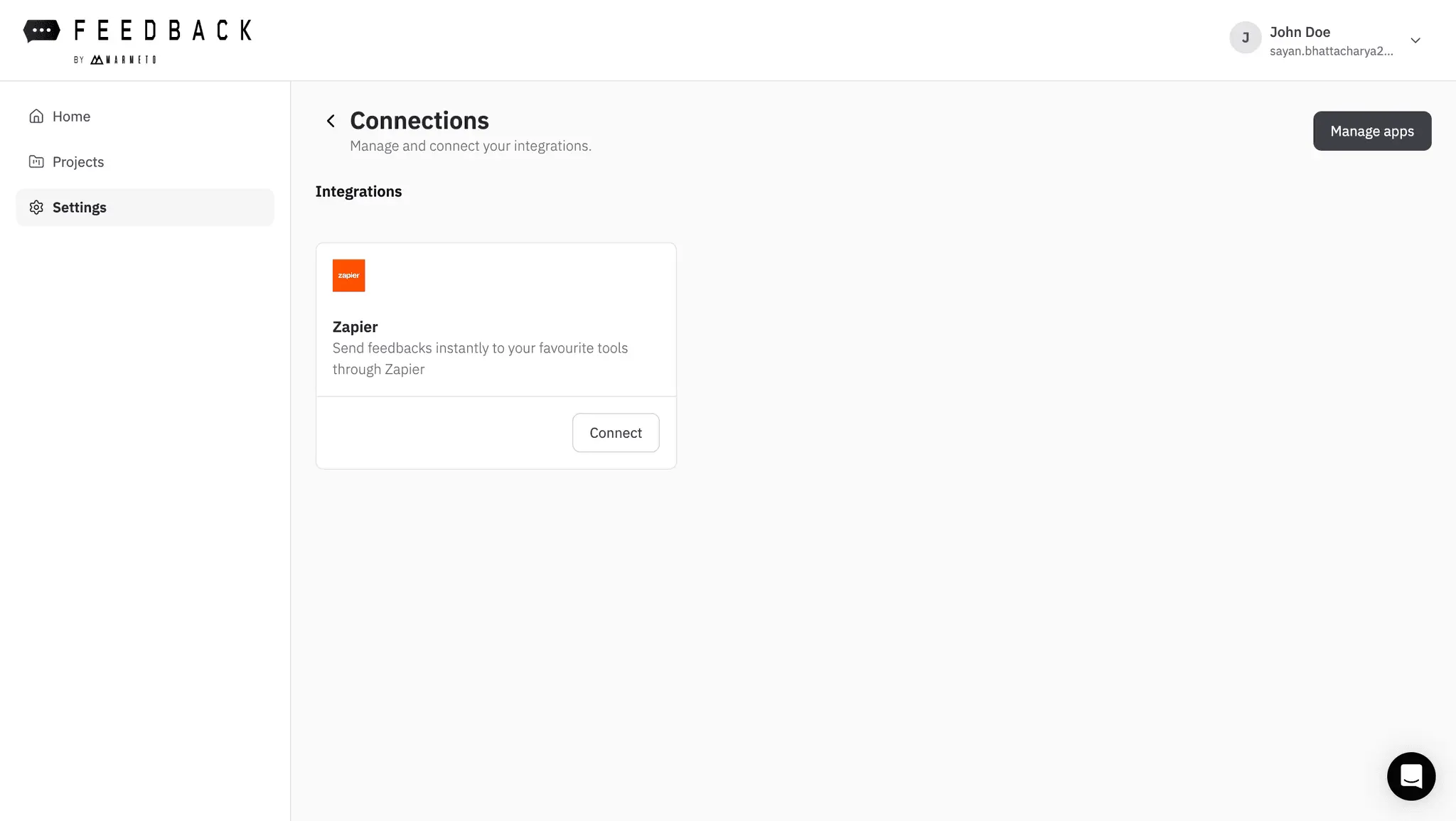
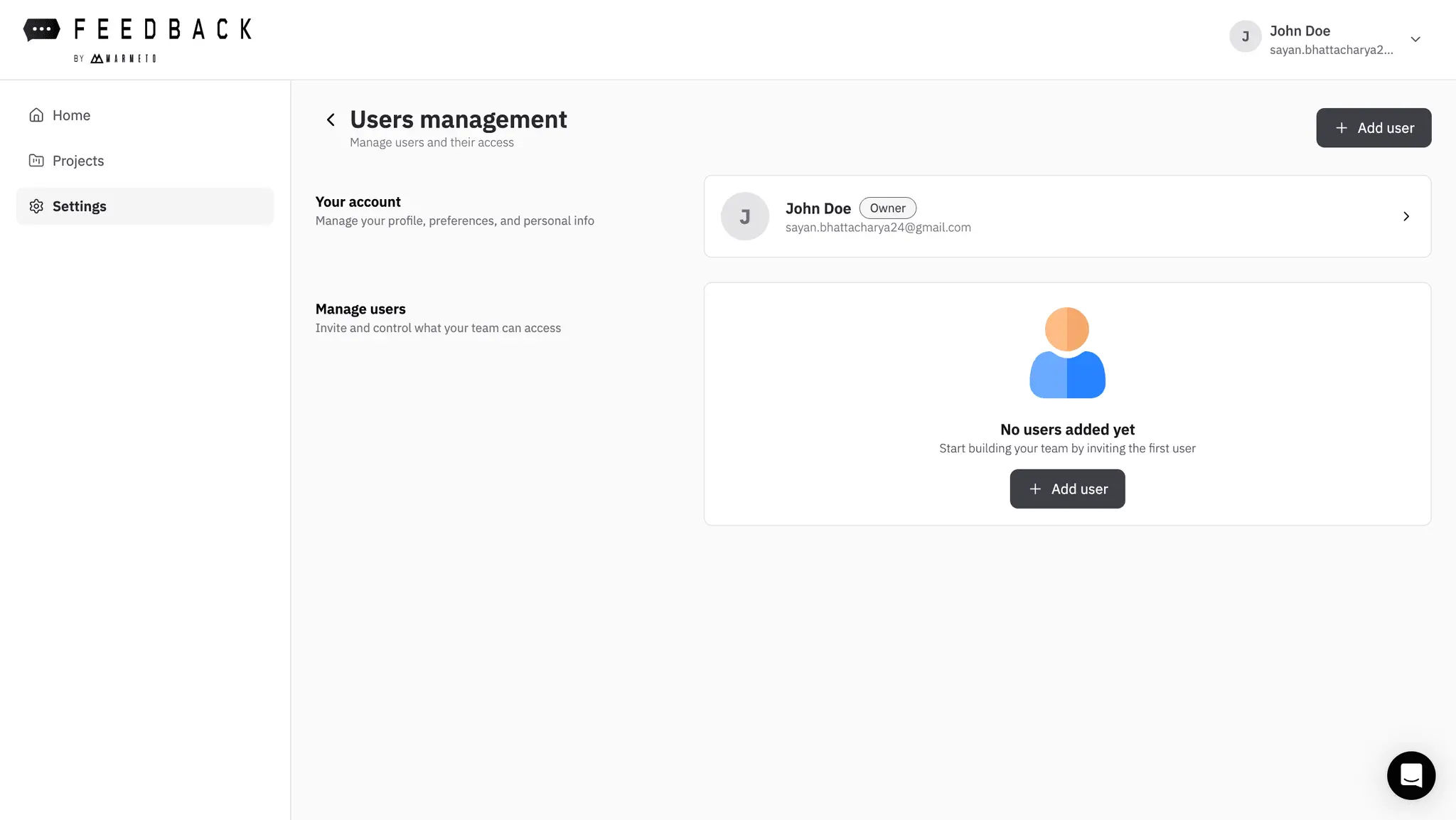
Feedback is a collaboration tool built specifically for dev teams. It replaces messy email threads, loosely-annotated screenshots and lost feedback with a cleaner, more visual workflow that ties everything to your real design and dev work. Feedback lets you pin comments directly on any screen (desktop, mobile, tablet), capture automatic screenshots, and coordinate QA, bug-tracking, and issue management—all in one place.
Screenshots
Product Updates (2)
Google Sheets Integration with Feedback is Live!
You can now seamlessly connect Google Sheets and capture feedback in real time. Sync comments automatically, streamline screenshots and keep your data always up to date. Turn feedback into actionable insights—faster and smarter than ever.
Comments (0)
No comments yet. Be the first to share your thoughts!
Auto Screen Shot is now Live!
Say hello to Auto Screenshot! Every comment now comes with a live visual — making client feedback faster, clearer, and effortless.
Comments (0)
No comments yet. Be the first to share your thoughts!
Reviews (0)
No reviews yet. Be the first to rate this product!
Comments (1)
Let's connect?
Sure, kindly send me an email at [email protected] or share your email id and I will schedule a quick call.
Hi @parth looking forward to connecting