MBOX to PST Converter Tool
Migrate MBOX emails to PST, EML, PDF and MSG formats

Details
- Follow on
- @mailsdaddyLinkedIn
- Use Cases
- File ConversionEmail Management
- Target Audience
- IT TechniciansSystem AdministratorsSmall Businesses
- Pricing
- One-time from $39
- Platforms
- Desktop
Discovery signals
How AI and people discover MBOX to PST Converter Tool on PeerPush
About MBOX to PST Converter Tool
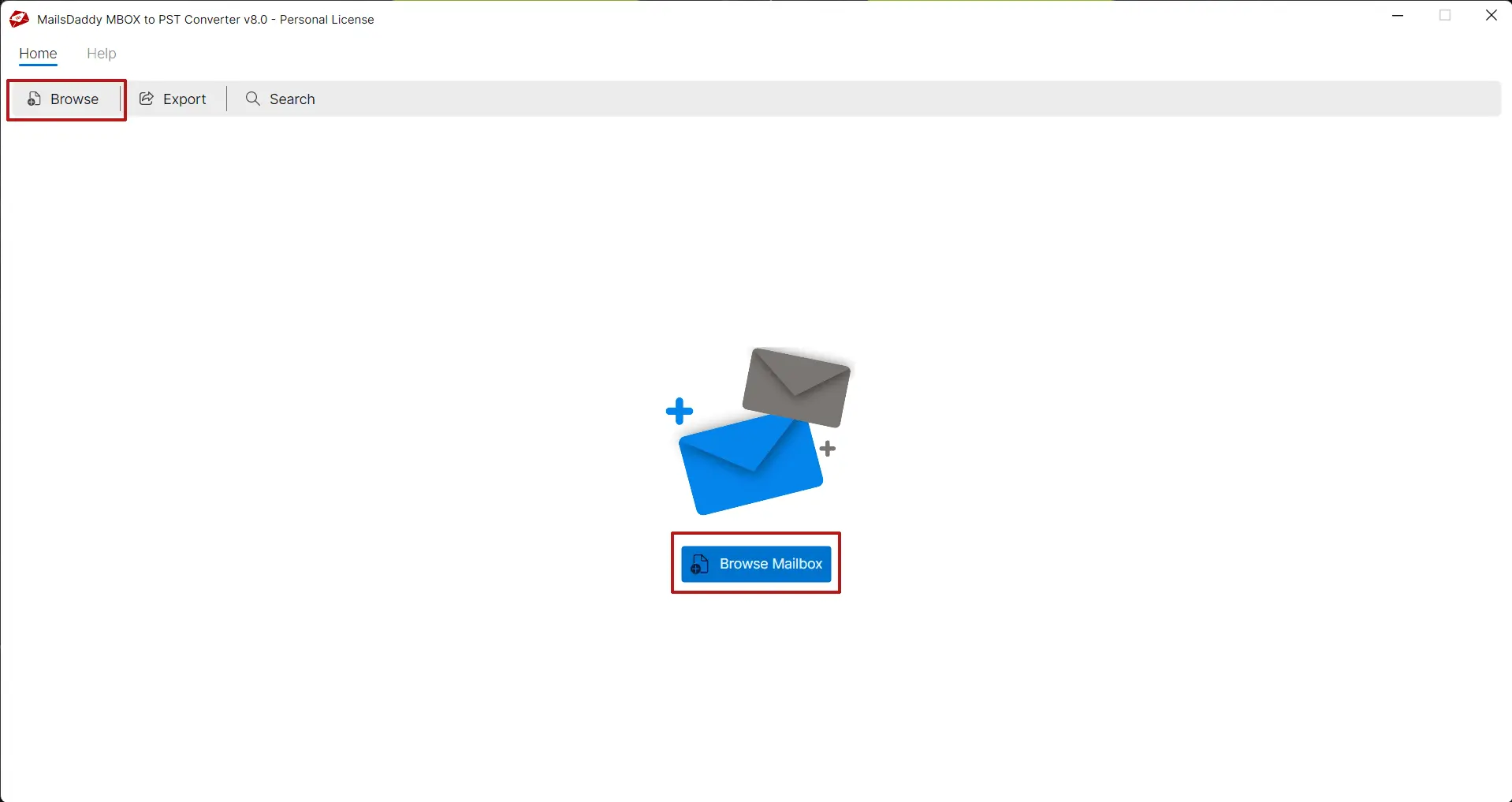
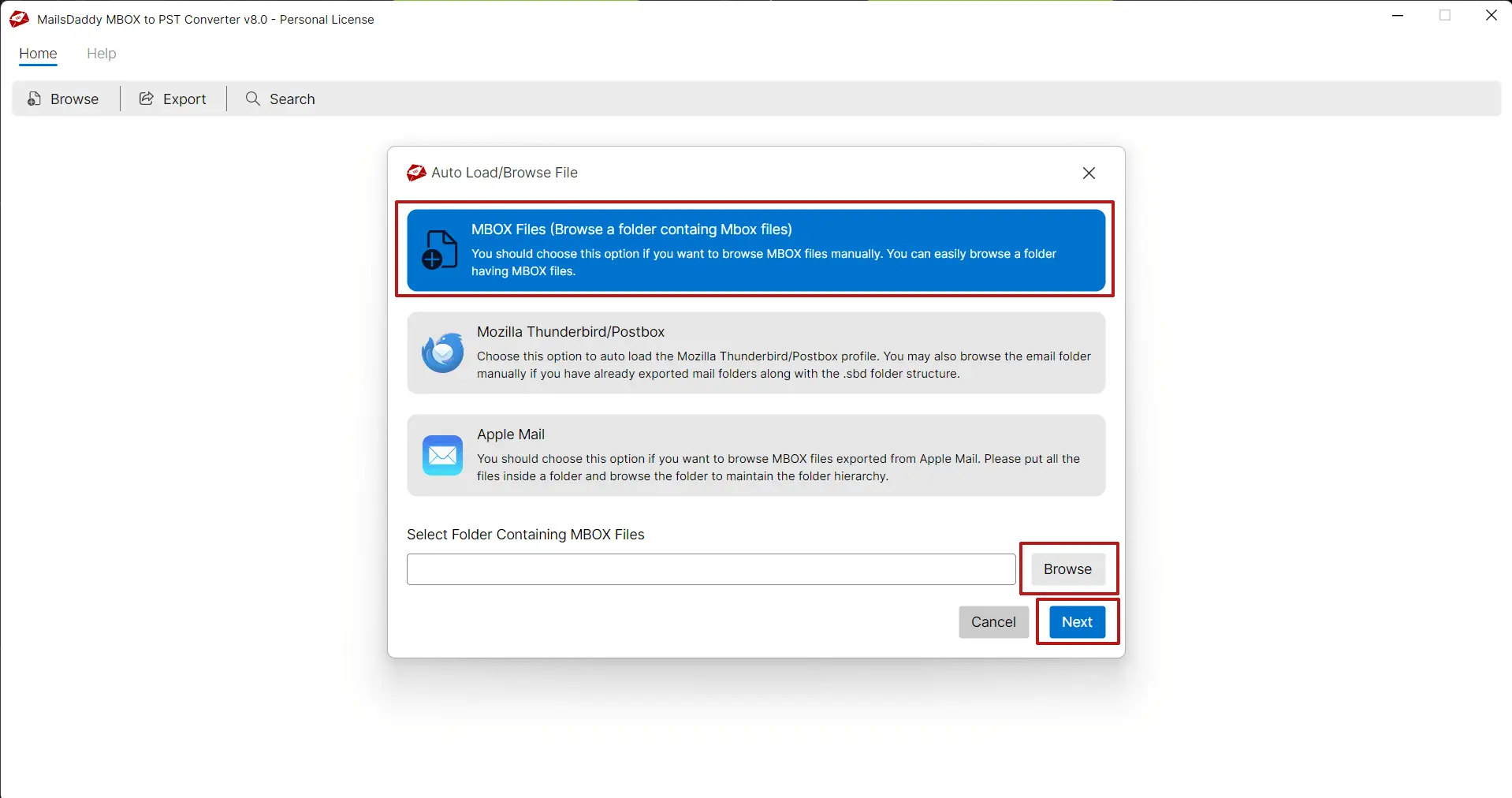
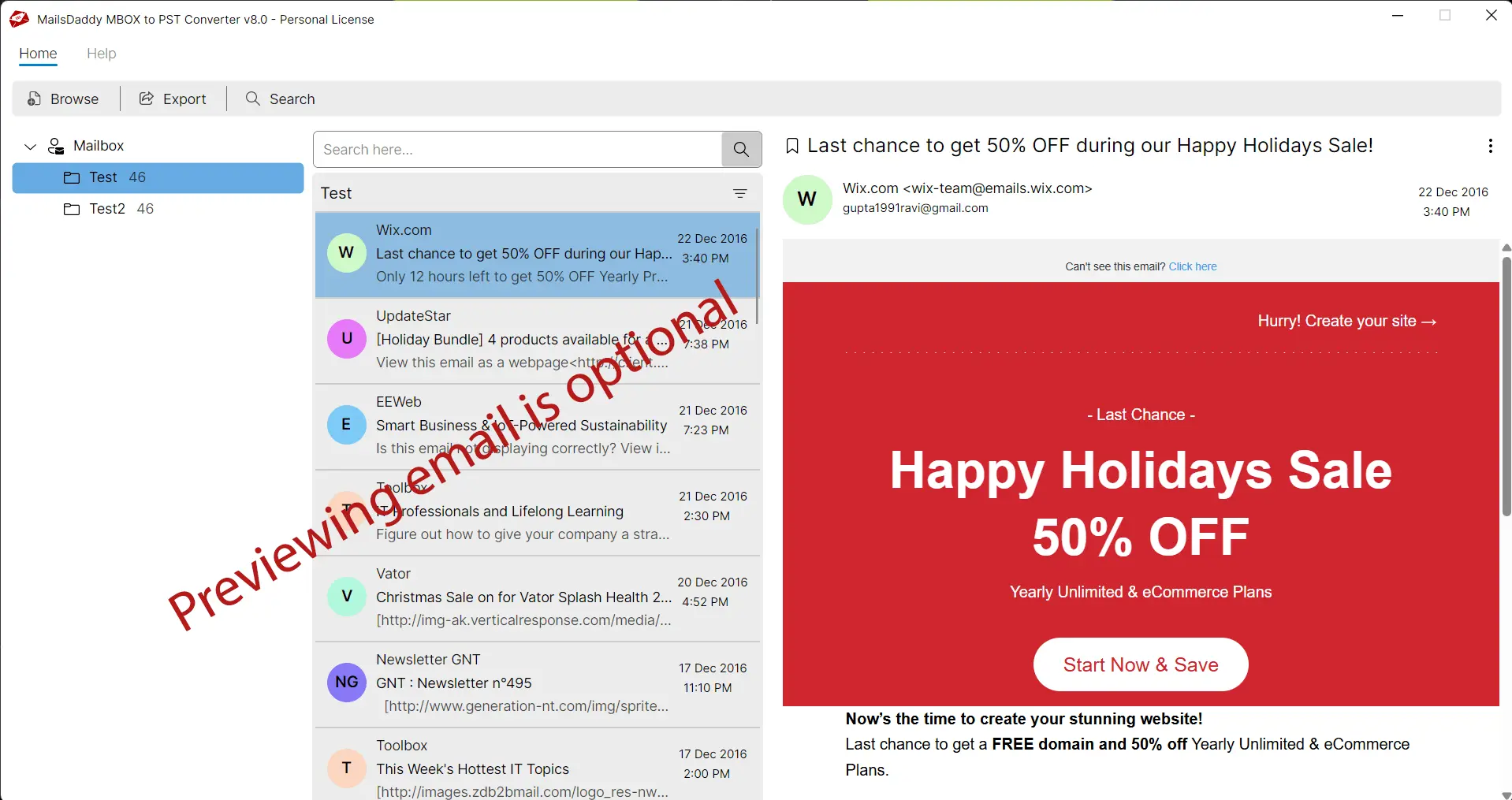
MailsDaddy MBOX to PST converter migrates MBOX emails to PST, EML, PDF, and MSG formats. You can easily import MBOX to Outlook 2024, 2019, 2016, and 2013 by converting MBOX to PST file format. This tool helps you manage email migrations securely and efficiently. The application is designed on simple GUI interface so each level of user can easily use the solution and export emails into PST. You can also try the free demo edition of the software and move few emails from each folder. To use MailsDaddy Converter for MBOX, you can follow these steps: 1. Download and install the software on Windows machine. 2. Launch the software and click on the “Add File” button then browse and select the MBOX file that you want to convert. 3. Click on Export button to perform batch MBOX file Conversion. 4. Select PST file file format with single or separate PST option. 5. Browse the destination then click on Export to start the conversion process. 6. Once the conversion is complete, you can import the PST file into Microsoft Outlook.
Screenshots
Reviews (0)
No reviews yet. Be the first to rate this product!
Comments (0)
No comments yet. Be the first to share your thoughts!