
MP3 Audio Converter
A secure web tool to convert audio and video to MP3

Details
- Categories
- Use Cases
- Pricing
- Free
- Platforms
Discovery signals
How AI and people discover MP3 Audio Converter on PeerPush
About MP3 Audio Converter
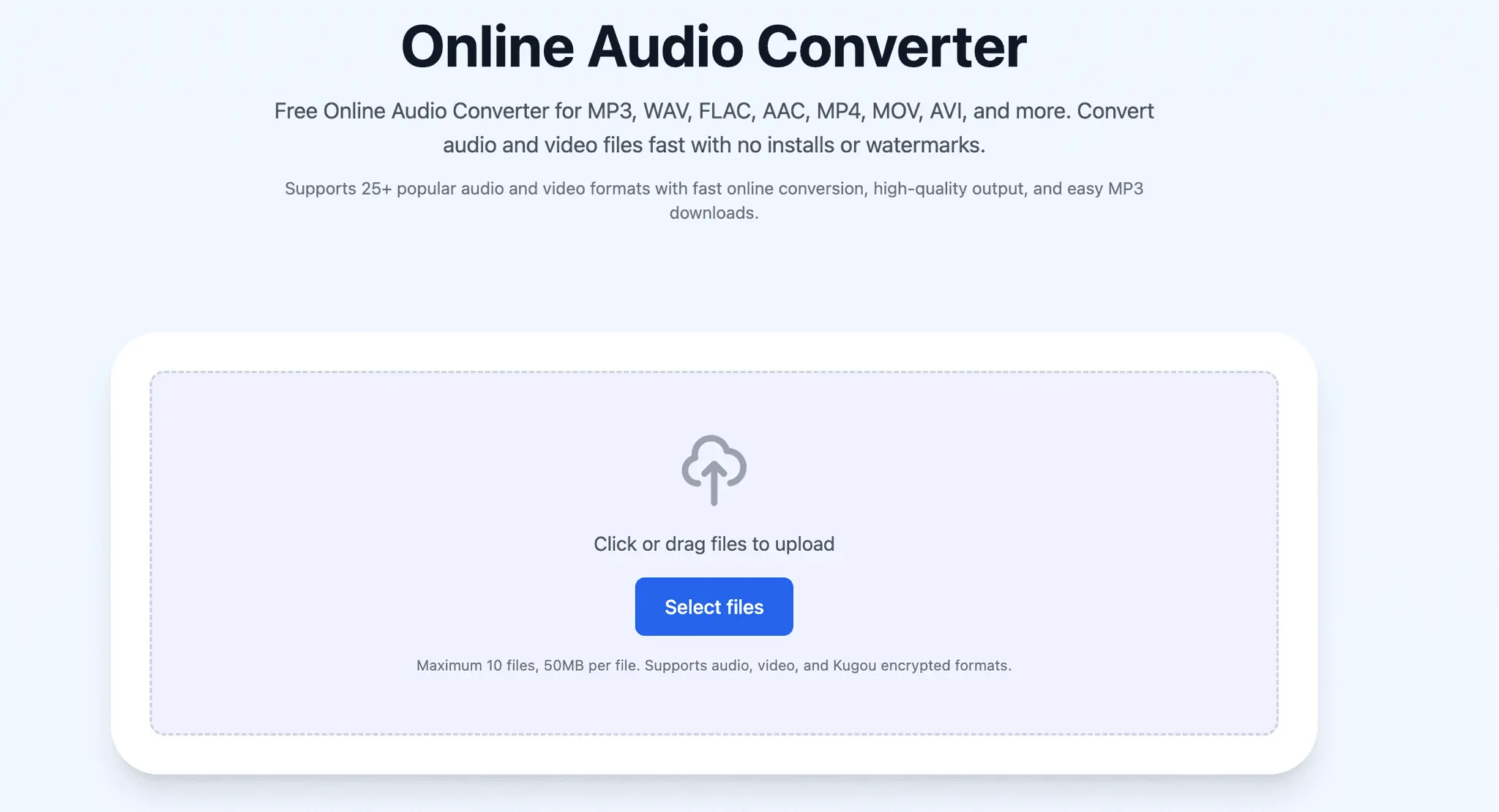
# MP3AudioConverter.com – Free Online Audio Converter for MP3, WAV, FLAC, AAC & More In today’s digital world, audio files come in many different formats. Some devices support MP3, others work better with WAV or FLAC, and certain music platforms even use encrypted formats that are difficult to play elsewhere. That is where online audio converters become extremely useful. [MP3AudioConverter.com](https://mp3audioconverter.com/?utm_source=chatgpt.com) is designed to make audio conversion simple, fast, and accessible for everyone without requiring software installation or technical knowledge. Whether you are converting music, podcasts, voice recordings, extracted video audio, or encrypted audio files, MP3AudioConverter.com provides a browser-based solution that works across multiple devices and operating systems. The platform supports over 25 audio and video formats including MP3, WAV, FLAC, AAC, OGG, M4A, MP4, MOV, AVI, KGM, KGMA, KGG, and VPR. ## What is MP3AudioConverter.com? [MP3AudioConverter.com](https://mp3audioconverter.com/?utm_source=chatgpt.com) is a free online audio converter that allows users to convert files directly from their browser. Unlike traditional desktop applications that require installation, updates, or subscriptions, this platform works entirely online. Users simply upload a file, choose a target format, and download the converted version. The website is focused on speed, simplicity, and compatibility. It supports common formats used in everyday listening as well as less common and encrypted music formats that many other converters ignore. According to the website, the tool supports both audio and video conversion workflows while maintaining high-quality output and secure file handling. ## Supported Audio Formats One of the strongest features of MP3AudioConverter.com is its wide format compatibility. The converter supports many of the most popular audio formats used across mobile devices, streaming apps, editing software, and gaming platforms. Some of the supported formats include: * MP3 * WAV * FLAC * AAC * OGG * M4A * OPUS * WMA * AMR * AIFF * ALAC The website also supports video file formats such as MP4, MOV, AVI, and MKV for extracting audio content. This flexibility is useful because different audio formats serve different purposes. MP3 is widely used because of its small file size and universal compatibility. WAV and FLAC are preferred for higher quality and professional editing. AAC and M4A are commonly used by Apple devices and streaming services. OGG and OPUS are popular in modern web applications and gaming environments. ## Support for Encrypted Kugou Formats A feature that makes MP3AudioConverter.com stand out is support for Kugou encrypted music formats such as: * KGM * KGMA * KGG * VPR These are encrypted audio formats often associated with Chinese music services and are difficult to open using standard media players. Many online converters do not support these file types, which creates frustration for users trying to access their own music files. MP3AudioConverter.com specifically highlights compatibility with these formats, making it useful for users who need to convert protected or region-specific music files into more accessible formats like MP3 or WAV. ## Why People Convert Audio Files Audio conversion is more common than many people realize. Users convert files for several reasons including compatibility, storage optimization, editing, and sharing. For example: * Converting FLAC to MP3 reduces file size for easier sharing. * Converting WAV to MP3 helps save storage space on phones. * Converting MP4 to MP3 extracts music or speech from videos. * Converting AAC to WAV may help with audio editing workflows. * Converting OGG to MP3 improves compatibility with older devices. Different devices and applications support different codecs and containers. An online converter solves this problem without requiring users to understand the technical side of audio encoding. ## Browser-Based Convenience A major advantage of MP3AudioConverter.com is that everything happens online. Users do not need to download desktop software or mobile apps to start converting files. This browser-based approach offers several benefits: * Works on Windows, macOS, Linux, Android, and iPhone * No software installation required * Faster access from anywhere * No updates or maintenance * Easy for beginners This is especially useful for users who only occasionally convert files and do not want large applications taking up space on their devices. ## Secure and Private File Handling File privacy is an important concern when using online tools. MP3AudioConverter.com states that file transfers use HTTPS encryption and uploaded files are automatically deleted after conversion. For many users, this is an important feature because audio files may include private recordings, interviews, lectures, or work-related content. Automatic deletion policies help reduce the risk of long-term
Screenshots
Reviews (1)
Average 5.0 out of 5
Based on 1 review

Comments (1)
Nice tool! Does it let me choose the quality of audio?
@kunal Yes when you drop audio file it lets you choose different bitrates