
NeatDrive
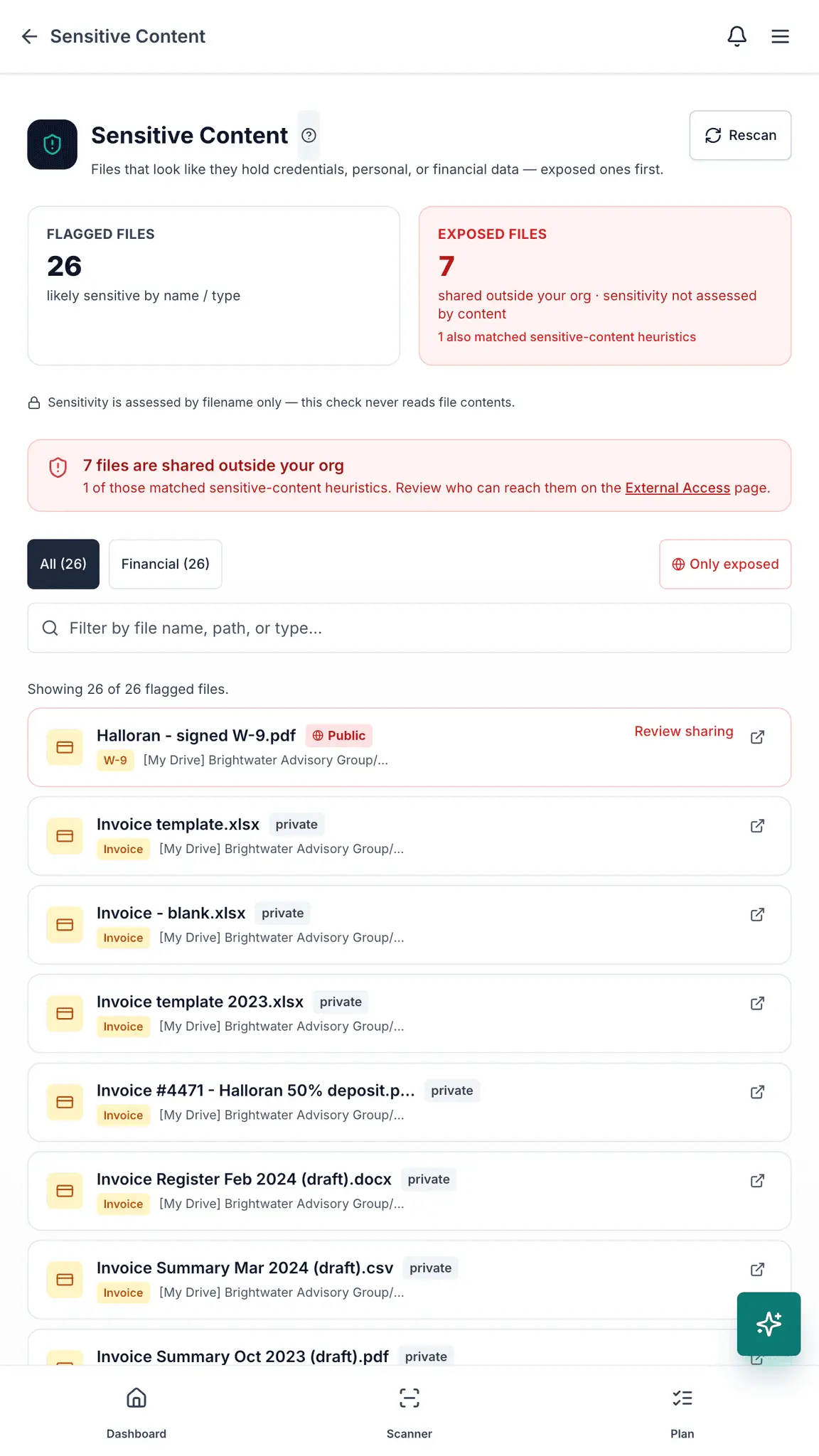
See who can open your Google Drive files.
Details
- Follow on
- @NeatDriveAppLinkedIn
- Target Audience
- Operations ManagersFounders & CEOsConsumers/Individuals
- Pricing
- Freemium
- Platforms
- Web
Discovery signals
How AI and people discover NeatDrive on PeerPush
About NeatDrive
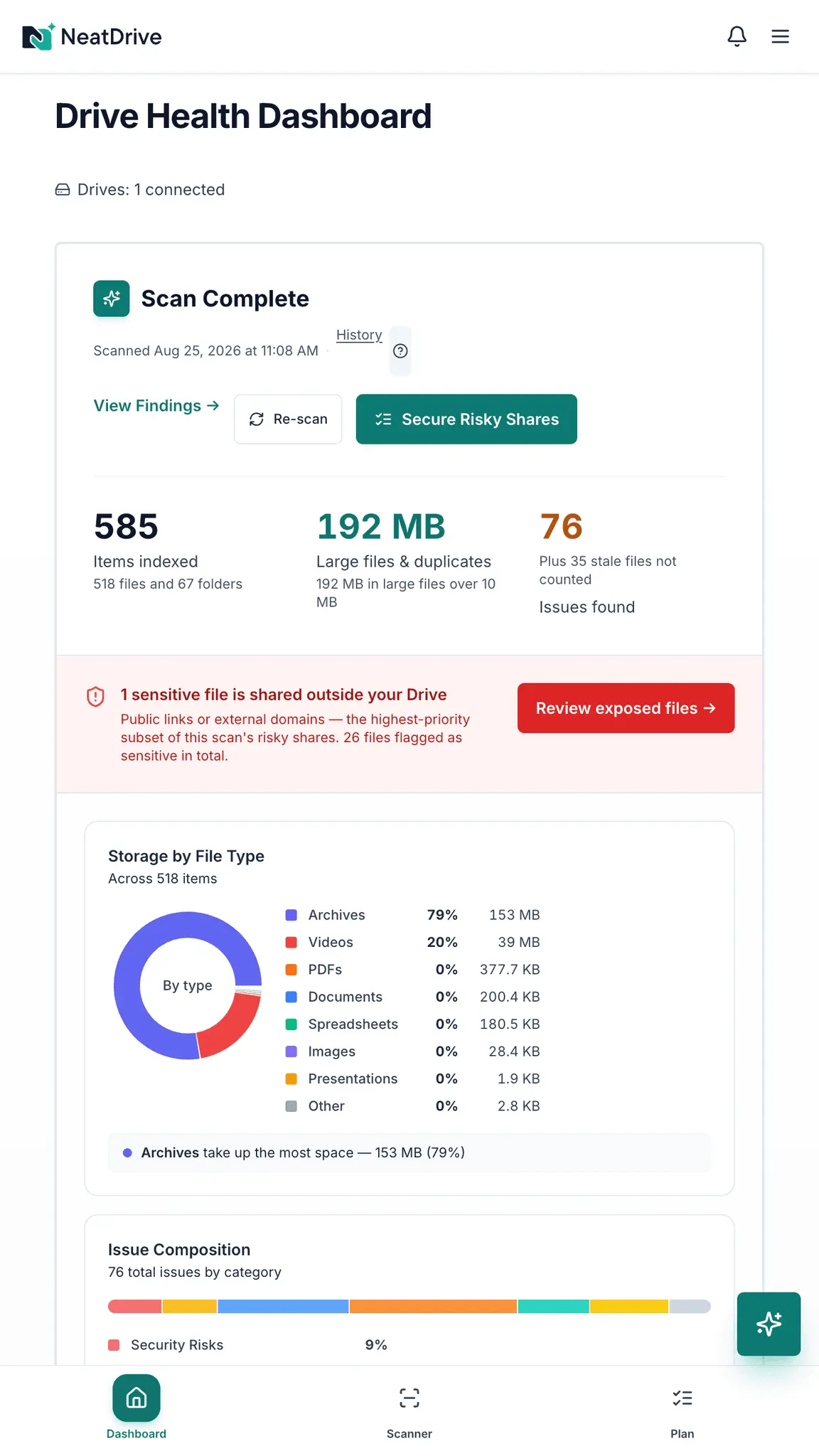
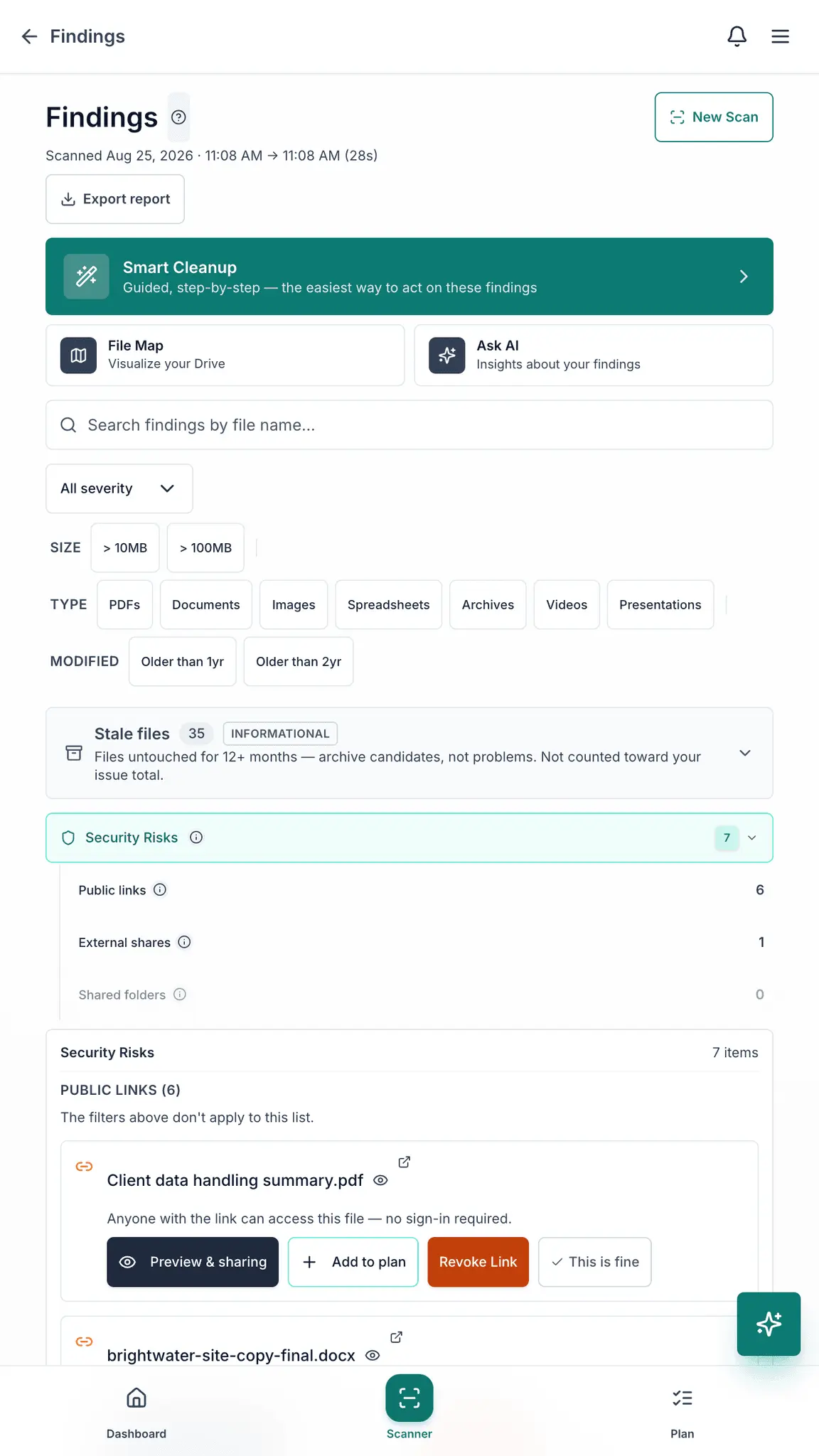
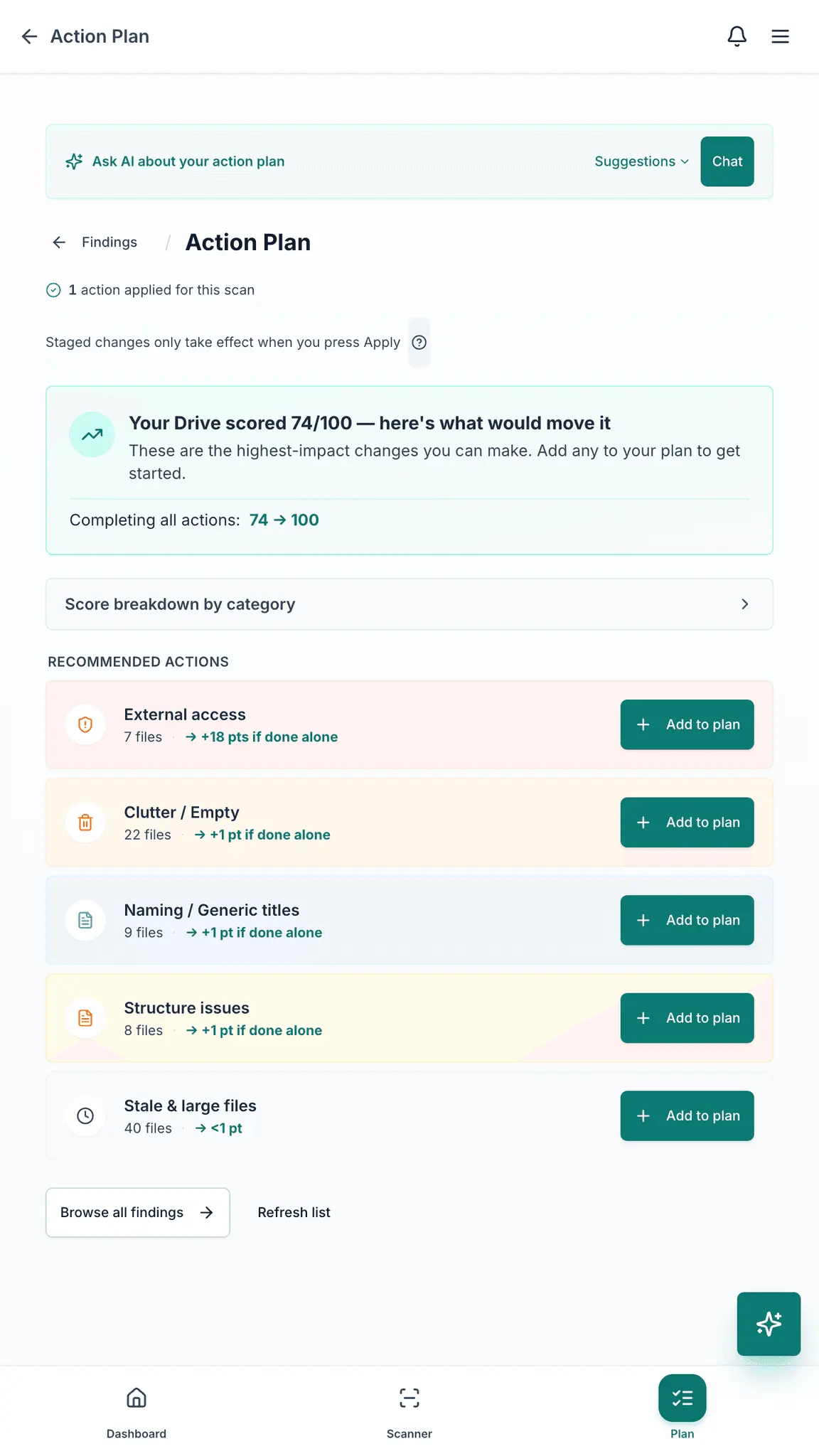
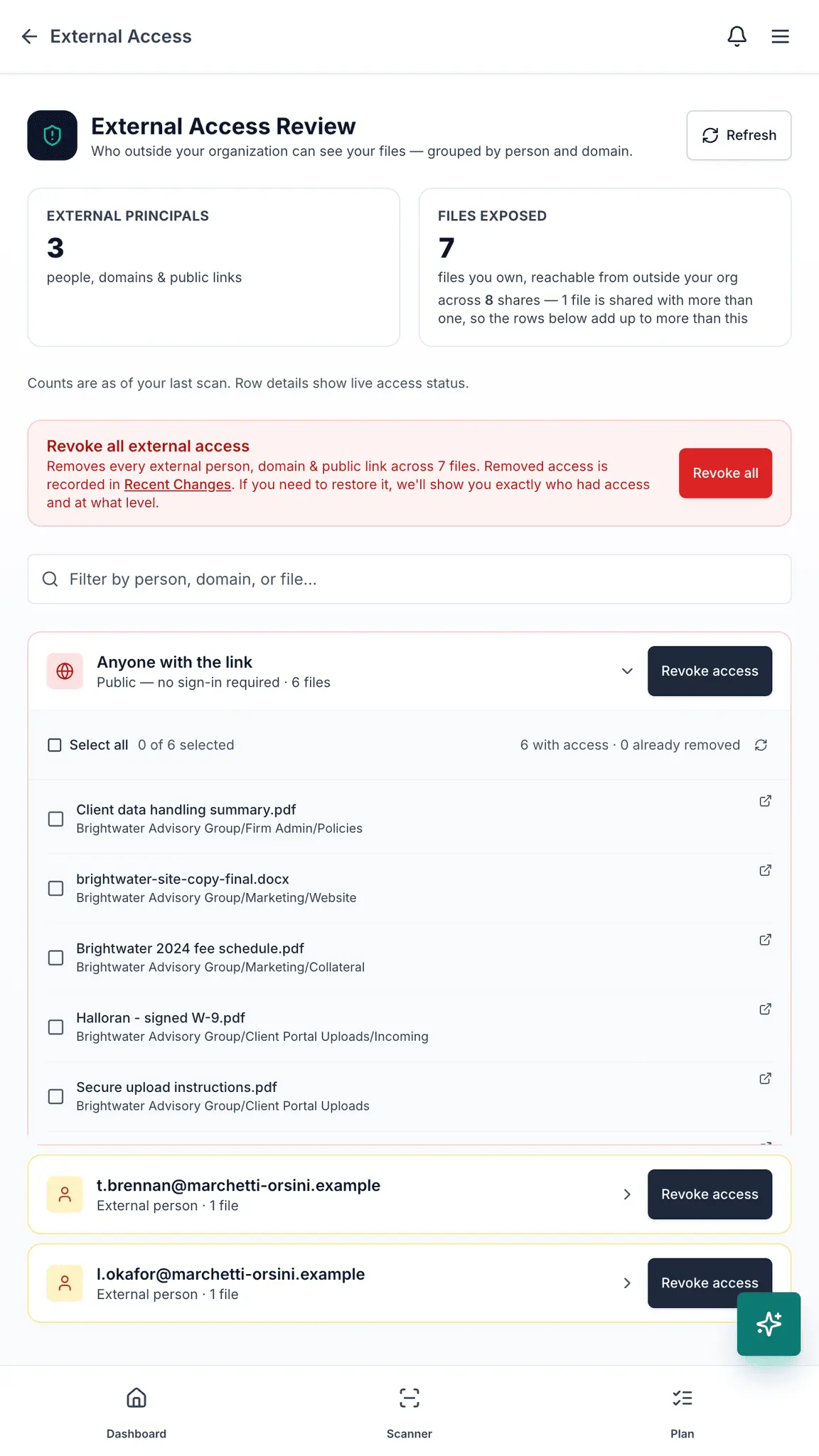
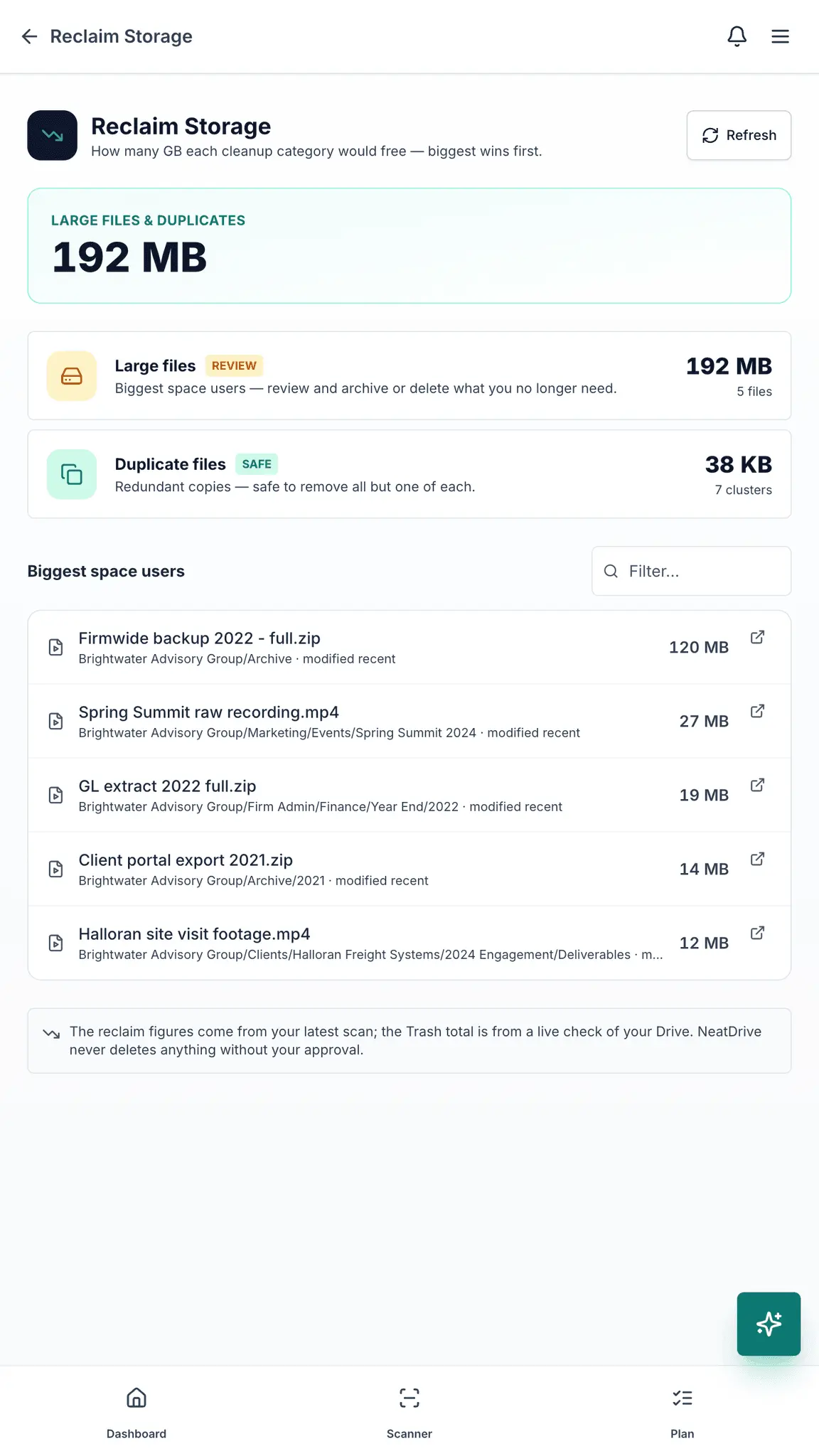
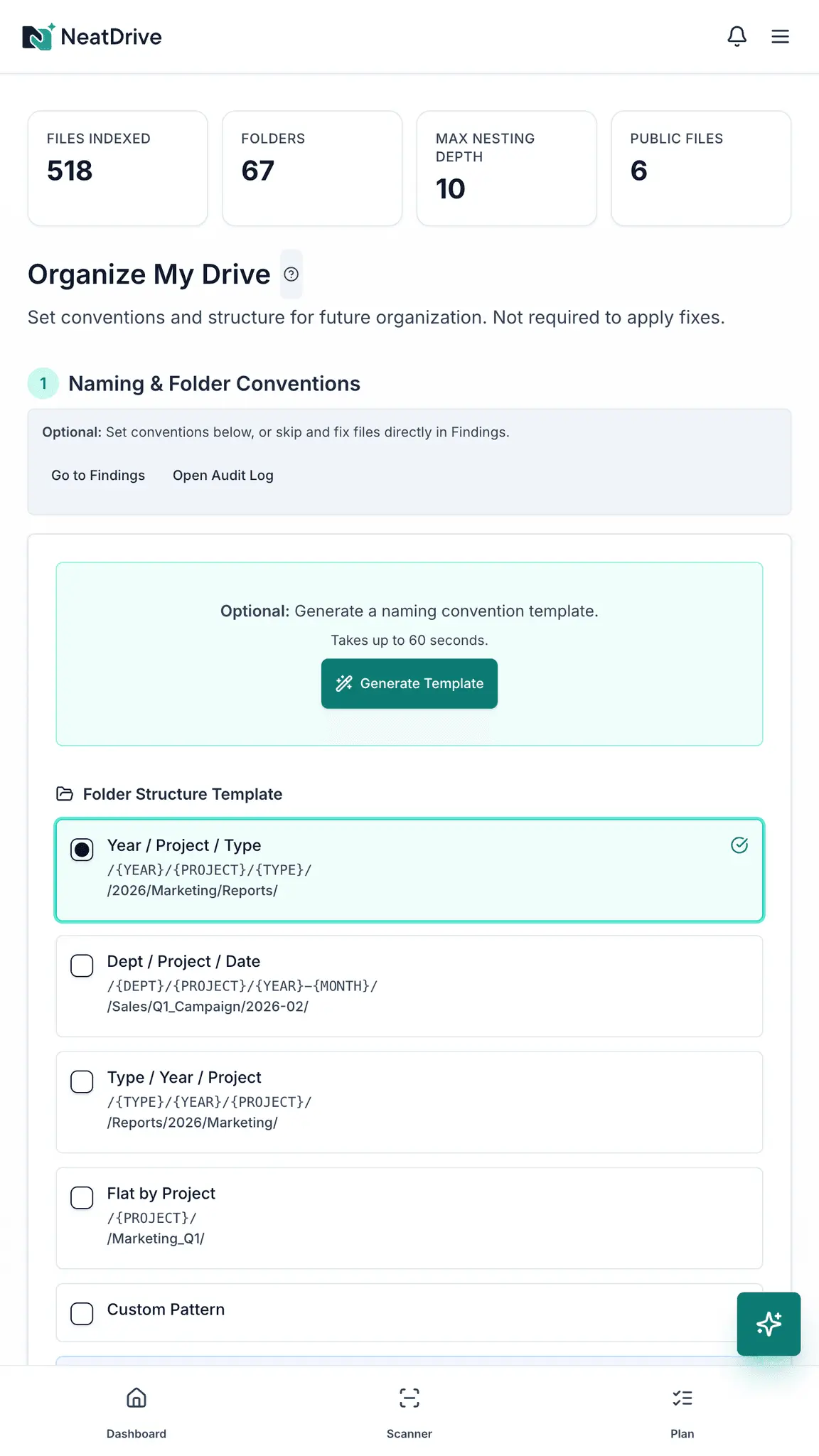
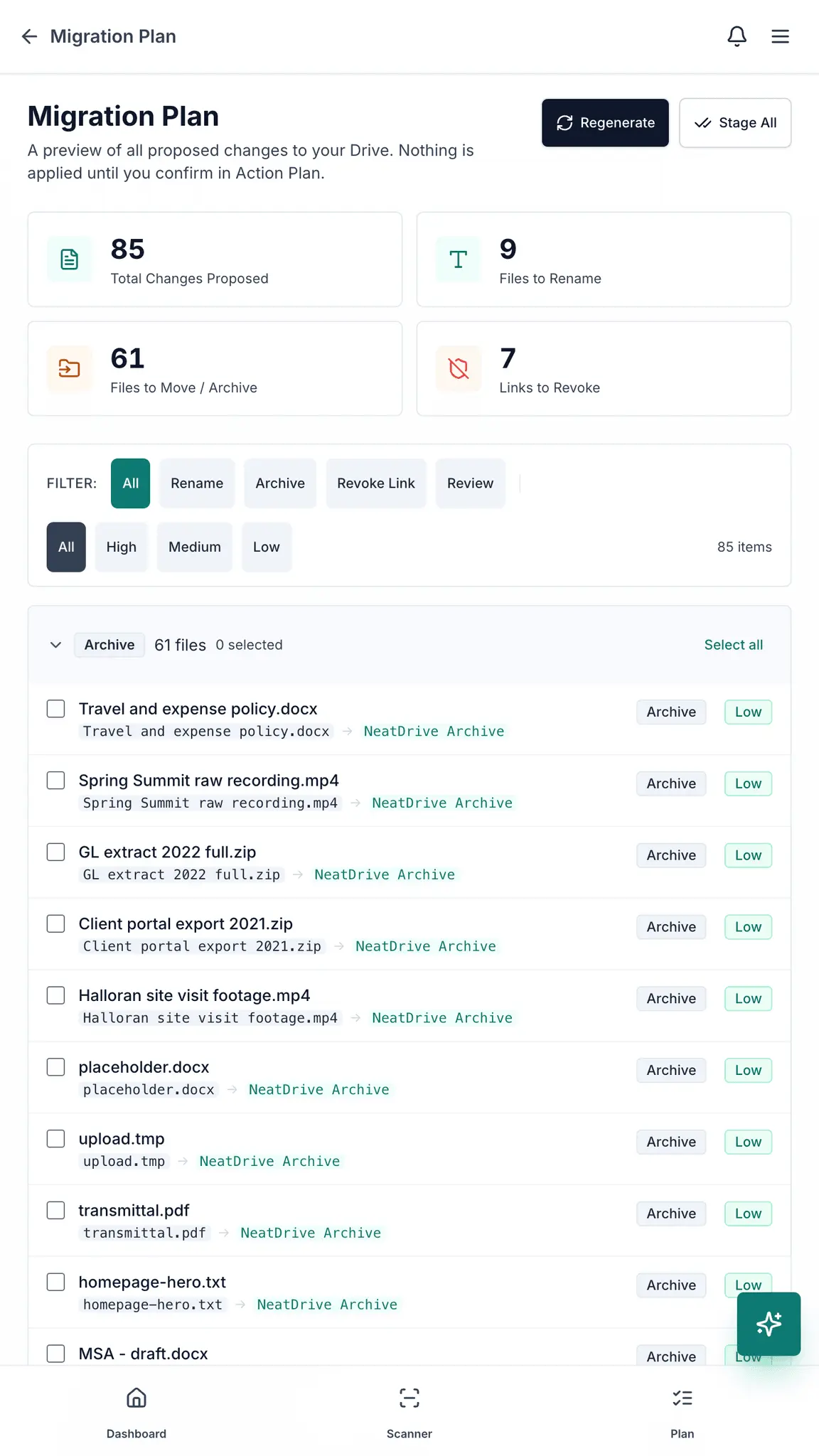
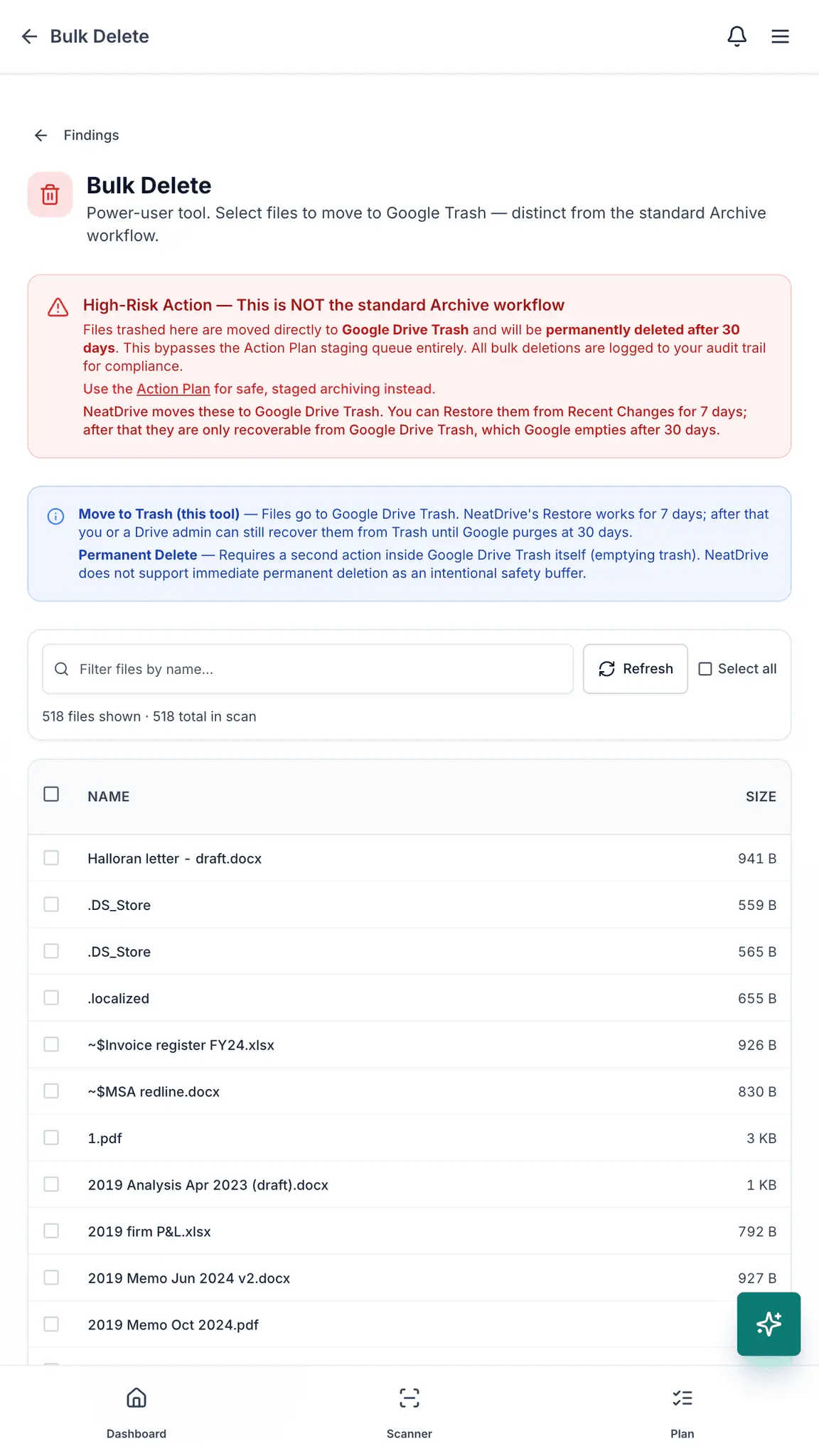
NeatDrive audits the Google Drive account of the person who connects it — it is not a domain-wide Workspace audit and needs no admin access. It finds files shared publicly or with people outside your organization, duplicates, and files sitting loose in your Drive root, and lists every one by name. It then stages the fixes for you to approve: revoke a link, rename, archive. Nothing in your Drive changes until you approve it. Scanning is free — four audits a month. The $19 audit gives you 30 days to fix what it finds; the $9 monthly plan covers ongoing audits after that. NeatDrive reads file names, sizes, dates and sharing settings, not the contents of your documents, except two opt-in features — content-aware naming, which reads roughly the first 2,000 characters of files you select, and a content-based duplicate check, which computes a checksum in memory and keeps only the hash. Google has verified the app and its Drive access, and it is independently security assessed under Google's CASA framework by an authorized lab, renewed annually.
Screenshots
Reviews (1)
Average 5.0 out of 5
Based on 1 review

Simple, safe Google Drive audit: finds public and external shares plus duplicates, and nothing changes until you approve. No admin access needed is a big plus.
Comments (2)
Staging fixes for approval instead of changing files automatically is the right call for a Drive audit. Four free scans a month is generous too.
Built this after auditing my own Drive and finding files I'd forgotten were public. Happy to answer questions.