
Noise Cancelling App
AI mic noise cancellation for calls and streams

Details
- Categories
- Use Cases
- Target Audience
- Pricing
- Free
- Featured in
Discovery signals
How AI and people discover Noise Cancelling App on PeerPush
- ChatGPT
- Perplexity
- Claude
- +4 other AI crawlers
Reads by these AI engines
Crawlers behind these engines read this listing on PeerPush.About Noise Cancelling App
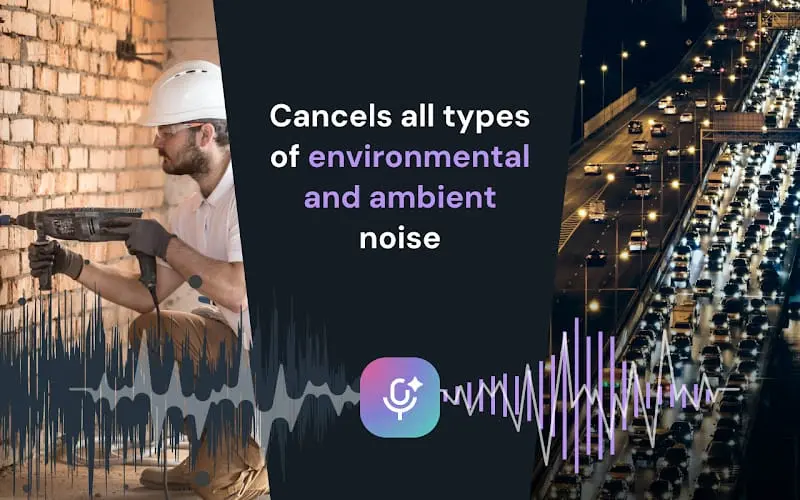
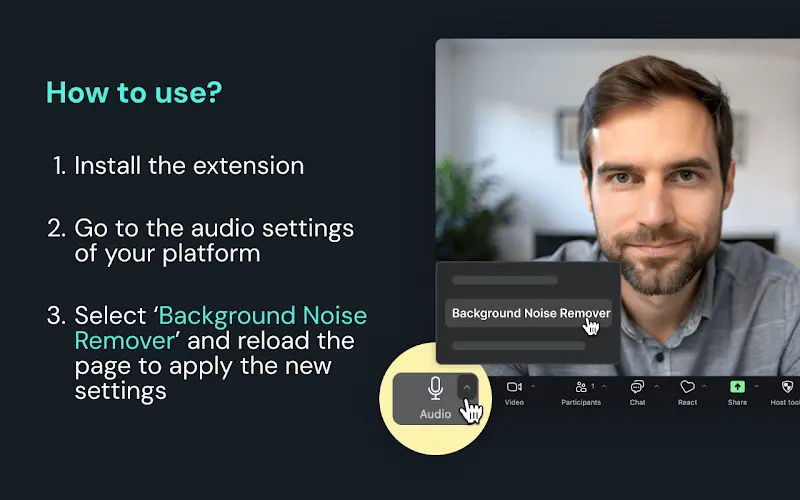
Noise Cancelling App uses cutting-edge AI technology powered by Audio Effects SDK and instantly eliminates unwanted sounds, ensuring that only the speaker's voice is heard: no more barking dogs, traffic noise, keyboard clicks, and even hardware hiss! Protect your privacy and demonstrate respect by installing this extension. Encourage colleagues and friends to use this extension to achieve clear, uninterrupted calls. ✨ Key Features: - Real-Time AI Noise Cancellation: Instantly remove background noise from your audio and video, including voices, pet sounds, weather and mechanical noises. Experience the power of AI to clean your audio in live sessions. - Plug-and-Play Simplicity: Select "Background Noise Remover" in your platform's audio settings. No technical expertise or complex configurations required. - Seamless Platform Integration: Works flawlessly with Google Meet, Discord, Twitch, YouTube Live, and all other microphone-using websites and applications. - Cost-Effective Audio Enhancement: Achieve professional audio quality without investing in expensive hardware or software. Noise Cancelling App provides a free, high-quality alternative to premium noise suppression solutions. - Microphone Selection: Choose the specific microphone you want to denoise, perfect for users with multiple audio inputs. 💡 How to use it: 1. Install the Noise Cancelling App extension by clicking the "Add to Chrome" button. 2. Launch your video or audio application. 3. Go to the application's audio settings and choose "Background Noise Remover" microphone 4. Reload the page to apply the noise cancellation. 5. (Optional) Microphone Choice: The extension denoises the default microphone. If you have multiple microphones and want to choose one to denoise, open the extension interface by clicking the ‘puzzle’ icon in the top-right corner of your browser toolbar, then select Noise Cancelling App, and choose a microphone to denoise.
Screenshots

Reviews (0)
No reviews yet. Be the first to rate this product!
Comments (1)
Let your opponents enjoy your clear voice during video calls.