
Nonreadable
Site offlineChat with Documents. Get instant answers.

Details
- Follow on
- @nonreadable
- Use Cases
- AI AgentsDocumentation
- Target Audience
- Non-Technical UsersStudentsFreelancers
- Platforms
- Web
About Nonreadable
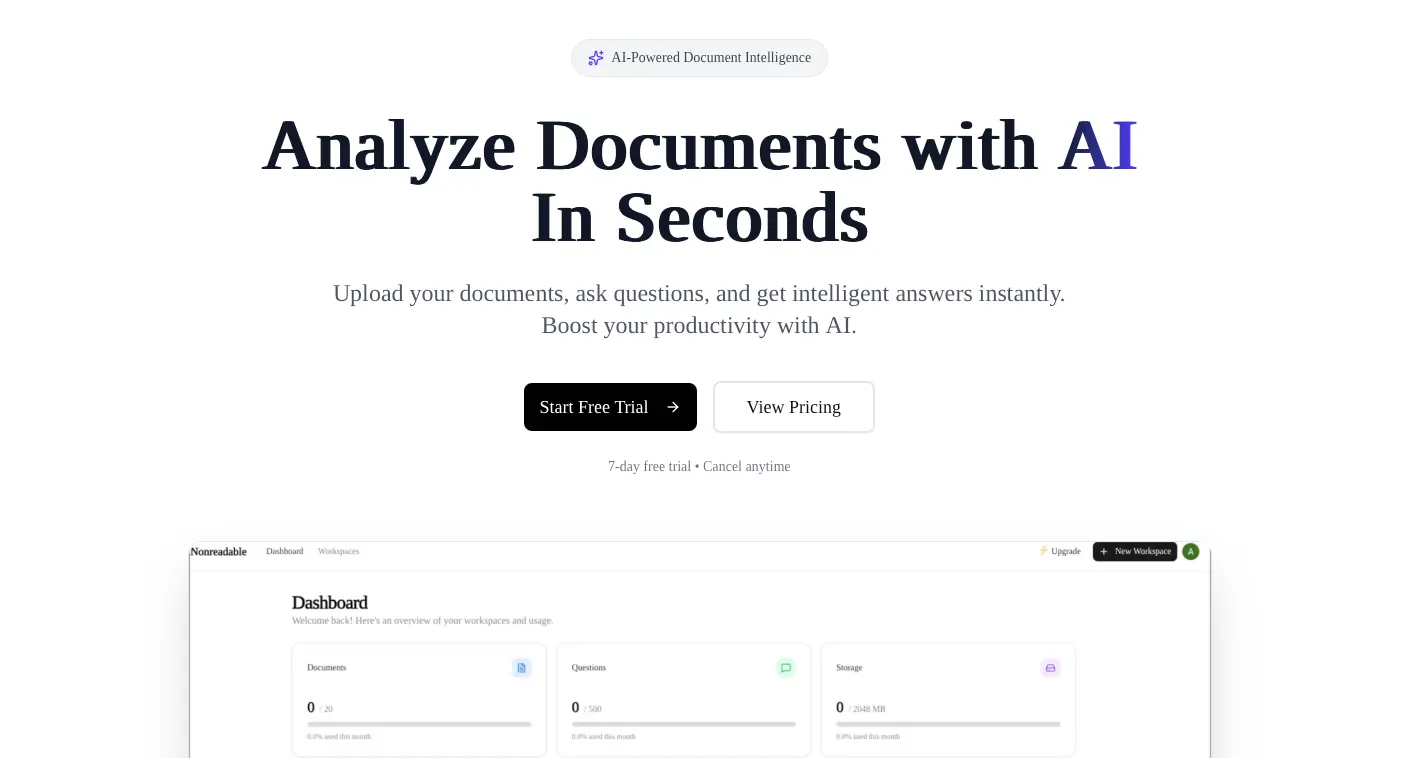
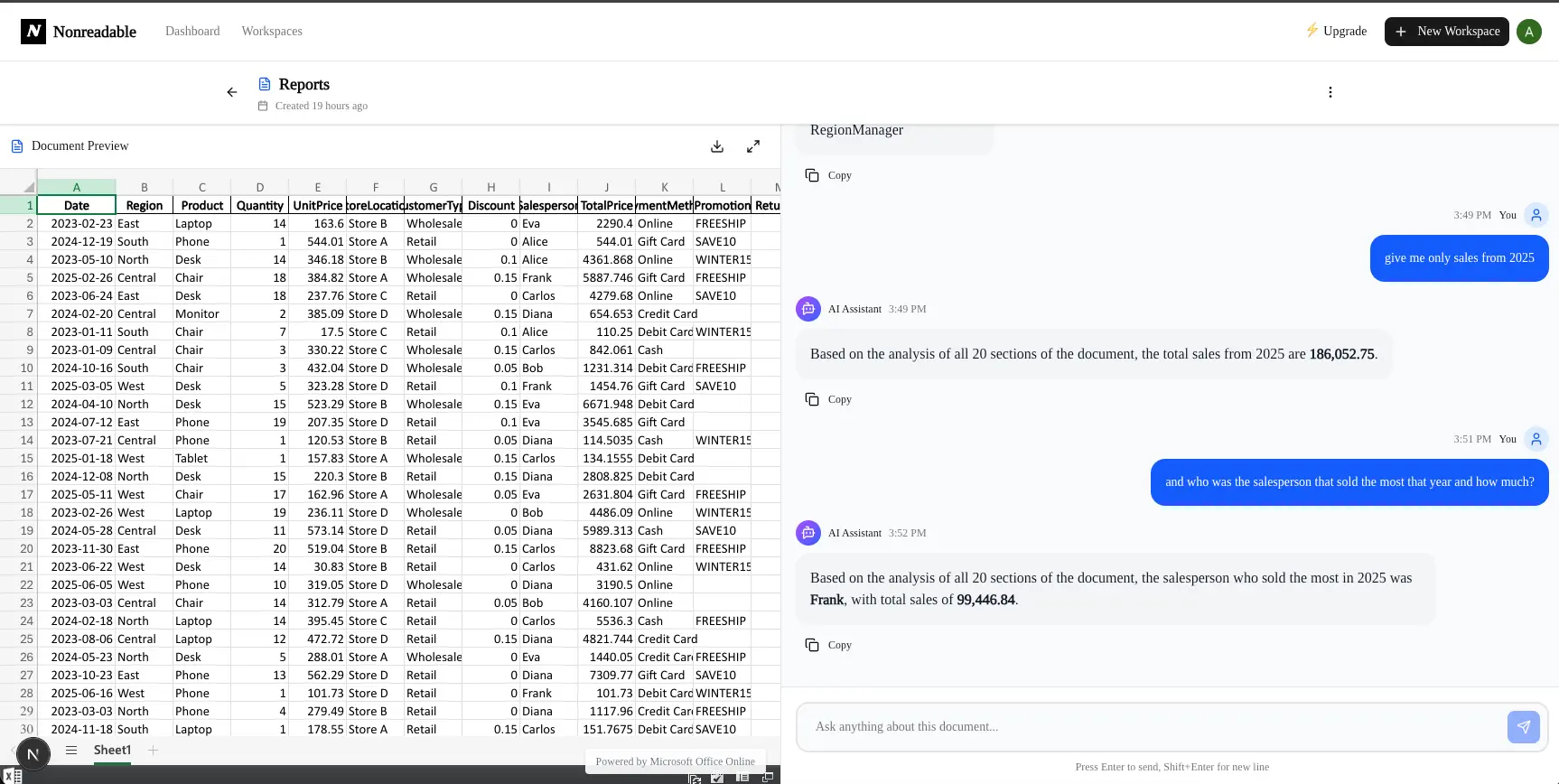
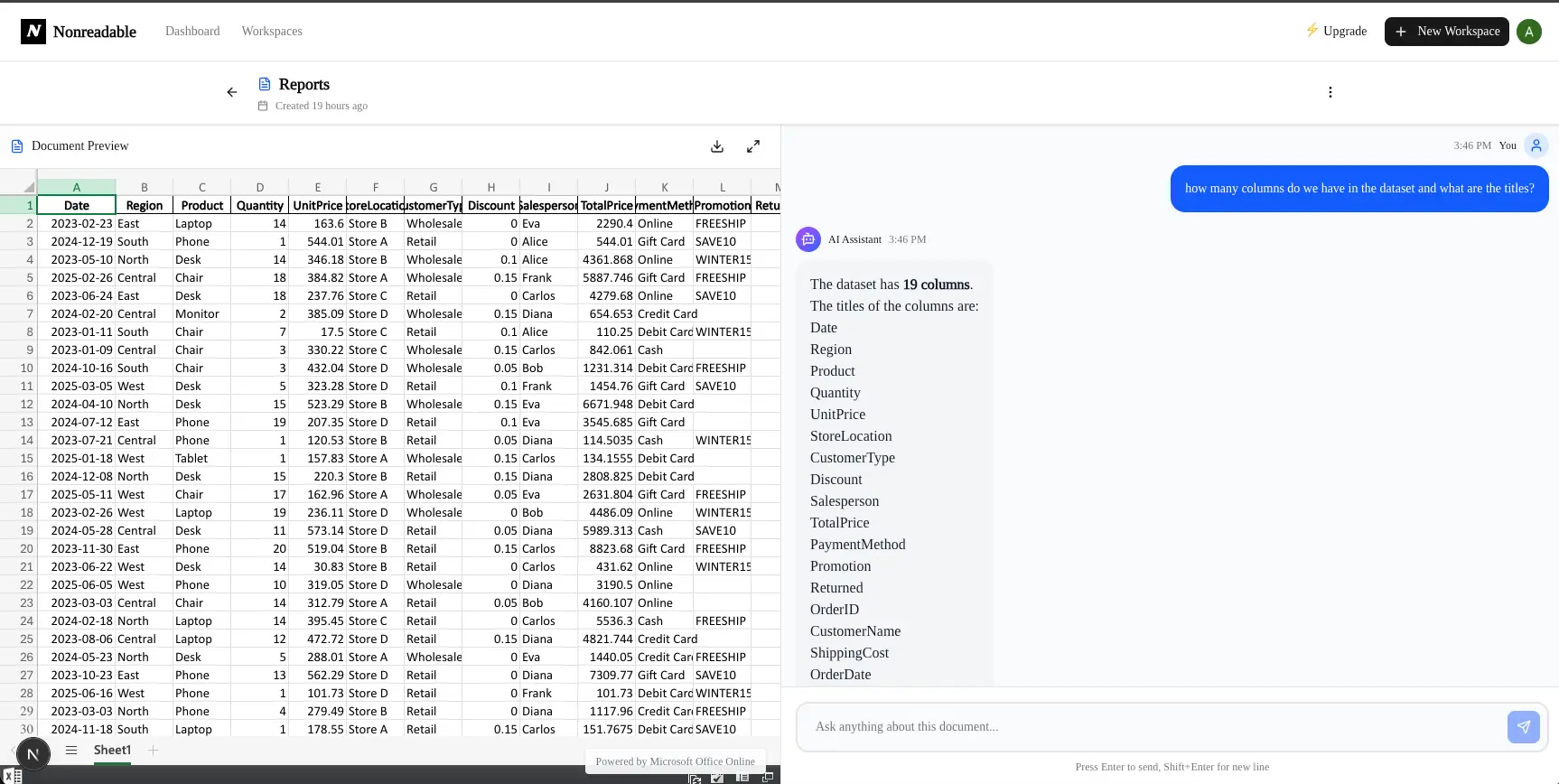
Chat with your PDF, Word, and Excel files. Get instant answers and summaries using advanced AI. Nonreadable helps you improve people's workflow doing the time consuming job in just seconds just interacting with our AI agents to search and get the right information you want from your documents all this completely secure you are the owner of your data.
Product Insights
Nonreadable provides a web-based interface for interacting with PDF, Word, and Excel files through AI agents that specialize in document search and summarization. The platform emphasizes data security and workflow efficiency, now offering free account creation for users to test its capabilities.
- Supports multiple file formats including PDF, Word, and Excel.
- Web-based platform accessible without complex technical setup.
- Integrated AI agents for rapid information retrieval and summarization.
- Free account registration available for new users.
Ideal for: Nonreadable is ideal for Students, Freelancers, and Non-Technical Users who need to quickly extract specific information from various document formats.
Screenshots
Product Updates (1)
Free Accounts
Hey I hope this message finds you well. I recently allowed free accounts creations if you would like to try the app. I'll appreciate the feedback 🚀.
Comments (0)
No comments yet. Be the first to share your thoughts!
Reviews (0)
No reviews yet. Be the first to rate this product!
Comments (3)
Good luck!
Love the idea!
Hey I'm Allan. I built Nonreadable because a problem a was facing when working with documents. So I searched for a solution then it is what it is today. Hope you find it useful too.